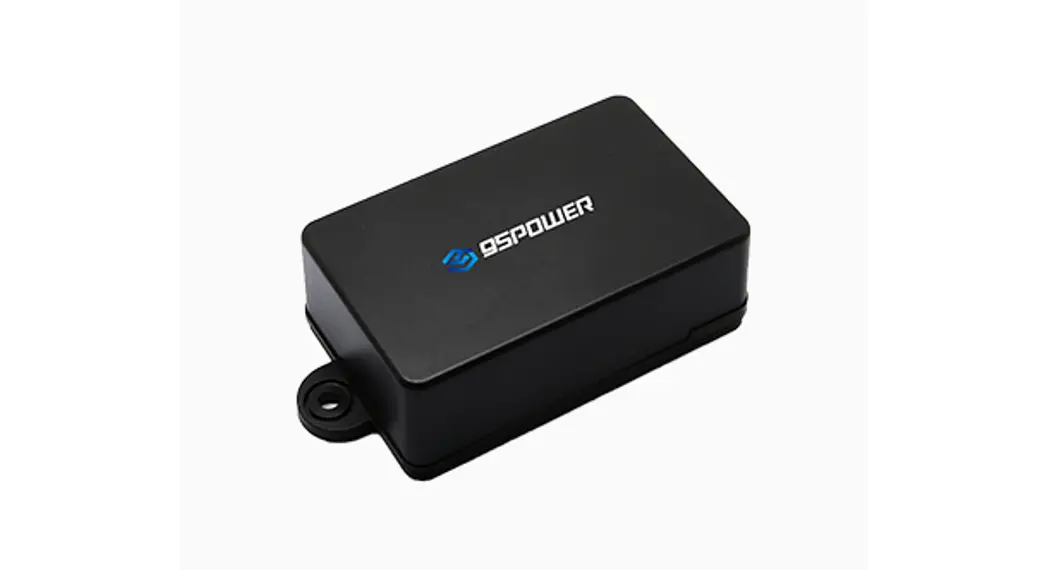
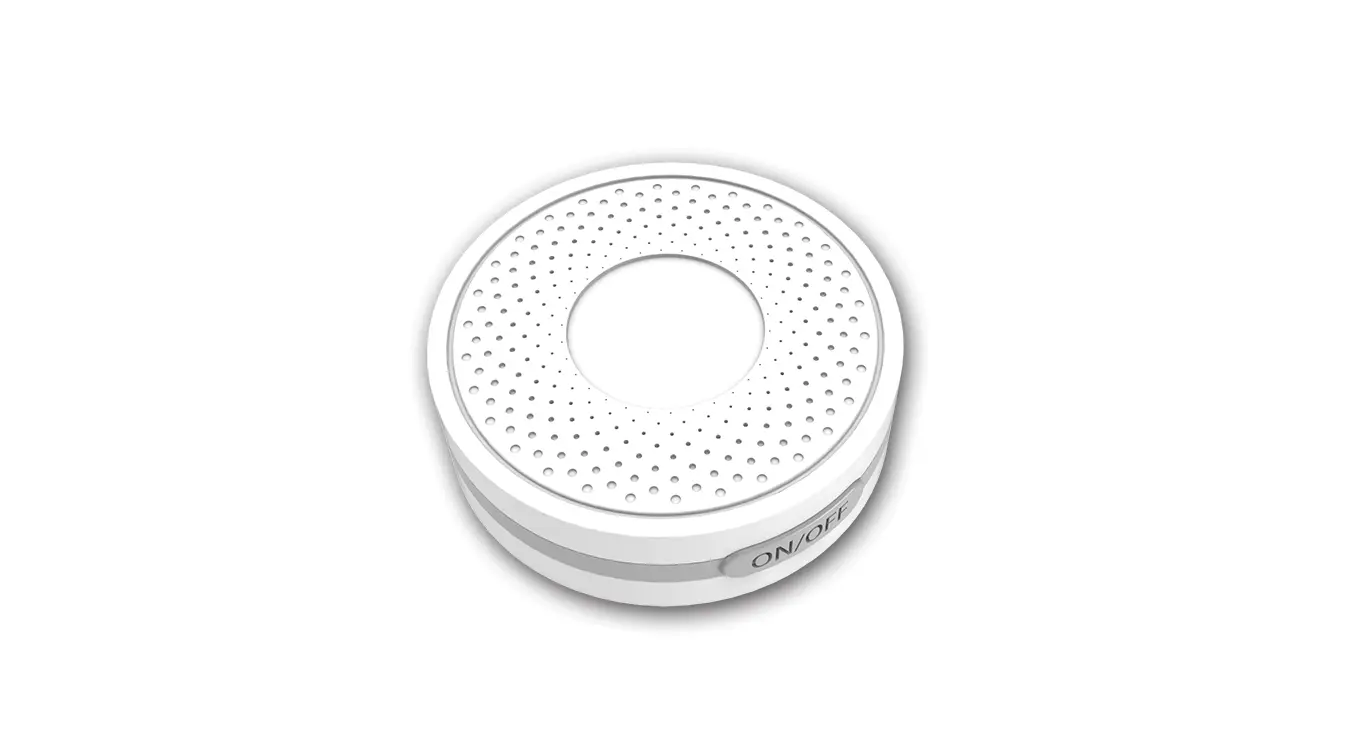
100-02195 Bluetooth Beacon
Lansitec Bluetooth Beacon User Manual
Document Number: 990-01123
Product Part Number: 100-02195, 100-02386,
100-02395 Rev. 1.09
Email: [email protected]
1. Configuring Lansitec BLE Beacon with an iPhone
Notice: all parameters are in hexadecimal
coding.
- Search and download `LightBlue’ in App Store.
- Power up. Open the beacon and turn it on. A red light will
blink once it is on. - Open LightBlue, a beacon with LS_Beacon will show in the app,
click the corresponding one to enter the configuration page. Please
click the iBeacon within 1 minute after power on or it must be
restarted to enter the configuration mode again.
Major Configuration:
- Click Major;
- Click Write new value;
- Enter new Major value;
- Click Done to save;
- Click the Back sign (step 7) to return to the Peripheral
page; - Click Back (step 8) to exit the configuration. The change will
not be saved if no existing the configuration.
Use the same way to configure minor, UUID, TX power, or other
parameters. Please exit LightBlue after configuration. The light
stops blinking after configuration.
Advertisement interval: Default value is 500ms;
the maximum Adv interval is 10s.
2. Advertising Feature
Standard iBeacon Advertising Packet
| Byte Offset | Default Value | Description |
|---|---|---|
| 0 | 0x02 | |
| 1 | 0x01 | |
| 2 | 0x06 | |
| 3 | 0x1A | Data type – Manufacturer specific data |
| 4 | 0xFF | Manufacturer data |
| 5-20 | Proximity UUID | |
| 21-22 | Major value | |
| 23-24 | Minor value | |
| 25 | Signal power value |
Constant Preamble: 0x05 0x06 0x02 0x16
User UUID: Proximity UUID
Major value: 2 bytes
Minor value: 2 bytes
Signal power value: 1 byte (Calibrated SSI@1m)
Interval (ms): 100 – 10,000
Product Usage Instructions:
- Download the “LightBlue” app from the App Store.
- Power on the beacon and open the app.
- Click on the beacon with the name “LS_Beacon” to enter the
configuration page. Note: click within 1 minute after power on or
restart to enter the configuration mode again. - Configure the major, minor, UUID, TX power, or other parameters
as needed following the instructions provided in the manual. - Exit the app after configuration. The light will stop blinking
after configuration.
Lansitec Bluetooth Beacon User Manual
Document Number: 990-01123 Product Part Number: 100-02195, 100-02386, 100-02395 Rev. 1.09 [email protected]
1. Configuring Lansitec BLE Beacon with an iPhone
Notice: all parameters are in hexadecimal coding. Step 1: Search and download `LightBlue’ in App Store.
Step 2: Power up. Open the beacon and turn it on. A red light will blink once it is on. Step 3: Open LightBlue, a beacon with “LS_Beacon” will show in the app, click the corresponding one to enter the configuration page. Please click the iBeacon within 1 minute after power on or it must be restarted to enter the configuration mode again.
www.lansitec.com
1 / 8
Lansitec Bluetooth Beacon User Manual
Major Configuration:
1
www.lansitec.com
2 / 8
Lansitec Bluetooth Beacon User Manual
5 3
7
8
6
GWx1 GWx1
4
1) Click “Major”; 2) Click “Write new value”; 3) Enter new Major value; 4) Click “Done” to save; 5) Click the Back sign (step 7) to return to the Peripheral page; 6) Click “Back” (step 8) to exit the configuration. The change will not be saved if no existing the
configuration.
Use the same way to configure minor, UUID, TX power, or other parameters. Please exit LightBlue after configuration. The light stops blinking after configuration.
Advertisement interval Default value is 500ms; the maximum Adv interval is 10s.
www.lansitec.com
3 / 8
Lansitec Bluetooth Beacon User Manual
Value Type Hex
Value 010000000 020000000 030000000 040000000 050000000 …… 640000000
2. Advertising Feature
Interval (ms) 100 200 300 400 500 …… 10,000
Standard iBeacon Advertising Packet
Byte Offset Default Value Description
0
0x02
Data length 2 bytes
1
0x01
Data type flags
2
0x06
LE and BR/EDR flag
3
0x1A
Data length 26 bytes
4
0xFF
Data type – Manufacturer specific
data
5
0x4C
Manufacturer data
6
0x00
Manufacturer data
7
0x02
Manufacturer data
8
0x15
Manufacturer data
9
0xF2
Proximity UUID 1st byte
10
0xA5
Proximity UUID 2nd byte
11
0x2D
Proximity UUID 3rd byte
12
0x43
Proximity UUID 4th byte
13
0xE0
Proximity UUID 5th byte
14
0xAB
Proximity UUID 6th byte
15
0x48
Proximity UUID 7th byte
16
0x9C
Proximity UUID 8th byte
17
0xB6
Proximity UUID 9th byte
18
0x4C
Proximity UUID 10th byte
19
0x4A
Proximity UUID 11th byte
20
0x83
Proximity UUID 12th byte
21
0x00
Proximity UUID 13th byte
22
0x14
Proximity UUID 14th byte
Properties Constant Preamble Constant Preamble Constant preamble Constant preamble constant preamble
Constant preamble Constant preamble Constant preamble Constant preamble User UUID User UUID User UUID User UUID User UUID User UUID User UUID User UUID User UUID User UUID User UUID User UUID User UUID User UUID
www.lansitec.com
4 / 8
Lansitec Bluetooth Beacon User Manual
23
0x67
Proximity UUID 15th byte
24
0x20
Proximity UUID 16th byte
25
AA
Major 1st byte
26
BB
Major 2nd byte
27
CC
Minor 1st byte
28
CC
Minor 2nd byte
29
0xB3
Signal power (Calibrated SSI@1m)
User UUID User UUID Major value Major value Minor value Minor value Signal power value
Byte Offset 0 1 2 3 4
5 6 7 8 9 10 11 12 13 14 15 16 17 18 19 20 21 22 23 24 25 26 27
Default Value 0x02 0x01 0x06 0x1B 0xFF
0x05 0x06 0x02 0x16 0xF2 0xA5 0x2D 0x43 0xE0 0xAB 0x48 0x9C 0xB6 0x4C 0x4A 0x83 0x00 0x14 0x67 0x20 AA BB CC
Description Data length 2 bytes Data type flags LE and BR/EDR flag Data length 27 bytes Data type – Manufacturer specific data Advertise interval value TX power value Manufacturer data Manufacturer data Proximity UUID 1st byte Proximity UUID 2nd byte Proximity UUID 3rd byte Proximity UUID 4th byte Proximity UUID 5th byte Proximity UUID 6th byte Proximity UUID 7th byte Proximity UUID 8th byte Proximity UUID 9th byte Proximity UUID 10th byte Proximity UUID 11th byte Proximity UUID 12th byte Proximity UUID 13th byte Proximity UUID 14th byte Proximity UUID 15th byte Proximity UUID 16th byte Major 1st byte Major 2nd byte Minor 1st byte
Properties Constant Preamble Constant Preamble Constant preamble Constant preamble constant preamble
Constant preamble Constant preamble Constant preamble Constant preamble User UUID User UUID User UUID User UUID User UUID User UUID User UUID User UUID User UUID User UUID User UUID User UUID User UUID User UUID User UUID User UUID Major value Major value Minor value
www.lansitec.com
5 / 8
Lansitec Bluetooth Beacon User Manual
28
CC
Minor 2nd byte
29
0xC4
Signal power (Calibrated SSI@1m)
30
0x64
Battery level
Minor value Signal power value Battery level
About accuracy, several factors influence the accuracy distance measuring with BLE RSSI.
1) Shadow effect: signals can be reflected by walls and glasses around many times during the transmission. If there is an object moving due to diffraction, the signal path will be changed. This results in receiving unstable signal strength.
2) There are many devices on 2.4G, Wi-Fi, Bluetooth, Zigbee. The signal may overlap with each other which makes the received signal strength unstable.
When using a beacon for positioning, please consider the follow method for measuring the distance. 1) While the beacon is advertising, repeatedly sample the RSSI at a 1 meter distance for a minimum of 10 seconds. 2) Discard the highest 10% of the RSSI samples 3) Discard the lowest 20% of the RSSI samples 4) Average the remaining samples to obtain the Measured Power value.
We recommend another two algorithms for calculating the distance and position: 1) Moving average algorithm, refer to document number 930-00171. 2) Position Calibration, refer to document number 930-00172.
3. Battery Life
Broadcast Interval (ms) 100
300
500
1000
Battery Life (Year)
1.2
3.5
5
>6
4. Specification
Protocol RF Power
iBeacon -1.14dBm (MAX )
Distance Density for indoor tracking Broadcasting Power consumption Battery Weight
Max 80m >10m Minimum 100ms 35A @ 500ms interval and -1.14dBm TX power CR2477x2 57g
www.lansitec.com
6 / 8
Lansitec Bluetooth Beacon User Manual
IP Protection Dimension Certification
IP68 82*64*21mm (with the lug) FCC, CE
5. How to install a beacon
Option1: Screw fixation.
Option2: Double-sided adhesive tape. Option 3: Metal wire strapped to the poles.
www.lansitec.com
7 / 8
Lansitec Bluetooth Beacon User Manual
6. How to replace the batteries
www.lansitec.com
8 / 8
FCC Statement Any Changes or modifications not expressly approved by the party responsible for compliance could void the user’s authority to operate the equipment. This device complies with part 15 of the FCC Rules. Operation is subject to the following two conditions: (1) This device may not cause harmful interference, and (2) This device must accept any interference received, including interference that may cause undesired operation.
FCC Radiation Exposure Statement: This equipment complies with FCC radiation exposure limits set forth for an uncontrolled environment .This equipment should be installed and operated with minimum distance 20cm between the radiator& your body.
Note : This equipment has been tested and found to comply with the limits for a Class B digital device, pursuant to part 15 of the FCC Rules. These limits are designed to provide reasonable protection against harmful interference in a residential installation. This equipment generates,uses and can radiate radio frequency energy and, if not installed and used in accordance with the instructions, may cause harmful interference to radio communications. However, there is no guarantee that interference will not occur in a particular installation. If this equipment does cause harmful interference to radio or television reception, which can be determined by turning the equipment off and on, the user is encouraged to try to correct the interference by one or more of the following measures: –Reorient or relocate the receiving antenna. –Increase the separation between the equipment and receiver. –Connect the equipment into an outlet on a circuit different from that to which the receiver is connected. –Consult the dealer or an experienced radio/TV technician for help.
 LightBlue® on the App Store
 Lansitec® : LoRaWAN Asset Tracking | NB-IoT | GNSS | Beidou | Bluetooth Solution Provider