Bluetooth localization beacon
user’s manual
Product introduction
Indoor positioning system
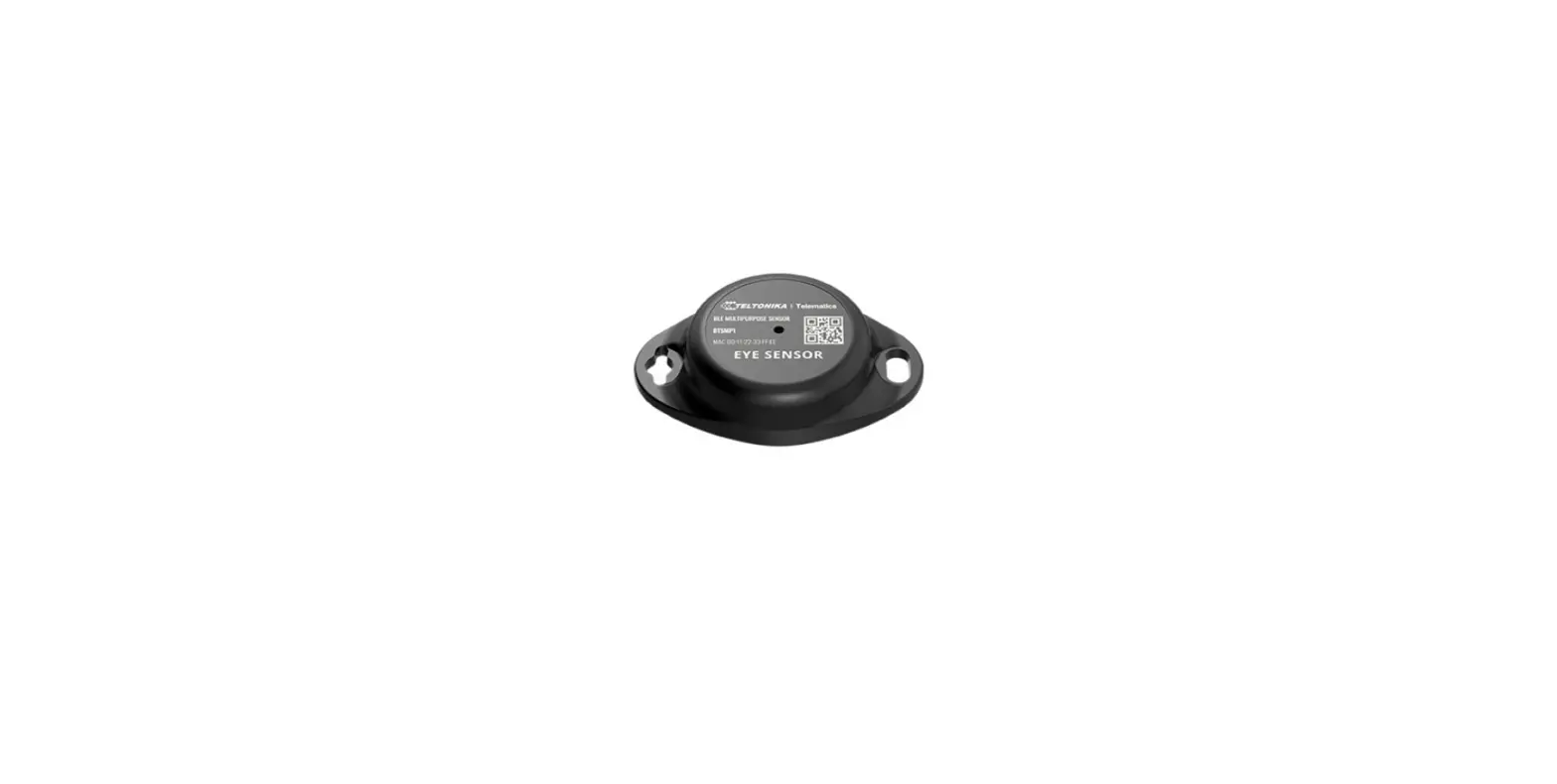
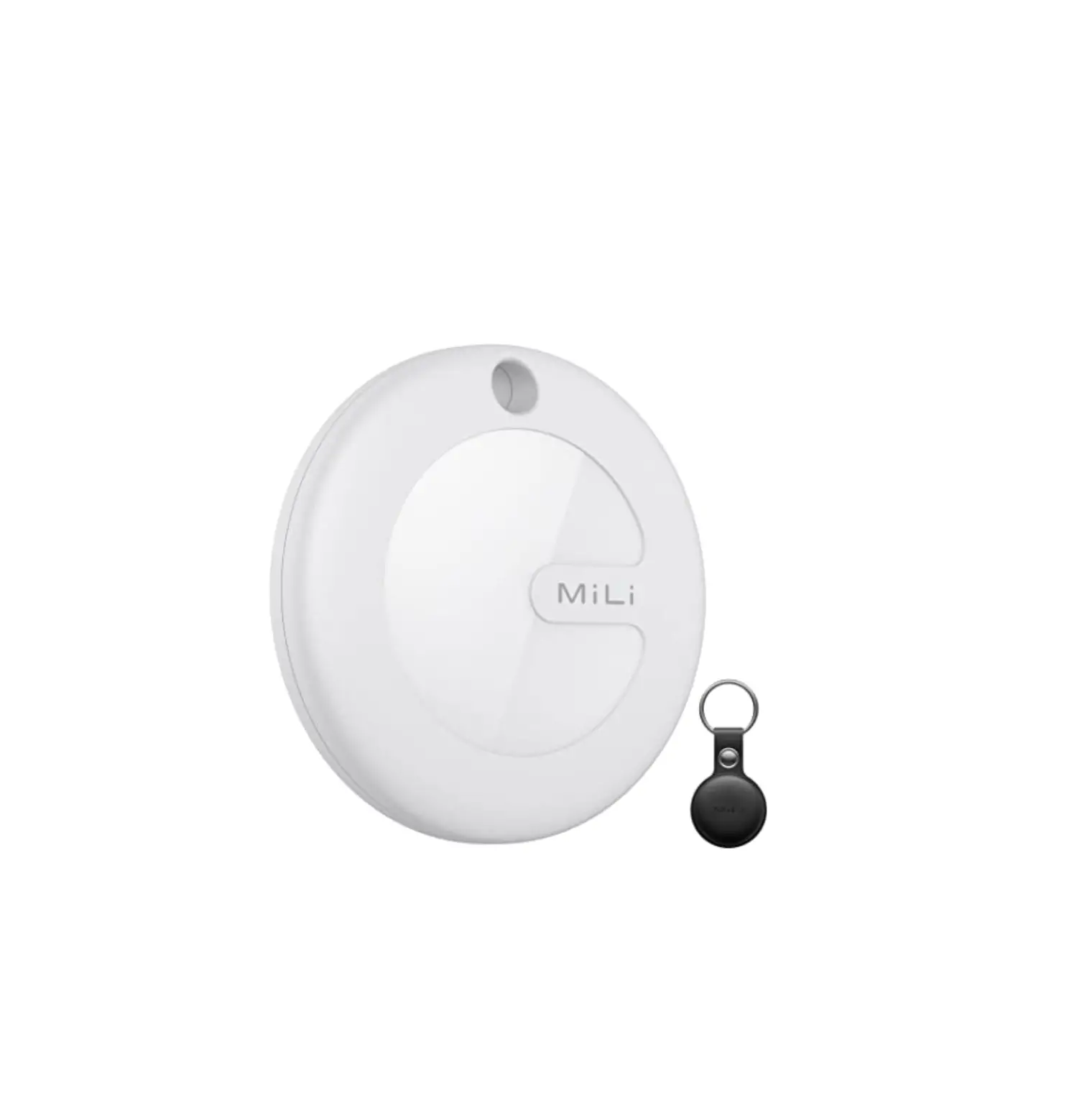
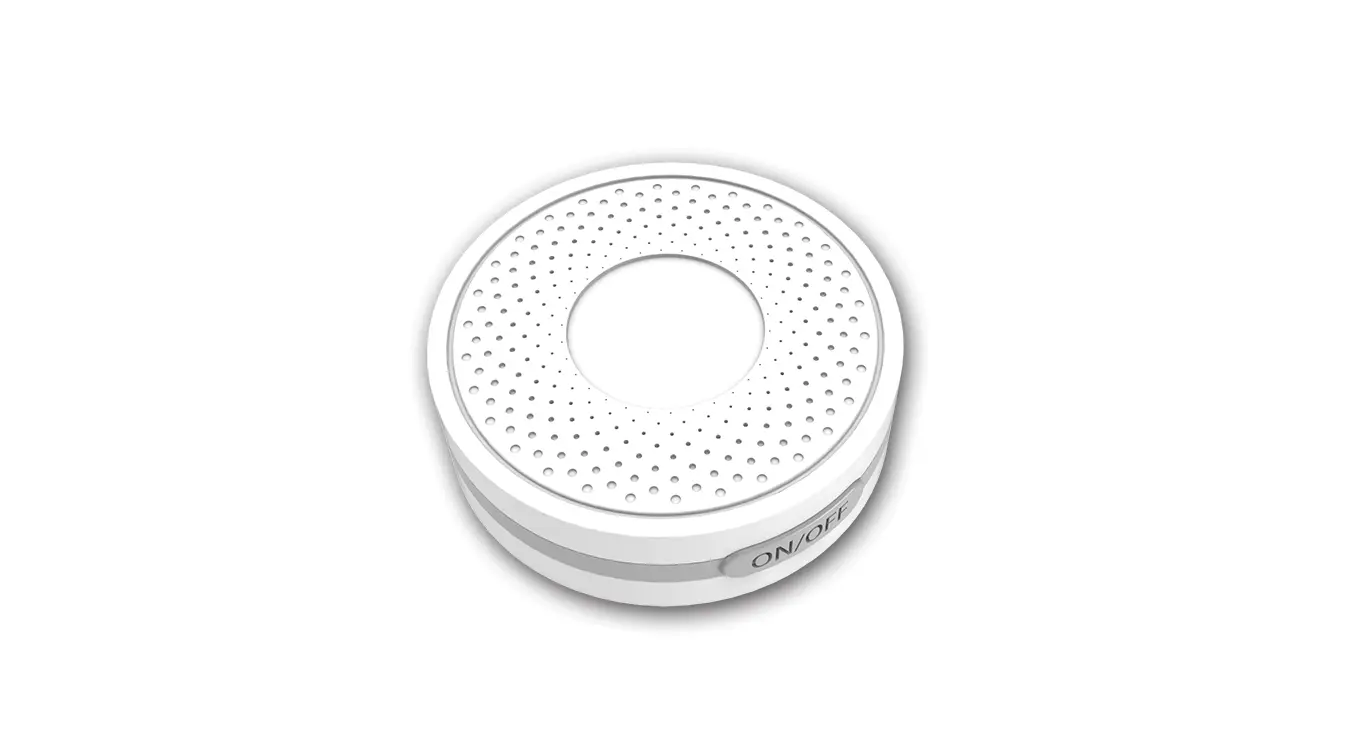
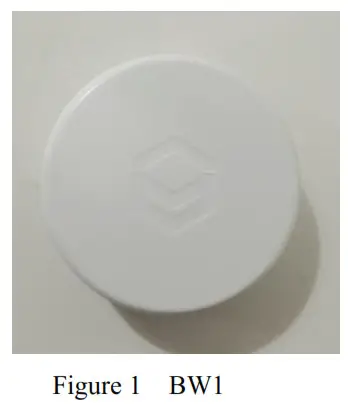
Bluetooth localization beacon is a low-power Bluetooth technology for positioning and marketing, which supports the IOS system and Android system. This beacon adopts 3M glue mode, which improves the deployment speed by more than 50% compared with the traditional product scheme, and is widely used in large-scale building indoor positioning management scene.
 Dynamic encryption technology
 Dynamic encryption technology
Dynamic encryption and multi ID technology, prevent the nodes from being maliciously counterfeited and embezzled and fully guarantee the security of location information.
Snap-in type design
Snap-in type, easy installation by snap locking the two ends together.
Maximum 4-year endurance
Using advanced power control technology and unique power supply design, which can standby more than 4 years.
Super supply capability
Mass production management and testing standard system, over ten thousand per day for the production capacity, and can be customized according to customer needs in a short time.
Parameter list
| BW I | |
| Processor | nRF52810 |
| Protocol | Bluetooth BLE 5.0, standard beacon protocol of Apple Inc. |
| Battery scheme | Li/SOC12 |
| TX Power | OdBm — -20dBm |
| Coverage | Up to 60m |
| Endurance | 4 years* |
| Dimensions | Diameter 48mm, thickness 22mm |
| Weight | About 35 g |
| System | Over i0S7.0 and Android 4.3 |
| Safty | Password protection |
| APP configuration | Support to modify UUID, major, minor, broadcast interval, broadcast power, etc |
| Others | Support secondary development SDK |
| Characteristic | Node dynamic encryption technology and Snap-in type design |
* According to 500ms broadcast interval and 0dbm power calculation
Applet for configuration
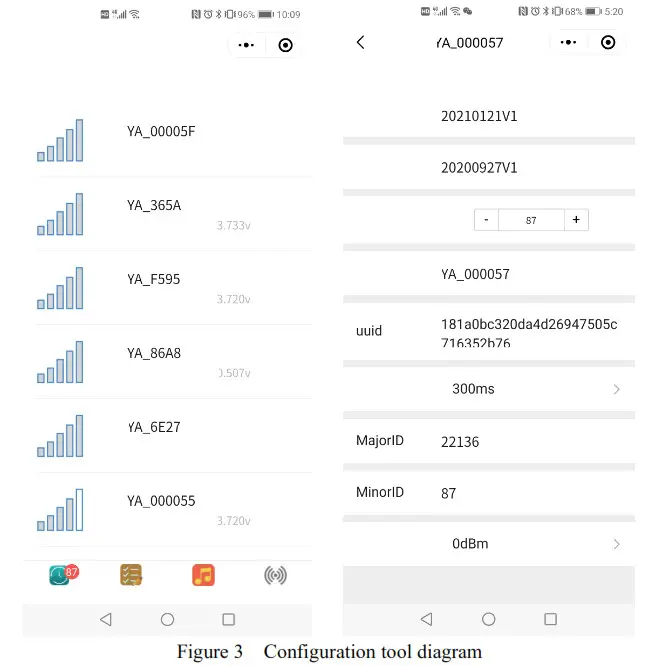
Applet can configure ID, TX power, and TX spacing at any time, which has a perfect password protection mechanism to prevent illegal modification.
tips: Open the WeChat and search the “yuan configuration tool”
All rights reserved
Function of Applet
(The yuan configuration tool is used for the configuration of beacon parameters, which is powerful and easy to operate for clients. The applet is composed of two function groups: Query and configuration. The main functions are listed in Sheet 2. )
Sheet 2 Function list
| Query function | configuration function | ||
| RSSI | Display signal strength of the beacon | Major | configurable |
| Quantity of electricity | Displays the remaining power of beacon | Minor | configurable |
| RSSI sorting | Sort by signal strength | Broadcast spacing | range from 10 to 10240 ms |
| Interface | Lock display interface | Broadcast Power | range from -40 ~+8dBm |
| UUID | Universal single identifier | ||
Revision History
| Date | Revision | Name | Content |
| 3/3/2021 | V1.0 | hww | New |
This device complies with Part 15 of the FCC Rules. Operation is subject to the following two conditions: (1) this device may not cause harmful interference, and (2) this device must accept any interference received, including interference that may cause undesired operation
NOTE: This equipment has been tested and found to comply with the limits for a Class B digital device, pursuant to Part 15 of the FCC Rules. These limits are designed to provide reasonable protection against harmful interference in a residential installation. This equipment generates, uses, and can radiate radio frequency energy and, if not installed and used in accordance with the instructions, may cause harmful interference to radio communications. However, there is no guarantee that interference will not occur in a particular installation. If this equipment does cause harmful interference to radio or television reception, which can be determined by turning the equipment off and on, the user is encouraged to try to correct the interference by one or more of the following measures:
— Reorient or relocate the receiving antenna.
— Increase the separation between the equipment and receiver.
— Connect the equipment into an outlet on a circuit different from that to which the receiver is connected.
— Consult the dealer or an experienced radio/TV technician for help.
Warning: Changes or modifications not expressly approved by the party responsible for compliance could void the user’s authority to operate the equipment