 Apps Download
User Guide
Download Dstny App
You can find the app in App Store for Apple and Play Store for Android.
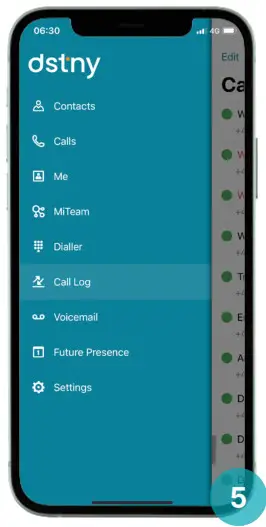
This is how to download and configure Dstny’s exchange services to your smartphone.
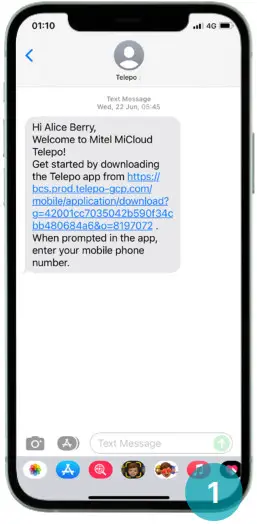
- You will receive an SMS from us containing a link. Click on it.

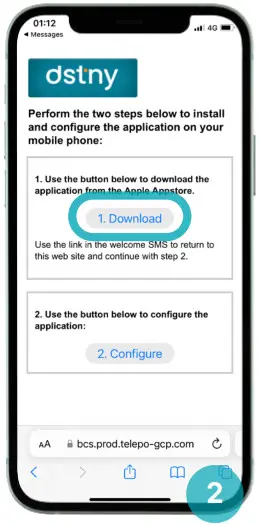
- A download page will then open in your browser. Click Download.

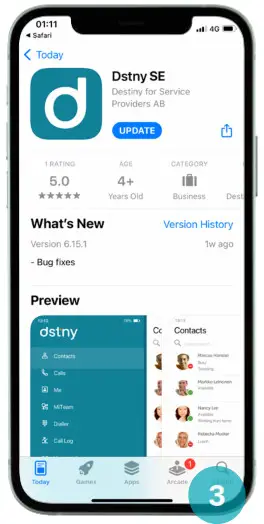
- You will then be directed to the App Store or Play Store. Download the app.

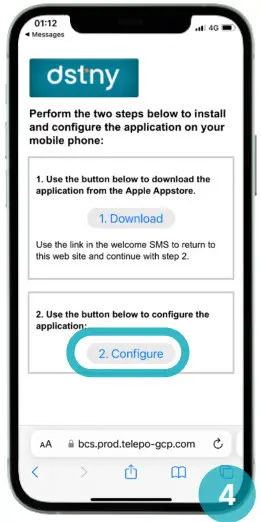
- Once the app is downloaded, go back to the staging page, either by opening the web page or clicking the link in the SMS again. Now you click on Configure instead.

- Your Danny app will then open. Now the app is ready to be used.