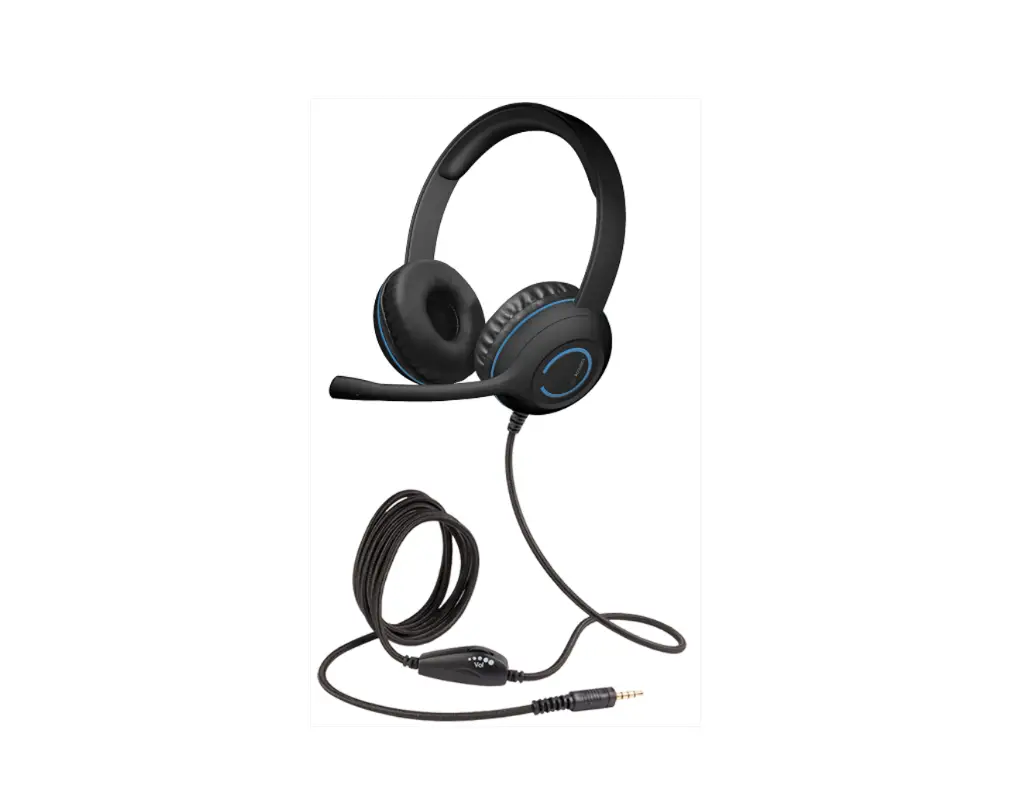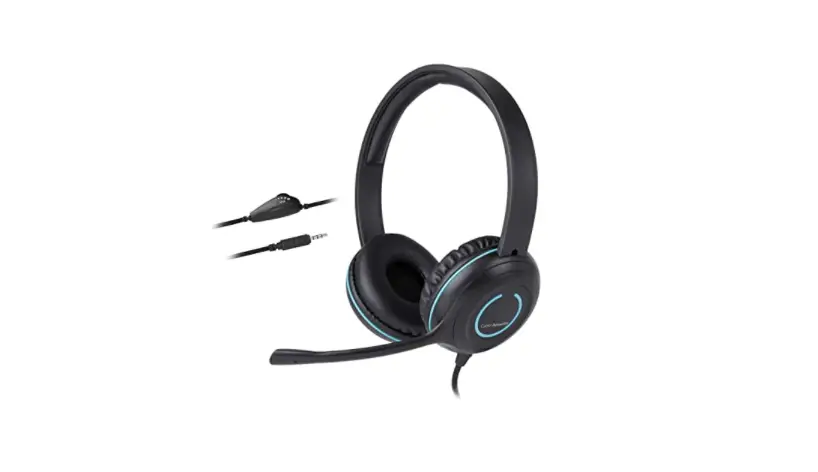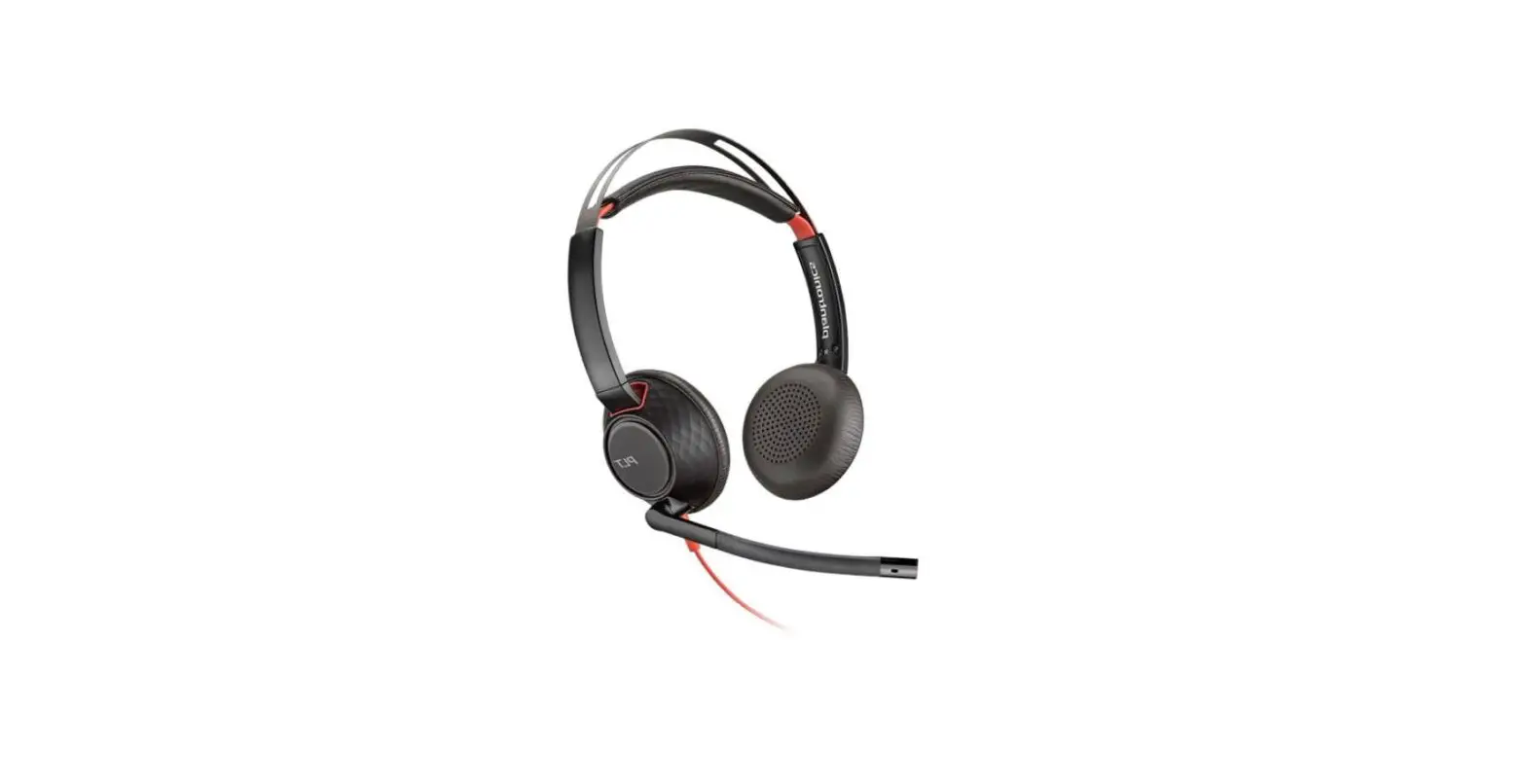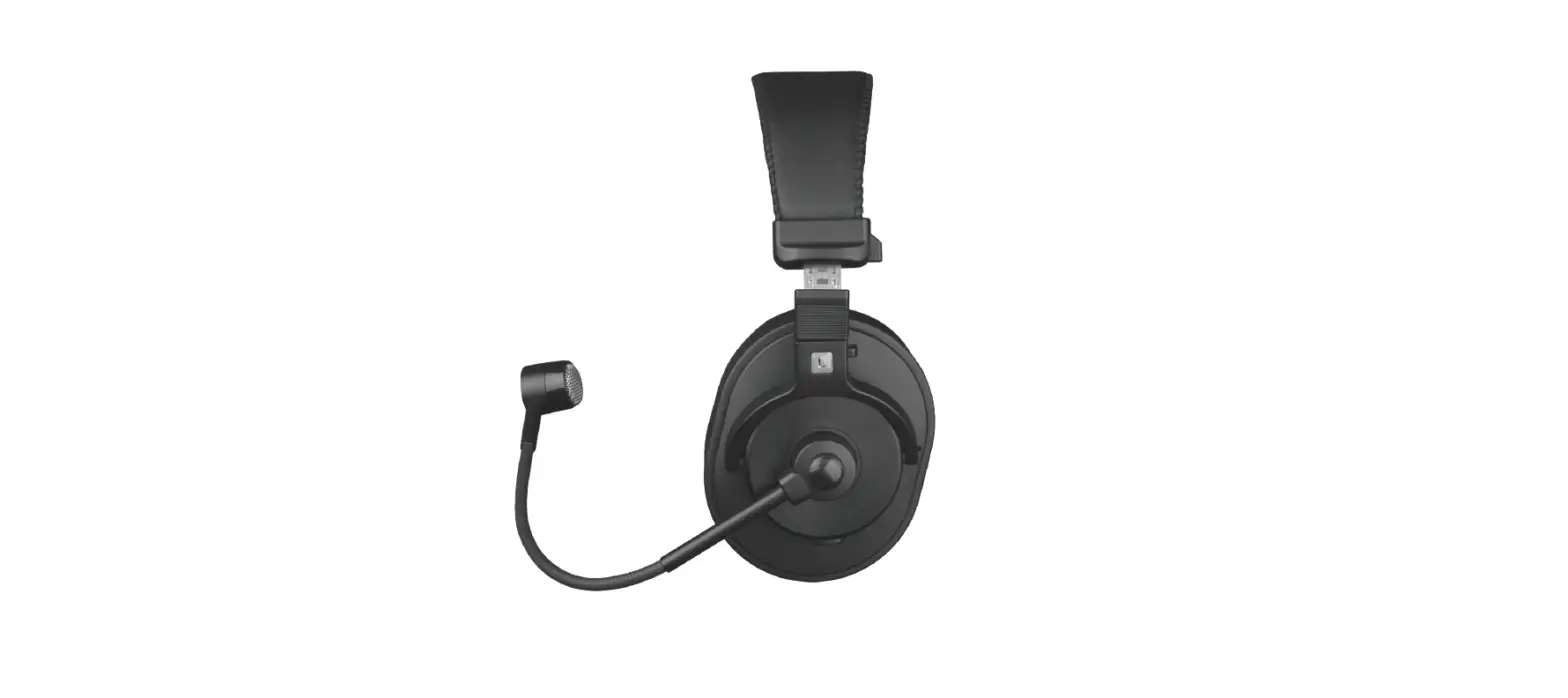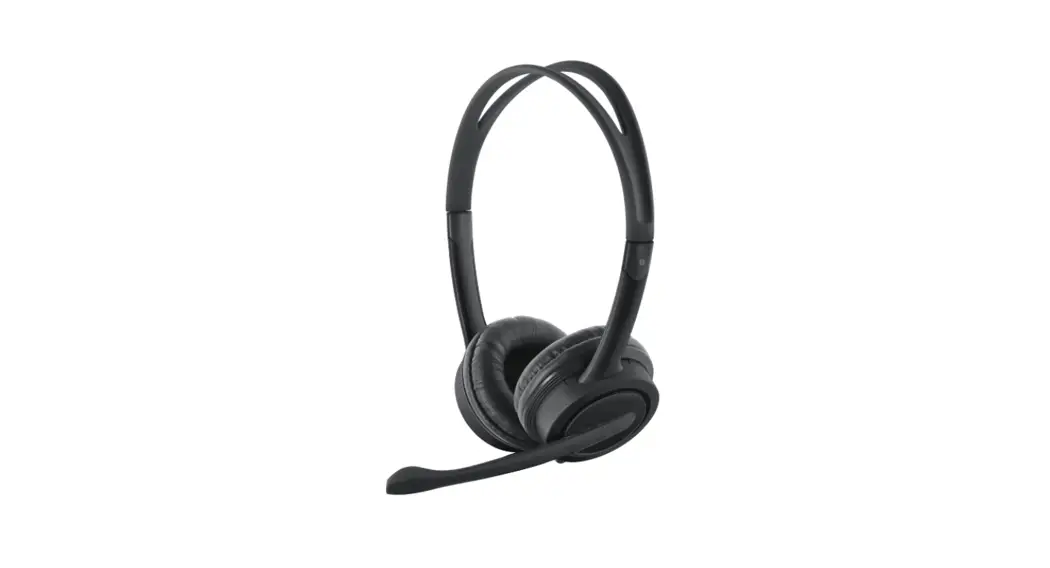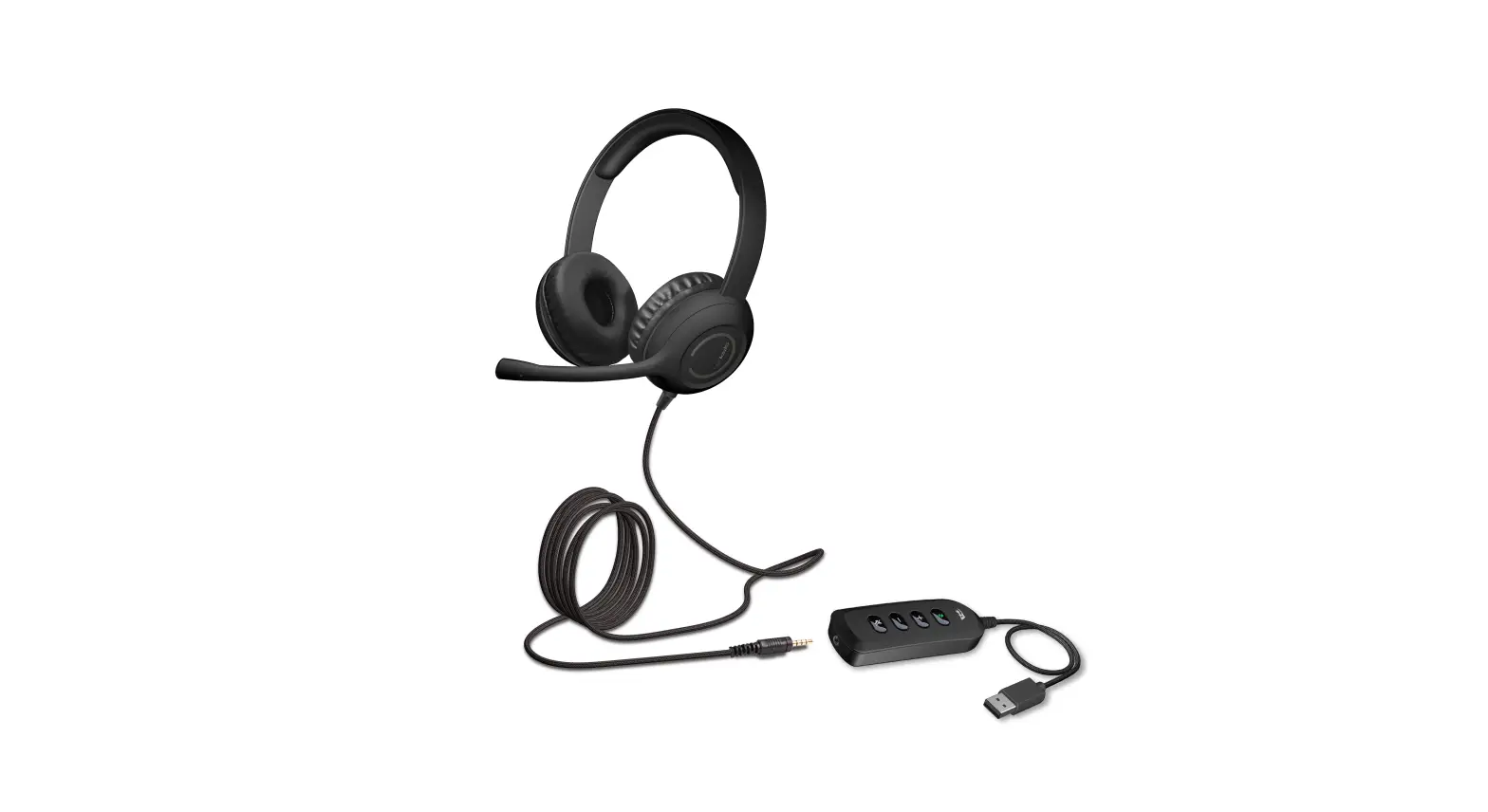
Cyber Acoustics AC-5812 Stereo Headset with USB and 3.5mm User Guide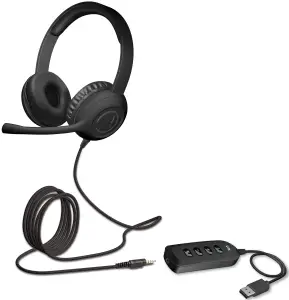
In the Package
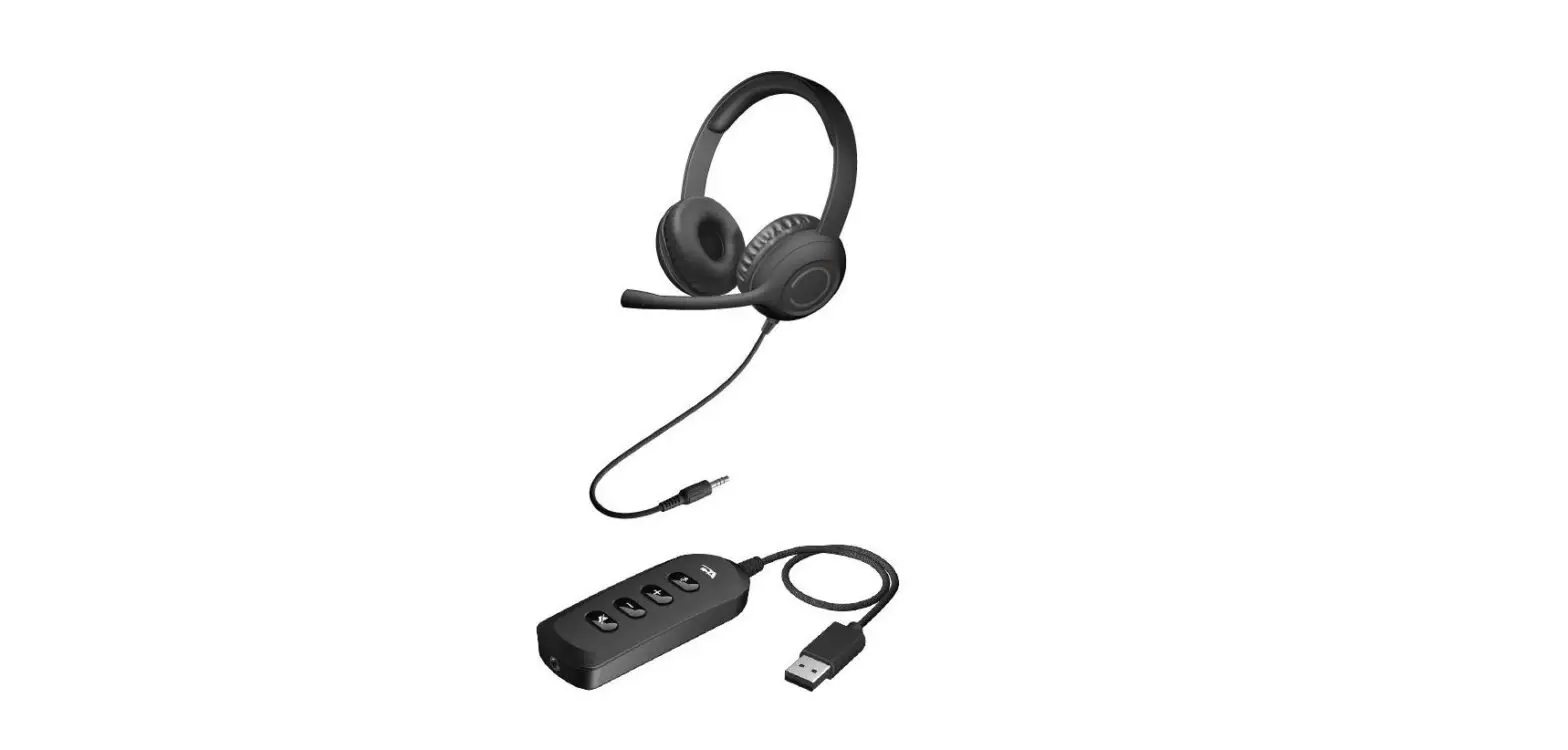
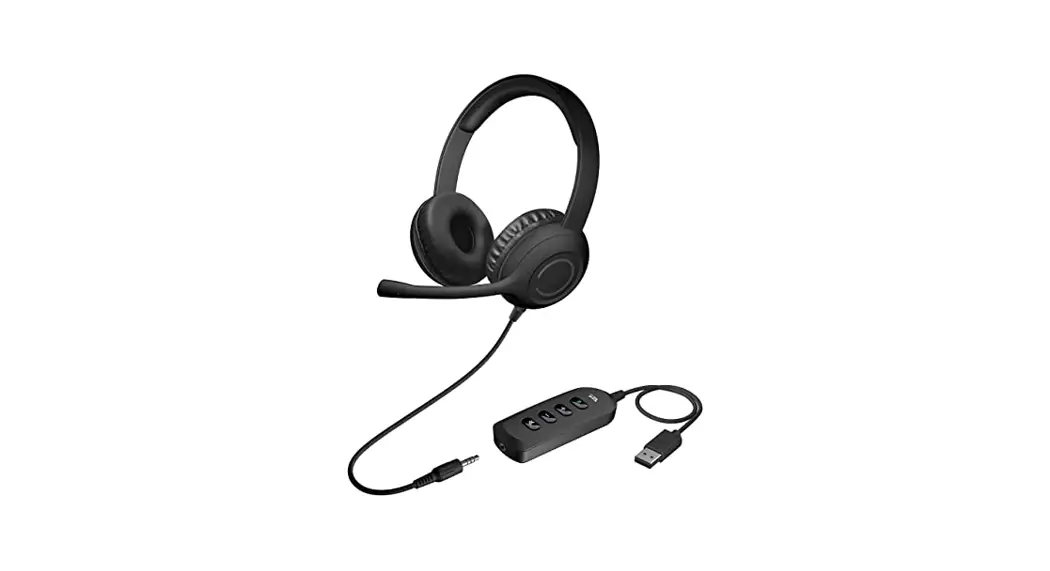
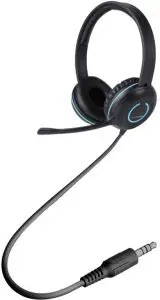
- Headset with 3.5mm Audio Jack

- Quick-Start Guide


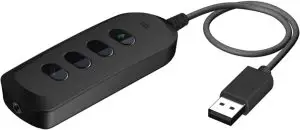
Note: The USB controller is packed in the insert in the box.
Pull out the top insert to locate the USB controller.
Using the AC-5812 USB Headset
- Best for Use In Skype, Zoom & Other Internet Calls

- Music


- Plug and Play


Getting Started
- Connect the AC-5812 Headset 3.5mm audio jack into the USB Controller as shown.
- Plug the USB cable on the USB Controller into the USB Type A connector of your computer.
- The USB Connection is Plug and Play. The AC-5812 should be automatically recongnized and installed on your computer.
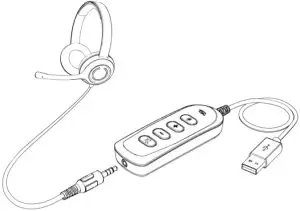
Note: You can also use the 3.5mm Audio jack to plug in to smartphones, tablets and other devices.
Light Indicator
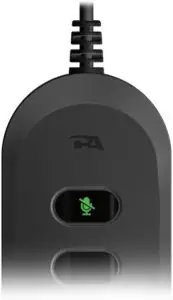
The indicator light will be lit Green for normal operation and will be lit Red when the mic is muted.
Controls
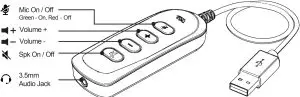
Technical Specifications
Specifications | |
| Sensitivity: |
|
| Frequency response |
|
| Impedance |
|
Recommended system requirements
Recommended system requirements | |
| Supported operating systems | Windows 10, Windows 8, Windows 7, Mac OS X 10.4.11, or higher. |
| Operating temperature | Product working at ambient temperature for 0~35°C |
Frequently Asked Questions
| Frequently Asked Questions | Possible Solutions |
| Windows 7/8: Headset does not set up automatically (USB connection) |
|
| Windows 10: Headset does not set up automatically (USB connection) |
|
| Mac: Headset does not set up automatically (USB connection) |
|
| Headset does not have sound / Microphone is not working |
|
Customer Support
If you have a question about your USB Controller and Headset, our Customer Support Team wants to assist you.
Contact us at:
www.cyberacoustics.com/support/contact
Safety and Precautions
- Read and follow all instructions – All operating and use instructions should be followed.
- Protect the Headset from being pinched, particularly at the connectors. Unplug during lightning storms or when unused for long periods of time.
- Do not place near any heat sources such as radiators, heat registers, stoves, or other apparatus (including amplifiers) that produce heat.
- Do not make alterations to the USB controller and the headset.
- Do not place near naked flame sources, such as lighted candles
- Do not expose to excessive heat (e.g. from storage in direct sunlight, fire or the like)
2021 Cyber Acoustics or its subsidiaries. All rights reserved. Cyber Acoustics and other trademarks are trademarks of Cyber Acoustics or its subsidiaries. Other trademarks may be trademarks of their respective owners.
Compliance Information Statement
FCC Part 15

This device complies with Part 15 of the FCC Rules. Operation is subject to the following two conditions:
- This device may not cause harmful interference, and
- This device must accept any interference received, including interference that may cause undesired operation.
This equipment has been tested and found to comply with the limits for a Class B digital device, pursuant to Part 15 of the FCC Rules. These limits are designed to provide reasonable protection against harmful interference in a residential installation. This equipment generates, uses and can radiate radio frequency energy and, if not installed and used in accordance with the instructions, may cause harmful interference to radio communications. However, there is no guarantee that interference will not occur in a particular installation. If this equipment does cause harmful interference to radio or television reception, which can be determined by turning the equipment off and on, the user is encouraged to try to correct the interference by one or more of the following measures:
- Reorient or relocate the receiving antenna
- Increase the separation between the equipment and receiving device
- Connect the equipment into an outlet on different circuit from the receiving device
- Consult the dealer or an experienced radio/TV technician for help
- Changes or modifications not expressly approved by the party responsible for compliacne could void the user’s authority to operate the equipment.
Supplier’s Declaration of Conformity 47 CFR § 2.1077 Compliance Information
Unique Identifier: (AC-5812)
Responsible Party – Cyber Acoustics LLC
3109 NE 109th Ave., Vancouver, WA 98682
cyberacoustics.com
 Cyber Acoustics
 Cyber Acoustics