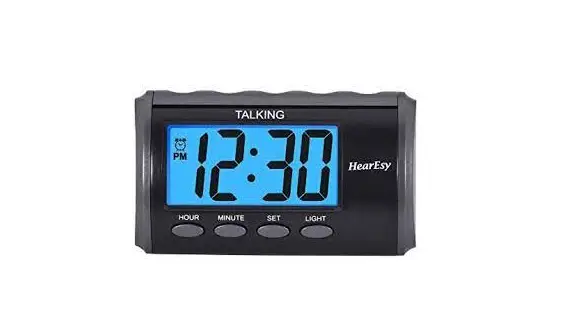
HearEsy 1714-IPS – Alarm clock for the Elderly User Manual
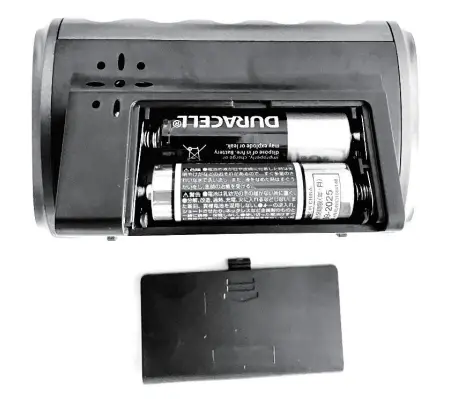
INSERT BATTERIES
Open the battery cover from the back.
Insert 2 new AA batteries (not included) according to the polarity markings on the battery compartment.
Alkaline batteries are recommended to prolong the product life.
TIME TALKING
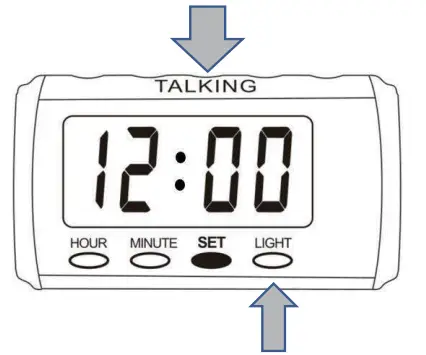
Press the top TALKING button or the LIGHT button to talk.
SETTING
Set Time
- Press the SET button once (digits start flashing)
- Press HOUR button to set Hour
- Press MINUTE button to set MINUTE
- Press the SET button 3 more times to confirm (or the clock confirms by itself after 7 seconds)
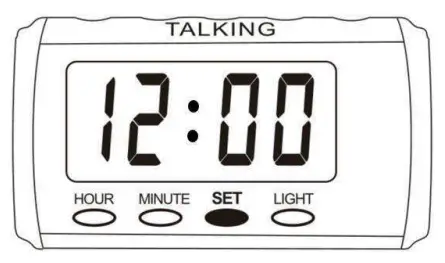
12/24 Hour Selection
While the clock is running in the normal display mode, press the HOUR button to toggle between 12 or 24 hour mode.
Set Alarm Time
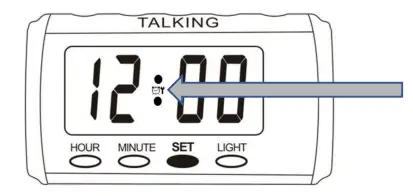
Step 1
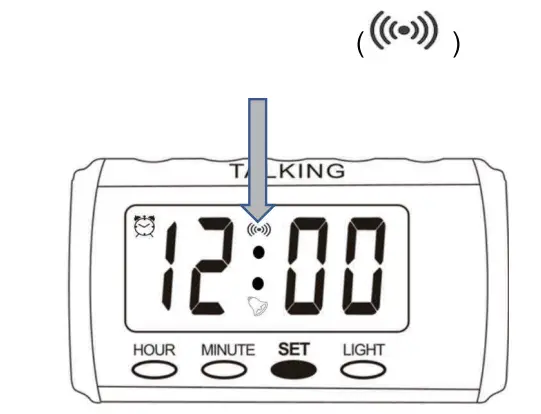
Press the SET button twice to set alarm (showing  icon with digits start flashing)
Step 2
Press HOUR button to set alarm Hour
Step 3
Press MINUTE button to set alarm MINUTE
Step 4
Press the SET button to confirm (alarm icon  is flashing)
Step 5 Set Alarm To On
Press the MINUTE button to set the alarm to ON (Make sure you see the alarm icon stops flashing and displays at the left top corner)
 If you miss the Step 5 then your alarm will not sound when the alarm time should go off.
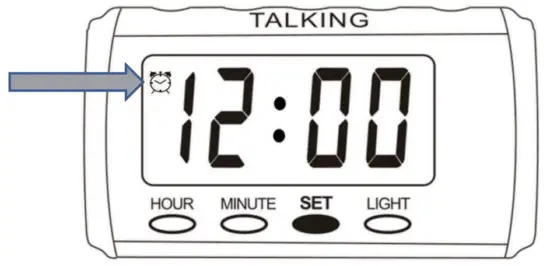
SET ALARM TO OFF
You can set alarm to off when needed
Step 1
Press the SET button 3 times( and the other two icons start flashing)
Step 2
Press MINUTE button to toggle alarm between OFF and ON ( icon disappears when alarm is set to OFF)
SILENT AN ALARM
When the alarm goes off, press any small button (Hour, Minute, Set or Light button) to turn off the alarm sound. The alarm will sound again by tomorrow.
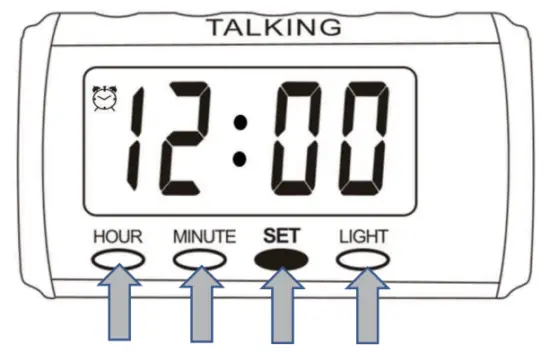
SET THE ALARM TO SNOOZE MODE
When the alarm goes off, press top TALKING button to put the clock to Snooze mode. The alarm sound comes back after few minutes.
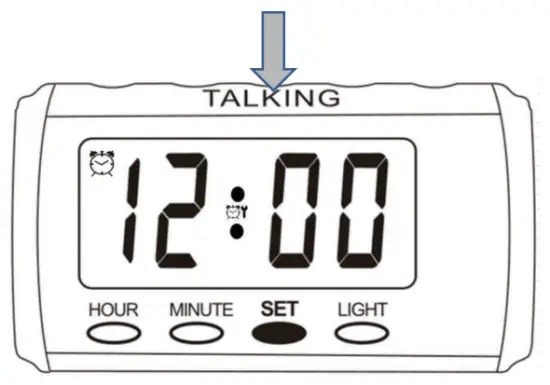
HOURLY CHIME
There are 2 kinds of Hourly Chime that can be set.
- 24 Hours Chime (tell you time on the beginning of every hour)
- 7am to 9pm Chime (tell you time only from 7am to 9pm)
24 HOURS CHIME ON/OFF
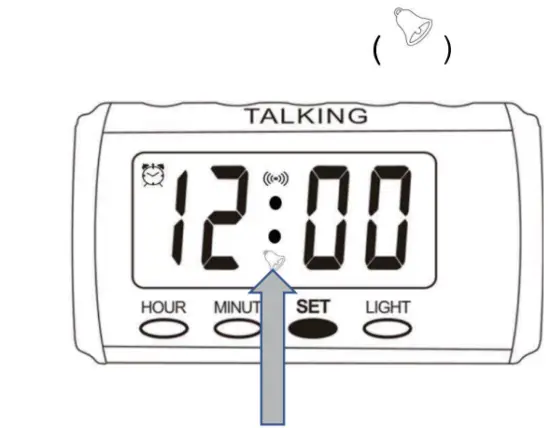
- Press SET button 3 times.
- Press HOUR button one by one to set 24 Hours Chime to ON (
 icon appears) or OFF ( icon disappears)
 - Press SET button to confirm
 icon appears) or OFF (
7am to 9pm CHIME ON/OFFS
- Press SET button 3 times.
- Press HOUR button one by one to set the 6am to 11pm Chime to ON (
 icon appears) or OFF ( icon disappears)
 - Press SET button to confirm
 icon appears) or OFF (
 BATTERY REPLACEMENT
Open the BATTERY COVER, carefully remove the old batteries and replace them with 2 new AA batteries (alkaline battery preferred). Insert batteries according to the polarity markings in the battery compartment. Please dispose of the batteries responsibly. Do not place in normal waste.
MAINTENANCE
Place the clock in dry, cool, flat place.
This is NOT a toy, keep away from baby and children.
Always take out the batteries if not in use for a long period of time to avoid battery leakage.
DO NOT mix old batteries with new batteries.
DO NOT mix alkaline, standard(carbon-zinc) or rechargeable batteries together.
Insert batteries into the battery compartment according to the polarity markings (+/-).
Recycle or dispose used batteries following state/provincial and local regulations.
DO NOT place or store the product near heat or open flame.
DO NOT place or store the product in moist, dust place or the place with corrosive gas.
If the batteries are leaking or corroded, please dispose of the batteries properly and replace with new ones.
Avoid heavy strike or vibration.


![Emerson Alarm Clock [cks1507 W/ Radio] User Manual](https://static-data1.manualsee.com/1/img/275/8730/2020/10/Emerson-Alarm-Clock-CKS1507.png "Emerson Alarm Clock [cks1507 W/ Radio] User Manual")