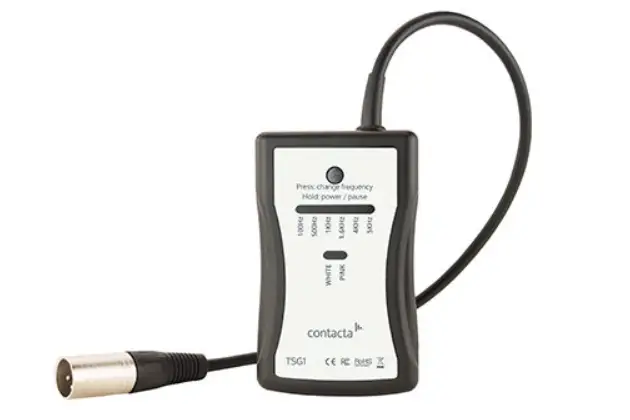

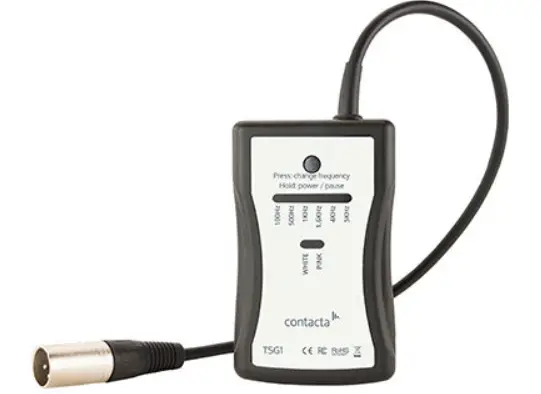
contacta TSG1 Tone Signal Generator
Contacta has a policy of continuous product development, therefore small specification changes may not be reflected in this manual. Images, labels, packaging, accessories and product colours are subject to change without notice.
Product Overview
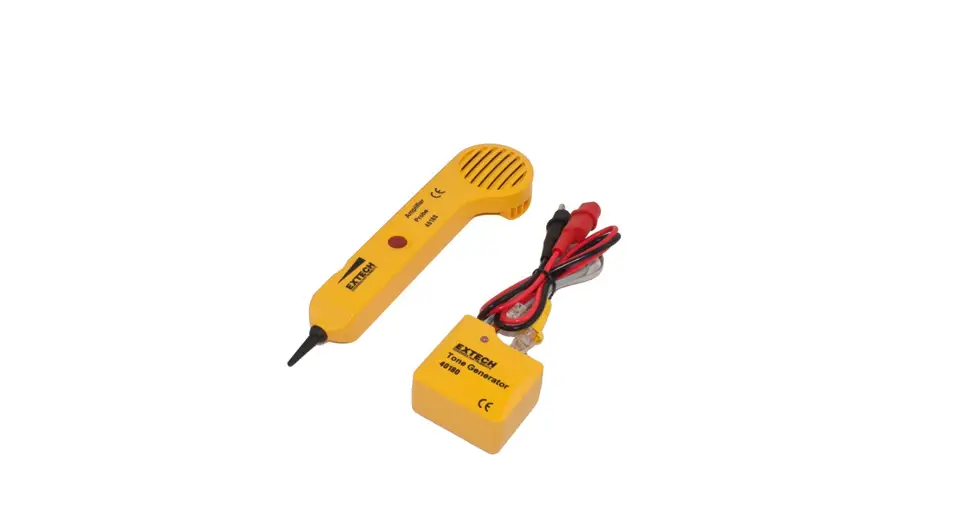
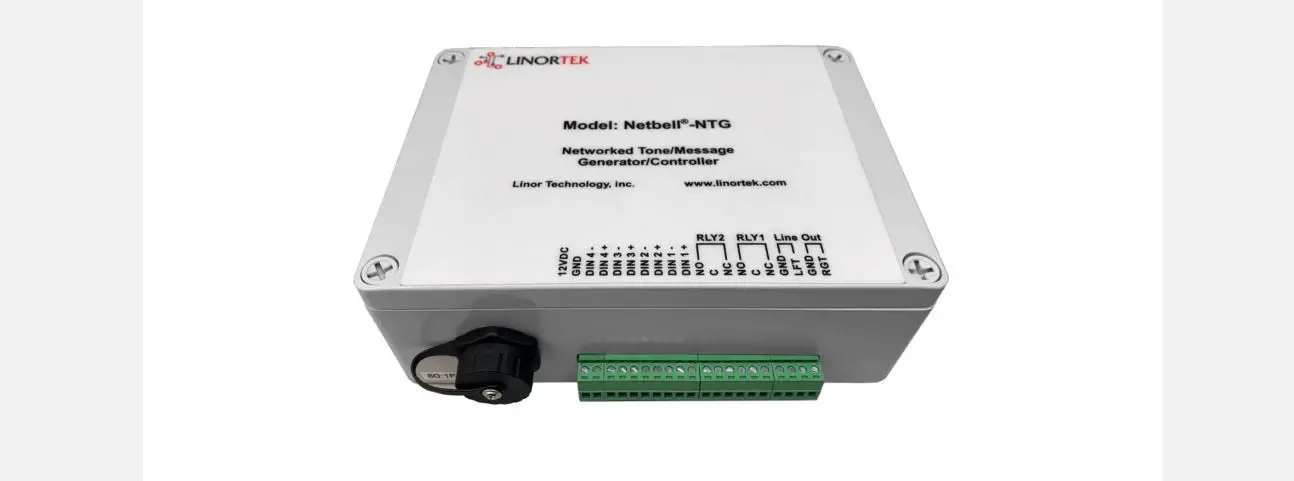
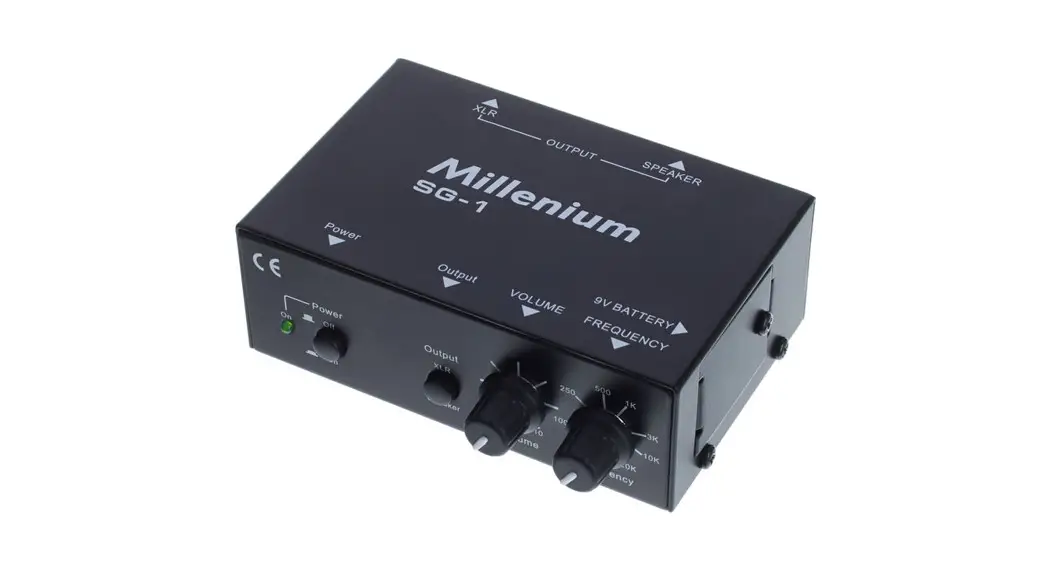
Our Tone Signal Generator (TSG1) is a compact, handheld engineer’s tool for large area hearing loop installations. When combined with our Field Strength Meter (IL-CONTACTA-FSM), it verifies whether a hearing loop is working to the BS EN 60118-4 standard. It provides continuous sine wave frequencies, allowing measurement of hearing loop systems.
The generator has the following signal settings:
- 100Hz
- 500Hz
- 1KHz
- 1.6KHz
- 4KHz
- 5KHz
- White noise
- Pink noise
Set-Up
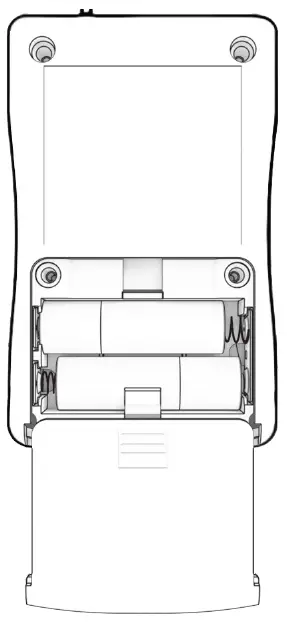
- Open the rear of your Tone Signal Generator (see diagram on the right) and insert two alkaline AA batteries.
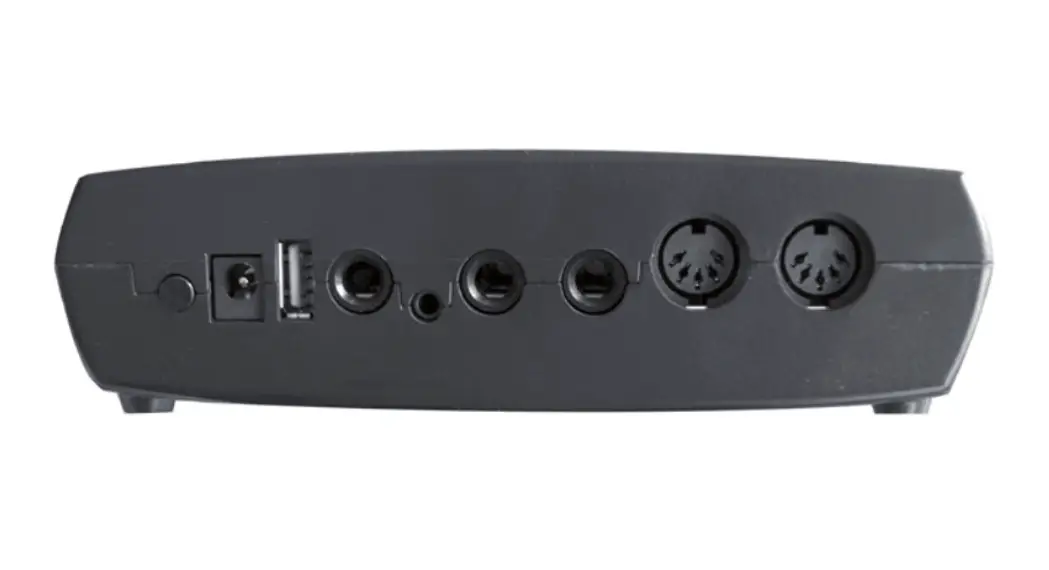
- Plug the XLR connection lead into the line input of the hearing loop driver being tested.
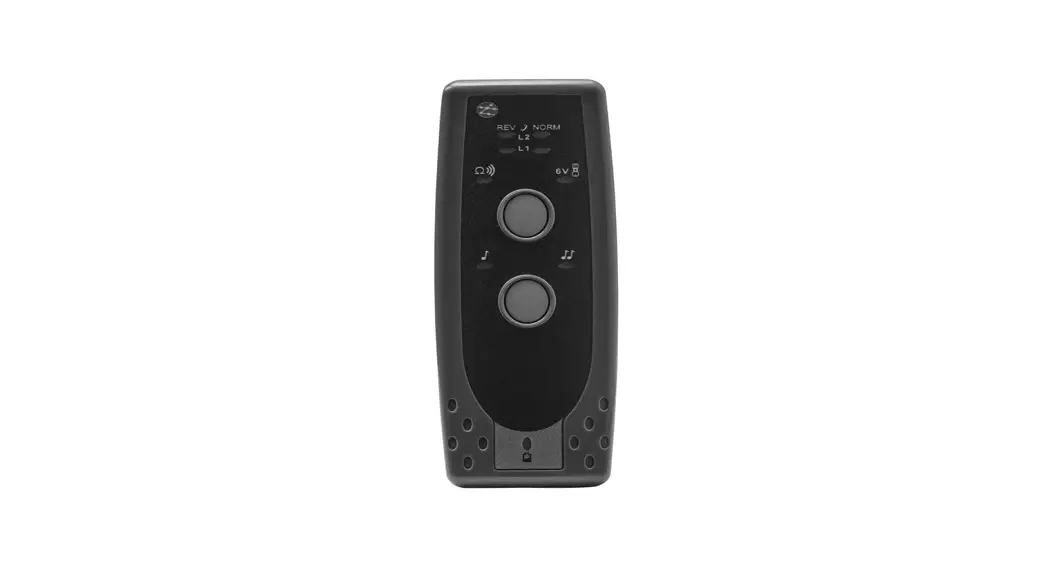
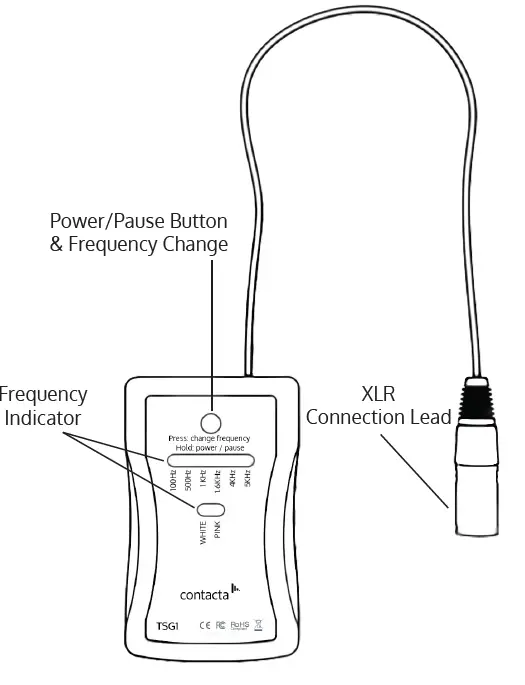
- Press the power/pause button to turn on the Tone Signal Generator (see diagram below).
- Press the power/pause button to switch between frequencies.
- To turn off the device, hold the power/pause button down for three seconds.

Handy Tips
The device will automatically power off if not used for one hour. The following procedures should be carried out on a regular basis to keep the product at its optimal performance:
- Do not stretch or wrap the cable
- Clean with a dry soft cloth
- Do not use solvent based cleaners
Troubleshooting
| Symptom | Possible Fault | Action |
| There is no response when the Power Button is pressed. | 1) The battery is low/flat. 2)Faulty button or internal failure. | 1) Replace with new alkaline AA batteries. 2) Seek assistance. |
If no action is successful please seek assistance from your distributor or a Contacta installer.
UK & ROW
+44 (0) 1732 223900
[email protected]
US & Canada
+1 616 392 3400
[email protected]
 Innovative assistive technology solutions - Contacta