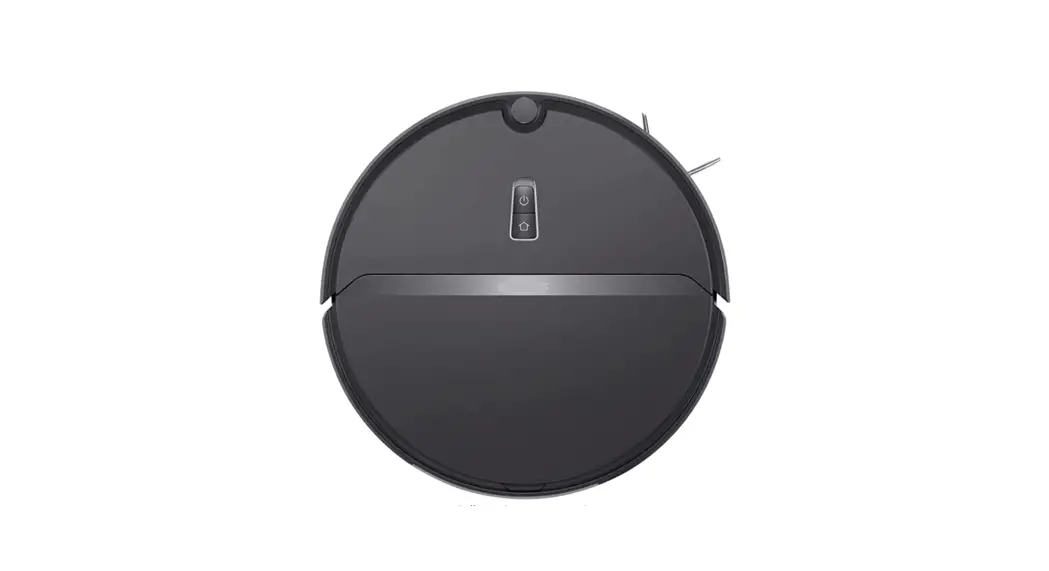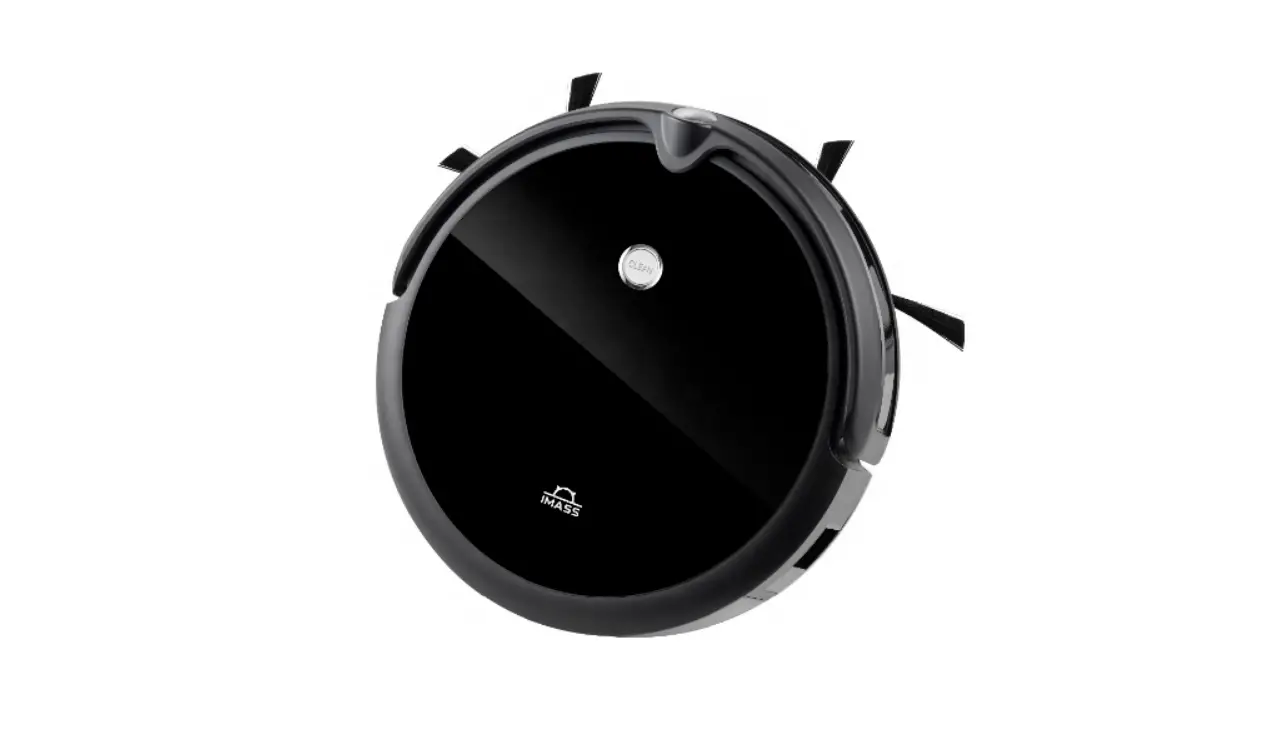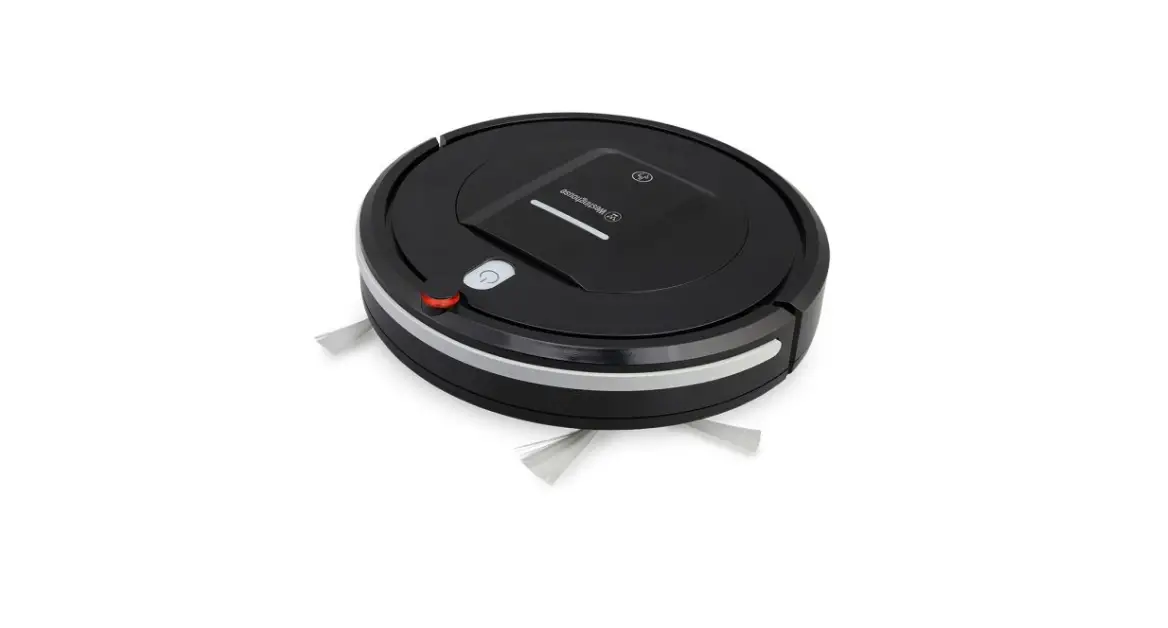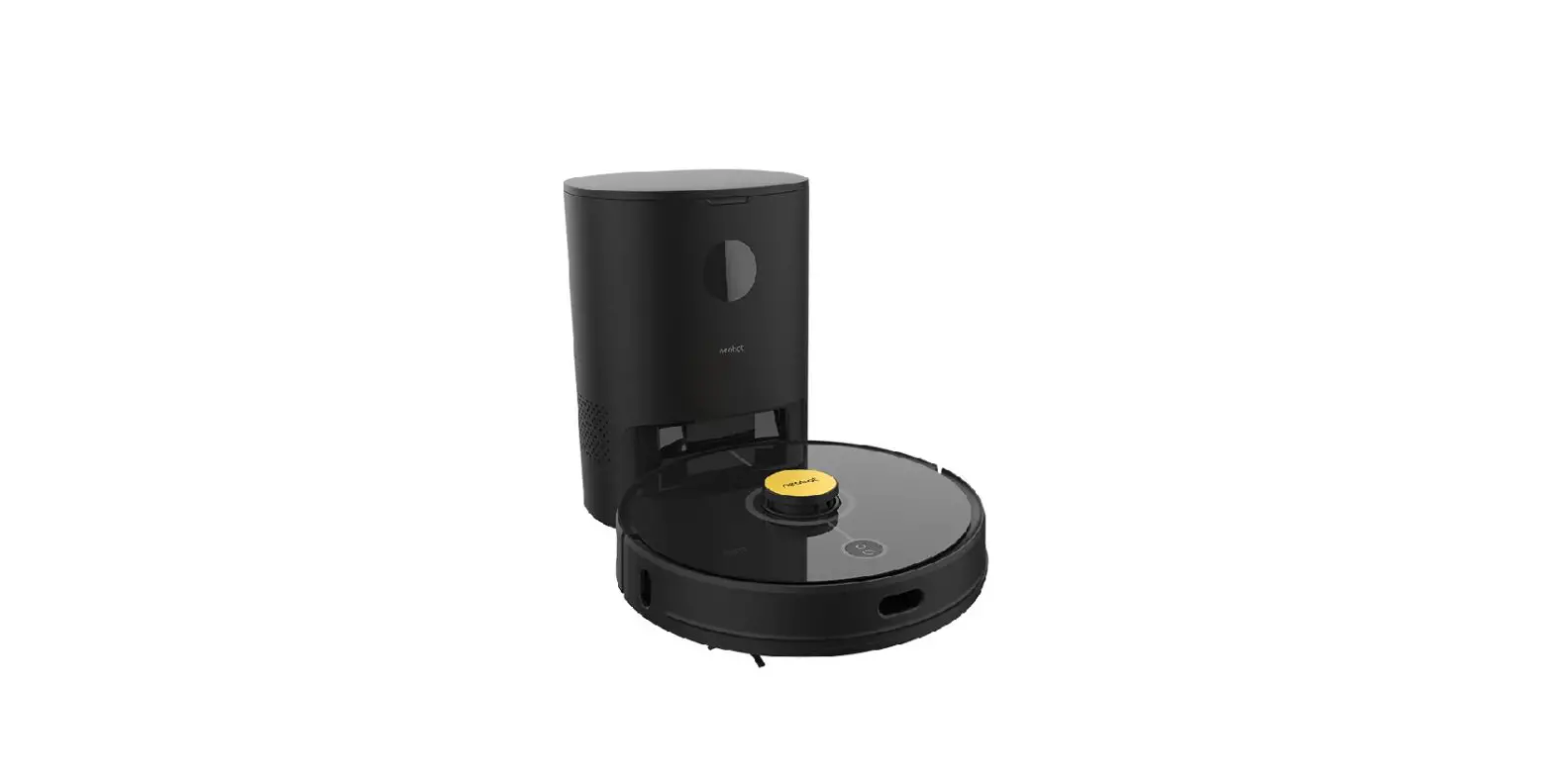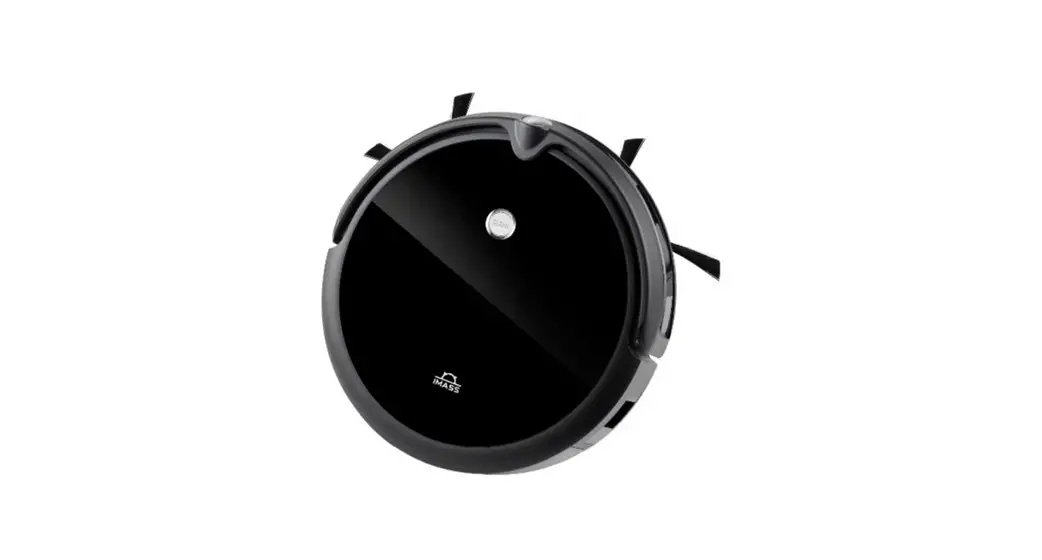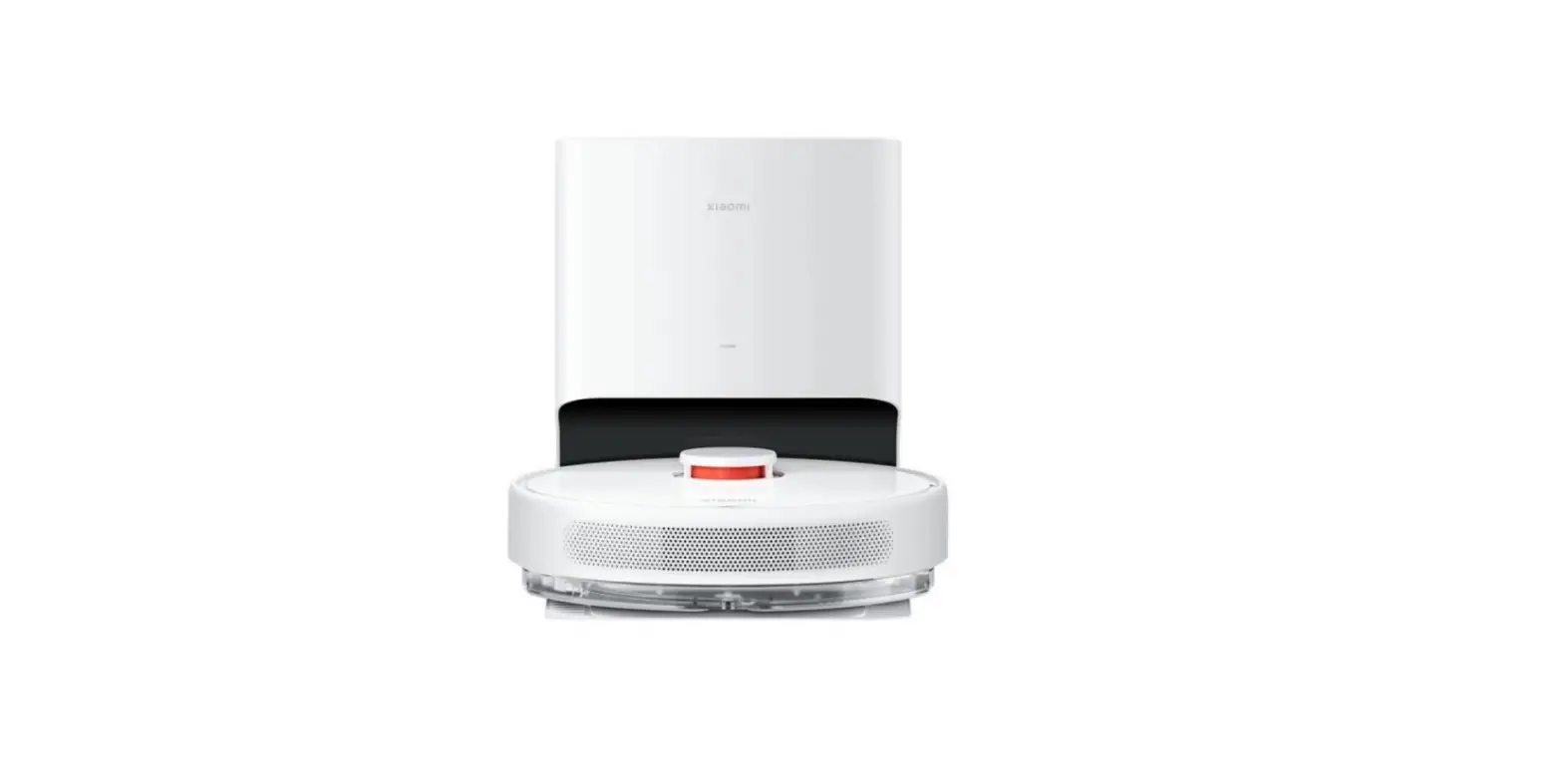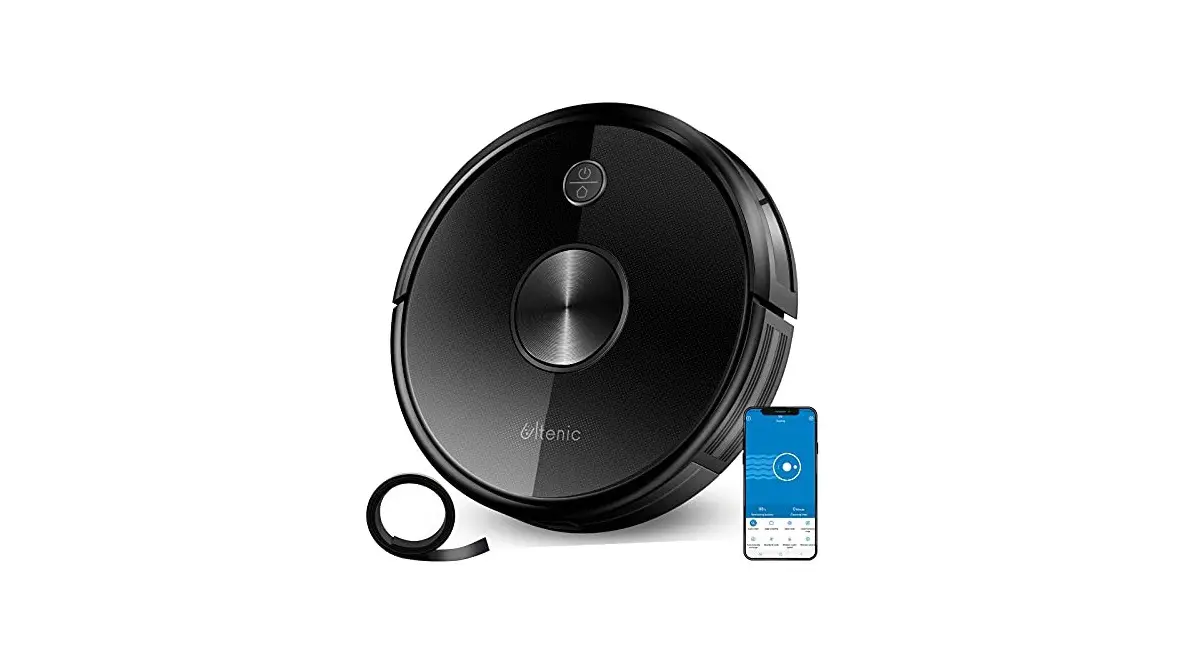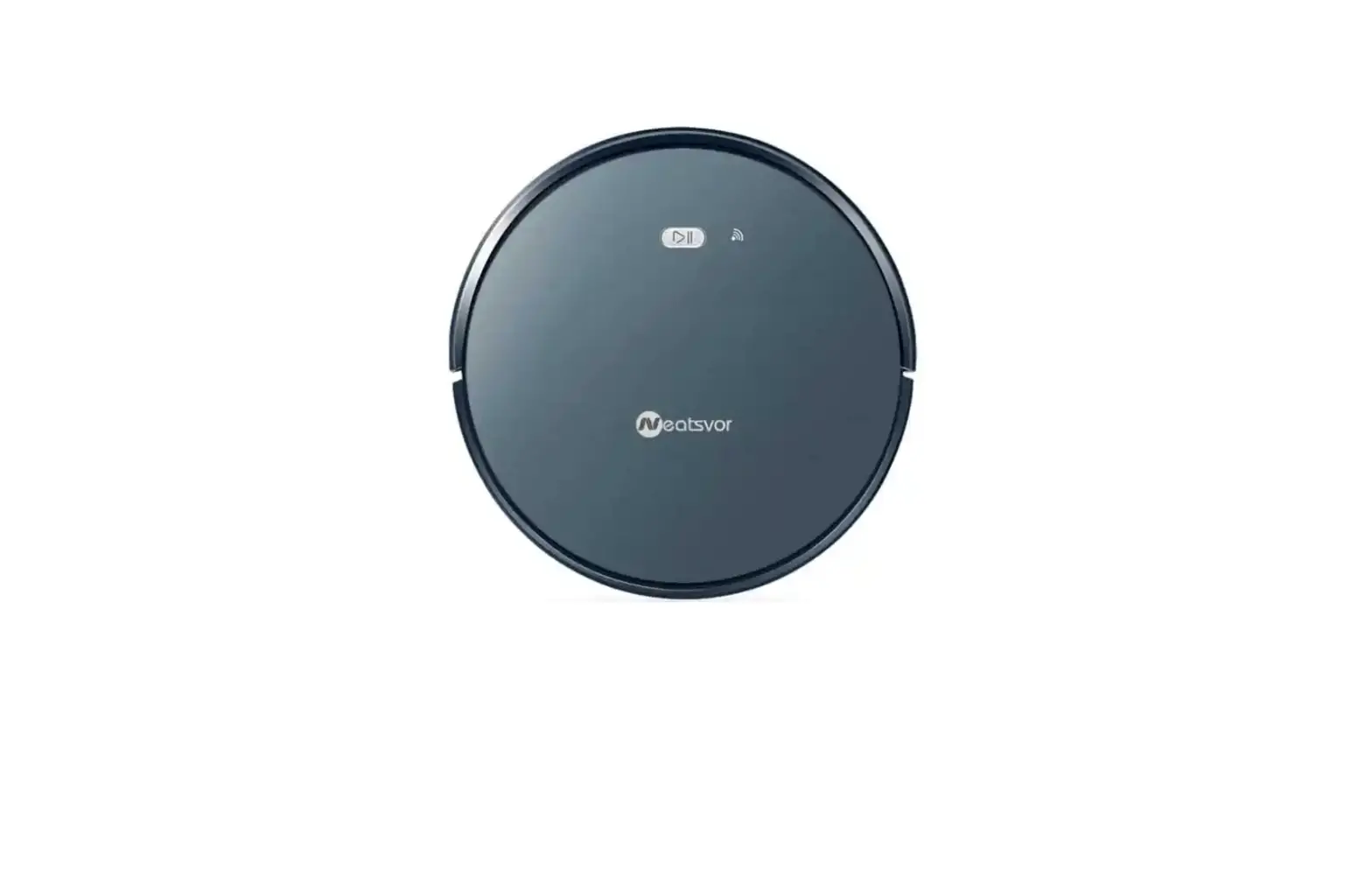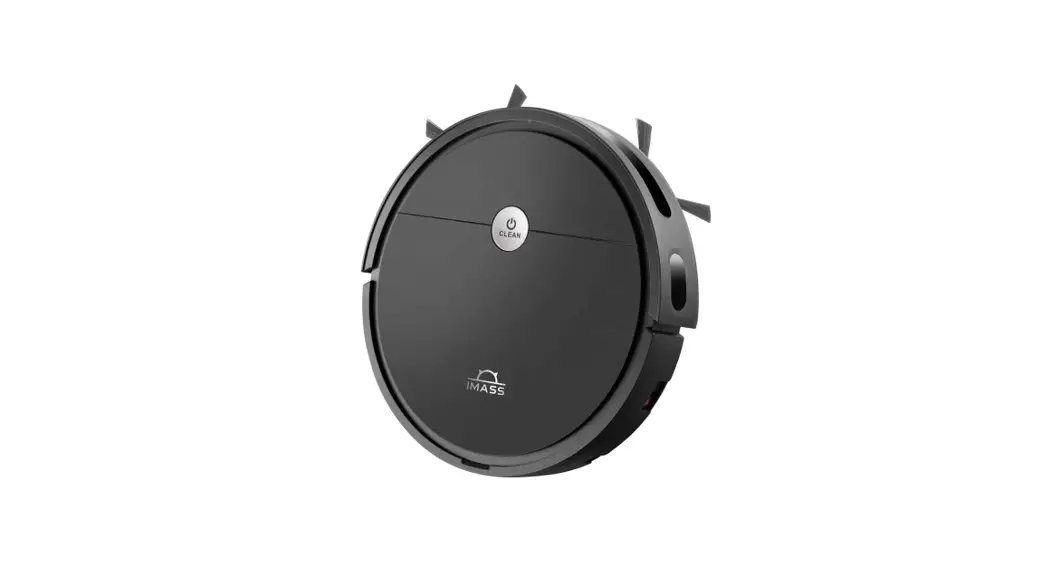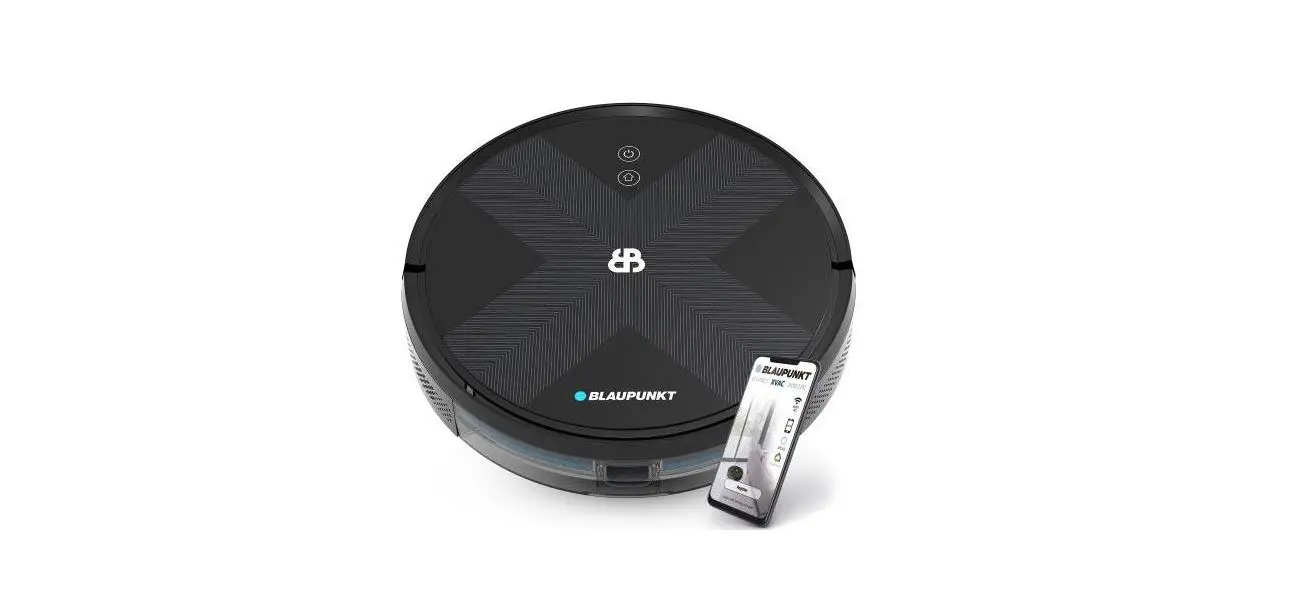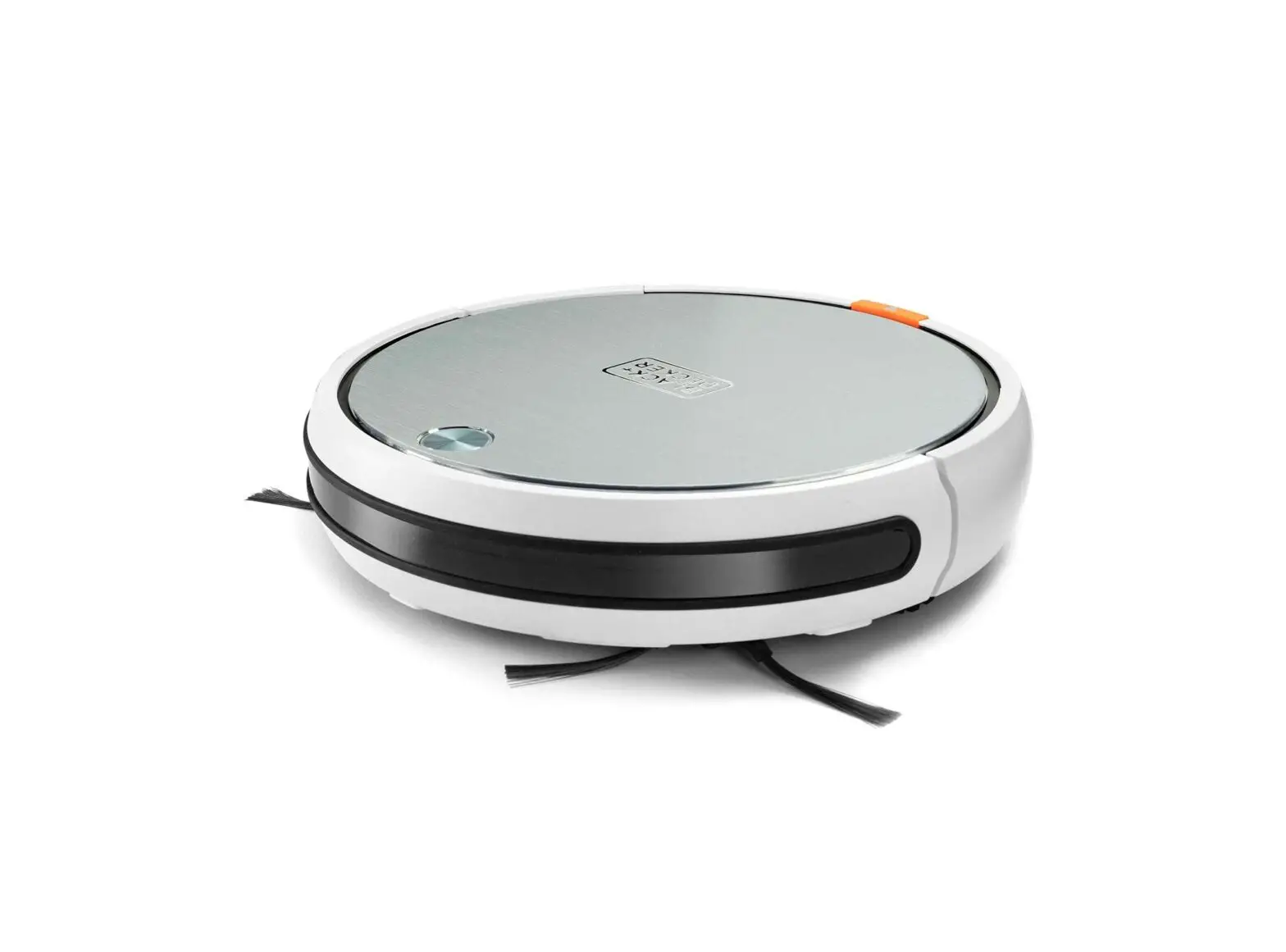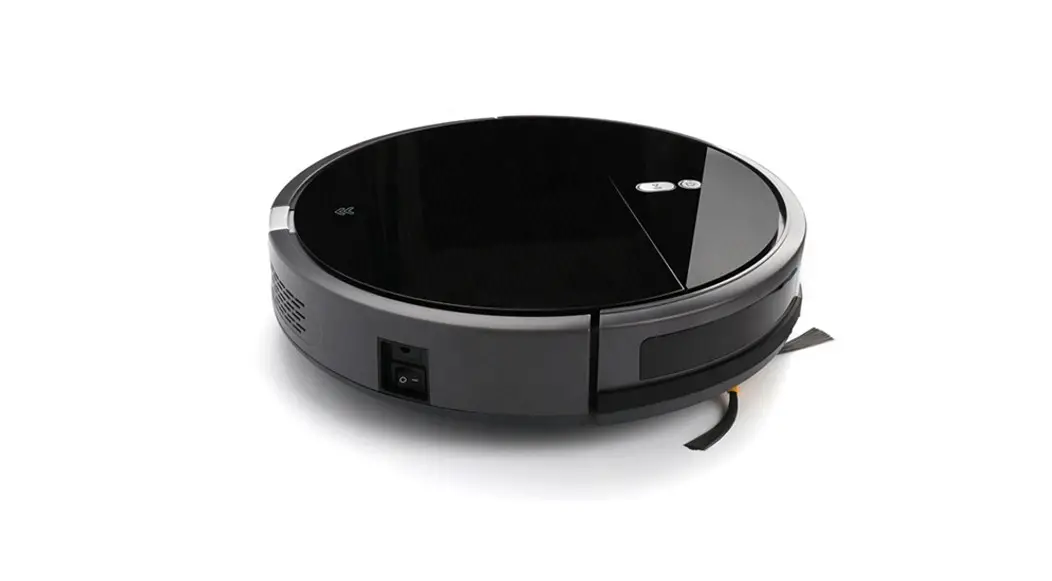
MULTIFUNCTIONAL ROBOTIC VACUUM CLEANER
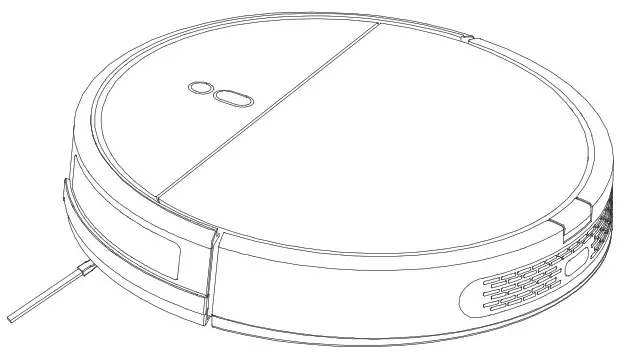
Fast operation
Note: Prior to use, please remove all plastic on the cleaner and dock station, to ensure normal use.
Prepare for charging
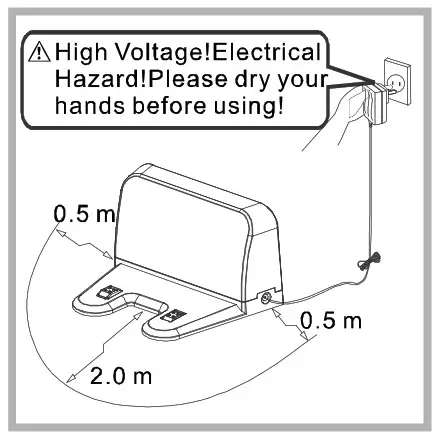
- Set the dock station: Securely mount the charging dock station onto flat ground and a wall near and perpendicular to the ground. Avoid objects and mirrors within 2m in front of the docking station and 0.5m on both sides.
- Plug the docking station in.
Assemble the side brushes
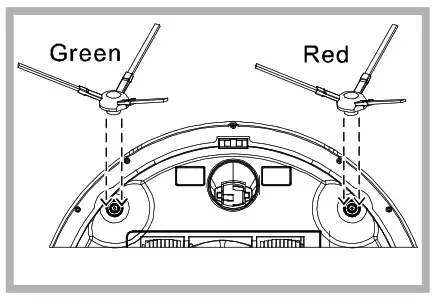
- Please assemble the side brushes according to the color shown in the figure below. and make sure both sides are properly installed.
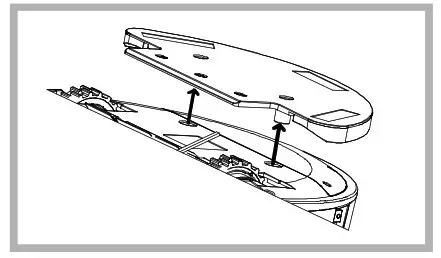
Remove the water tank
- We advise removing the water tank when you do the first cleaning.
- Please remove the water tank from the bottom as the figure below.
Turn on the vacuum cleaner
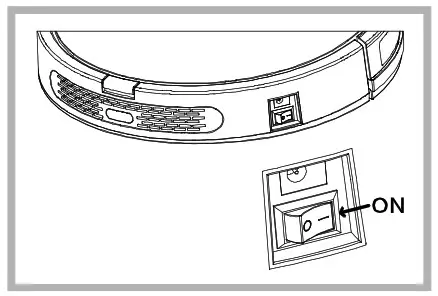
- Turn on the button on the side of the main body, after the voice is over, the vacuum cleaner turned on success. (“I” is turned on,”O” is turned off)
Charging
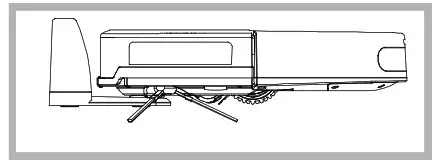
- Put the main body on the charging dock station, please align the charging pole pieces.
- Charging: Red light flashing Charged: Blue light on.
- Please remove the water tank when charging.
Start to clean
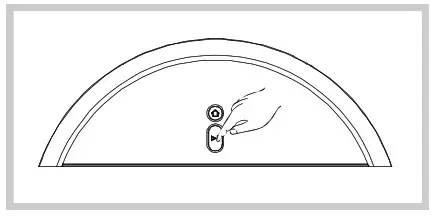
- Press this button”s4″ and the cleaner will start automatic cleaning. * The cleaner will start cleaning with a “
 -shaped path. then along with the room.it will perceive the missing area, then clean it automatically. it makes the cleaning efficiency.
Stop cleaning
- Press this button”W when cleaning, the cleaner will stop cleaning.
- In standby mode.if you press the button “the cleaner will start to plan the path. and the area which was cleaned before is going to be cleaned again.
Turn off the cleaner
- After cleaning stops, turn off the power switch, the cleaner is turned off.
- We suggest not to turn off the power switch after the cleaning stops if you will use it soon. please keep the cleaner on charging, so it can do a better cleaning next time. But before you leave the vacuum cleaner for a long idle period, please turn off the power switch.
Cautions of water tank
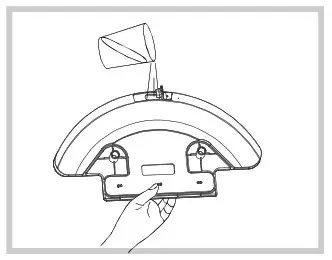
- Do not use the water tank on the uneven ground and carpet.
- Please pay attention to the cleaner when cleaning, and inject water or clean the mops promptly.
- Please remove the water tank when charging. If you want to mop the ground without water, please pull off the water in the water tank, then install a dry mop.
Warning
- Before leaving the vacuum cleaner for a long idle period, please turn off the power switch. And to prolong battery life, please make sure the battery has more than 50% power.
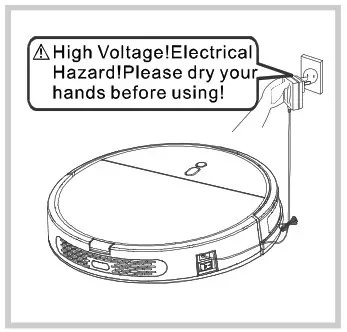
- Besides the docking station, you can also use the adapter to charge the cleaner directly, as the figure below.
Using instructions
- Before using this product, please read the following safety instructions and follow all routine safety precautions!
- Please read these instructions carefully.
- Please properly keep this instruction for reference.
- Any operations not in compliance with this book may cause damages to the product.
- The right to final interpretation resides in our company.
Safety Instructions
- Before using, please remove all damage-prone objects and any that will bind the brushes or vacuuming mouth(power cord, curtain).
- Do not stand or sit on the vacuum cleaner so as not to cause damage to it.
- Before leaving the vacuum cleaner for a long idle period, please turn off the power switch.
- Please remove and recycle the battery after the vacuum cleaner is scrapped. Anyone except our designated service technicians may not disassemble,
- repair or modify the product.
 Charging Cautions
- Do not use any adapter other than the one accompanying this product, otherwise, it may cause damage to it.
- Please use the voltage as the label shows on the adapter when charging.
- Do not use this vacuum cleaner when the adapter or power cord is damaged.
- Before leaving the vacuum cleaner for a long idle period, please unplug the adapter from the socket.
Application
- This product can be used on dry and flat ground, such as the wood floor, hard floor, ceramic tile, and undercoat carpet.
- Do not use this vacuum cleaner in a wet place(bathroom).
- Outdoor use is prohibited.
Components of the cleaner
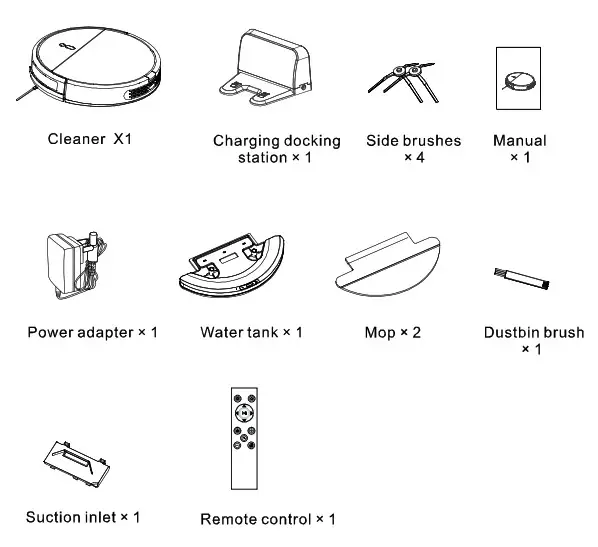
Structure of the cleaner
Main body
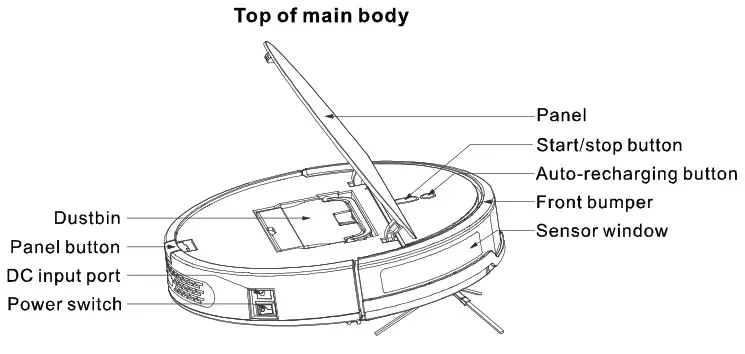
Bottom of the main body (contain the roll brushes)
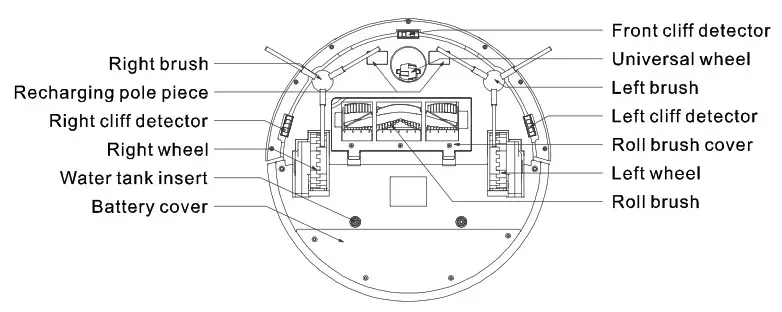
Bottom of the main body (contain the suction inlet)
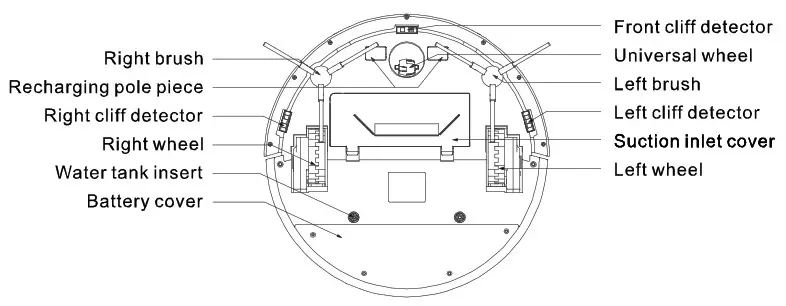
| Bottom of the main body (contain the roll brushes) | |
| Main Body | Indicator |
| Standby Mode | All Lights Off |
| Cleaning Mode | Green Light Flashing |
| Charging | Red Light Flashing |
| Charging Completed | Blue Light On |
| Cleaner Defect | Red light on |
Charging docks station
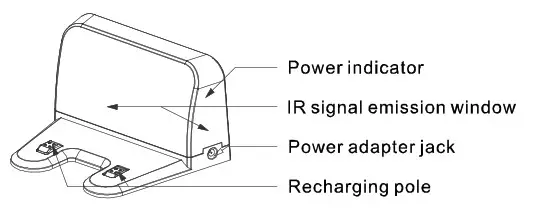
Structure of the cleaner
Remote control
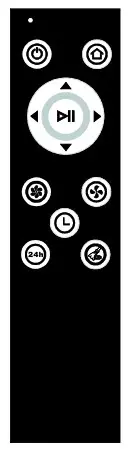
Remote control functions : Standby/Sleep (When the robot is under standby mode, press this key for more than 3 seconds, the robot will enter sleep mode)
“ : Auto charging
“ : Max power cleaning
“ : Standard power cleaning
”  “, “
“, “ ”, “
”, “ “, “
“, “ “: Direction Button stir:
“ : Start cleaning/Stop cleaning
“ : Schedule setting modes:
- ”
 “: Cyclic schedule Example: If the current time is 10:00 am, the cleaner will start cleaning at 10:00 am every day after set the Cyclic schedule successfully.
 - “
 : Full go The cleaner will start cleaning automatically when it is full charged)
When the cleaner is under standby mode, press” into schedule setting. Press” or “, the machine will make key tone three times, and the button light flashes. It means the schedule setting has been successful.
3. When the cleaner is under standby mode, press” for 5 seconds, the cleaner will make key tone twice and the button light flashing. It means the time schedule has been canceled.
 “: Cyclic schedule Example: If the current time is 10:00 am, the cleaner will start cleaning at 10:00 am every day after set the Cyclic schedule successfully.
 : Full go The cleaner will start cleaning automatically when it is full charged)
Using introduction
Cautions
- Before using the cleaner, please follow the below guide to check the clean area.
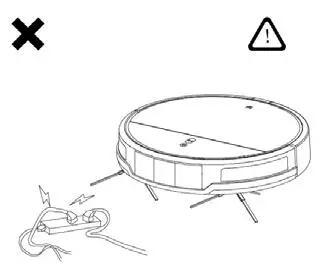
The cleaner may get entangled by the cables or other objects. Please pick up these objects from the floor before using the cleaner.
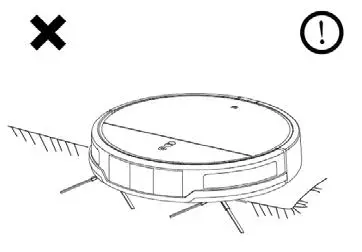
The hairs of the carpet should be folded under the carpet.
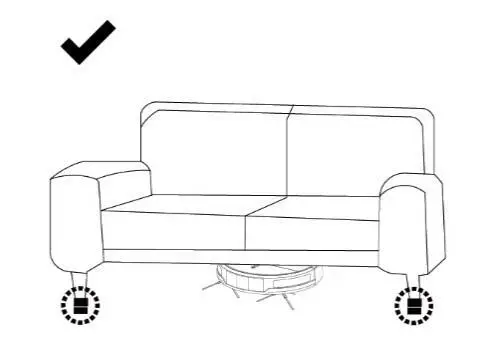
The space less than 9cm at the bottom of the furniture may block the cleaner. If it needs to be cleaned, please raise the furniture.
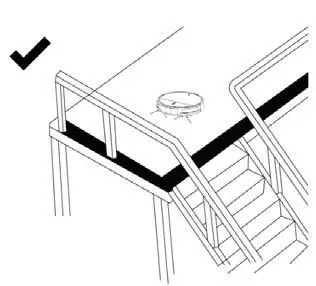
A protective fence shall be set at the edge of the suspension to ensure that the cleaner will not fall off.
APP usage guide
Please prepare as below before connecting to the Internet:
- Place the cleaner and charging station correctly and install a side brush etc.
- Connect your phone to Wi-Fi.
- Notes: The cleaner only applies to the 2.4GHz frequency band Wi-Fi signal. Please ensure the Wi-Fi meets the requirement.
Download and install the APP
- Scan below OR code to download the
- Tuyasmart” APR Or download the
- Tuyasmart” APP in APP Store or Google Play.

https://smartapp.tuya.com/tuyasmart
Register and Login account
- Create the “Tuyasmart” APP account by phone number or e-mail address. Follow the steps to input the account and password to finish registration. Notes: If you want to use third-party functions, such as Echo etc. Better not use the third-party account to log in to the app.
Add device
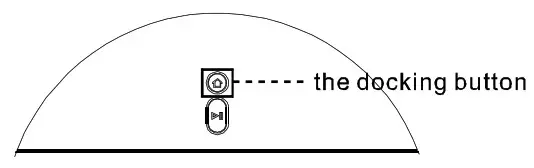
- Switch on the power button, make sure the device has power, press and hold the docking button for 5 seconds to enter configure network mode (the cleaner will make a key tone sound). The indicator rapidly blinks (two times one second) in blue color.

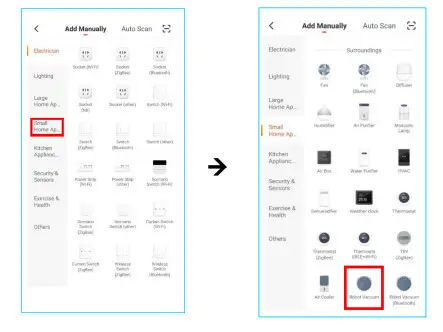
- Open the “Tuyasmarr APP, click “Add Device”, click “Small Home Appliances” and click “Robot Vacuum”.

- Click “Confirm indicator rapidly blink”, input Wi-Fi account and password, click ‘Confirm” to add a device.

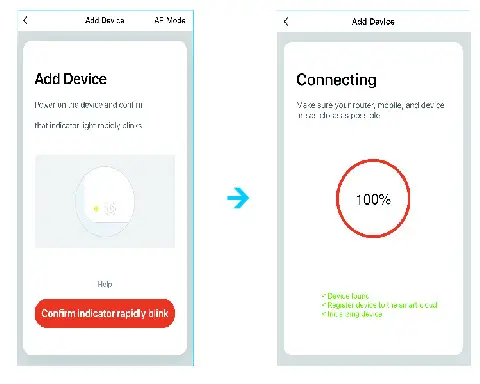
Remarks: If add device failed, you can try again as above steps to add a device. If still can’t add the device, you can try “AP Mode” to add the device. Operation as below: After the device enters the default configure network mode, press the docking button 5 seconds again until the indicator slowly blinks, then the device enters “AP Mode”.Click ‘Confirm indicator slowly blink”, then connect to SmartLift_XXX, the device will start to connect to Wi-Fi.
Maintenance
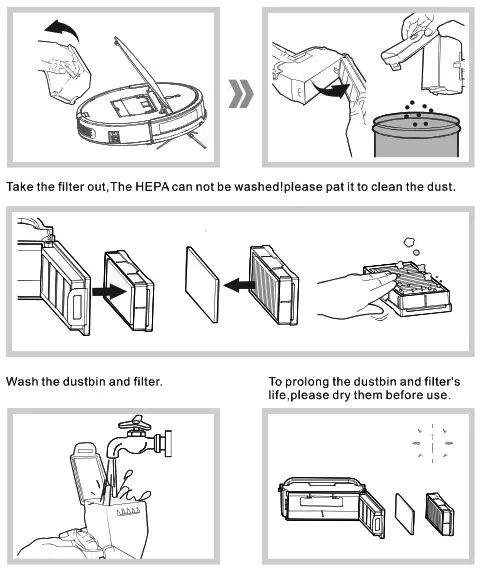
1. Dustbin and Filter
Take the dustbin out. open the dustbin buckle. clean it.
2. Watertank and Mops
After cleaning stopped. please remove the water tank from the cleaner, then remove the mops.
Mops: Please wash mops and dry them.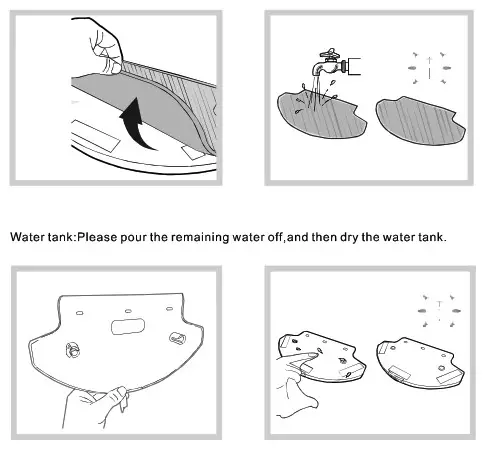 3. Roll brush, Cliff detector, Universal wheel, and Side brushes
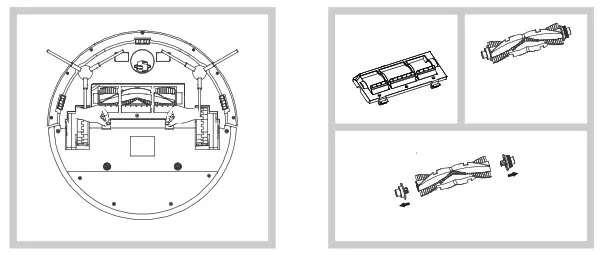
Clean the roller brush
Disassemble the roll brushes cover,and take out the roll brush.clean the hair or other winded objects by your hands or some other sharp.
Reinstall the roller brush
3. Roll brush, Cliff detector, Universal wheel, and Side brushes
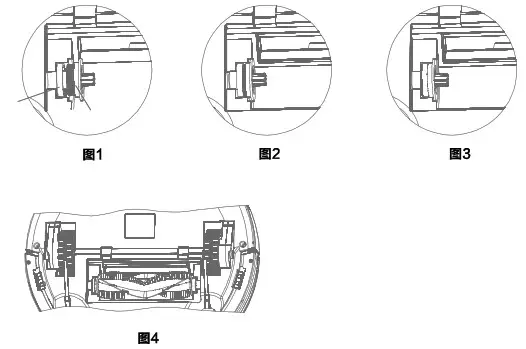
Reinstall the roller brush
- Put the gear cap into the groove. (Figure 1)
- Use your left fingers to pull the belt out to cover the gear entirely. (Figure 2, Figure 3)
- Install the roller brush. Rotate the roller brush to make sure it moves smoothly before locking the brush guard.
Clean cliff detector To improve the sensitivity. please clean the cliff detectors with mops as the figure below.
Clean side brushes and Universal wheel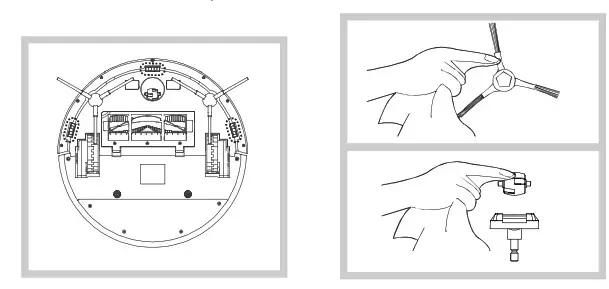
Dimensions and Parameters
1. Technical specification for the cleaner
| No. | Item | Index parameter | Remark |
| 1 | Mode | B-X5 | |
| 2 | Rated voltage | DC 14.8V | |
| 3 | Rated power | 30 w | |
| 4 | operating temperature range | 10°C∼45°C | |
| 5 | Input voltage/current | DC 19V/0.6A | |
| 6 | Dimension | Φ350 x 82mm | |
| 7 | Weight | 3.5KG | |
| 8 | Battery | Lithium-ion2600mAh | |
| 9 | Dustbin capacity | 380 ml |
2. Technical specification for the charging dock station
| No. | Item | Index parameter | Remark | |
| 1 | Mode | DS5 | ||
| 2 | Dimension | LxWxH.178x135x99mm | ||
| 3 | Input voltage/current | DC 19V/0.6A | ||
| 4 | Operating temperature range | -10°C ∼45°C | ||
| 5 | Operating humidity range | ≤85RH | ||
FCC STATEMENT:
This device complies with Part 15 of the FCC Rules. Operation is subject to the following two conditions: (1) This device may not cause harmful interference, and (2) This device must accept any interference received, including interference that may cause undesired operation. Warning: Changes or modifications not expressly approved by the party responsible for compliance could void the user’s authority to operate the equipment.
NOTE: This equipment has been tested and found to comply with the limits for a Class B digital device, pursuant to Part 15 of the FCC Rules. These limits are designed to provide reasonable protection against harmful interference in a residential installation. This equipment generates uses and can radiate radio frequency energy and, if not installed and used in accordance with the instructions, may cause harmful interference to radio communications. However, there is no guarantee that interference will not occur in a particular installation. If this equipment does cause harmful interference to radio or television reception, which can be determined by turning the equipment off and on, the user is encouraged to try to correct the interference by one or more of the following measures:
Reorient or relocate the receiving antenna.
Increase the separation between the equipment and receiver.
Connect the equipment into an outlet on a circuit different from that to which the receiver is connected.
Consult the dealer or an experienced radio/TV technician for help.
FCC Radiation Exposure Statement:
This equipment complies with FCC radiation exposure limits set forth for an uncontrolled environment. This equipment should be installed and operated with a minimum distance 20cm between the radiator & your body.