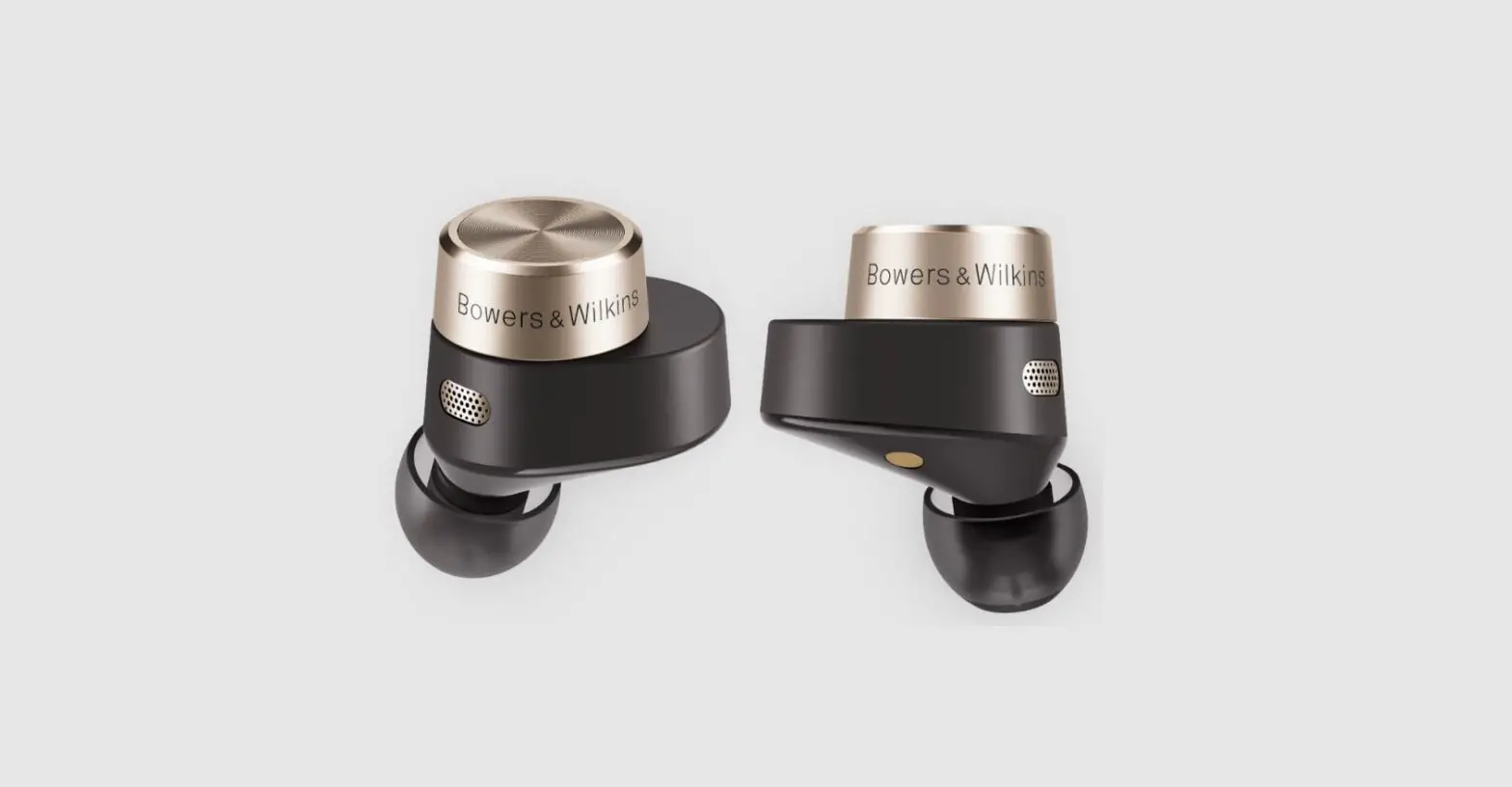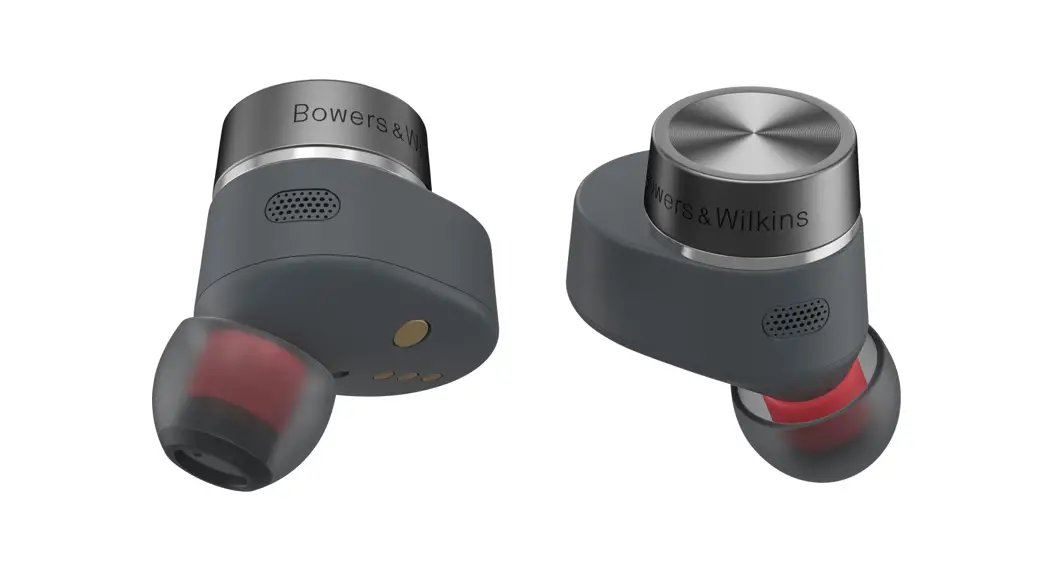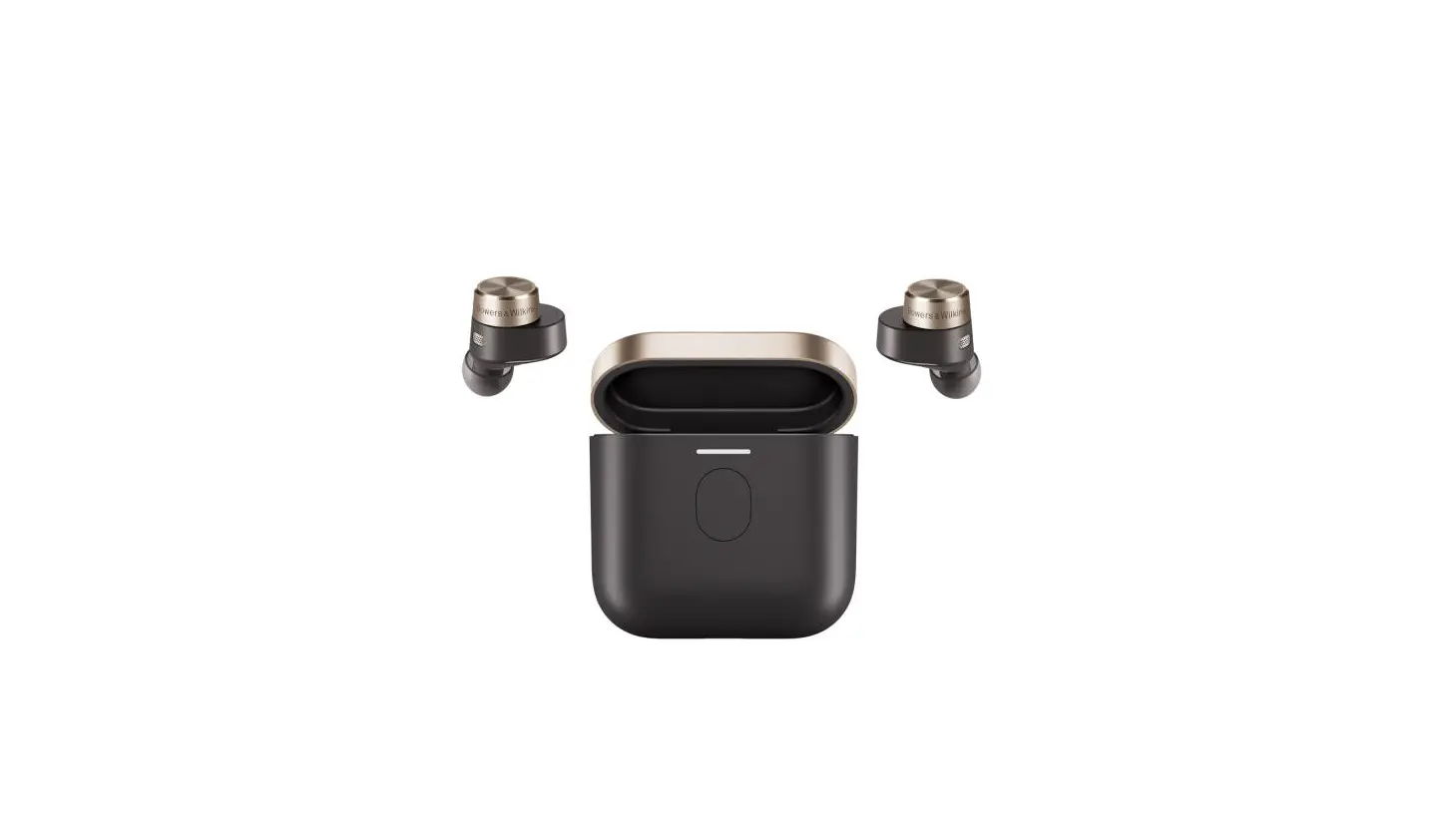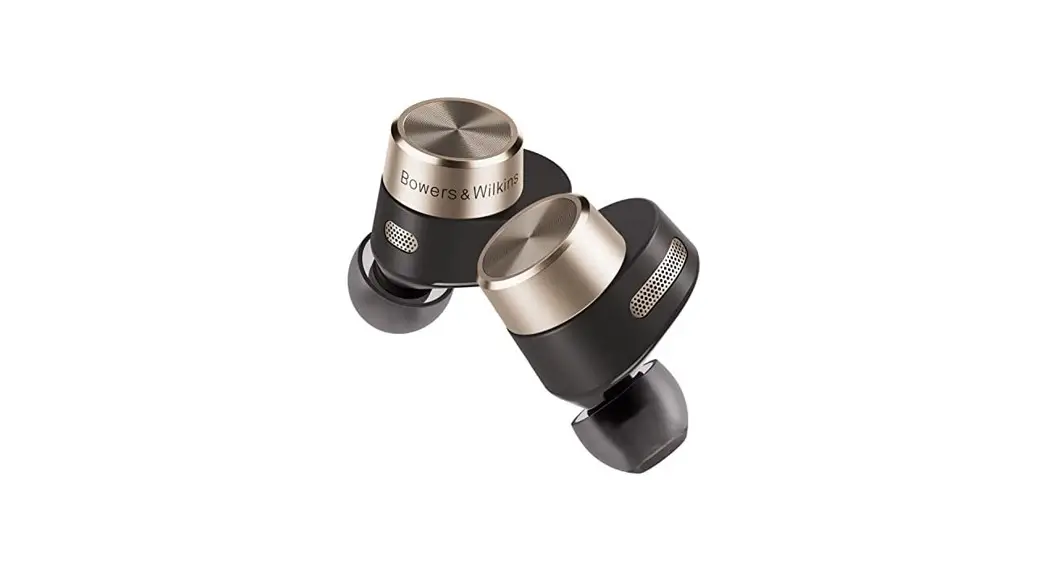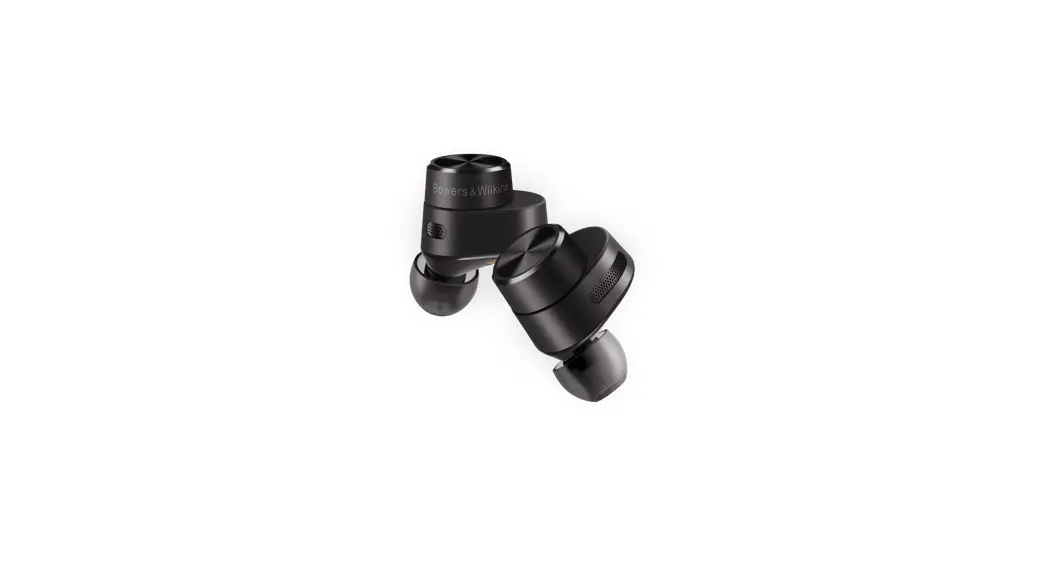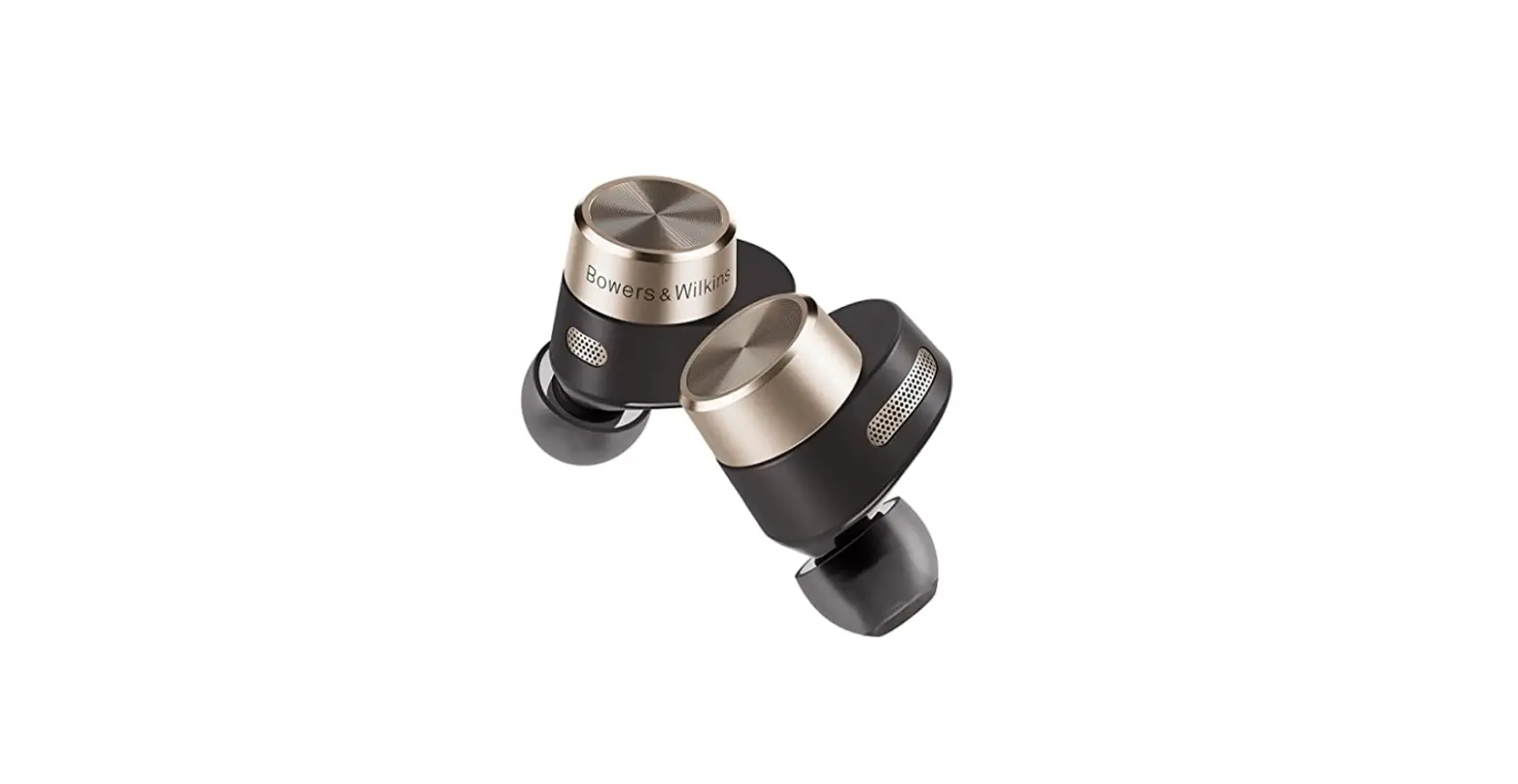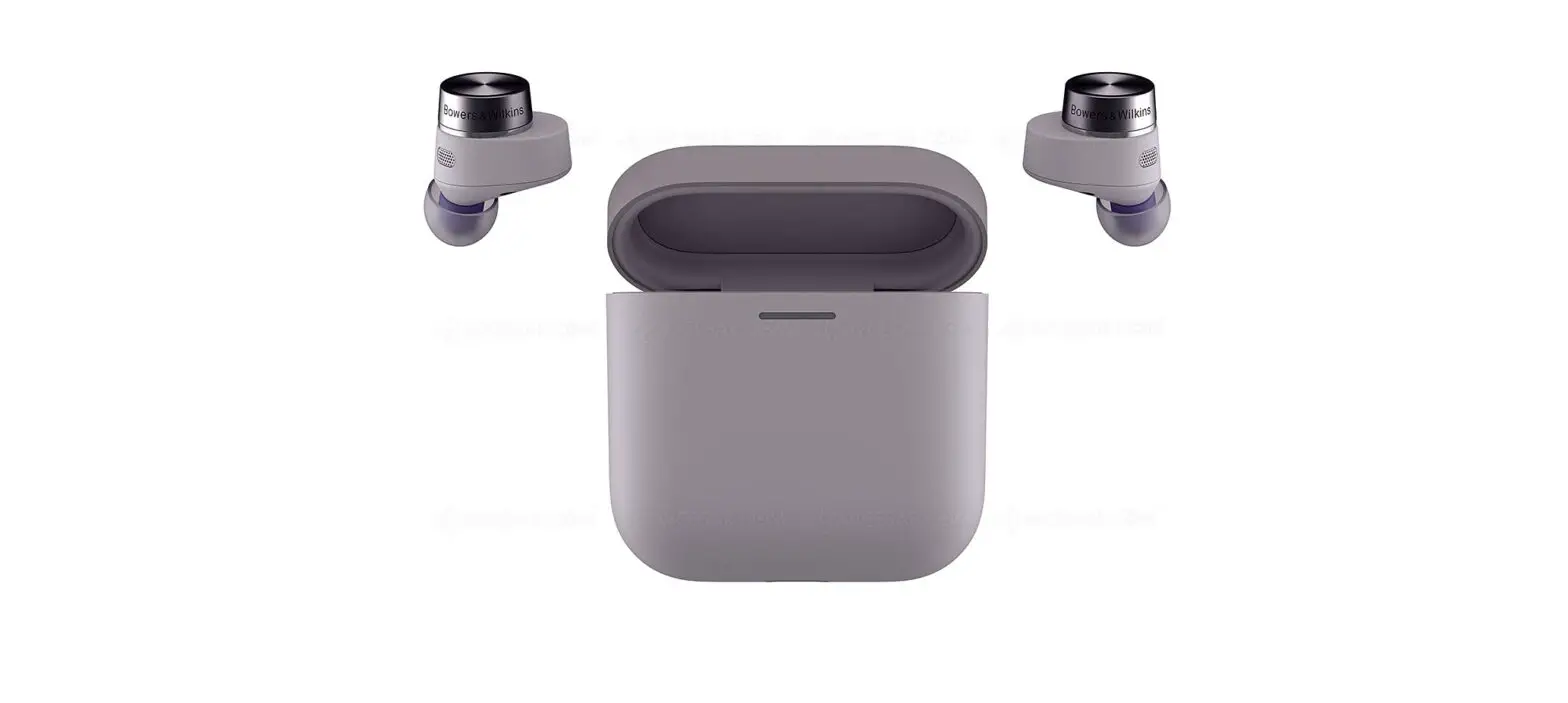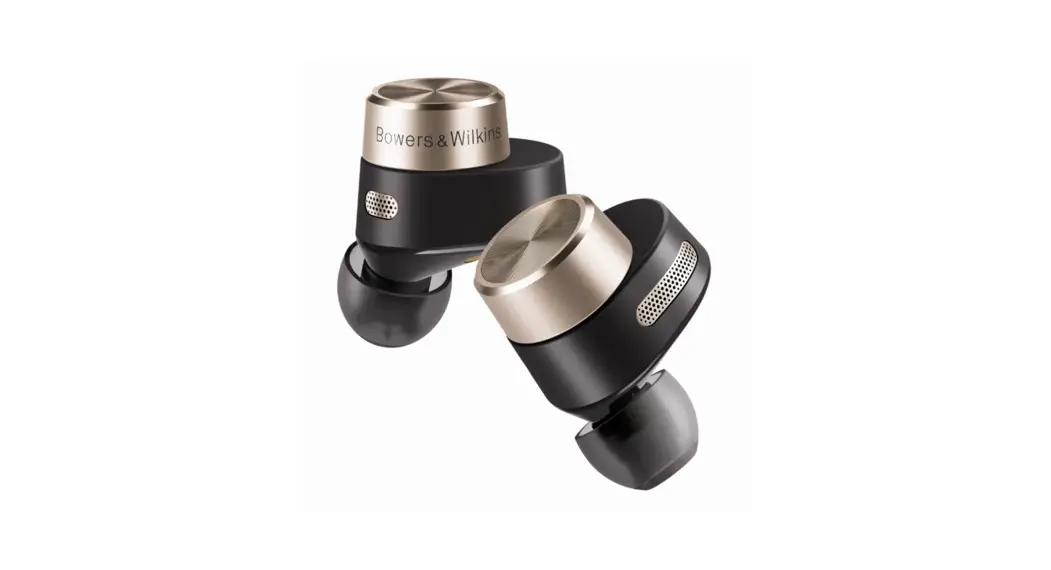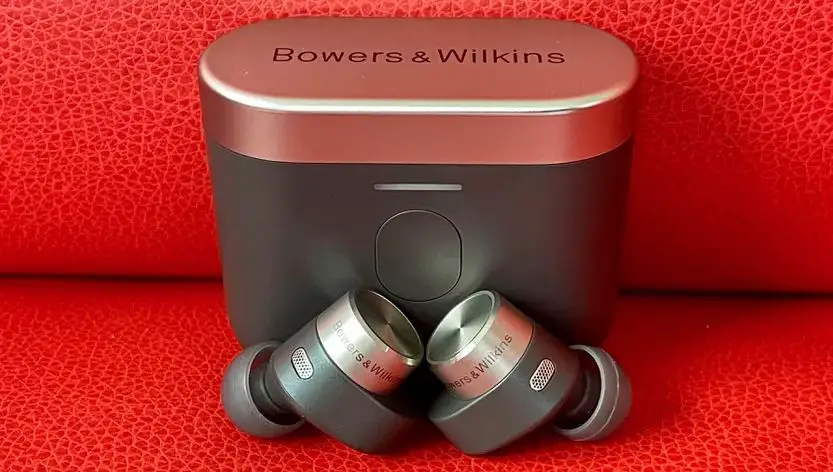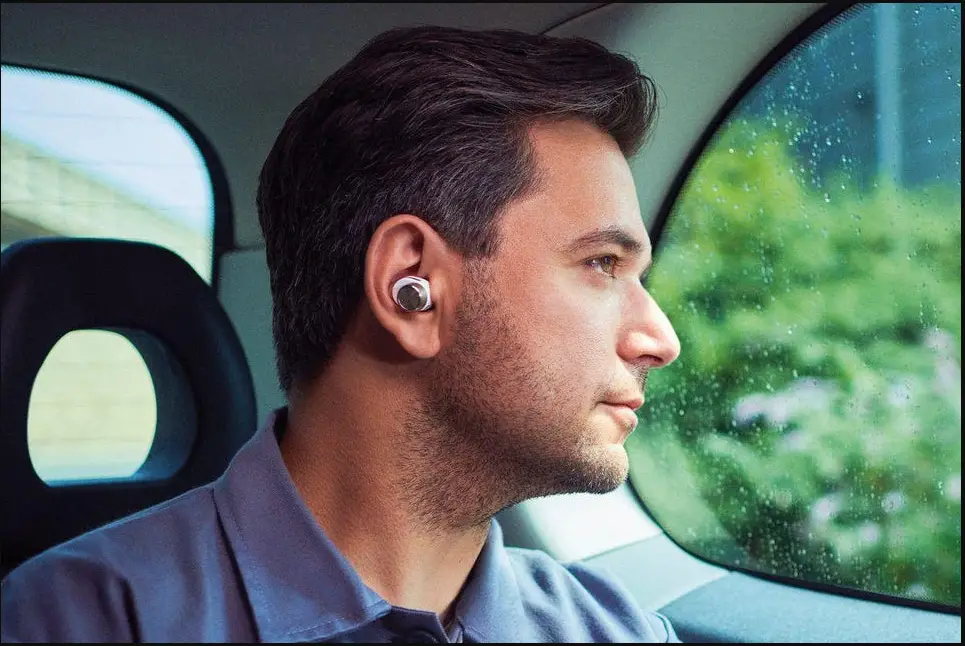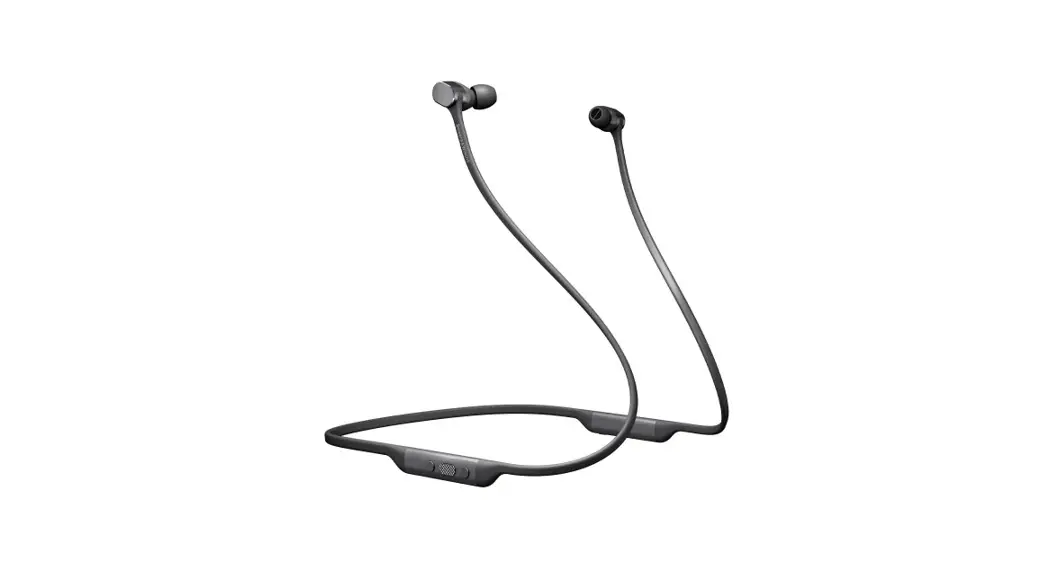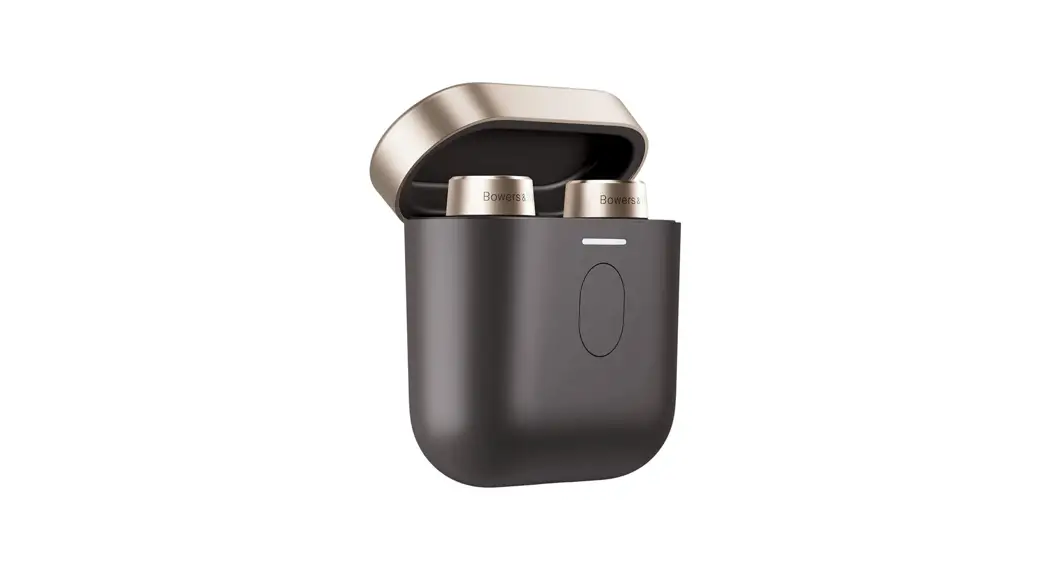

Pi7 S2
Quick Start Guide
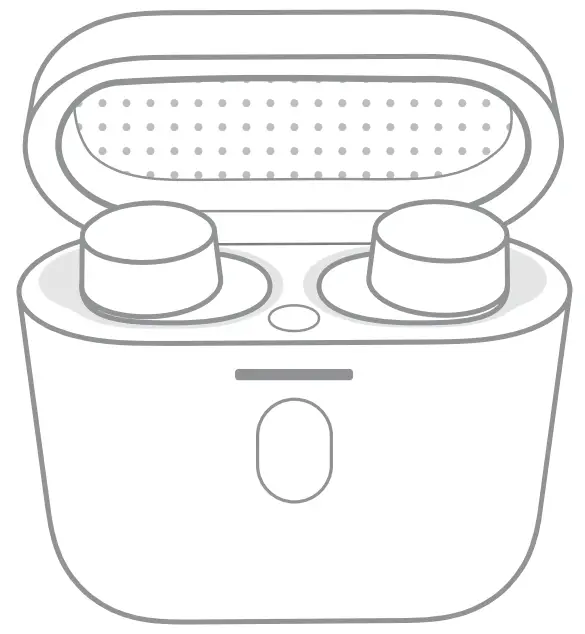
In-Ear True Wireless Earbuds
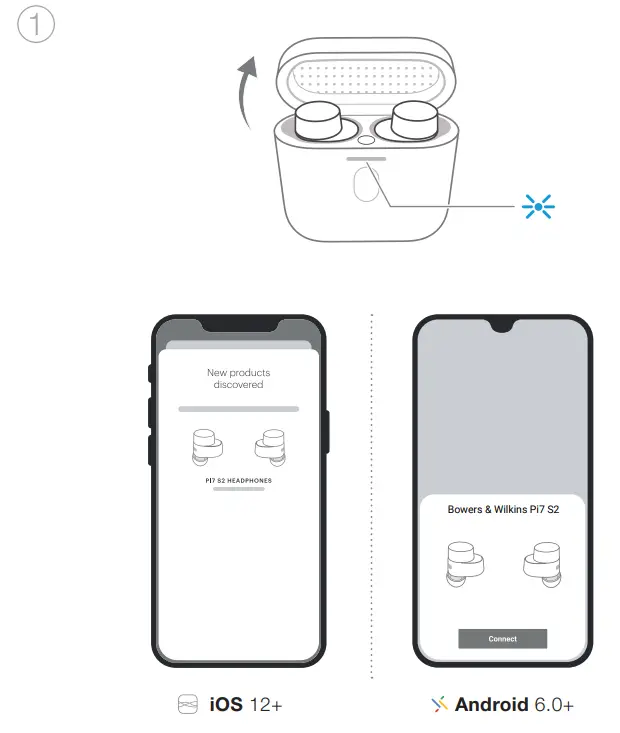
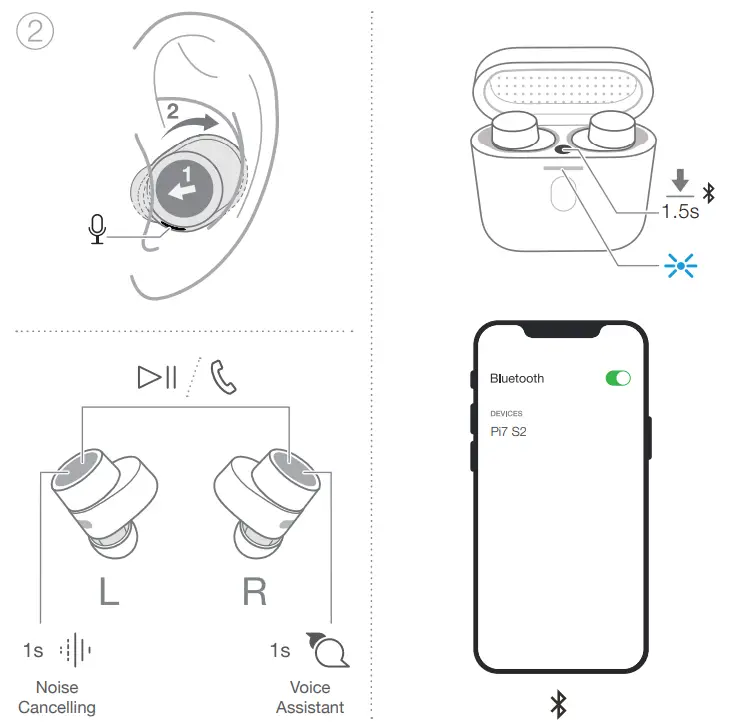
Setup could not be easier:
Just download the App using the link below and follow the instructions.

Fast Pair
In one tap, Pi7 S2 enables quick, effortless Bluetooth pairing with your Android* devices.
*Android phones running Marshmallow and above/6.0+.
II16233 / 2
The Bluetooth® work mark and logos are registered trademarks owned by Bluetooth SIG, Inc. and any use of such marks by B&W Group Ltd. is under license. Other trademarks and trade names are those of their respective owners. Apple and the Apple logo are trademarks of Apple Inc., registered in the U.S. and other countries. App Store is a service mark of Apple Inc., registered in the U.S. and other countries. Android and Google Play are trademarks of Google LLC.
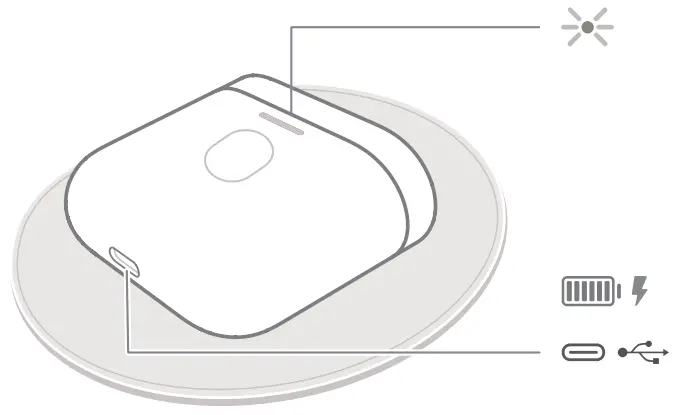
Wireless charging compatible
Audio retransmission
 Music App for iOS and Android | Bowers & Wilkins