 Pi5 S2 In Ear True Wireless Headphone
User Manual
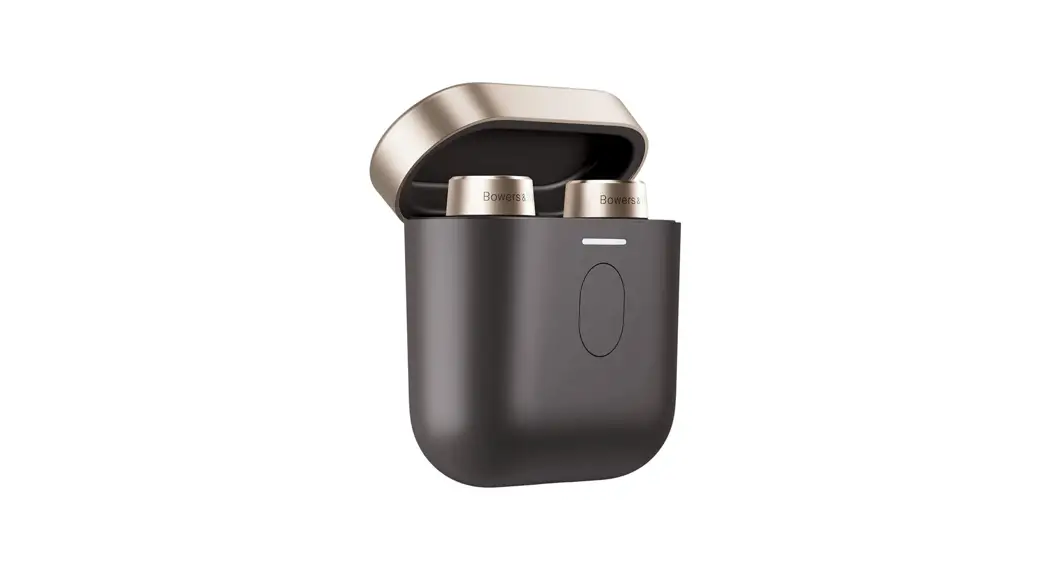
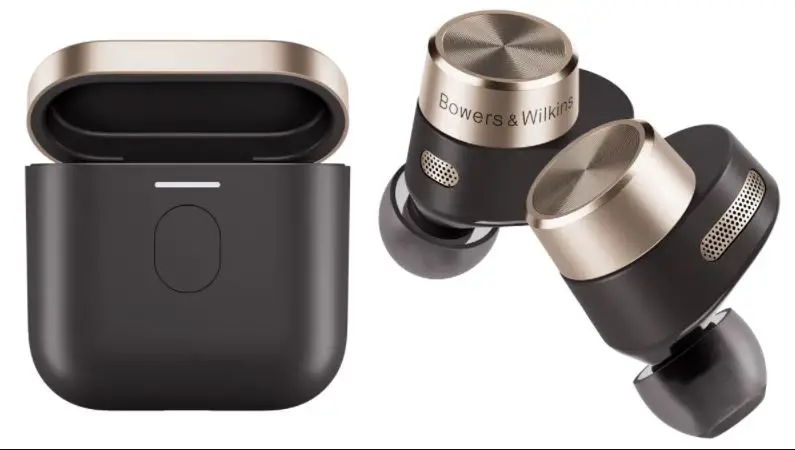
Carton Contents
Please ensure the following items are included in carton:
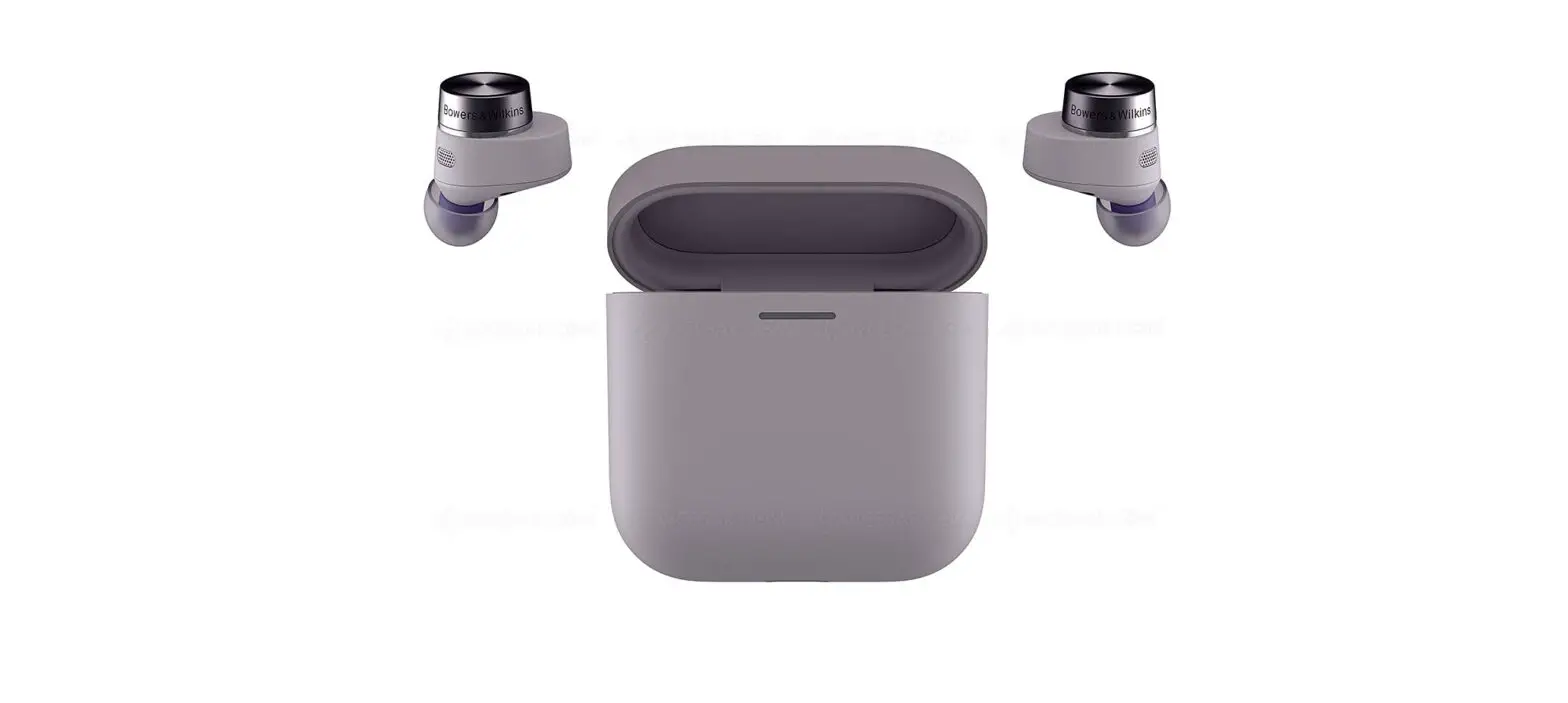
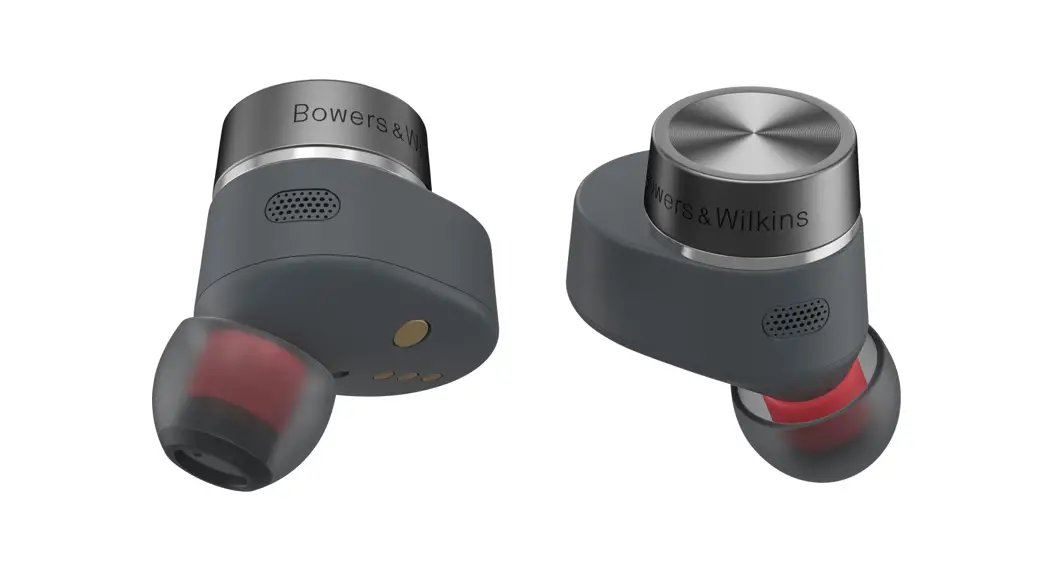
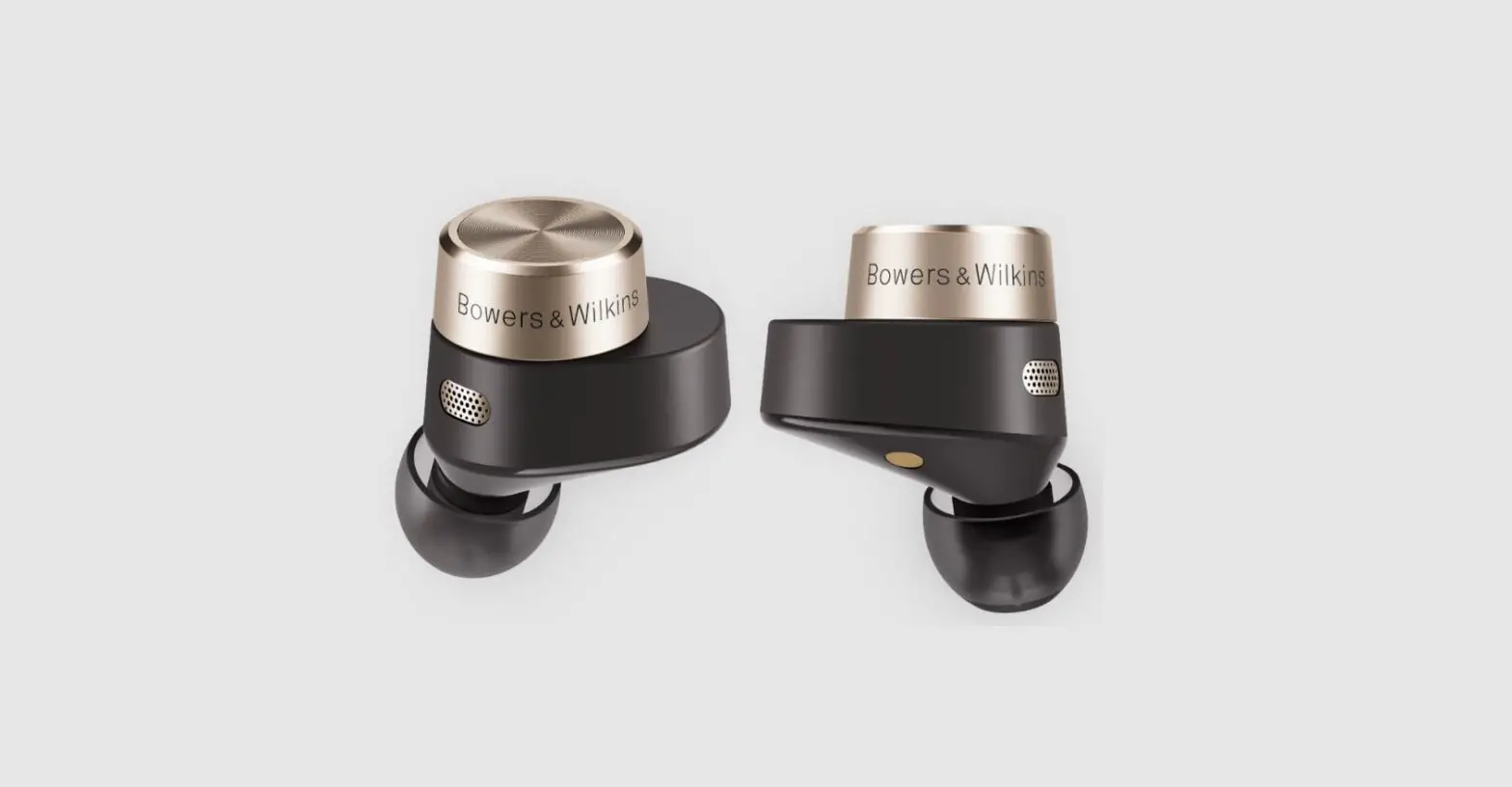
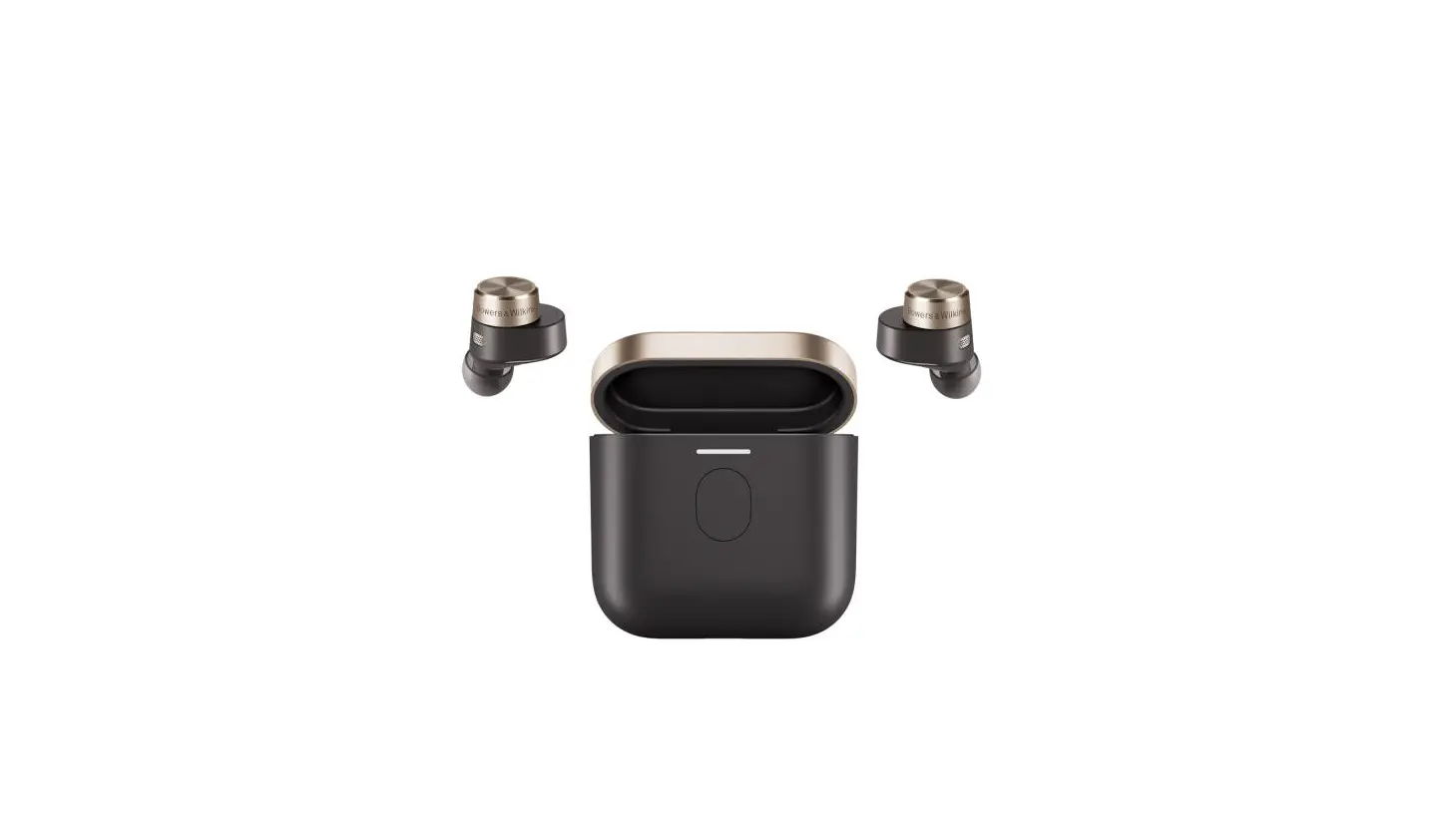
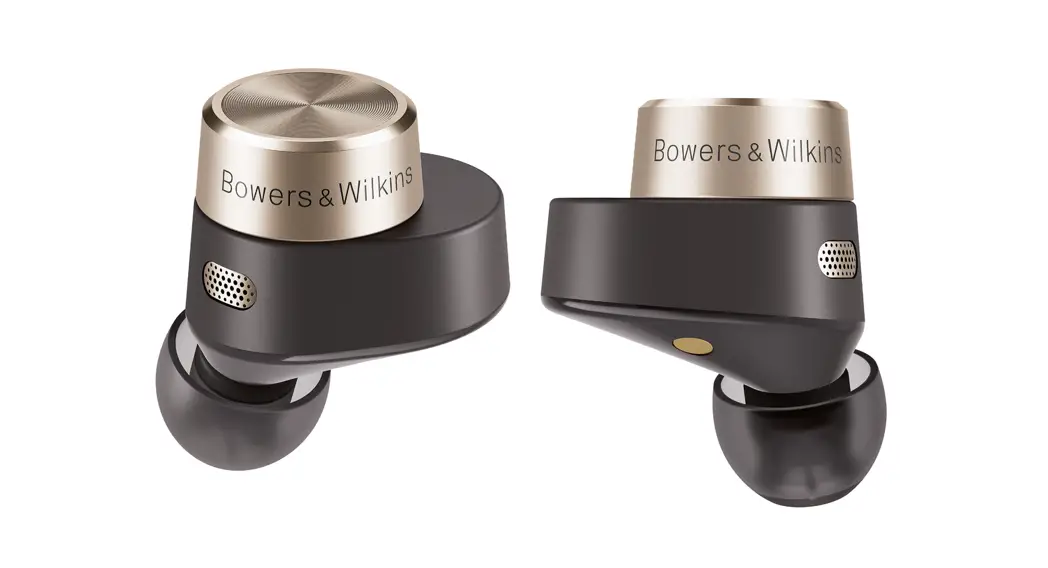
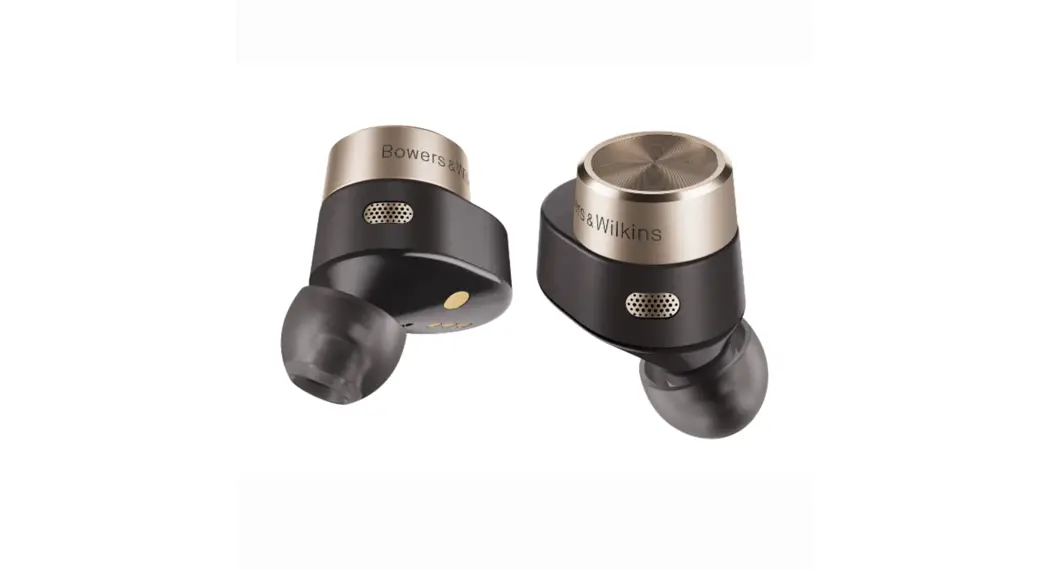
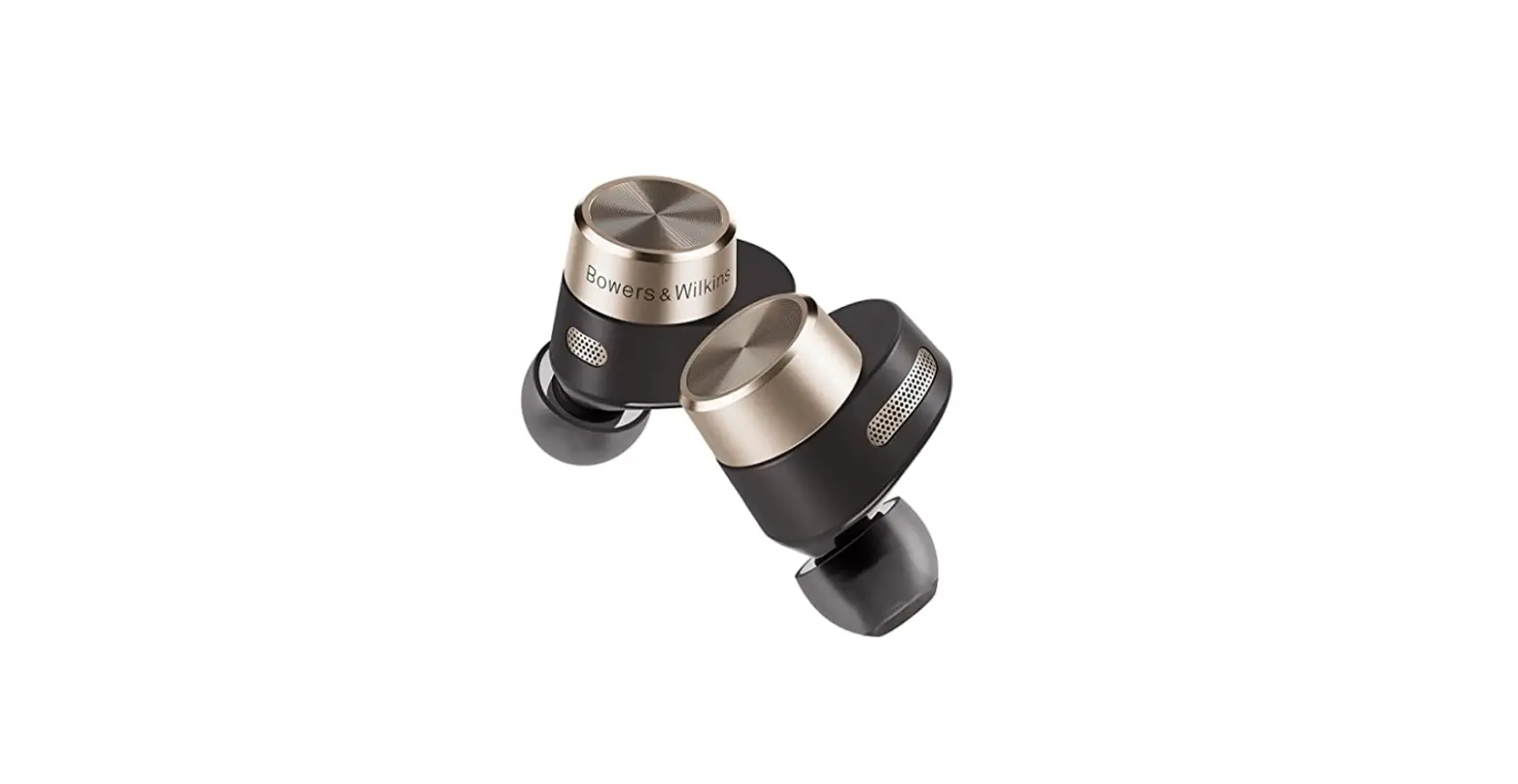
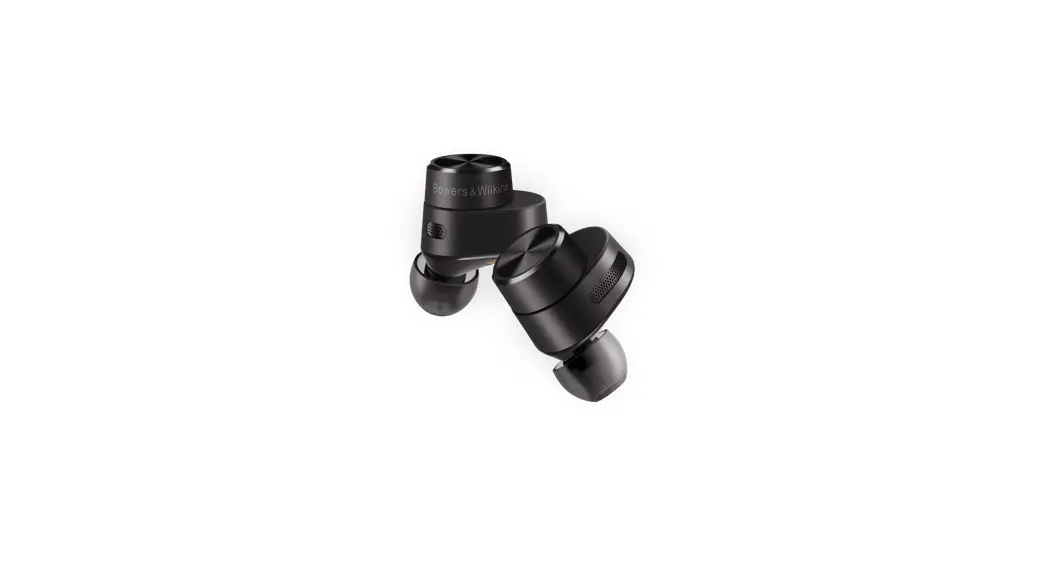
Pi5 S2 In-ear True Wireless Headphones with Ear Tips (M)
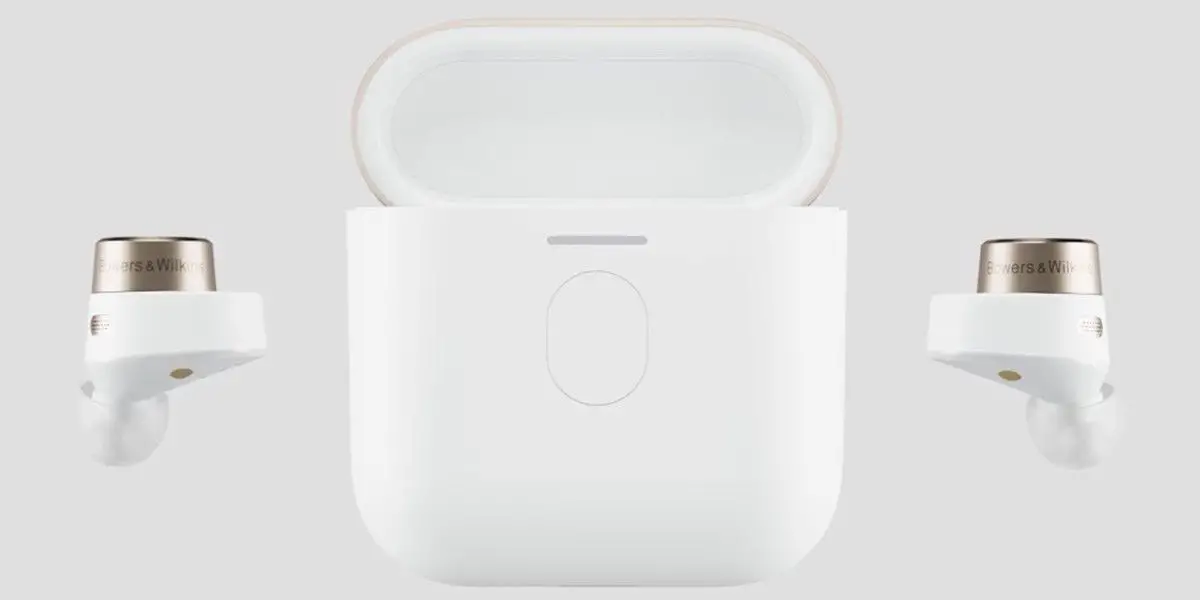
Charge Case
USB-C Charging Cable
Ear Tips (S/L)
Literature Pack
Getting to Know Your Earphones
2.1 Switch Earphones On/Off
Switching On/Off
The Pi5 S2 does not have a power control and the power management is automatic. Your Pi5 S2 ear buds will charge when placed into the charging case and will be ready to use when they are removed from the charing case. If the ear buds are out of the charge case and not being used the earbuds will automatically go into a low power mode to conserve power.
2.2 Earphone Controls
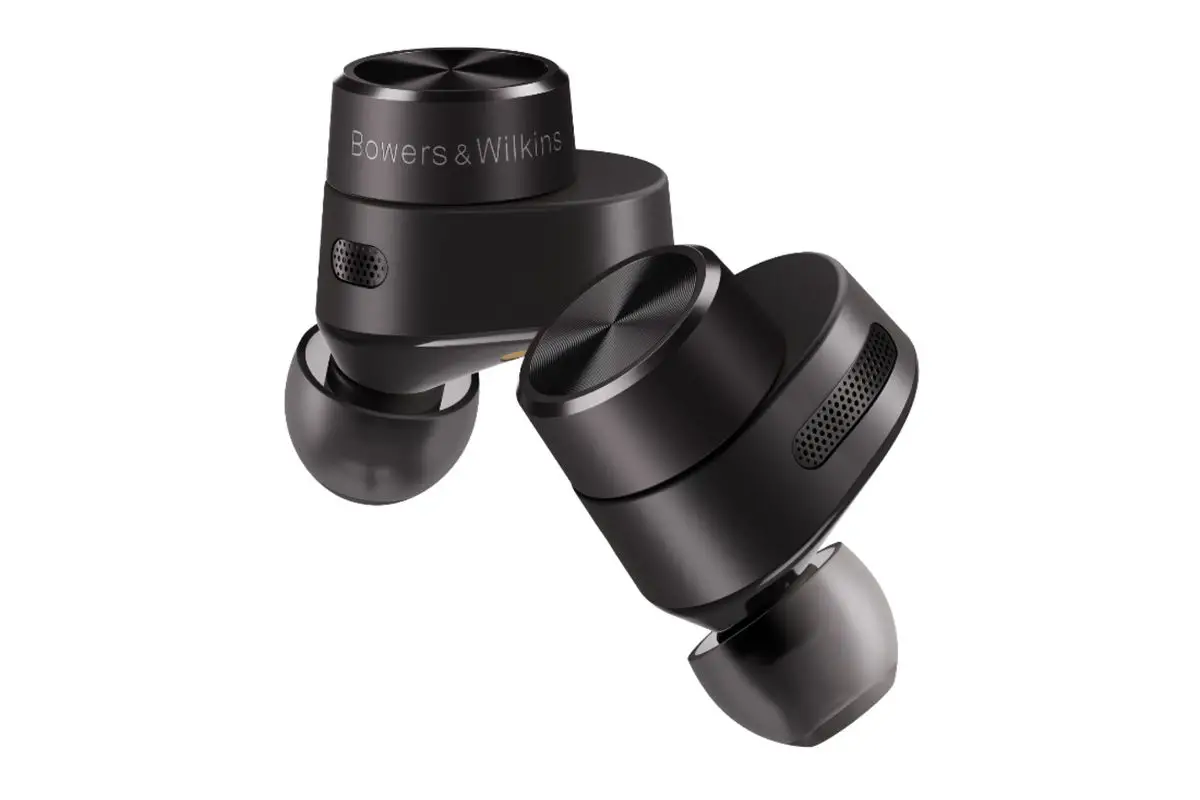
Each ear bud mas a multi-function button located on the flat round section of the ear bud. The multifunctionally button controls for media playback:
| Function | Action |
| Play or pause | Press the Multi-function button once. |
| Play to next track | Press the Multi-function button twice in quick succession. |
| Play previous track | Press the Multi-function button three times in quick succession. |
| Initiate voice service | Press and hold the Multi-function button. |
The following buttons on the right control unit are used for phone call functionality:
| Function | Action |
| Answer an incoming call | Press the Multi-function on either ear bud button once. |
| End a call | Press the Multi-function on either ear bud button once during the call. |
| Decline an incoming | Press the Multi-function button twice in quick succession with incoming call. |
Battery Charging
Your Bowers & Wilkins Pi5 S2 ships with the battery partially charged & may be used immediately. For best practice we recommend to fully charge the earphones before first use. Please allow up to 3 hours for full charge. The earphones can be used while charging.
To charge the Pi5 S2 ear buds:
- Place the Pi5 S2 ear buds in the charge case.
- Close the charge case lid.
To charge the Pi5 S2 charge case with cable:
- Please use the supplied USB charging cable and connect the USB plug to a USB wall charger or a powered computer USB socket.
- Then connect the USB-C end to the charge case USB-C socket.
Note: During charging, the charge case indicator will blink green. When fully charged, the indicator will remain illuminated. The charge case can be charge with or without the ear buds being housed inside the charge case.
To charge the Pi5 S2 charge case with a wireless charging station:
- Place the charging case onto a wireless charging station.
- Ensure that the rear of the charging case is on the charging station (with the case indicator facing up.
Note: During charging, the charge case indicator will blink green. When fully charged, the indicator will remain illuminated.
3.1 Status Indicator
The status indicator is located on the charge case. When the ear buds are in the charge case the charge case indicator will show the battery charge level of the ear buds. When the ear buds are removed from the charge case the charge case indicator will show the battery charge level of the charging case.
| Illumination | Indication |
| Green (case lid open) | Battery charge > 40% |
| Amber (case lid open) | Battery charge > 20% |
| Red (case lid open) | Battery charge > 10% |
| Red flashing (case lid open) | Battery charge <10% |
| Blue blinking | Pairing Mode Enabled |
| Blue (3 sec solid) | Pairing successful |
Stowing the Ear Buds
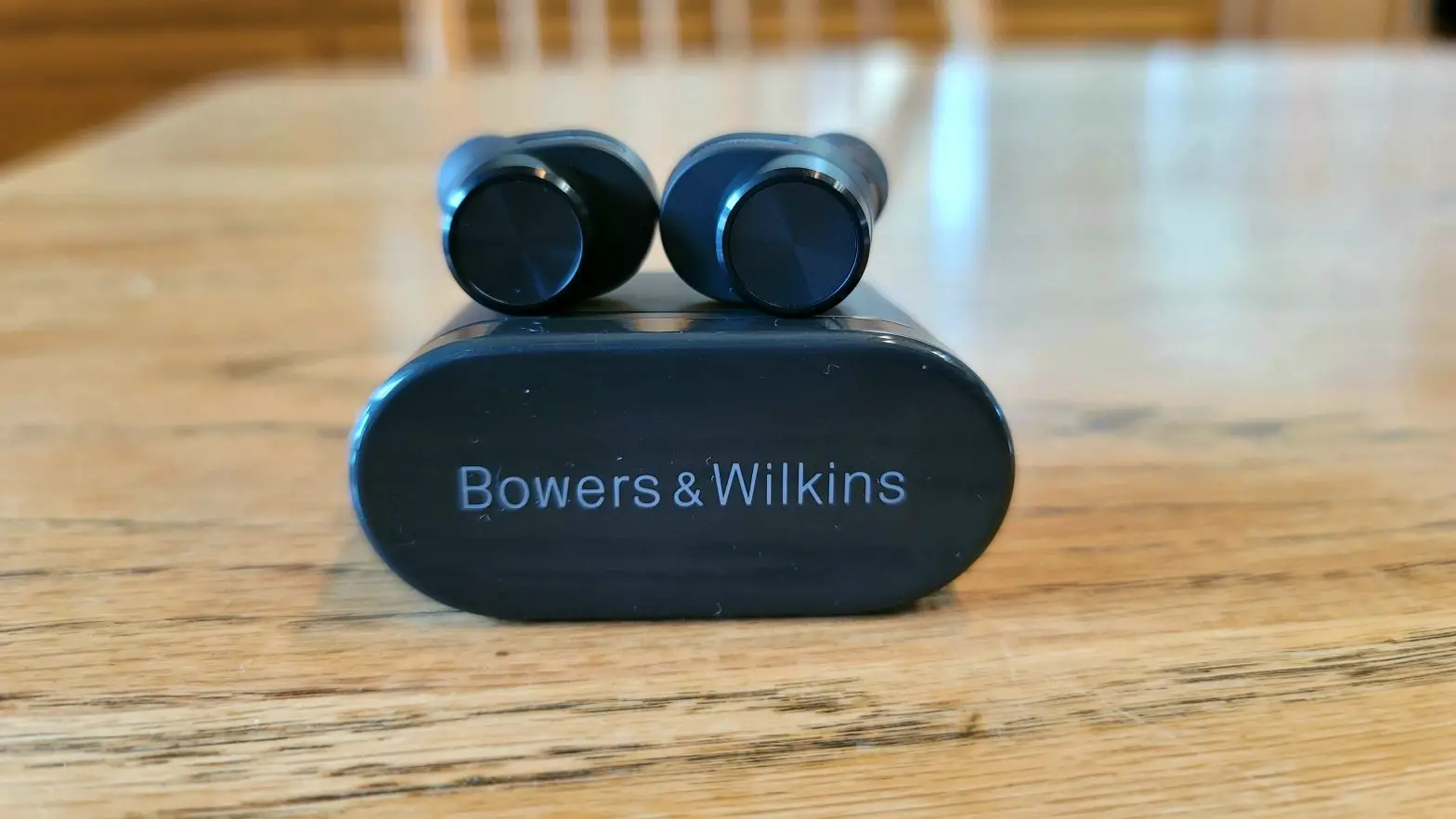
When not being worn in the ear, the Pi5 S2 ear buds can be stored and charged inside the charge case. The ear buds will be magnetically held in the charge case. The ear buds can only be stowed in one orientation.
Note: Take special care when wearing your earphones, hair or accessories trapped between your ears and the ear buds may interfere with proximity sensing.
Bluetooth Connectivity
5.1 Pairing
Your Bowers & Wilkins Pi5 S2 earphones are designed to stream music wirelessly from Bluetooth audio devices, such as smartphones, tablets, or computers. To do so, the earphones & device must first be paired.
When you receive your Pi5 S2 earphones they will be ready to pair to any Bluetooth audio device.
- Open the charge case lid with the ear buds places inside the charge case.
- The charge case indicator will flash blue.
- Go to the Bluetooth pairing menu of your device.
- Select the “Bowers & Wilkins Pi5 S2” from the device list.
- The charge case indicator will change to solid blue to indicate pairing is sucessful.
To pair to a subsequent device:
- Open the charge case lid with the ear buds places inside the charge case.
- Press and hold the button inside the charge case for between 1 and 5 seconds.
- The charge case indicator will flash blue.
- Go to the Bluetooth pairing menu of your device.
- Select the “Bowers & Wilkins Pi5 S2” from the device list.
- The charge case indicator will change to solid blue to indicate pairing is sucessful.
Your heapdhones can remember up to eight paired Bluetooth Devices. Repeat the above steps to pair more devices.
Note: Your earphones will automatically exit Bluetooth pairing mode if no device is paired within 5 minutes. If pairing fails, the indicator will rapid flash blue, please try pairing again.
Using Pi5 S2
6.1 Bluetooth Audio
Once paired to a Bluetooth audio source you can connect to the Pi5 S2 and all audio should be able to play all audio through the headphones.
6.2 Voice Services
The Pi5 S2 will support connections to any voice service in a paired and connected device. Pressing and holding the multi-function button will trigger the inbuilt voice service in.
Reset
Your Pi5 S2 can be reset to factory settings. To reset the earphones open the charge case with the ear buds placed inside. Press and hold the button on the inside of the charge case between 5 and 15 seconds or more and release. The indicator on the charge case will turn red to indicate the reset.
Caring For Your Earphones
Your earphones can be cleaned by a damp cloth and gently dabbing until clean. Do not use cleaning etergents, rubbing alcohol, or chemical cleaners/polish, doing so may damange your earphones.
Specifications
| Technical Features | True Wireless + techonlogy Bluetooth 5.0 with AptX technology ANC Wireless and USB-C charging Fast charging support |
| Bluetooth Codec | AptX MC SBC |
| Bluetooth Profiles | A2DP v1.3.1 AVRCP v1.6.1 HFP v1.7.1 HSP v1.2 BLE GATT (Generic Attribute Profile) |
| Frequency Band | Bluetooth: Tx & Rx mode: 2402MHz to 2480MHZ, ISM Band, Wireless Charging: Rx mode: 110kHz to 205kHz |
| Bluetooth RF output power | E 10dBm |
| Drive Units | 9.2mm Dynamic |
| Audio Frequency Range | 10Hz to 20kHz |
| Input Impedance | – |
| Distortion (THD) | <0.3% (1kHz/10mW) |
| Battery Life | Up to 5.2 hours Bluetooth |
| Charging | 15 minute charge = 2 hrs Bluetooth |
| Wireless Charging Frequency | 110KHz to 205KHz |
| Inputs | Bluetooth |
| Boxed Accessories | 80cm USB-A to USB-C cable |
| Weight | 2.5 grams (each earbud) |
| Operating temperature | 0°C to 40°C |
Service/Support
If you need help troubleshooting a specific problem, or simply have a question you would like answered, please initially consult the Headphone support section of the Bowers & Wilkins website: www.bowerswilkins.com.
 Bowers & Wilkins Speakers & Sound Systems - Audio Excellence