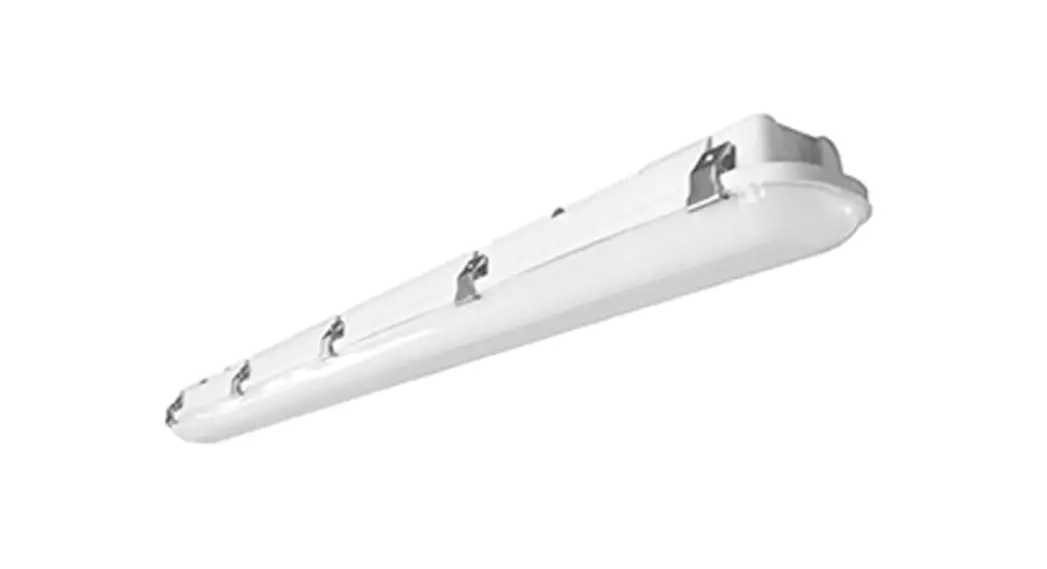
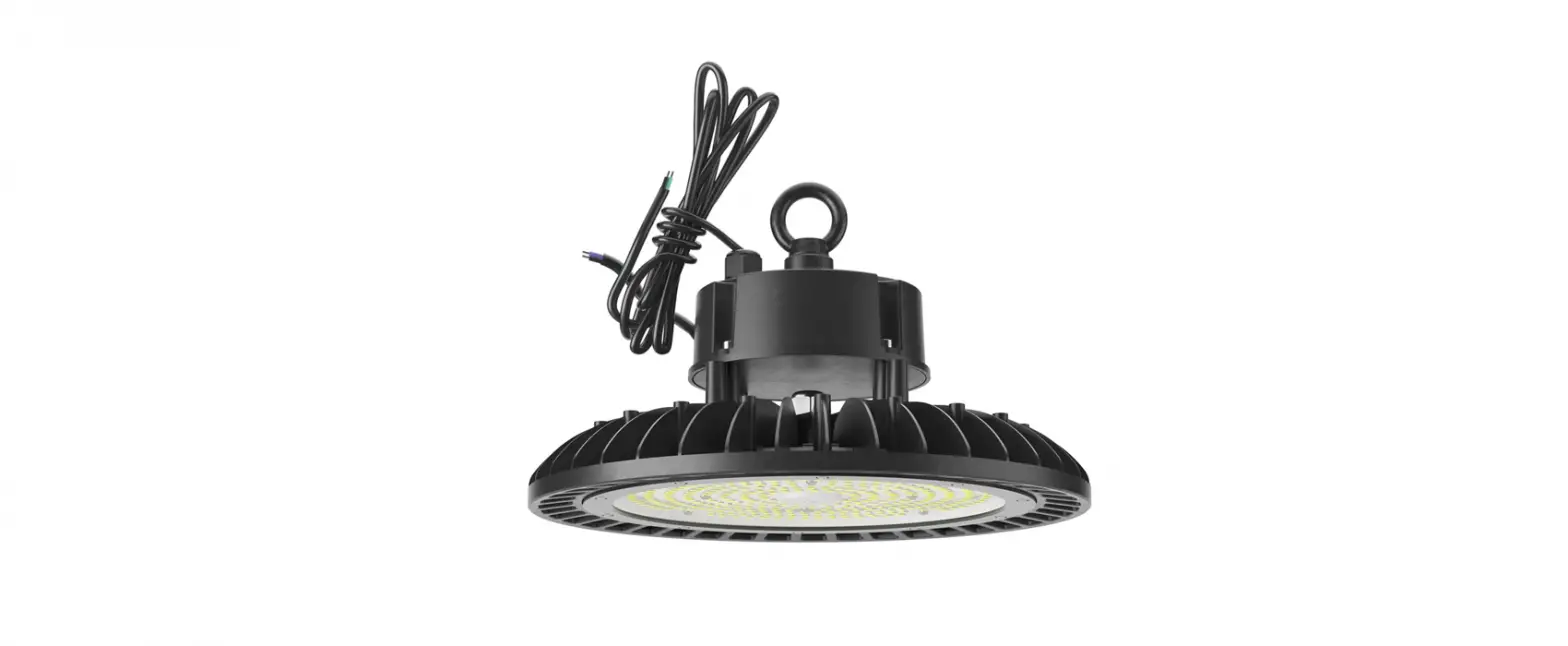
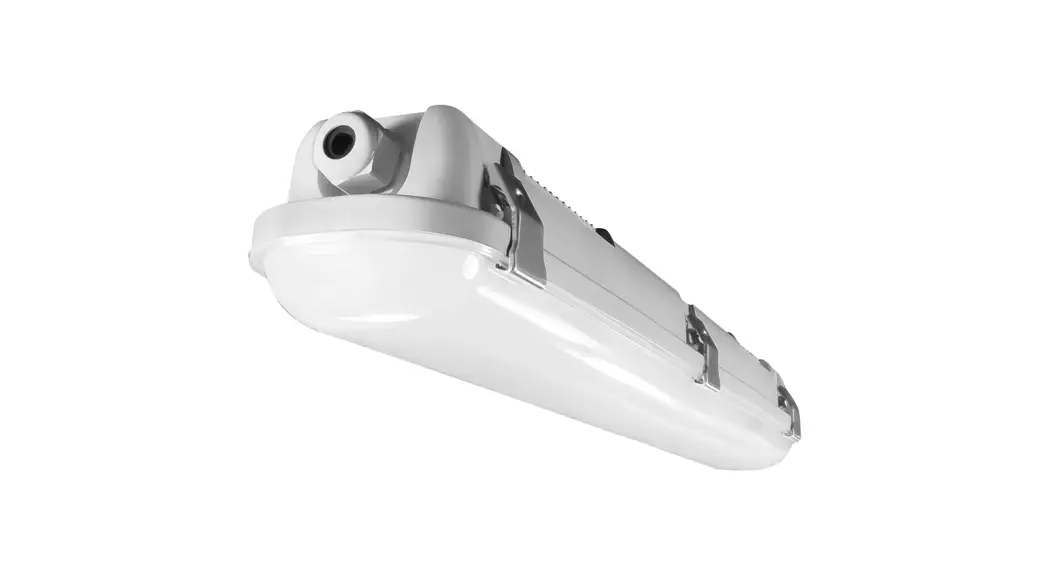
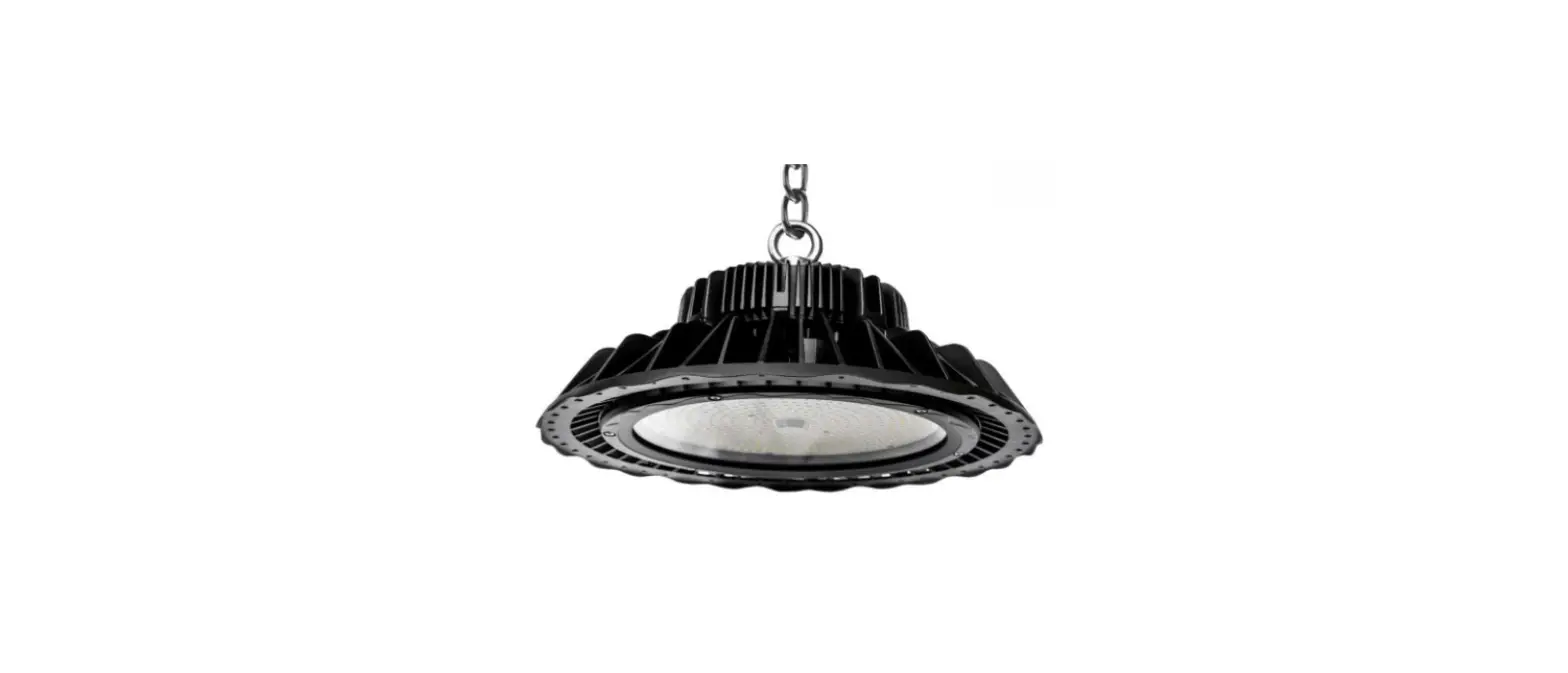
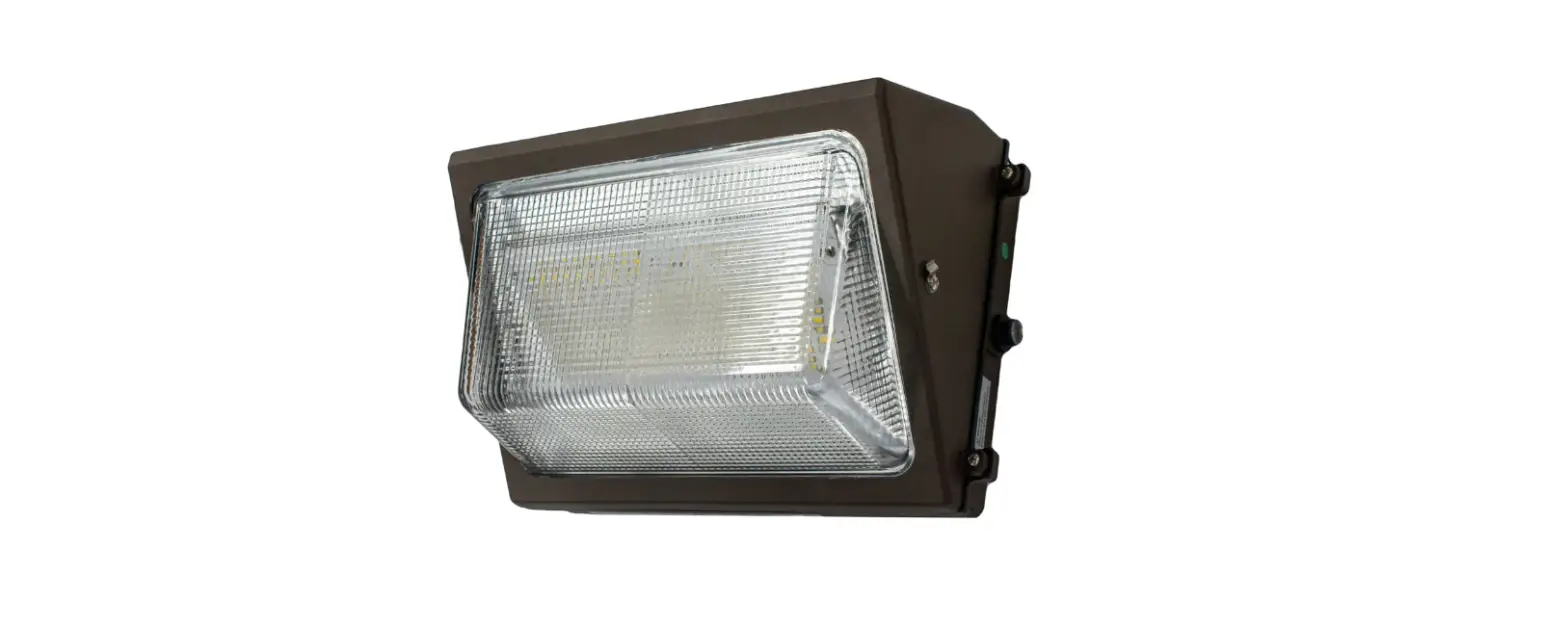
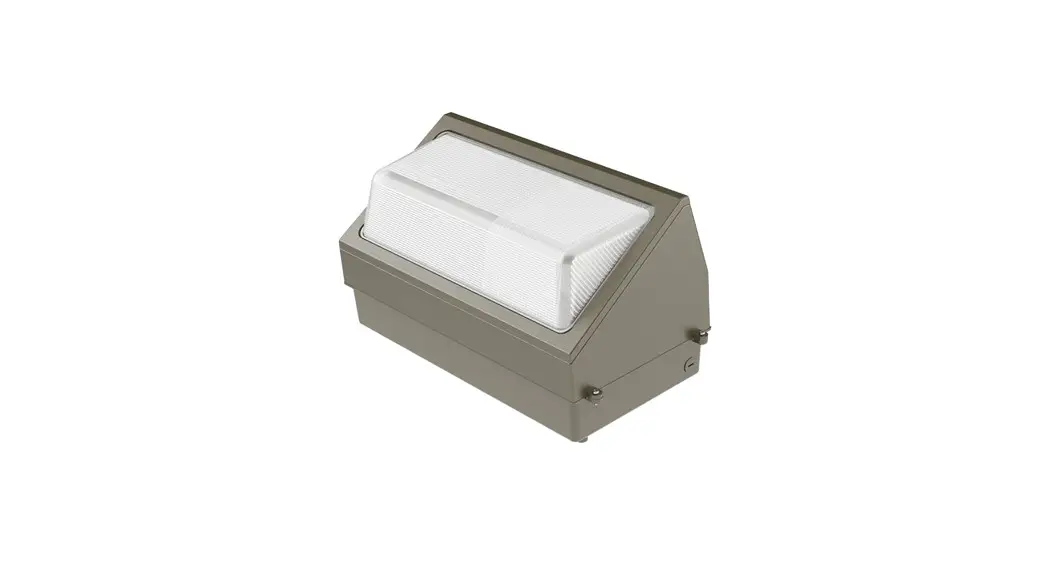
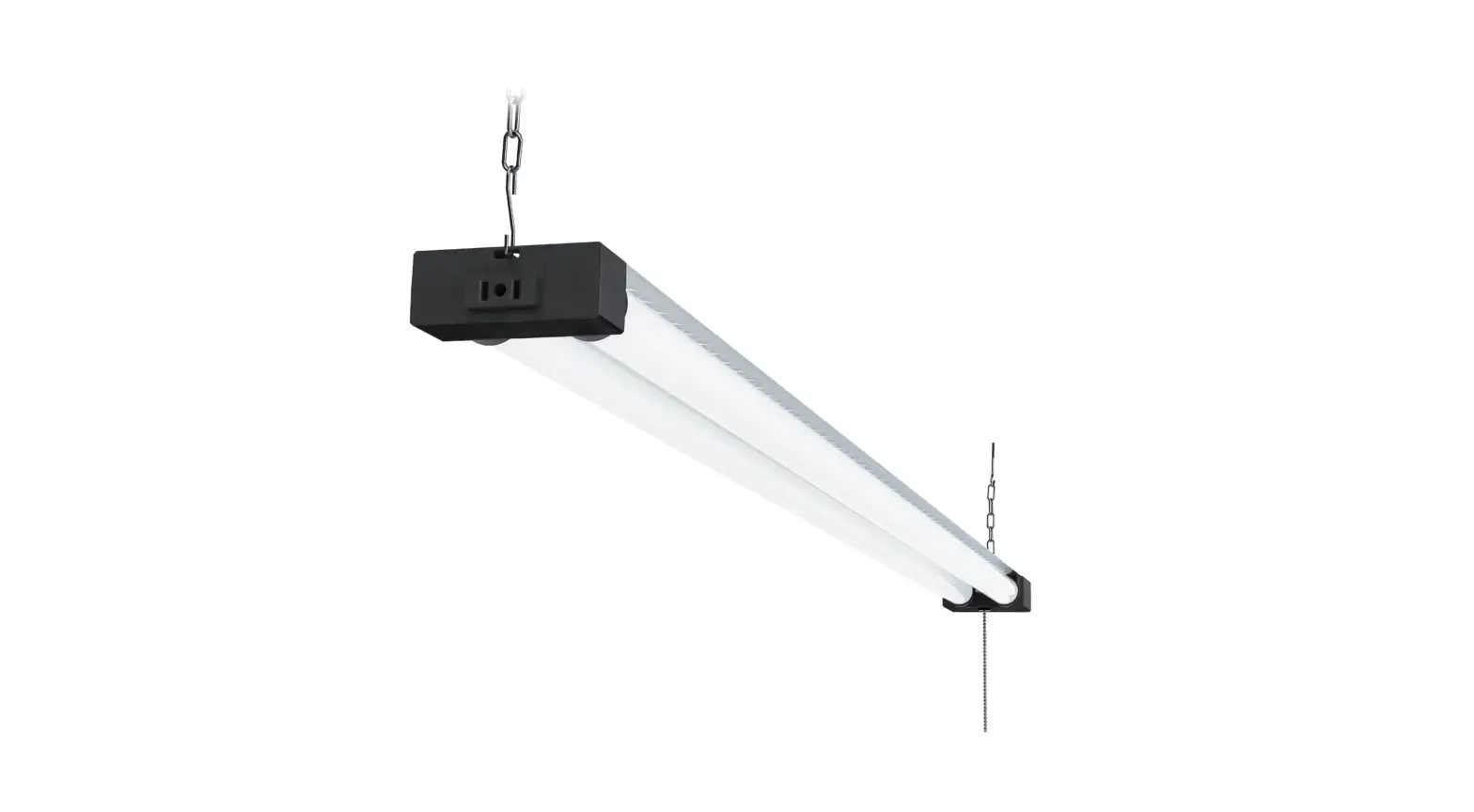
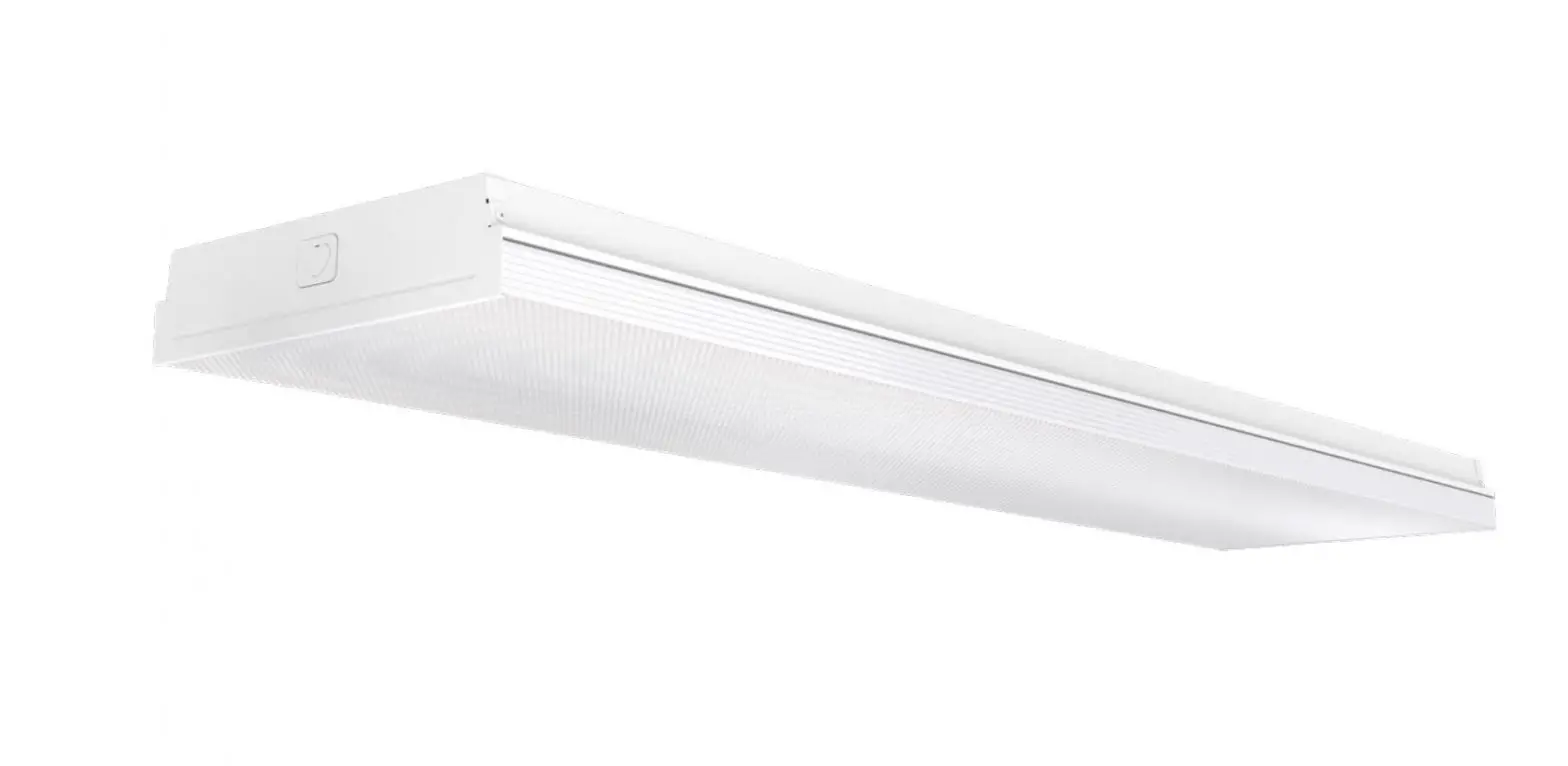
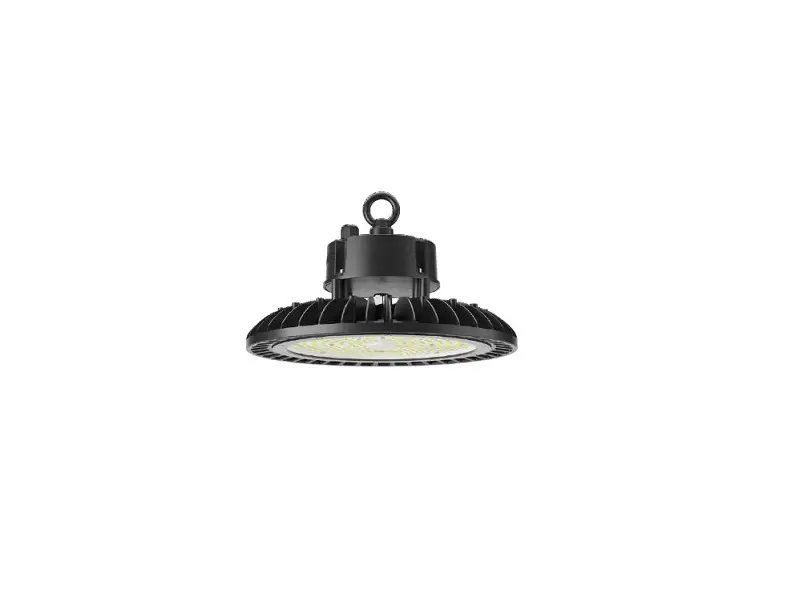
LED Vapor Tight High Bay 60W
Product Information
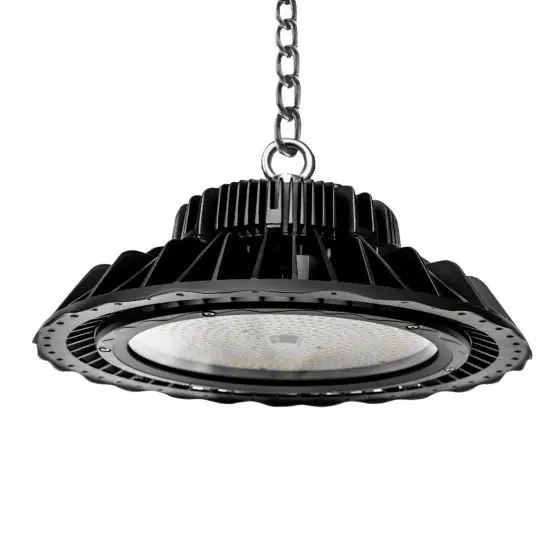
The Vapor Tight High Bay Series is a lighting fixture designed
for installation in areas where protection from moisture and dust
is required. It features a vapor-tight housing and is suitable for
use in high bay applications. The fixture is equipped with LED
technology and is dimmable using a 0-10V dimming system. It
operates on universal voltage, allowing it to be used with power
supplies ranging from 120V to 277V at 50/60Hz.
Safety Instructions
- Read instructions carefully before attempting to install the
fixture. - Comply with applicable electrical codes and local
ordinances. - Ensure the fixture is cool to the touch before cleaning or
performing maintenance.
Cleaning & Maintenance
- Clean the lens using a non-abrasive cleaning solution.
- Do not open the fixture or touch the LED for cleaning
purposes.
Troubleshooting
- Check the line voltage at the fixture and ensure it is correct
according to the wiring directions. - Verify that the fixture is properly grounded.
Product Usage Instructions
Installation Option: Surface Mount
Note: Turn off electrical power at the fuse or circuit
breaker box before wiring the fixture to the power supply.
- Install the mounting brackets to the desired surface.
- Open the clips on the fixture.
- Release the LED chip board inside the fixture by pinching the
metal clips together at the middle of the board. - Install the waterproof connector to the fixture.
- Connect the wires.
- Re-attach the lens to the housing.
- Fasten the clips on the fixture.
- Install the fixture to the mounting brackets.
Selectable Wattage and Color Temperature
Selecting Wattage:
When removing the LED chip board from the fixture, locate two
black toggle switches inside. Each silver box is labeled with
options for wattage selection.
- To change the wattage, select the silver box with the desired
wattage option. The default wattage is the highest option on the
left side of the fixture. Push the switch to the middle or right
for lower wattage options.
4 Foot Model Number: LO-LOC-4FTVTHB-MW-607590-MCCT-354050
- Default Wattage (Left): 90W
- Middle Wattage (Middle): 75W
- Lowest Wattage (Right): 60W
4 Foot Model Number:
LLO-OC-4FTVTHB-MW-120150180-MCCT-354050
- Default Wattage (Left): 180W
- Middle Wattage (Middle): 150W
- Lowest Wattage (Right): 120W
Selecting Color Temperature:
When removing the LED chip board from the fixture, locate two
black toggle switches inside. Each silver box is labeled with
options for color temperature selection.
- To change the color temperature, select the silver box with
“CCT” (color temperature) labeled on it. The default color
temperature is the highest option on the left side of the fixture
(5,000K). Push the switch to the middle (4,000K) or right (3,500K)
for lower temperature options.
Vapor Tight High Bay Series Installation Guide
SAFETY INSTRUCTIONS: Read instructions carefully before attempting to install fixture.
· All wiring should be performed by a qualified electrician. · Disconnect power before installing or servicing. This fixture must be wired in accordance with the National Electrical
Code and applicable local codes and ordinances.
CAUTION: Risk of fire
· WARNING: Make certain power is OFF before installing or maintaining fixture. No user serviceable parts inside. · WARNING: Do NOT handle energized fixture when hands are wet, when standing on wet or damp surfaces or in
water. · WARNING: Fixture to be independently supported to building structure.
CLEANING & MAINTENANCE:
CAUTION: Be sure the fixture temperature is cool enough to touch. Do NOT clean or maintain while the fixture is energized.
1. Clean lens with non-abrasive cleaning solution. 2. Do NOT open fixture to clean the LED. Do NOT touch the LED.
Note: These instructions do not cover all details or variation in equipment, nor do they provide for every possible situation during installation, operation or maintenance.
TROUBLESHOOTING:
1. Check that the line voltage at fixture is correct. Refer to wiring directions. 2. Check that the fixture is grounded properly.
0-10V DIMMABLE WIRING:
Universal voltage driver permits operation at 120V through 277V, 50/60Hz.
1. Connect the BLACK fixture lead to the (+) LINE supply lead. 2. Connect the WHITE fixture lead to the (-) COMMON supply lead 3. Connect the GROUND wire from fixture to the supply ground. Do NOT connect the GROUND of the dimming fixture
to the output. 4. Connect the VIOLET fixture lead to the (V+) DIM lead. 5. Connect the GRAY fixture lead to the (V-) DIM lead.
`
Vapor Tight High Bay Series Installation Guide
INSTALLATION OPTION: Surface Mount
CAUTION: Turn off electrical power at fuse or circuit breaker box before wiring fixture to the
power supply.
Fig. 1
SURFACE MOUNT
1. Install the mounting brackets to the installation surface. (Fig. 1) 2. Open the clips on the fixture. (Fig. 2) 3. Release the LED chip board inside the fixture by pinching the metal clips
together on the middle of the board. (Fig. 3) 4. Install the waterproof connector to the fixture. (Fig. 4) 5. Connect the wires. (Fig. 5) 6. Re-attach the lens to the housing. (Fig. 6) 7. Fasten the clips on the fixture. (Fig. 7) 8. Install the fixture to the mounting brackets. (Fig. 8)
Fig. 2
Fig. 3
Fig. 4
Fig. 5
Fig. 6
Fig. 7
Fig. 8
`
Vapor Tight High Bay Series Installation Guide
SELECTABLE WATTAGE AND COLOR TEMPERATURE:
Selecting Wattage:
1. When you take the LED chip board up from the fixture, locate 2 black toggle switches inside the fixture. Each silver box is labeled with options to select a wattage or options to select a color temperature.
2. To change the wattage, please select the silver box with wattage. The default wattage is the highest wattage option on the fixture (left position). You can adjust this by pushing the switch to the middle or the right (lowest wattage).
4 FOOT MODEL NUMBER: LO-LOC-4FTVTHB-MW-607590-MCCT-354050
Default Wattage (Left) 90W
Middle Wattage (Middle) 75W
Lowest Wattage (Right) 60W
4 FOOT MODEL NUMBER: LLO-OC-4FTVTHB-MW-120150180-MCCT-354050
Default Wattage (Left) 180W
Middle Wattage (Middle) 150W
Lowest Wattage (Right) 120W
Selecting Color Temperature:
1. When you take the LED chip board up from the fixture, locate 2 black toggle switches inside the fixture. Each silver box is labeled with options to select a wattage or options to select a color temperature.
2. To change the color temperature, please select the silver box with CCT. The default color temperature is the highest temperature option on the fixture left side 5,000K. You can adjust this by pushing the switch to the middle 4,000K or the right side 3,500K.
Default Color Temperature (Left) 5,000K
Middle Color Temperature (Middle) 4,000K
Lowest Color Temperature (Right) 3,500K
`