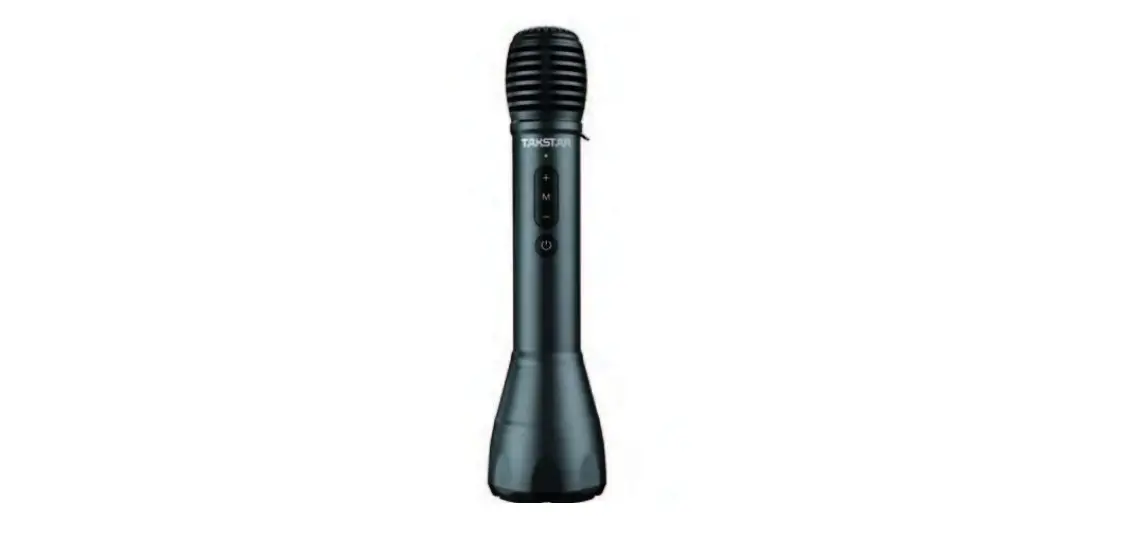
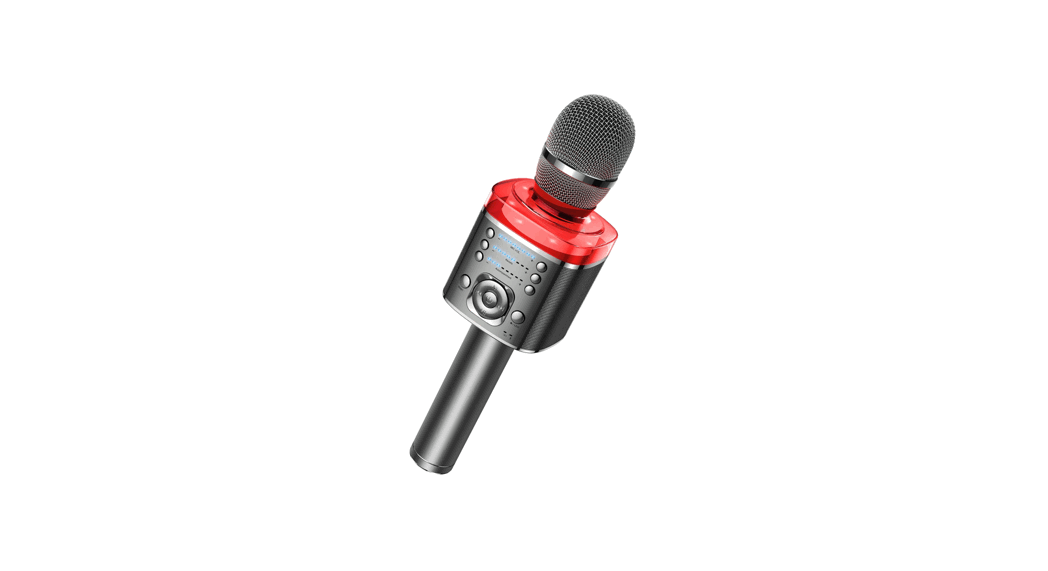
DA10S Speech Microphone
Product Information: DA10S Speech Microphone
- Combining microphone, power amplifier, and speaker in one
device - Suitable for speech, publicity, karaoke, etc.
- Rare earth material speaker for excellent sound quality
- Peak power of 10W for high volume
- One-button switch between MC mode and KTV mode for easy
operation - Wireless playing function for convenient music playback
- Volume adjusting function to adjust the volume based on the
venue - Built-in DSP chip with feedback rejecting function to reject
feedback effectively - Ultra-long standby with automatic power-off after 15 minutes of
no signal input - High capacity Lithium battery for approximately 8 hours of
operation time - Compact design, comfortable to hold for long periods of
reinforcement and karaoke
Product Usage Instructions
- Power Button: Keep pressing it for 2 seconds to turn on or off
the amplifier. If not used for 15 minutes, it will automatically
power off. - M Button: Click it to cycle through 7 modes (speech mode, host
mode, karaoke mode, Bluetooth mode, monster mode, child mode, anime
mode), accompanied by corresponding voice prompts. (Note: Hold M
button for 2 seconds to auto switch to speech mode) - Indicator Light: Green light indicates sufficient power supply
during operation. Red light indicates low power (less than 1 hour
of remaining battery life). Flashing red light indicates charging.
Continuous green light indicates full charge.
DA10S SPEECH MICROPHONE
User Manual
DA10S
DA10S
400 6828 333
K 10W K
DSP 15 8 K
K
01
DA10S
DA10S………………………………………………………1 …………………………………………………………1 Type-C…………………………………………………1 ………………………………………………………1
100Hz-15kHz 10W 4 THD5% 1KHz@4R,4W 66dB (A-Weighted)@1W 4 5.0 Reverb 3.4V-4.2V 18650 3.7V/2600mAh DC5V 1.5A 4 8 202g 64mm*254mm(*)
02
DA10S
150Hz-16KHz -47.5±1.5dB(0dB=1V/Paat 1KHz)
03
DA10S
215
“M”7 K M2
1
” + “5 ” – ” 3-5
Type-C5V 1.5A
3C
04
DA10S
1.”M” 2.””
“TAKSTAR DA10S”, “TAKSTAR DA10S”
3.
05
DA10S
1. 2. 3. 4. 5. 6. CCC
06
DA10S Speech Microphone
Product Dear Customer, Thank you for purchasing TAKSTAR DA10S speech microphone. Please read the user manual carefully before operation and keep it for reference in future. If you have any questions or suggestions, please contact our local dealer.
Features Combining microphone, power amplifier and speaker
together, suitable for speech, publicity, karaoke Rare earth material speaker, light weight, excellent sound,
high volume, peak power 10W One button to switch between MC mode and KTV mode,
easy operation Wireless playing function without the trouble of cable
connection, more convenient to play music Volume adjusting function to adjust the volume based on
the venue Built-in DSP chip with the feedback rejecting function to
reject feedback effectively Ultra-long standby, turning off automatically after no signal
input for 15 minutes to save the power consumption High capacity Lithium battery for energy saving and
environmental protection, approximately 8h operation time Compact design, comfortable to hold, suitable for
reinforcement and karaoke for a long time
07
DA10S Speech Microphone
Application
Speech, publicity, karaoke, etc.
Product content DA10S speech microphone……………………………………1 pc Windscreen………………………………………………………1pc Type-C charging cable…………………………………………1pc User manual………………………………………………………1pc
Specification Specification
Frequency Response: 100Hz-15kHz Peak Power: 10W Speaker Impedance: 4 THD: THD5% 1KHz@4R,4W S/N Ratio: 66dB (A-Weighted)@1W 4 (speech mode) Bluetooth Version: 5.0 Reverb: Reverb Operating Voltage: 3.4V-4.2V Battery Type: Li-ion battery (18650) Battery Capacity: 3.7V/2600mAh Charging: DC5V 1.5A Charging Time: approx. 4h Operation Time: approx. 8h (speech) Net Weight: approx. 202g Dimension: 64mm*254mm (Dia*H)
08
DA10S Speech Microphone
Cartridge Specification
Cartridge: back electret Polar Pattern: unidirectional Frequency Response: 150Hz-16KHz Sensitivity: -47.5±1.5dB(0dB=1V/Paat 1KHz) Note: The data is tested by Takstar Laboratory and Takstar has the final interpretation right!
Function
Power button: Keep pressing it for 2 seconds to turn on or off the amplifier. If it is not used for 15 minutes, it will automatically power off.
09
DA10S Speech Microphone
“M” button: Click it to cycle through 7 modes (i.e., speech mode, host mode, karaoke mode, Bluetooth mode, monster mode, child mode, anime mode), accompanied by corresponding voice prompt.(Note: Hold M button for 2s to auto switch to speech mode)
Indicator light: If it keeps lighting up green during operation, this means sufficient power supply. If the power can last for less than 1h, it keeps lighting up red. It flashes red when charged. If it keeps lighting up green, this means it is fully charged.
“+” button: Click it to increase the volume of the amplifier. A total of 5 levels of volume can be chosen.
“-” button: Click it to decrease the volume of the amplifier. There is no mute function.
Cartridge: When speaking, the mouth should be as close as possible to the pickup, generally 3-5 cm. Do not cover the cartridge with your hands; otherwise it will easily produce feedback.
Charging interface: Connect to the Type-C charging cable. Please use a charging head with a specification of 5V 1.5A and 3C certification to charge the amplifier.
Speaker: Do not put the speaker too close to people’s ears to avoid hearing damaging. Please try to keep the speaker clean.
Note: When the product is used for the first time, it is recommended to fully charge it first; when it is fully charged, please stop charging the battery to avoid overcharge; if it is
10
DA10S Speech Microphone
not used for a long time, it needs to be charged once every six months to avoid over discharge of the battery, which will affect the battery performance.
Holding diagram
Wireless pairing method When the product is used for the first time, it needs to be
paired with a mobile phone or a wireless playing device. The steps are as follows: 1. Power up the mic and press “M” button to switch to
Bluetooth mode. 2. Enter SETTINGS menu on your phone, find and enable
Bluetooth, wait until “TAKSTAR DA10S” is discovered and tap on it to connect. If connected successfully, you should be able to play audio wirelessly through the mic. 3. Next time you switch to Bluetooth mode, it will automatically pair to the previously connected device. Switching to other mode will disable wireless connection automatically.
11
DA10S Speech Microphone
Caution
In order to avoid possible personal injury or property damage caused by electric shock, high temperature, fire, radiation, explosion, mechanical hazards and improper use, please read and observe the following items carefully before using the product. 1. Please do not put the speaker close to people’s ears to
avoid hearing damage. 2. If there is any abnormality (such as smoke, odor, etc.)
during use, please turn off the power switch and unplug the power plug immediately, and then send the product to the dealer for maintenance. 3. The product and accessories should be placed indoors in a dry and ventilated place. Do not store them in a humid and dusty environment for a long time. Avoid getting close to fire, rain, water, excessive collision, throwing, vibrating the machine and covering the ventilation holes during use, so as not to damage its function. 4. When using the product, you must abide by the relevant safety regulations. Please do not use the product in the occasions that are clearly prohibited by laws and regulations to avoid accidents. 5. Please do not disassemble, refit or repair the product by yourself to prevent personal injury. If you have any questions or service needs, please contact our local dealer for follow-up. 6. If you use a power adapter to supply power, you should purchase and use a power adapter that has obtained CCC certification and meets the standard requirements.
12
DA10S Speech Microphone
13
DA10S Speech Microphone
14