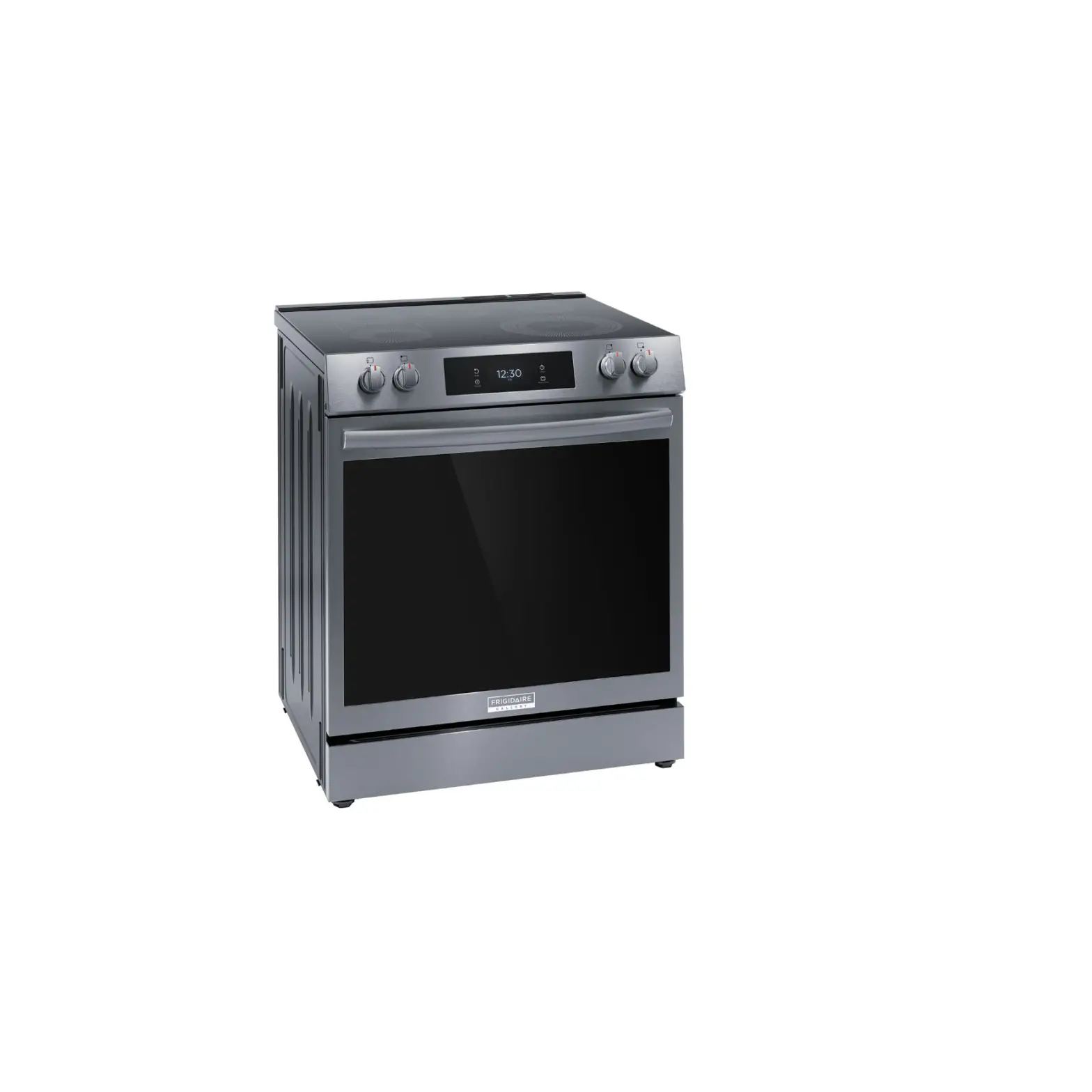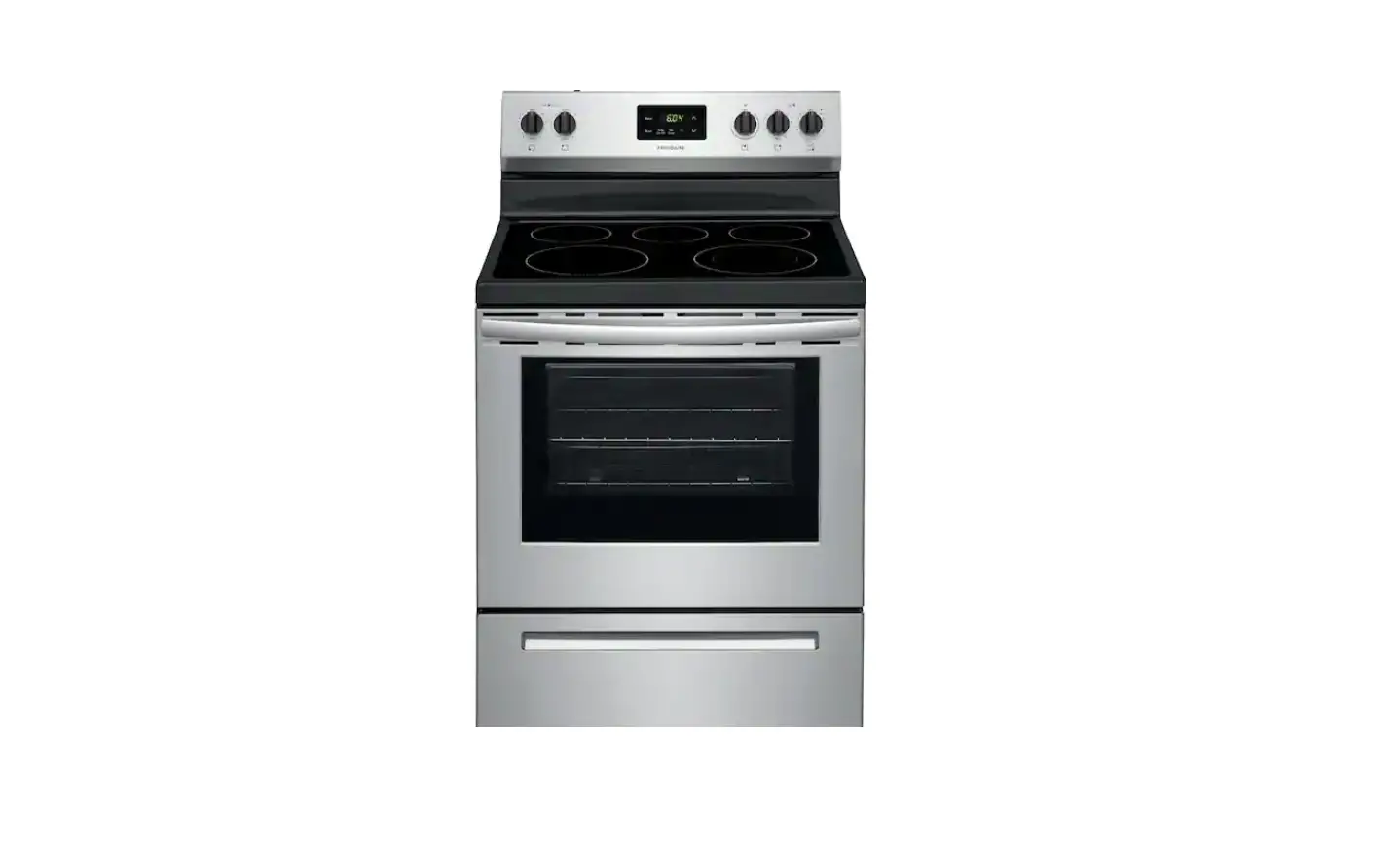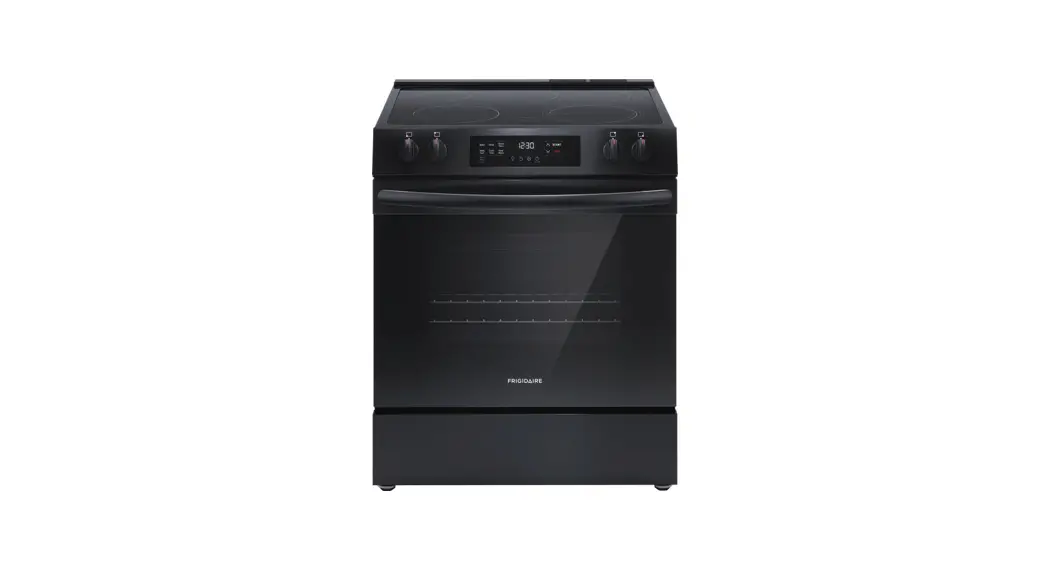

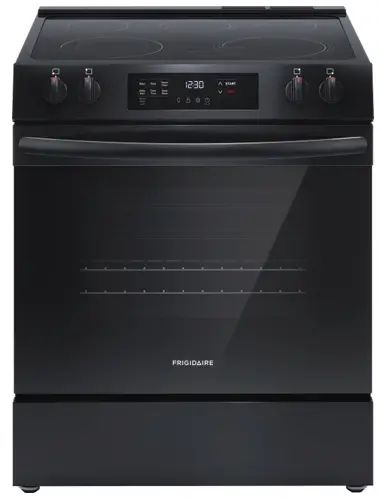

Get started with your electric range
User Manual
BEFORE YOU START
 Set up your oven
Remove all packaging material and tape and make sure your oven racks are in place prior to operating the range. Check out your Use & Care Manual for tips to help care for your range. Set your clock
It’s easy! Press  . Press the Up or Down arrow until “CLoC” appears in the display. Press START. Press and hold the Up or Down arrow until the correct time appears in the display, then press START.
 Before cooking for the first time
Set your oven to Bake at 350°F/ 177°C for about 30 minutes. As the range gets settled in your home, it’s normal to experience some noises and smoke.
YOU’RE IN CONTROL
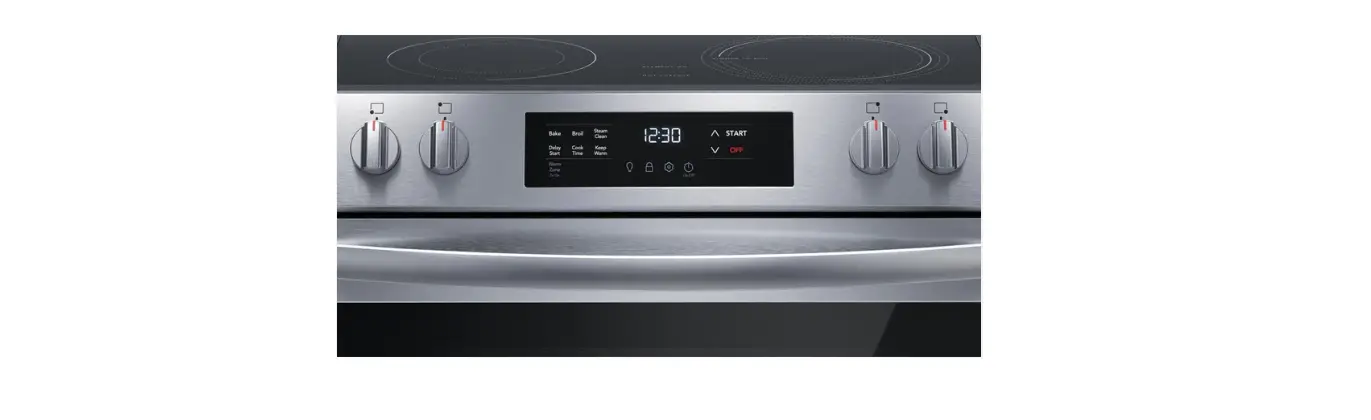
 Your oven controls
Using your oven starts with pressing the keys on your oven control.
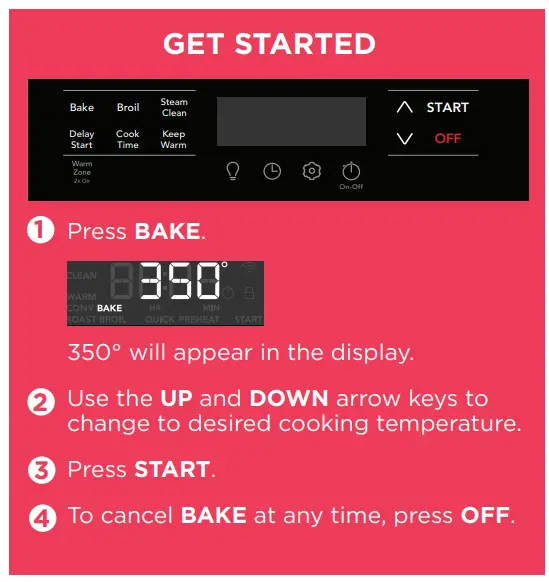
 OVEN MODE HIGHLIGHTS
 Cooking is more convenient with Cook Time.
Choose the amount of time you want your oven to cook, then the oven will turn off. Meals stay warm and ready to serve in the oven with Keep Warm.
 REMEMBER
- Do not use aluminum foil or any other materials to line the oven bottom, walls, racks or any part of the oven.
- Do not add bleach, ammonia, oven cleaner, or any other abrasive household cleaners to the water used for Steam Clean.
- All oven racks should be removed before a steam clean operation.
- For more cooking and rack position tips, refer to your Use & Care Manual.
OVEN MODES
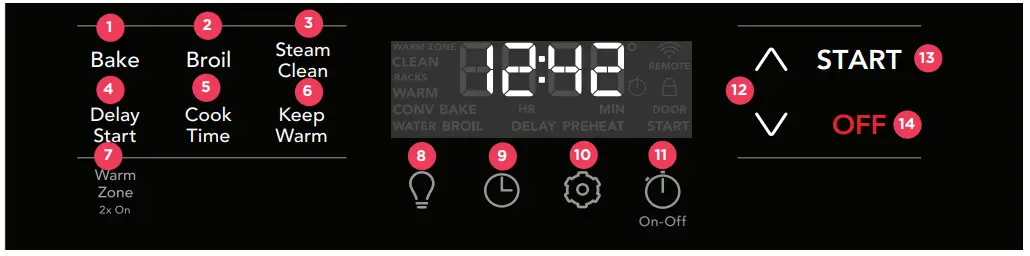
- BAKE is for foods that need heat to rise and move gently in the oven.
- BROIL is for broiling and grilling foods under direct, high heat.
- STEAM CLEAN offers a time saving method to assist in the routine cleaning of small and light soils.
- DELAY START sets a delayed starting time to oven cooking or cleaning functions.
- COOK TIME counts down your set cooking time and shuts off the oven when complete.
- KEEP WARM is used to keep cooked foods at serving temperature in the oven.
- WARM ZONE uses radiant heat to keep cooked foods at serving temperature on the cooktop. *
- OVEN LIGHT turns the interior light on and off at a touch.
- CLOCK is used to set the time of day.
- GEAR sets user preferences for various control functions
- TIMER ON-OFF is used to set or cancel the minute timer.
- UP and DOWN keys are used to set temperature and time.
- START starts cooking functions and sets the clock.
- OFF turns off all cooking functions.
*Using Warm Zone on the cooktop
 To turn on Warm Zone
Press the Warm Zone key twice (2X). To turn off Warm Zone
Press the Warm Zone key once.
QUICK CARE
 A little love goes a long way
Quick ongoing care keeps your range working great for years to come! Use a ceramic cooktop cleaning cream before cooking for the first time to protect your cooktop from scratches. Be gentle
Clean with warm water and mild soap, or use Frigidaire ReadyClean™ Oven and Microwave Cleaner. STEAM CLEAN is a chemical free and time saving method to assist in the routine cleaning of small and light soils in your oven. Remove all racks and accessories before starting a steam clean cycle. Refer to your Use & Care Guide for more steam clean tips.
FAQs
– Temperature changes during preheat and cool-down can make parts of the range expand and contract. The controls click as they work to create even cooking temperatures. Different fans run to heat up and cool down different parts of the oven, even when it’s off. These sounds are normal.
– We know adjustment isn’t always easy. As you get used to a new range, you may need to test and adjust cooking times and temperatures for recipes. Consult your Use & Care Guide for detailed instructions on how to adjust temperature or call Frigidaire Owner Support if you need help!
– Broiling is direct heat cooking and will produce some smoke. If smoke is excessive, place food further away from the element. Watch food to prevent burning. Find more troubleshooting tips in the back of your Use & Care Guide.
LET’S MAKE IT OFFICIAL!
 Take the first step to becoming a part of the Frigidaire family by registering your new range.
Look for the Photoregister™ icon on your registration card.


WE ARE FOR YOU hereowner support
frigidaire.com 1 (800) 374-4432
frigidaire.ca 1 (800) 265-8352
 Frigidaire