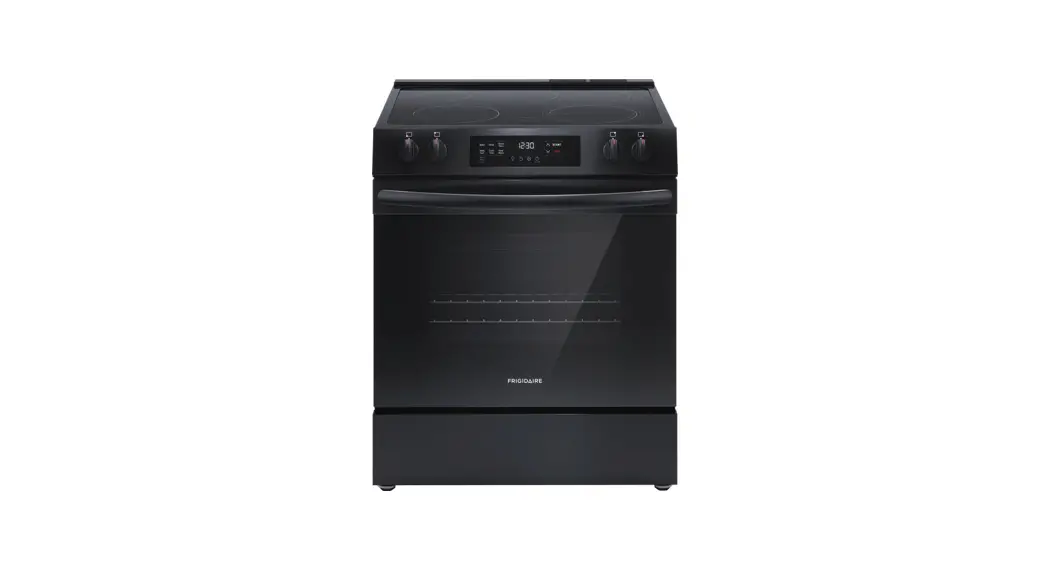
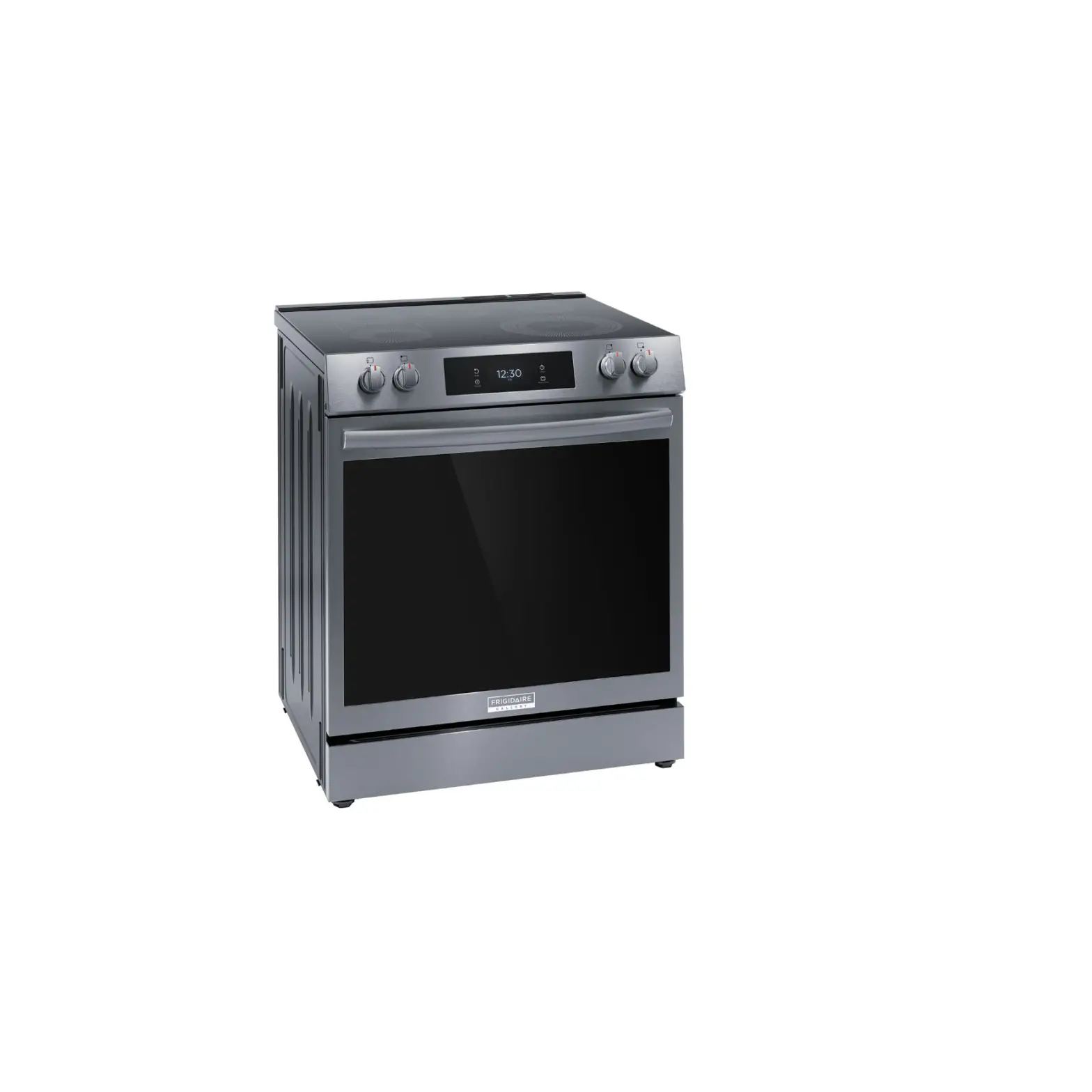
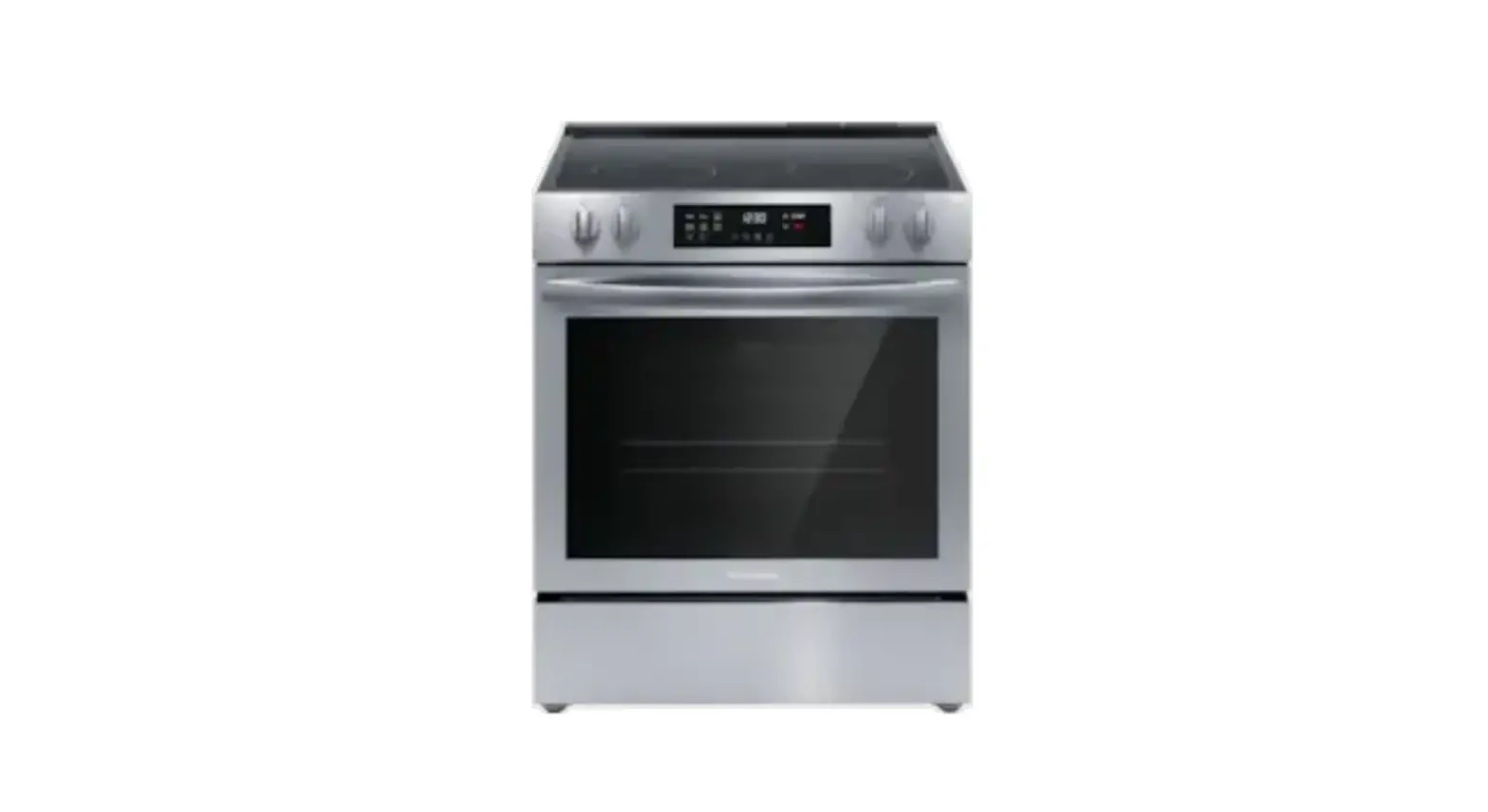
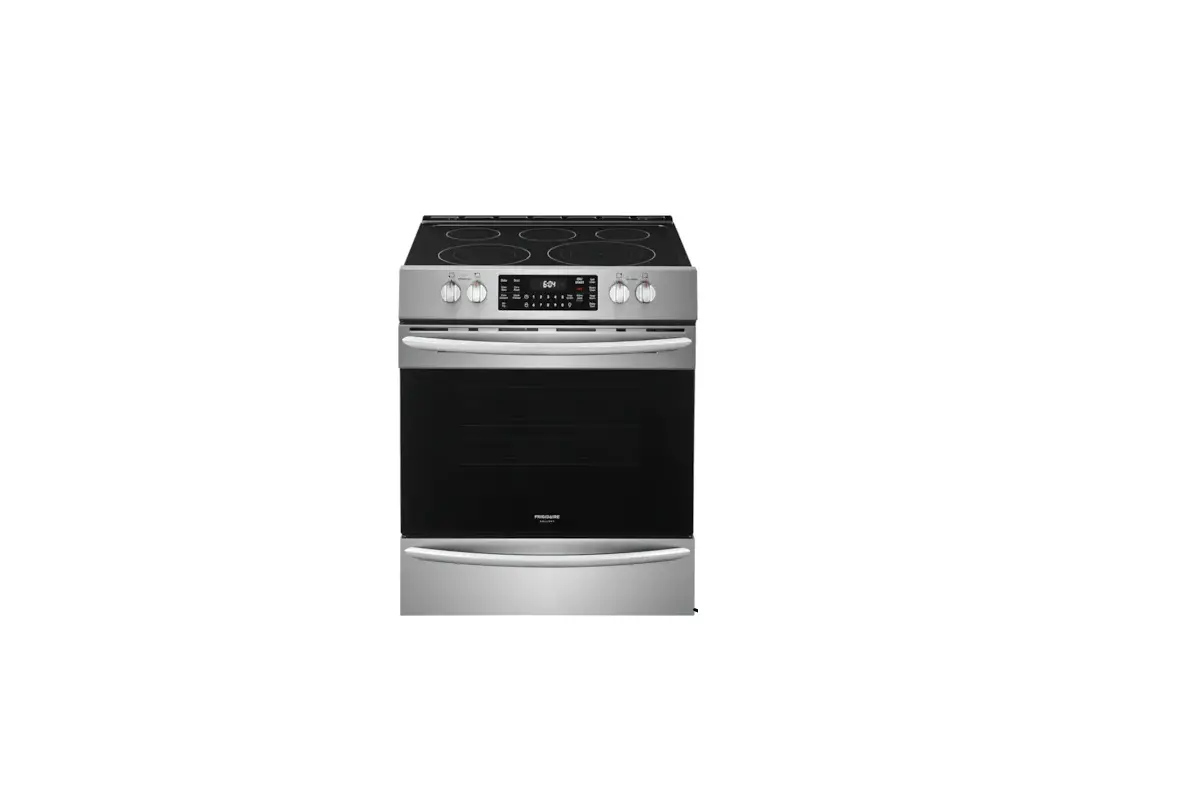
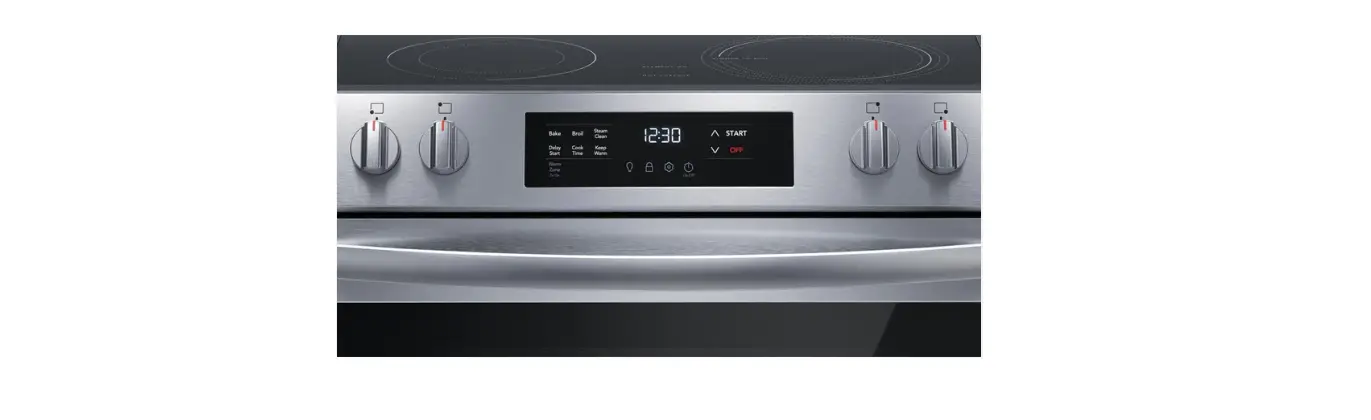
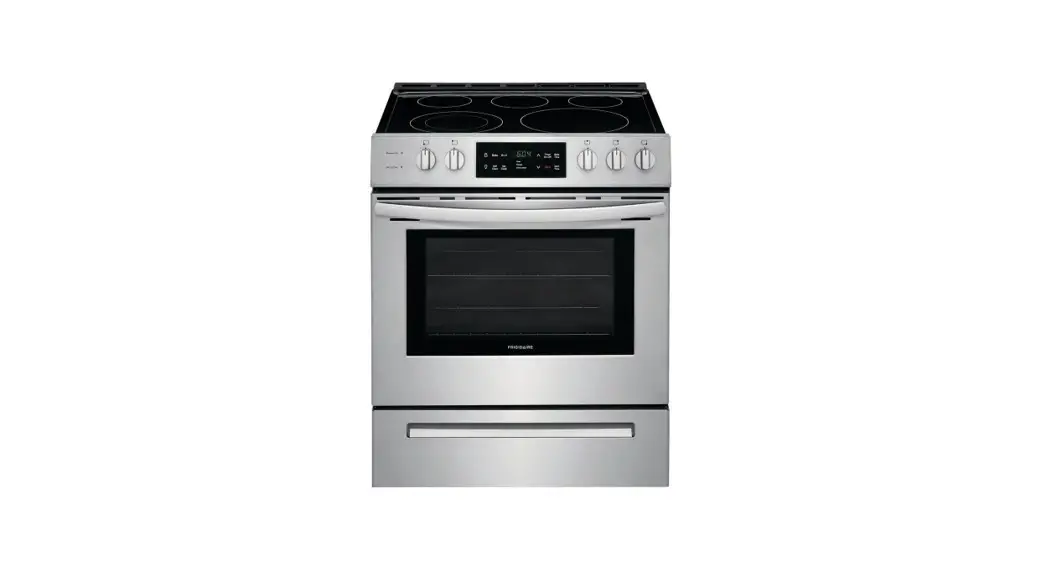
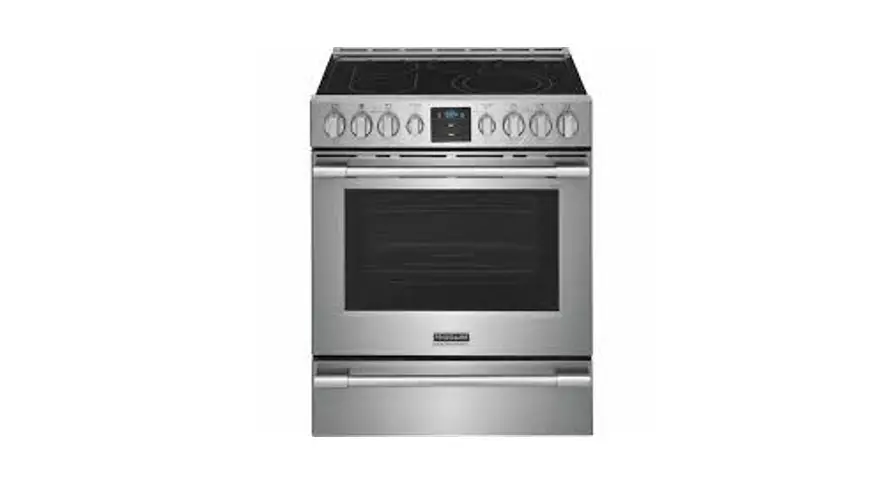
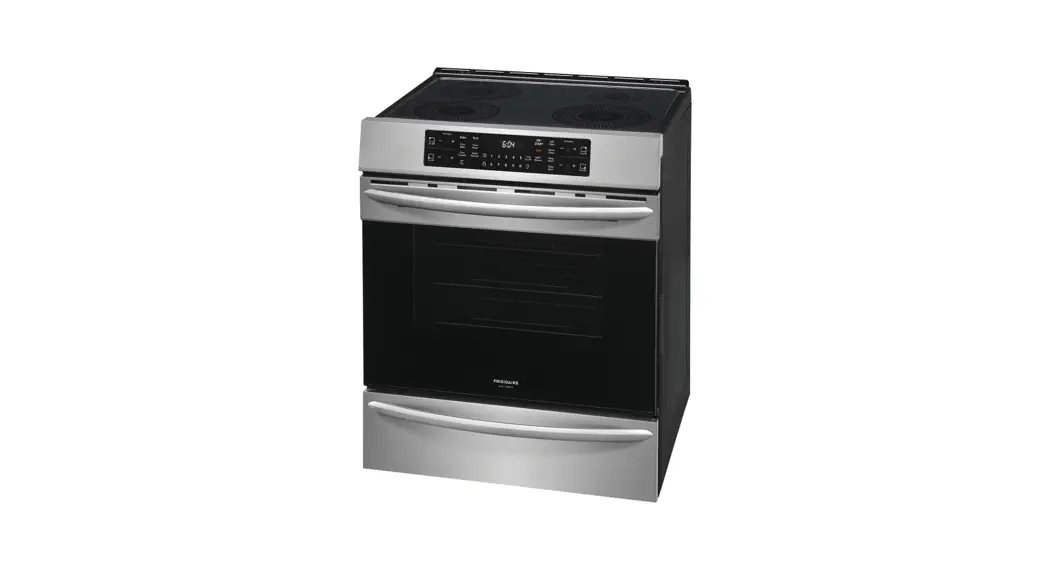
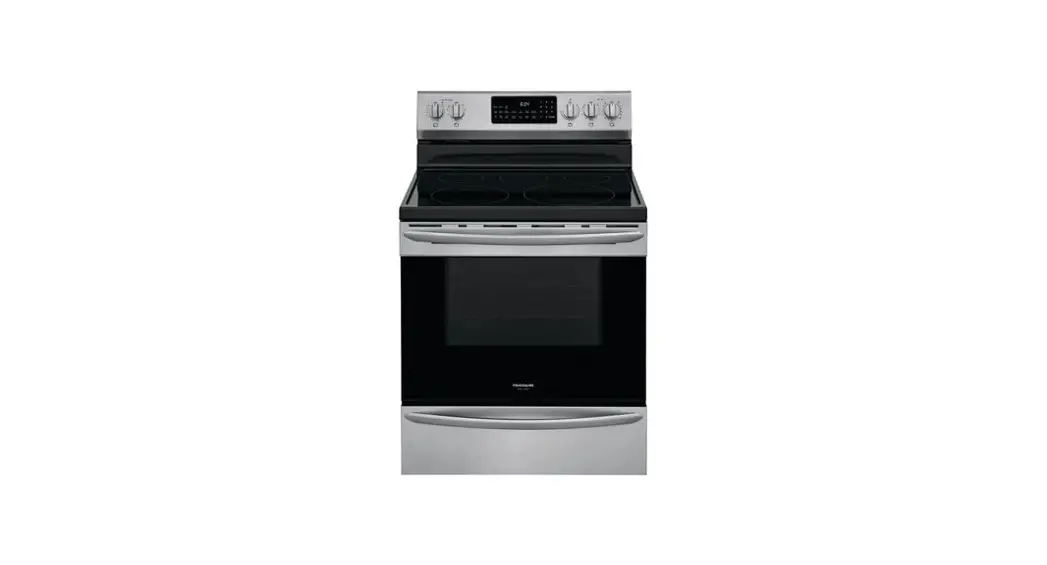
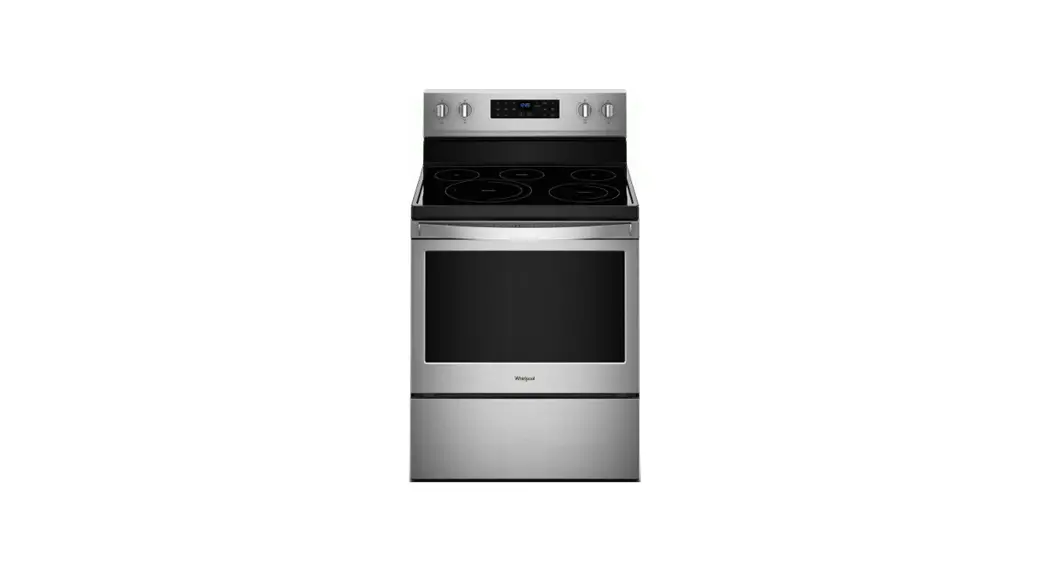
GCFI3060BF 30 Inch Front Control Electric Range
Product Information: Induction Range
The Induction Range is a versatile cooking appliance that
utilizes induction heating technology to provide fast and efficient
cooking. It features a ceramic cooktop surface and a range of
cooking zones for different pot sizes. The range also includes
various control options, such as power levels, bridge function,
temperature lock, and keep warm setting. Additionally, the oven
modes offer flexibility for baking, roasting, and cleaning.
Before You Start
1. Set up your oven by removing all packaging material and tape.
Ensure that the oven racks are in place before operating the
range.
2. Apply a ceramic cooktop cleaning cream to the cooktop surface
and buff it with a clean paper towel to prevent scratches.
Induction Basics
1. Choosing the right cookware: Look for an induction symbol on
the bottom of pots and pans to ensure compatibility with the
cooking zones. If the cookware isn’t marked, check if a magnet
sticks firmly to the bottom or sides. Sturdy cookware with flat,
level, and clean bottoms work best.
2. Using the right size cooking zone: Refer to the markings on
the cooking zone to determine the minimum and maximum pan sizes.
Select the cooking zone that best fits the cookware bottom for
optimal heating. It’s acceptable for the pan to be slightly larger
than the cooking zone.
3. Pan sensing: Ensure that the cookware is induction-ready,
centered on the cooking zone, and not too small for the zone being
used. If the cooking zone doesn’t become active, it may indicate an
issue with pan compatibility.
Cooktop Controls
The cooktop controls allow you to operate the induction range
with ease:
- Power: Turn the cooktop on and off.
- Lock: Hold until a beep sound to lock or unlock the
cooktop. - Cooking Zone Indicator: LEDs corresponding to the active
cooking zones appear when sensing cookware. - Cooking Zone On/Off: Press to turn each cooking zone on or off
when cookware is in place. - Cooking Zone Power Level: Press a number or slide your finger
to set the power level from 1 (low) to 9 (high). Power Boost
provides the most powerful setting. - Bridge: Touch to link both left cooking zones together for
cooking with a griddle. - TempLock: Activate a temperature sensor for the right front
zone to maintain consistent temperature while cooking. - TempLock Presets: Pre-set temperature settings for simmer,
saute, sear, and boil. - Keep Warm: One-touch function to set all zones to low power for
keeping cooked foods warm.
Oven Modes
The oven offers various modes for different cooking
requirements:
- Delay Start: Allows a delayed starting time for Bake, Convect
Bake, No Preheat, Convect Roast, Steam Clean, and Self Clean
functions. - Food Probe: Monitors the internal temperature of large cuts of
meat using a probe. An alert will sound when the desired target
temperature is reached. - Cook Time: Counts down the set cooking time and automatically
shuts off the oven when complete.
Quick Care
To maintain the performance of your Induction Range:
- Clean the cooktop surface with warm water and mild soap or use
Frigidaire ReadyCleanTM cleaners available on the website.
FAQs
For troubleshooting tips and additional information, refer to
the Use & Care Manual and visit Frigidaire.com.
Product Registration
Register your new range by looking for the PhotoregisterSM icon
on your registration card to become a part of the Frigidaire
family.
quick start guide
INDUCTION RANGE
BEFORE YOU START
Set up your oven Remove all packaging material and tape. Make sure your oven racks are in place prior to operating the range. Use a cooktop cleaner Apply a ceramic cooktop cleaning cream to the cooktop and buff with a clean paper towel to help prevent scratches.
Set your clock It’s easy! Touch Menu Options bars on the screen and scroll to Clock. Touch Set Clock and set time using graph. Set AM or PM, and touch Save. Before cooking for the first time To get your oven ready to go, set your oven to bake at 350°F for about 30 minutes. As the range gets settled in your home, it’s normal to experience some noises and smoke.
INDUCTION BASICS
Choosing the right cookware For induction heating to work, cookware needs to be compatible with the cooking zones.
Look for an induction symbol on the bottom of pots and pans.
COMPATIBLE
MAYBE
INCOMPATIBLE
If the cookware isn’t marked as induction-ready, check the bottom and sides with a magnet. If the magnet sticks firmly to the cookware, then it will work on the cooktop! Cookware bottoms should be flat, level, and clean. Sturdy cookware with solid bottoms work best.
Using the right size cooking zone The markings on the cooking zone show the minimum and maximum pan size. For the fastest and most even heating, use the cooking zone that best fits the cookware bottom. It’s ok for the pan to be a little bigger than the cooking zone. Pan sensing If the cooking zone does not become active, the zone isn’t sensing the pan. Make sure the cookware is induction-ready, centered on the cooking zone, and not too small for the zone you’re using.
PAN TOO SMALL
PAN JUST RIGHT
COOKTOP CONTROLS
Touch and hold illuminated keys to get cooking with induction
1. Power: Turn the cooktop on and off. 2. Lock: Hold until the beep to lock
cooktop on or off. 3. Cooking Zone Indicator:
When sensing cookware, LEDs corresponding to the zone appear. 4. Cooking Zone On/Off: When cookware is in place, press to turn each zone on and off. 5. Cooking Zone Power Level: Press a number or slide your finger to set power level from 1 (low) to 9 (high). Touch Power Boost for the most powerful setting.
6
4 2
7
1
3
5
9
8
6. Bridge: Bridge appears when both left cooking zones detect cookware. Touch to link the zones together to cook with a griddle.
7. TempLock: When using the right front zone, touch to activate a temp sensor that monitors heat, adjusting power to maintain consistent temp while cooking.
8. TempLock Presets: TempLock settings for simmer, saute, sear, and boil. 9. Keep Warm: One touch sets all zones to low to keep cooked foods warm.
REMEMBER
· Place cookware on cooking zones before setting cooktop controls. · Be careful! Cooking zones may be hot even though they appear cool.
A22474822/A 05/2023
OVEN MODES
Press ON/OFF button or touch the screen to get started. Touch Oven Modes and scroll to explore your cooking options.
BAKE surrounds food with gentle, rising heat to cook delicate foods. CONVECT BAKE uses a fan to circulate heat for quick and even baking. AIR FRY uses the Air Fry Tray to quickly and evenly circulate heated air to deliver crispy, golden results with little to no oil. NO PREHEAT is for single rack baking with packaged and convenience foods. AIR SOUS VIDE uses hot circulating air to preserve nutrients and flavors as your food cooks slowly at low temperatures. CONVECT ROAST uses a convection fan to gently brown meats and seal in the juices. BROIL is for broiling and grilling foods under direct, high heat. MULTI-RACKS is for two rack baking. STEAM BAKE is recommended for baking moist and flavorful breads and pastries for improved browning and flaky crusts. STEAM ROAST is recommended for roasting meat or poultry that results in a crispy outside and juicy inside. BREAD PROOF creates the perfect environment to activate yeast when baking homemade breads. KEEP WARM is used to keep cooked foods at serving temperature (140°F to 200°F) in the oven. DEHYDRATE uses the Air Fry Tray to circulate air around the food for faster preservation.
DELAY START allows a delayed starting time only for Bake, Convect Bake, No Preheat, Convect Roast, Steam Clean, and Self Clean. FOOD PROBE monitors the internal temperature of large cuts of meat with a probe. An alert will sound once the desired set target temperature is reached. COOK TIME counts down your set cooking time and shuts off oven when complete.
REMEMBER
· Customize your cooking by setting your preferences. Check your Use & Care Manual if you need help.
· Do not use aluminum foil or any other materials to line any part of the range.
QUICK CARE
A little love goes a long way Quick ongoing care keeps your range working great for years to come! Clean with warm water and mild soap, or try our line of Frigidaire ReadyCleanTM cleaners, available on our website.
FAQs
Why does my range make noises when I’m cooking? Temp changes during preheat and cool-down can make parts of the range expand and contract. Different fans run to preheat the oven or cool down different parts of the range, even when it’s off. The controls click as they cycle to create even cooking temps in the oven and on the cooktop zones. On induction cooktops, cookware can sometimes vibrate slightly, causing a light buzzing noise. These sounds are normal. The range will beep alert tones if anything is sitting on the cooktop controls. Don’t place pans, utensils, or other items on the cooktop control area. TWheiskonvoewnaddojuesstnm’tewnot risknl’itkaelwmayyos ledaosyn.eA. sWyhoaut’gsewt ruosnegd?to a new range, you may need to test and adjust cooking times and temperatures for recipes. Consult your Use & Care Manual for bakeware and cooking recommendations, and to see detailed instructions on how to adjust temperature. Or call us if you need help! Why does my oven smoke when I use the broil and Air Fry settings? Broiling and Air Fry are direct, high-heat cooking and will produce some smoke. If smoke is excessive, place food further away from the element. Broil with the oven door closed, and watch food to prevent burning.
Find more troubleshooting tips in the back of your Use & Care Manual and Frigidaire.com.
LET’S MAKE IT OFFICIAL!
Take the first step to becoming a part of the Frigidaire family by registering your new range. Look for the PhotoregisterSM icon on your registration card.
PHOTOREGISTERSM
WE ARE
here Have a question? Want help? Need service? owner support
FOR YOU
Frigidaire.com 1 (800) 374-4432
Frigidaire.ca 1 (800) 265-8352
 Kitchen, Laundry, Home Appliances & Accessories | Frigidaire
 Frigidaire