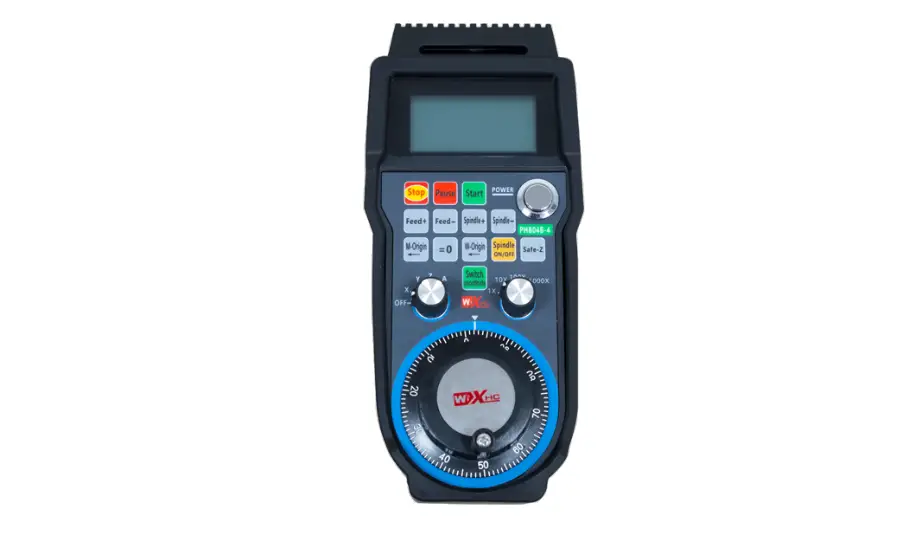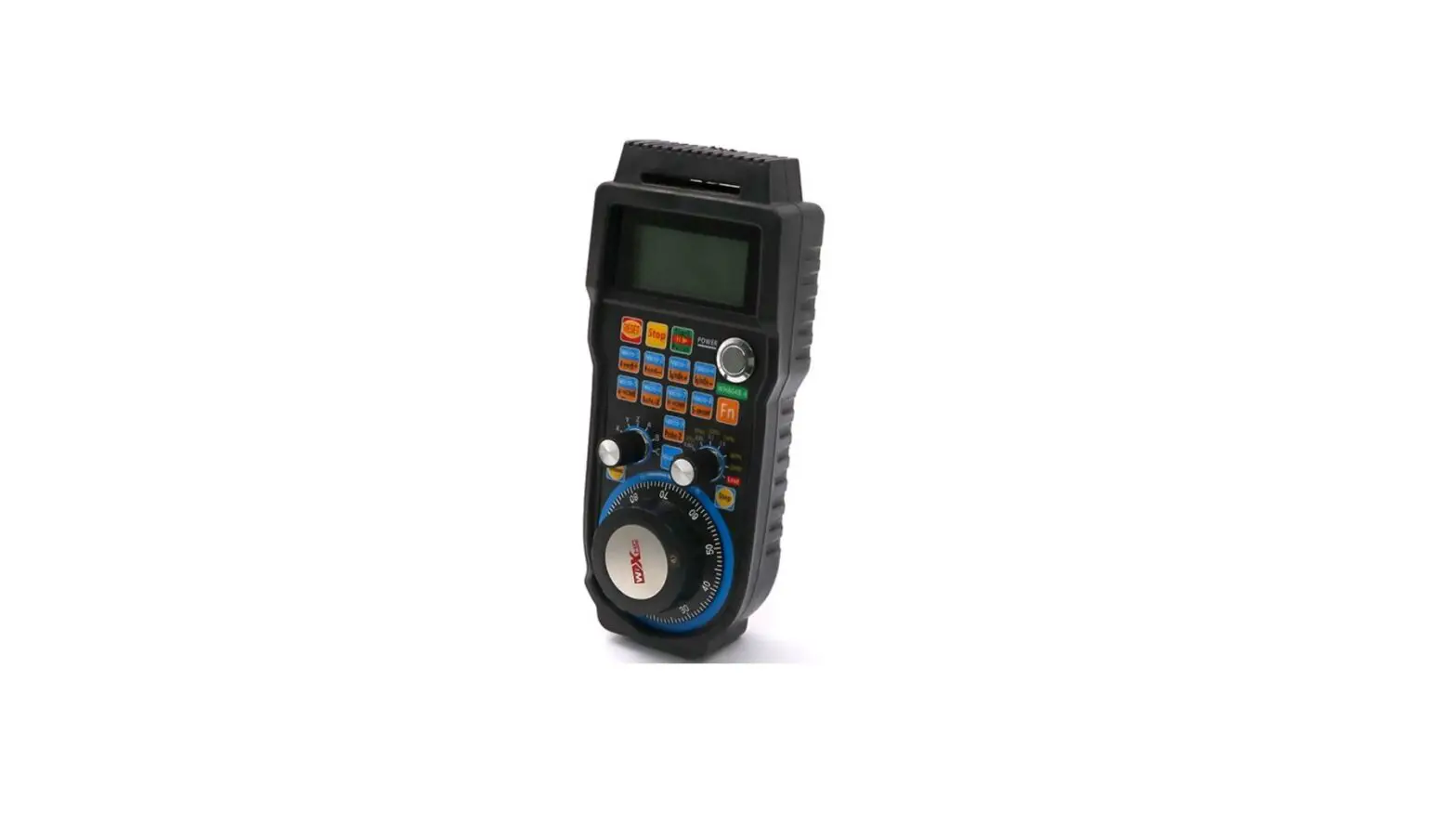
Wixhc WHB04B Mach3 6 Axis MPG CNC Wireless Controller User Manual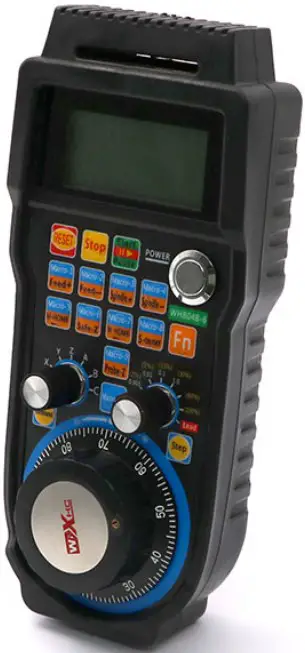
Driver Installation & Use
- Insert USB receiver to PC USB interface until the driver file installation is over.
- Find “PlugIns” folder in the disk where you install MACH3 software, open the CD in the packaging box, copy driver file XHC-shuttlepro.dll into folder “PlugIns”.
- Macro file installation: Copy all the files in the CD macro folder into mach3/macros/Mach3Mill
- Please open the battery cover and install 2pcs AA batteries, press down power on button, then you can use it directly.
MPG Function Explanation
| Icon | Function |
 | Reset button |
 | Stop button |
 | Start/Pause button: Press down start button, machine starts to work, press down pause button, then machine stops working. |
 | Macro-1/Feed+ button: When press button alone, macro function -1 works; when press  + , processing speed increases. + , processing speed increases. |
 | Macro-2/Feed- button: When press button alone, macro function -2 works; when press + , processing speed decreases. |
 | Macro-3/Spindle+ button: When press button alone, macro function -3 works;when press + , spindle speed increases. |
 | Macro-4/Spindle- button: When press button alone, macro function -4 works;when press + , spindle speed decreases. |
 | Macro-5/M-HOME button: When press button alone, macro function -5 works;when press + , refer all home. |
 | Macro-6/Safe-Z button: When press button alone, macro function -6 works; when press + , back to safe height of Z axis. |
 | Macro-7/W-HOME button: When press button alone, macro function -7 works;when press + , go to zero work. |
 | Macro-8/S-ON/OFF button: When press button alone, macro function -8 works;when press + , spindle on or off. |
 | Macro-9/Probe-Z button: When press button alone, macro function -9 works;when press + , probe Z. |
 | Macro-10 button: Press the button, macro function -10 works. |
| Function button: When you press this button, then press the other button to achieve the combination function. |
 | MPG button: Press the button, hand wheel change into Continuous mode. |
 | Step button: Press the button, hand wheel change into Step mode. |
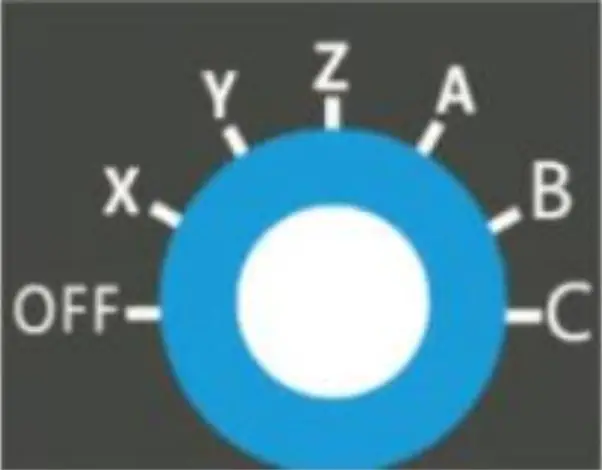 | Position 1: OFF Position 2: Choose X Axis Position 3: Choose Y Axis Position 4: Choose Z Axis Position 5: Choose A Axis Position 6: Choose B Axis Position 7: Choose C Axis |
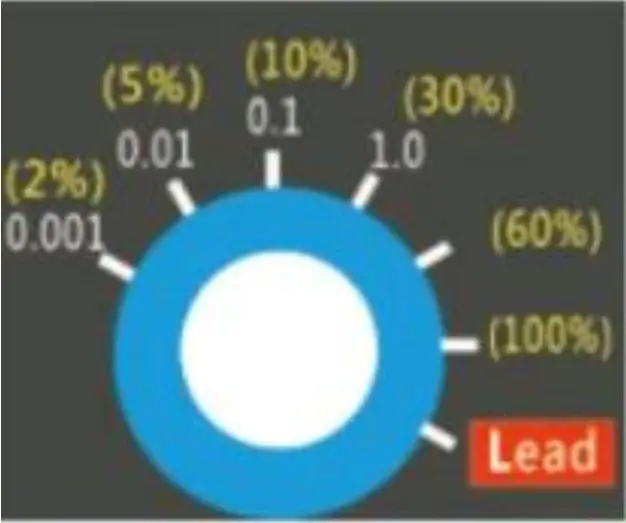 | Step mode: 0.001: move unit is 0.001 0.01: move unit is 0.01 0.1: move unit is 0.1 1.0: move unit is 1.0 Continuous mode: 2%: 2 percent of max move speed 5%: 5 percent of max move speed 10%: 10 percent of max move speed 30%: 30 percent of max move speed 60%: 60 percent of max move speed 100%: 100 percent of max move speed |
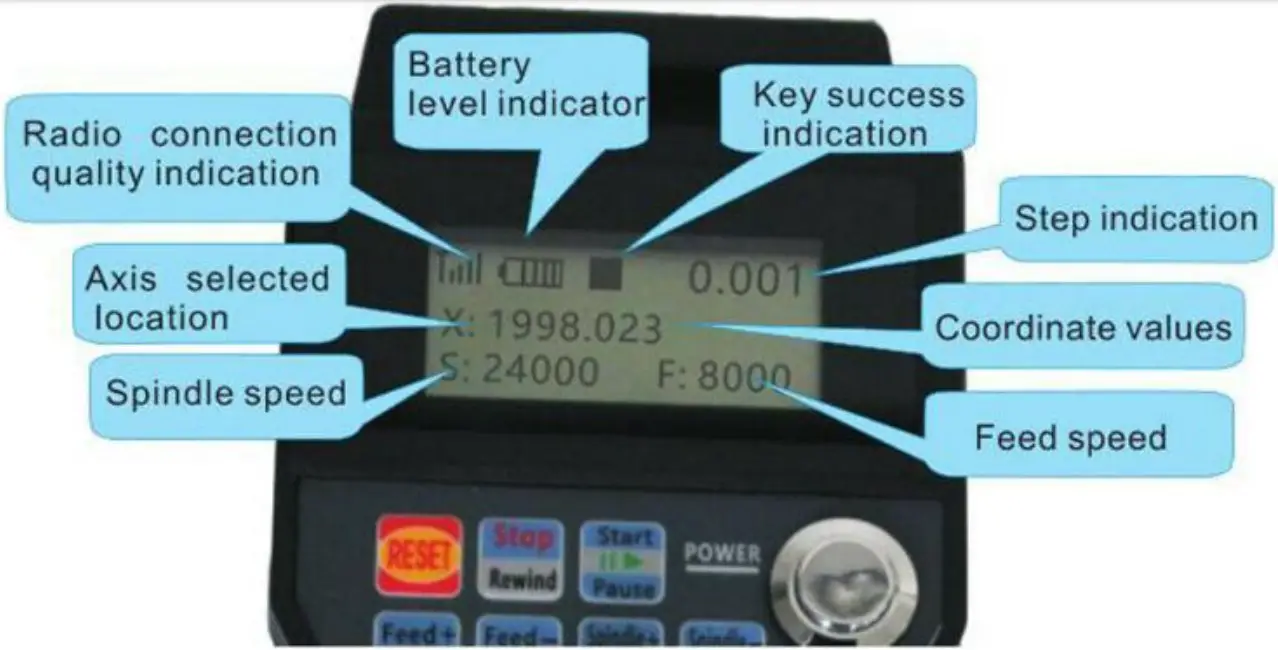
LCD Display