 1000-ECU RFID Detection System
Installation Guide
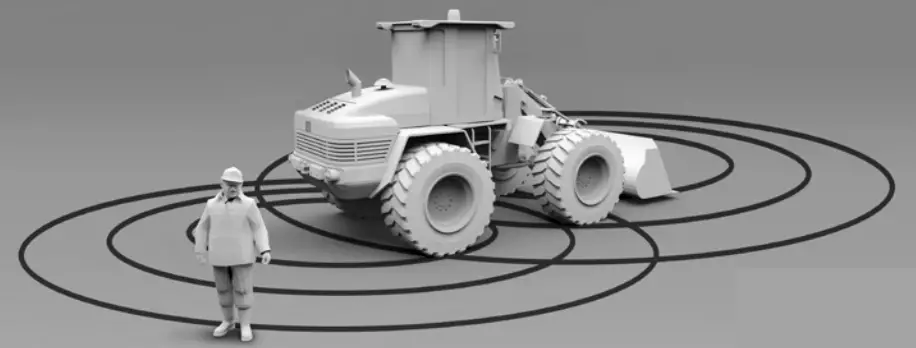
RFID Detection System
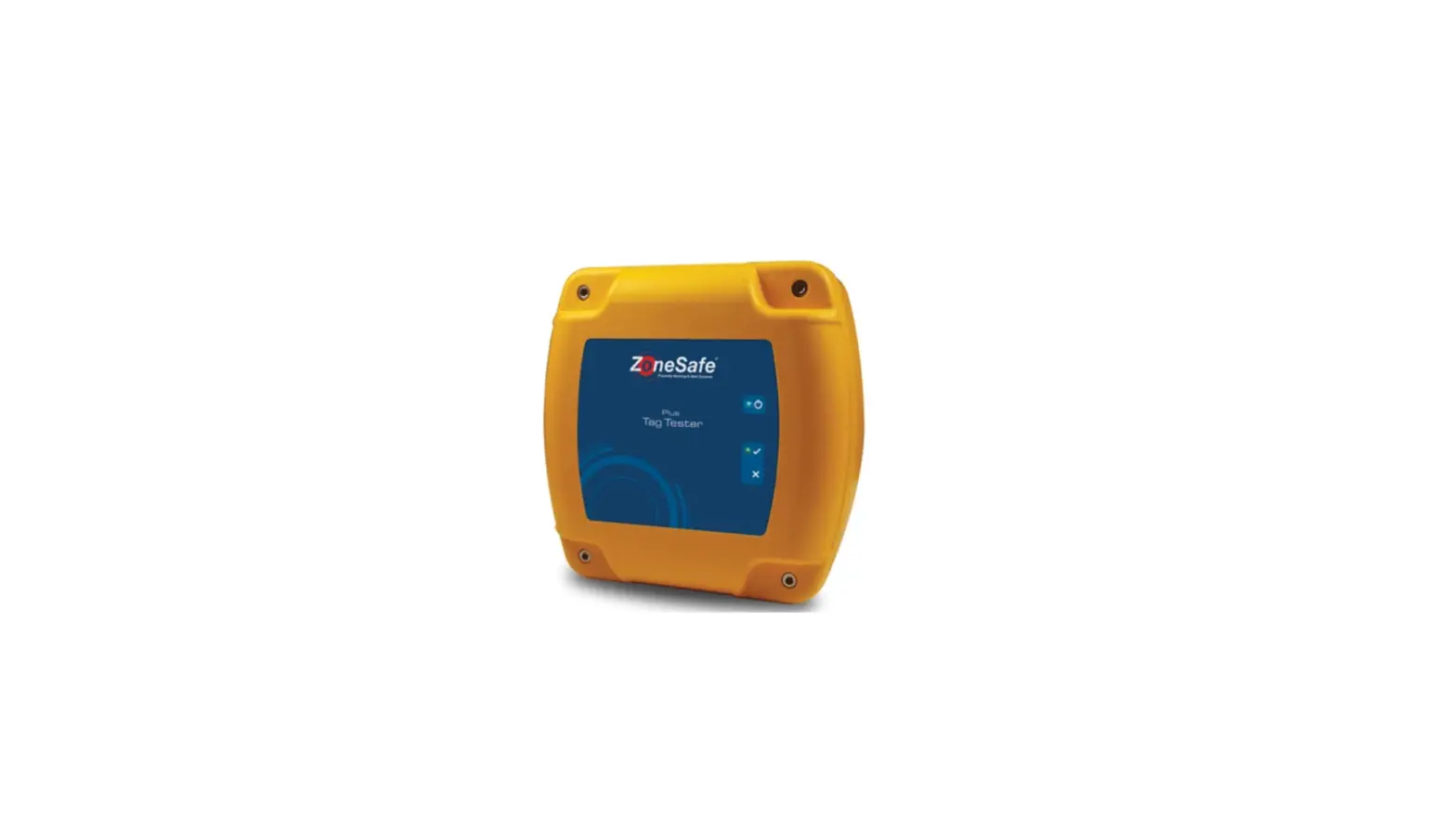
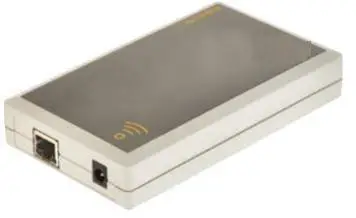
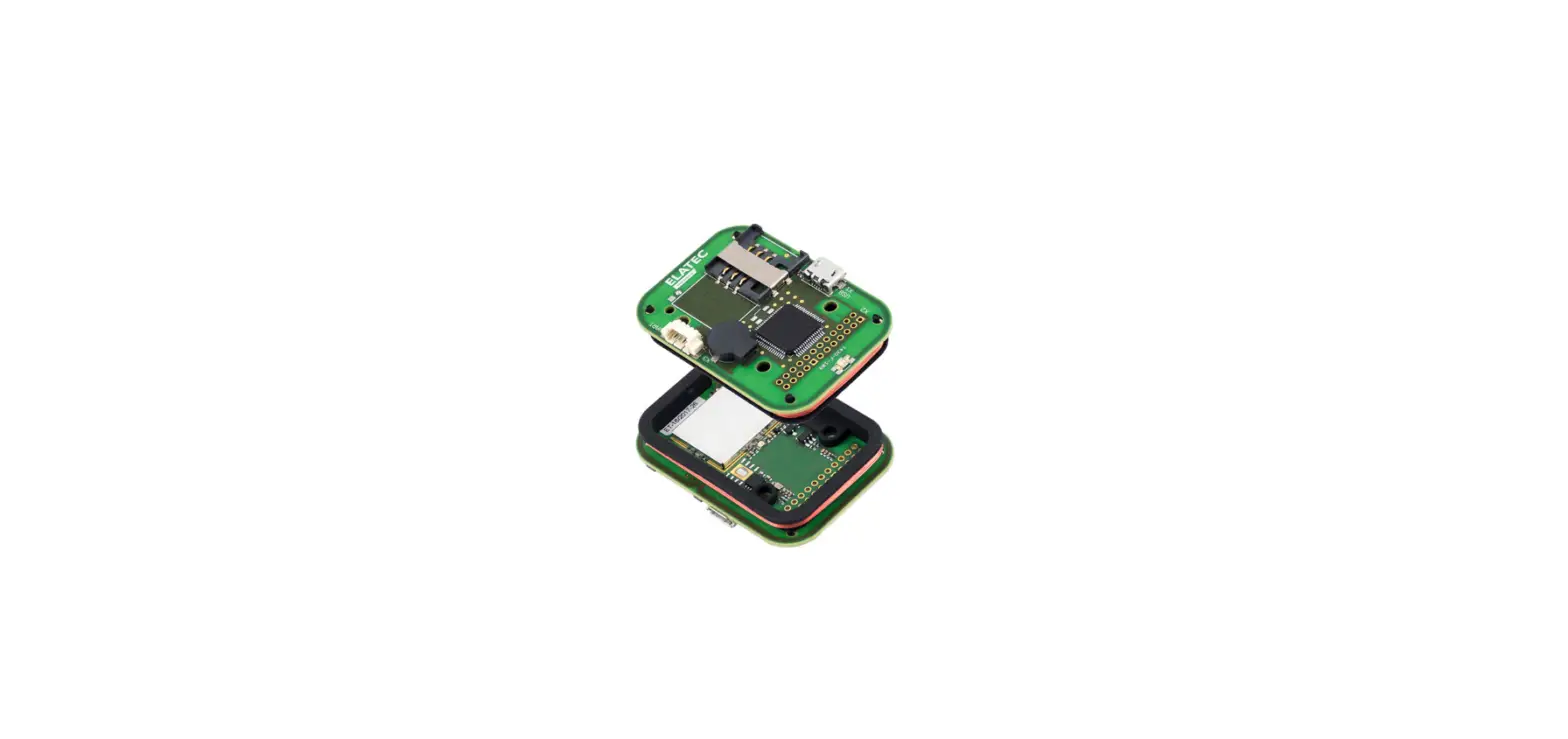
Control Unit – ZS-1000-ECU/ZS-1001-ECU(NA)
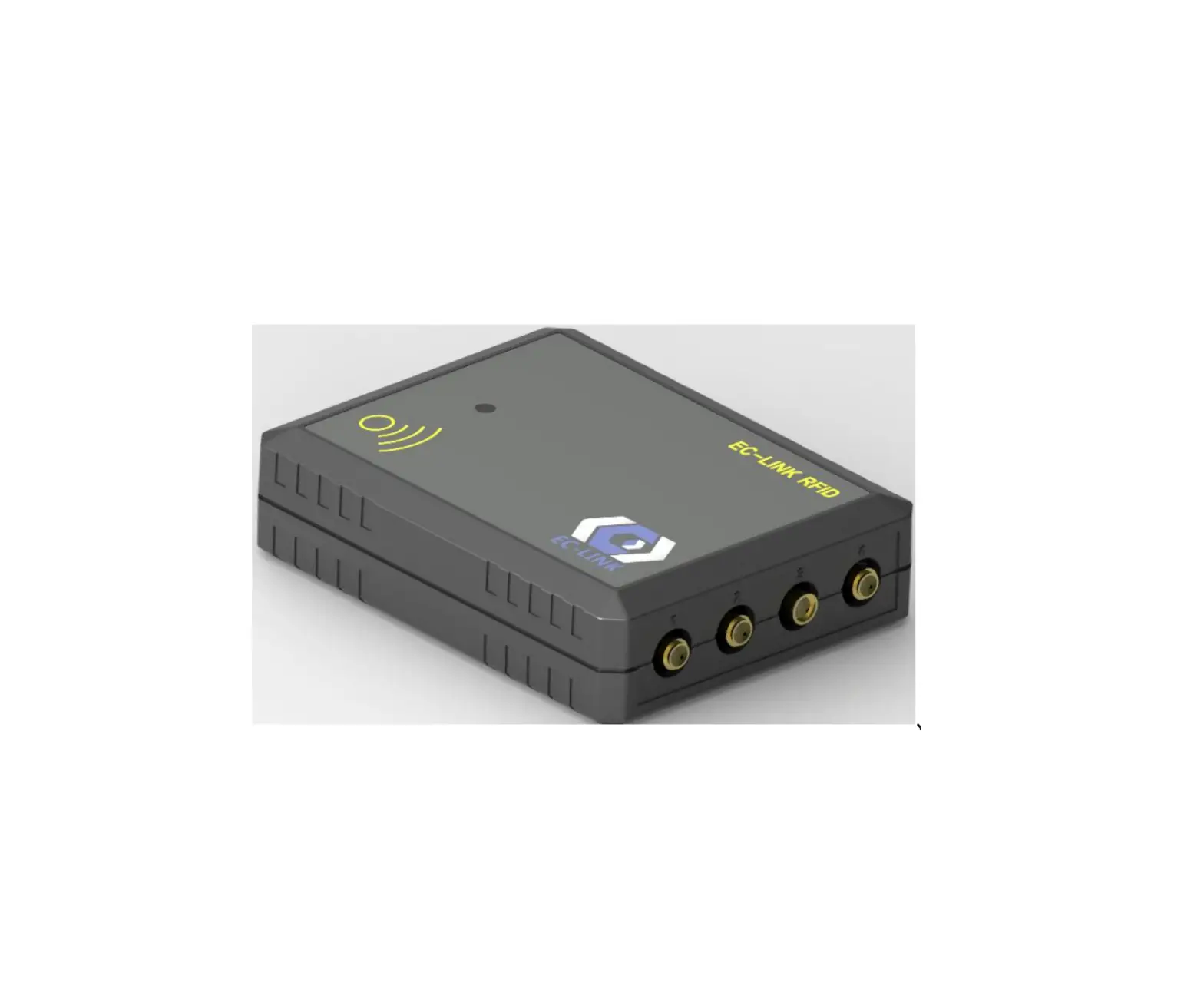
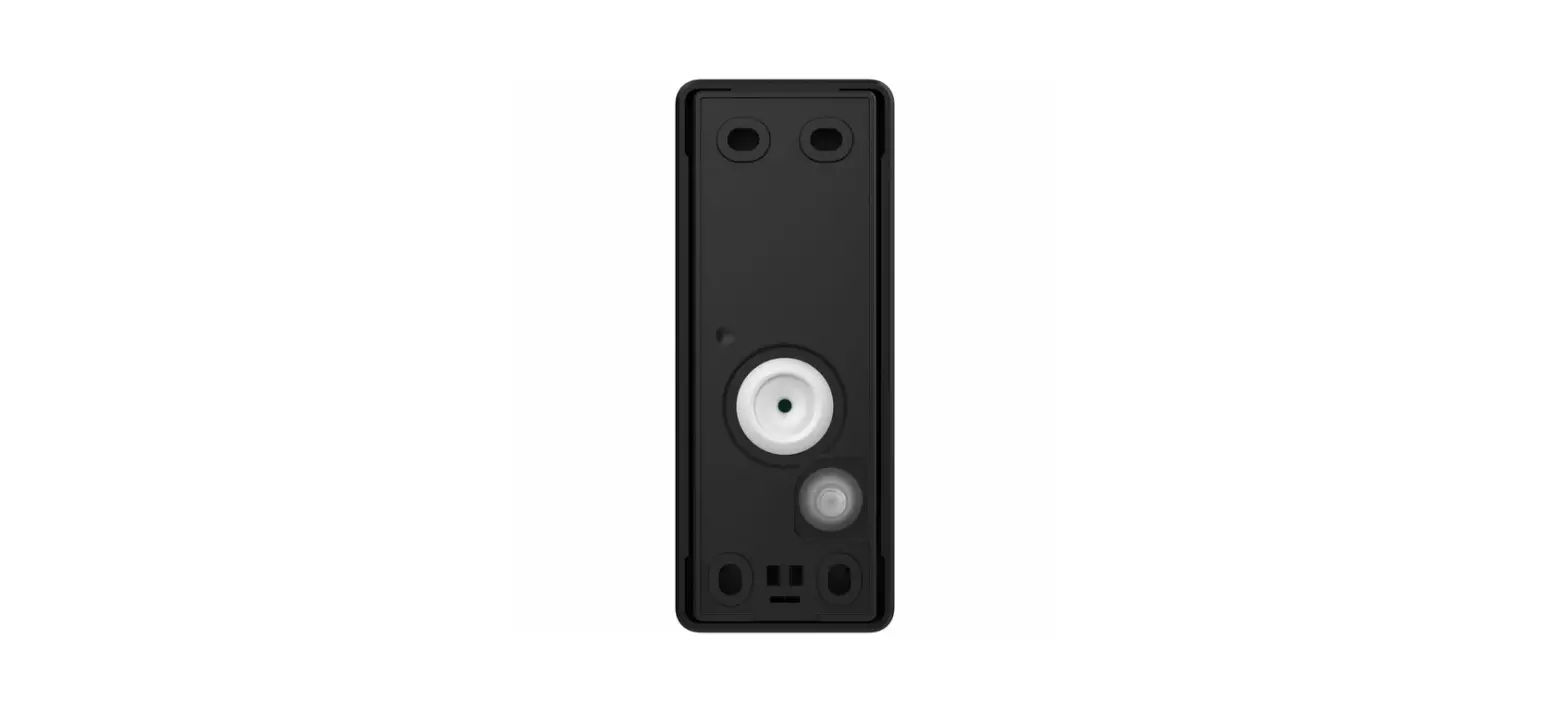
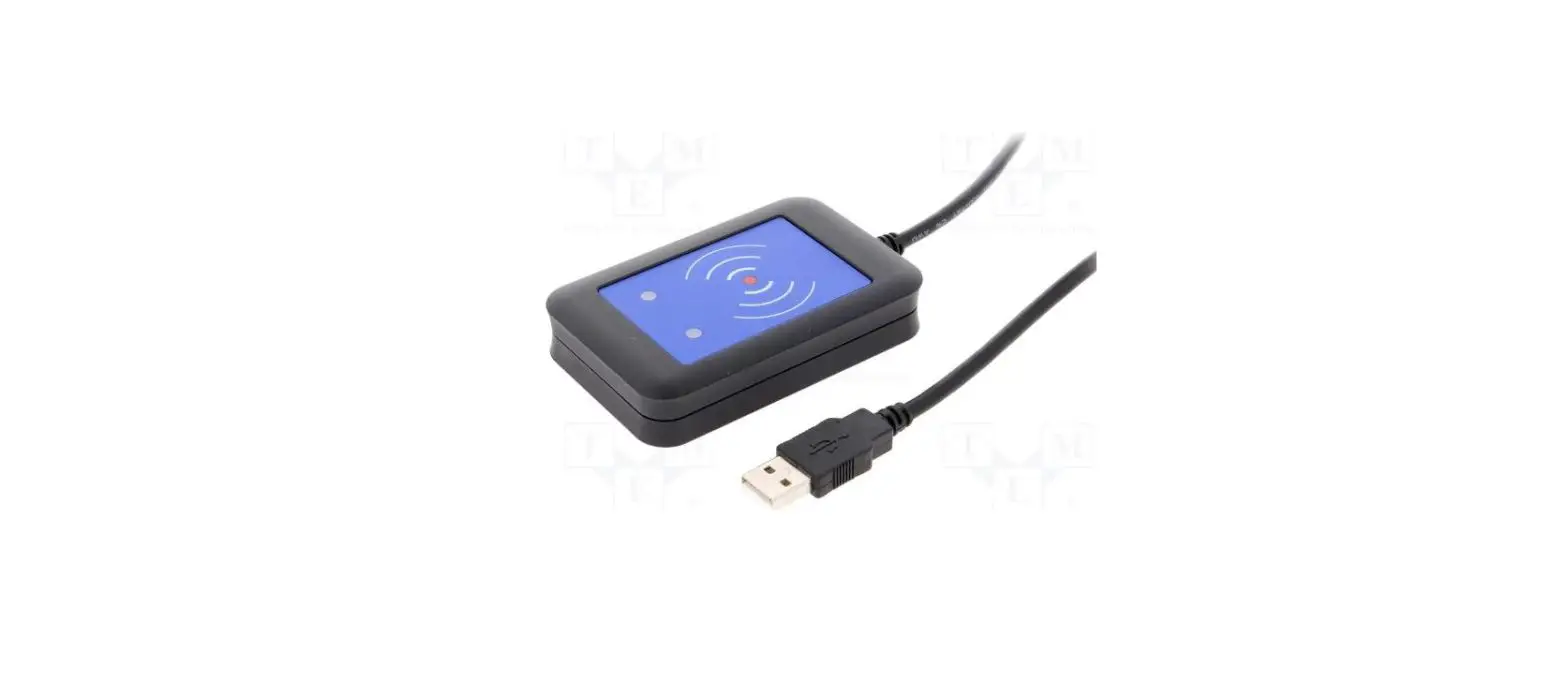
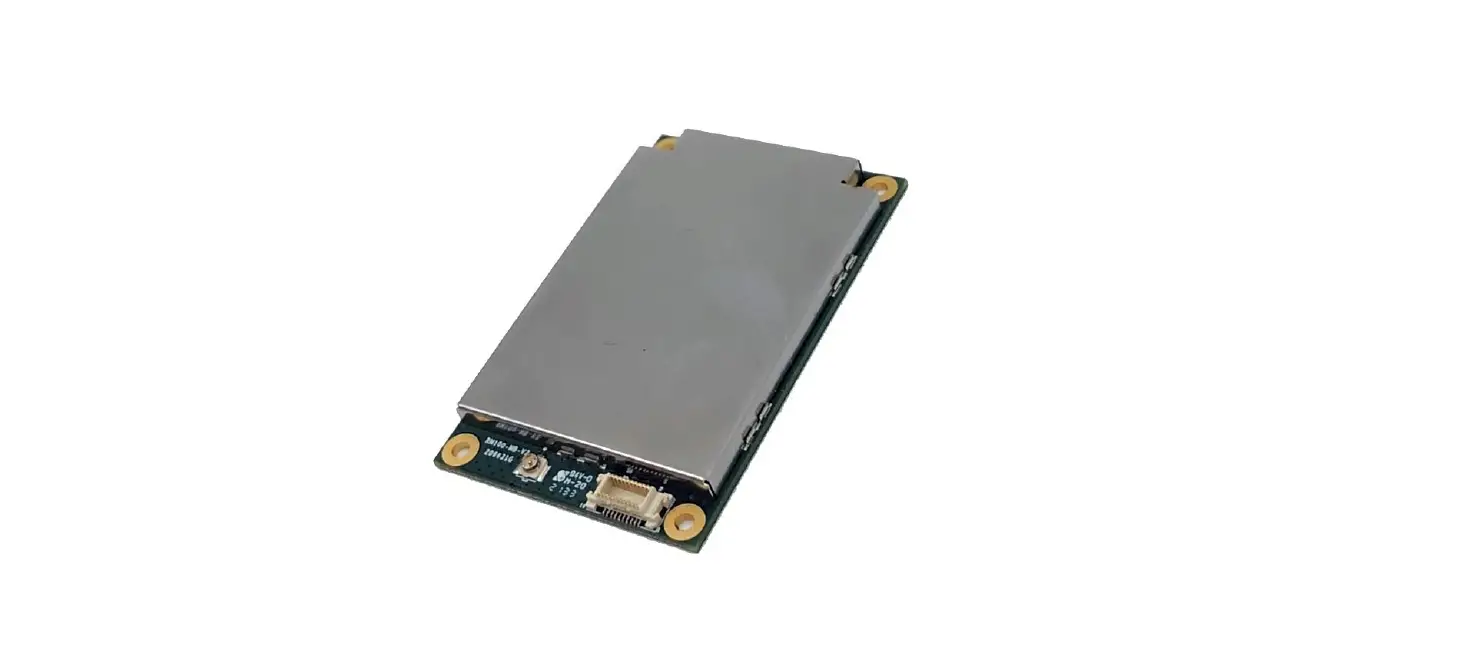
Antenna – ZS-1000-AP/ZS-1001-AP(NA)
12-24V System wiring
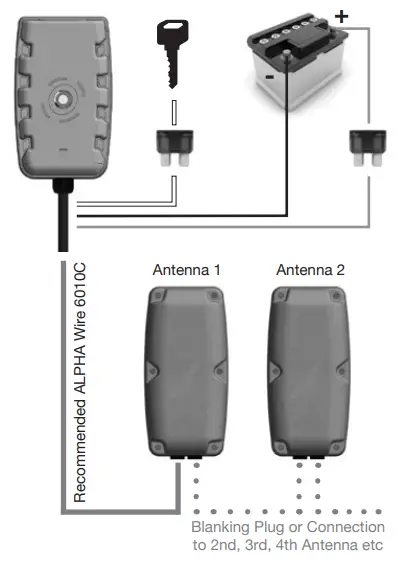
Control Unit wires
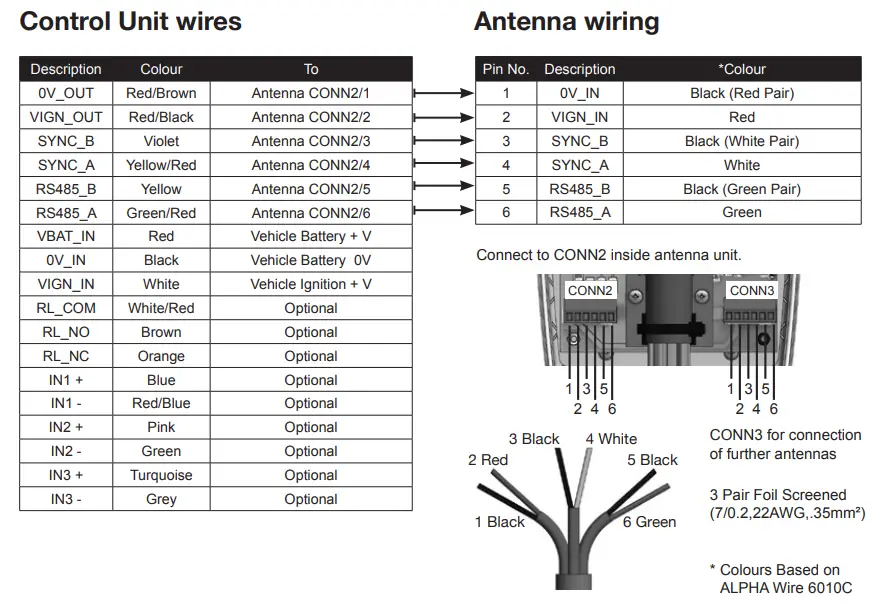
Antenna switch settings
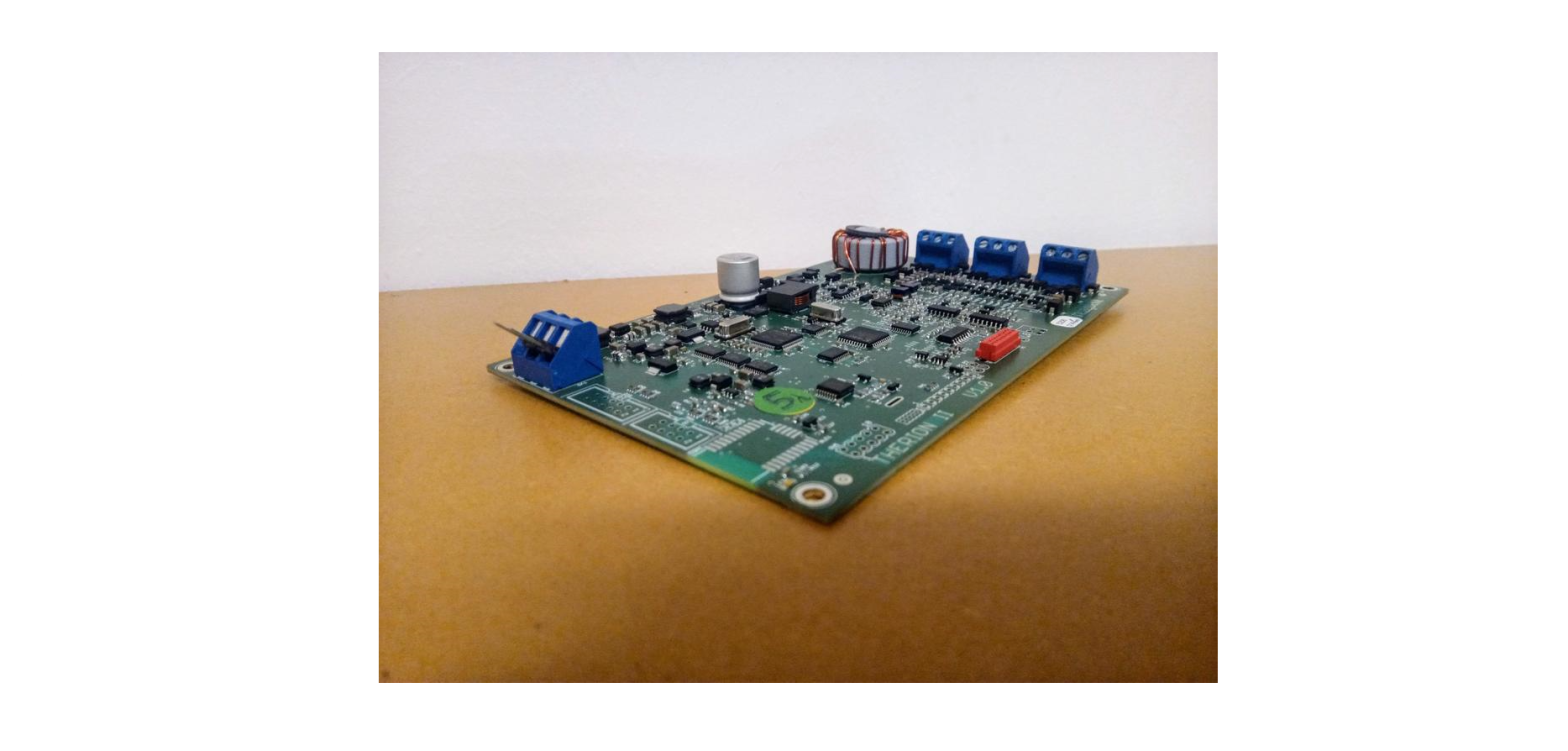
Locate SW1 & SW2 inside antenna unit.
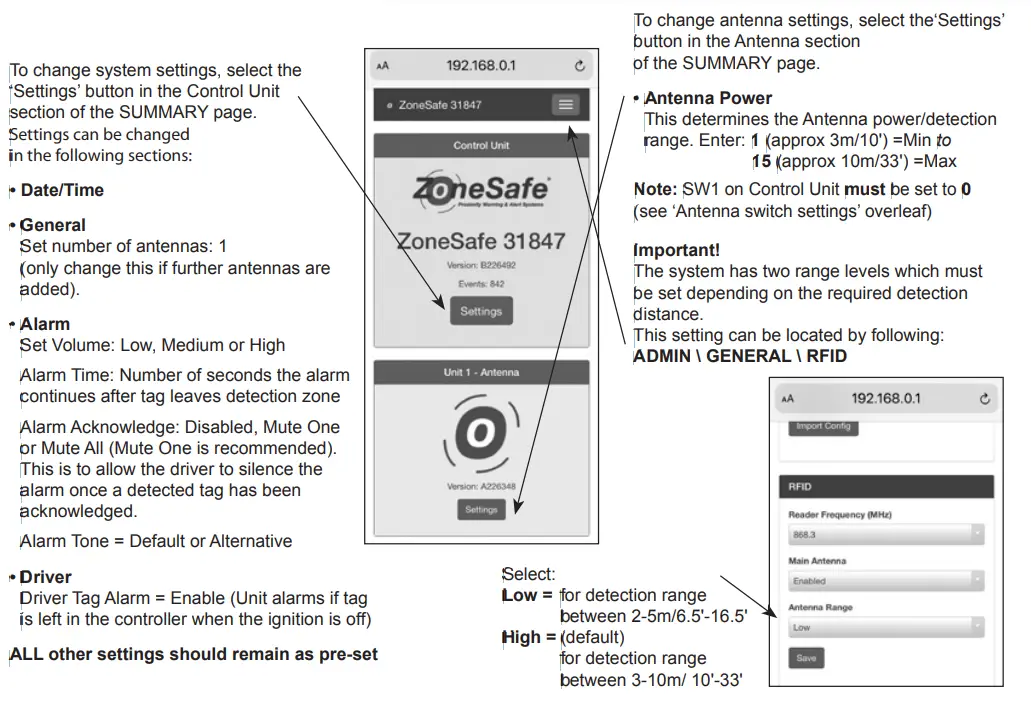
SW1 = Antenna Power/Detection range
To set detection range manually, select: No.1=Min to F=Max
Note: Manual settings cannot be overridden by WiFi controller.
To set detection range via Control Unit WiFi network, select: 0
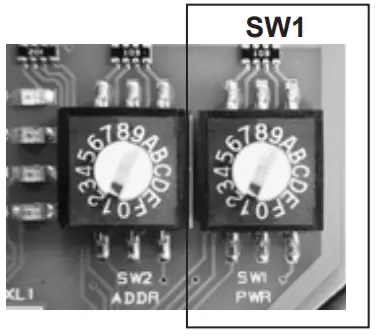
Important! The system has two range levels which must be set depending on the required detection distance. See ‘Connect using Control Unit WiFi’ (overleaf) for instructions.
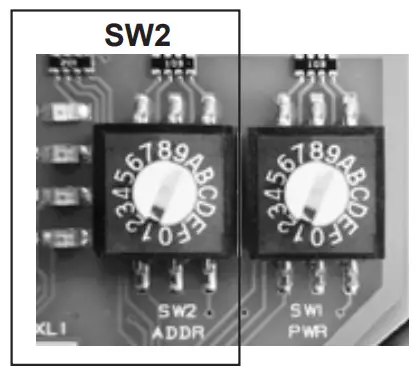
SW2 = Antenna Address
Set first connected antenna to No.1 Set up to 6 antennas sequentially: (Second antenna to No.2, third antenna to No.3 etc.)
Antenna mounting
Mount antenna vertically (best) or horizontally on a flat surface. For vertically mounted antennas in high positions, angle unit downwards.
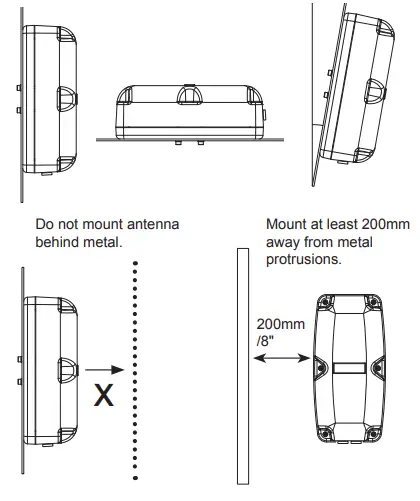
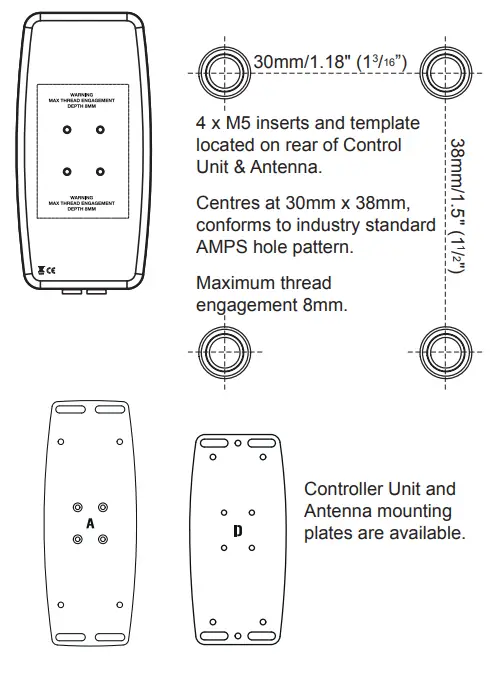
Control Unit and Antenna fixing
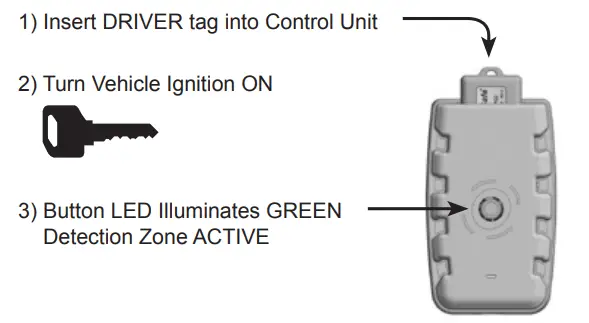
Turn system on
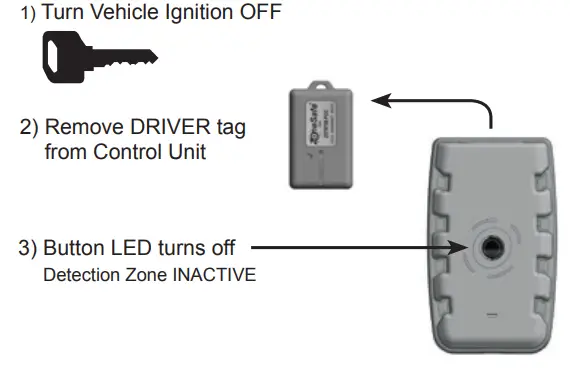
Turn system off
Alarms
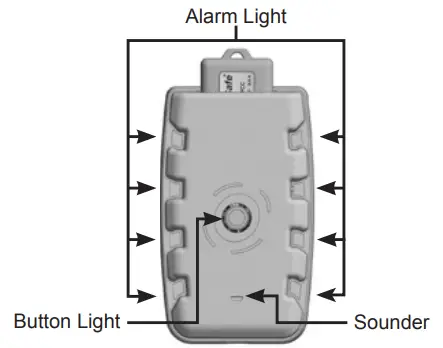
| State | Alarm Light | Sounder | Button | |
| 1 tag detected | Red (Slow Flash) |  | Two Tone Slow | Red |
| 2+ tags detected | Red (Fast Flash) | | Two Tone Fast | Red |
| System Error | Pink (Flash) | | System Beep | Red |
| No Ignition | Red (Fading Pulse) |  | One Tone | Red |
| No Driver Tag | Red (Fading Pulse) | | One Tone | Red |
| Wi-Fi Connected | Blue (Fading Pulse) | | X | Green |
| System OK | X | X | Green |
Connect using Control Unit WiFi
Connect to Control Unit WiFi network:
Note: Requires both permanent and ignition
ZoneSafe_XXXXX
Substitute ‘XXXXXX’ for the serial number of your Control
Unit (found on rear of control unit).
WiFi password: ZONESAFE
Open a web browser.
Enter address: http://192.168.0.1/
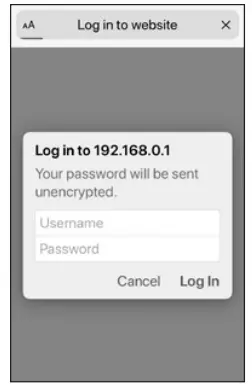
Enter:
Username: admin
Password: PASSWORD
Usernames and passwords are case-sensitive.
Note: A changed password is not recoverable unless returned for factory resetting
View & change settings
Available Tags
Pedestrian (grey) & Driver (yellow) VibraTags
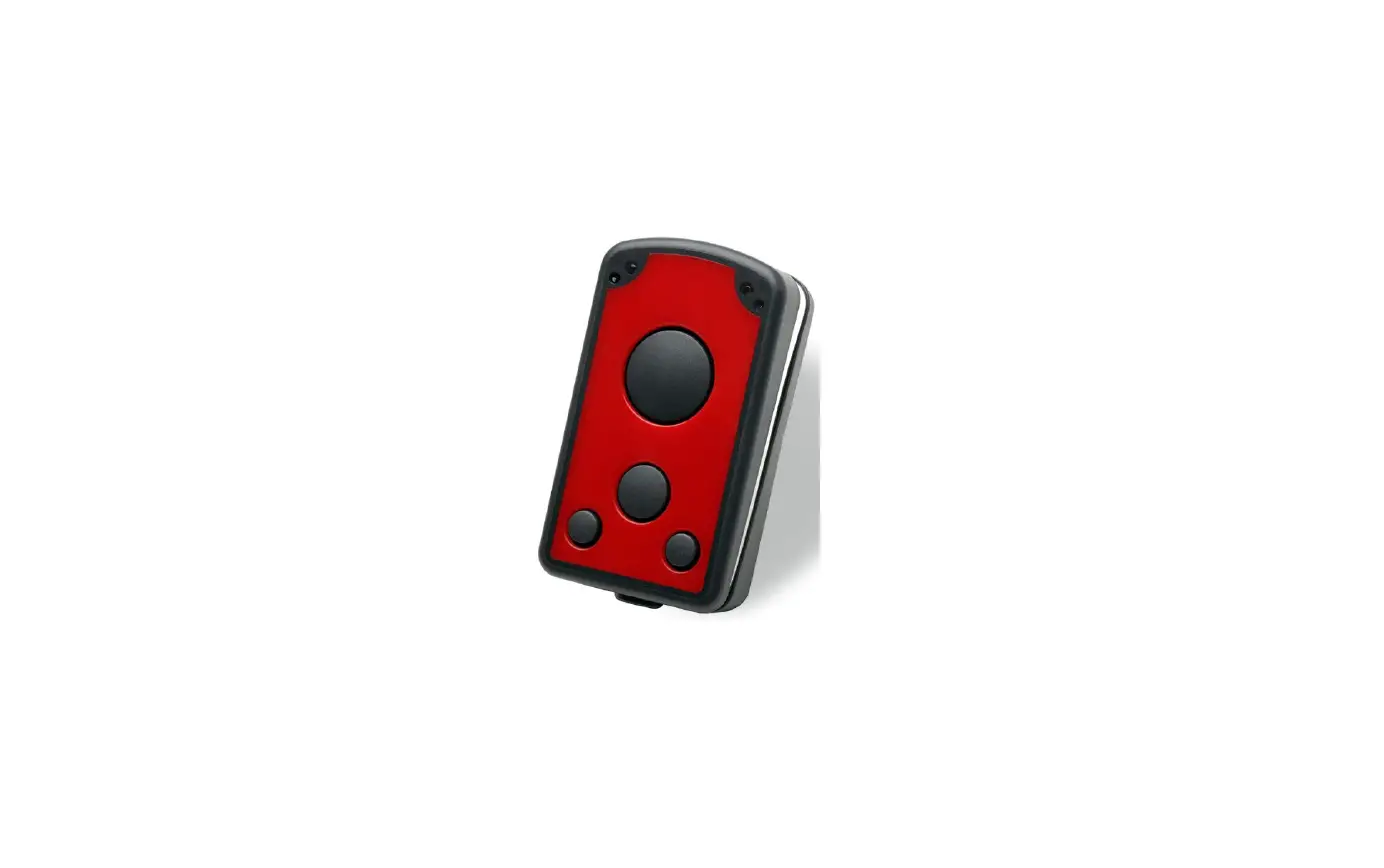
Carried by personnel. VibraTags provide short bursts of vibration when detected. VibraTags are hermetically sealed and the high-capacity battery can be wirelessly charged within two hours and can last up to three months between charges. USB wireless desktop charger sold separately.
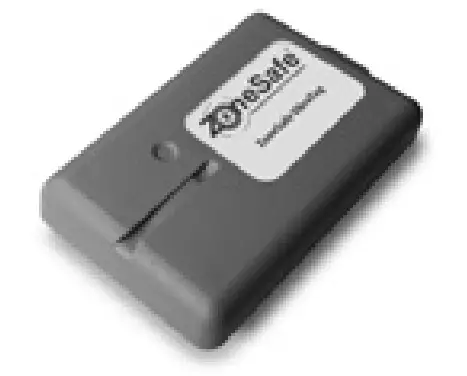
AssetTag
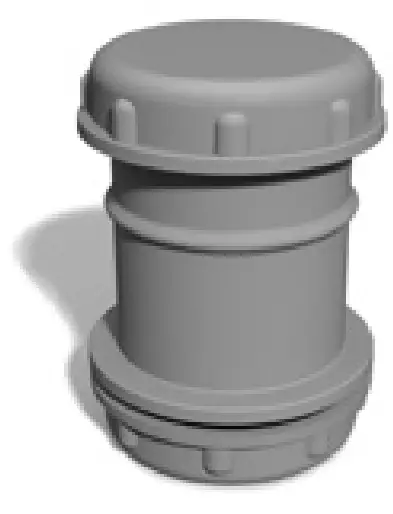
AssetTags fit into PVC safety cones with an internal neck diameter of between 39 and 42mm/1.5″ and 1.75″(11/2″ and 13/4″).
AssetTags are shockproof and weatherproof.
The replaceable batteries last up to three years under normal use.
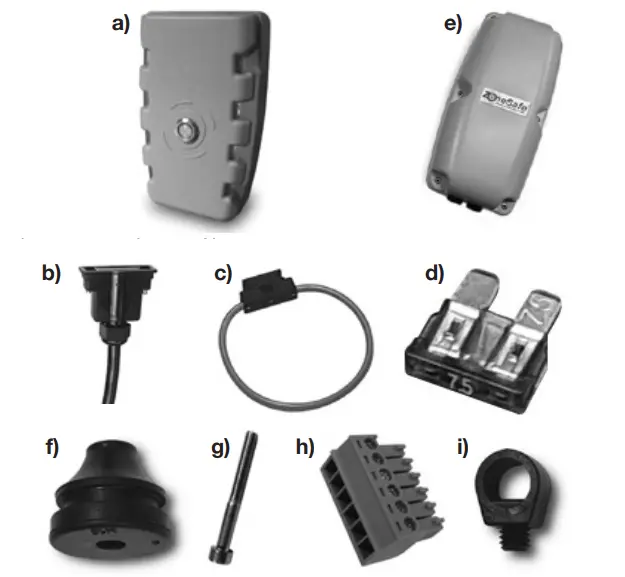
Box contents
ZoneSafe Control Unit: ZS-1000-ECU
a) ZoneSafe Control Unit (x1) Part No: 5881
b) Cable Loom & Connector (x1)
c) Inline Fuse Holder (x2)
d) 7.5 Amp Blade Fuse (x2)
ZoneSafe Antenna Unit: ZS-1000-AP
e) ZoneSafe Antenna (x1) Part No: 5882
f) IP67 cable grommets (x3)
g) M4 x 35mm Hex Screw (x6)
h) 6 Way Screw Terminal (x2)
i) Collar cable grip (x2)
Note: Driver, Pedestrian or Asset Tags required to operate system (available separately)
Installation requirements
- 12-24V DC Supply Voltage
- 1 Amp Per Antenna
- 0V Earth
- 4 x M5 screws (Max thread engagement 8mm)
- Control Unit serial number for WiFi connection
- ALPHA Wire 6010C*
- Mounting/Fixing Option*
- Driver, Pedestrian or Asset Tags*
* Available separately
For this Quick Start Guide in other languages
and Full User Manual in English only visit:
www.brigade-electronics.com
4018.10.20 © Brigade Electronics Group Plc
 Brigade Electronics | Commercial Vehicle Camera Systems
 Brigade Electronics | Commercial Vehicle Camera Systems