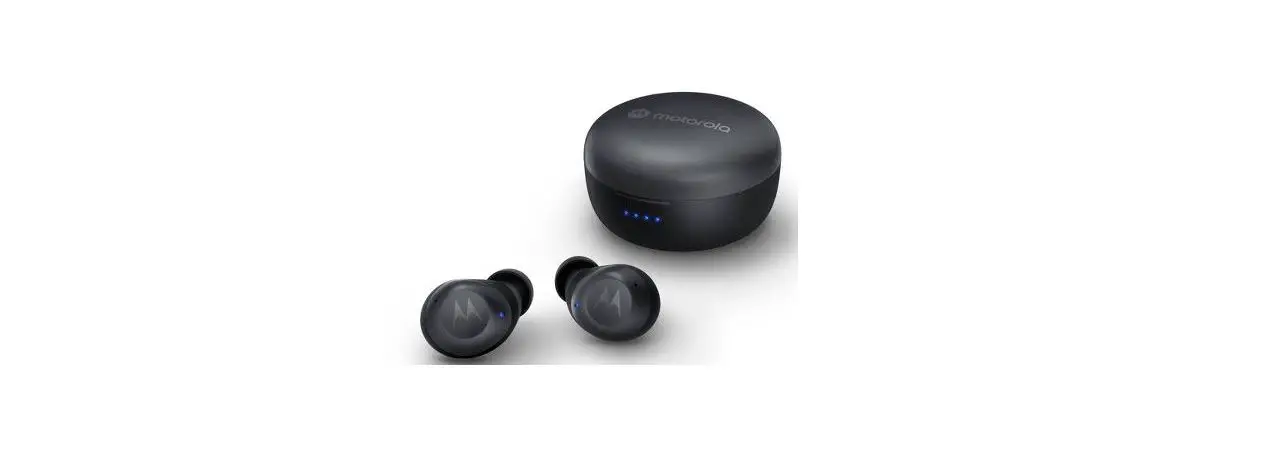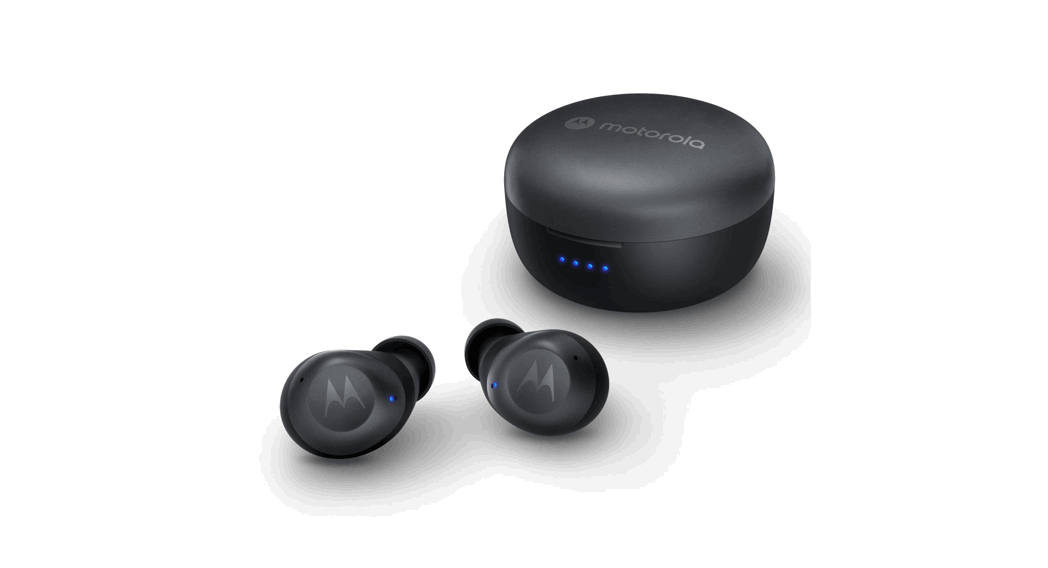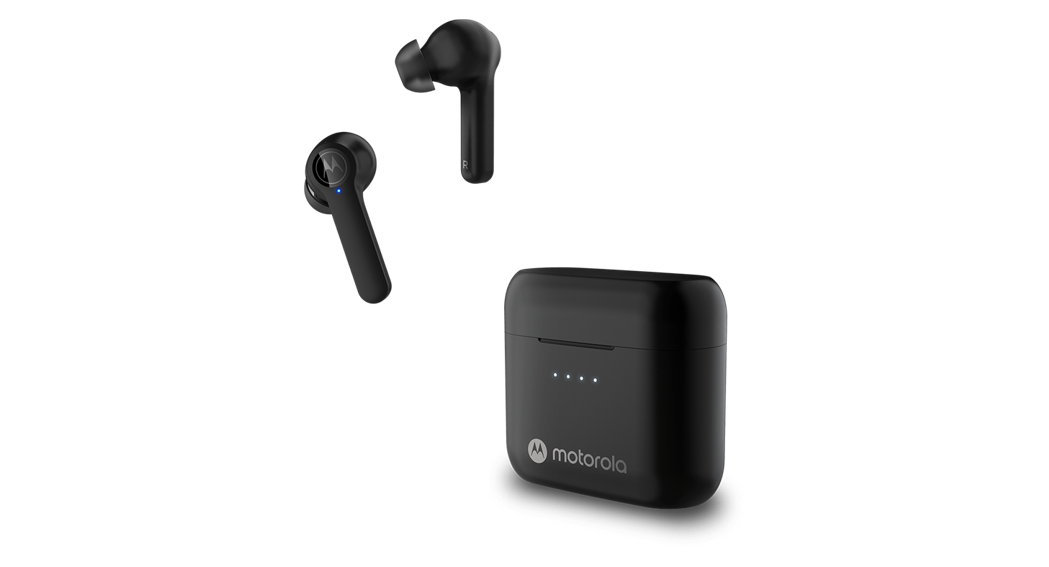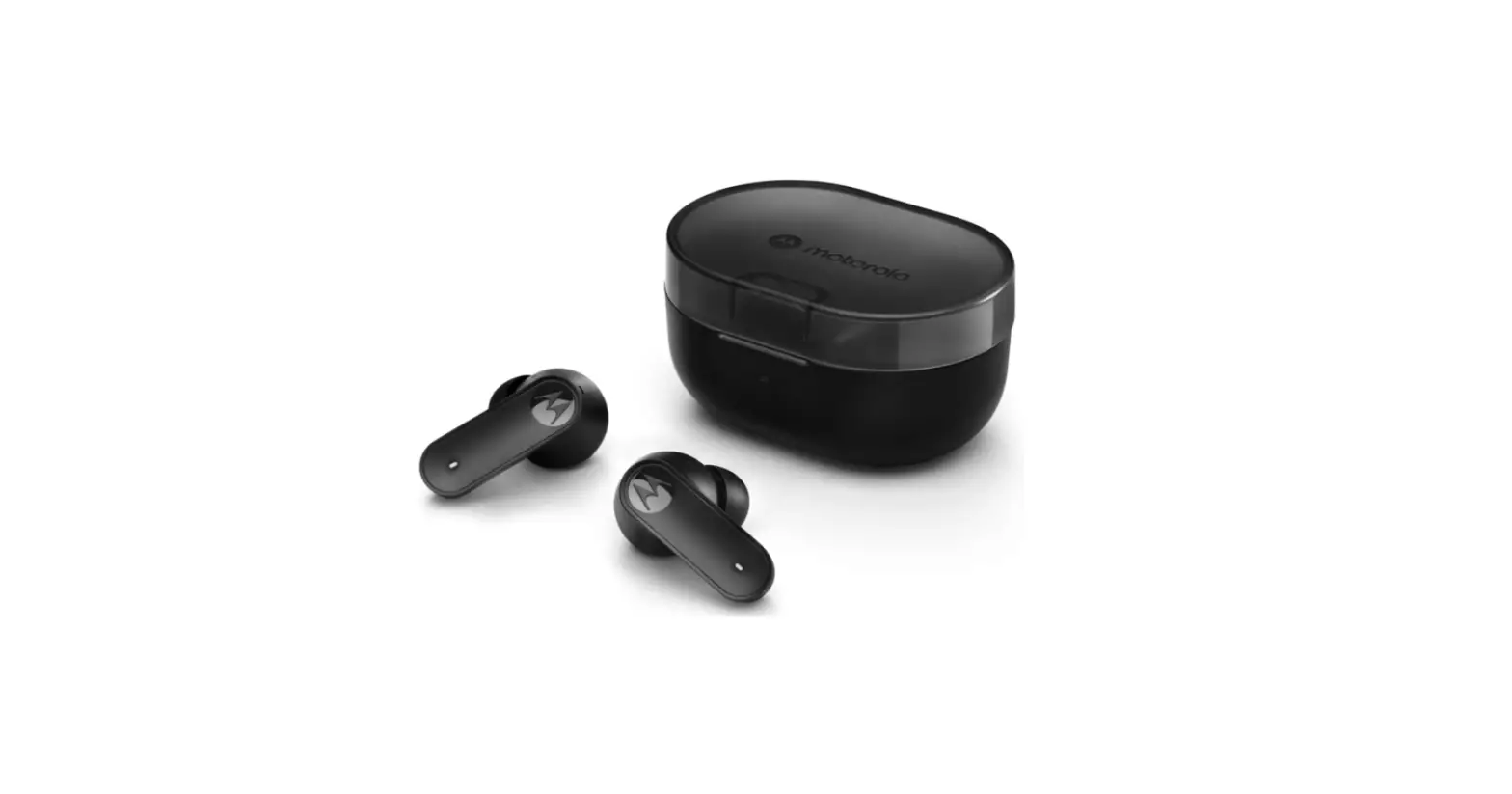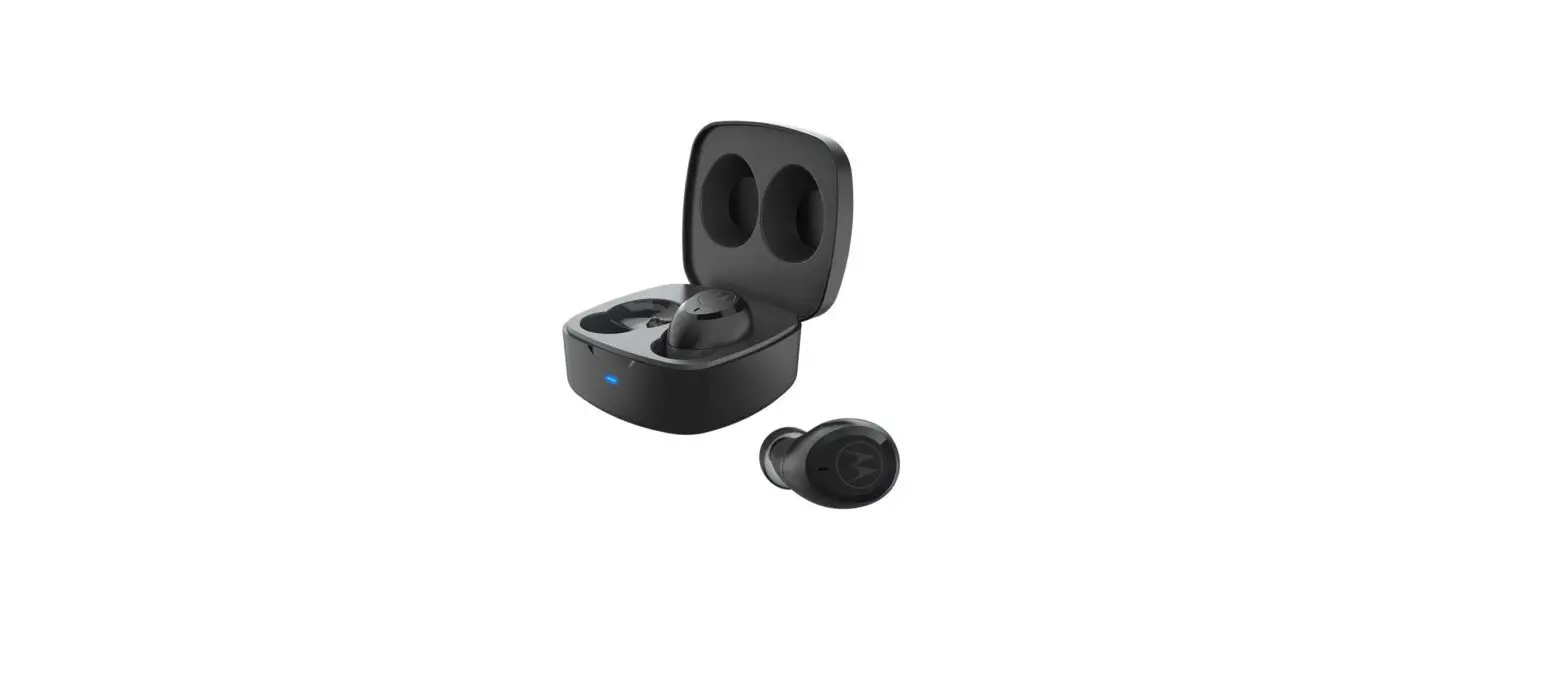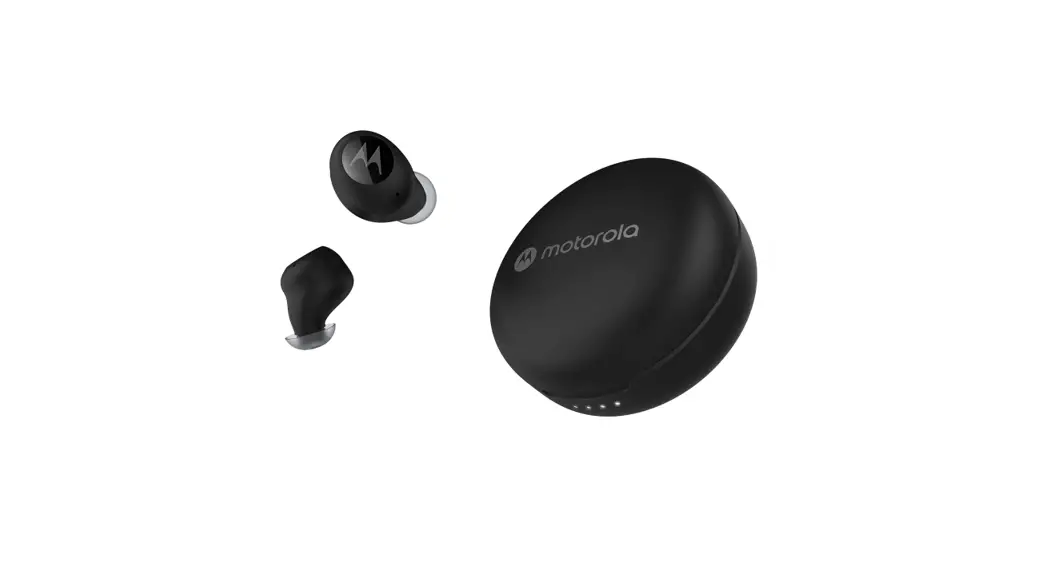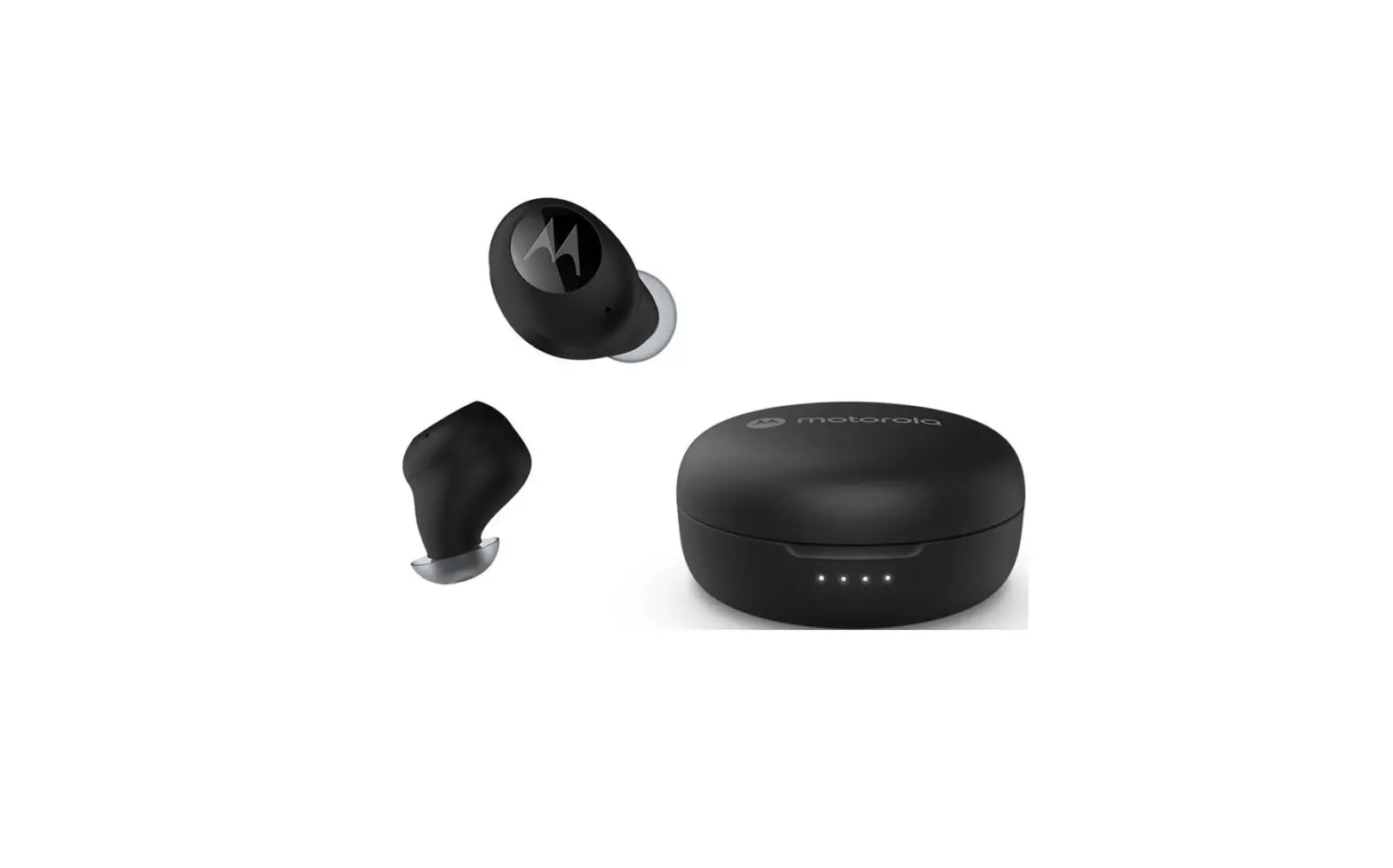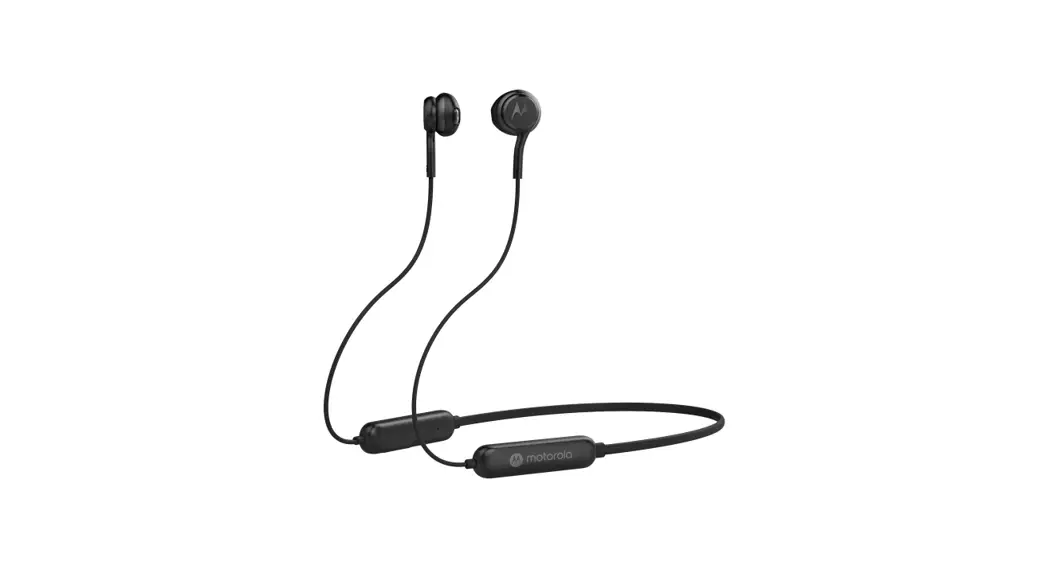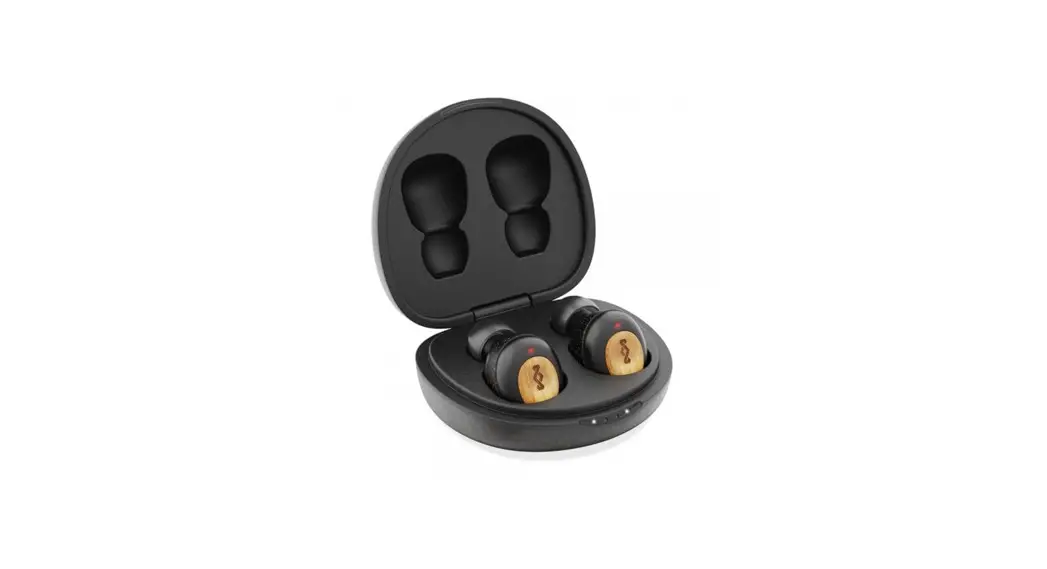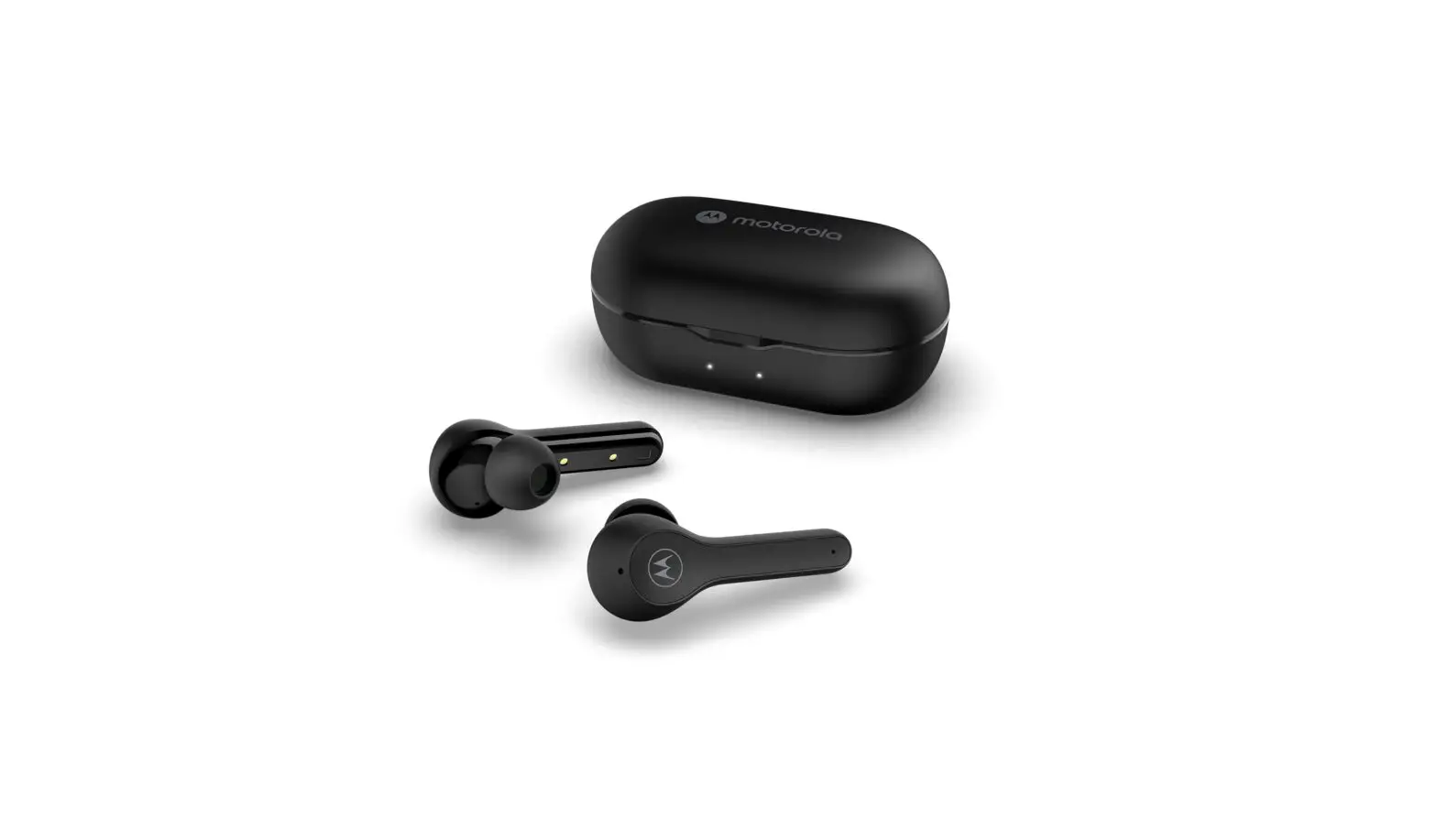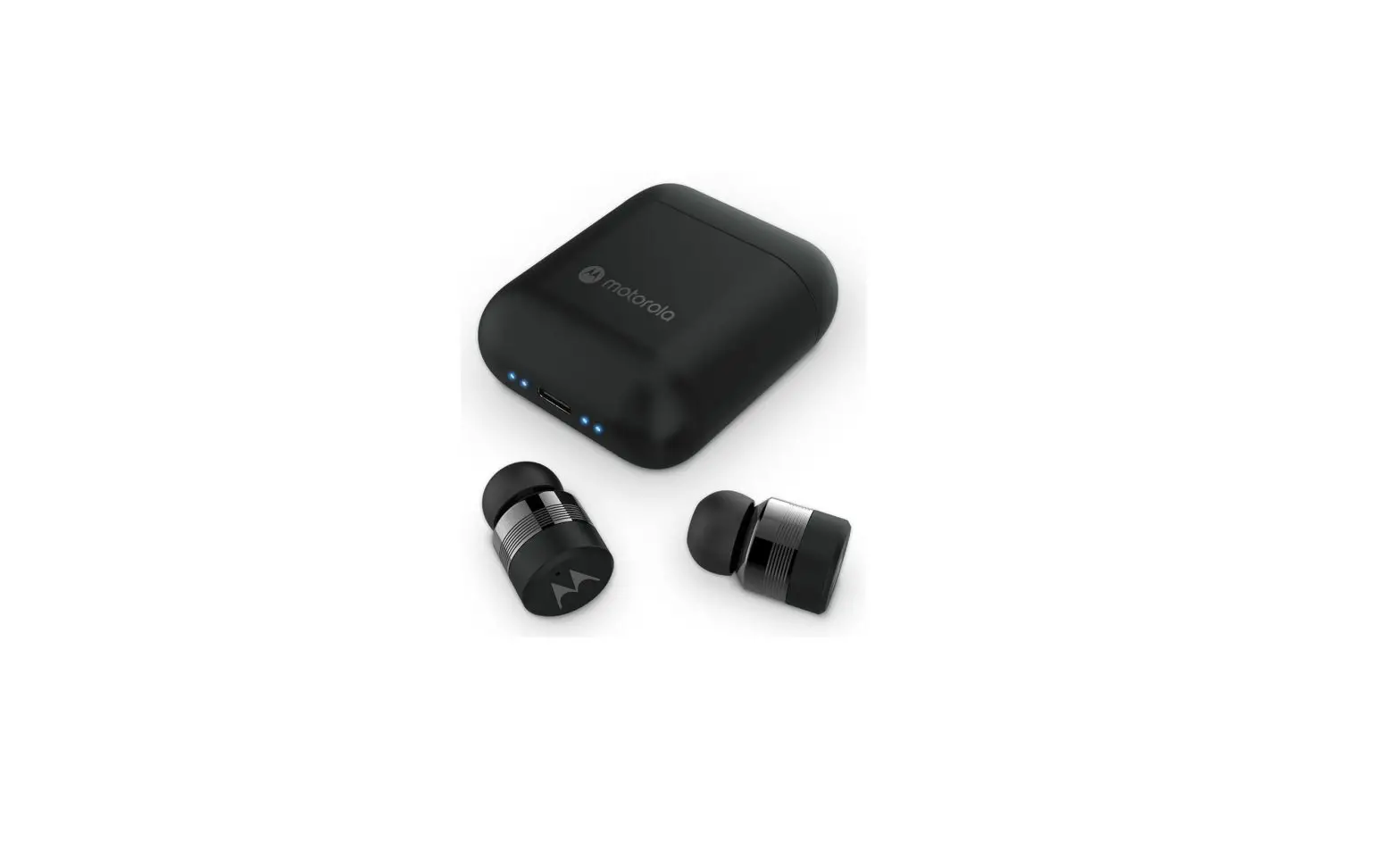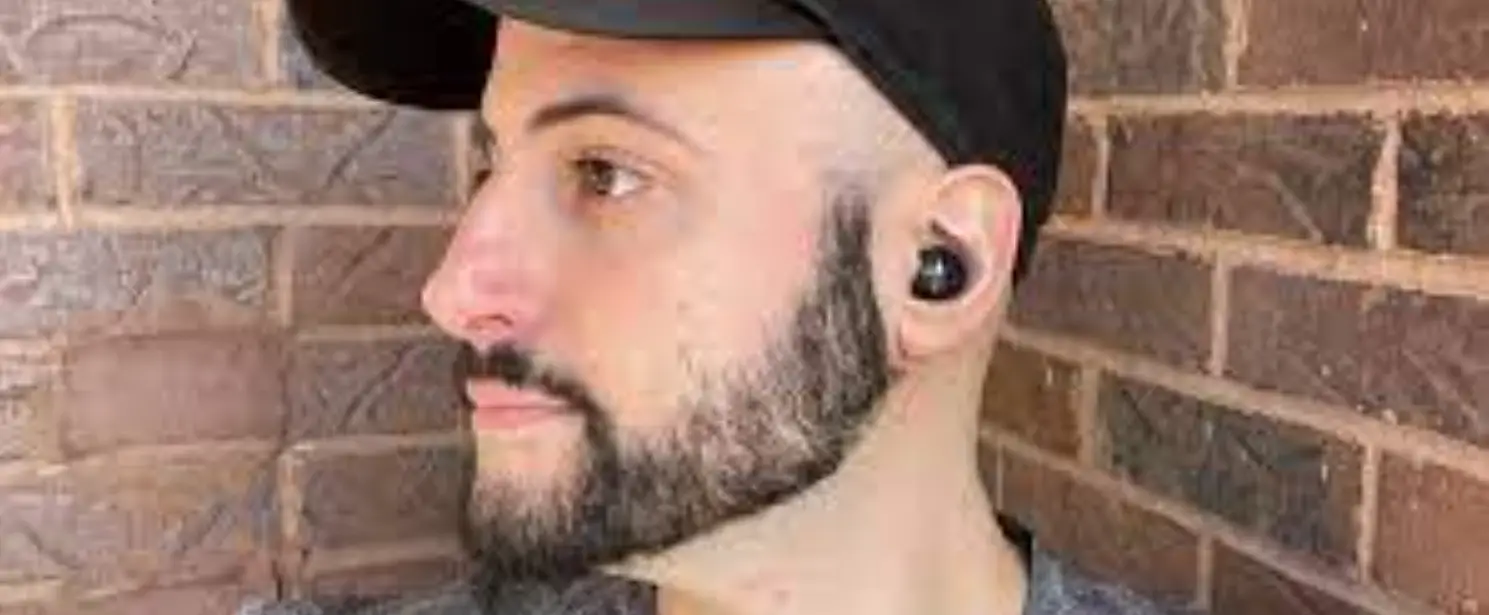

motorola B09SKHNR6N MOTO BUDS 270 ANC
Quick Start Guide
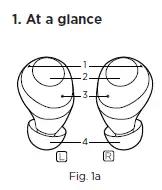
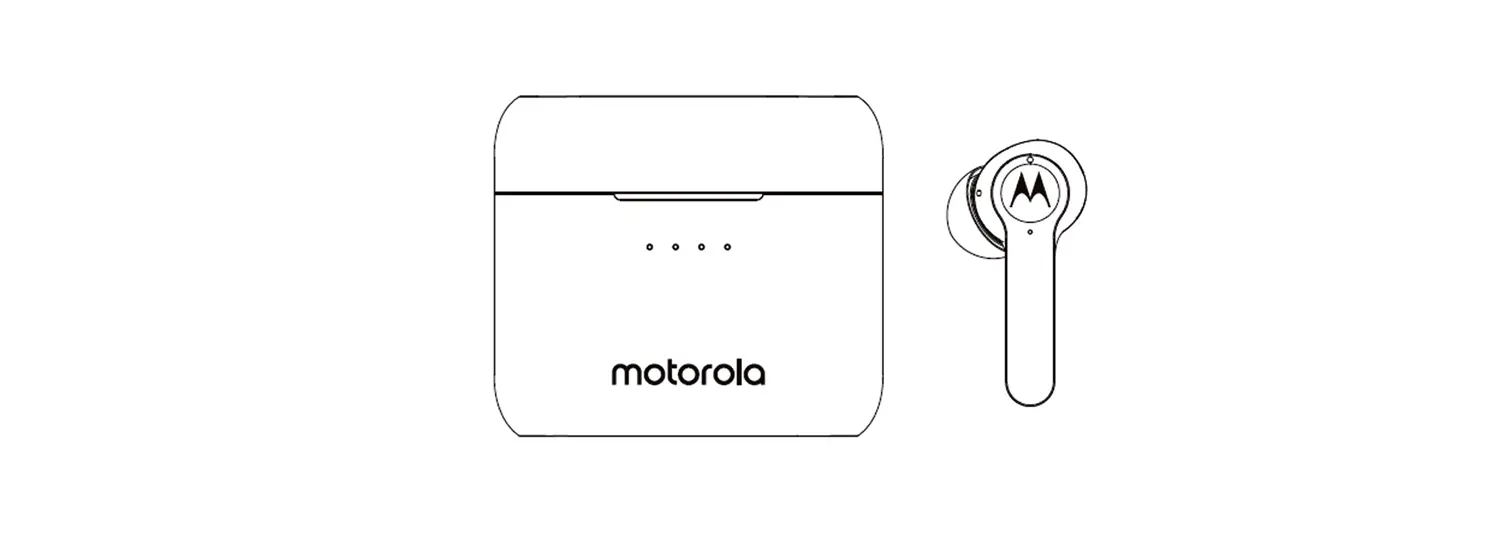
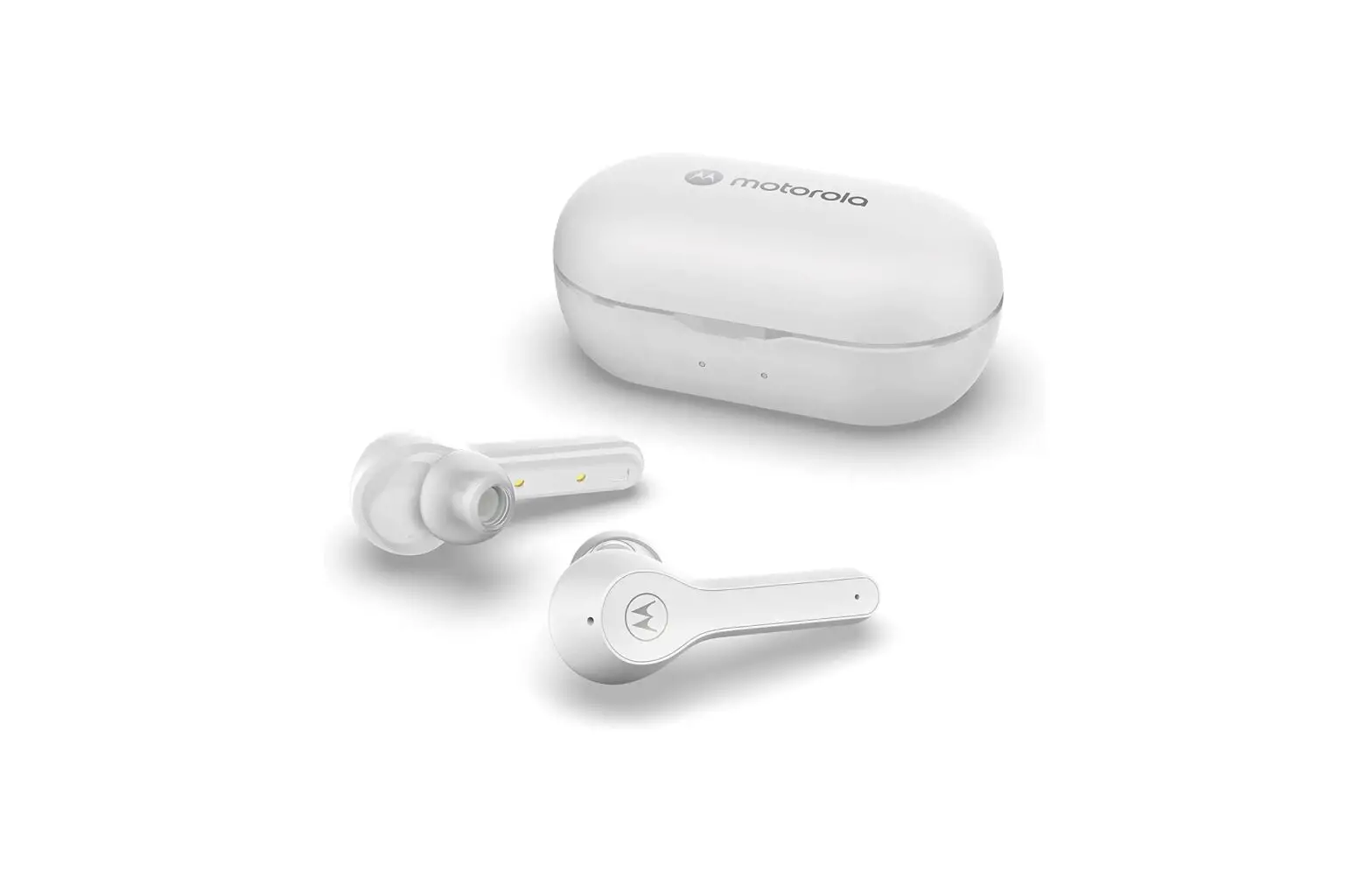
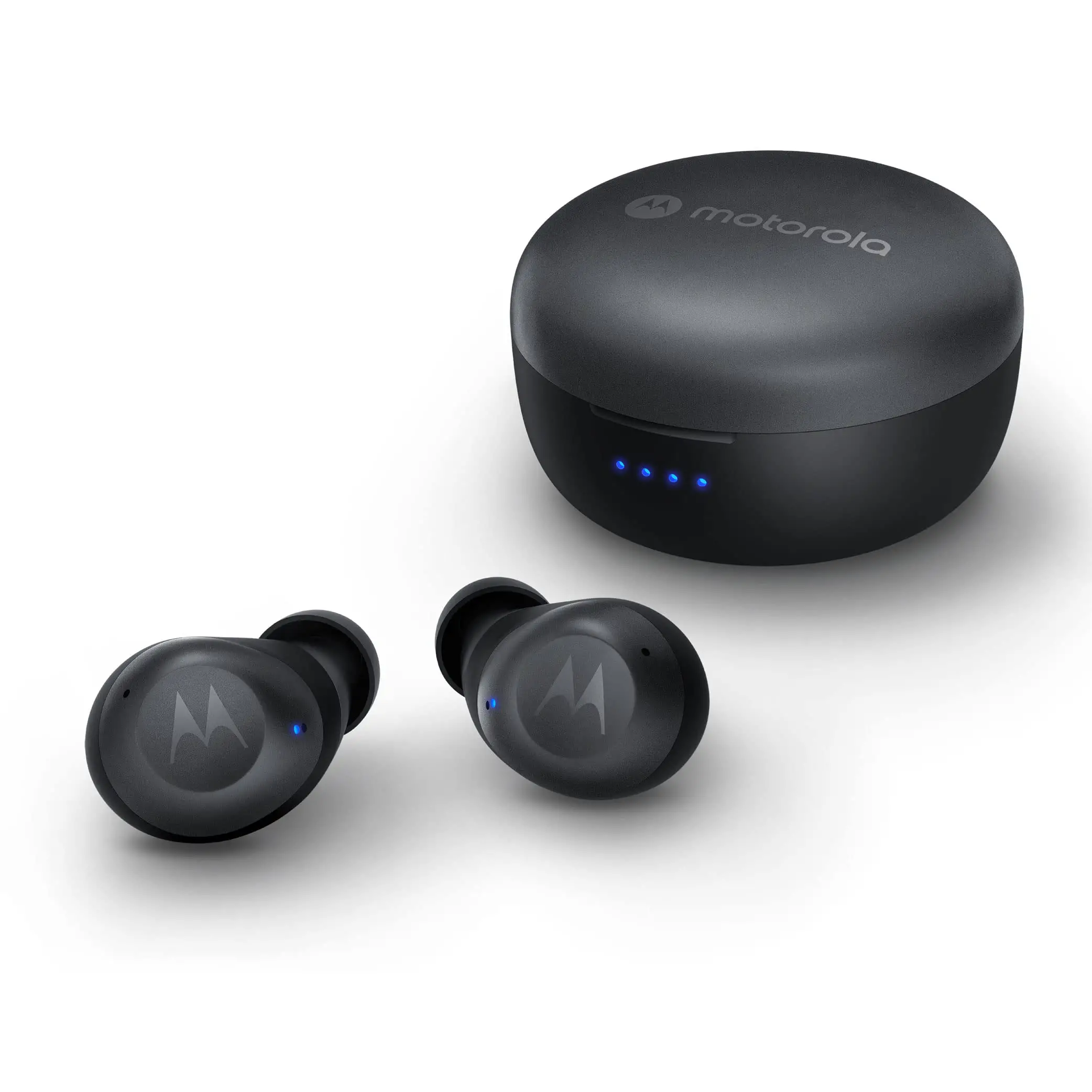
- Microphones
- Multi-function buttons (MFB)
- LED indicators
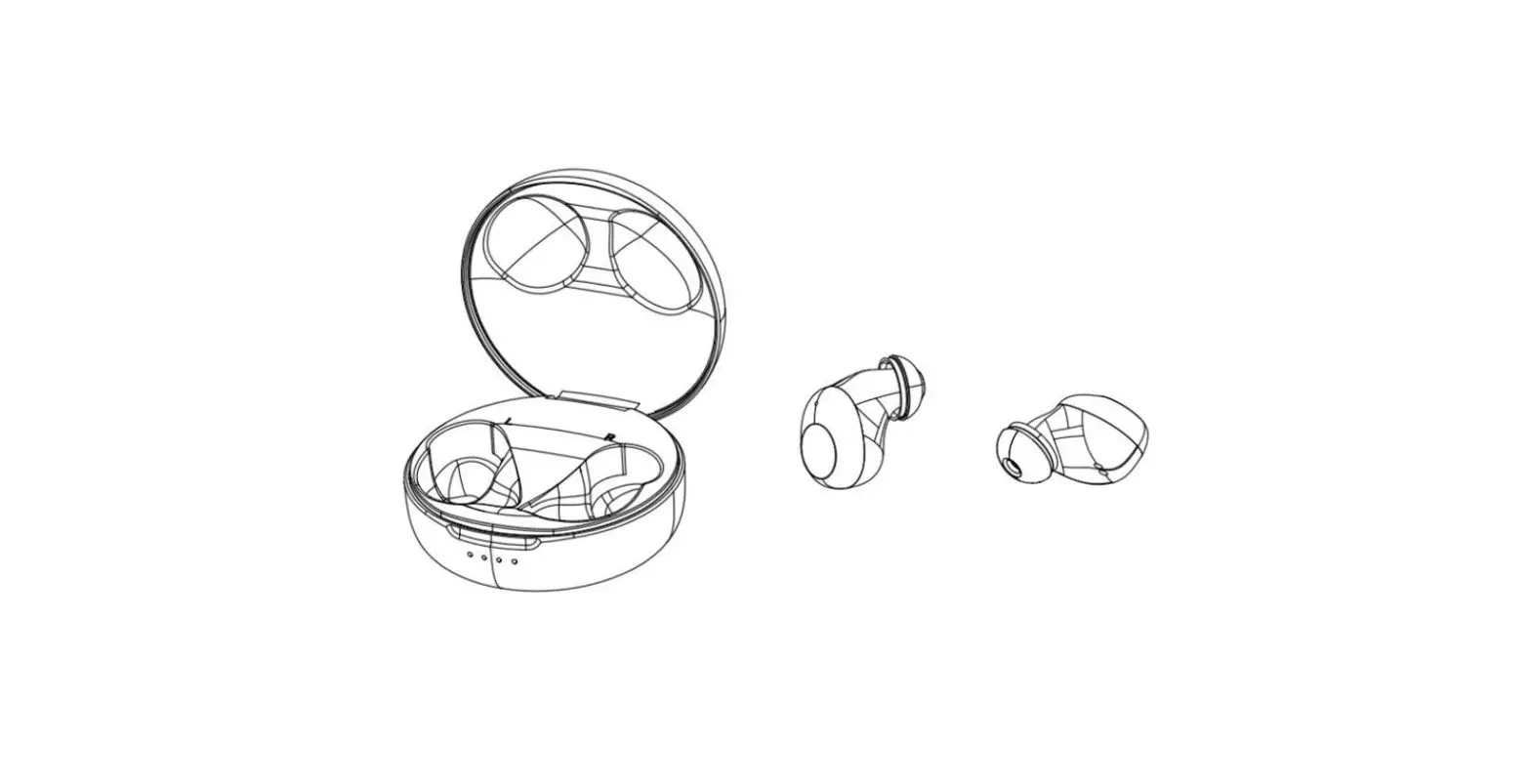
- Replaceable earcups (size M)
- Charging case
- USB Type-C charging socket
- Earbud charging contacts
- Battery level indicators
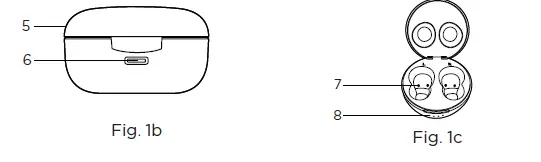
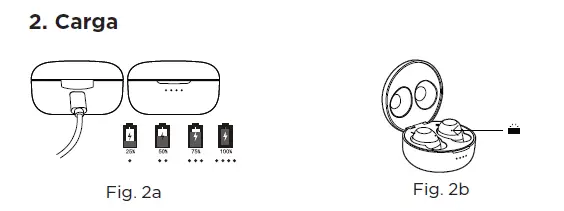
Charging case
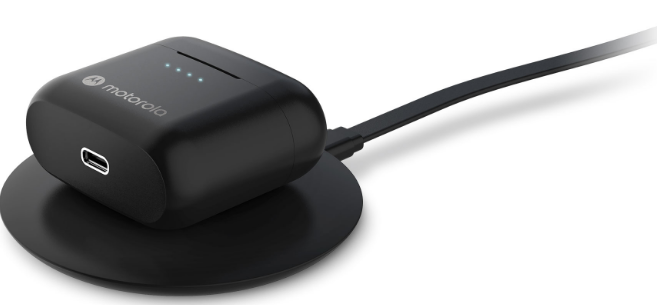
Plug the Type C cable into the USB-C charging port. The LED indicators flash until charging is complete.
Earbuds
Put into the charging case. The red LEDs on both earbuds turn on until charging is complete.
Fully charge before use
The device can be powered through a USB-C from any CE compliant power source that implement the European interface as requested by EN 301 489-52.
On/Off/Pair
- Turn on earbuds: Turn on automatically when opening the charging case top lid.
- Turn off earbuds: Put both earbuds into the charging case and fully close the charging case top lid. Then earbuds turn off automatically.
- Pairing: Earbuds do pairing automatically when opening the charging case top lid. Select MOTO BUDS 270 ANC from the Bluetooth menu of your device.
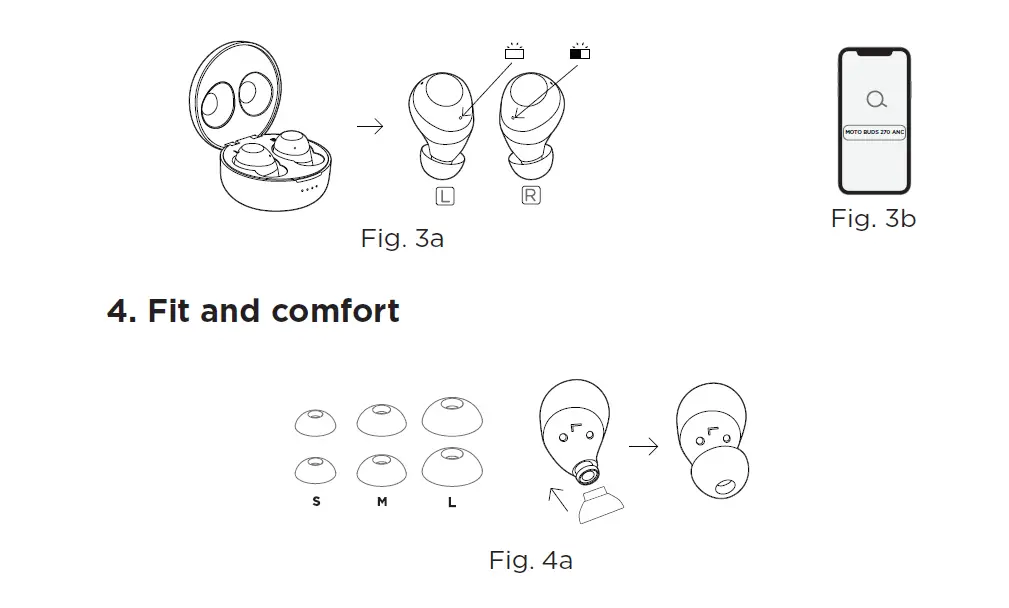
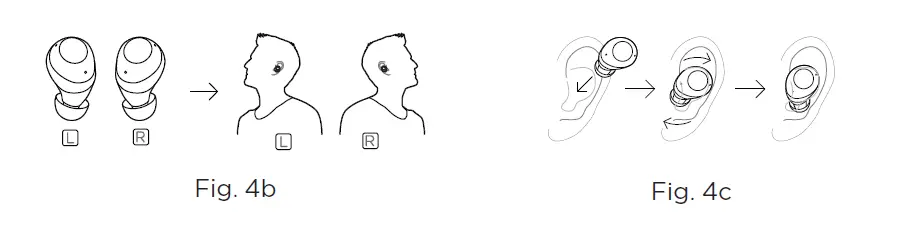
- Choose the suitable earcup size.
- Fit into the earbuds.
- Insert the earbuds into ears and rotate to fit comfortably.
Operation
| Call | Button |
| Answer/End a call | Left/right MFB: Tap once |
| Reject a call | Left/right MFB: Press and hold 2s |
| 3-way call | |
| Pick up calls/Put calls on hold/ switch calls | Left/right MFB: Tap once |
| Reject calls/Continue current call | Left/right MFB: Press and hold 2s |
| End current call/Resume on hold calls | Left/right MFB: Tap twice |
| Music | |
| Play/Pause | Left/right MFB: Tap once |
| Previous track | Right MFB: Tap 3 times |
| Next track | Right MFB: Tap twice |
| Activate voice assistant | |
| Siri, Google | Right MFB: Press and hold 2s |
| Noise cancelling on/Ambient sound/Off | Left MFB: Tap twice |
| Factory reset | |
| Switch off both earbuds. Press and hold MFB for 10s. Then put both earbuds into the charging case. Follow pairing instructions in section 3 to do pairing. | |
LED status indicators
| Power on | Flash blue x 1s |
| Power off | Flash red x 2s |
| Pairing | Flashes blue every 5s (left earbud) Flashes red and blue alternately (right earbud) |
| Connected | Flashes blue every 5s |
| Charging | Steady red |
Technical Specifications
| Model No. | MOTO BUDS 270 ANC |
| Frequency Band | 2.402 – 2.480GHz |
| Working temperature | 0°C – +45°C |
| Maximum RF power | 7dBm |
| FCC ID | 2ARRB-MB270A |
| IC | 20353-MB270A |
Distributed or sold by Meizhou Guo Wei Electronics Co. LTD., official licensee for this product. MOTOROLA and the Stylized M Logo are trademarks or registered trademarks of Motorola Trademark Holdings, LLC. and are used under license. All other trademarks are the property of their respective owners. © 2021 Motorola Mobility LLC. All rights reserved.