 QUICK
QUICK
START GUIDE
EUFYCARE BABY
SMART SOCK KIT
SAFETY INSTRUCTIONS
Strangulation Hazard: Children get STRANGLED in cords. Keep cords out of the reach of children (more than 1m / 3ft away). Never use extension cords with AC adapters. Only use the AC adapters provided. Easycare Baby Smart Sock is not a medical device and is not intended for diagnosis prevention or treatment of any disease or condition.
PRODUCT OVERVIEW
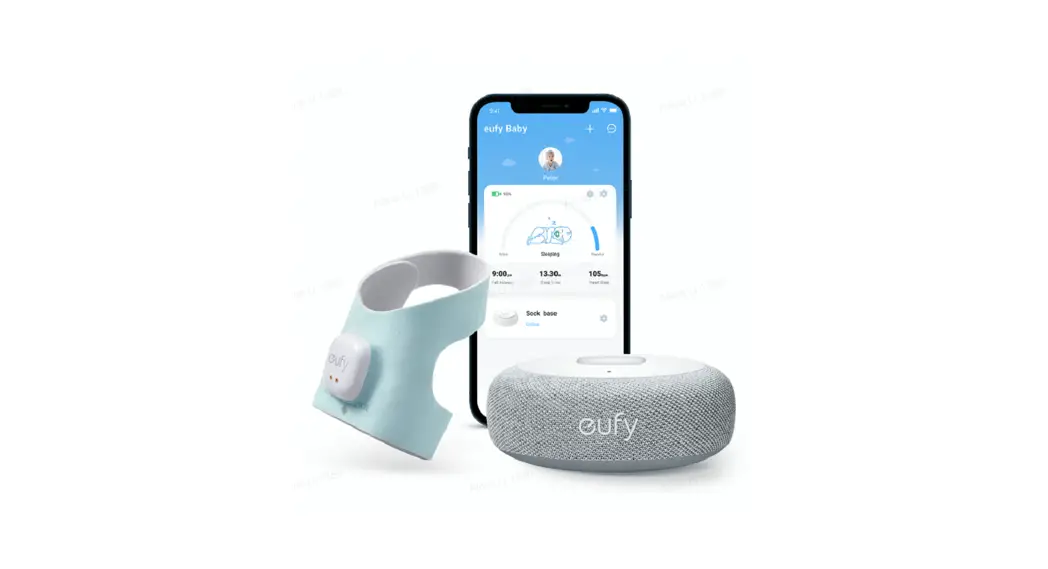
Baby Sock Base
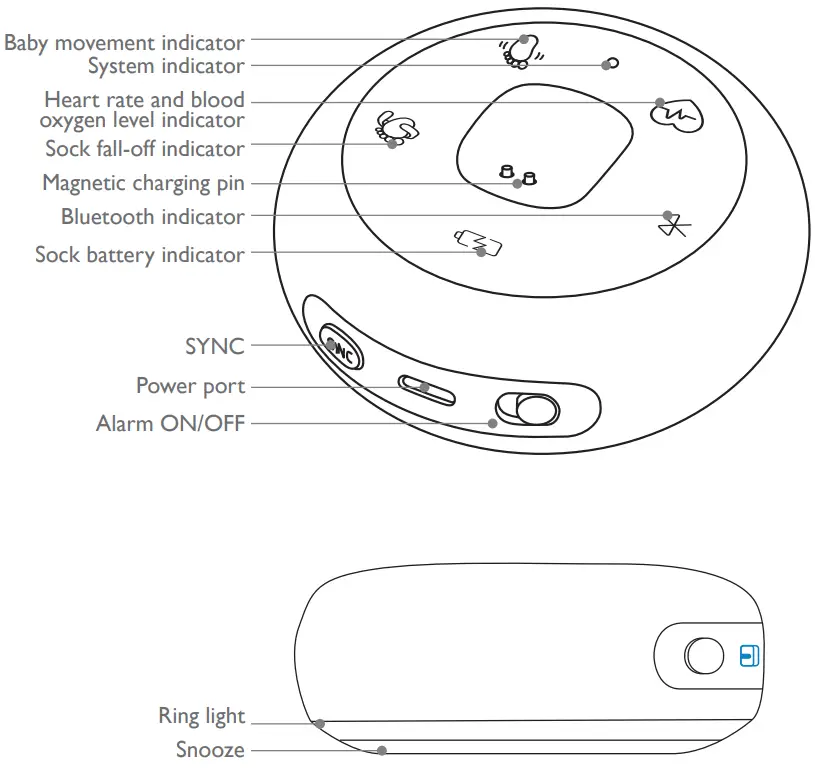
| Button | Description |
| SYNC | Press and hold for 2 seconds for setup. |
| Alarm ON/OFF | OFF: You will not get any alarms or notifications. The system indicator turns white. ON: You will get alarms and notifications in case of an emergency. |
| Snooze | Pat sock base to snooze alarms for 10 minutes. |
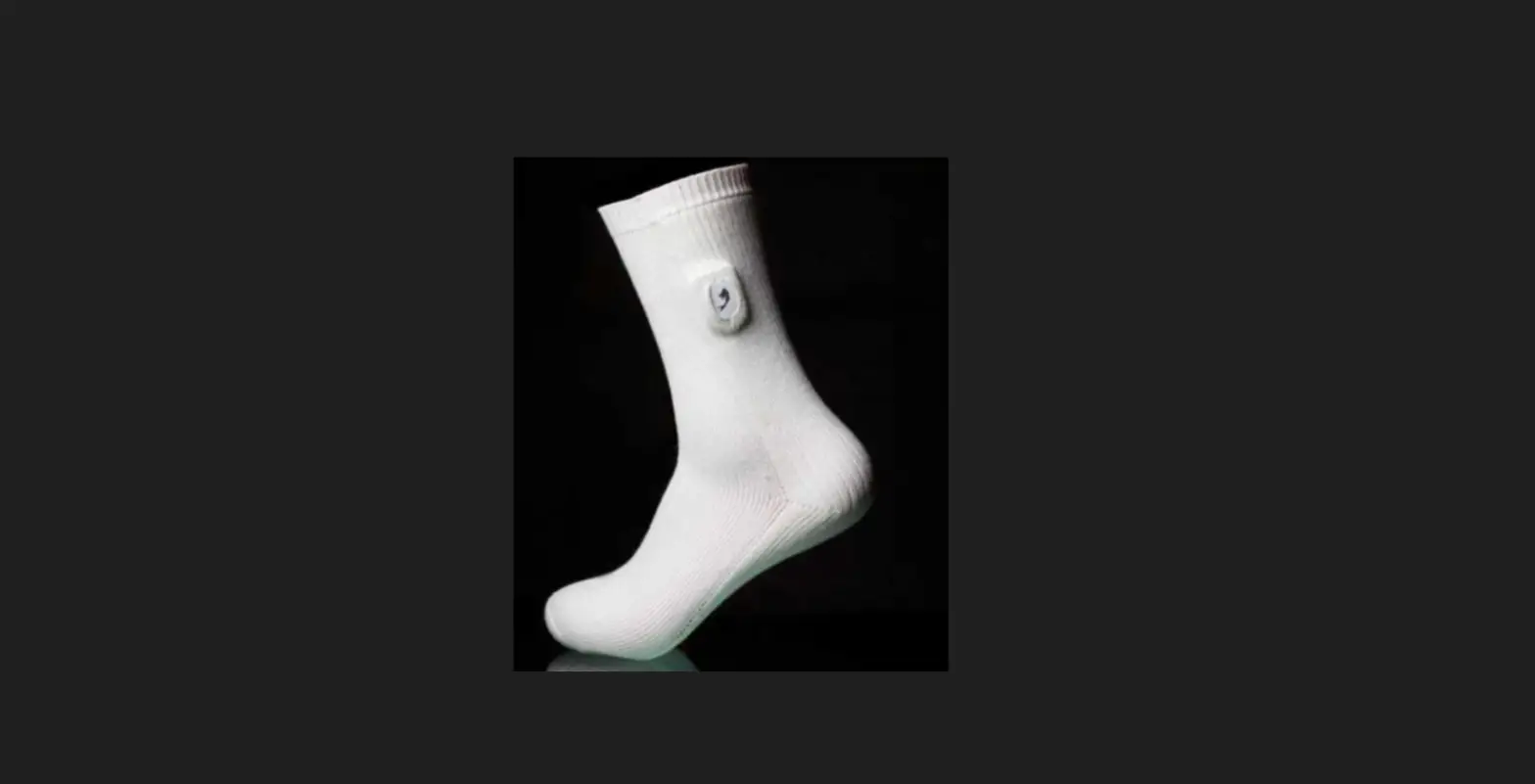
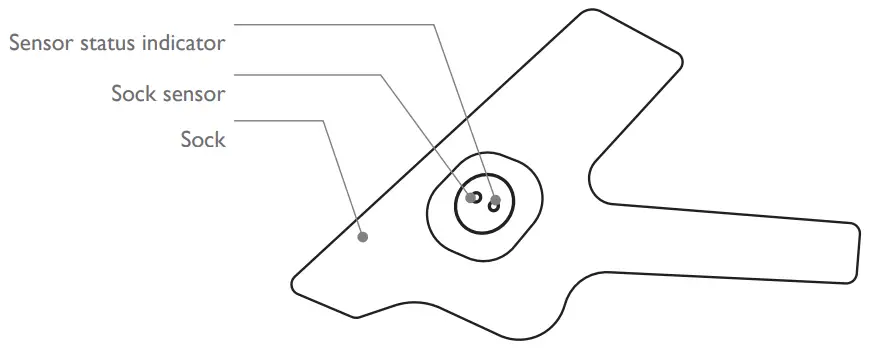
Baby Smart Sock
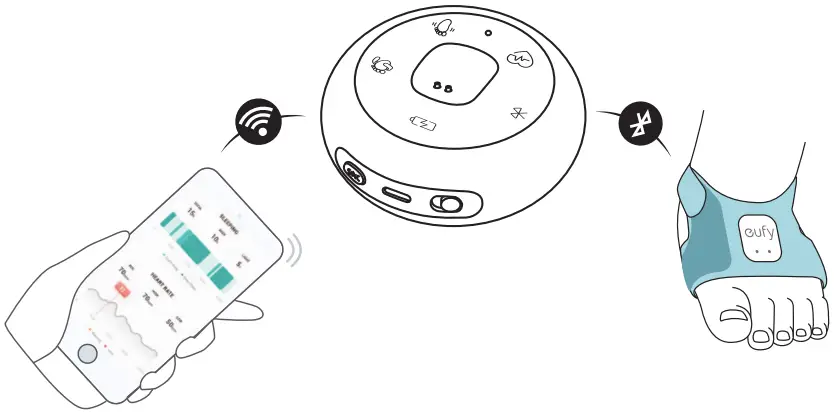
HOW THE PRODUCT WORKS
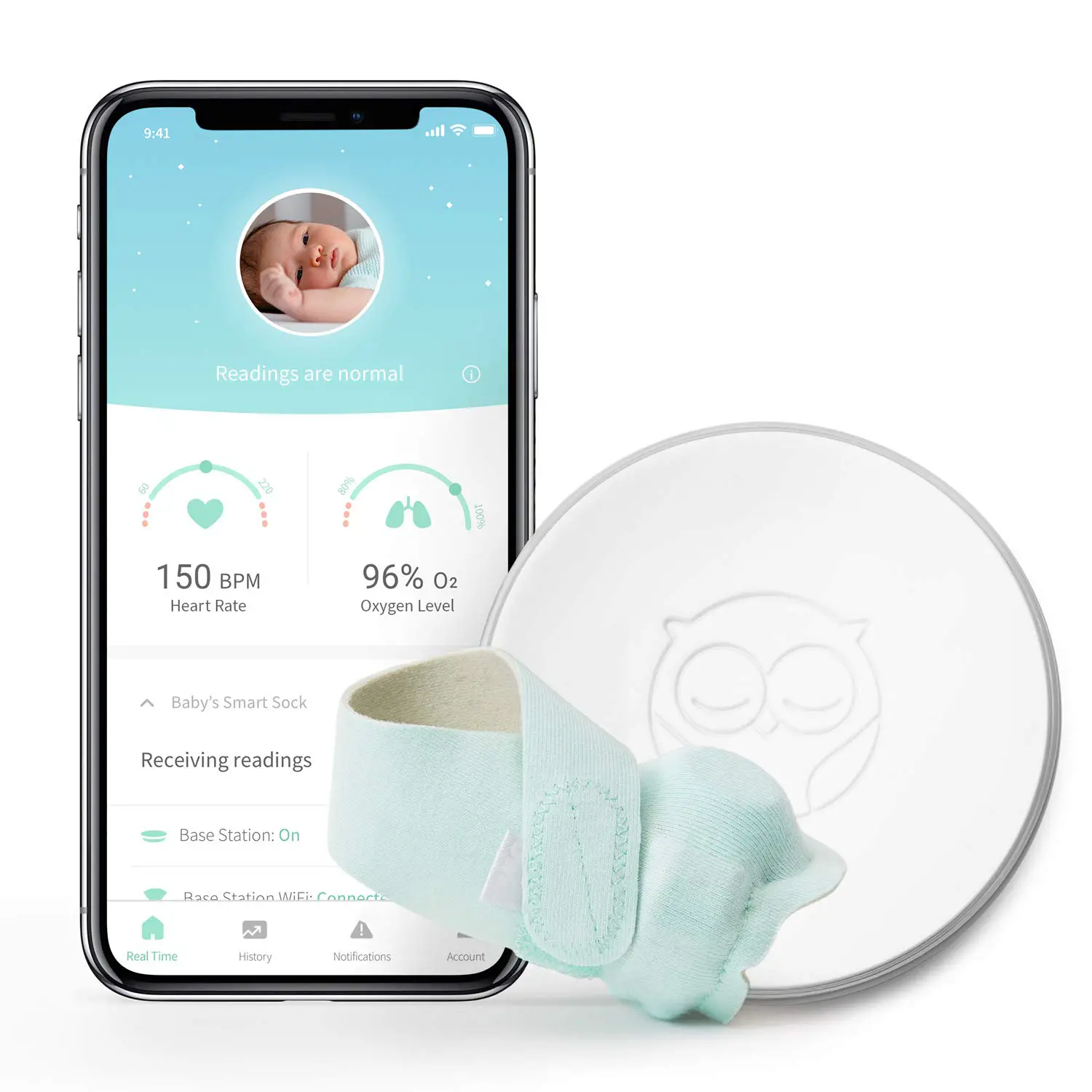
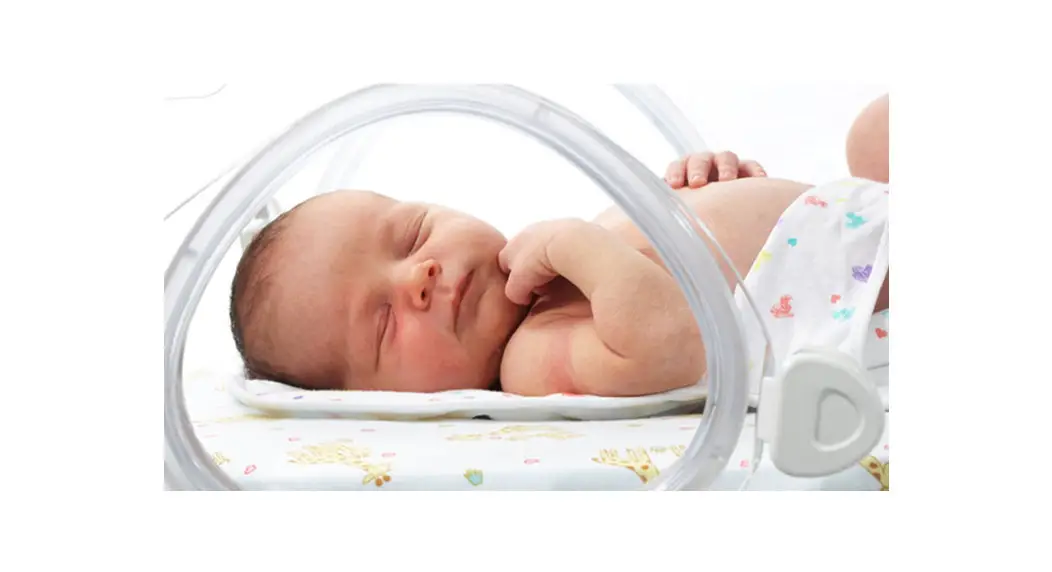
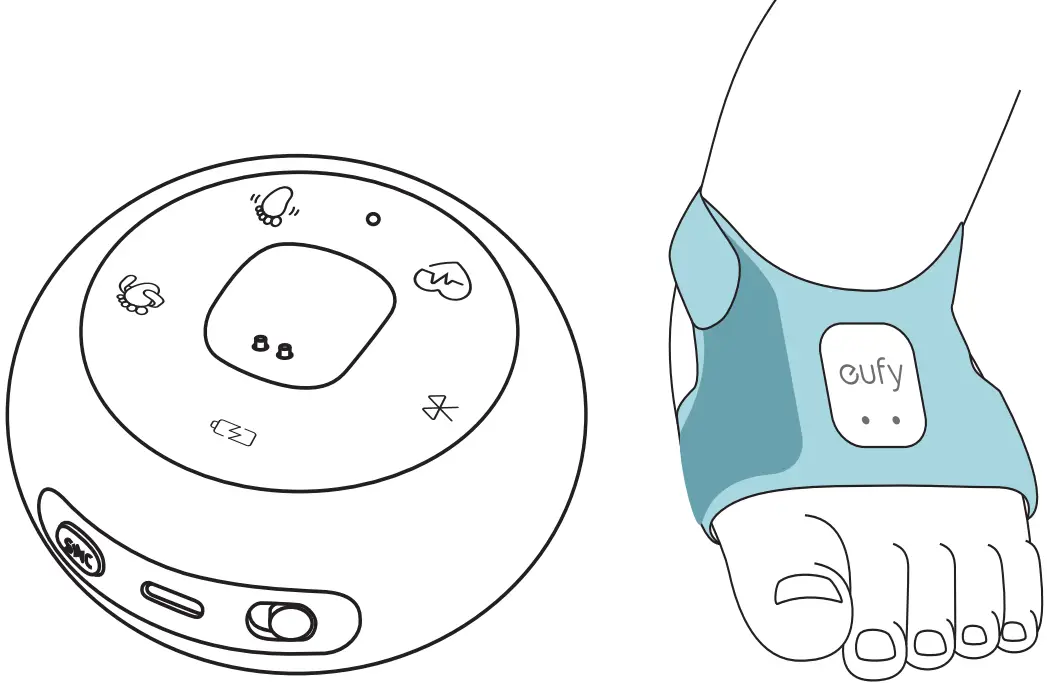
The product provides real-time monitoring of heart rate and blood oxygen level via the smart sock worn on the baby’s foot. In case of emergency, the Baby Sock Base plays sound and light alarms and sends notifications to your phone through the Easycare app.
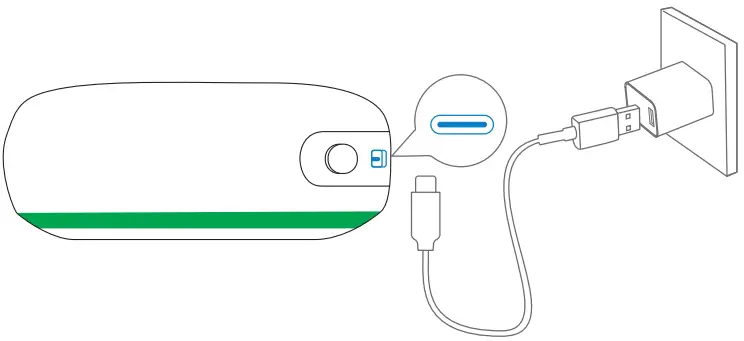
STEP 1. POWER ON SOCK BASE
1. Power on the sock base.
Wait for a few seconds until the ring light on the bottom turns green.
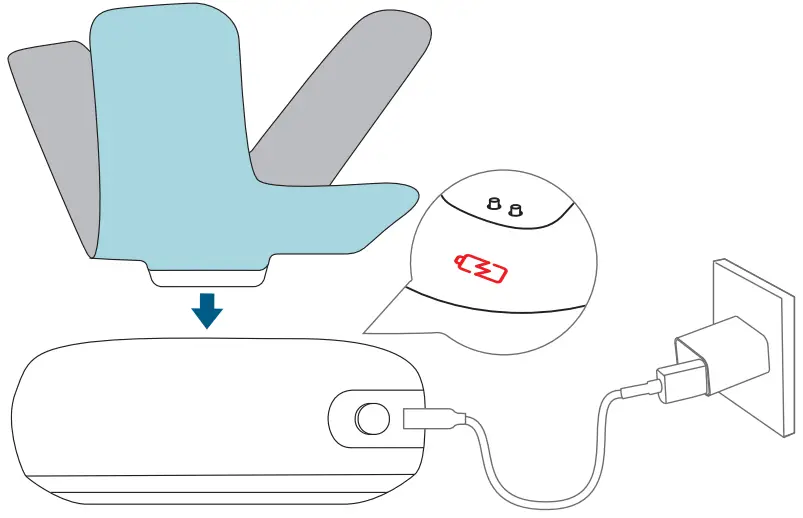
2. Charge the sock.
The sock battery indicator on the sock base turns red.
STEP 2. ADD SOCK BASE TO EUFYCARE APP
1. Download the Easycare app from App Store or Google Play.

2. Scan the QR code on the bottom of the Sock Base, and follow the in-app instructions to add the Sock Base and Smart Sock.
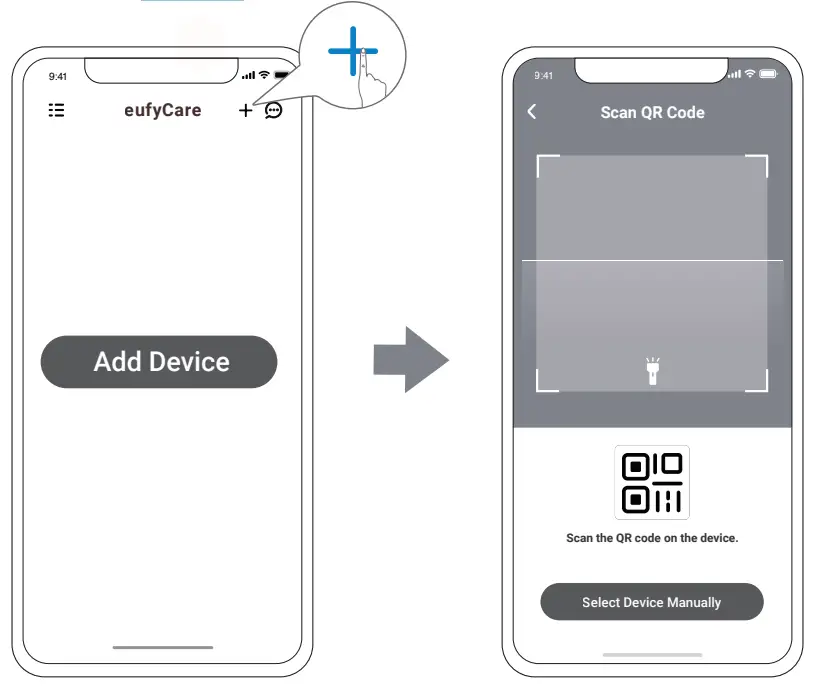
SOCK SENSOR STATUS INDICATOR
| Flashing red | Charging and waiting to connect |
| Red | Charging and connected |
| Green | Fully charged and connected |
STEP 3. WEAR SOCKS FOR BABY
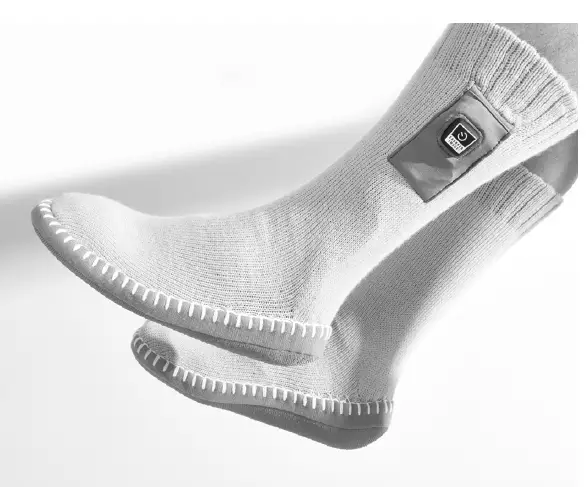
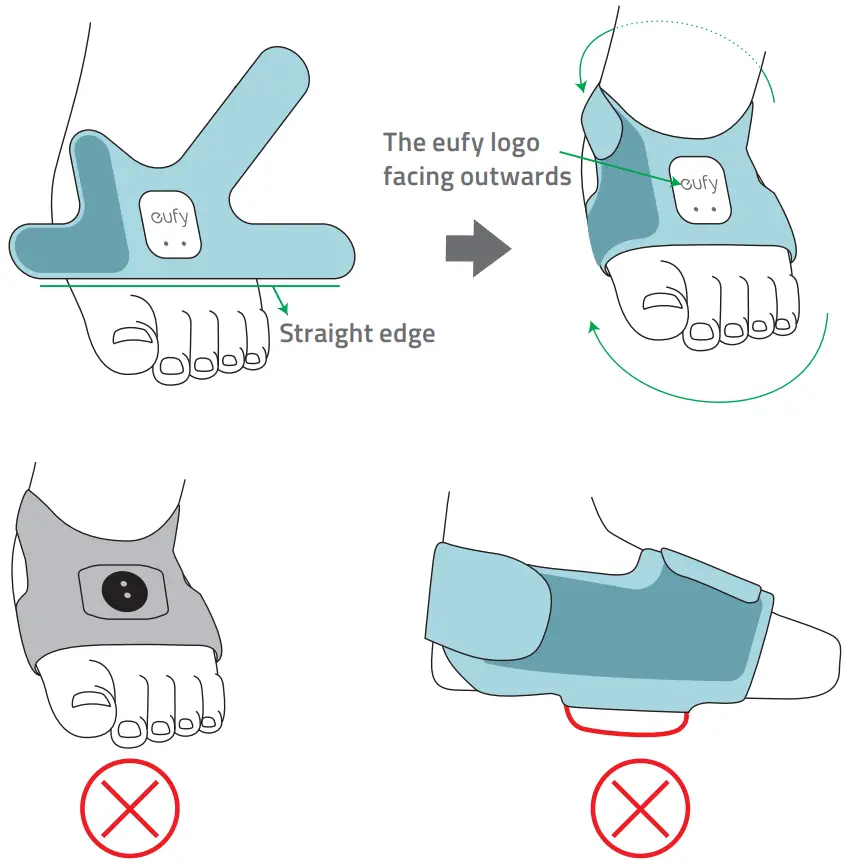
Wear the sock on either foot of the baby.
TIPS:
- Make sure the sock is worn directly next to the skin. Do not wear the sock too tightly or loosely.
- To charge the sock, put it back to the sock base, and make sure the sock battery indicator on the sock base turns red.
- Wash the sock (except the sensor) regularly.
The product provides two socks in different sizes. The small one fits babies weighing 4-12lb, and the big one fits babies weighing 12-30lb. You can remove the sensor from one sock, and install it on the other.

CHECK ALARMS BY RING LIGHT
| Green | Normal. |
| Flashing red | Warning: The heart rate and/or blood oxygen level are outside the normal range. |
NOTICE
FCC Statement
This device complies with Part 15 of the FCC Rules. Operation is subject to the following two conditions: (1) this device may not cause harmful interference, and (2) this device must accept any interference received, including interference that may cause undesired operation. Warning: Changes or modifications not expressly approved by the party responsible for compliance could void the user’s authority to operate the equipment.
Note: This equipment has been tested and found to comply with the limits for a Class B digital device, pursuant to Part 15 of the FCC Rules. These limits are designed to provide reasonable protection against harmful interference in a residential installation. This equipment generates uses and can radiate radio frequency energy and, if not installed
and used in accordance with the instructions, may cause harmful interference to radio communications. However, there is no guarantee that interference will not occur in a particular installation. If this equipment does cause harmful interference to radio or television reception, which can be determined by turning the equipment off and on, the user is encouraged to try to correct the interference by one or more of the following measures: (1) Reorient or relocate the receiving antenna. (2) Increase the separation between the equipment and receiver. (3) Connect the equipment into an outlet on a circuit different from that to which the receiver is connected. (4) Consult the dealer or an experienced radio/ TV technician for help. FCC Radio Frequency Exposure Statement T8340 has been evaluated and follows the general RF exposure requirements. The device can be used in portable exposure conditions without restriction. The min separation distance is 0cm. T8351 has been evaluated to meet general RF exposure requirements. The device can be used in fixed/mobile exposure conditions. The min separation distance is 20cm.
Notice: Shielded cables All connections to other computing devices must be made using shielded cables to maintain compliance with FCC regulations. The following importer is the responsible party Company Name: POWER MOBILE LIFE, LLC Address: 10900 NE 8TH ST, STE 501, BELLEVUE, WA 98004 Telephone: 1-800-988-7973
IC Statement
This device complies with Industry Canada licence-exempt RSS standard(s). Operation is subject to the following two conditions: (1) this device may not cause interference, and (2) this device must accept any interference, including interference that may cause undesired operation of the device.”
CUSTOMER SERVICE
Warranty
12-month limited warranty
Call Us
| United States | +1 (800) 988 7973 | Mon-Fri 9 AM-5 PM (PT) |
| United Kingdom | +44 (0) 1604 936 200 | Mon-Fri 6AM-11AM (GMT) |
| Germany | +49 (0) 69 9579 7960 | Mon-Fri 6:00-11:00 |
Email Us
Customer Support: [email protected]
 @EufyOfficial
 @EufyOfficial
 @EufyOfficial