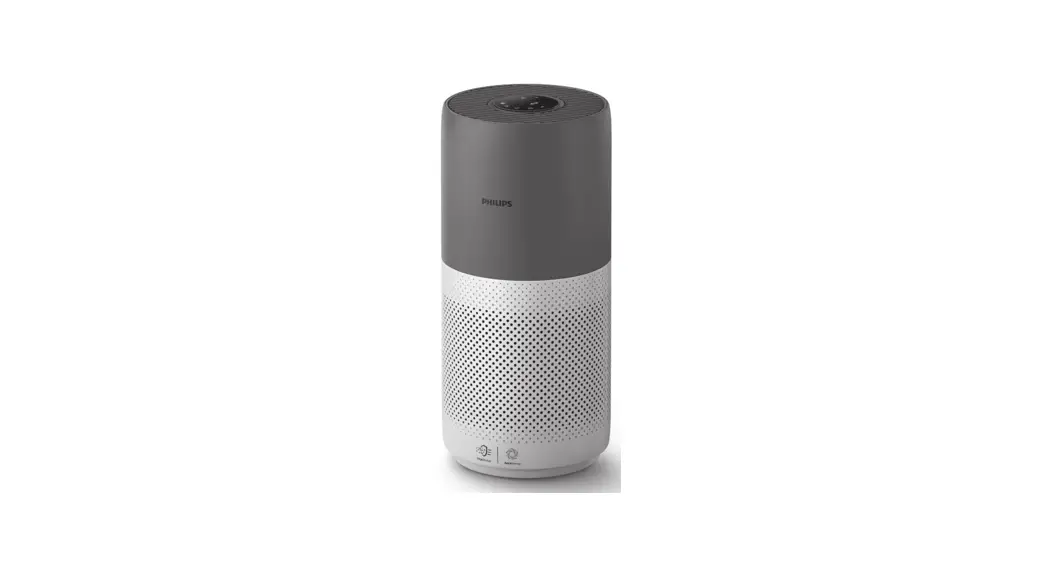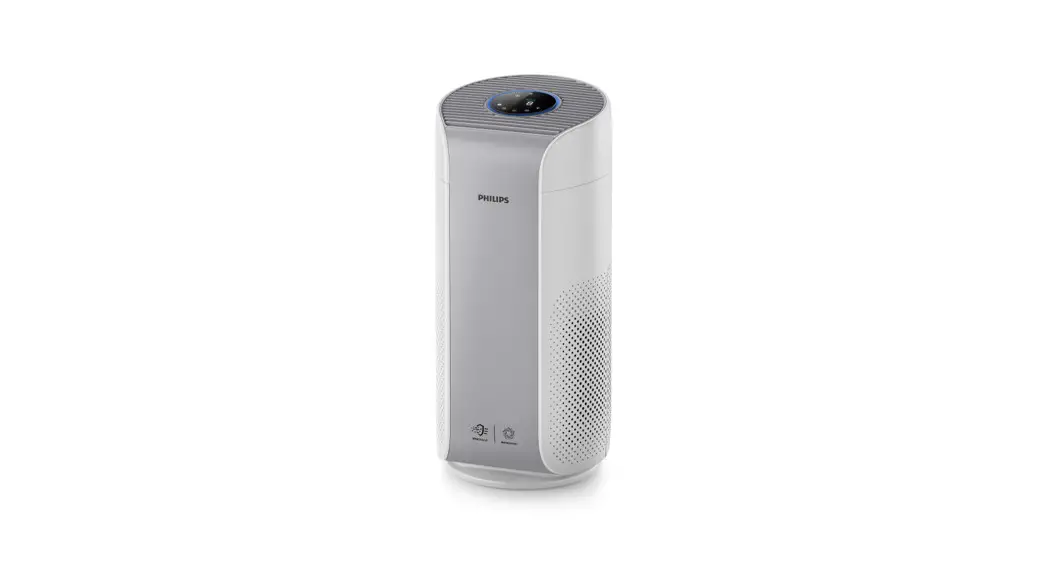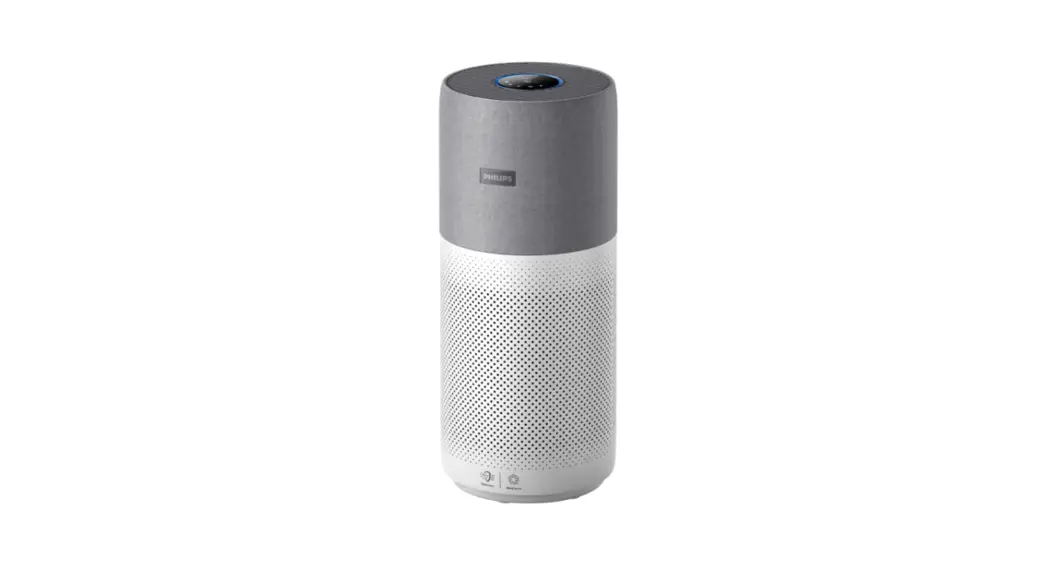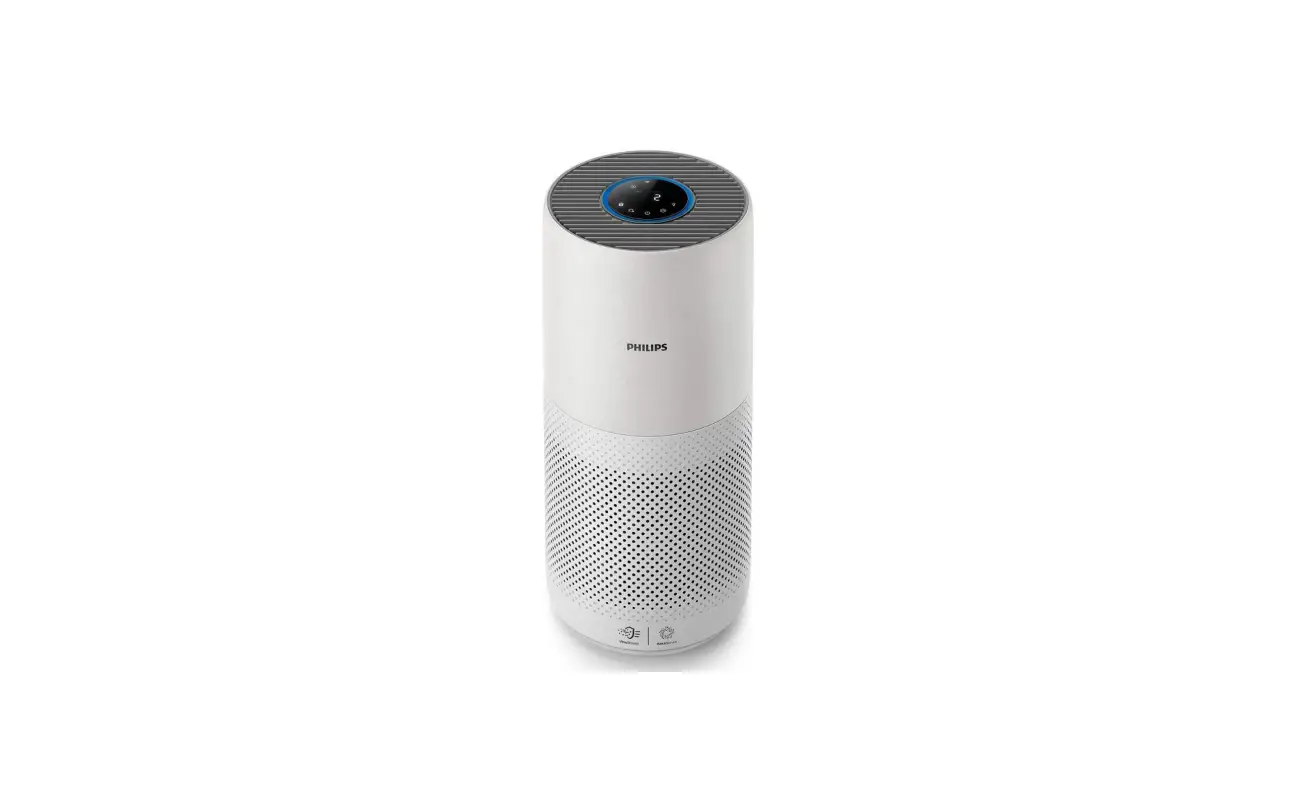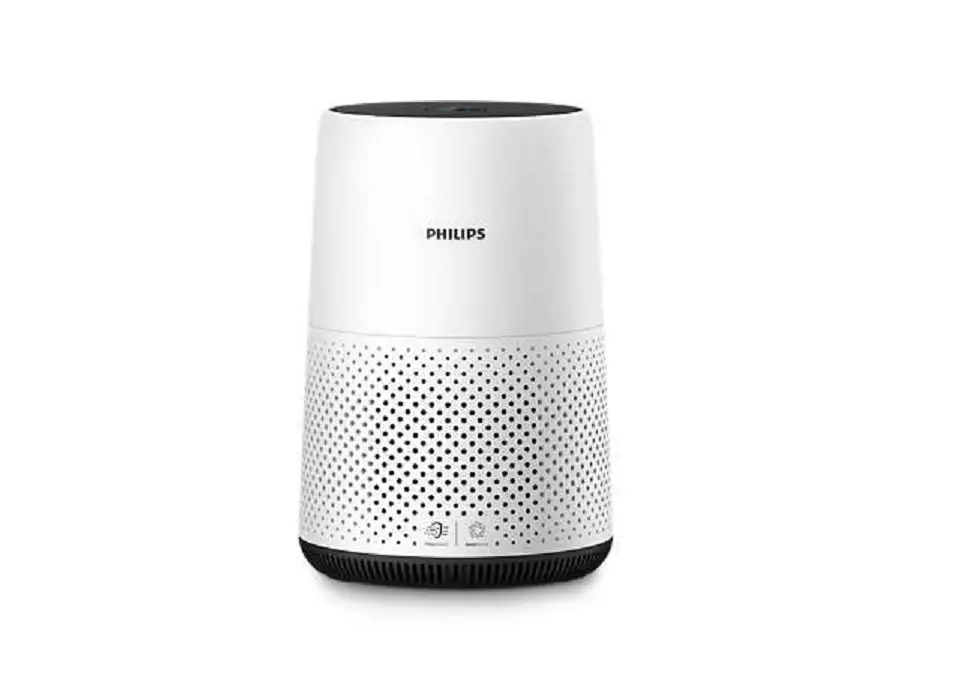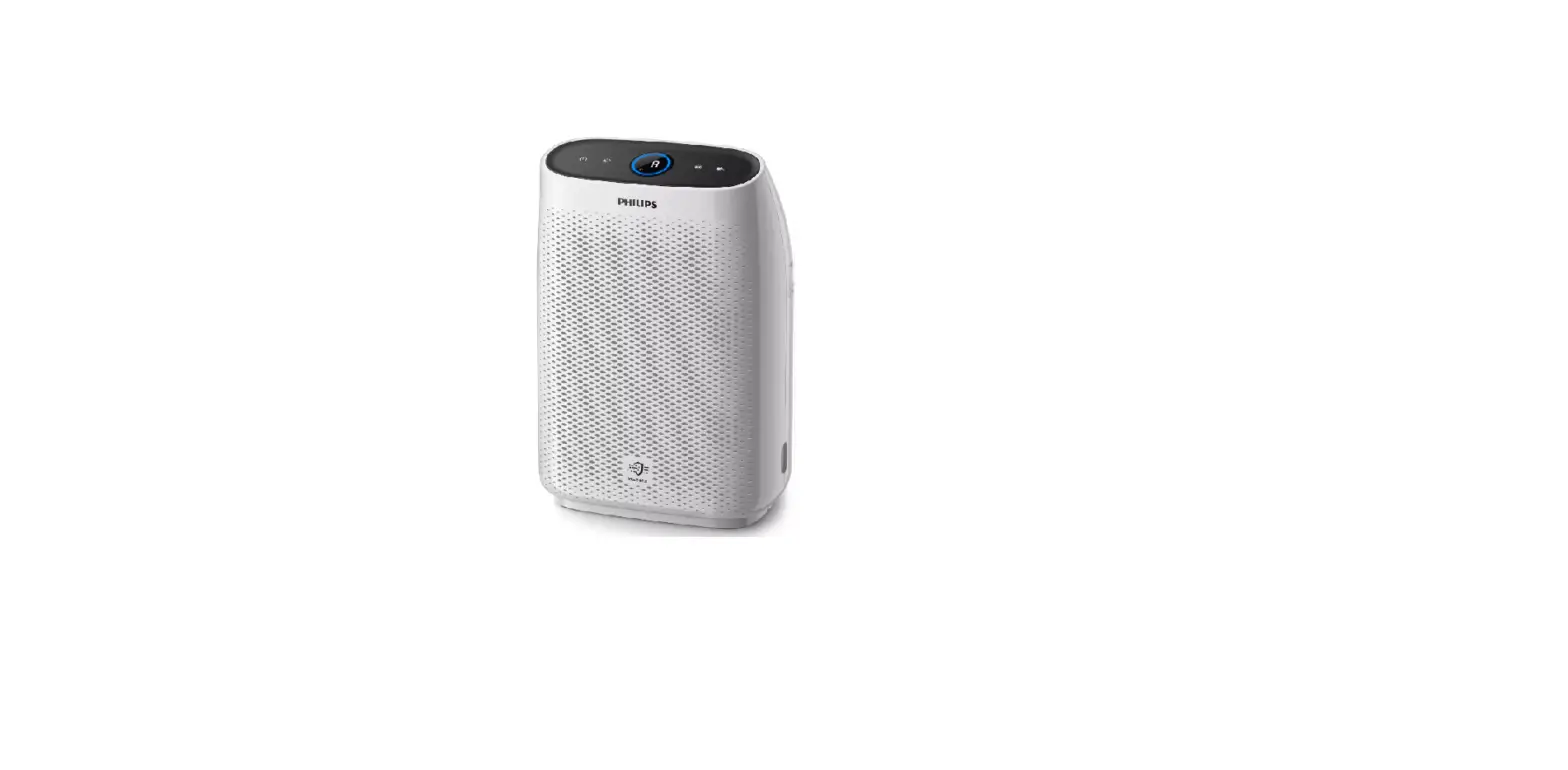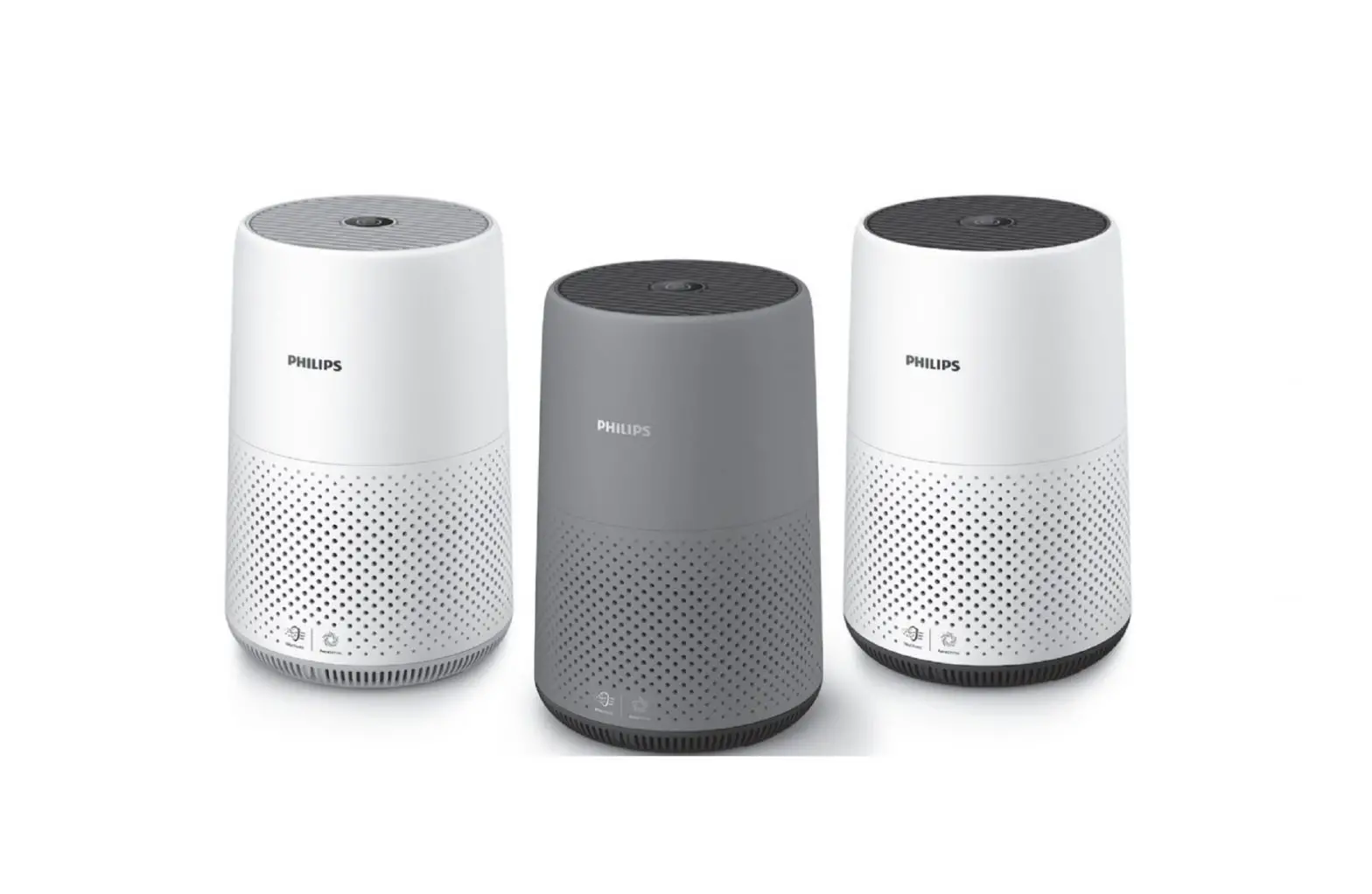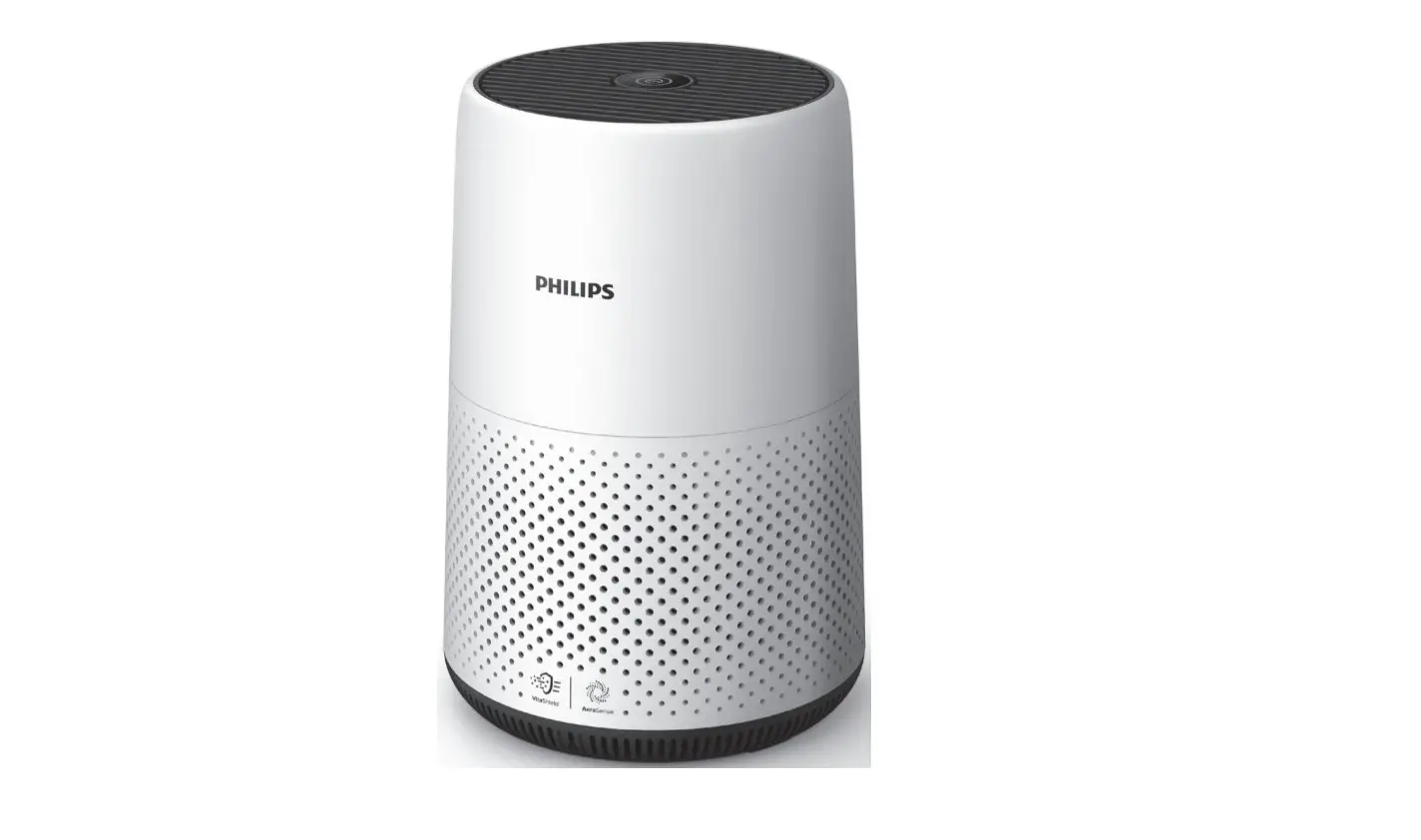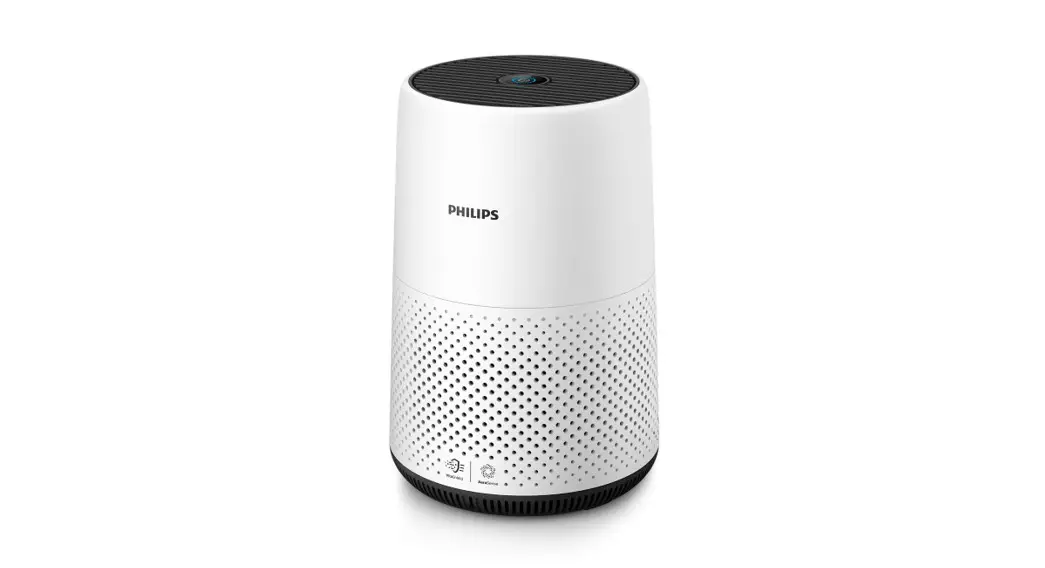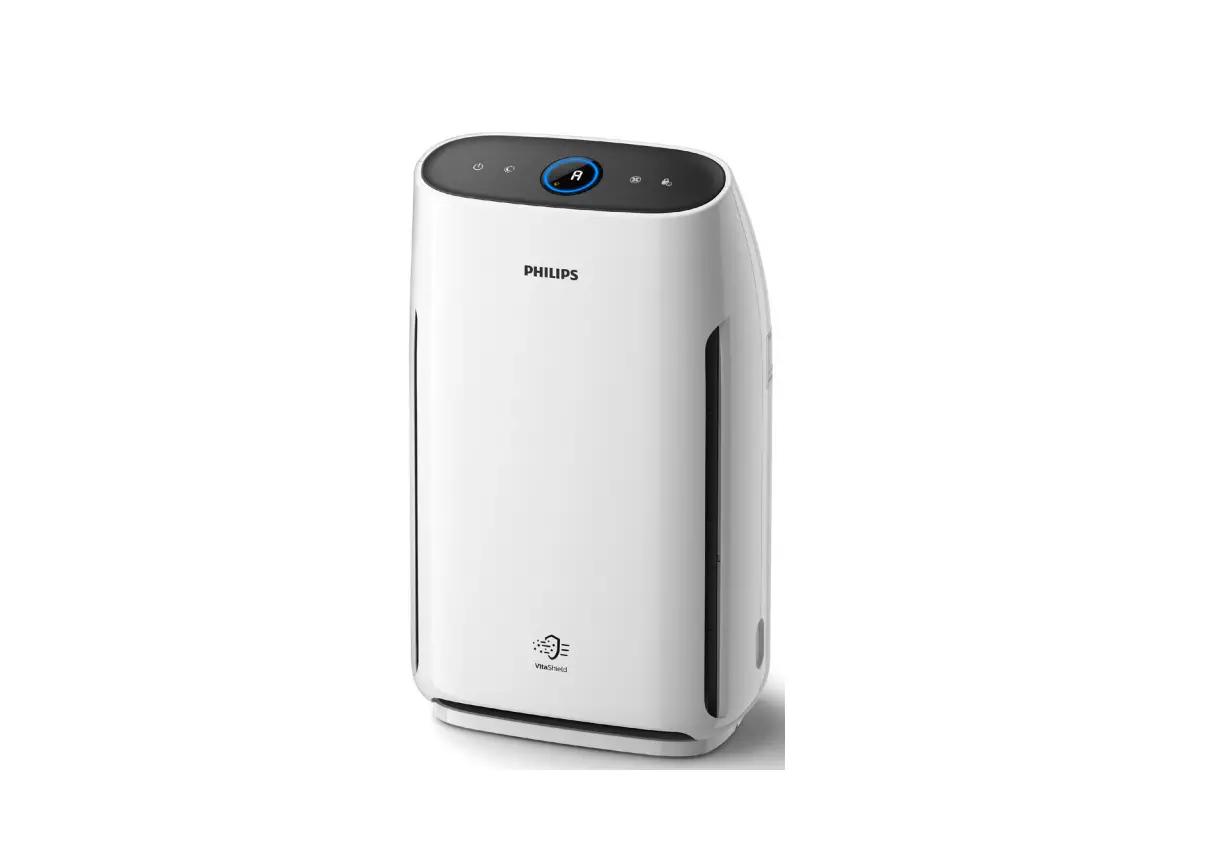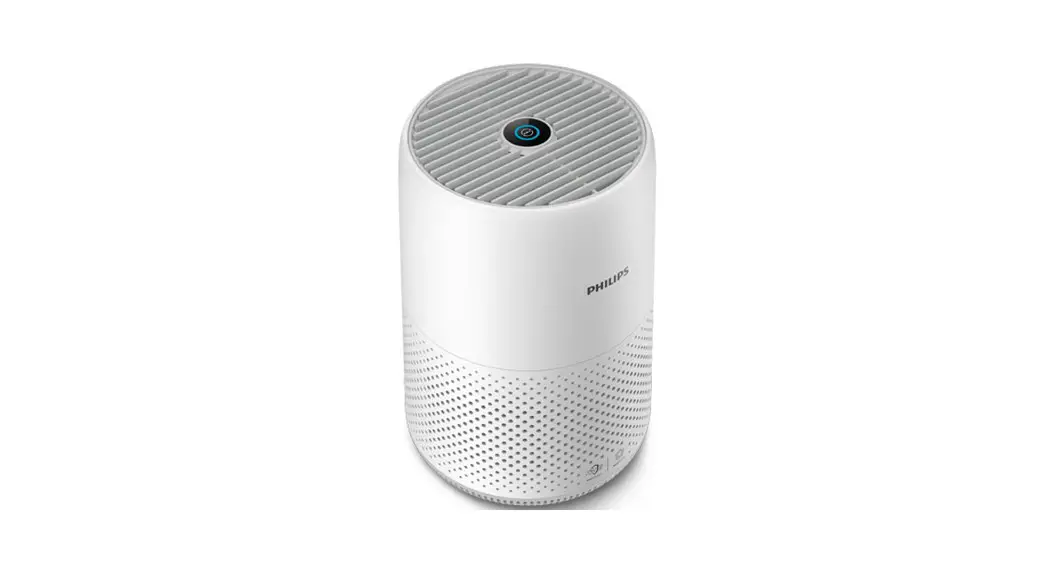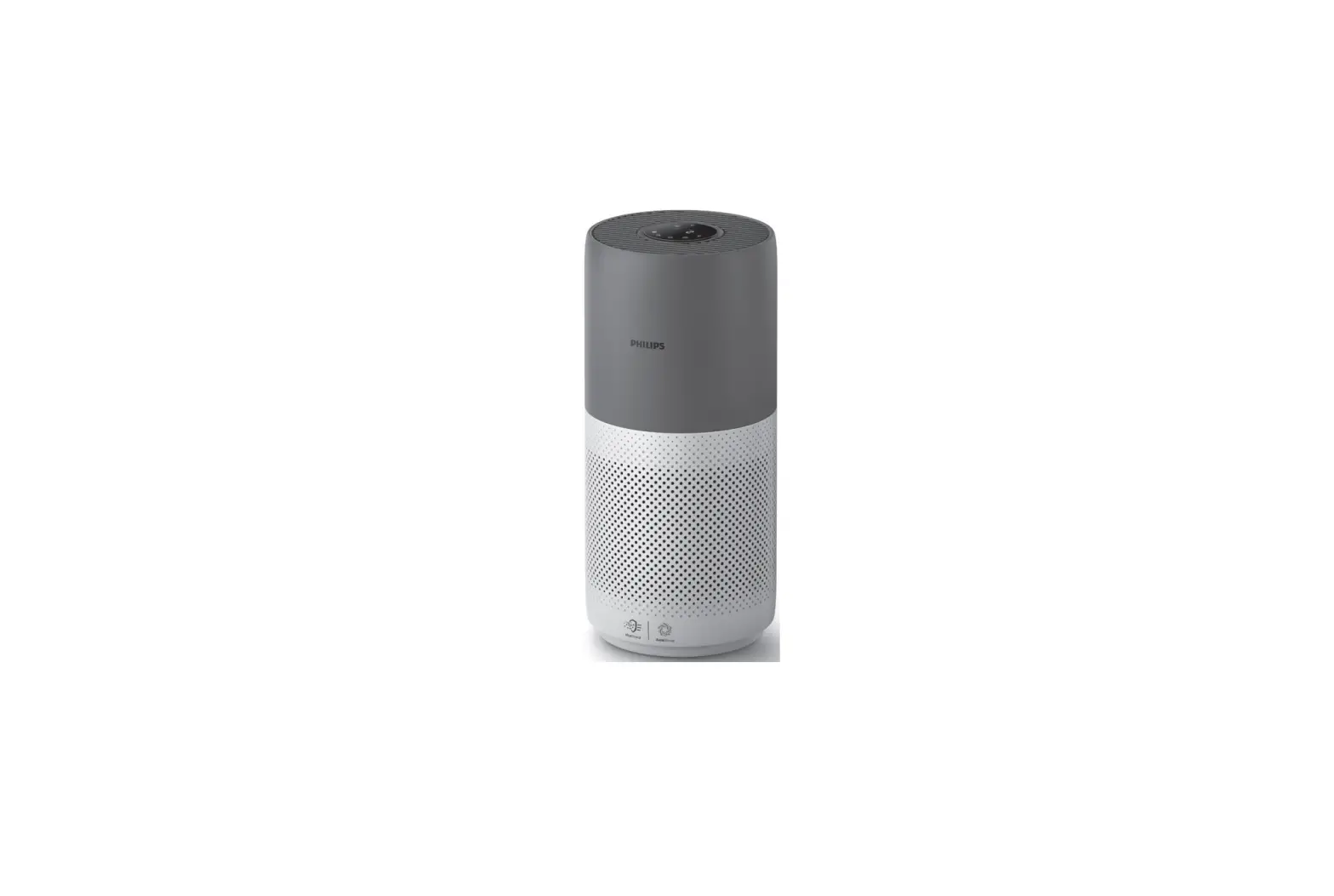
PHILIPS AC2936 Air Purifier User Manual
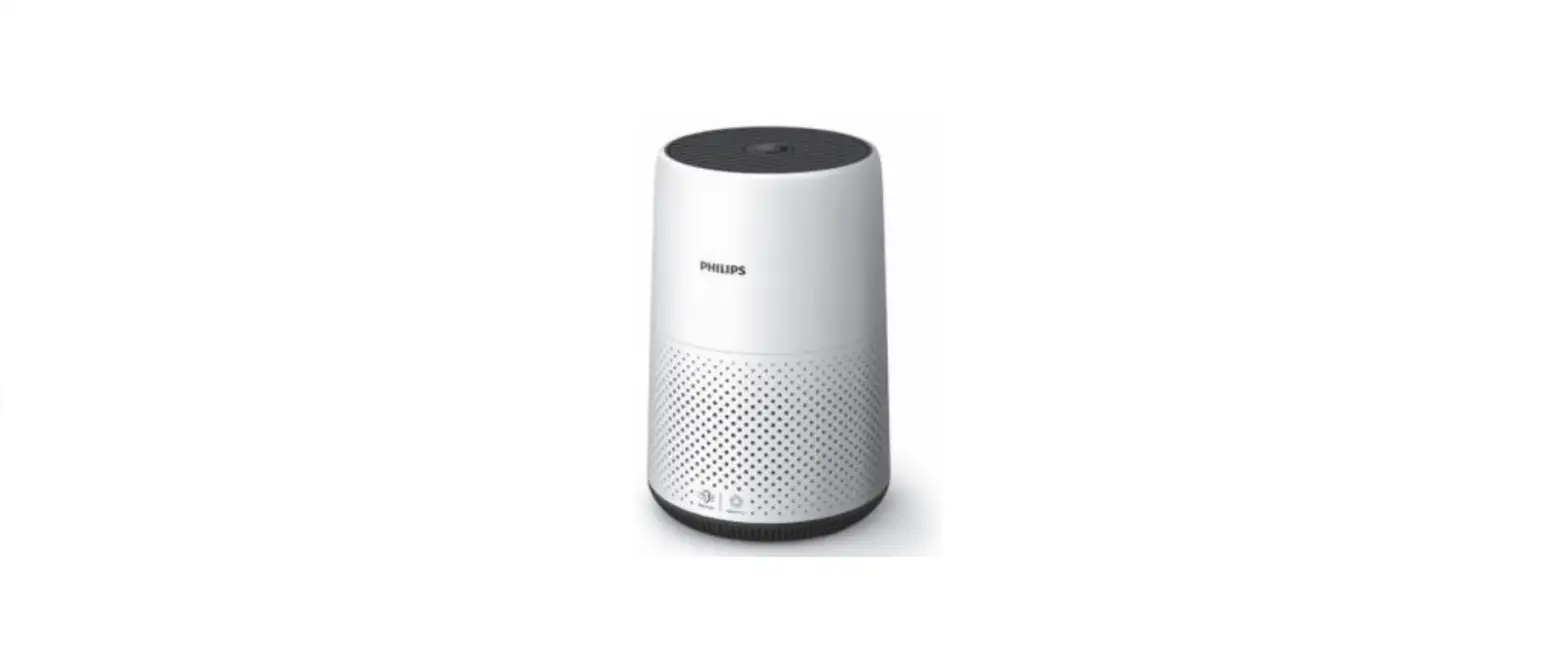
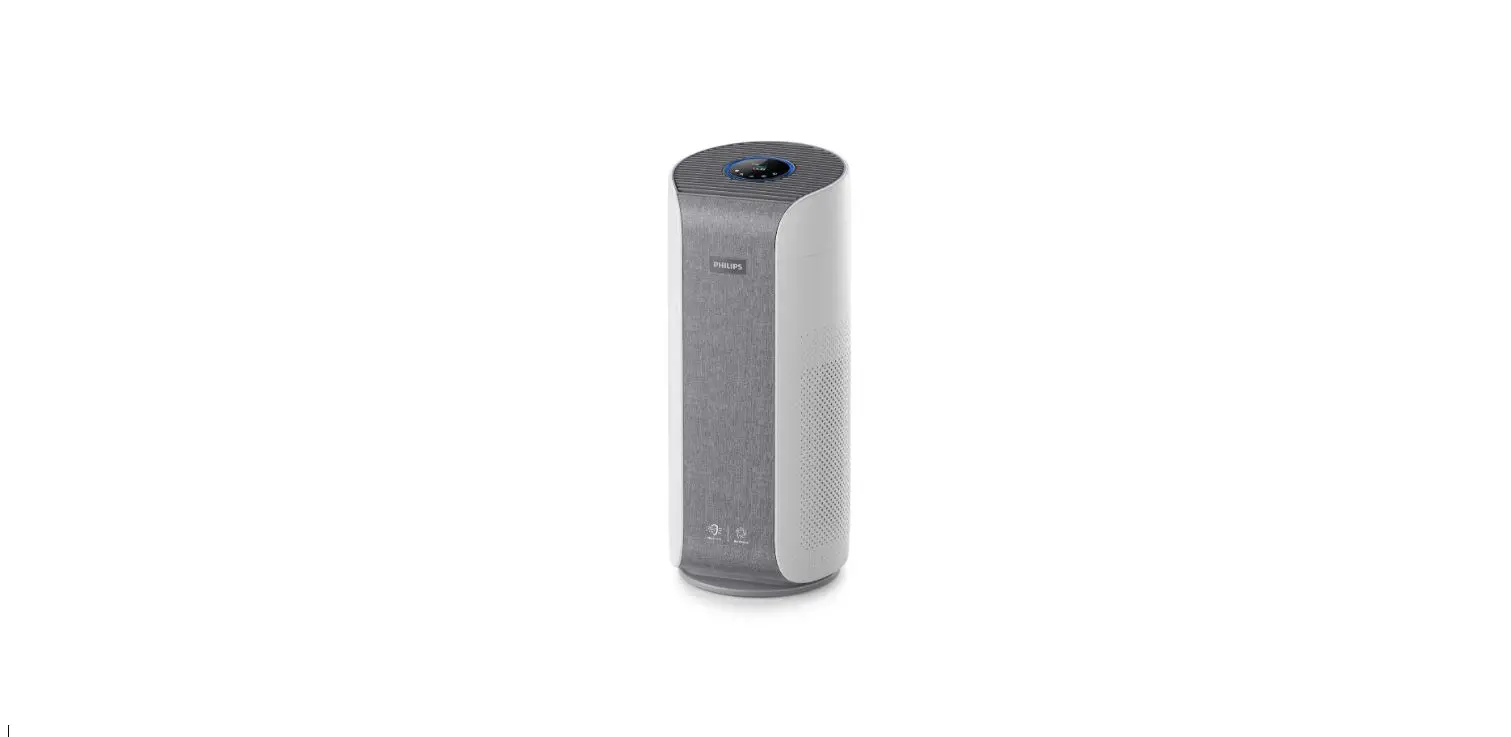
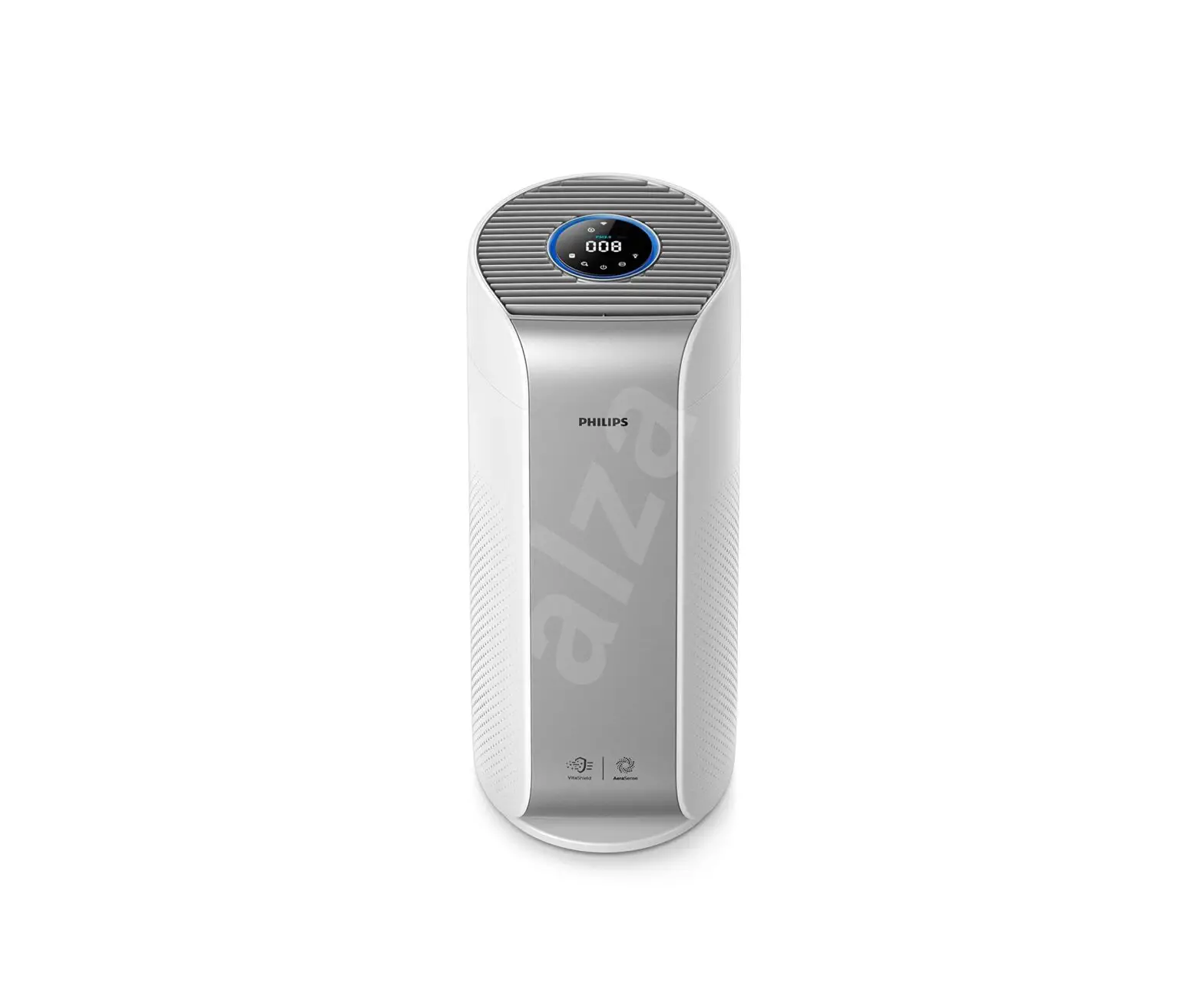
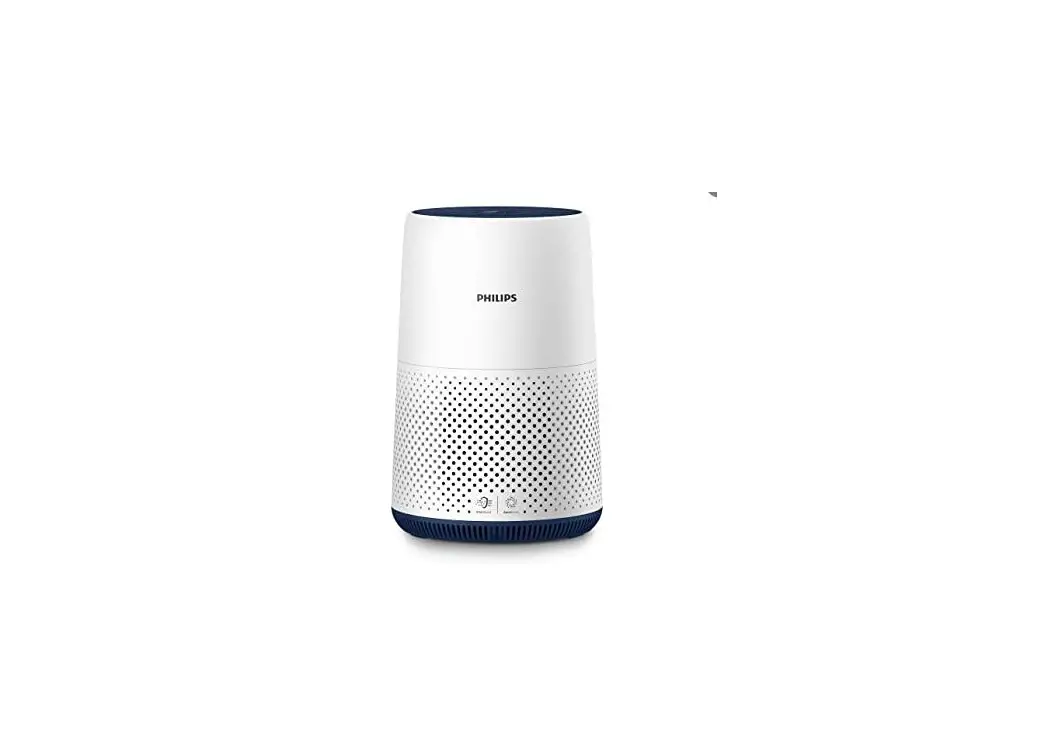
Your air purifier
Congratulations on your purchase, and welcome to Philips! To fully benefit from the support that Philips offers, register your product at www.philips.com/welcome.
Product overview

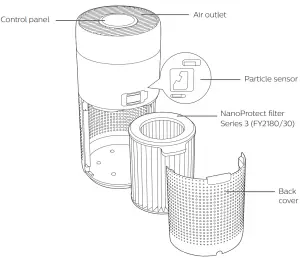
Controls overview

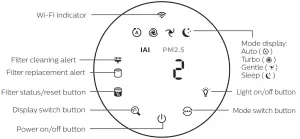
Getting started
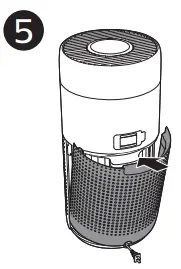
Installing the filter
Note: Make sure the air purifier is unplugged from the electrical outlet before installing the filter.
- Pull the back cover and remove it from the appliance.

- Pull the filter from the appliance.
- Remove all packaging materials of the air purification filter
- Put the filter back into the appliance
- Reattach the back cover.
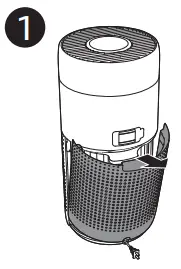
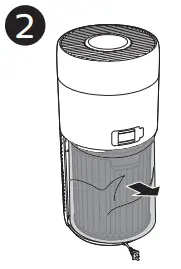
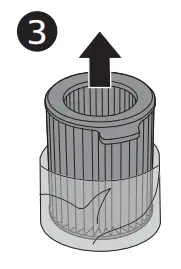
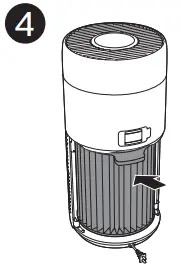
Wi-Fi indicator
| Wi-Fi icon status | Wi-Fi connection status |
| Blink in orange | Connecting to the smartphone |
| Blink in white | Connecting to the router |
| Stable in white | Connected to the router |
| Off | Wi-Fi function disabled |
First time connection
- Download and install the Philips “Clean Home+” app from the App Store or Google Play.
- Connect your smartphone or tablet to your Wi-Fi network.
- Launch the “Clean Home+” app and click on “Connect a New Device” or press the “+” button on the top of the screen. Follow the onscreen instructions to connect the air purifier to your network
Reset the Wi-Fi connection
- Touch
 and for 3 seconds until you hear a beep.
  The Wi-Fiindicator blinks orange
 - Follow the steps 3 in “First time connection” section. Note: Please check www.philips.com/cleanhome for the latest update of supported Operation System and devices
 and
and  for 3 seconds until you hear a beep.
  The Wi-Fiindicator
  blinks orange
Using the air purifier
Air quality light
After approximately 30 seconds, the particle sensor selects the color that corresponds to the surrounding air quality of airborne particles.
Note: The color of the air quality light is determined by the highest risk index among PM2.5, IAI and readings.
IAI refers to the level of indoor air allergen
| IAI level | Air quality light color | Air quality level |
| 1-3 | Blue | Good |
| 4-6 | Blue-purple | Fair |
| 7-9 | Purple-red | Poor |
| 10-12 | Red | Very poor |
PM2.5 refers to airborne particle pollutants smaller than 2.5 micrometers
| PM2i5 level | Air quality light color | Air quality level |
| £12 | Blue | Good |
| 13-35 | Blue-purple | Fair |
| 36-55 | Purple-red | Poor |
| >55 | Red | Very poor |
Turning On and Off
Note:
- Put the plug of the air purifier in the power socket.
- If the purifier stays connected to the electrical outlet after turning OFF, the air purifier will operate under the previous settings when turned ON again.
- Touch
 to switch on the air purifier.
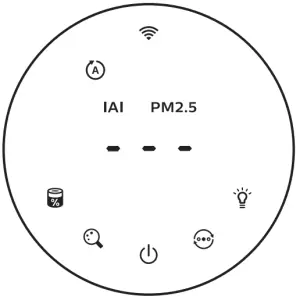
- The “___ ” displays on the screen during warming up. Then the air purifier shows the IAI/PM2.5 level after measuring the air quality.

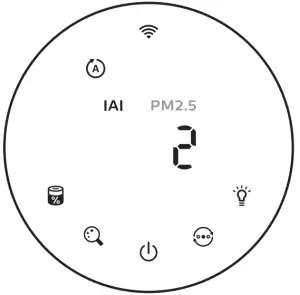
- The air purifier operates in the auto mode with IAI displayed on the screen

- Touch and hold the button for 3 seconds to switch off the air purifier.

 to switch on the air purifier.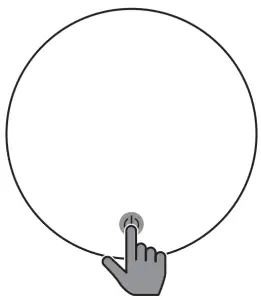
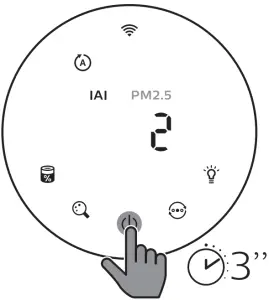
Changing the mode setting
You can choose Auto mode, Turbo mode, Gentle mode or the Sleep mode by touching the button
Auto mode ( ): The air purifier automatically adjust the fan speed in accordance with the ambient air quality.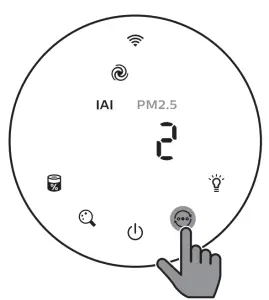
Turbo mode (  ):The air purifier operates on the highest speed
Gentle mode  : The air purifier operates at a low speed
Sleep mode  : The air purifier operates quietly at a low speed. After 3 seconds, the screen lights off.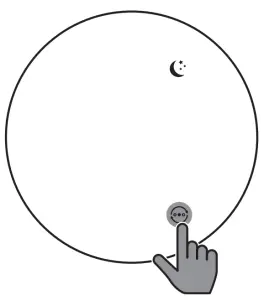
Switching the display indicator
Note:
- The appliance display IAI level by default.
Using the light on/off function
You can touch the light on/off button  manually to turn off all lights and the control panel. Touch any button to wake up all lights.
With the light sensor:
- The control panel can automatically turn on, turn off or dim according to the ambient light.
- The control panel will be off or dim when the ambient light is dark.
You can touch any button to wake up all lights. If no further operation, all lights will be off or dim again to match with the ambient light.
Checking the filter status
- Touch the filter status check/reset
 button to check the filter service life status.
Icon color Display (%) Blue 16-100 Blue-purple 9-15 Purple-red 4-8 Red 0-3 Note: The appliance goes back to normal display if no operations after 3 seconds
 button to check the filter service life status.
Cleaning and maintenance
Note:
- Do not attempt to clean the particle sensor with a vacuum cleaner.
- Switch off the air purifier and unplug from the power socket before following action.
Cleaning the body of the air purifier

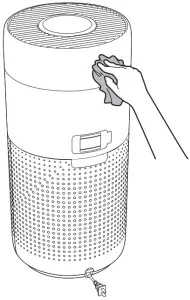
Use a soft, dry cloth to clean both the interior and exterior of the air purifier and the air outlet
Cleaning the particle sensor
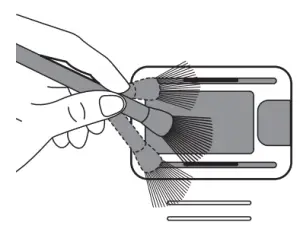
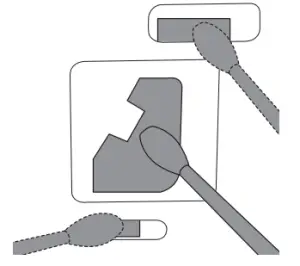
Clean the particle sensor every 2 months for optimal functioning of the appliance
- Clean the particle sensor inlet and outlet with a soft brush.

- Clean the particle sensor with a damp cotton swab. Dry all parts thoroughly with a dry cotton swab.

Cleaning the surface of the filter
Clean the surface of filter with vacuum cleaner when the filter cleaning alert display on the screen.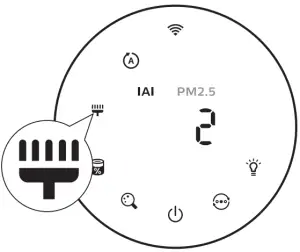
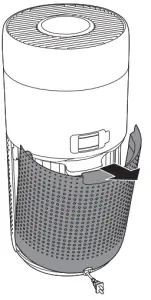
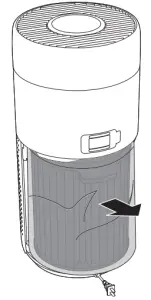
- Pull the back cover and remove it from the appliance

- Pull the filter from the appliance
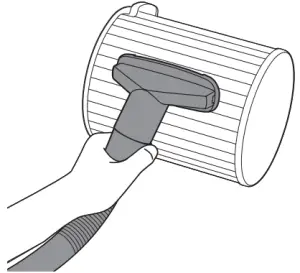
- Clean the surface of the filter with a vacuum cleaner.

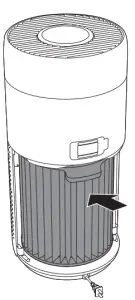
- Put the filter back into the appliance.

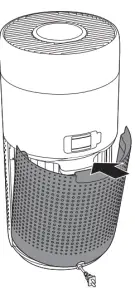
- Reattach the back cover.
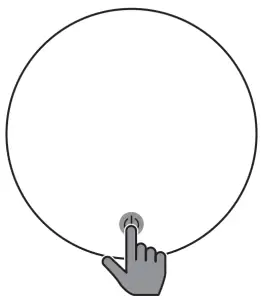
- Touch the button to switch on the appliance.
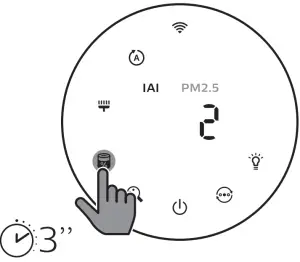
- Touch and hold the filter status check/reset button for 3 seconds to reset the filter cleaning time

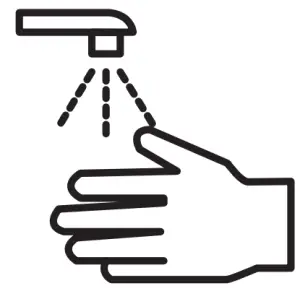
- Wash your hands thoroughly after cleaning the filter

Replacing the filter
Note:
- The filter is not washable or reusable.
- Do not smell the filter as it has collected pollutants from the air
When the filter need to be replaced, the filter replacement alert lights up red.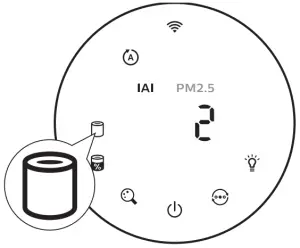
- Replace the filter with Philips NanoProtect filter Series 3 (FY2180/30) , Please follow the step of Chapter “Installing the filter”.
- Touch the button to switch on the appliance.
- Touch and hold the filter status check/ reset button
 for 3 seconds to reset the filter cleaning time.
 - Wash your hands thoroughly after cleaning the filter.
 for 3 seconds to reset the filter cleaning time.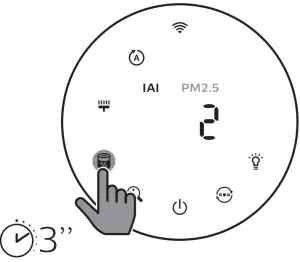
Filter reset
You can also replace the filter before filter replacement alert ( ) displays on the screen. After replacing a filter, you need to reset the filter lifetime counter manually.
- Touch the power button for 3 seconds to turn off the appliance and unplug from power socket.
- Put the power plug in the power socket
- Within 15 seconds after power on, touch and hold and button for 3 seconds to reset the filter lifetime counter.
Storage
- Turn off the air purifier and unplug from the power socket.
- Clean the air purifier, particle sensor and the surface of the filter (see chapter “Cleaning and maintenance”).
- Let all parts air dry thoroughly before storing.
- Wrap the filter in air tight plastic bags.
- Store the air purifier, filter in a cool, dry location.
- Always thoroughly wash hands after handling filters.
Troubleshooting
This chapter summarizes the most common problems you could encounter with the appliance. If you are unable to solve the problem with the information below, contact the Consumer Care Center in your country.
| Problem | Possible solution |
| The appliance does not work properly |
|
| The airflow that comes out of the air outlet is significantly weaker than before |
|
| The air quality does not improve, even though the appliance has been operating for a long time |
For optimum purification performance, please close the doors and windows when operating the air purifier
|
| The color of the air quality light always stays the same |
|
| Problem | Possible solution |
| The appliance produces a strange smell |
|
| The appliance is extra loud |
|
| The appliance still indicates that I need to replace a filter, but I already did |
|
| Error code “E1” displays on the screen |
|
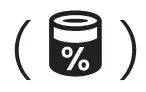 for 3 seconds
| Problem | Possible solution |
| The Wi-Fi setup is not successful |
|
© 2020 Koninklijke Philips N.V.
All rights reserved
3000 048 50061