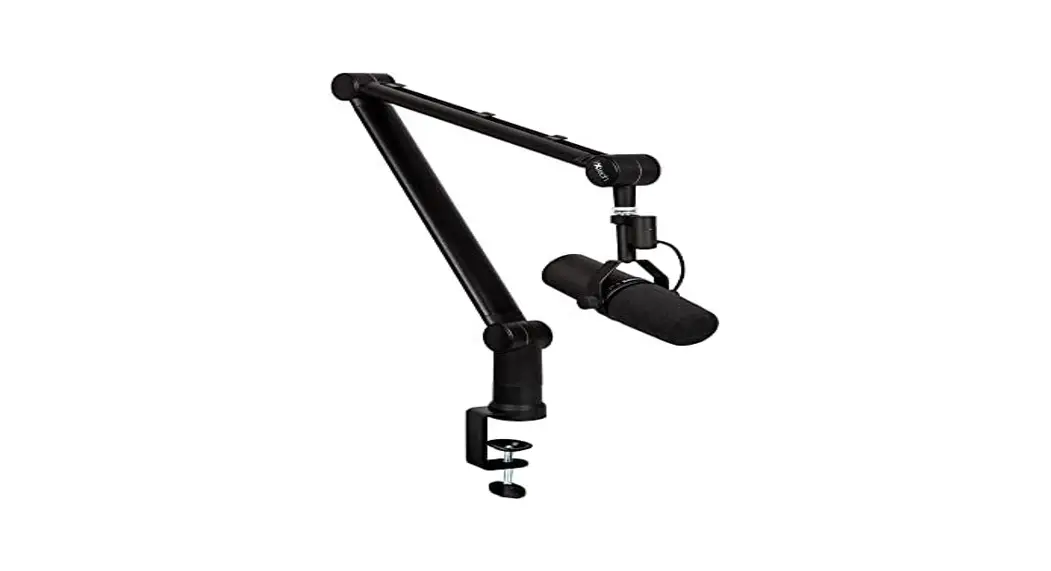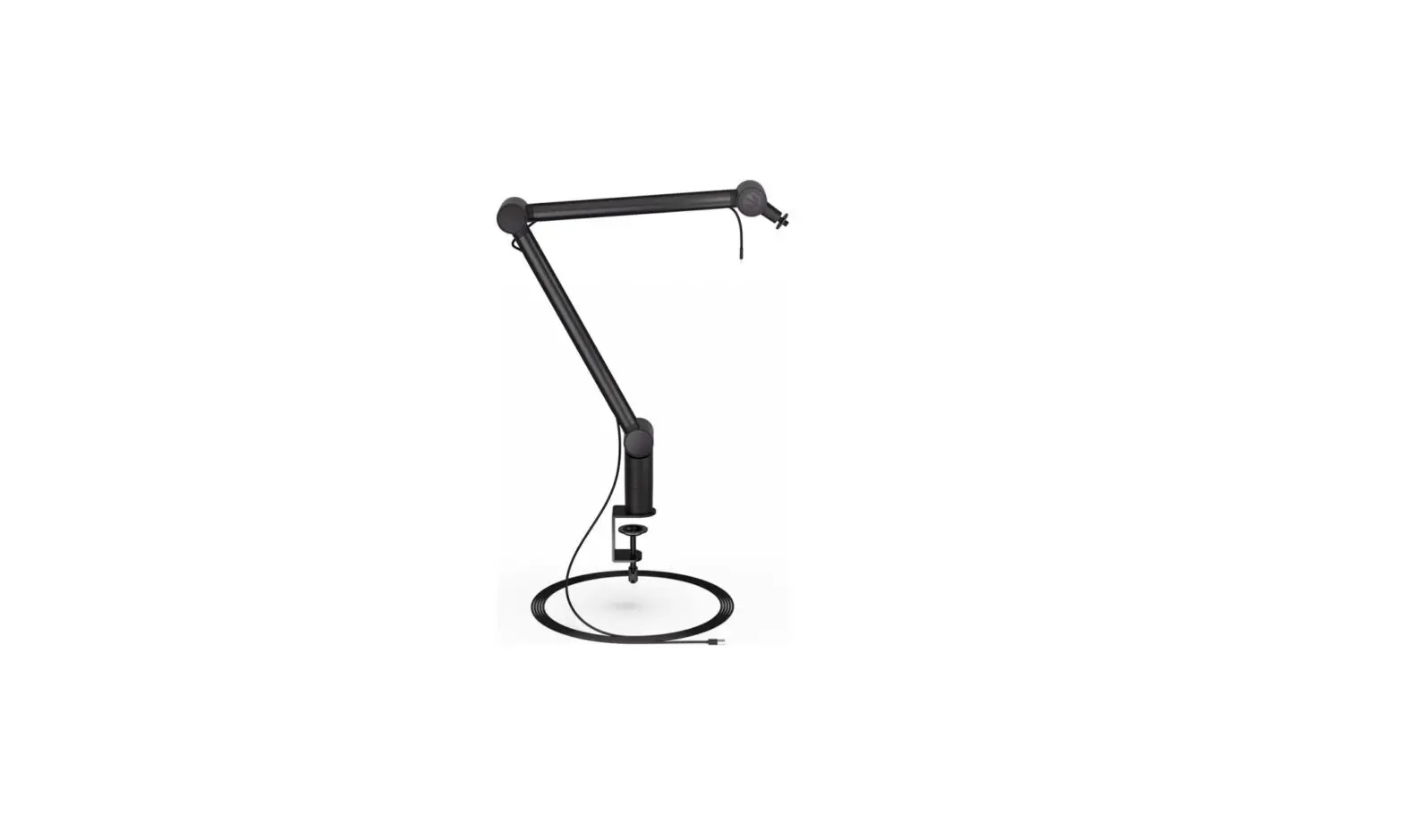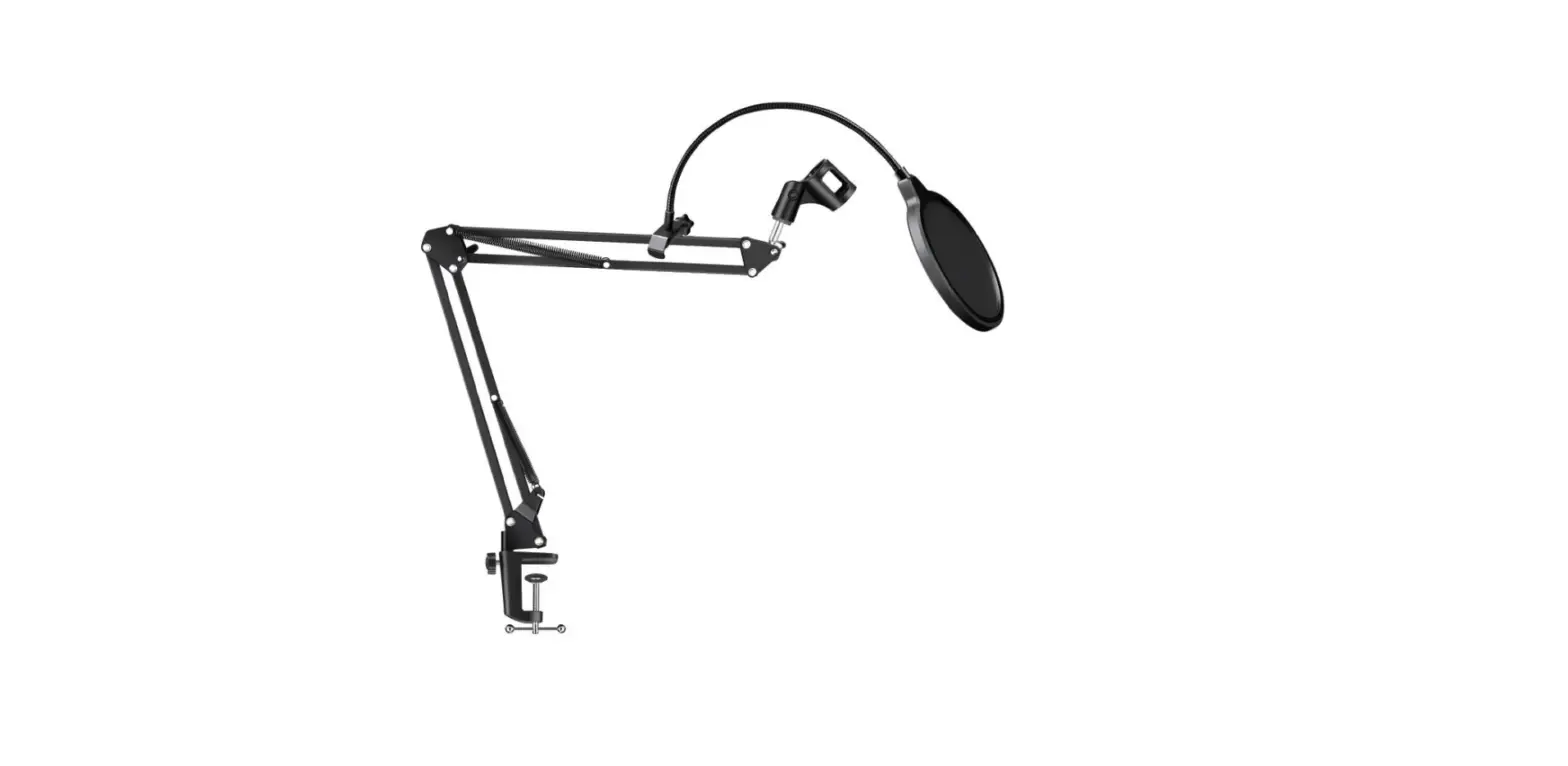

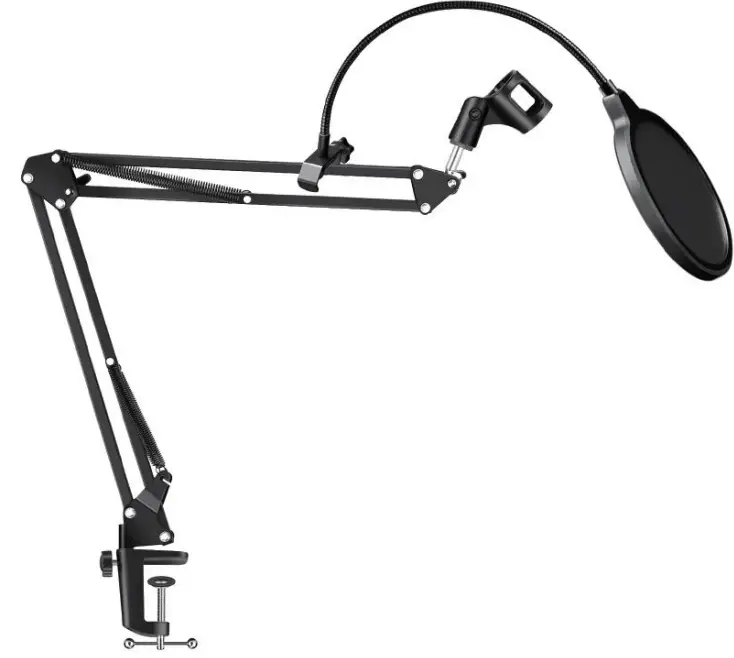
anko 43243969 Microphone Boom Arm
To ensure optimum performance and safety, please read this instruction carefully before operating this product.
Product feature
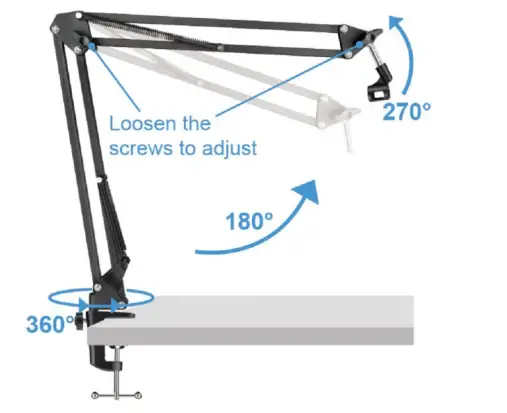
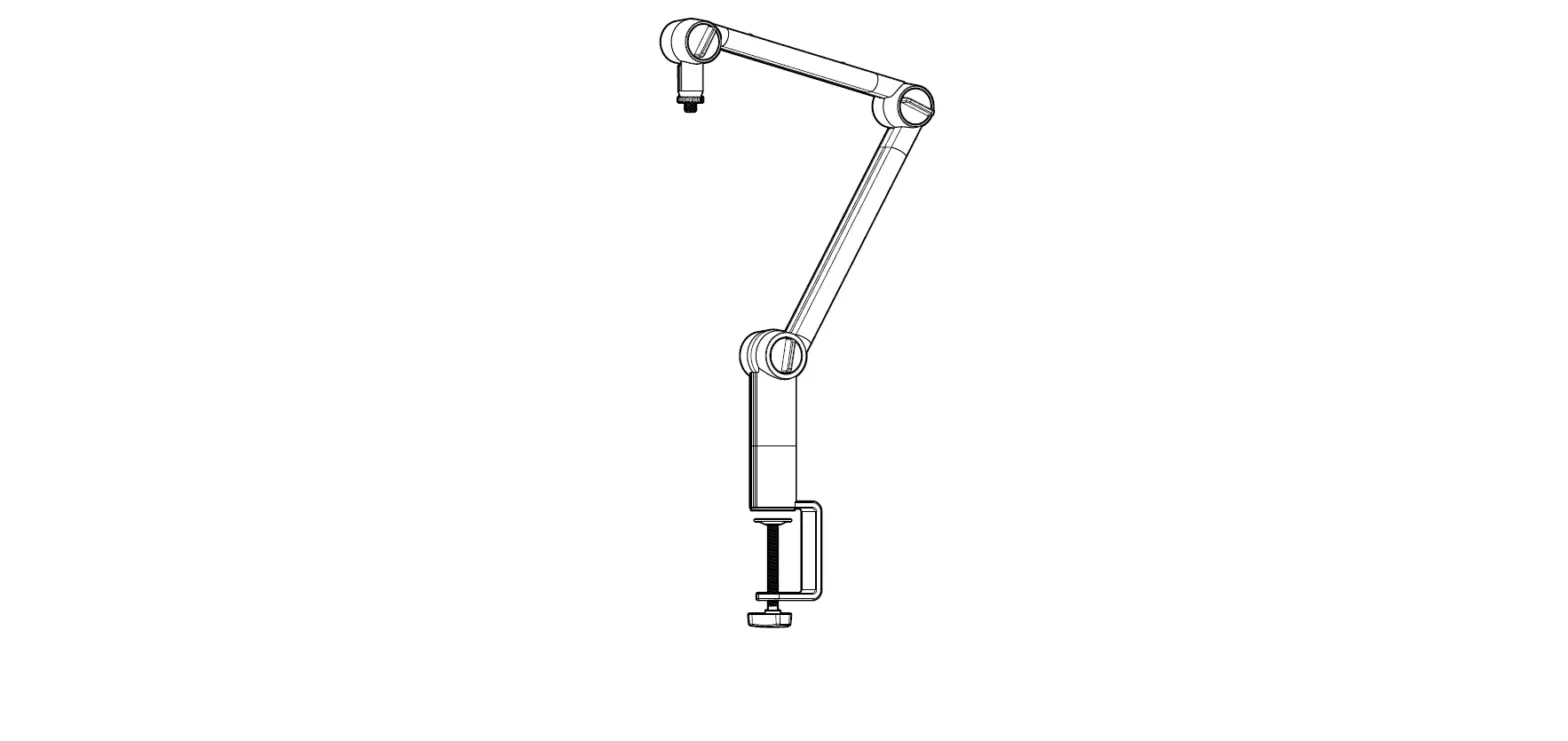
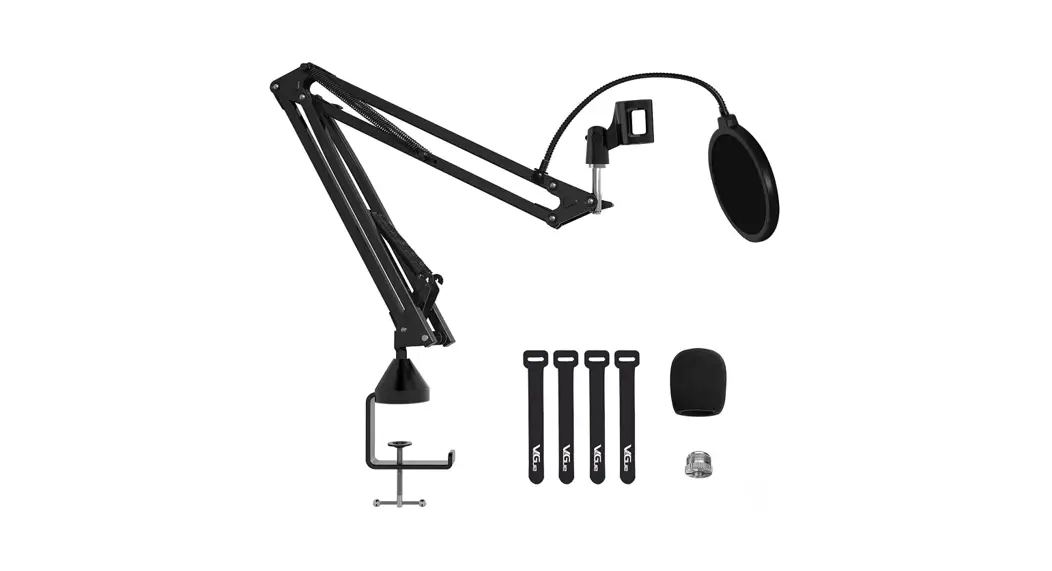
- The bracket corner adopts high-quality screws, which can adjust the angle up and down, and the maximum height can reach around 75cm.
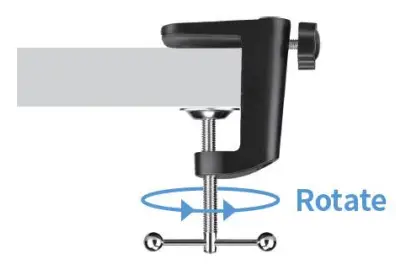
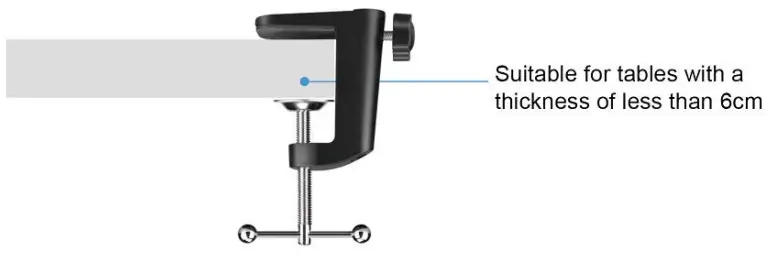
- The table mount base can be clamped to a table with a thickness of about 6cm.

How to install
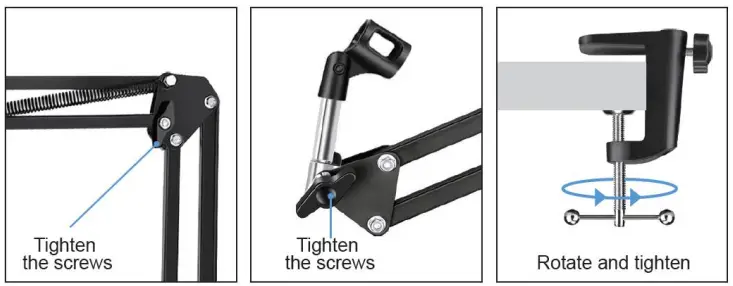
- Step 1: Take the product out of the box, put the stand base on the table and rotate it to tighten.

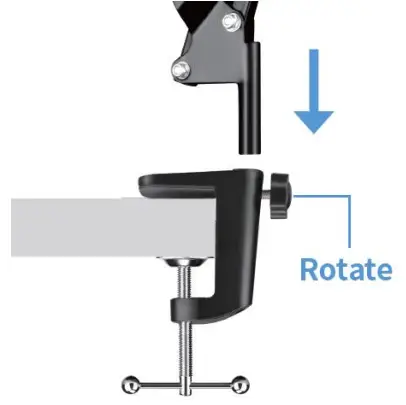
- Step 2: Fix the microphone stand on the base, and rotate the nut to fix the stand.

- Step 3: Rotate the screws, adjust it to a suitable position you want and tighten the screw.

- Step 4: Adjust the position of the rod and tighten the screws.

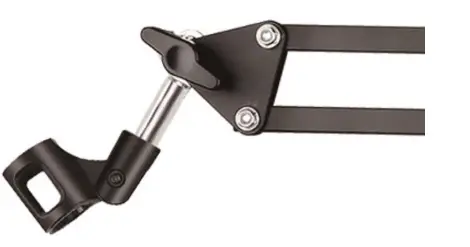
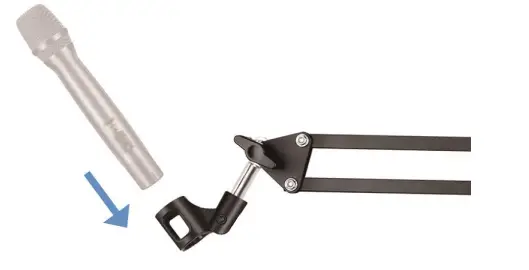
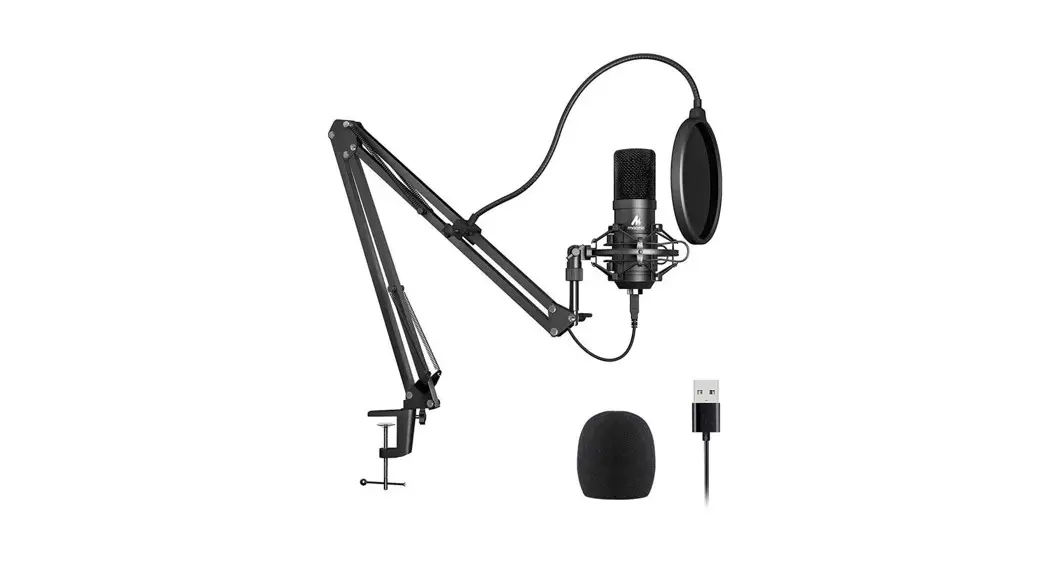
- Step 5: Put the handheld microphones (Not included) on the microphone clip.

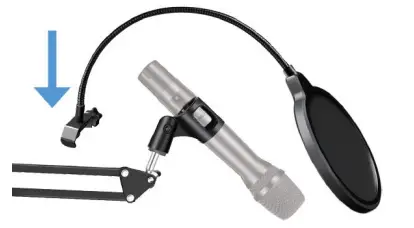
- Step 6: Put the pop filter on microphone stand and tighten the screws to complete the installation.

- Note Please tighten the screws of these three parts when before use