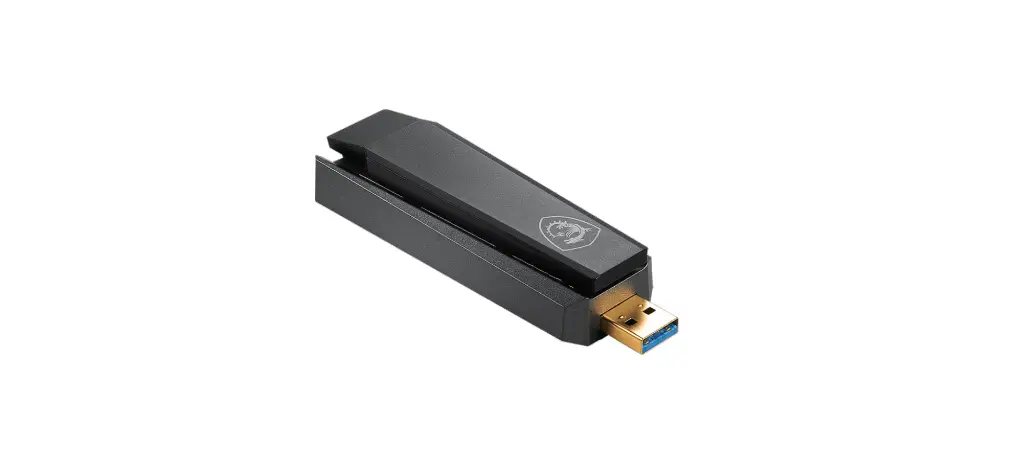
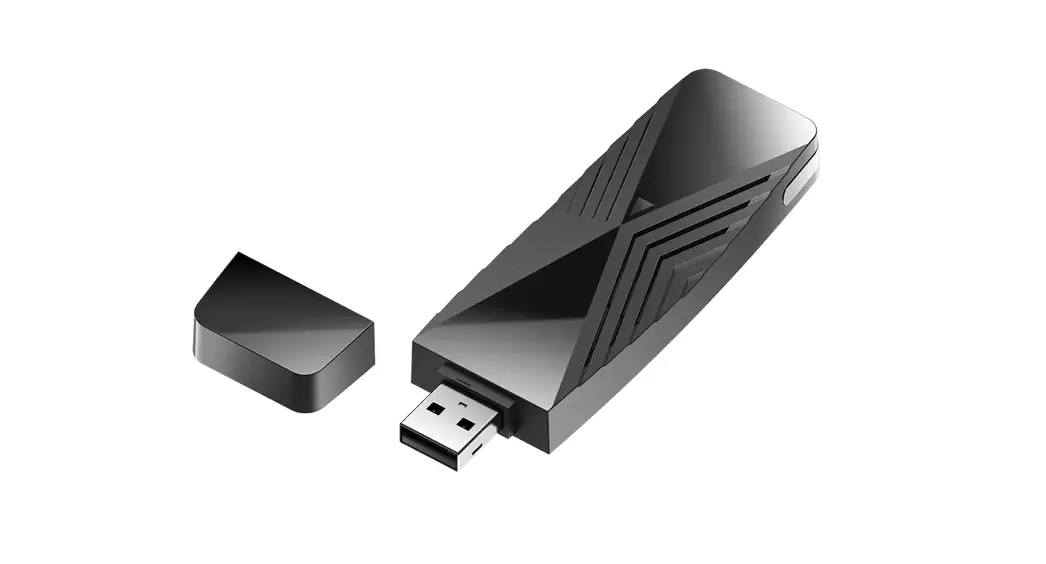
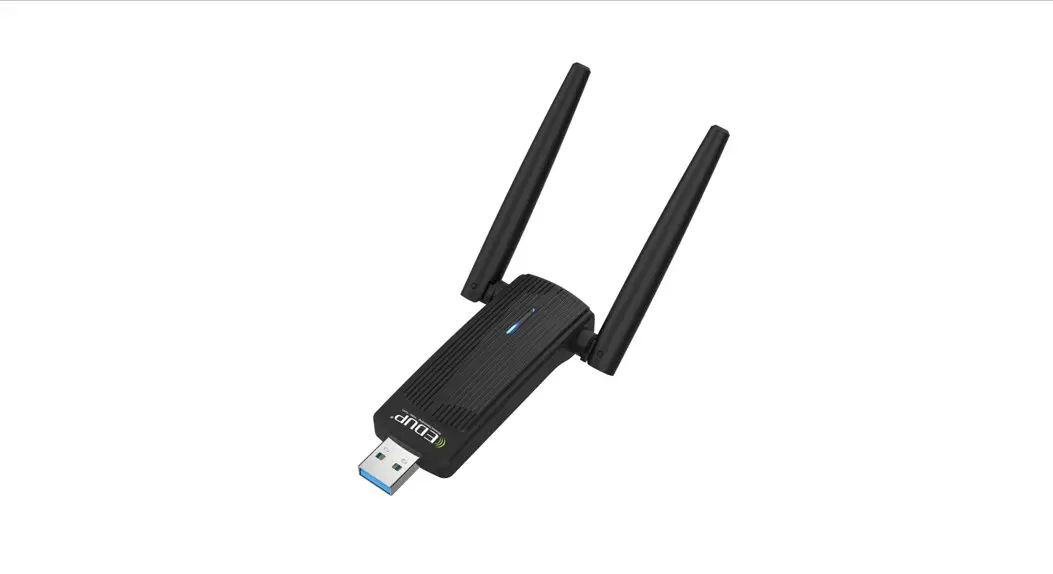
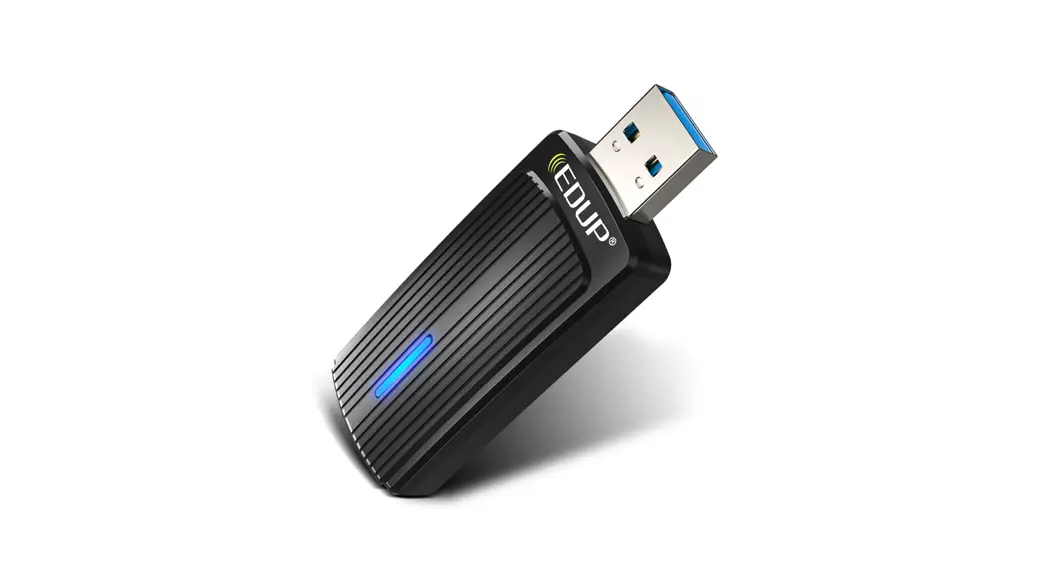
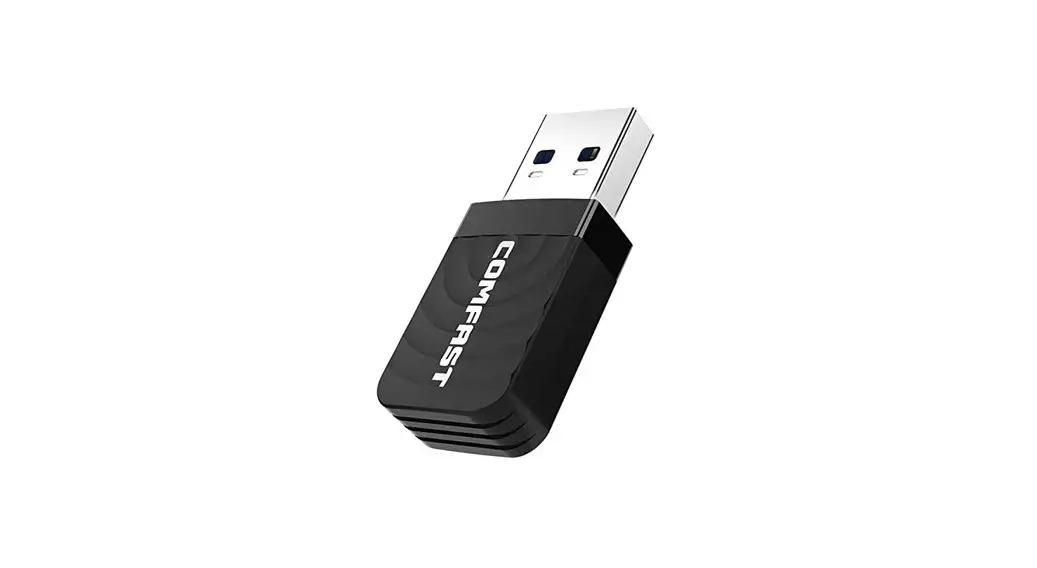
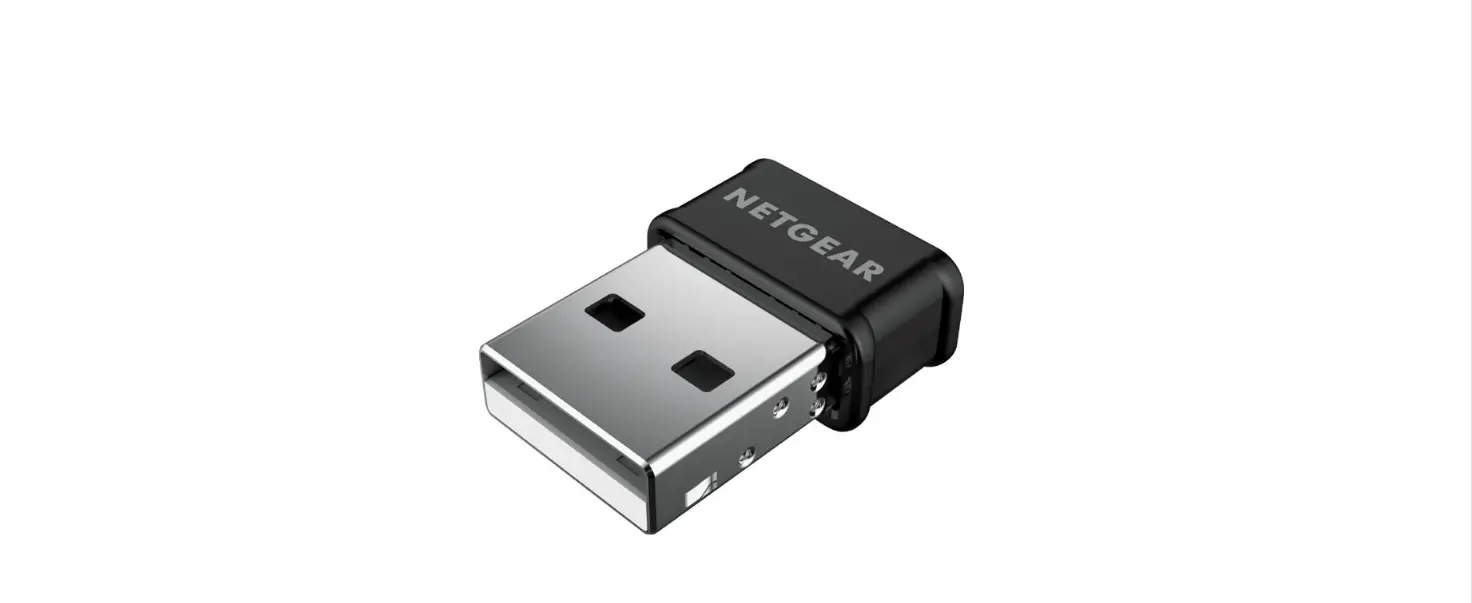
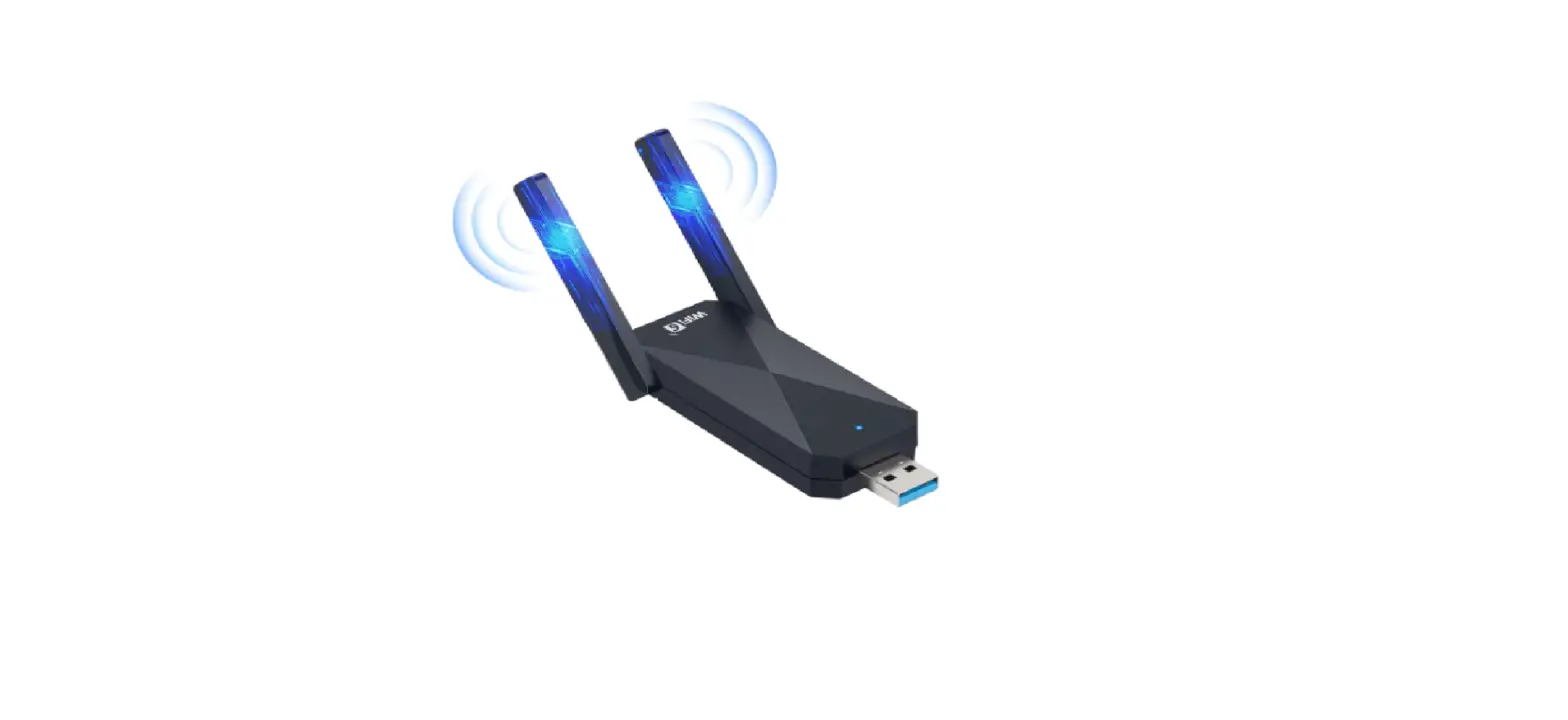
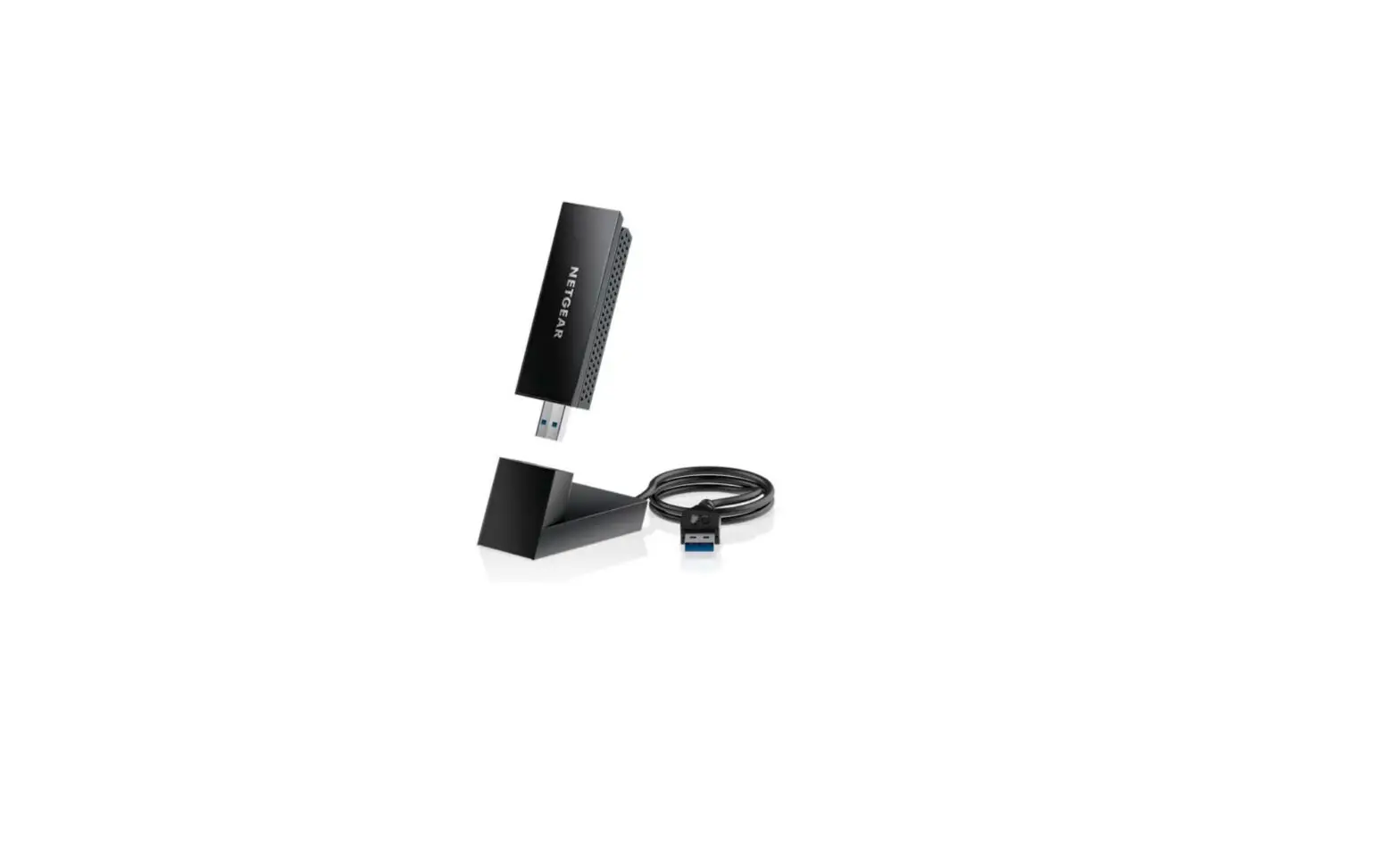
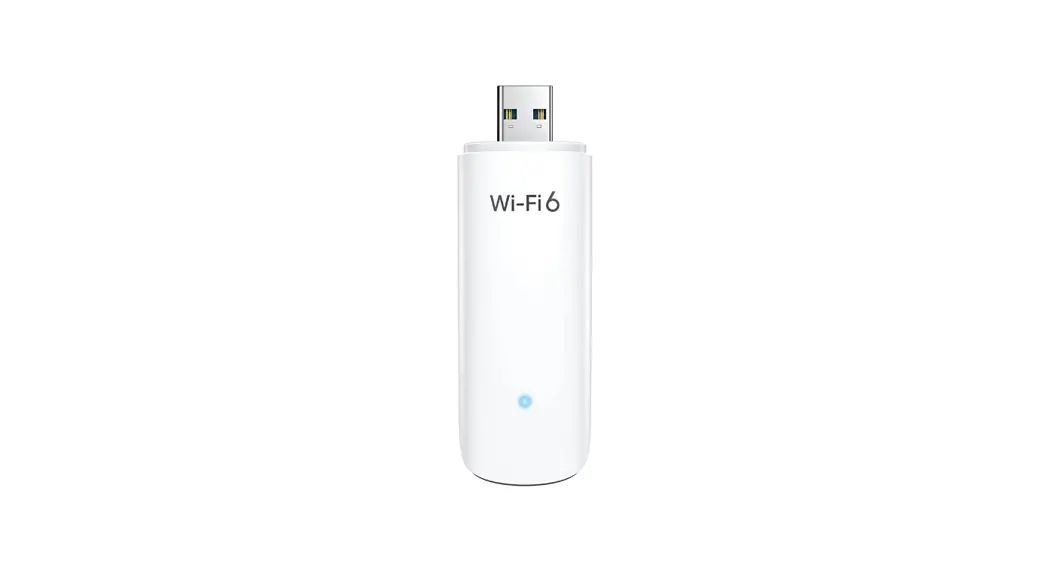
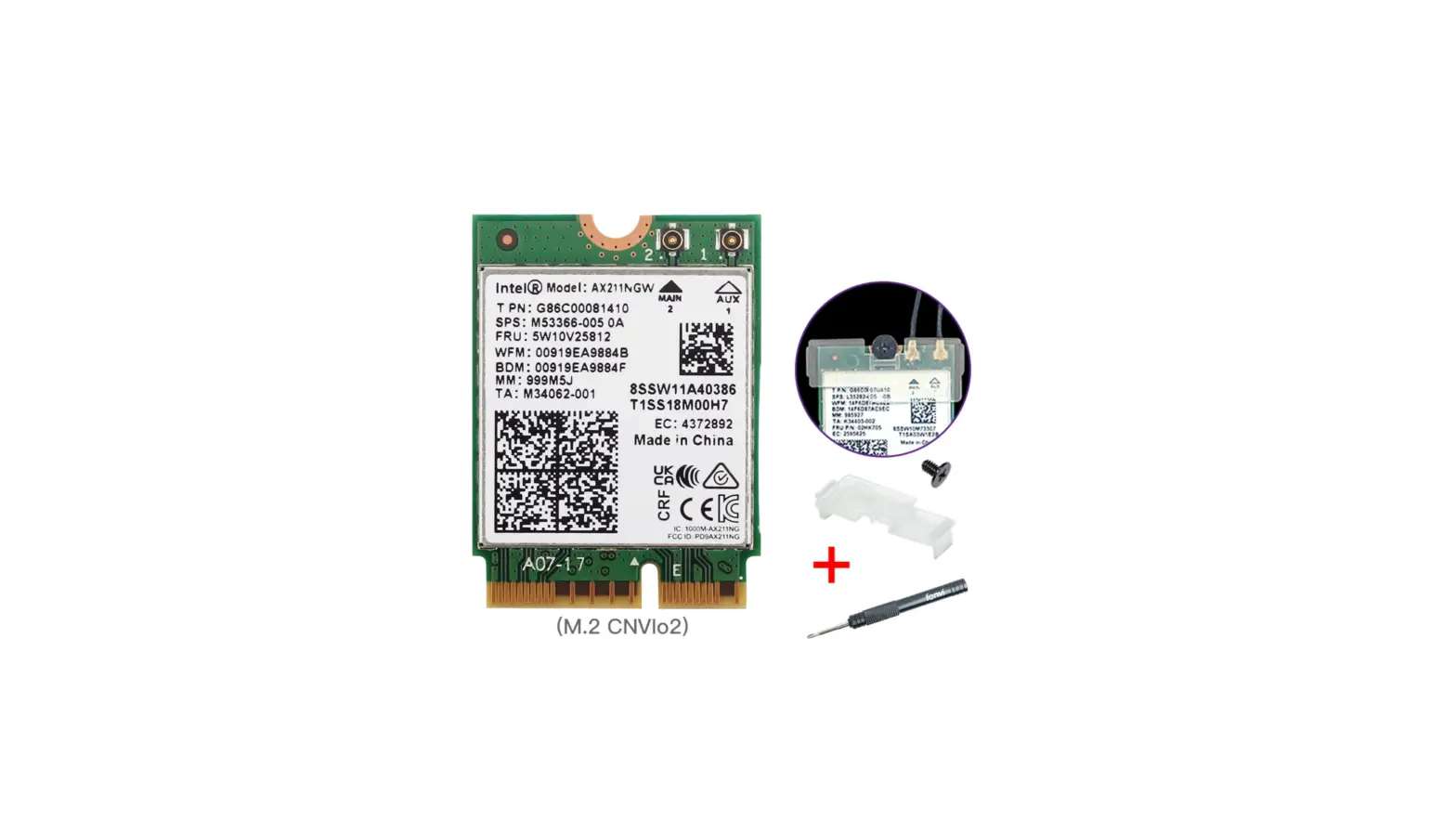
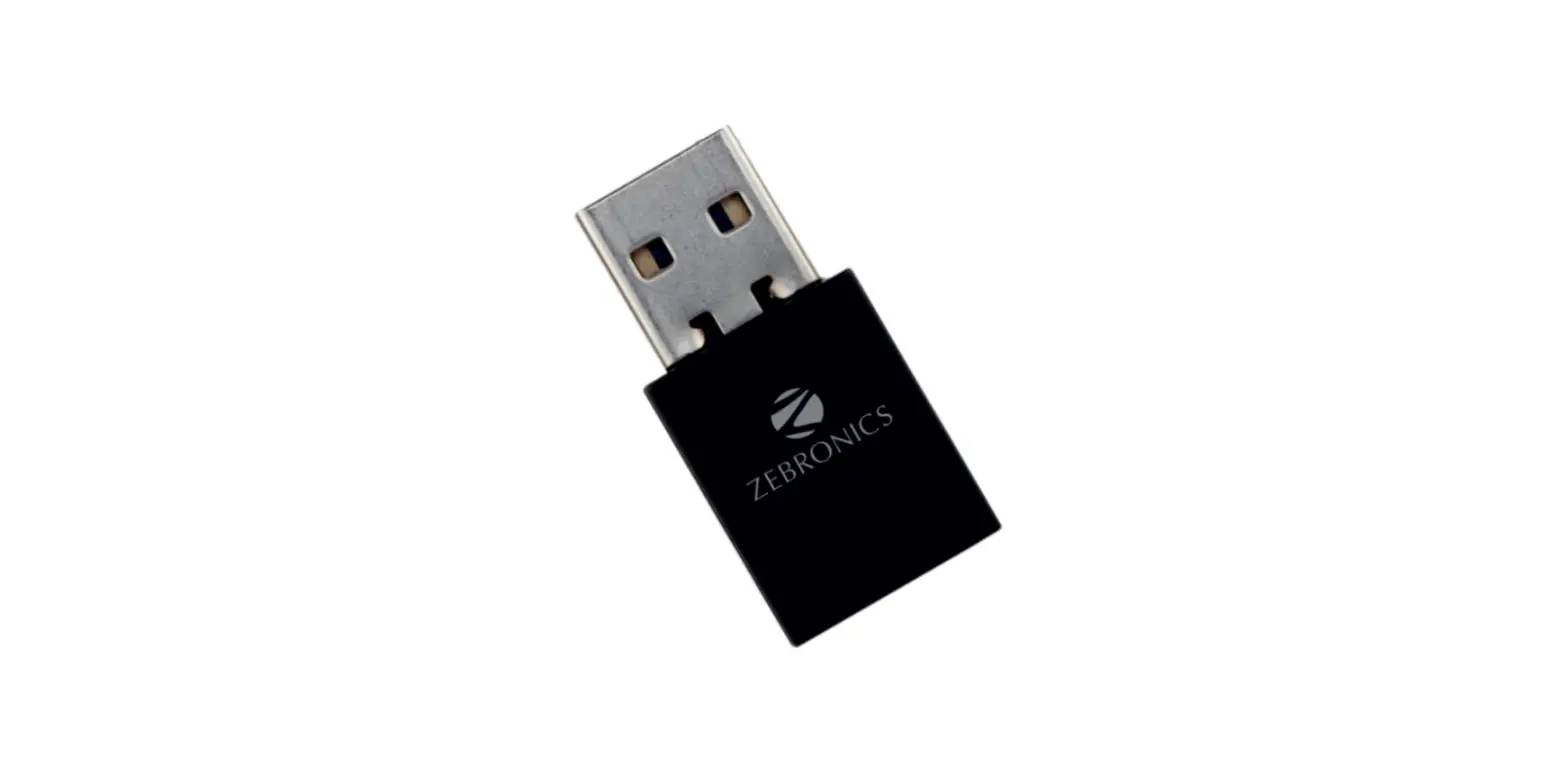
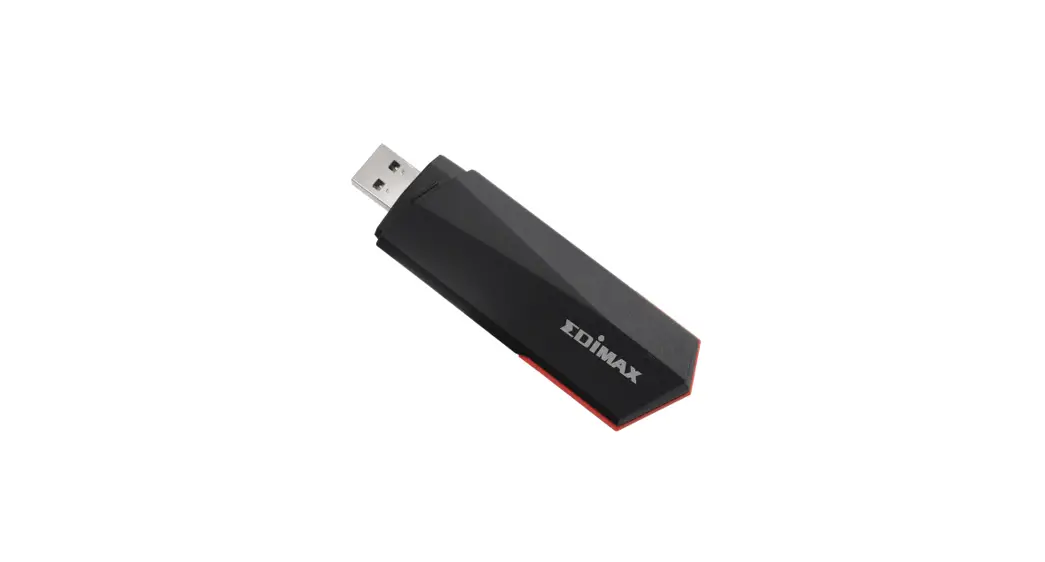
AX1800 Zexmte USB WiFi Adapter
Product Information:
The USB wifi 6 adapter is a wireless network adapter that
enables high-speed wifi connectivity on compatible devices. It is
designed to work with Windows 11, Windows 10, and Windows 7
operating systems. The adapter provides fast and reliable wifi
connection, allowing users to enjoy enhanced internet speeds.
Please note that the USB wifi 6 adapter is not compatible with
Chromebooks, Linux, or Mac OS.
Product Usage Instructions:
Driver Installation:
If you do not have a CD drive, follow these steps to install the
driver:- Access the following link:
Driver Download Link - Download the driver file, which is a compressed file.
- Unzip the extracted file.
- Install the driver by running the installation file.
- Access the following link:
Troubleshooting Wifi Connectivity Issues:
If you are unable to connect to wifi or experiencing dropped
wifi connections, follow these steps:- Check that the drivers have been installed correctly.
- Ensure there are no strong signal interference sources near the
router, such as microwave ovens, magnets, or high-voltage lines.
Keep the router away from these devices. - If you are experiencing insufficient USB power supply, try
inserting the wifi adapter into the USB port on the back of the
computer case.
Maximizing Speed:
If you are unable to reach the maximum speed, follow this
recommendation:For optimal performance and speed, use the USB wifi 6 adapter
with a WIFI6 router.Incompatibility with Windows 11:
If you receive a prompt for incompatibility with Windows 11,
follow these steps:- Ensure that the downloaded driver is fully unzipped using
compression software. - After the complete download, install the driver.
- Ensure that the downloaded driver is fully unzipped using
If you have any further questions or need assistance, you can
contact the product support team at [email protected] or
[email protected]. They will respond to your inquiries
promptly.
Have problem ? Need driver ? No trouble, contact me! Respond [email protected] / [email protected]
Q1I don’t have a CD drive. How do I install the driver? A1You enter access the link or contact service for driver file. It is a compressed file, please unzip the extracted file and install it. You can copy or download the driver from this link https://drive.google.com/file/d/1Ag1Cu_fQzC0l5OhrMLJSZUK9qg4JOv5F/view?usp=sharing
Q2Is this USB wifi 6 adapter compatible with Chromebooks/ Linux/Mac OS ? A2No. It only works with Windows 11/10/7
Q3Can’t connect to wifi or drop wifi connections. A3-1: Check that the drivers have been installed correctly A3-2: Signal interference-There may be strong signal interference sources next to the router, such as: microwave ovens, magnets, high-voltage lines, please place them away from these devices A3-3: Insufficient USB power supply, please try to insert the wifi adapter into the USB port on the back of the computer case.
Q4: Unable to reach maximum speed. A4: Needs to be used with WIFI6 routing to demonstrate the performance and speed of wifi 6
Q5: Get prompted for incompatibility with Windows 11 A5: Can work with Windows 11,The reason for the prompt may be that the driver is not fully unnzip, please unnzip it with the compression software after the complete download,and then install it