H9/H21 Shifting Cable and Brake House Routing
Product Information: Di2 Wire
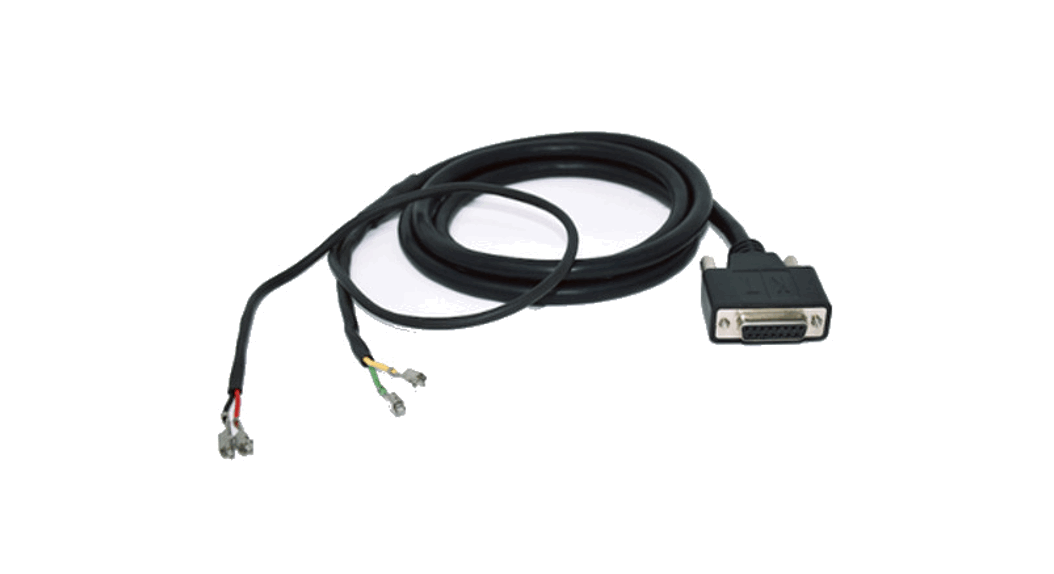
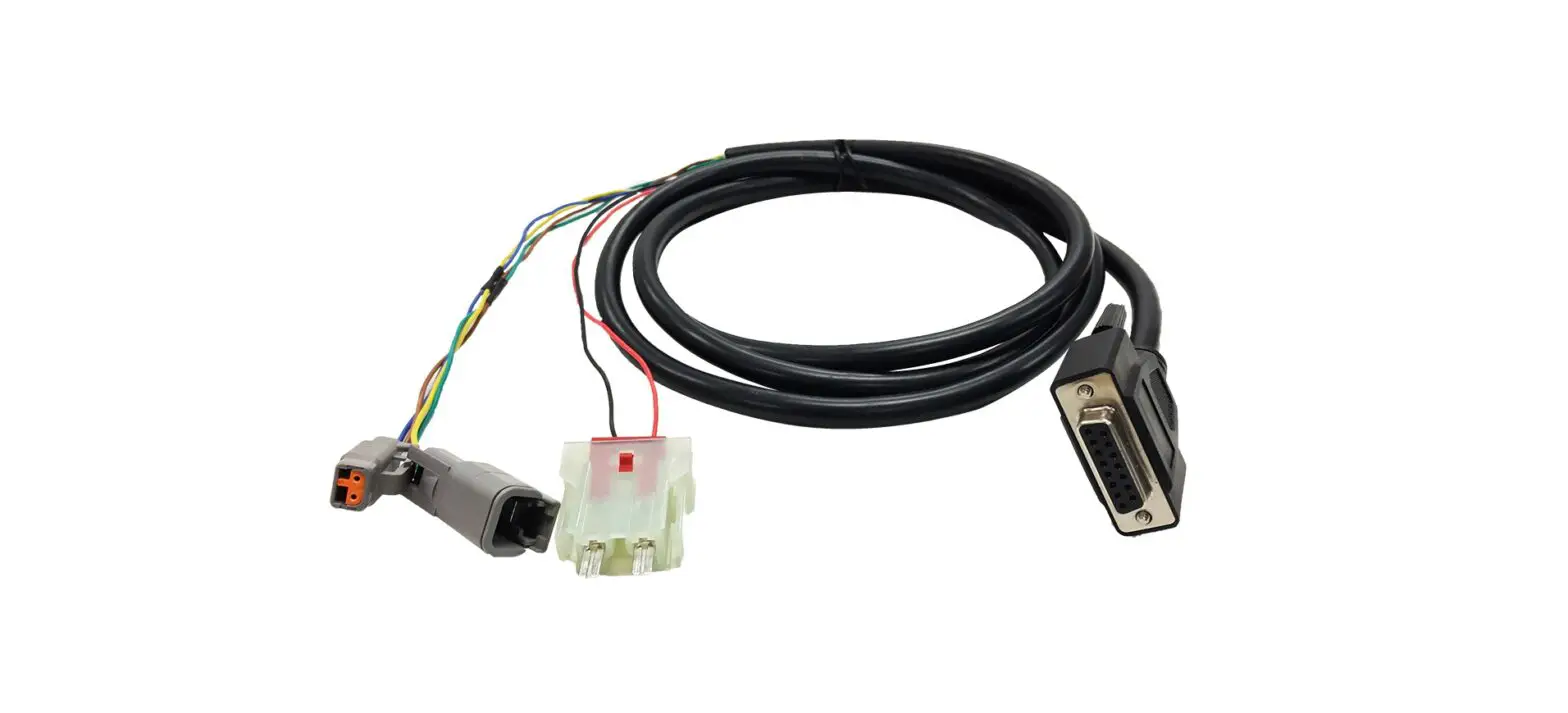
The Di2 Wire is an electronic shifting system for bicycles. It
allows for precise and effortless shifting of gears with the push
of a button. The wire is designed to be installed internally or
externally depending on the frame compatibility. The system
includes a junction box, which connects the wire to the battery and
shifters.
Product Usage Instructions:
Installation Guide
The following steps are a quick guide for installation:
- Shifting cable and brake hose routing: The rear brake hose,
front derailleur cable, rear derailleur cable, and front brake hose
should be routed properly. - Internal Routing Frameset: If you are using complete internal
cables routing, ensure that the frame and fork are compatible. The
fork must have a hole for the entrance of the brake front cable in
the fork-tube to allow the cable routing up to the exit near front
brake caliper. - Traditional Frameset: If you are assembling on a traditional
frameset, cables will enter close to the levers and will go out
from central holes. - Handlebar Installation Guide: Carefully observe the bolt’s
length before attempting to tighten. Use a torque wrench to
precisely tighten the bolt around 6-8Nm. - Shifter/Brake Lever Installation: Follow the instructions
carefully for shifter/brake lever installation. Apply carbon paste
for better grip. - Di2 11-Speed Cable Routing Diagram: Follow the diagram for
proper cable routing. - Junction Box: Route the cable into the junction box. There is a
Junction Box A and B (optional). - Integrated Handlebar Computer Holder: Install the integrated
handlebar computer holder using the provided bolts and spacers. The
holder is compatible with GIANT, GARMIN, BRYTON, and WAHOO
computers. Use a 4Nm fixing bolt for the light mount. - Rubber Strap for Lights: Use the rubber strap to attach lights
to the handlebar.
By following these instructions, you can install the Di2 Wire
and enjoy precise and effortless shifting on your bicycle.
Di2 wire
A Quick guide for installation
Shifting cable and brake house routing
Rear brake hose Front derailleur cable
Rear derailleur cable Front brake hose
Internal Routing Frameset
In order to use the complete internal cables routing, the frame and the fork have to be compatible. Fork: The fork must have a hole for the entrance of the brake front cable in the fork-tube to allow the cable routing up to the exit near front brake caliper.
Traditional Frameset
In case of assembling on traditional frameset, cables will enter close to the levers and will go out from central holes. Here above a picture showing the cables passages.
Handlebar Installation Guide
Shifter/Brake leaver Installation
Carefully observe the bolt’s length before attempting to tighten. Use torque wrench to precisely tighten the bolt around 6-8Nm
Di2 11-Speed cable routing diagram
Shifter Angle Adjustment
Follow line marks on both side of the bar to level left and right shifter. Apply carbon paste for better grip.
Route the cable in to the Junction Box.
Junction box A Junction Box B (Optional)
Handlebar Installation Guide
2 Computer heads
3 GoPro style accessory mount
5 Rubber Strap for Lights
1 Computer Holder Main Arm 7 Fixing Bolts group
6 Main Arm Fixing Bolt Spacers
Light Mount 4
Installation Guide
Integrated Handlebar Computer Holder
0.8Nm Fixing bolt 7
2 GIANT 2 GARMIN 2 BRYTON 2 WAHOO
1 Computer Holder Main Arm 3 GoPro style accessory mount
Main Arm Fixing Bolt Spacers 6 4Nm Fixing Bolt 7
Integrated Handlebar Computer Holder Installation Guide
Installation Guide
Integrated Handlebar Computer Holder
4Nm Fixing Bolt 7 Light Mount 4
Rubber Strap for Lights 5
Integrated Handlebar Computer Holder Installation Guide