 Japan estl951
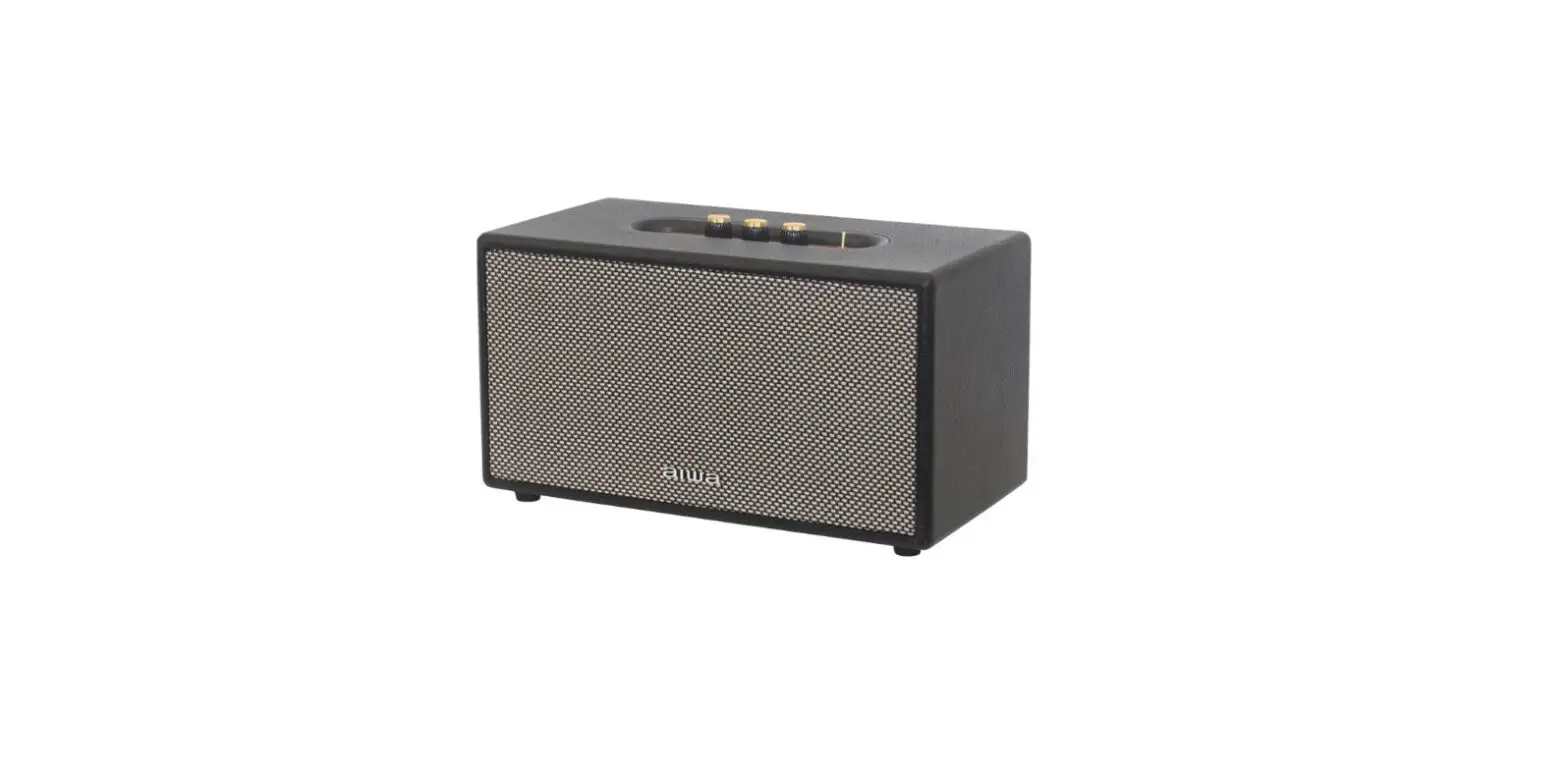
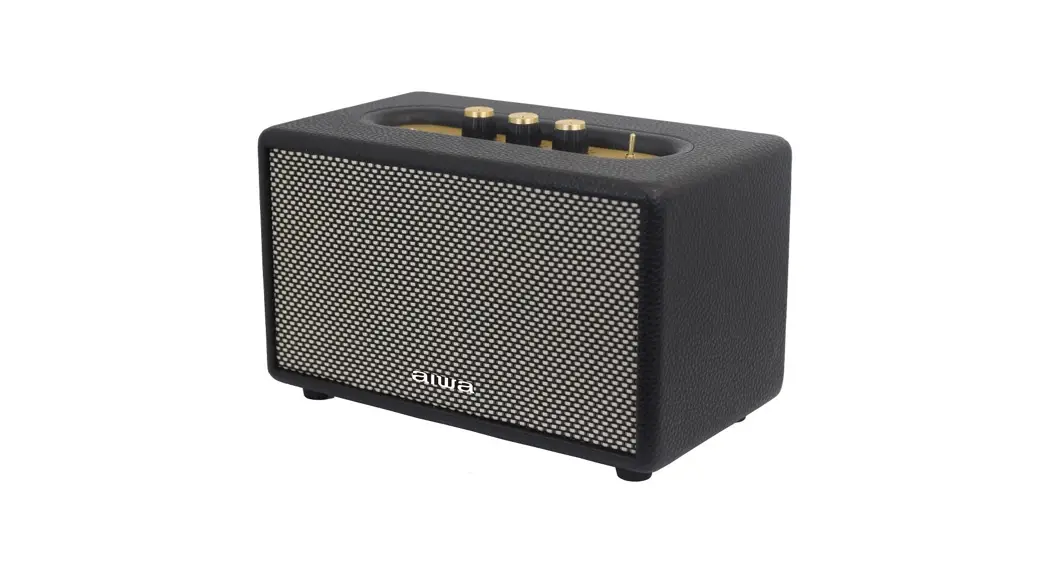
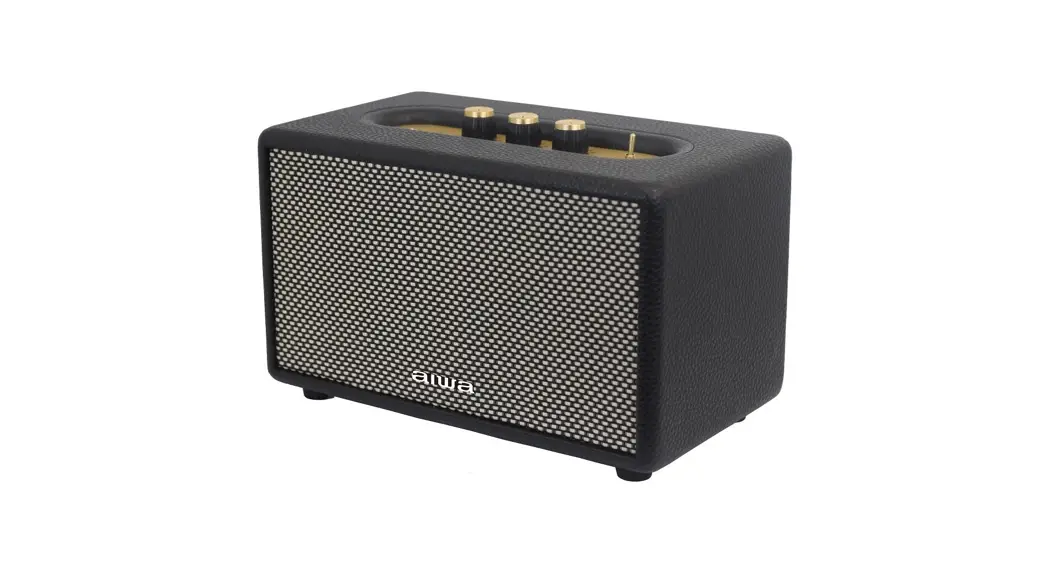
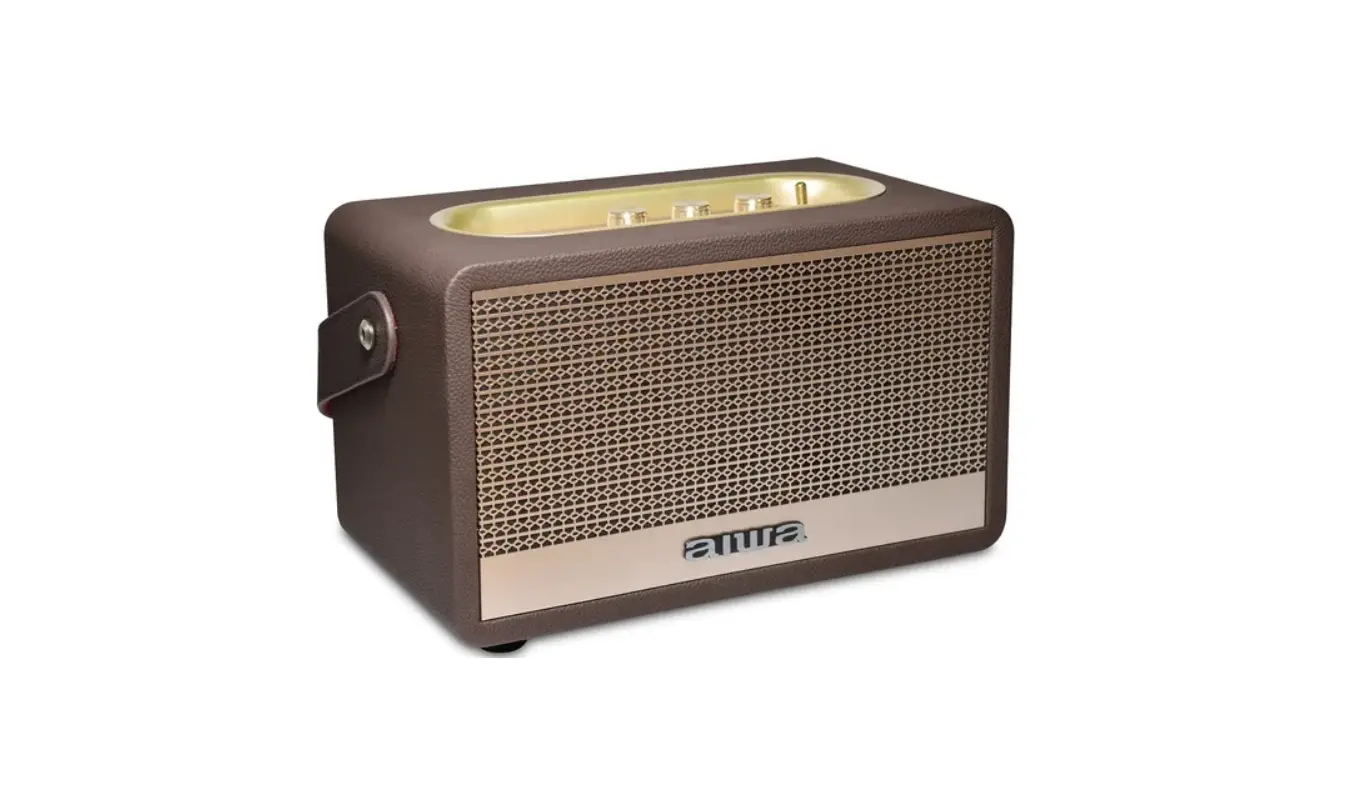
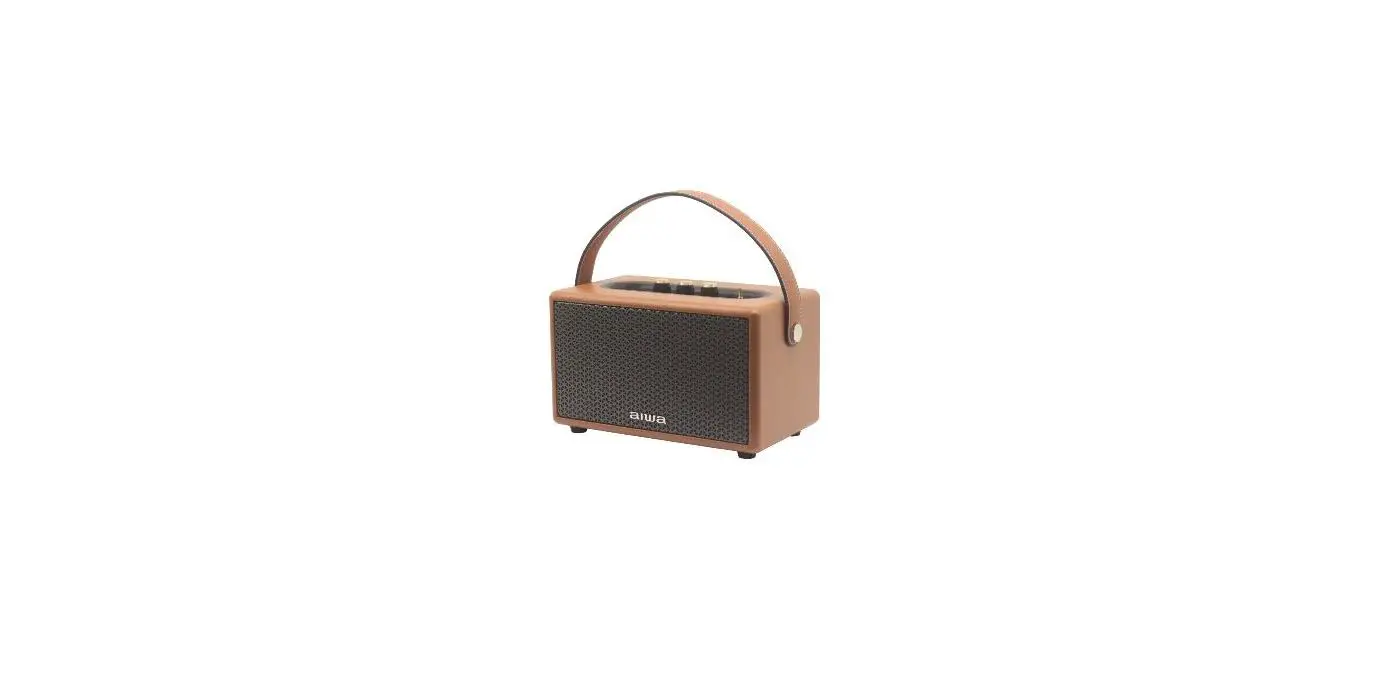
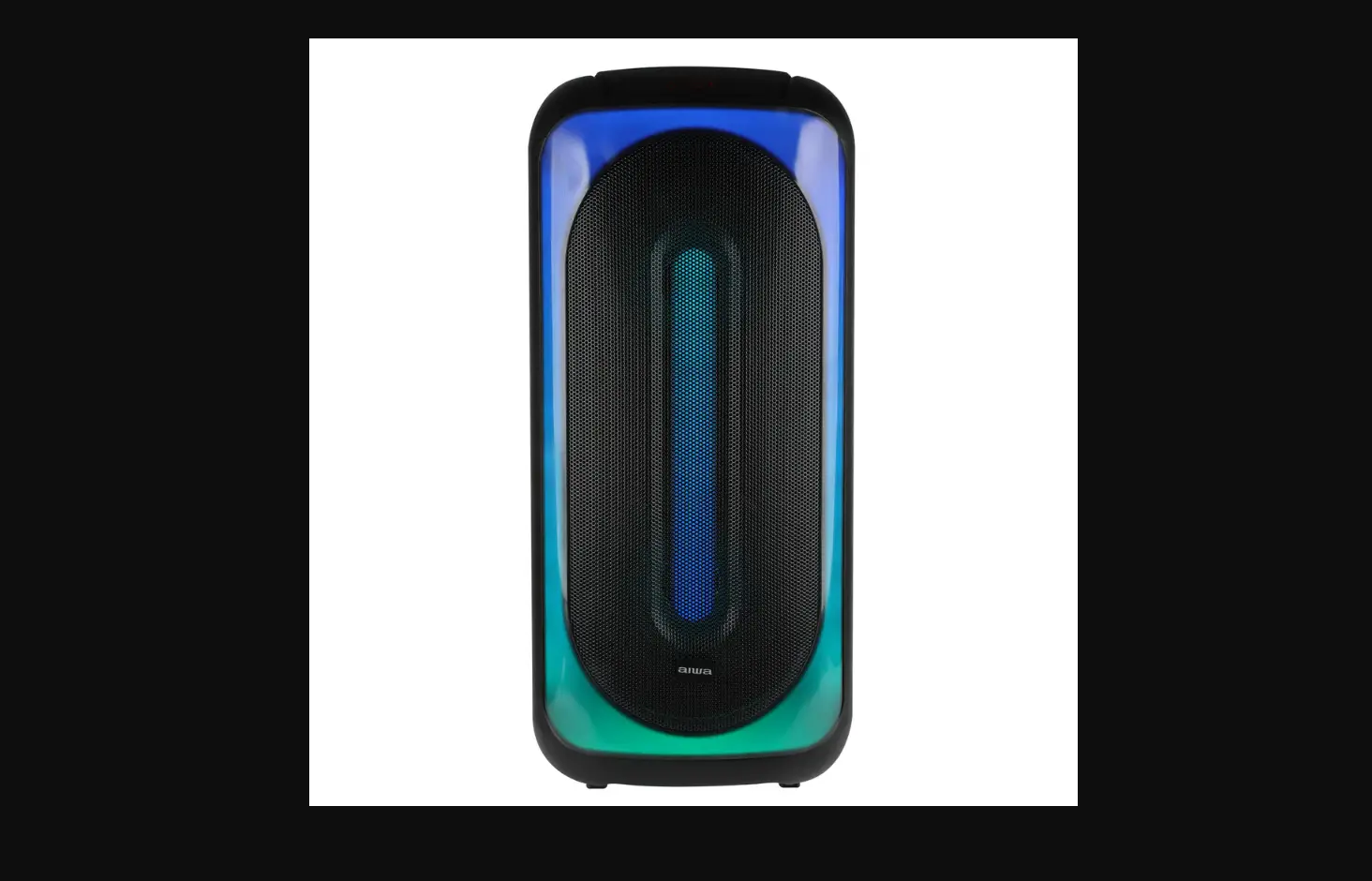
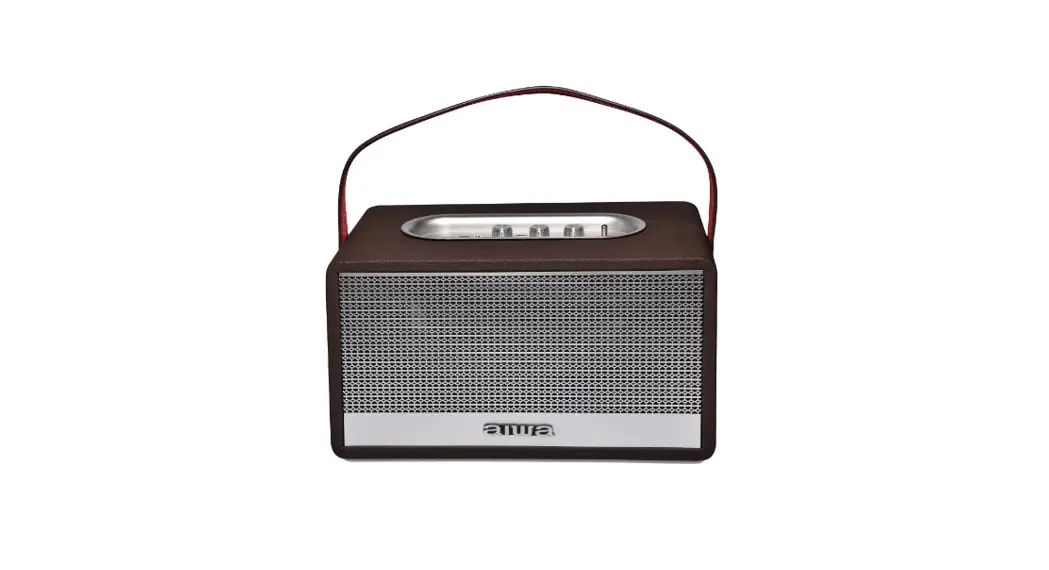
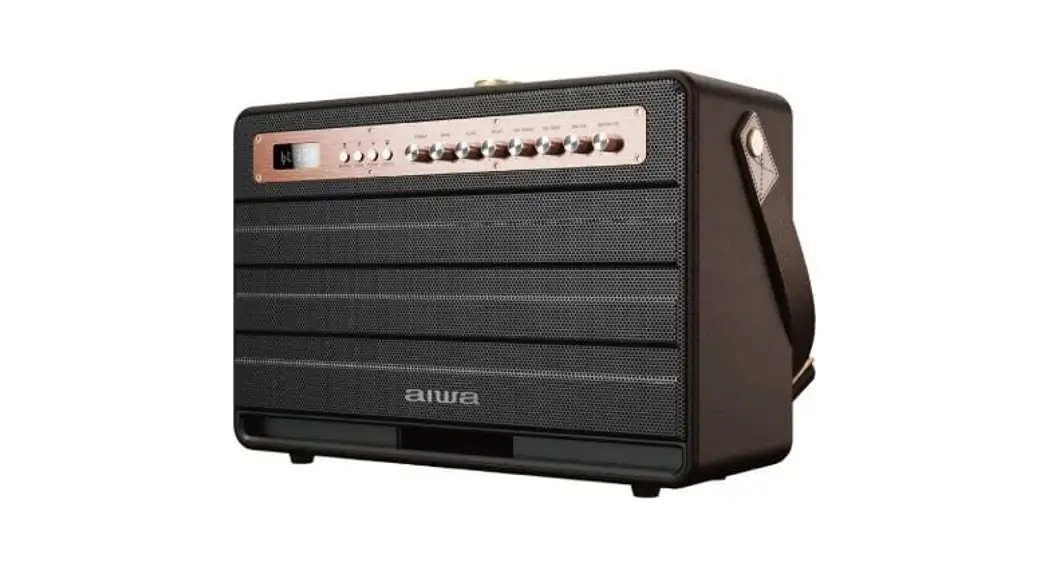
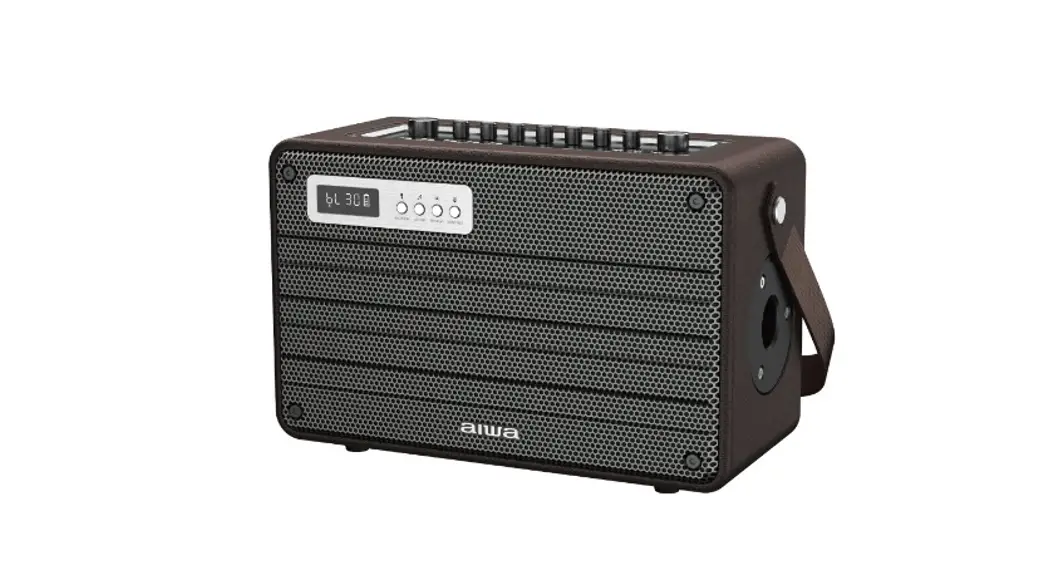
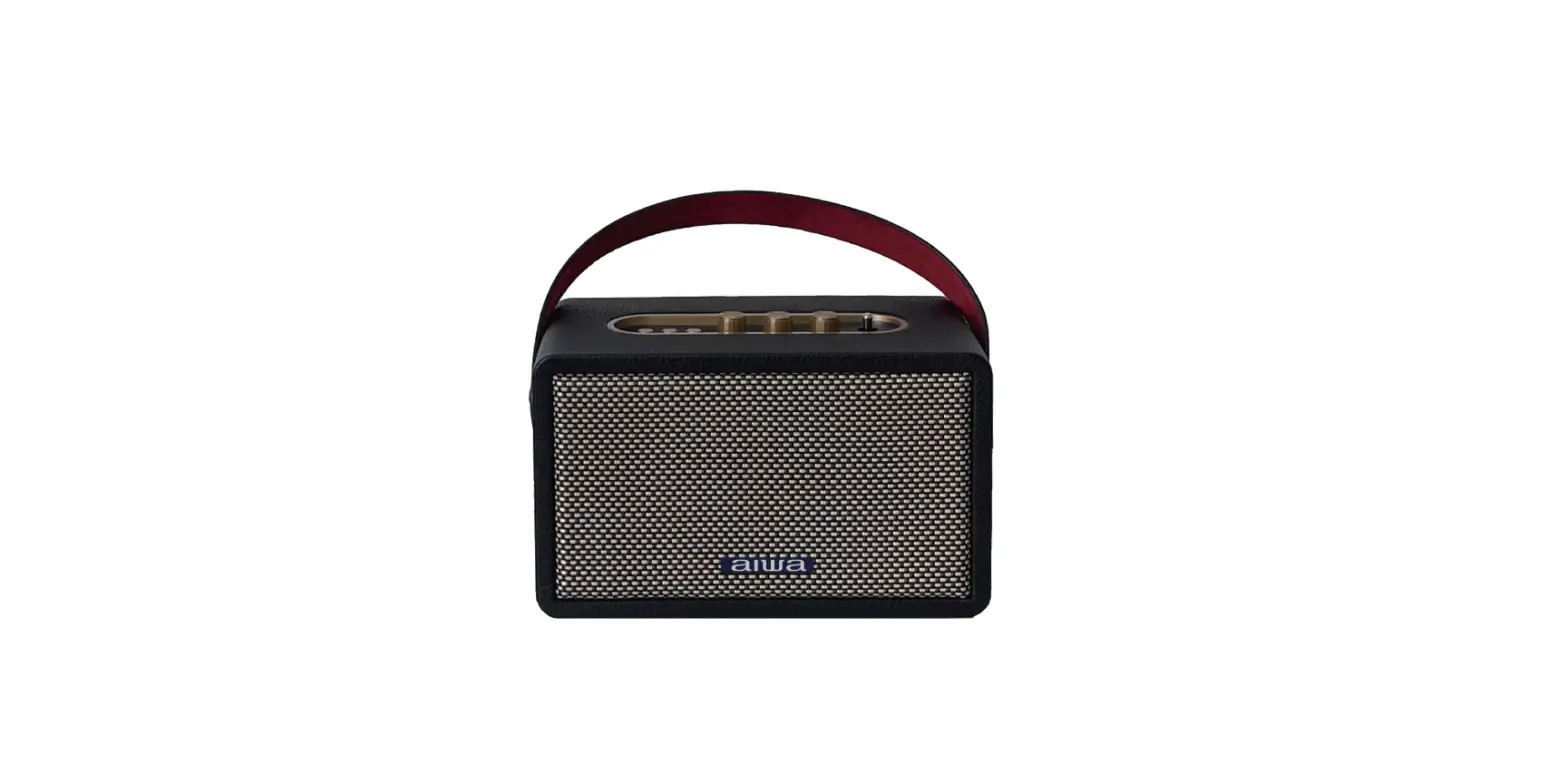
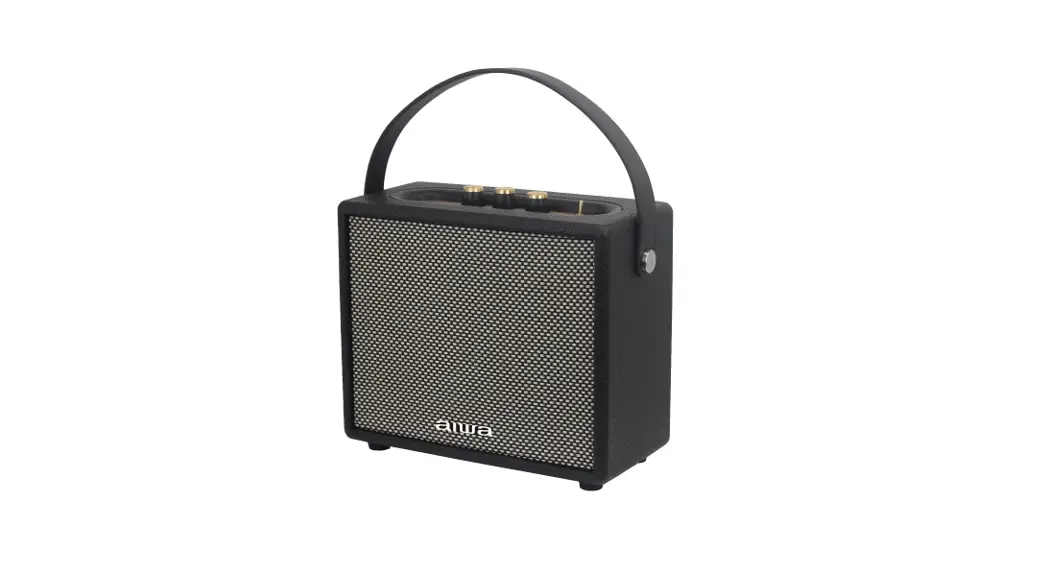
RS-X 40 Diviner Play
User Manual
Important Safety Instructions
- Please do not place the device near any form of heat source.
- Please use the accessories specified by the manufacturer.
- Please refer all servicing/repairs to qualified personnel should there be any form of damage to the device.
- Keep this user manual for future reference/troubleshooting. 5. Please heed ALL safety cautions.
Safety Cautions
- Always keep the device AWAY from fire and heat sources.
- Do NOT attempt to disassemble or alter the device.
- Do NOT expose the device to excessive heat (Direct sun; etc.).
- Do NOT immerse the device into any form of liquids.
Unboxing
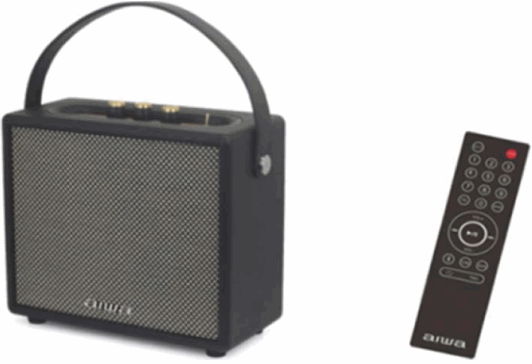
– RS-X40 Diviner Play Speaker
– Charging Adaptor
– Remote Control
Product Specifications
| Model Number: RS-X40 Diviner Play BT Version: VS.0 Power Output: 40Ω Impedance: 40 Frequency Response: 35Hz – 20KHz S/N Ratio: ≥80dB Sensitivity: 400MV Supports: BT, AUX, TF Card, USB, TWS | Supported Profiles: M P3, WMA, WAV, FIAC Transmission Distance (Estimated): 10 Meters (No Obstacles) DC Input Voltage/Current: 9V DC, lAt2A Battery: 7.4V/ 6000mAH Playback Time: 4 – 5 Hours Charging Time: 4 – 5 Hours Dimensions: 245.120.210mm Weight: 28 Kg |
Product Overview
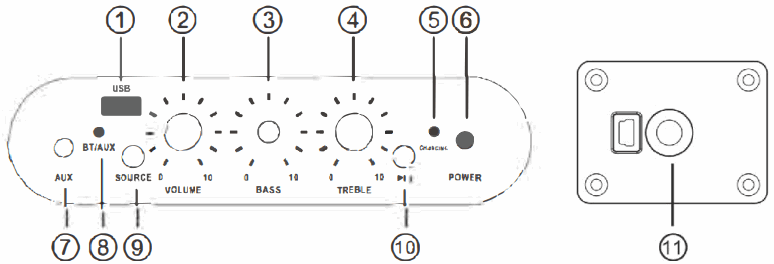
| 1. USB Port 2. Master Volume Knob 3. Bass Adjustment Knob 4. Treble Adjustment Knob 5. Charging Indicator Light (Red while Charging, Green when Full Battery) | 6. Power ON/OFF 7. AUX -In 8. FIAUX indicator Light 9. Source Button 10. Play/Pause Button 11 Charging Port 9V |
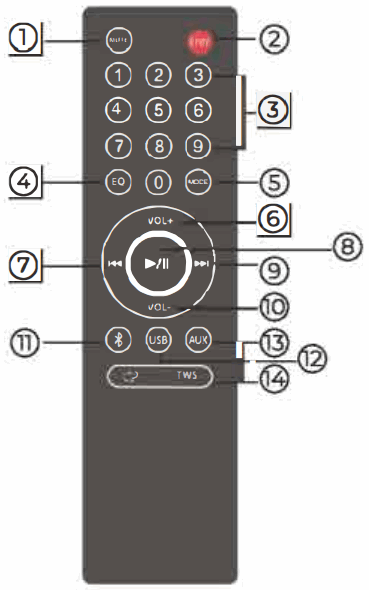
| 1. Mute 2. StandyBy Mode 3. 0-9 Number Keys 4. EQ Cycle between Sound Profiles: Classic/ Rock & Roll/Jazz. 5. Mode: Cycle between Audio Modes: BT/USB/AUX. 6. Volume + 7. Previous Track | 8. Play/Pause 9. Next Track 10. Volume – 11. BT Mode 12. USB Mode 13. AUX Mode 14. TWS Connect-on Button |
Playback Sources
USB Playback: Insert USB into the designated port. playback will commence upon pressing the play/pause button.
AUX Playback: Disconnect all BT devices before inserting the AUX cable and connect it to the audio source to start.
Connecting the Product
- Turn on Bluetooth (BT) on your mobile device.
- Turn on the speaker.
- Search and connect to “RS-X40 Diviner Play” from your mobile device.
- Press and hold the Play/Pause button for 3-4 seconds to disconnect
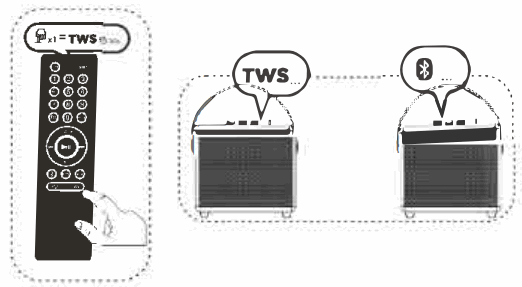
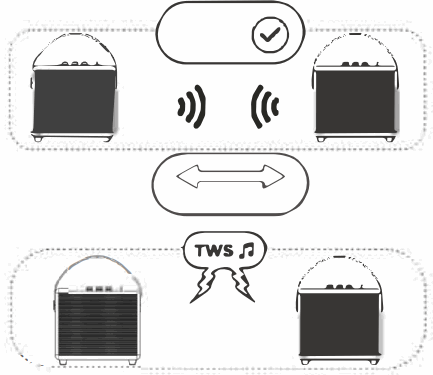
TWS Function
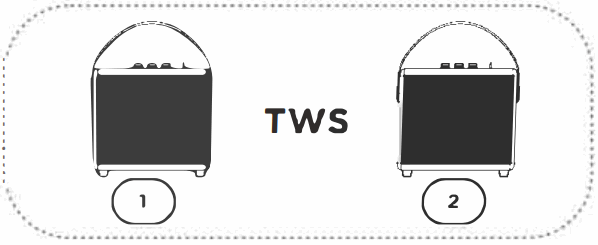
- Turn on both speakers (Only compatible with the same model)

- Press TWS Button and both units will pair to each other automatically within Thirty (30) Seconds.

- Be sure to pair speakers to mobile devices via BT to commence playback. TWS also works via AUX and USB mode.

Battery & Charging
Charging the speaker:
Connect charging adaptor to the speaker and a suitable power source
Approximate charging time: 4-5Hours
Please fully charge up the speaker prior to first; time usage.
Troubleshooting
Unable to connect to device:
- Please ensure the speaker is not connected to other devices
- Please ensure the speaker is within 10m of the device
No sound is corning out of the speaker:
- Please ensure your device is connected to the speaker.
- Please ensure the music volume is at an audible level on both your mobile device and speaker.
Please refrain from using any damaged components. Contact your local authorized AIWA distributor/customer, service, should you need any assistance.
The above playback & charging times are estimated values tested in a practical environment and may vary upon individual usage habits.
Aiwa Electronics Intl Co., Ltd.
Explore more at www.int-aiwa.com
Develop in Japan
Aiwa Electronics Intl Co., Ltd.