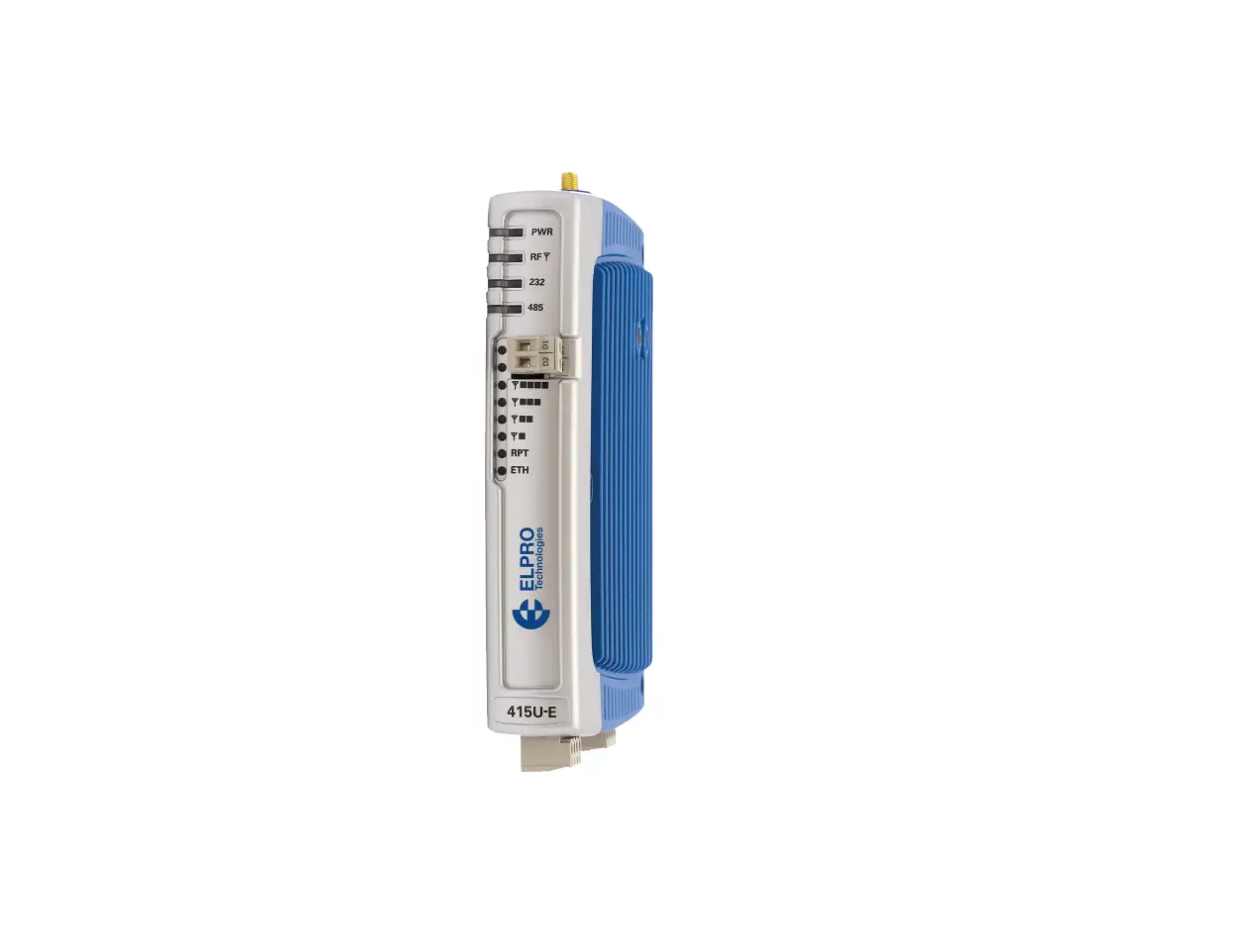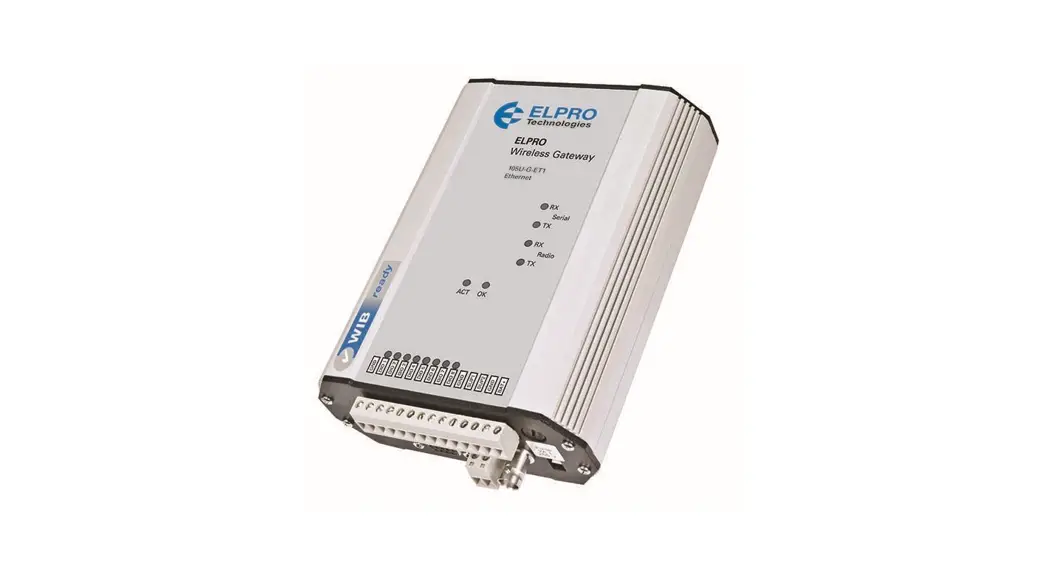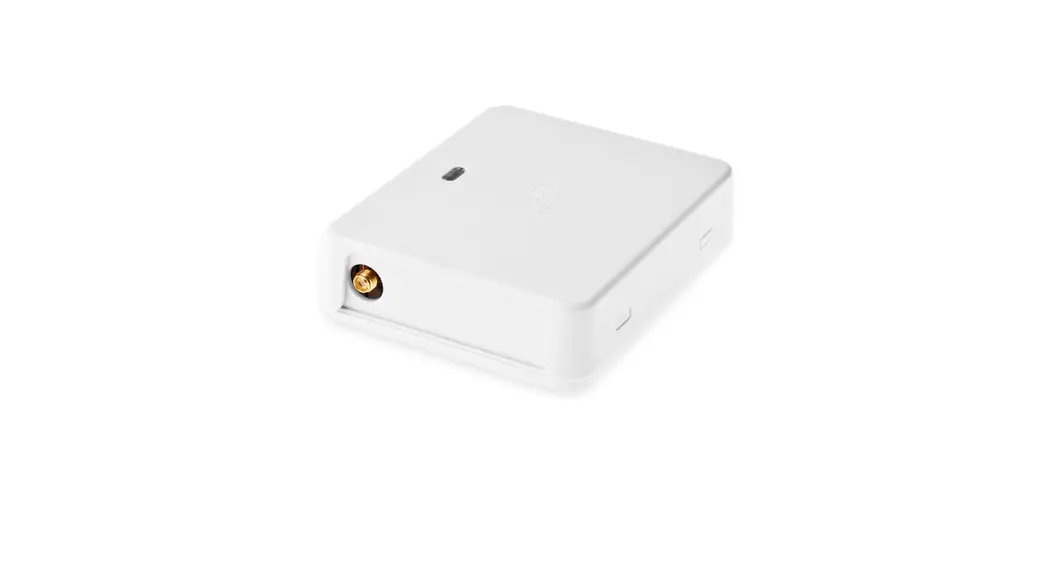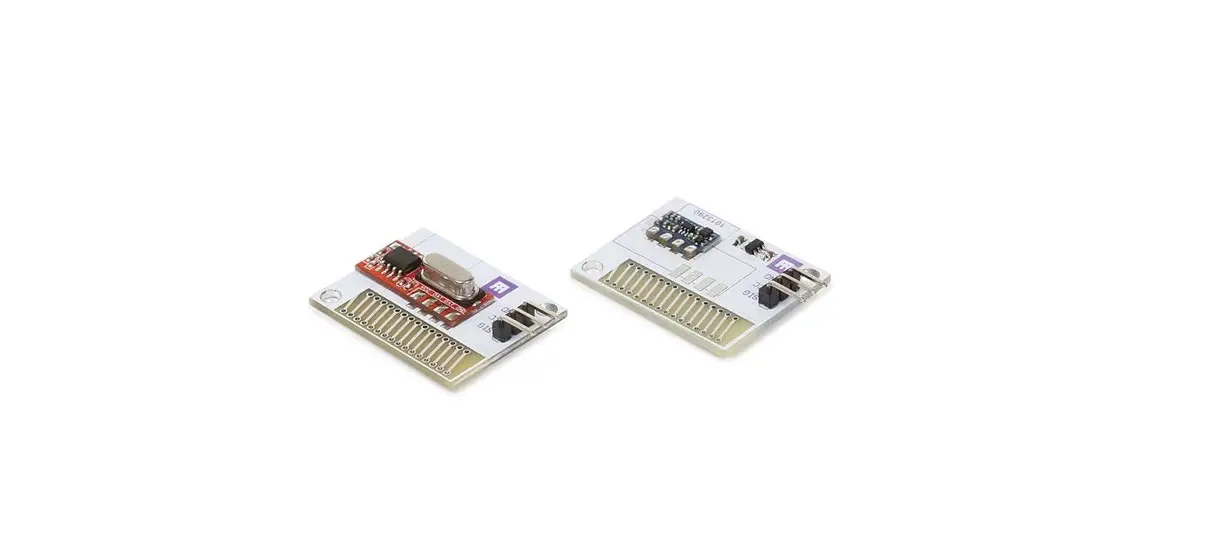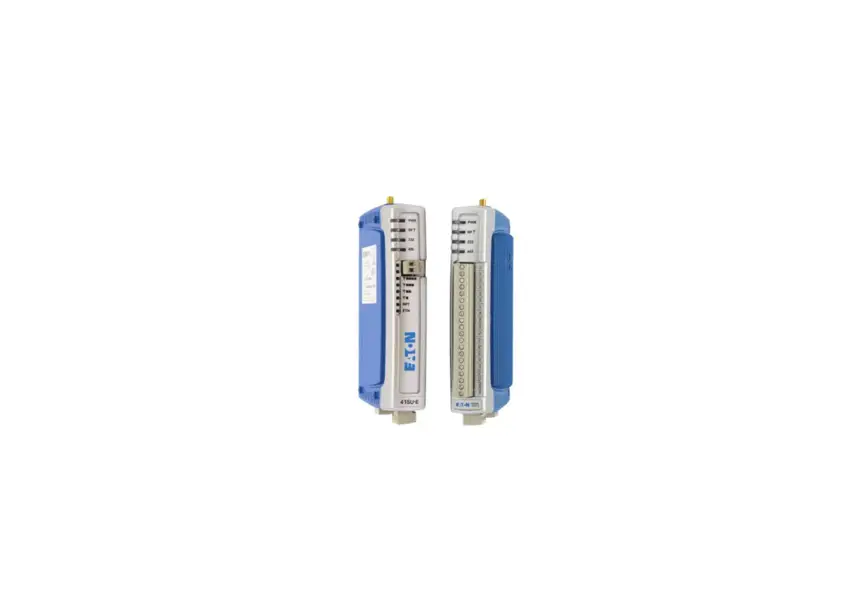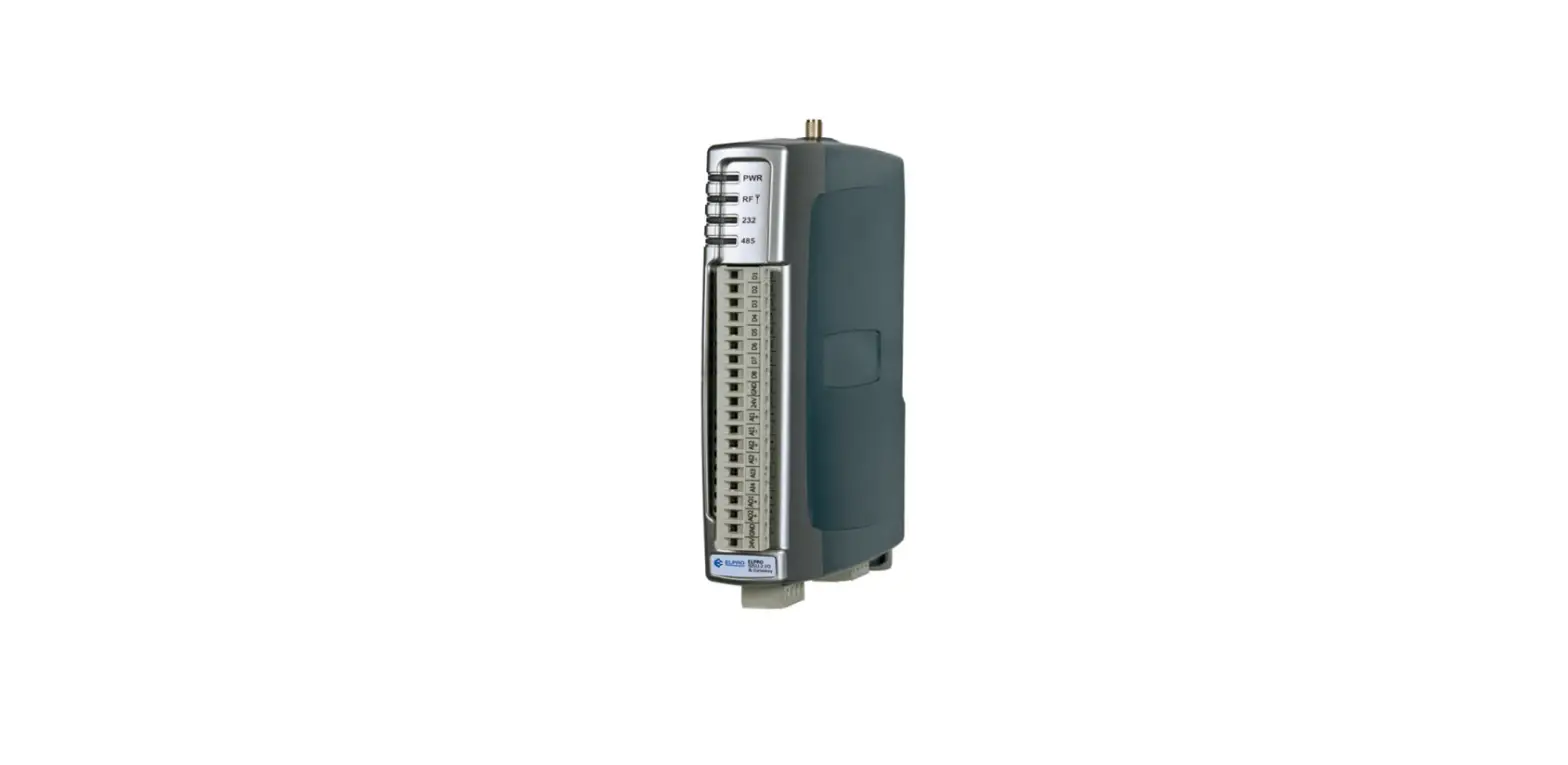

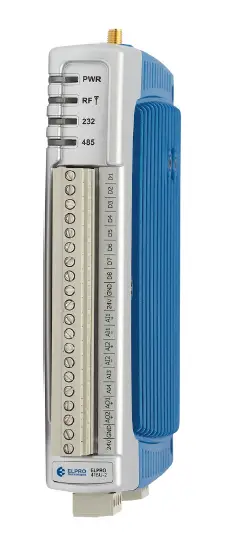
ELPRO 415U-2-Cx Long-Range Wireless
Antenna installation
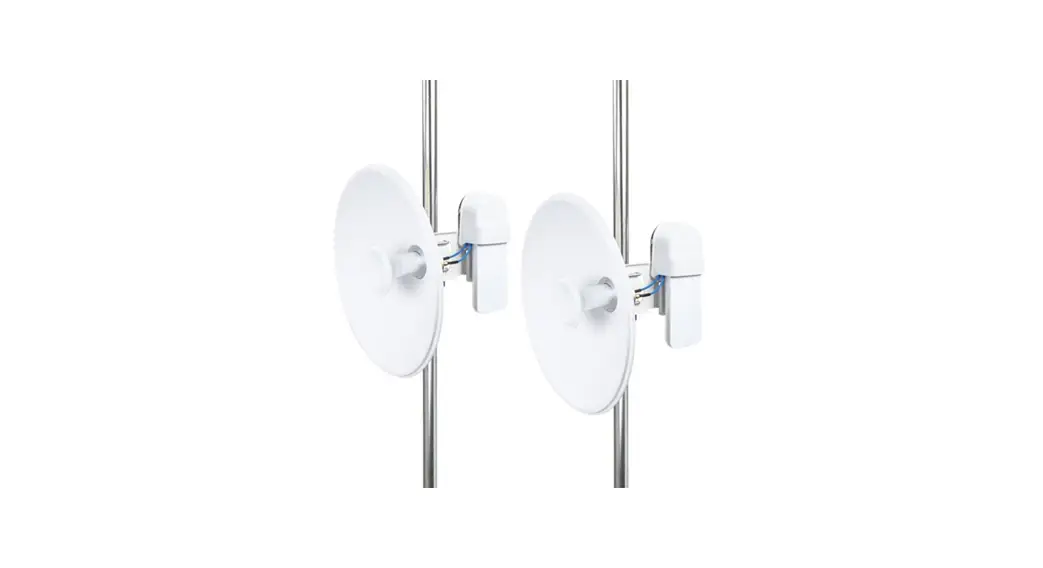
When selecting an antenna, consider radio proximity. Use Figure 1 as a guide for installing an antenna and attaching it to the 415U-2-Cx.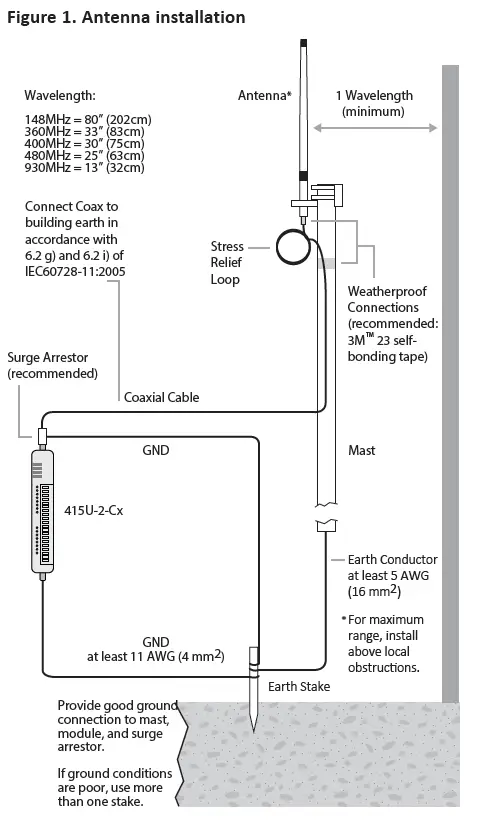
Connecting to the module for configuration
- Download and install the configuration application “CConfig” from ELPRO website www.elprotech.com
- Connect to the PC using supplied USB cable
- Connect to the device at 192.168.111.1
- The PC will be automatically assigned an IP address via DHCP
Username: user
Password: user
Models
- 415U-2-C1 – 148 to 174MHz
- 415U-2-C3 – 360 to 400MHz
- 415U-2-C4 – 480 to 480MHz
- 415U-2-C5 – 470 to 520MHz
- 415U-2-C9 – 928 to 960MHz
NOTE
All connections must be SELV <50 Vac and <60 Vdc.
The following illustrations show the ports on the 415U 2-Cx.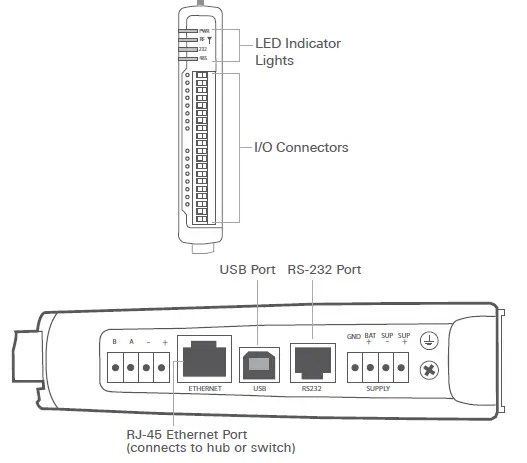
Power supply wiring
The ground (GND) and “SUP –“ terminals are connected internally to the ground terminal and to the module enclosure. Connect the screw terminal on the end plate to the ground for surge protection. Refer to the user manual for RF duty cycle derating when powering the module from SUP+ and SUP- terminals.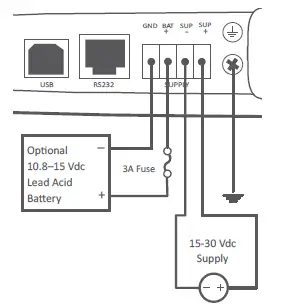
Expansion I/O power and RS‑485 serial connection
An onboard RS-485 terminating resistor provides line termination for long runs. Enable terminating resistors at far end of the RS-485 cable.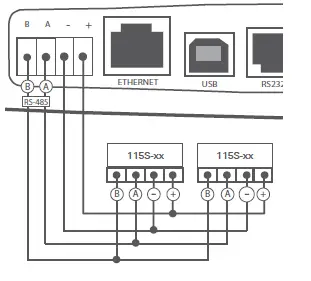
Configuration switches
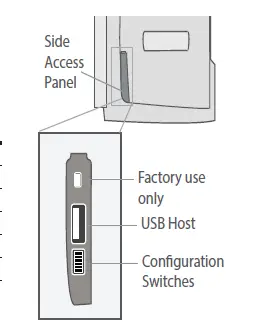
Use the DIP switches in the side access panel to select analog input voltage and current, external boot, and default configuration settings.
| DIP | DESCRIPTION |
| 1 | AI3 current/voltage |
| 2 | AI3 current/voltage |
| 3 | AI4 current/voltage |
| 4 | AI4 current/voltage |
| 5 | Unused |
| 6 | Enables default configuration |
Input and output connections
The digital input/output channels can be wired as inputs or outputs.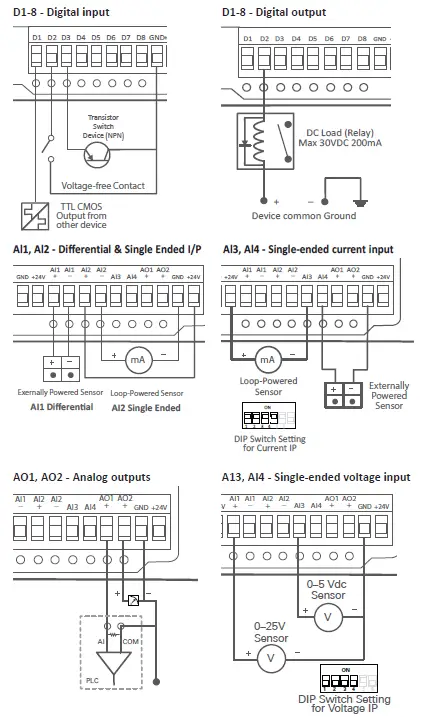
ELPRO is a registered trademark.
All other trademarks are the property of their respective owners.
© 2022 ELPRO
All Rights Reserved
ELPRO Technologies Inc
2028 East Ben White Blvd,
#240-5656 Austin, TX 78741-6931 USA
Telephone:
USA: +1 855 443 5776
ELPRO Technologies
29 Lathe St
Virginia, QLD 4014
Australia
www.elprotech.com
Telephone:
Global:+61 7 3352 8600
 ELPRO Technologies – Industrial Wireless Communications