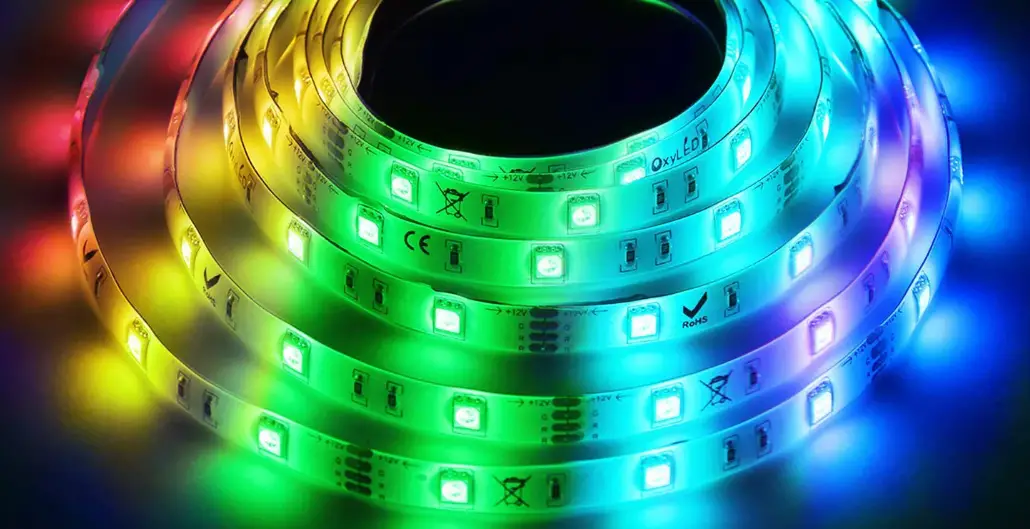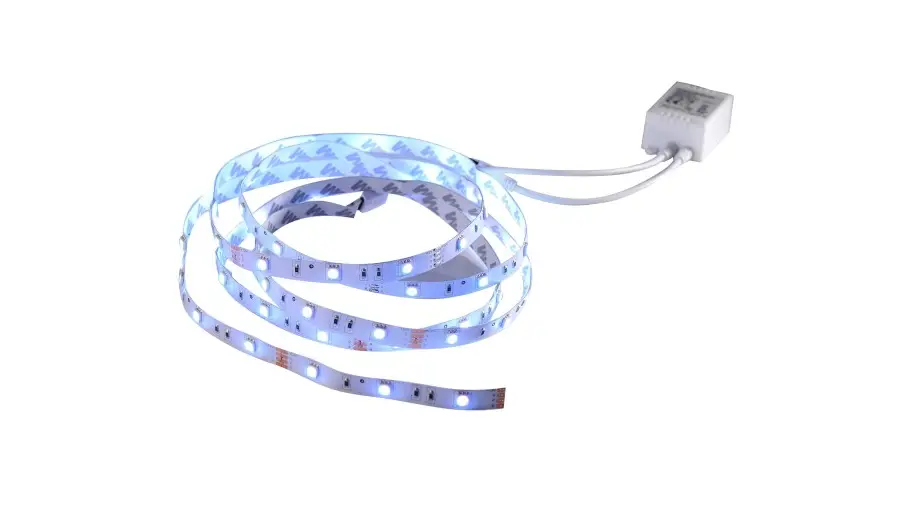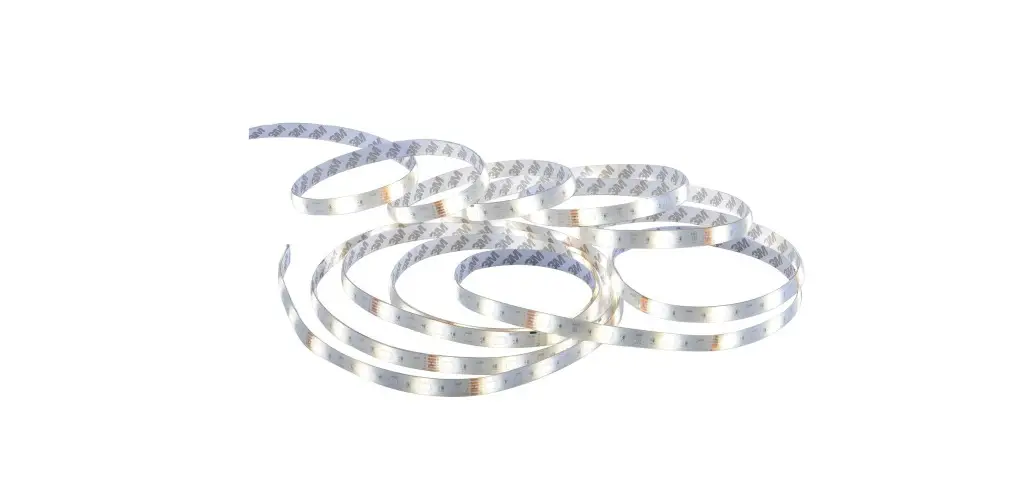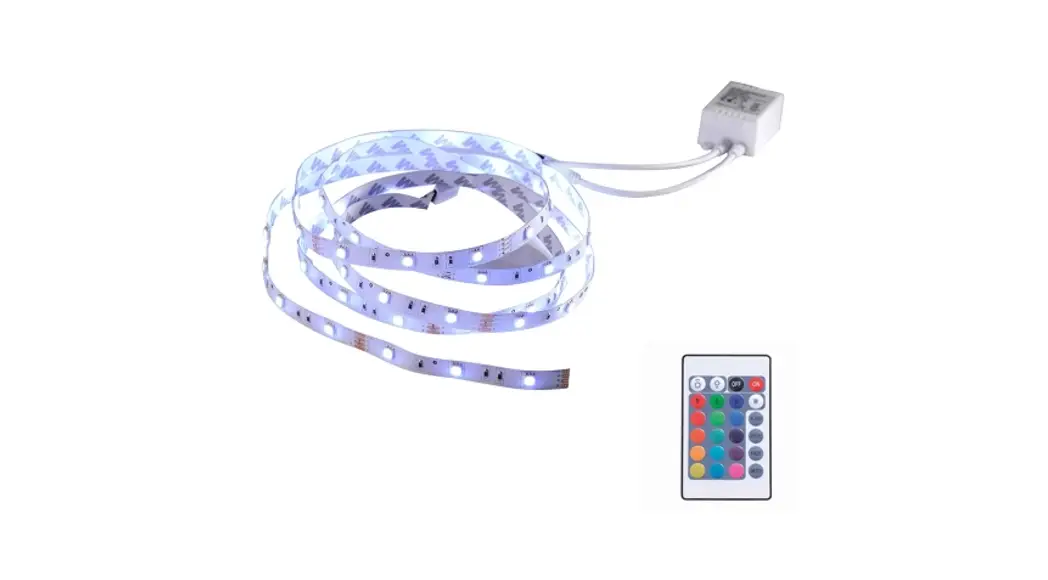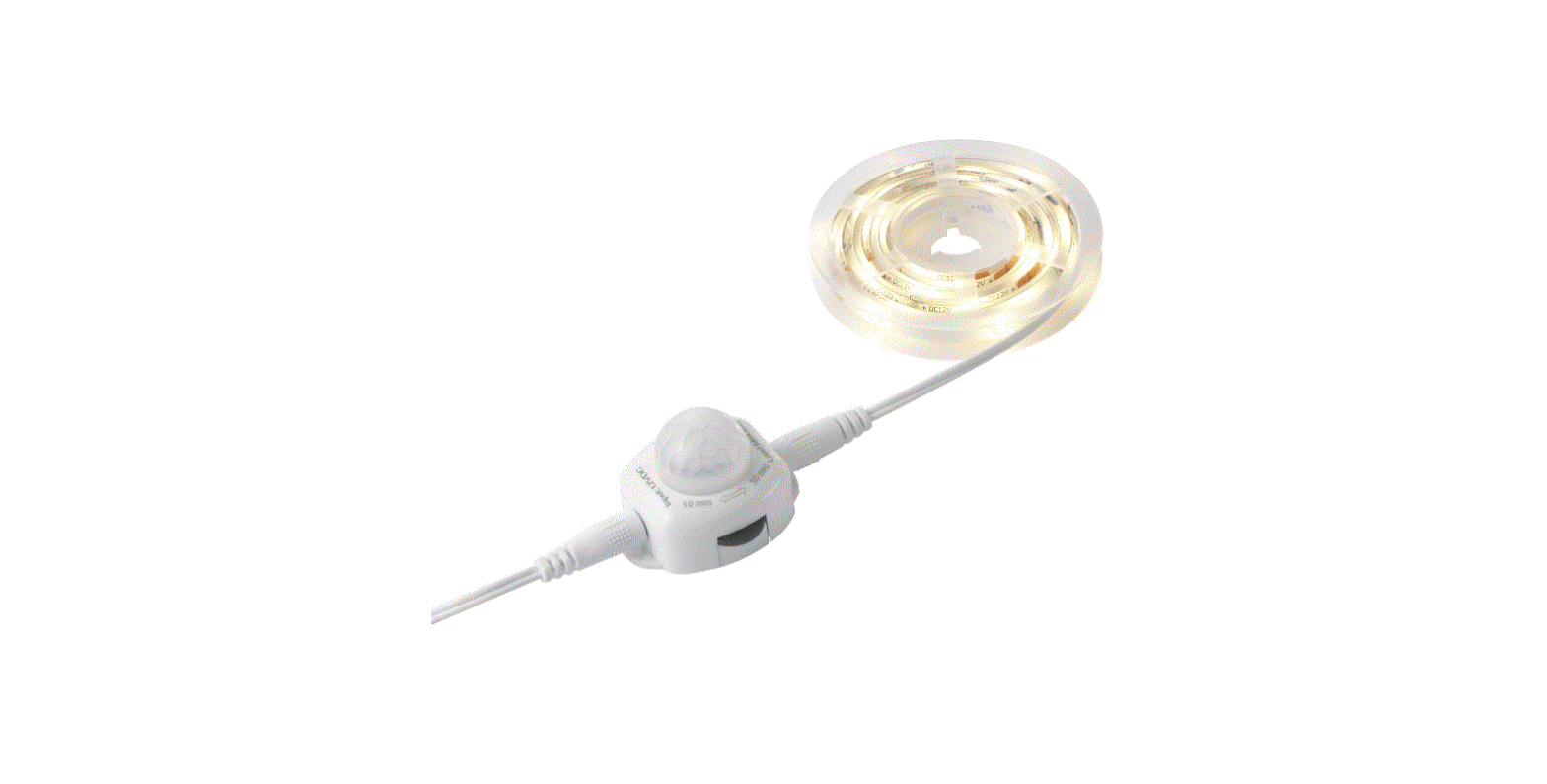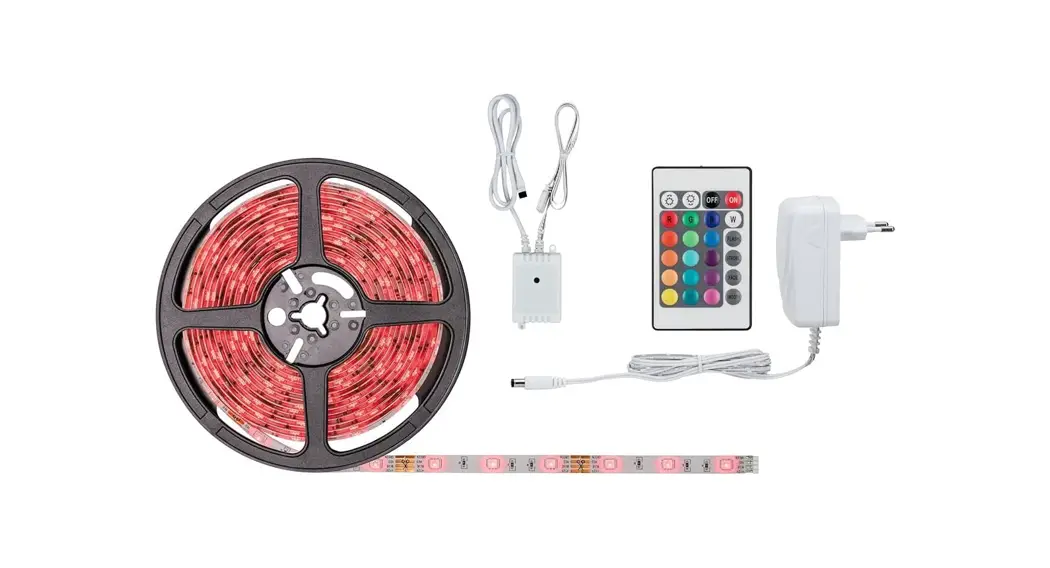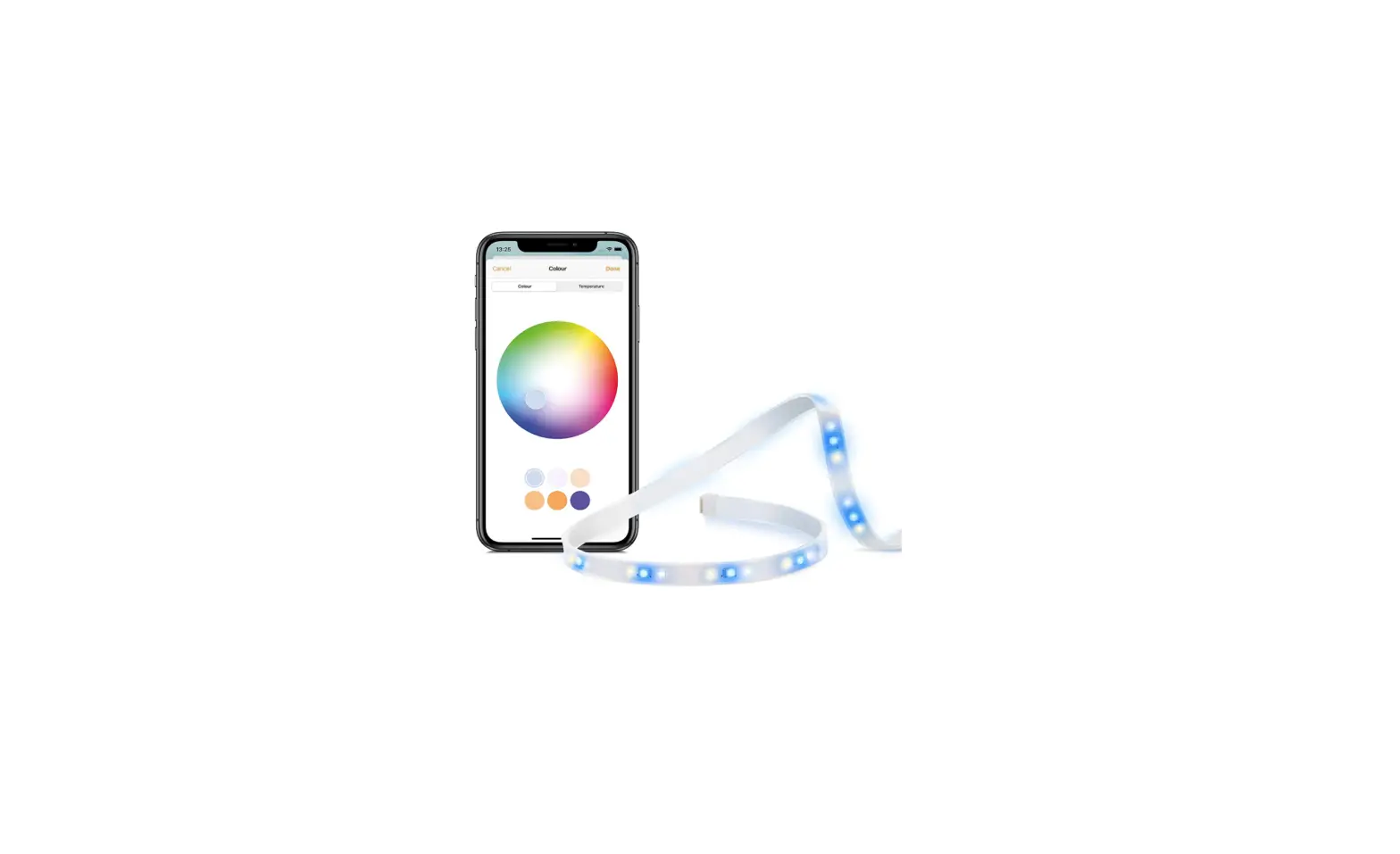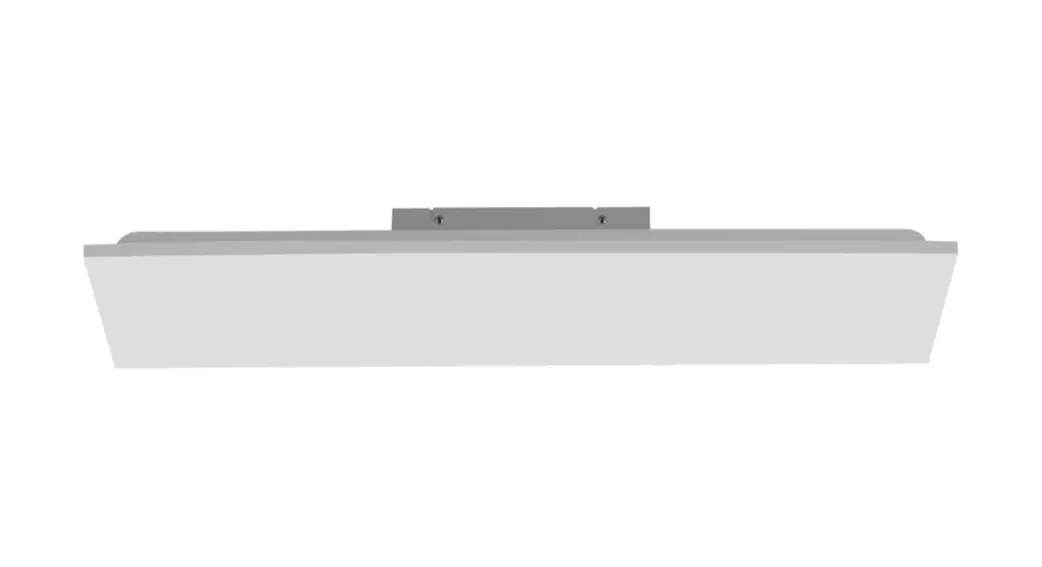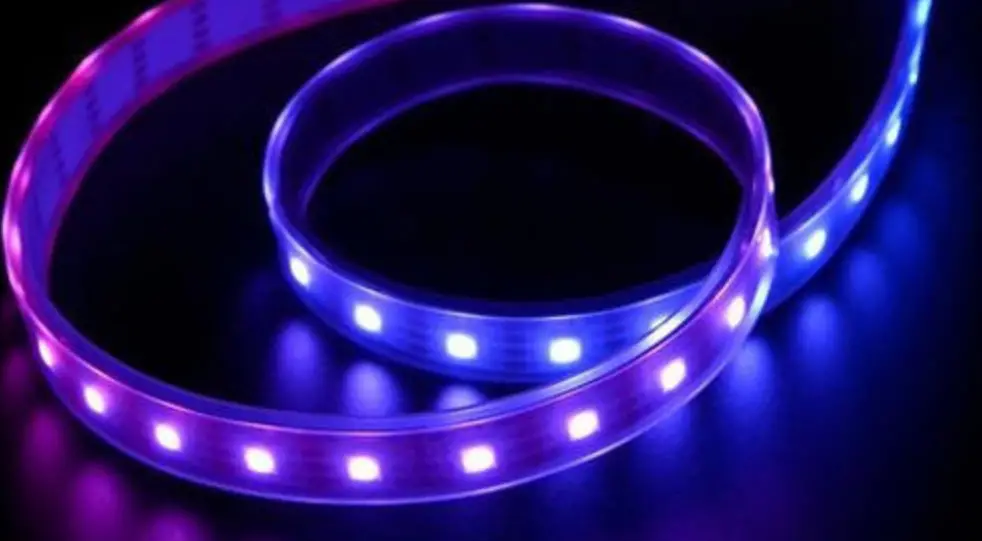

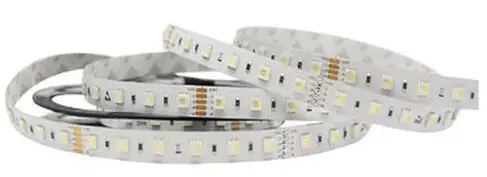
LeuchtenDireckt 81320-70 LS-FRITZ Light Strips
This product contains a light source of energy efficiency class <F>.
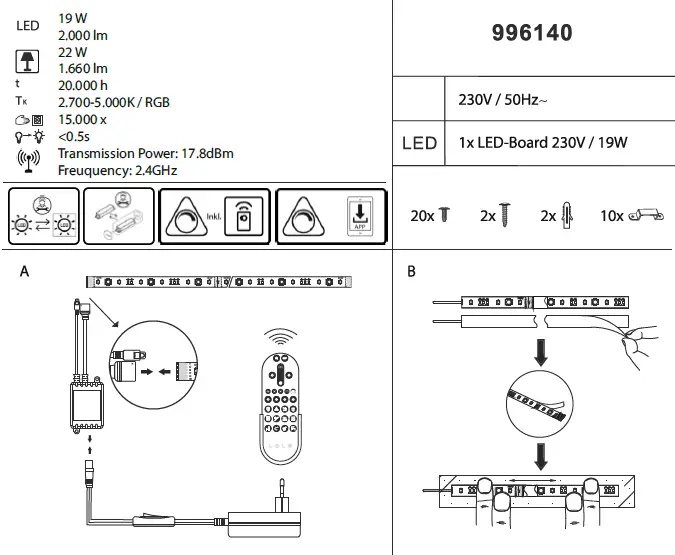
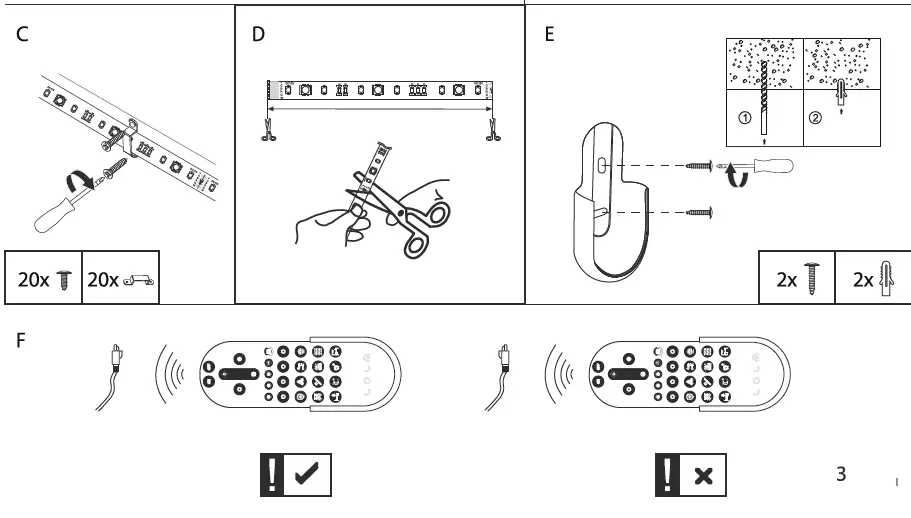
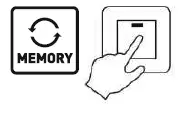
The lamp is with memory function. If the lamp is switched off and on again via wall switch (> 5 sec.), the lamp lights up in the last chosen mode. This only applies to static colors and not to color change programs.
MEDION Life+ App
- Download the free MEDION Life + app.

- Register or log in to the MEDION Life + app. The chosen password should have 6-20 signs, include capital letters, numbers and special signs.
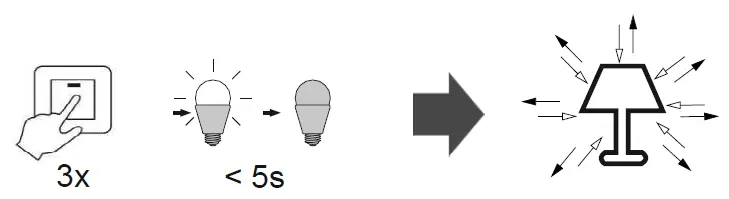
- Put the light in teach-in mode by switching the light off and on 3 times. The light starts flashing and can be added to the MEDION Life + app.

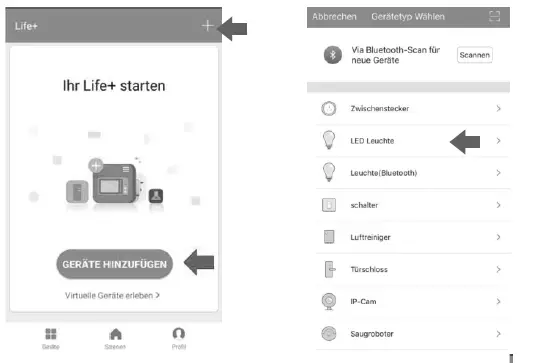
- When logged in, you can integrate your light in the app: click “+” in the upper right corner or on the button “Add device”. Select the desired device.

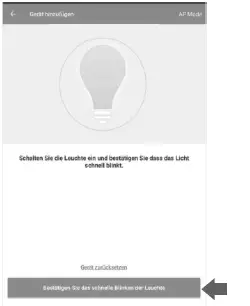
- A new window opens. Confirm that your light is flashing. Then follow the further instructions of the app.
For more information on Smart Home and how to integrate your lights into other systems, such as Amazon Echo (ALEXA) please visit the following
website: www.paul-neuhaus.de/de/technik-funktion/faq/
 Technikberater