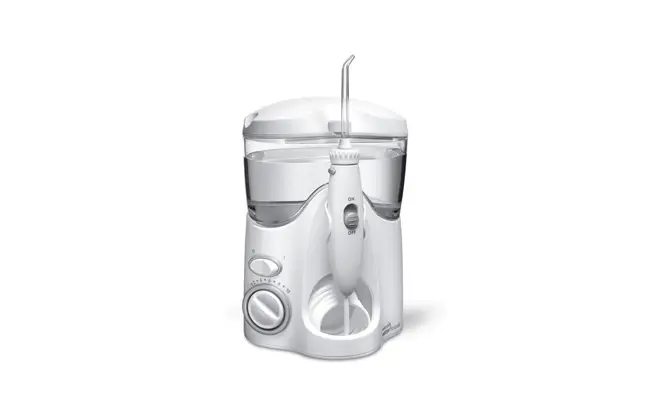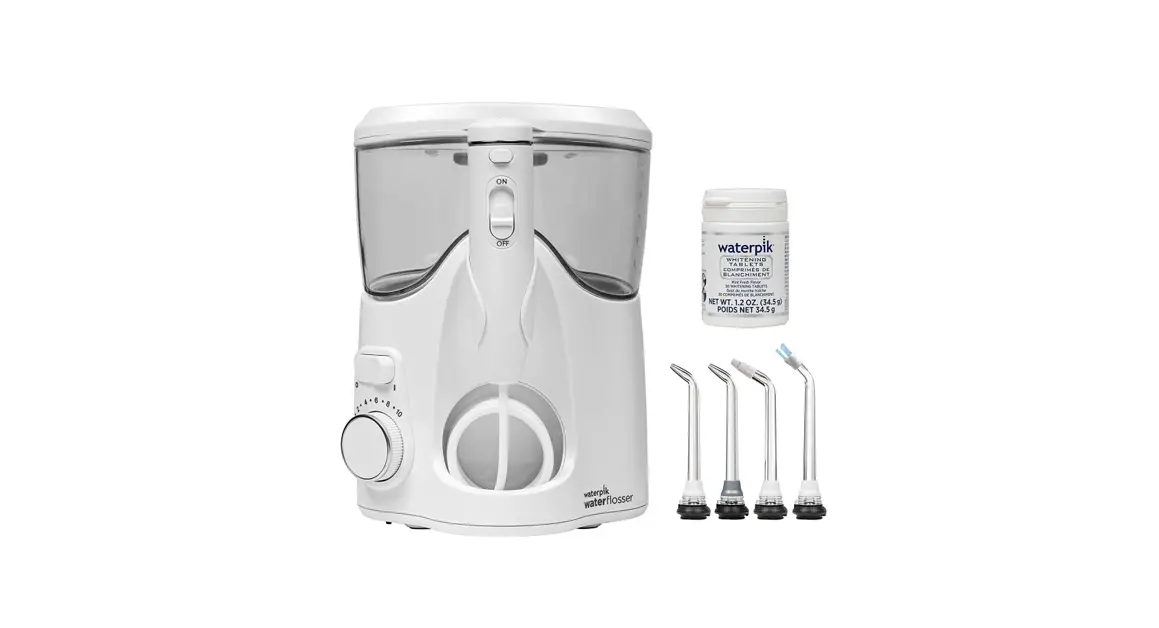
 QUICK START GUIDE
Model WF-06
Register your product and receive over $50 in savings. waterpik.com/registration Visit waterpik.com/WF06 to watch How-To Video
Unit Prep (First-time use only)
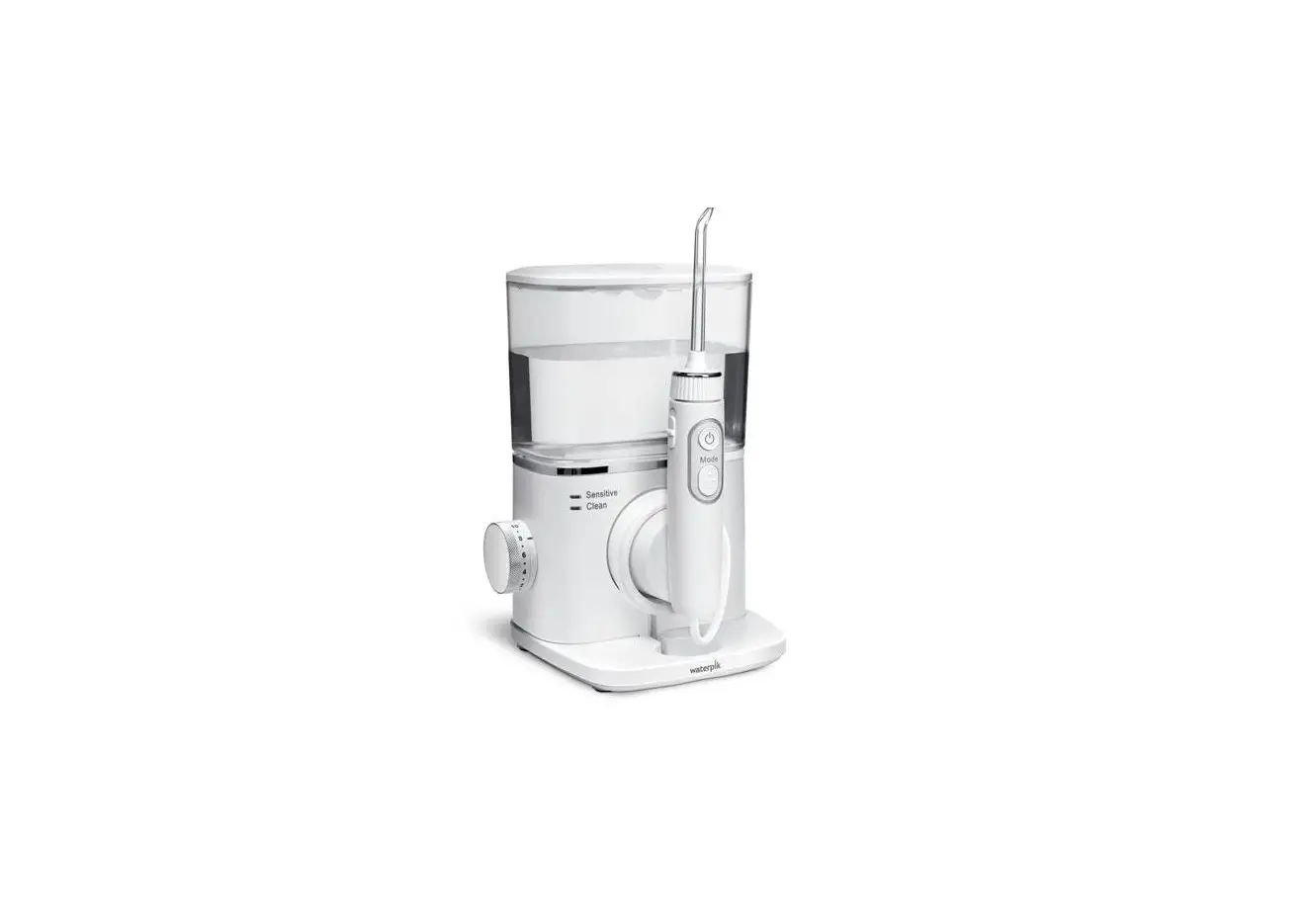
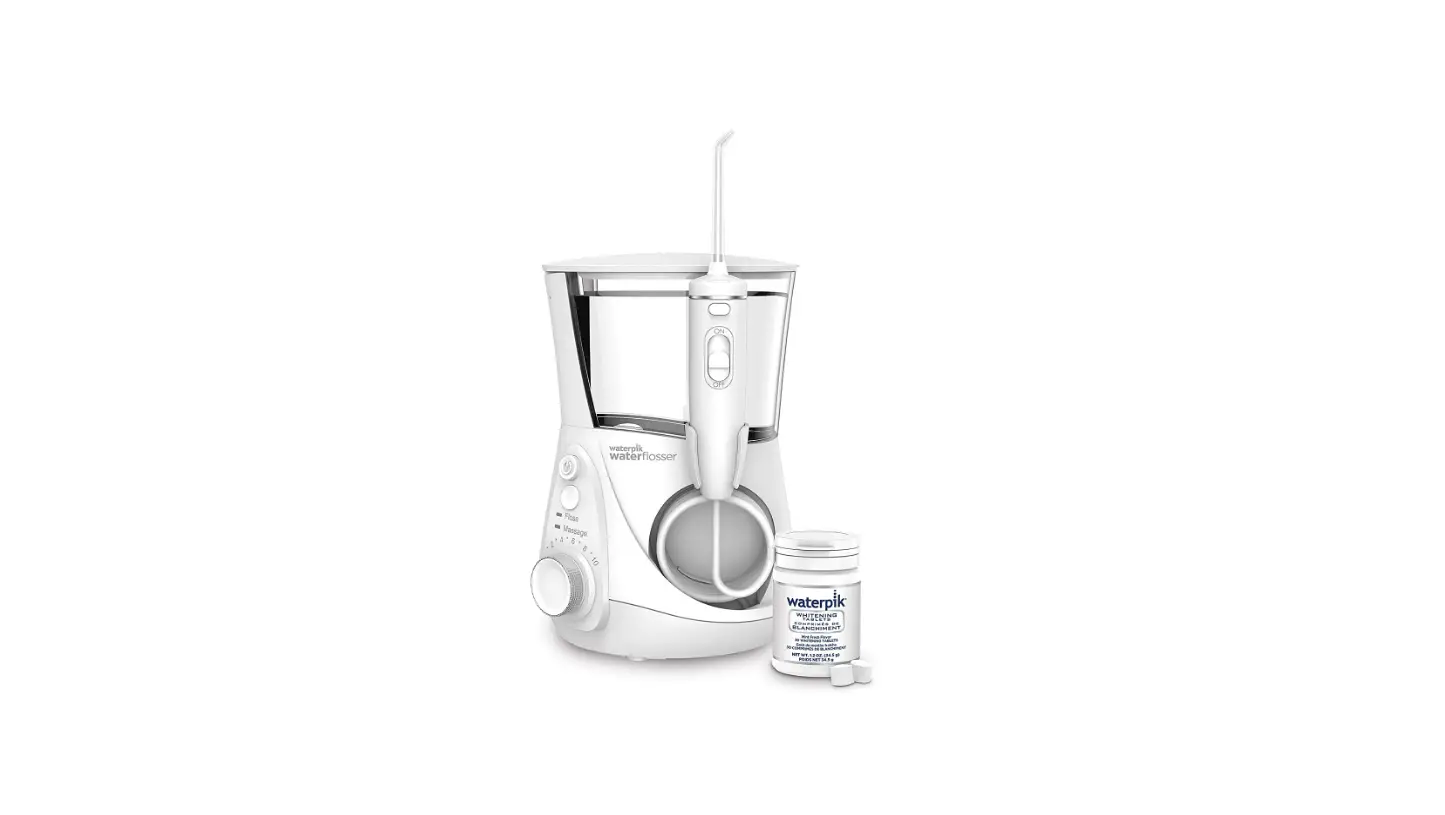
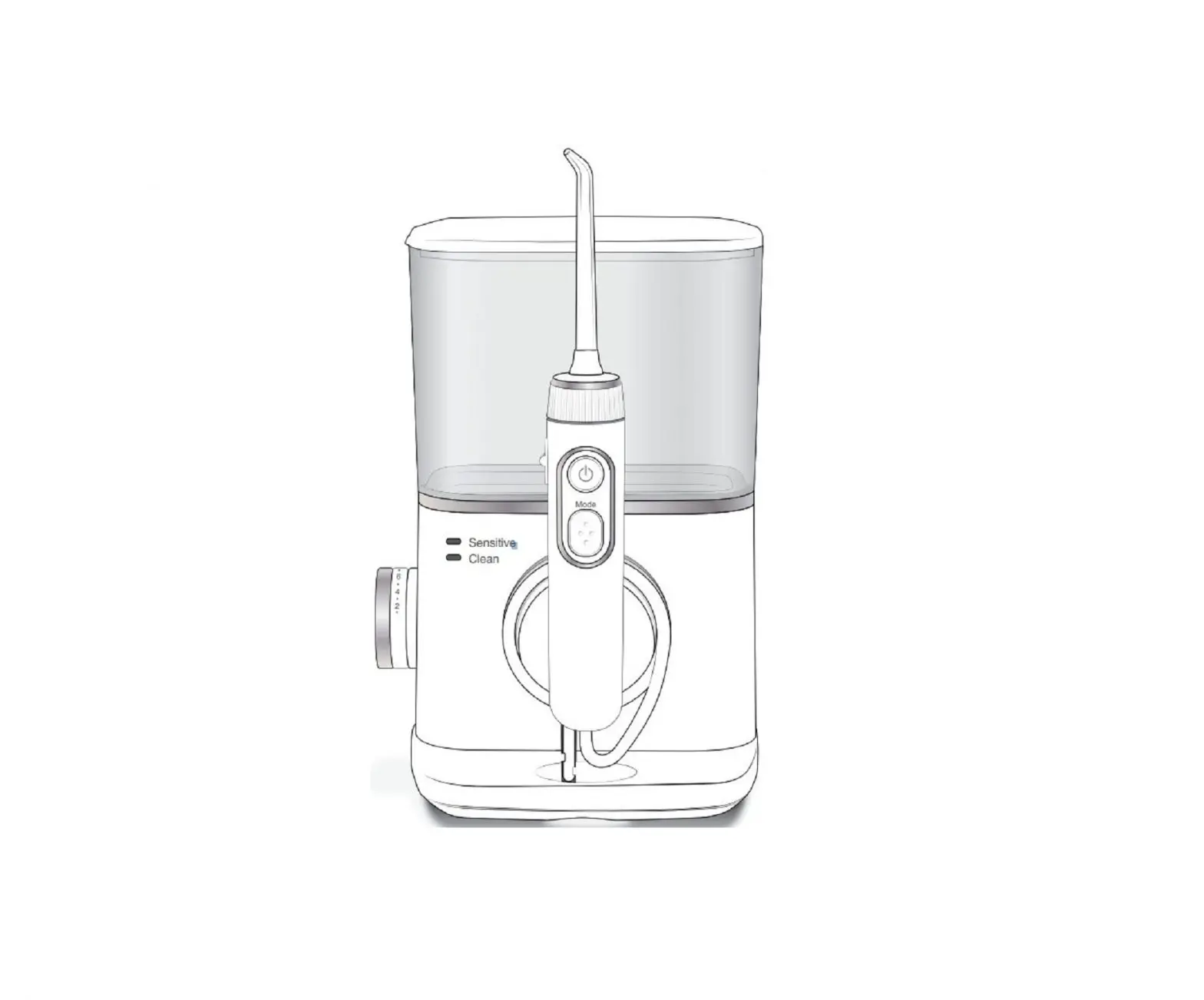
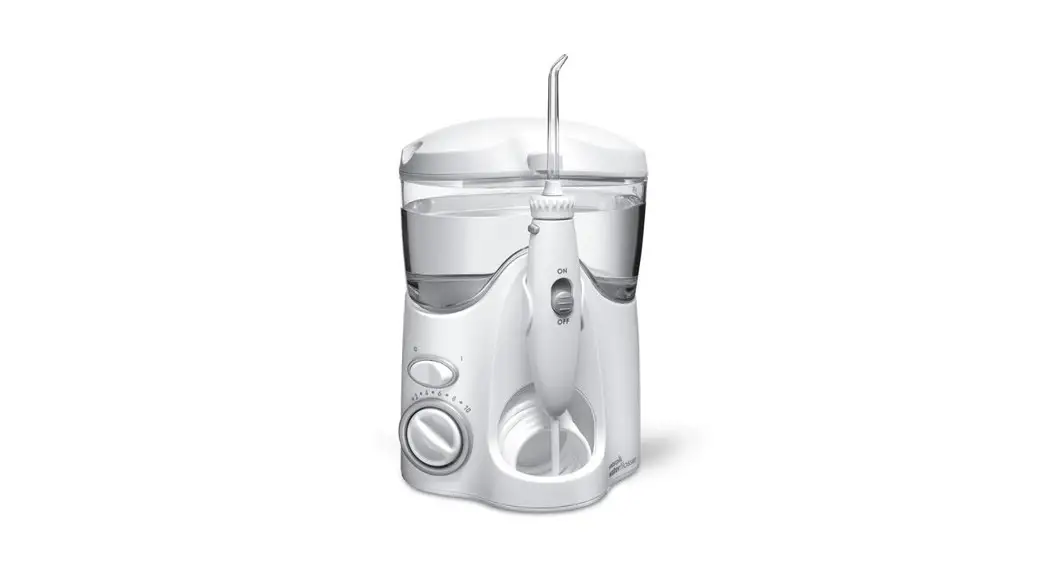
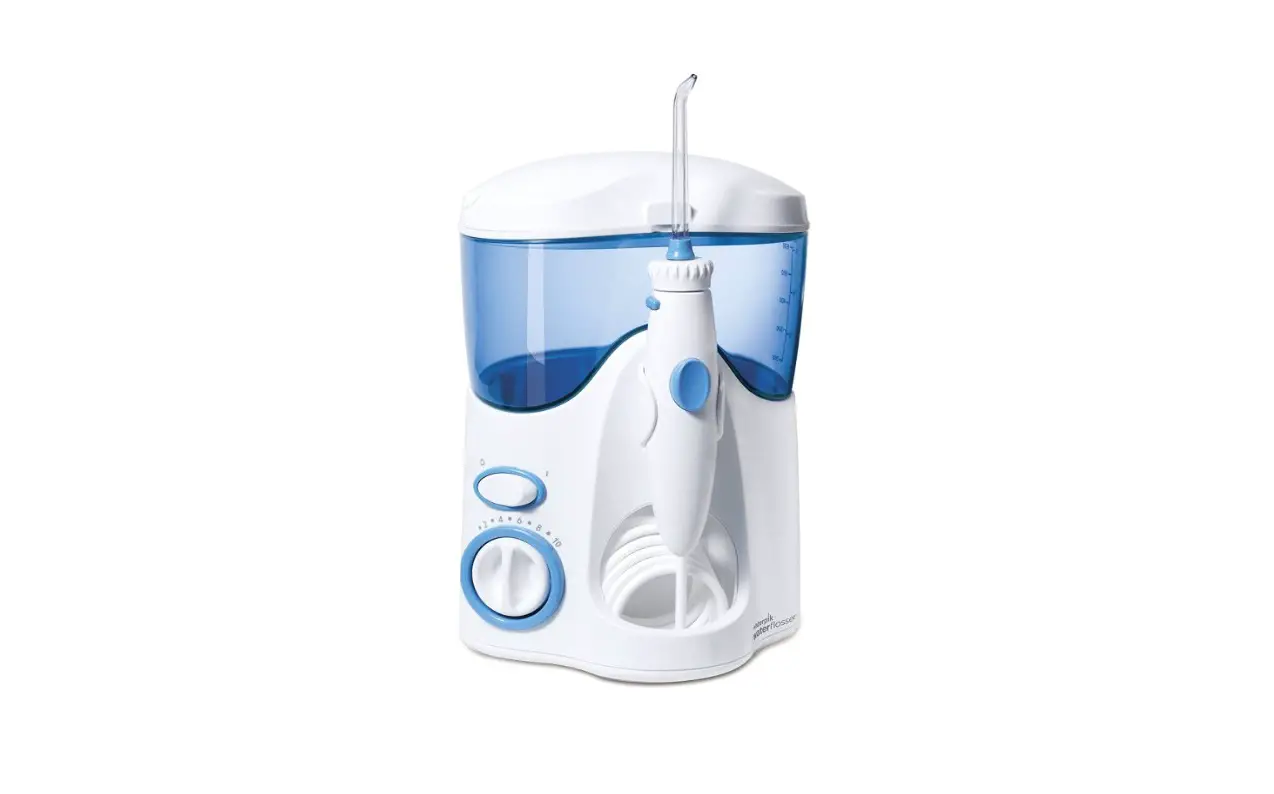
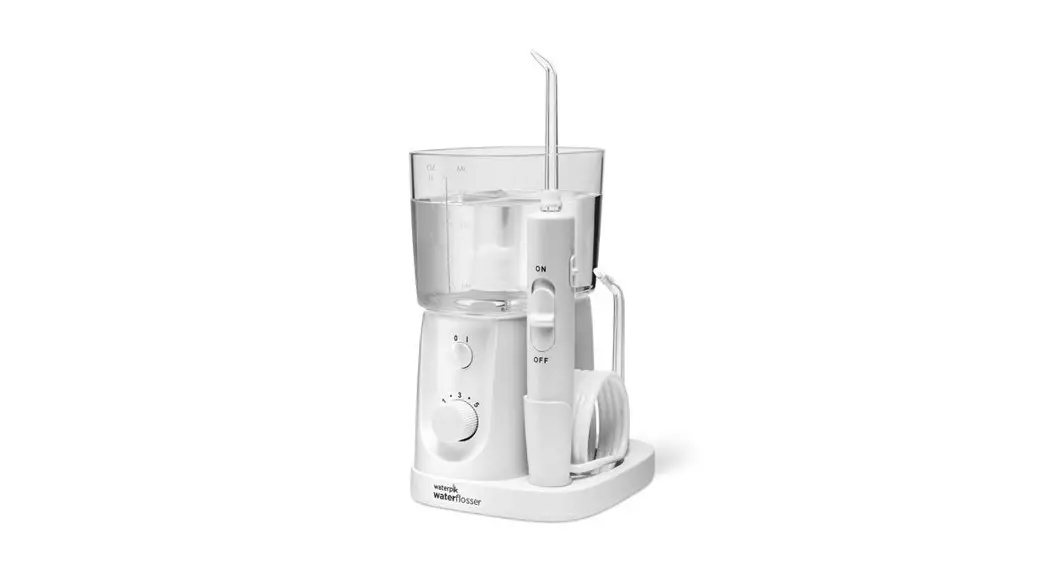
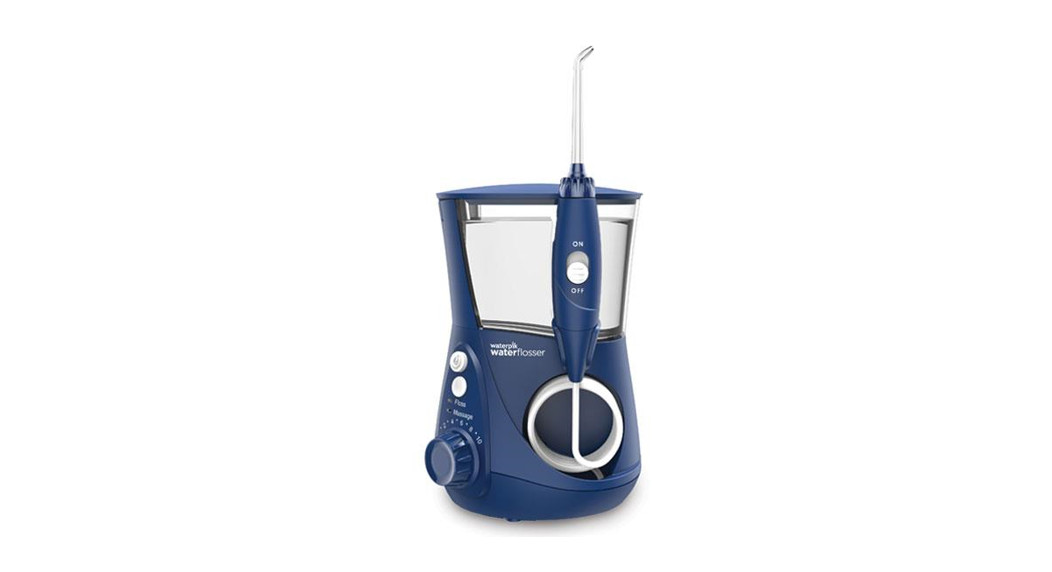
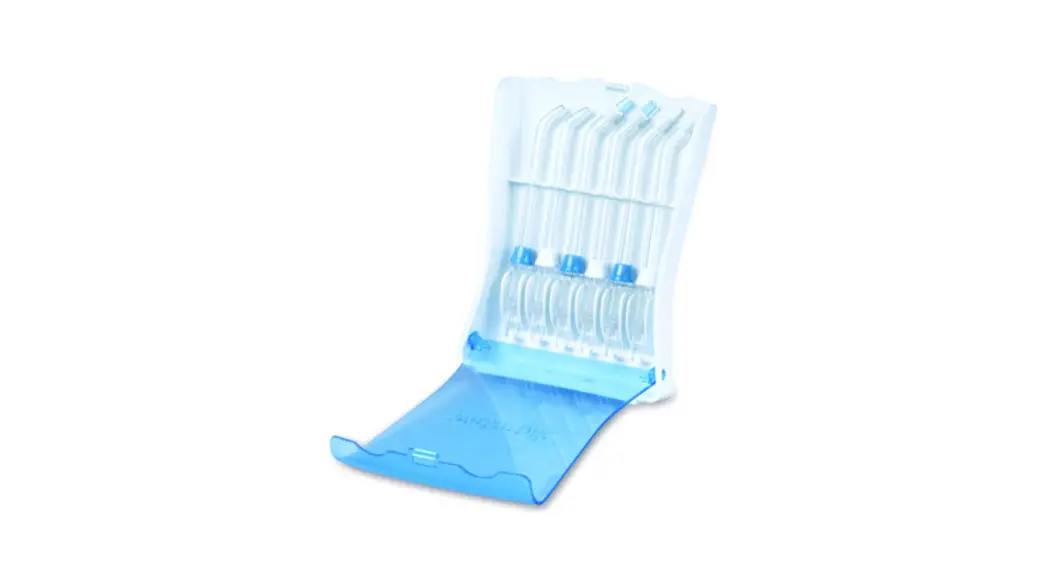
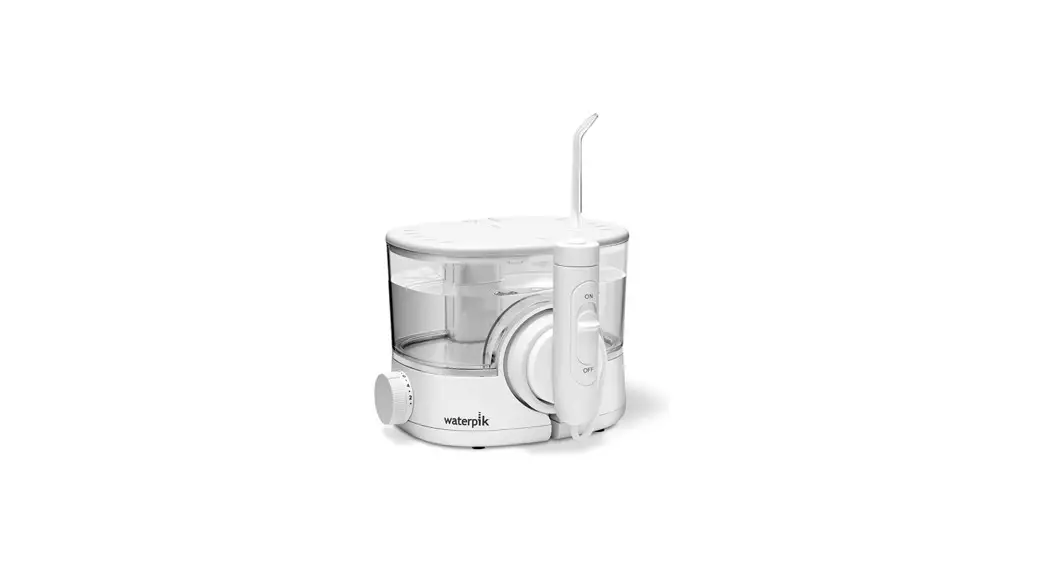
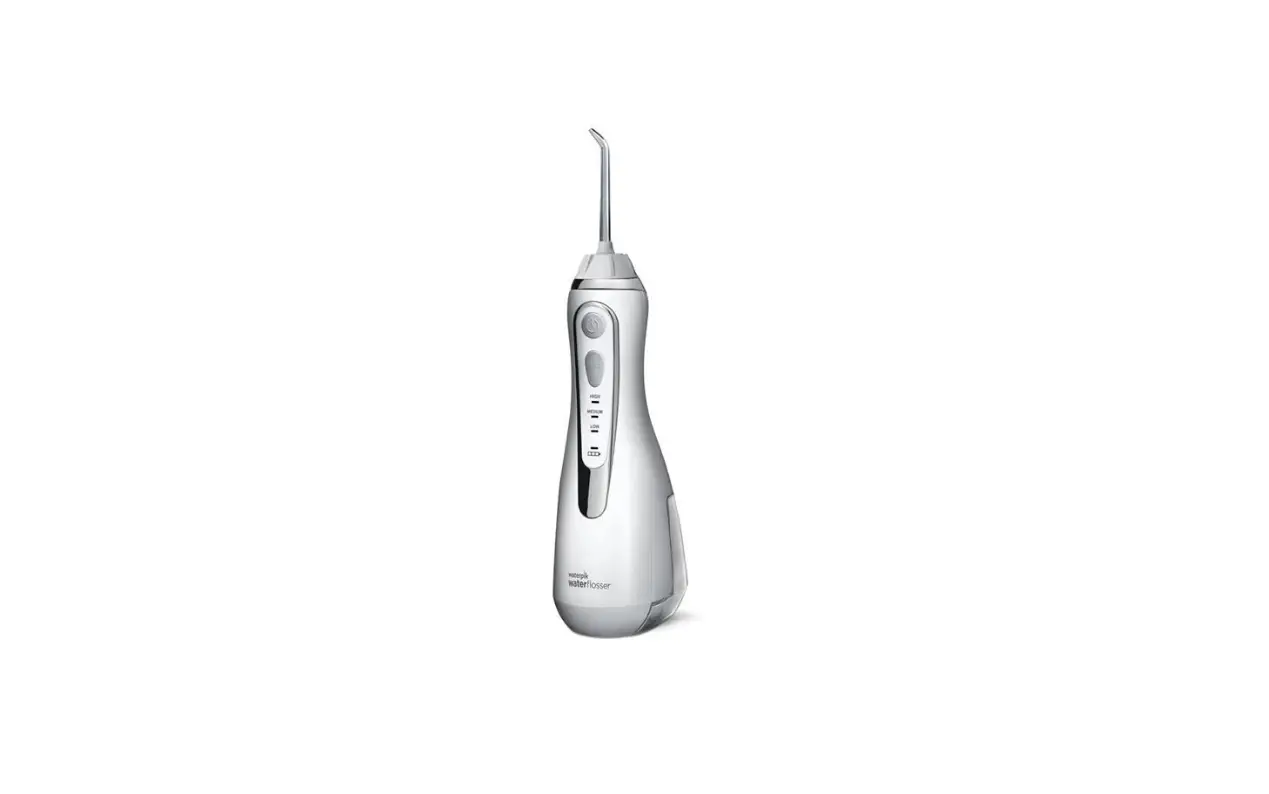
A. Press the button to open the flip top.¹ Insert tip through the top, align notches on the tip and handle (dots on the tip and flip top will align), press firmly to click tip into place.² Close flip top.³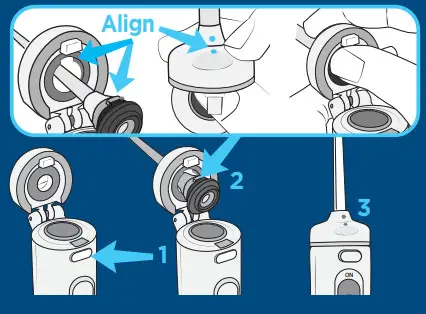 B. Fill the reservoir with warm water and replace it firmly on the base.
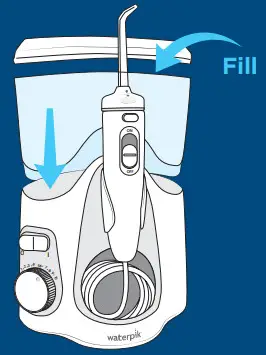 C. Turn pressure to high, point tip into the sink, turn power, and water switches ON until water flows. Turn power and water OFF.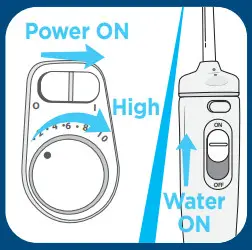
Water Floss
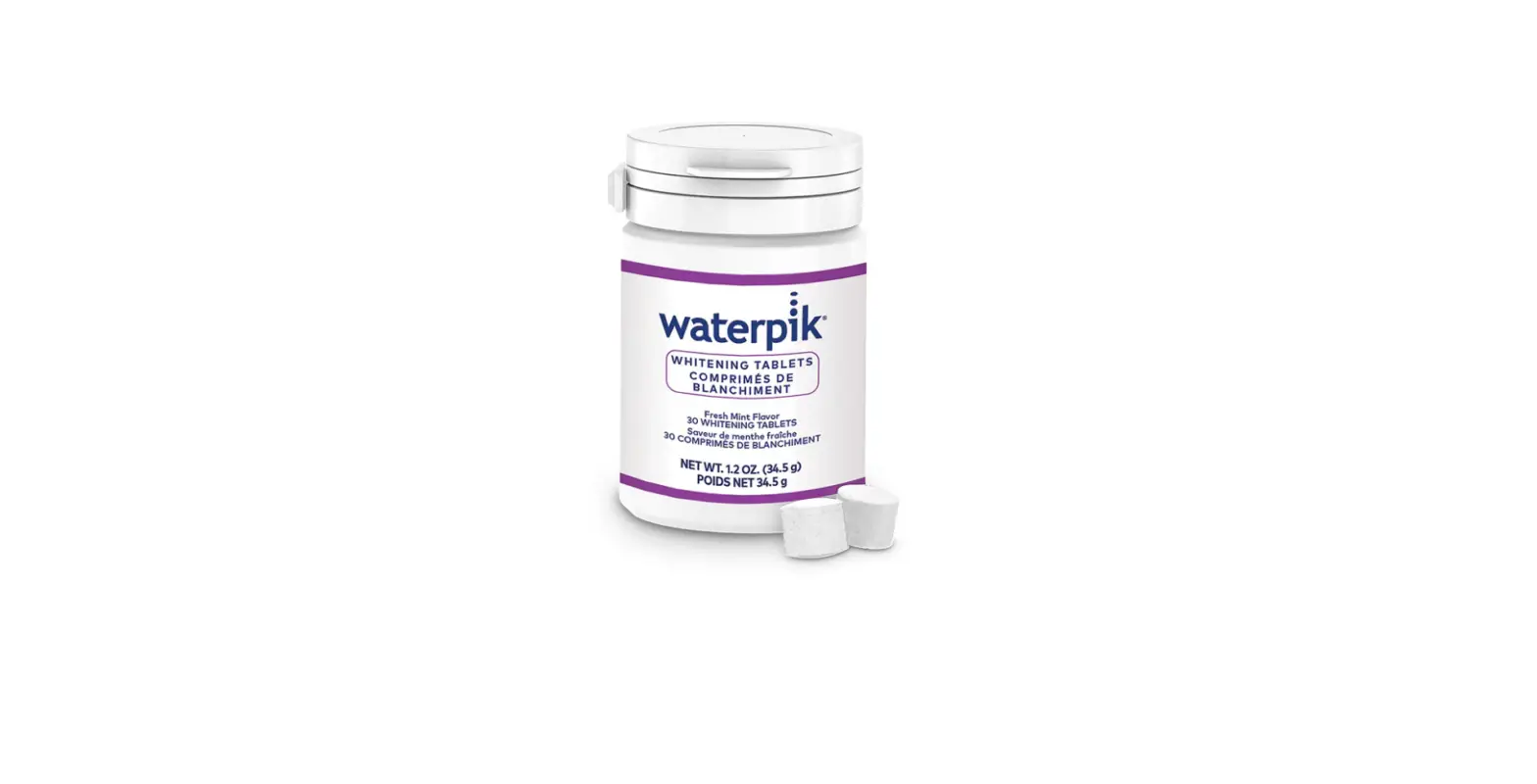
A. Load tablet into the handle. Start on low pressure and increase to your liking.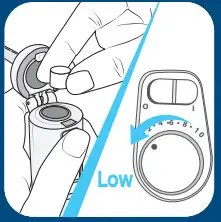
B. With water switch in OFF position, place tip in mouth. Turn power ON.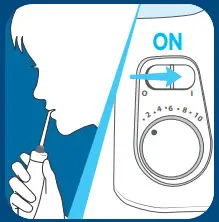
C. Lean over the sink. Turn water switch to ON position. 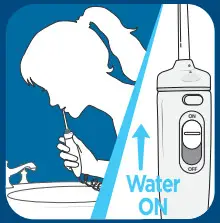
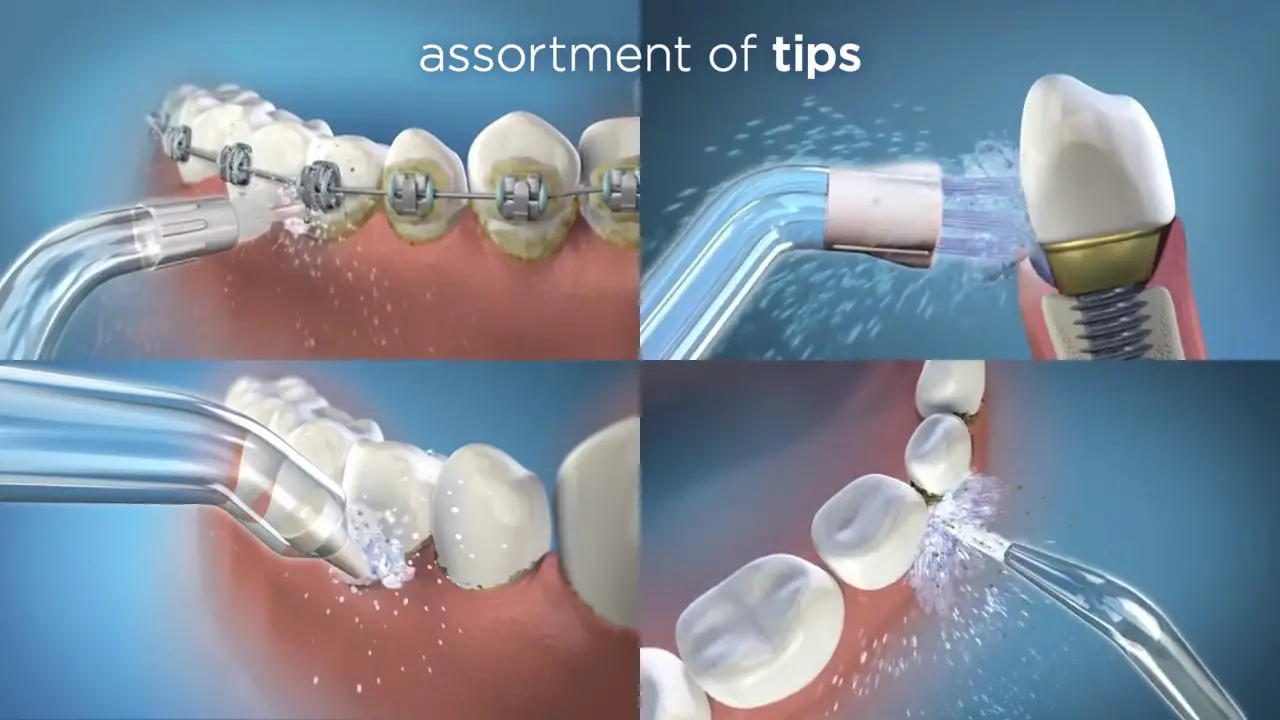
D. Aim water at the gumline at a 90-degree angle. Follow the gumline and pause briefly between teeth.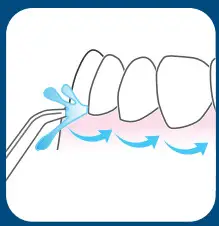
TO AVOID MESS: KEEP TIP IN MOUTH WHILE UNIT IS ON.
This device is only compatible with voltages of 120 VAC, 60Hz
©2017 Water Pik, Inc.
 Waterpik® Registration Form - Oral Health Products