

30 minutes 2 people 4 coffees
WALL MOUNT.
Brace yourself.
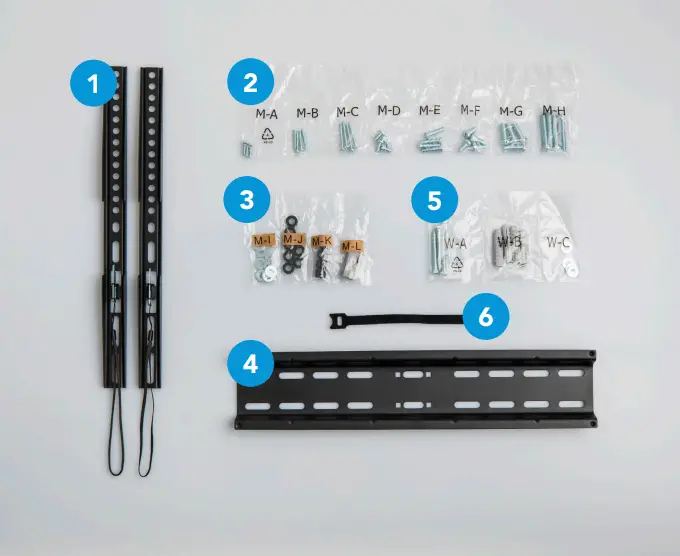
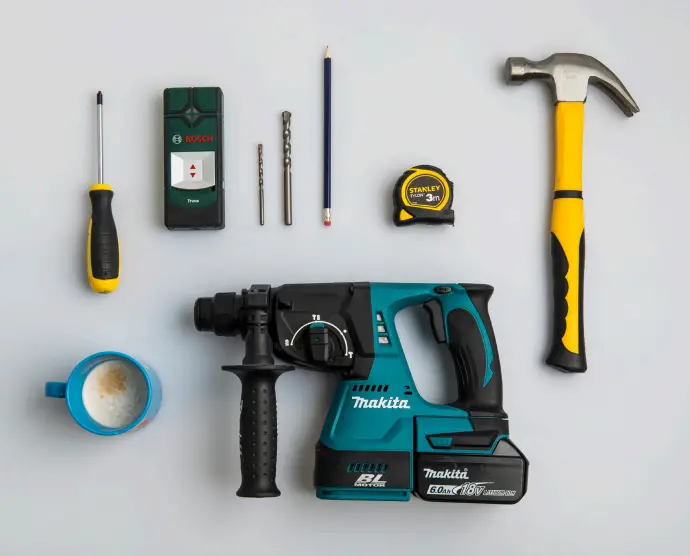
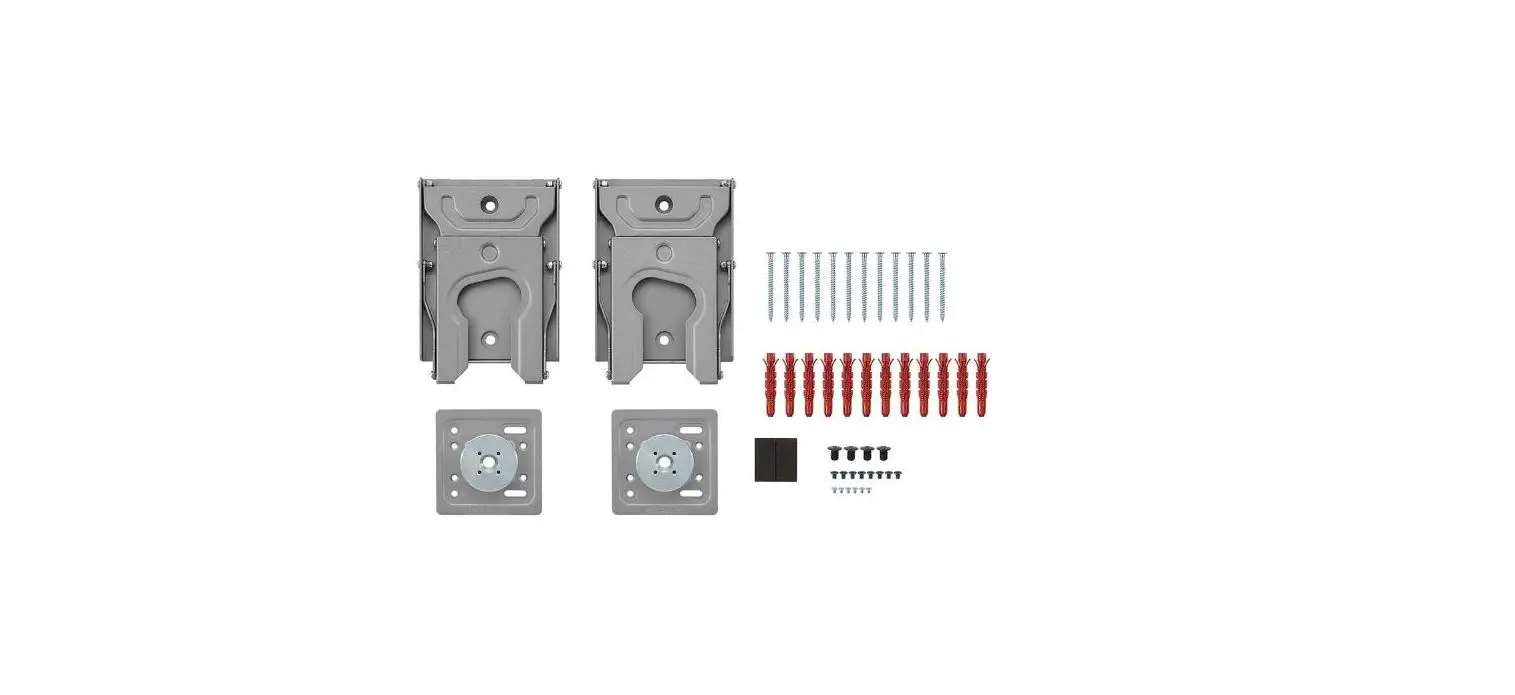
In the box
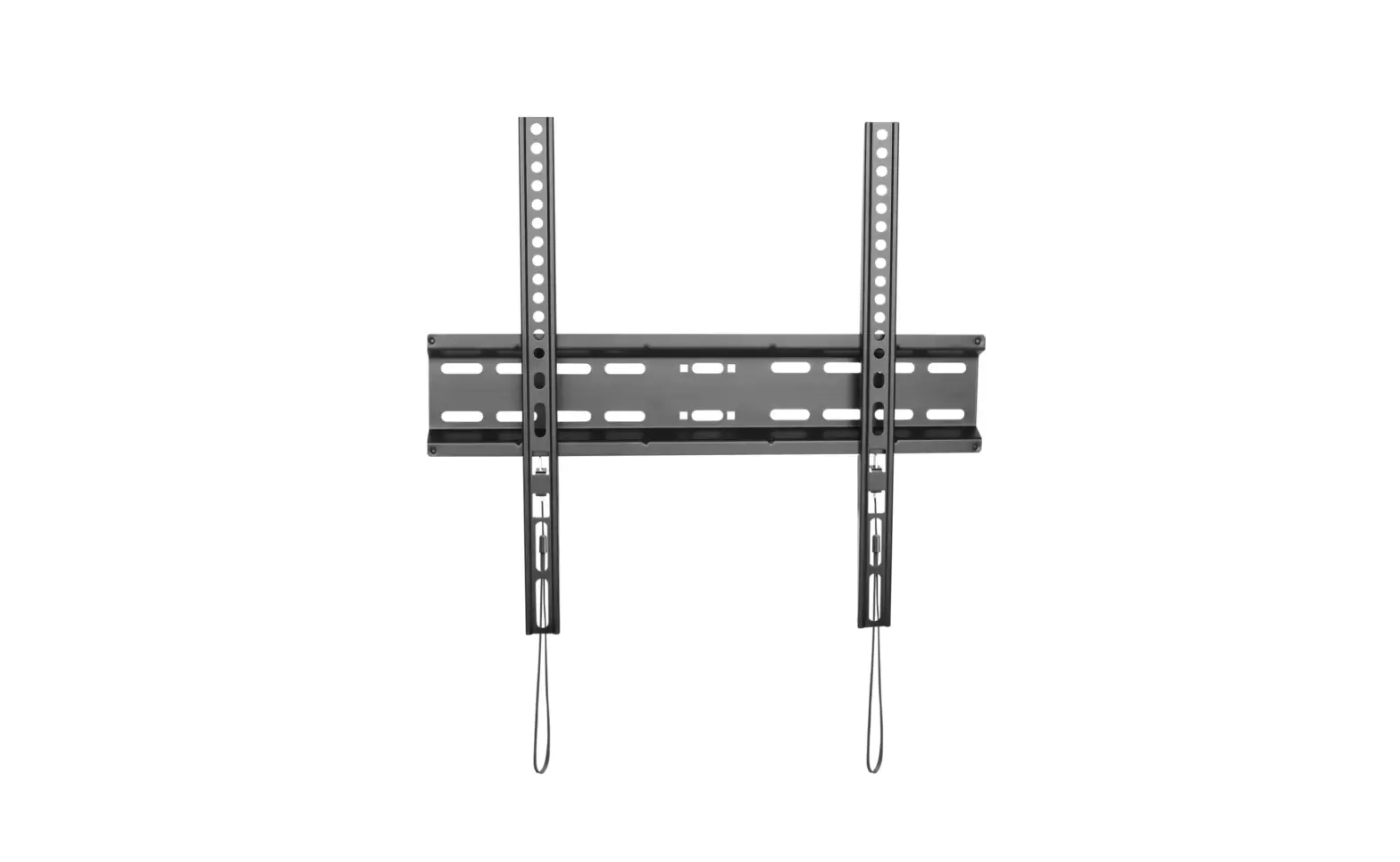
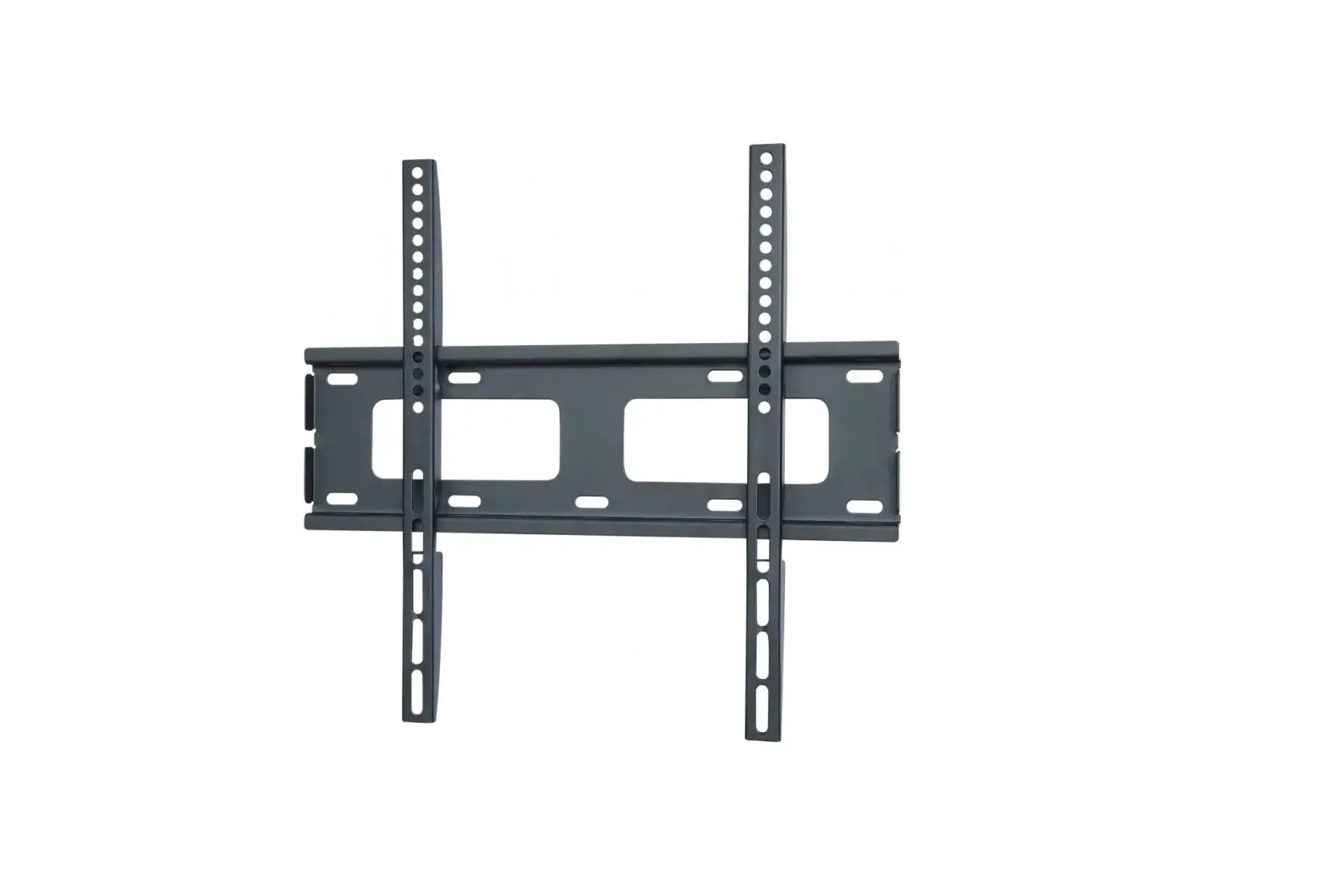
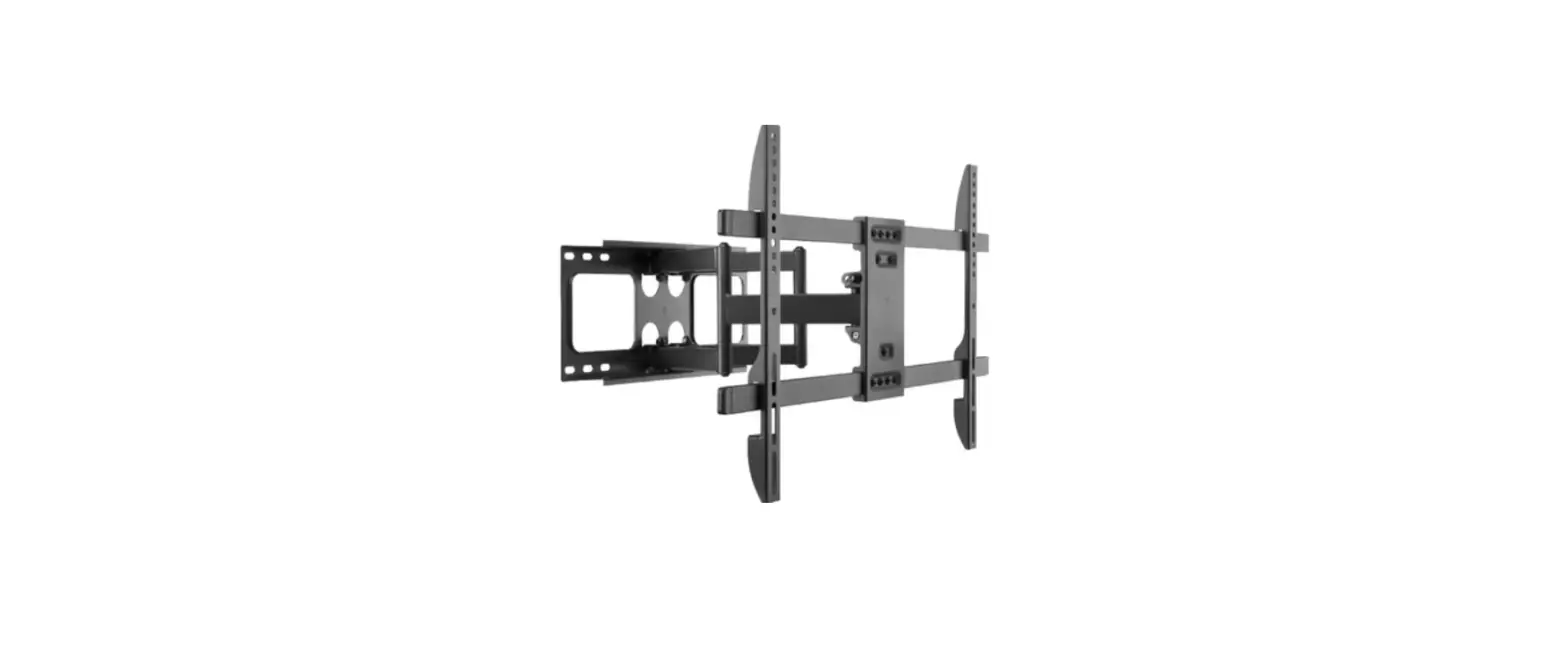
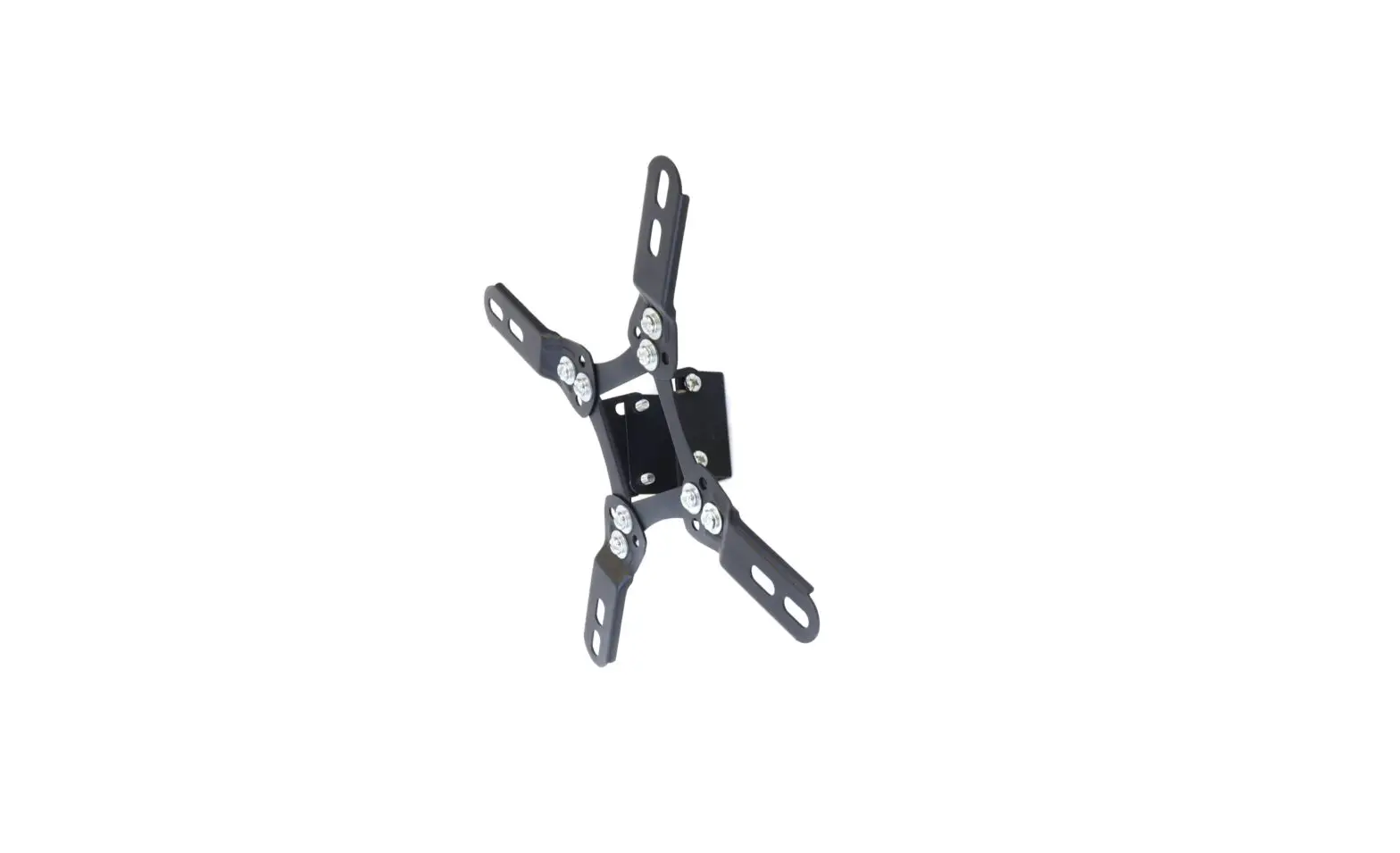
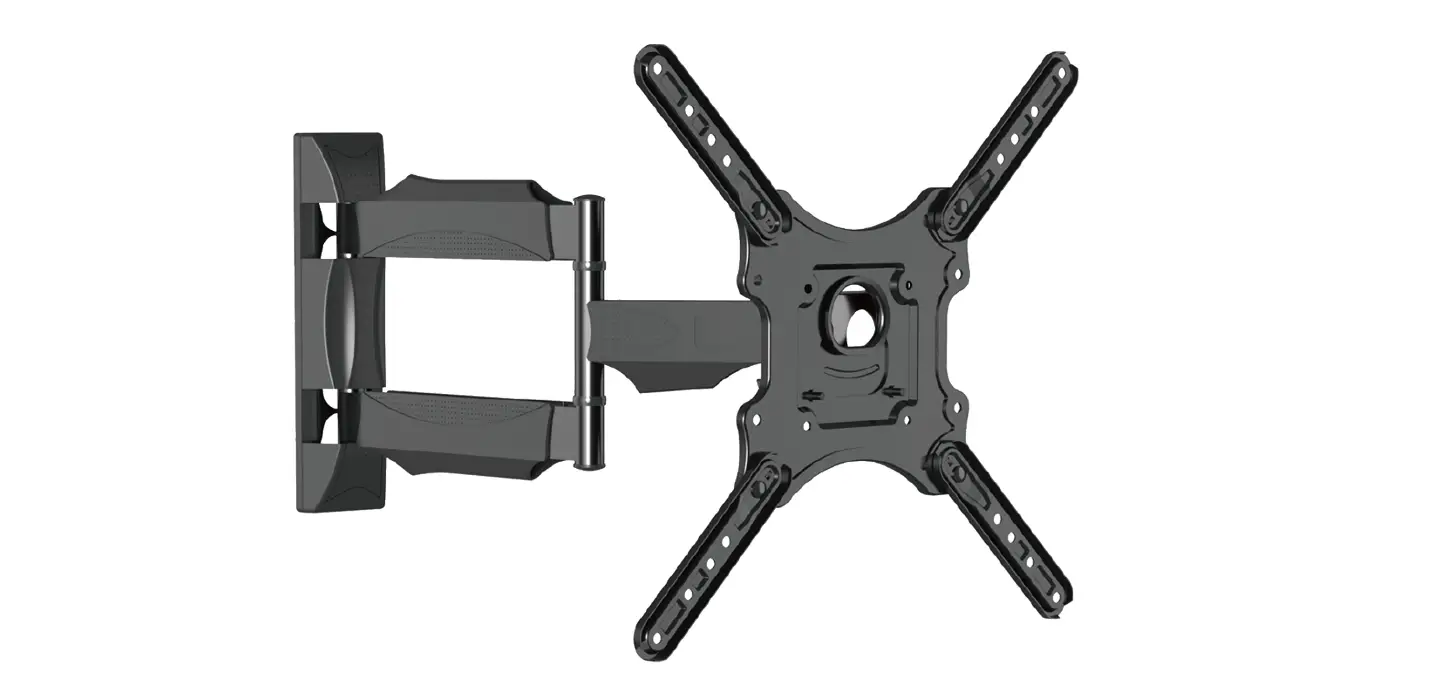
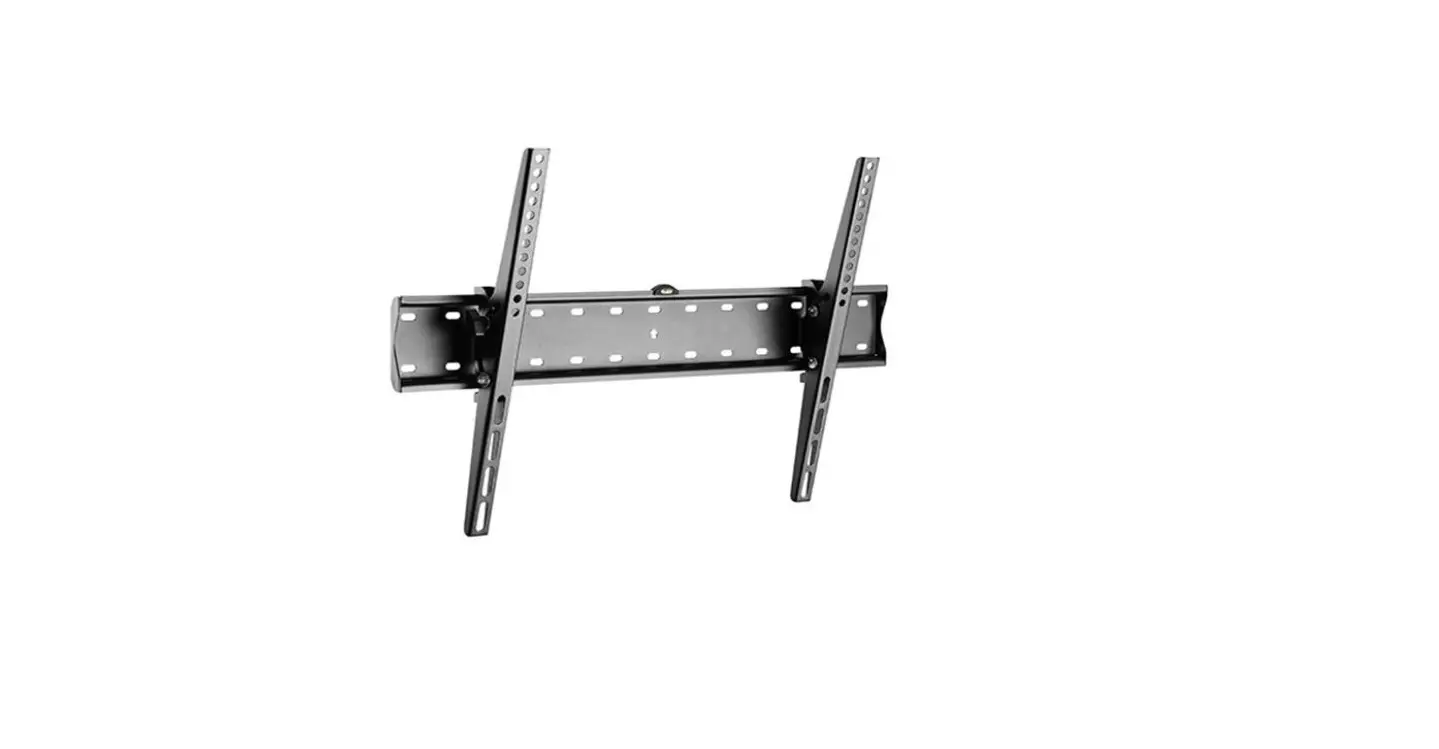
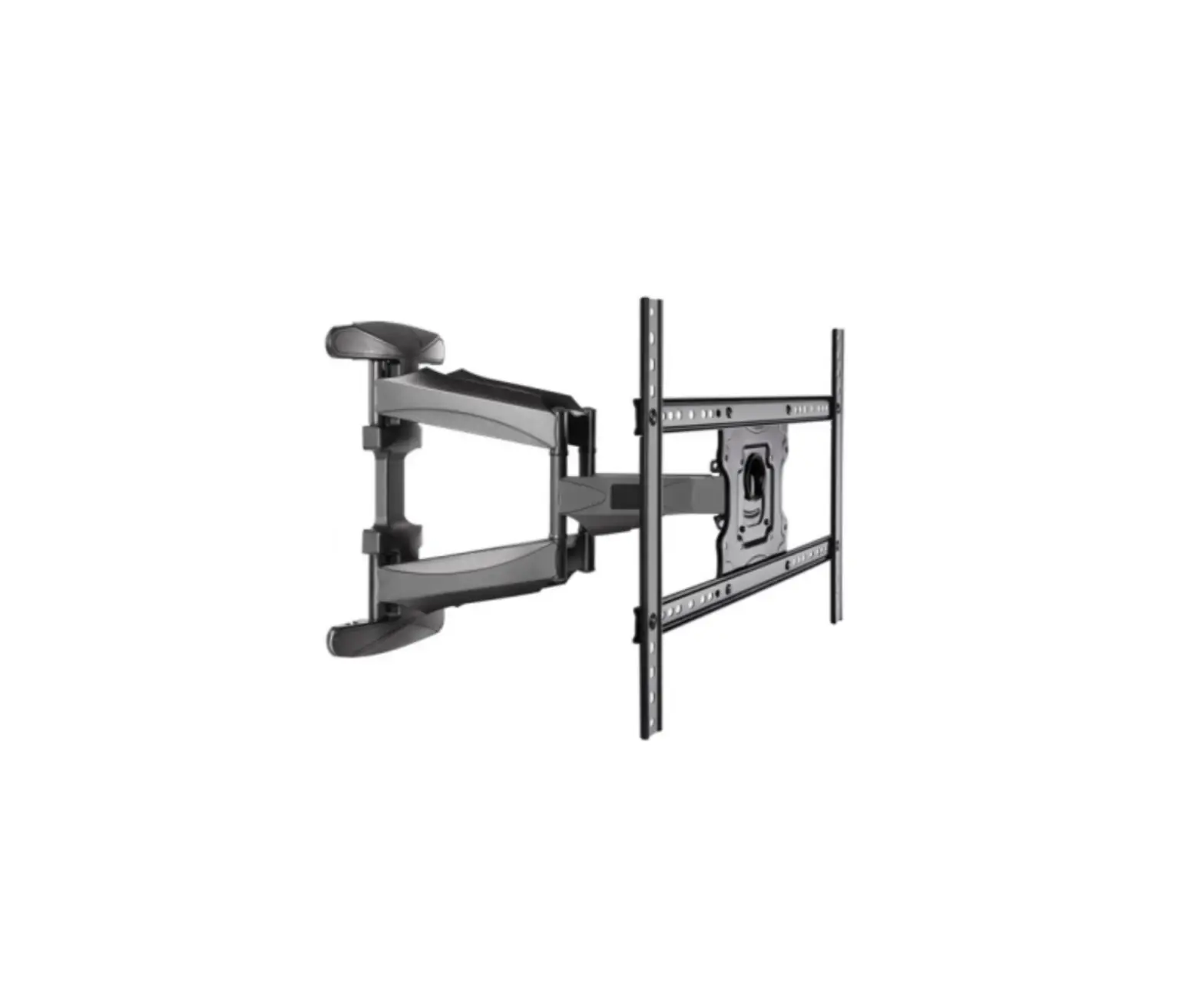
- TV-frames
- bag of screws
- washers, spacers for the TV, spirit level
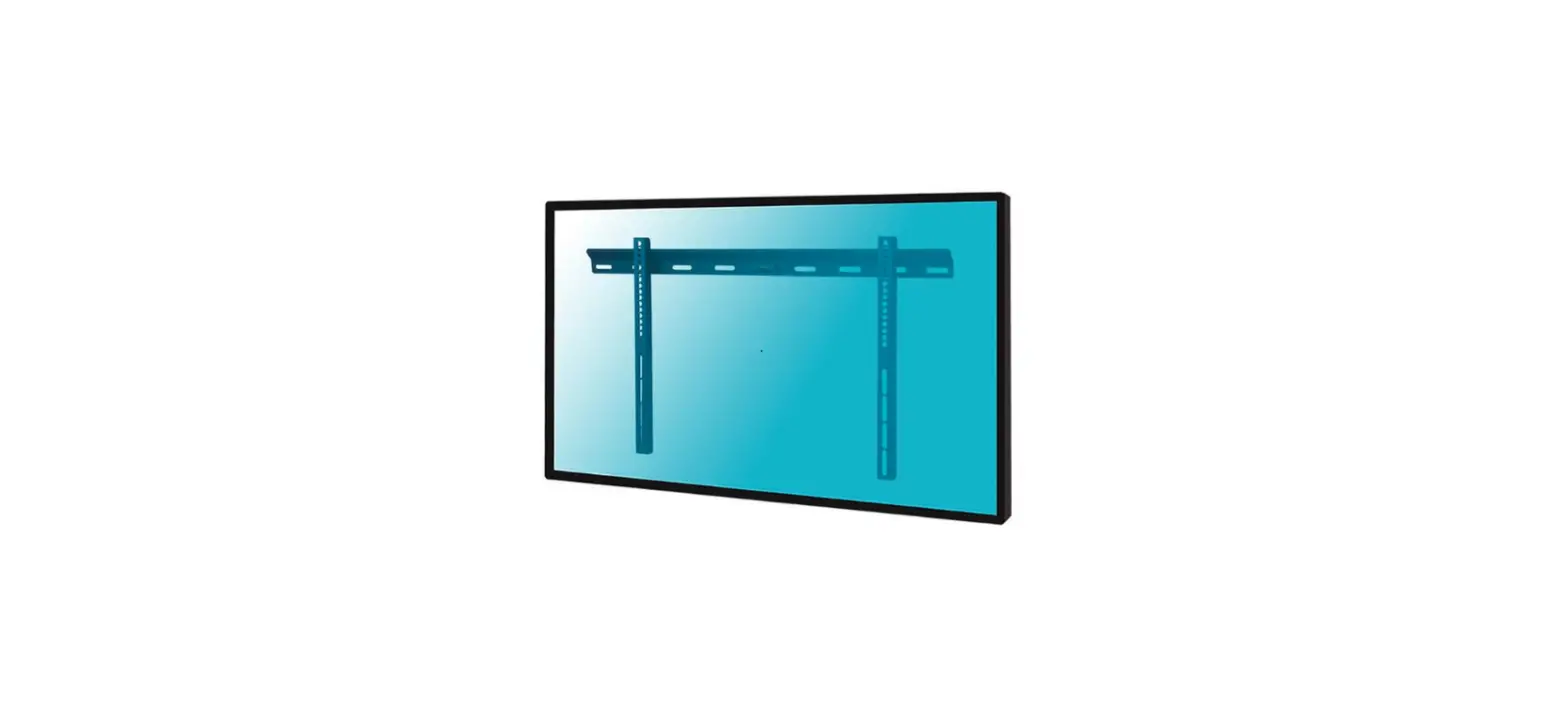
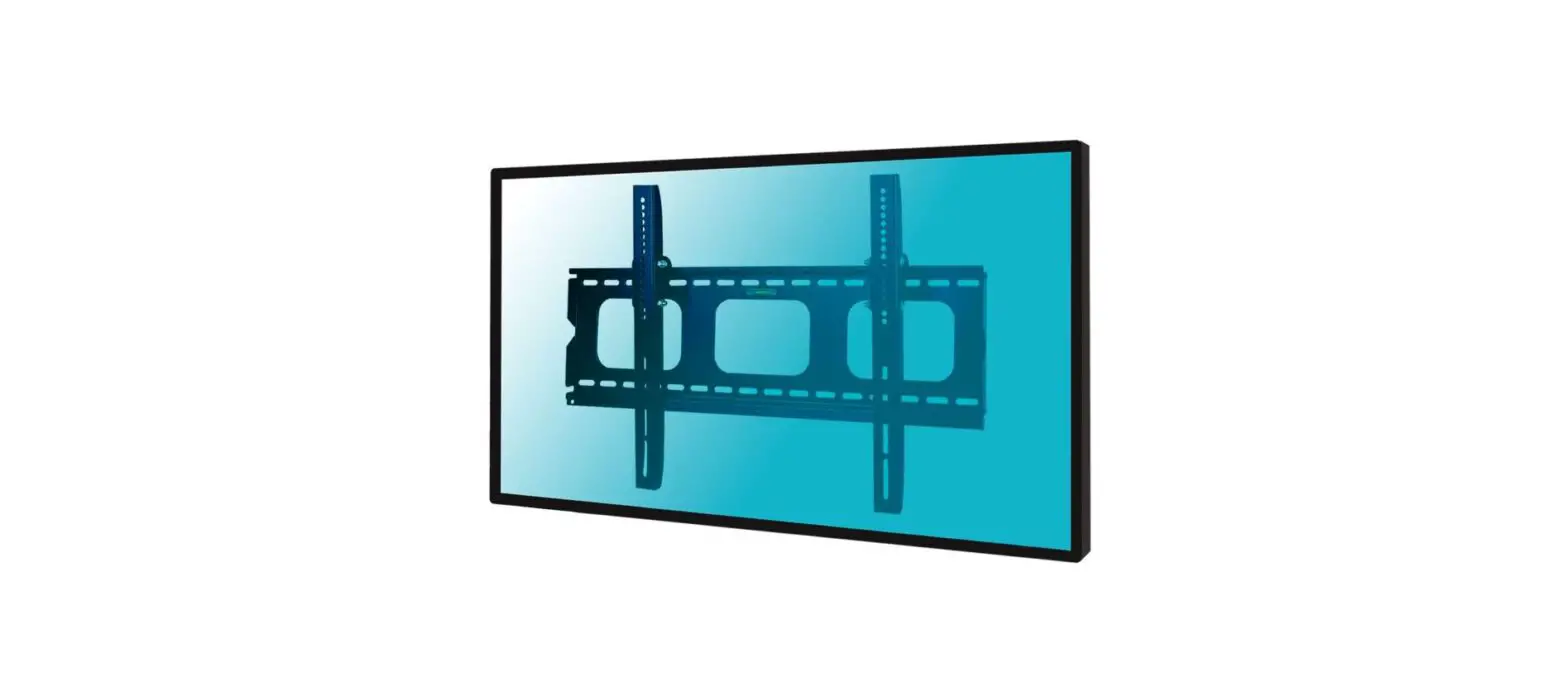
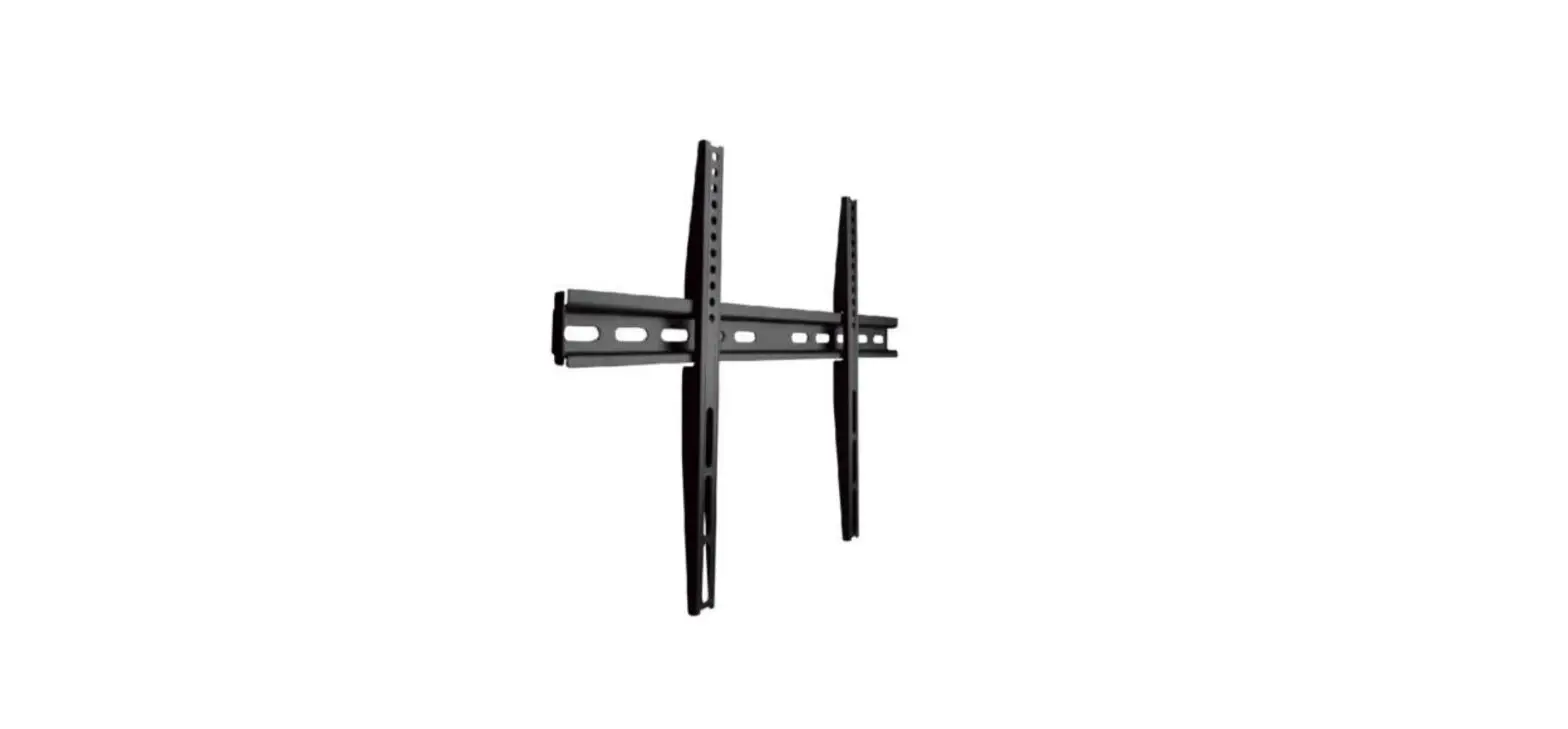
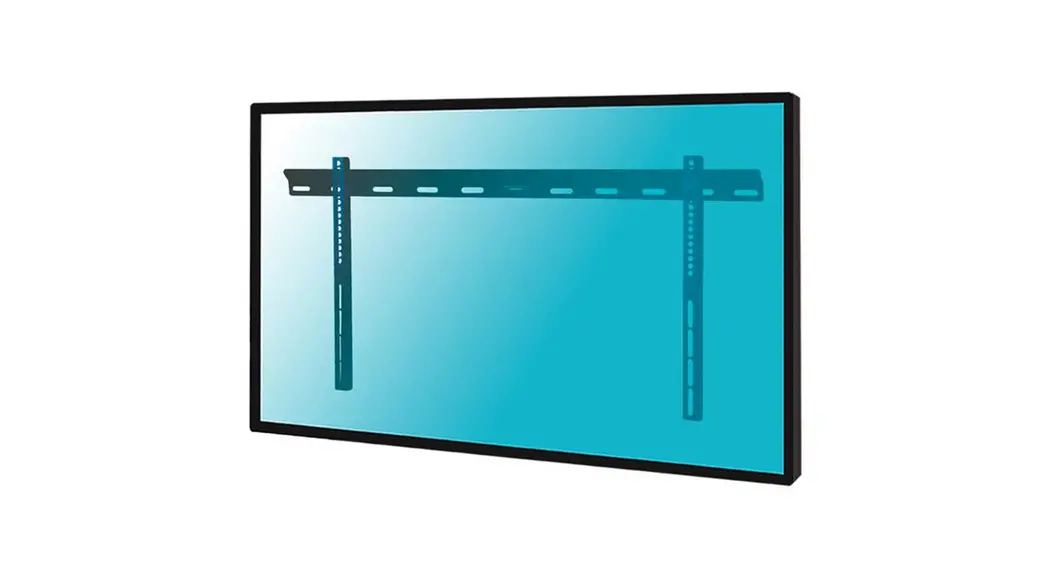
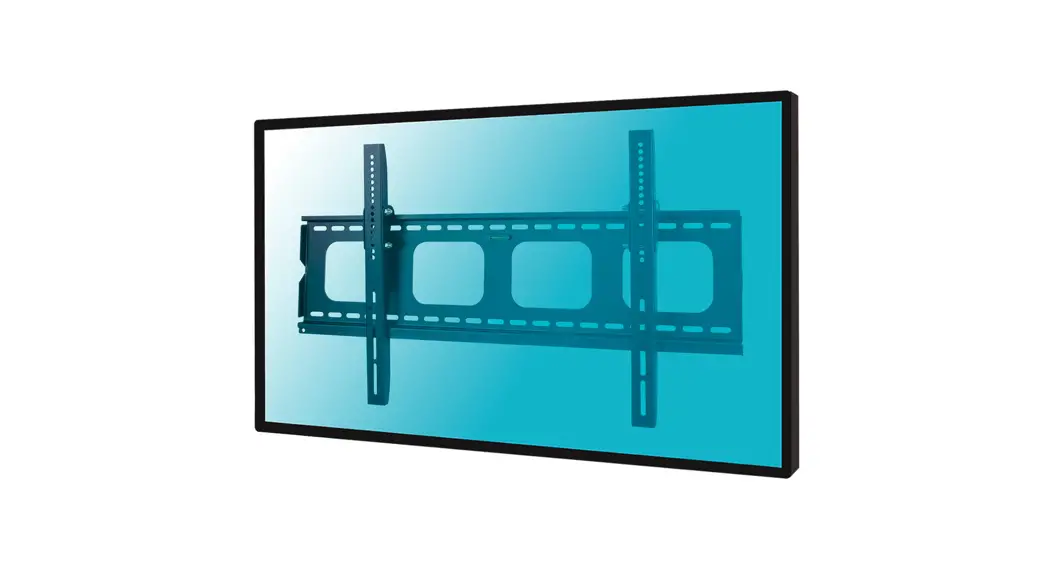
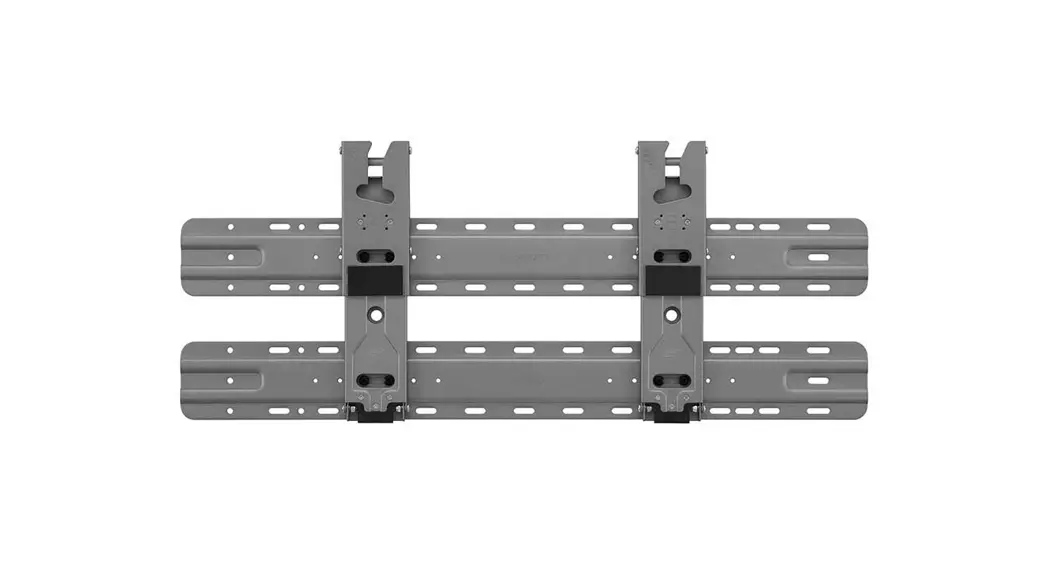
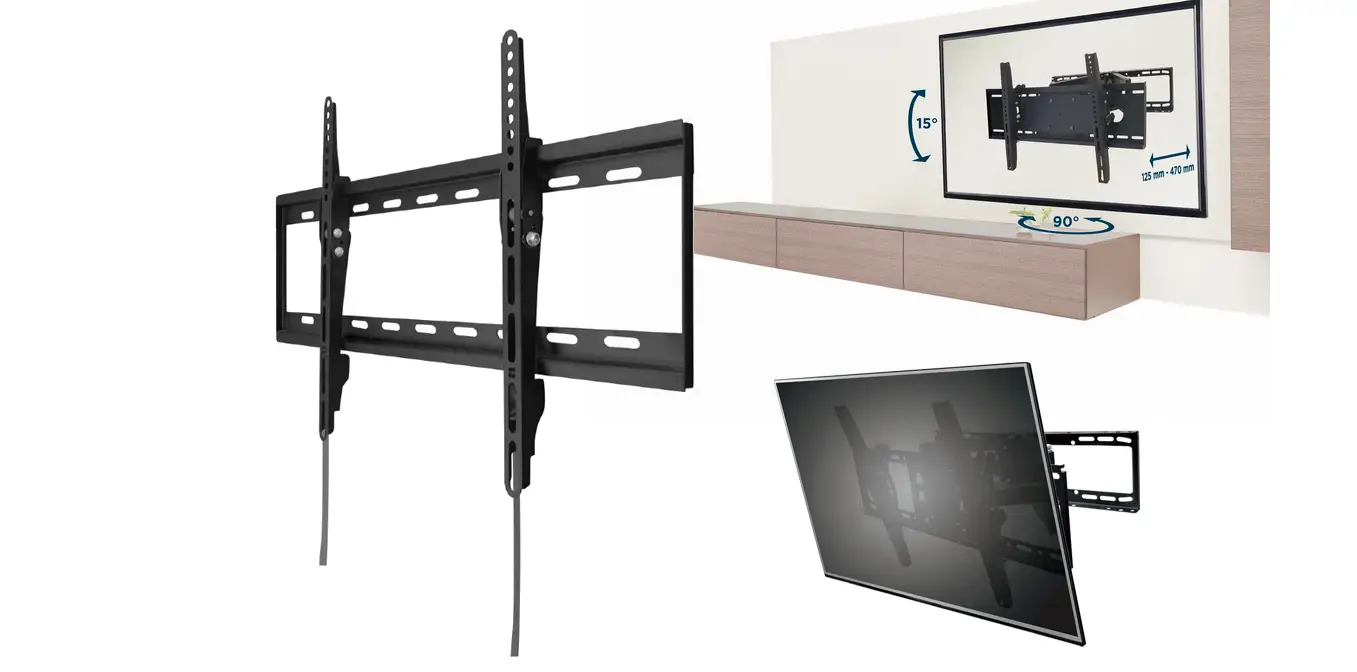
- wall panel
- bag of screws and plugs for the wall
- velcro for your cables.
Your own tools
Open-end or socket wrench 11mm, cross-head screwdriver, pipe locator, 5 mm drill, 10 mm drill, pencil, tape measure, hammer, impact or concrete drill and a cup of coffee.
CHECKLIST.
You’re 50% there.
 Suitable surface area:
 Solid brick Solid concrete Drywall with wooden pillars behind it
 Prior to drilling:
Use the pipe locator to check if there aren’t any pipes or cables behind the wall.
Don’t cut off the strings:
You’ll need them if you want to take down the TV from the wall.
 Need help?
Call 010 798 89 99 or visit Coolblue.nl/en/customer-service
1. INSTALL THE FRAMES
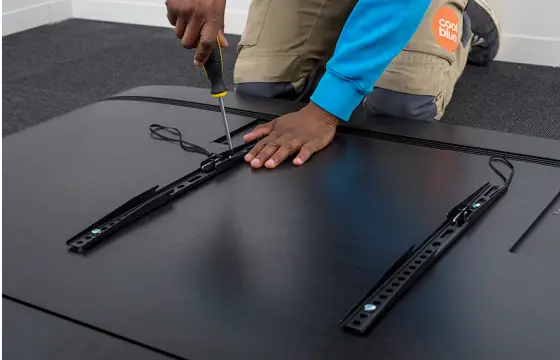
Place your TV on a blanket. Look in bags M-A through M-H 2 for the screw that fits your TV. You only need 1 set of screws.
Secure the frames 1 as pictured. Extra space? Place washer (M-I) 3 or spacer (M-J of M-K) 3 in between.
2. MEASURE
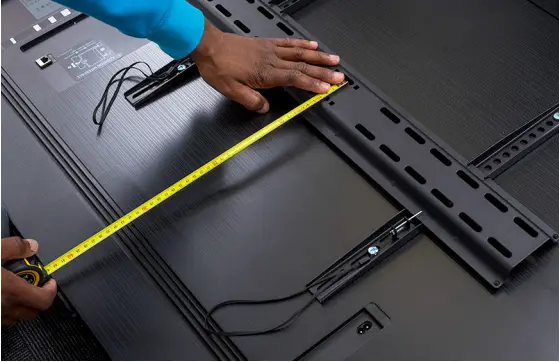
Fasten the wall panel 4 to the frames and measure the distance from the bottom of the TV to the drill holes in the wall panel.
Write down the size: cm
3. DECIDE ON PLACEMENT
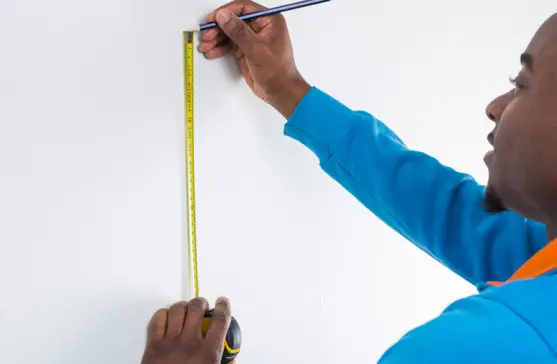
Decide where to place your TV on the wall and mark where the bottom of your tv should be. Move your pencil up by the same distance you just measured and draw an X.
4. MARK DOWN THE WALL
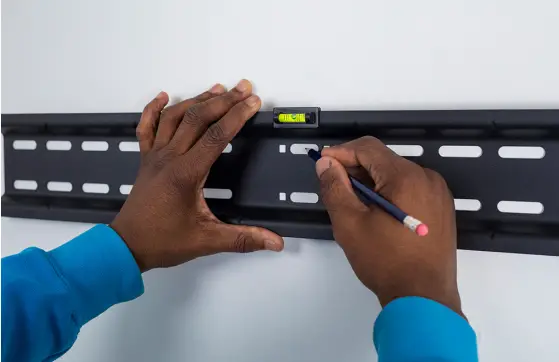
Place the spirit level (M-L) 3 on the wall panel 4 and use it to draw 4 drill holes at the level of the X you drew in step 3.
5. DRILL
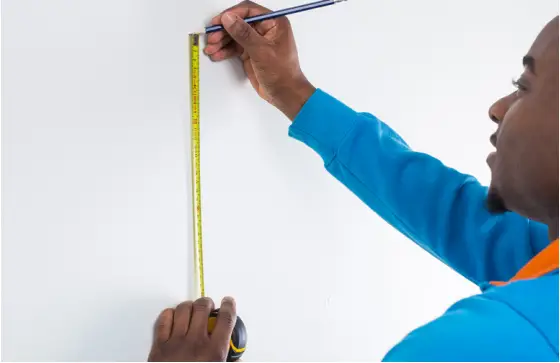
Drill with precision by first using the 5mm drill, and then the 10mm drill. Drill as deep as the screws 5 are in length. Hammer the plugs 5 into the drill holes.
6. HANG THE TV
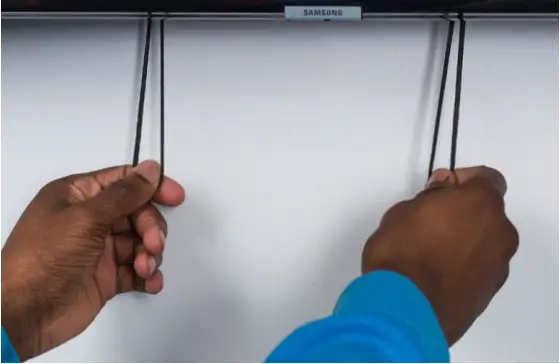
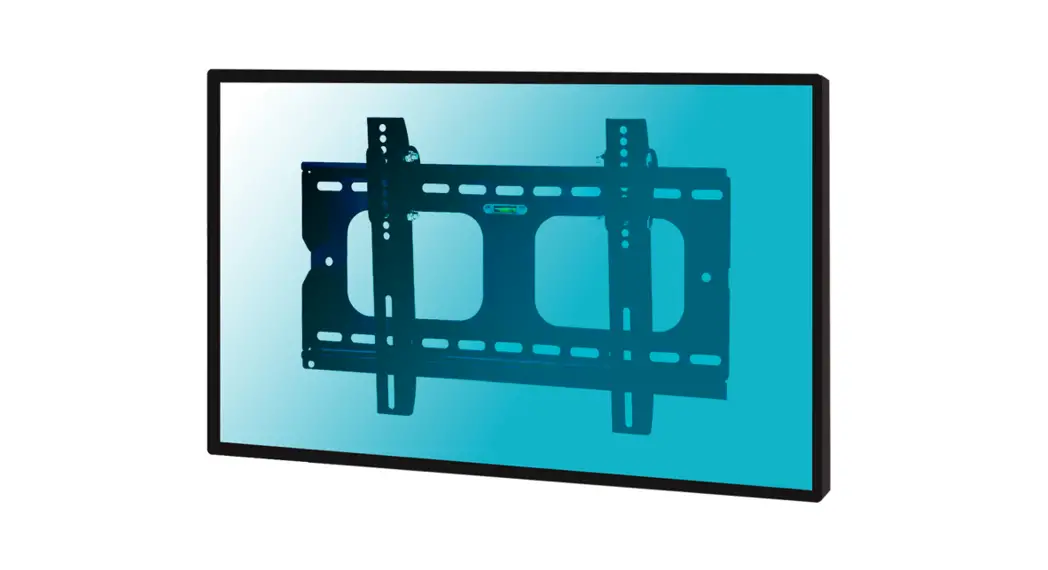
Secure the wall panel 4 to the wall. Use the spirit level for accuracy. Lift the TV with 2 people and attach it to the wall panel. Pull down the strings to lock the television in place. Keep the strings out of the way by tying a knot or taping them in place, for example.
Coolblue isn’t liable for any damage, accidents, or arguments with boy/girlfriends as a result of incorrect installation. Not sure if you can do this on your own? Ask a skilled installation expert for advice.
 A
A  brand
brand
Coolblue.nl/BlueBuilt
BBFWM5075
 Coolblue - anything for a smile