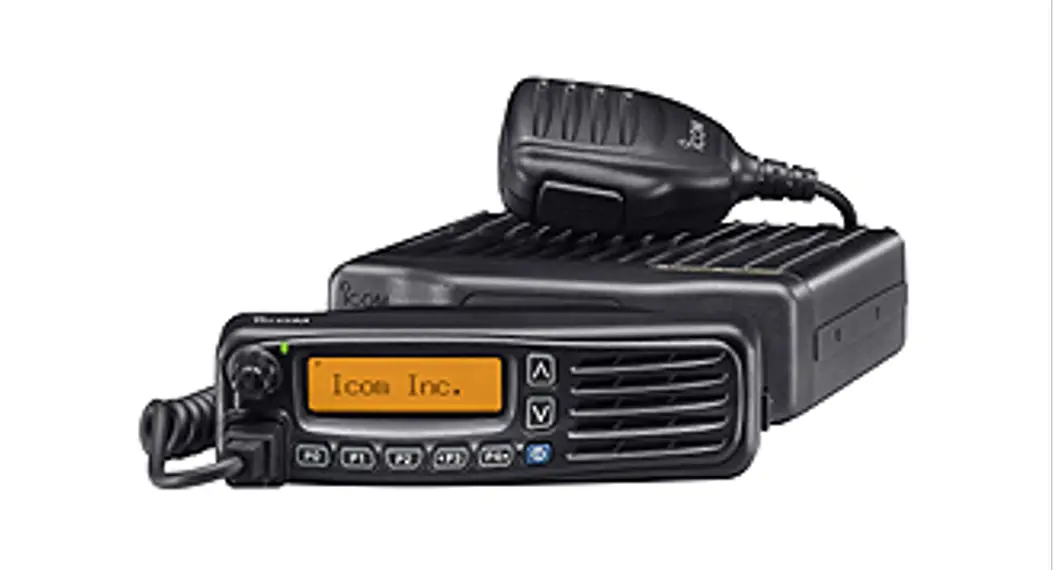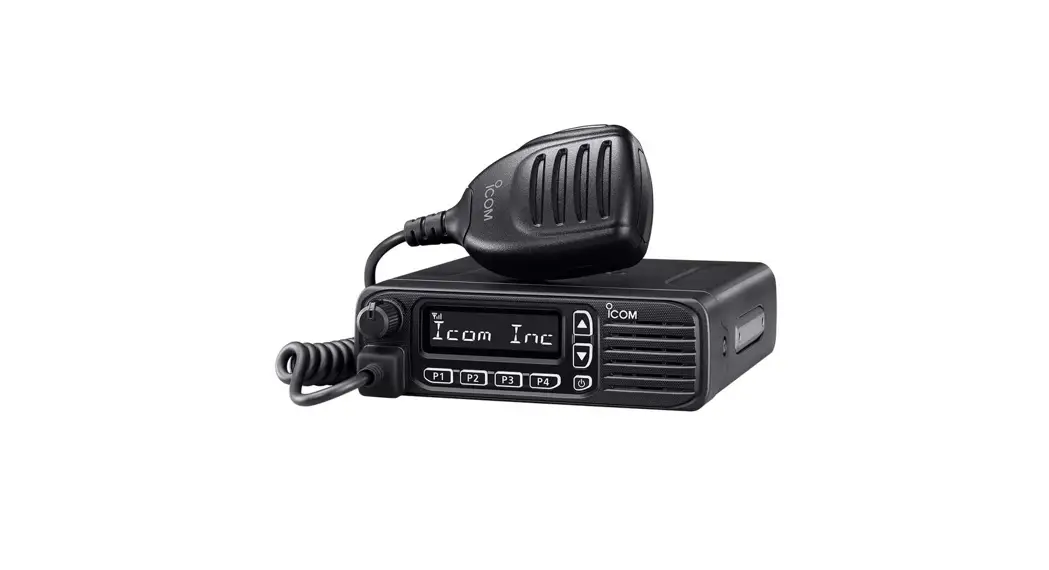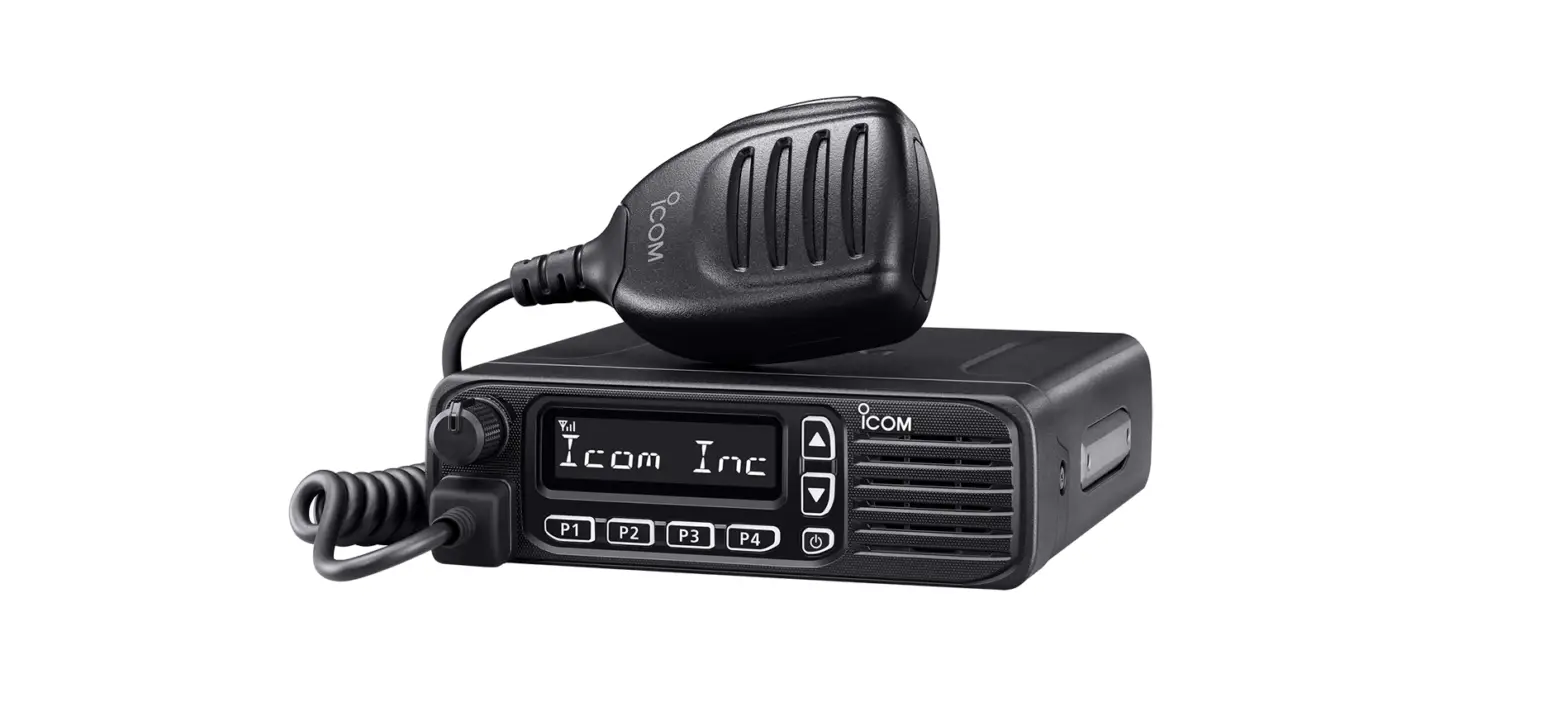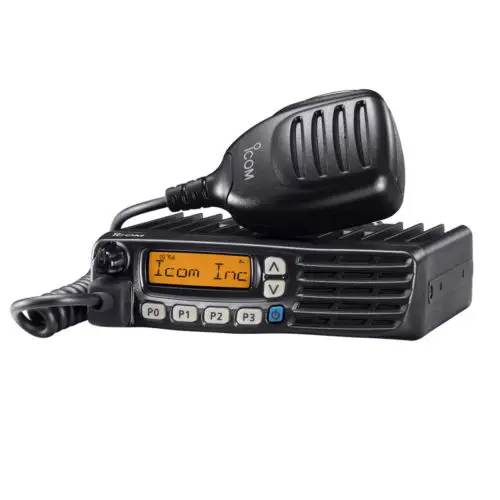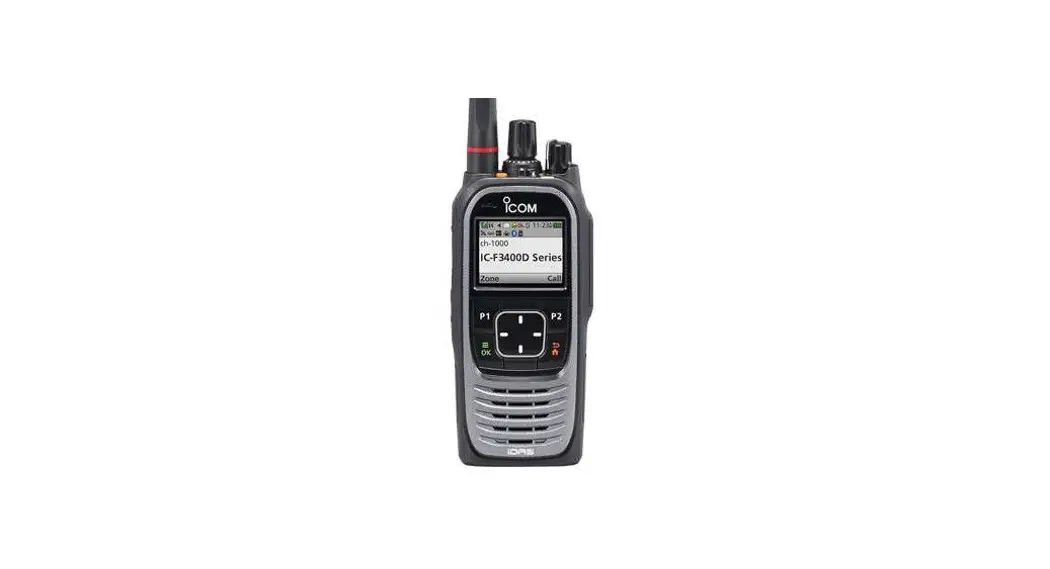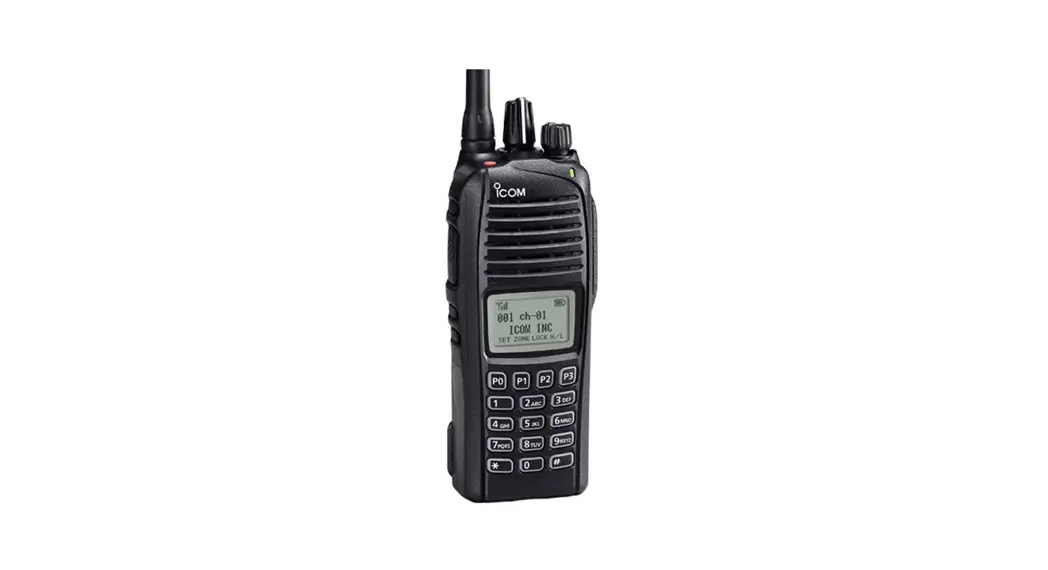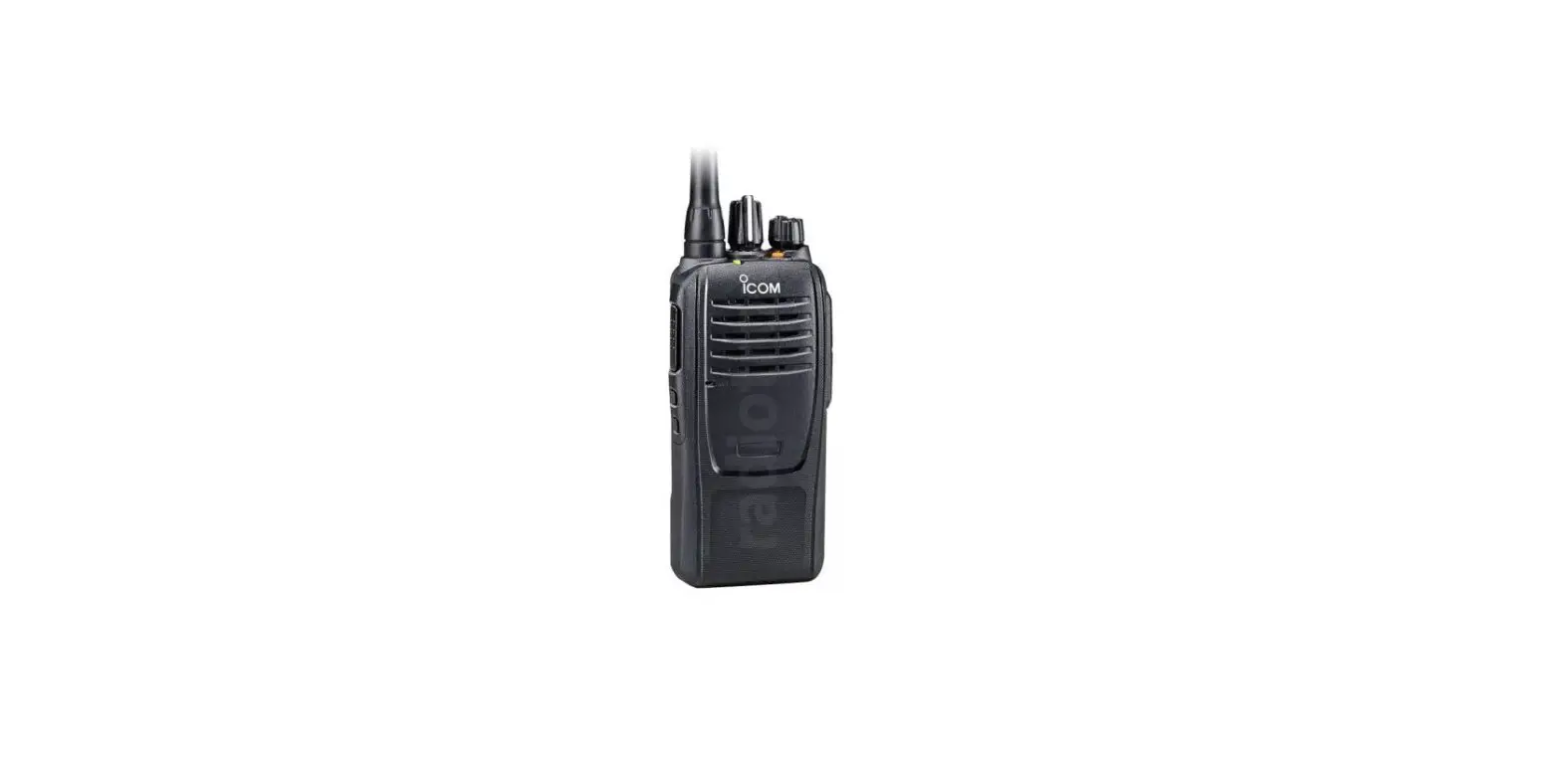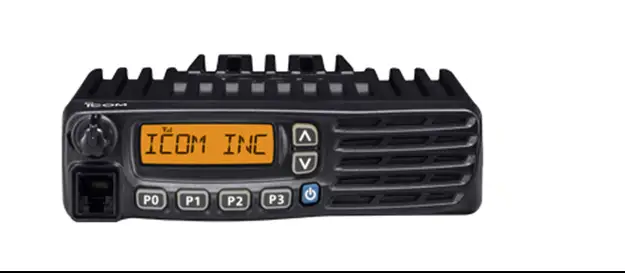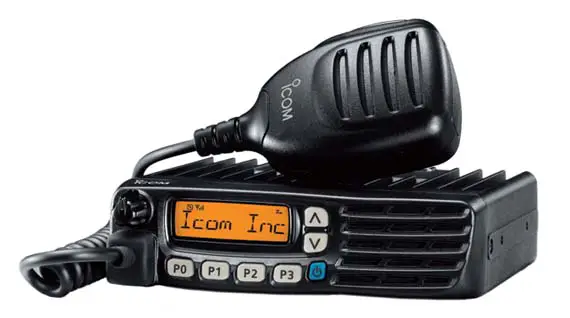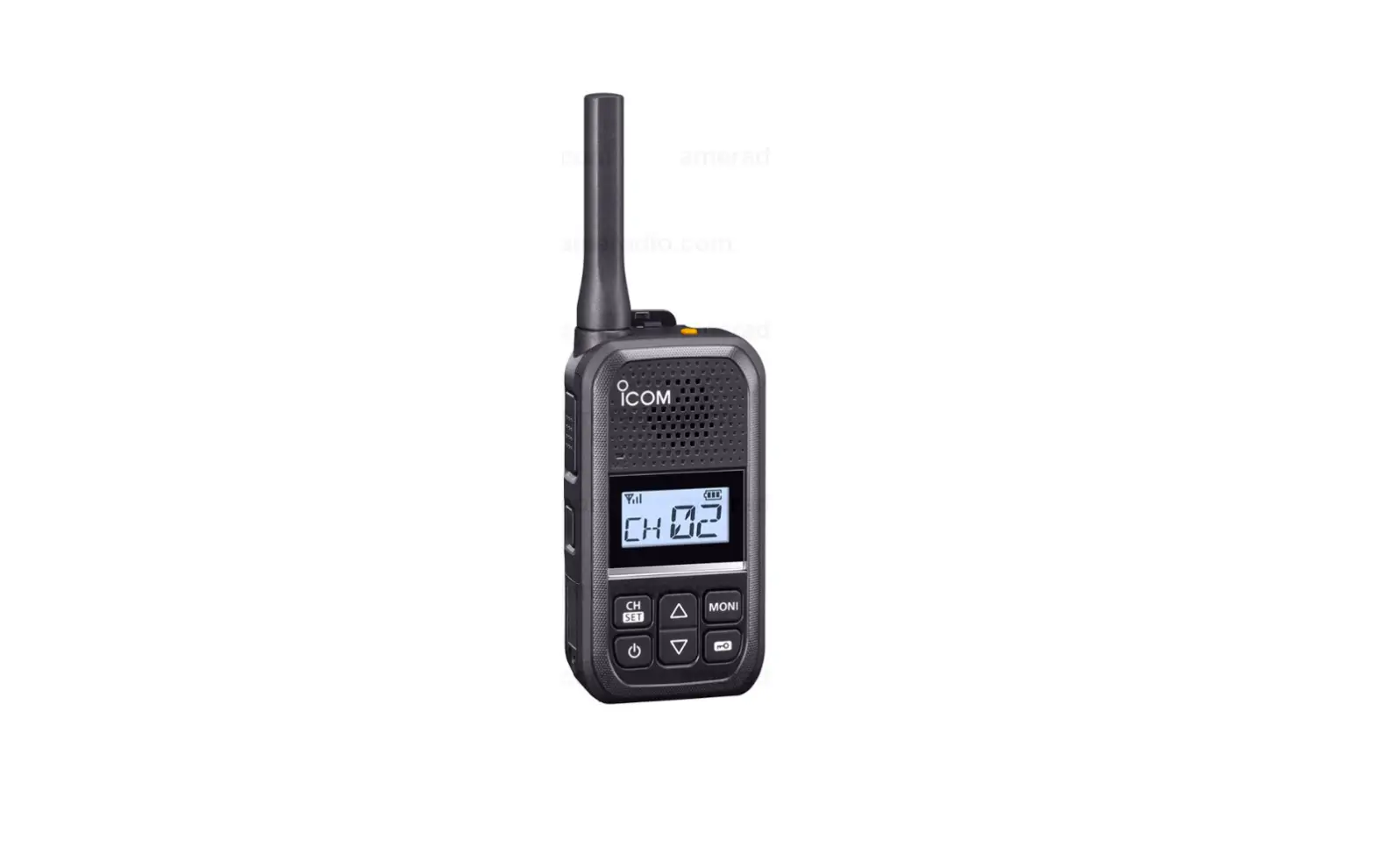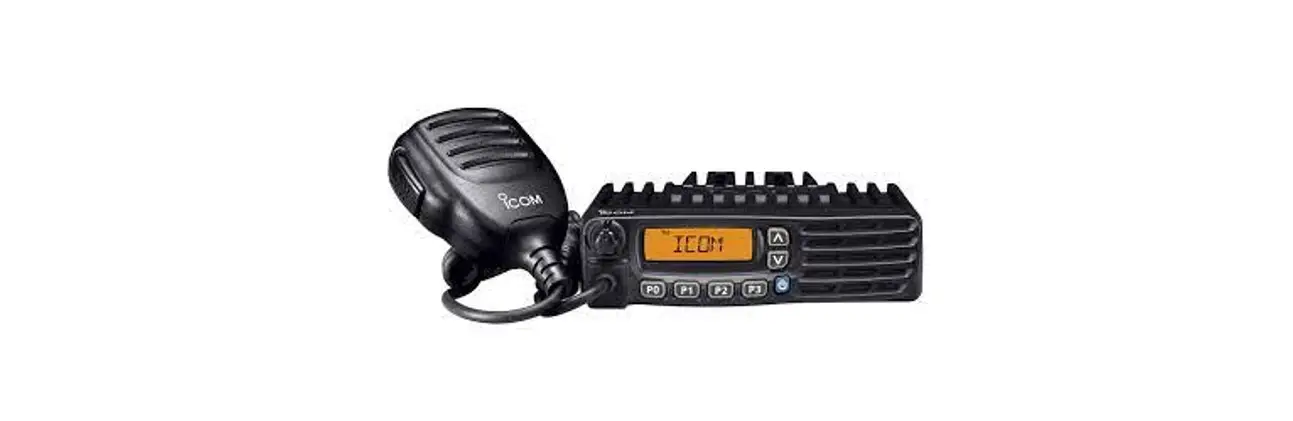
 IC-F5122D VHF Mobile Transcuiver
Instructions
Thank you for choosing this Icom product.
READ ALL INSTRUCTIONS carefully and completely before using this product.
IMPORTANT
This instruction sheet includes some functions that are usable only when they are preset by your dealer. The transceiver may have other functions and operations that are not described in this instruction sheet. Ask your dealer for preset function details.
EXPLICIT DEFINITIONS
| WORD | DEFINITION |
 WARNING! WARNING! | Personal injury, fire hazard or electric shock may occur. |
| CAUTION | Equipment damage may occur. |
| NOTE | If disregarded, inconvenience only. No risk of personal injury, fire or electric shock. |
About E-marking: Detailed installation notes for Icom mobile transceivers to be fitted into vehicles are available. Please contact your Icom dealer or distributor.
Icom is not responsible for the destruction, damage to, or performance of any Icom or non-Icom equipment, if the malfunction is because of:
- Force majeure, includes but is not limited to, fires, earthquakes, storms, floods, lightning, other natural disasters, disturbances, riots, war, or radioactive contamination.
- The use of Icom transceivers with any equipment that is not manufactured or approved by Icom.
Icom, Icom Inc., and the Icom logo are registered trademarks of Icom Incorporated (Japan) in Japan, the United States, the United Kingdom, Germany, France, Spain, Russia, Australia, New Zealand, and/or other countries.
dPMR and the dPMR logo are trademarks of the dPMR MoU Association.
AMBE+2 is a trademark and property of Digital Voice Systems Inc.
All other products or brands are registered trademarks or trademarks of their respective holders.
SUPPLIED ACCESSORIES
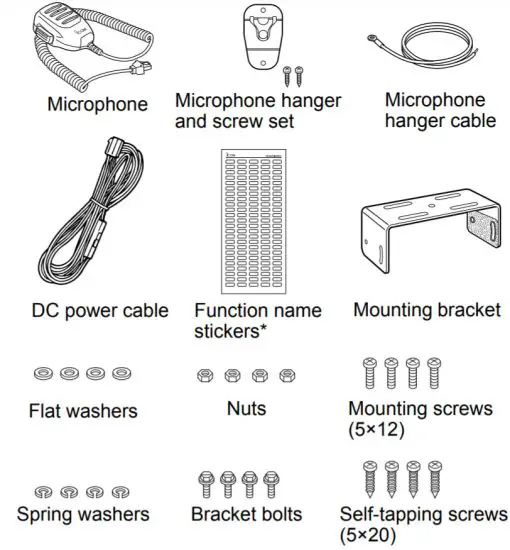
* Used for labeling the programmable function keys according to their assigned functions.
NOTE: Some accessories are not supplied, or the shape is different, depending on the transceiver version.
DISPOSAL
 The crossed-out wheeled bin symbol on your product, literature, or packaging reminds you that in the European Union, all electrical and electronic products, batteries, and accumulators (rechargeable batteries) must be taken to designated collection locations at the end of their working life. Do not dispose of these products as unsorted municipal waste. Dispose of them according to the laws in your area.
ABOUT CE AND DOC
Hereby, Icom Inc. declares that the versions of IC-F5122D and IC-F6122D which have the “CE” symbol on the product, comply with the essential requirements of the Radio Equipment Directive, 2014/53/EU, and the restriction of the use of certain hazardous substances in electrical and electronic equipment Directive, 2011/65/EU. The full text of the EU declaration of conformity is available at the following Internet address: https://www.icomjapan.com/support/
VOICE CODING TECHNOLOGY
The AMBE+2™ voice coding Technology embodied in this product is protected by intellectual property rights including patent rights, copyrights and trade secrets of Digital Voice Systems, Inc. This voice coding Technology is licensed solely for use within this Communications Equipment. The user of this Technology is explicitly prohibited from attempting to extract, remove, decompile, reverse engineer, or disassemble the Object Code, or in any other way convert the Object Code into a human-readable form. U.S. Patent Nos.
#8,595,002, #8,359,197, #8,315,860, #8,200,497,
#7,970,606, #6,912,495 B2.
PRECAUTIONS
WARNING! NEVER connect the transceiver to an AC outlet. This may pose a fire hazard or result in an electric shock.WARNING! NEVER connect the transceiver to a power source of more than 16 V DC such as a 24 V battery. This could cause a fire or damage the transceiver.WARNING! NEVER cut the DC power cable between the DC plug and fuse holder. If an incorrect connection is made after cutting, the transceiver might be damaged.WARNING! NEVER place the transceiver where normal operation of the vehicle may be hindered or where it could cause bodily injury.WARNING! NEVER operate the transceiver during a lightning storm. It may result in an electric shock, cause a fire or damage the transceiver. Always disconnect the power source and antenna before a storm.
CAUTION: DO NOT allow children to touch the transceiver. Place the transceiver in a secure place to avoid inadvertent use by unauthorized persons.
CAUTION: DO NOT expose the transceiver to rain, snow or any liquids.
CAUTION: DO NOT use the non-specified microphone. Other microphones have different pin assignments and may damage the transceiver.
CAUTION: DO NOT use or place the transceiver in areas with temperatures below –25°C or above +55°C, or in areas subject to direct sunlight, such as the dashboard.
CAUTION: DO NOT operate the transceiver without running the vehicle’s engine. The vehicle’s battery will quickly run out when the transceiver transmits while the vehicle’s engine is OFF.
CAUTION: DO NOT place the transceiver in excessively dusty environments.
CAUTION: DO NOT place the transceiver against the walls.
This will obstruct heat dissipation.
CAUTION: DO NOT use harsh solvents such as benzene or alcohol when cleaning, as they will damage the transceiver surfaces.
NEVER place the transceiver in an insecure place to avoid inadvertent use by unauthorized persons.
BE CAREFUL! The transceiver will become hot when operating continuously for long periods of time.
For European versions CAUTION: Hot surfaces. DO NOT touch the transceiver’s surface after continuously transmitting for long periods of time. The transceiver’s chassis radiates heat, and it will become hot to protect the power amplifier unit from overheating. Touching it may cause a burn.
ANTENNA
A key element in the performance of any communication systems is the antenna. Contact your dealer for information regarding antennas and how to install them.
CLEANING
If the transceiver becomes dusty or dirty, wipe it clean with a soft, dry cloth.
FUSE REPLACEMENT
Fuses are installed in the supplied DC power cable. If a fuse blows, track down the source of the problem, repair it, and then replace the damaged fuse with a new rated one. L Fuse rating: 250 V 10 A
NOTE: Use only specified fuses.
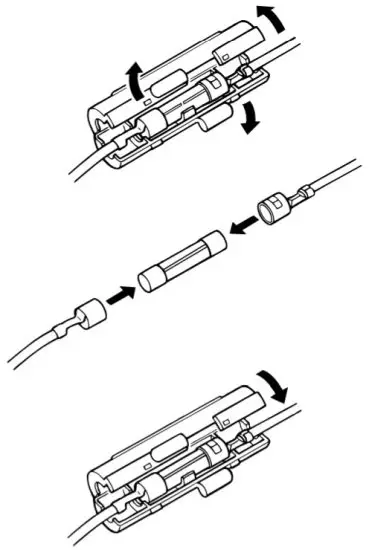
Fuse Coding explanation
Fuse Coding: FUSE 250 V 10 A
Fuse Voltage rating: 250 Volts
Fuse Current rating: 10 Amperes
OPTIONS
- OPC-1939, OPC-2078 ACC CABLE
Enables you to connect to an external terminal.
OPC-1939: D-sub 15-pin, an external level converter
(user supplied) is required.
OPC-2078: D-sub 25-pin, built-in level converter
NOTE: No Digital Modulation “IN” using accessory cables. - HM-152, HM-152T, HM-148G, HM-148T, HM-211
HAND MICROPHONE
HM-152: Hand microphone
HM-152T:DTMF microphone
HM-148G: Self ground heavy-duty microphone
HM-148T: Self ground heavy-duty DTMF microphone
HM-211: Noise-Canceling microphone - SM-26 DESKTOP MICROPHONE
- SP-30, SP-35, SP-35L EXTERNAL SPEAKER
Input impedance: 4 Ω
SP-30: Rated input: 20 W, Maximum input: 30 W
SP-35, SP-35L: Rated input: 5 W, Maximum input: 7 W
FREQUENCY RANGE AND OUTPUT POWER
| Model | Version | Frequency Range | Output Power |
| VHF Mobile Transceiver IC-F5122D | EUR-31 DPM-31 | 136-174 MHz | 25 W |
| UHF Mobile Transceiver IC-F6122D | EUR-31 DPM-31 | 400-470 MHz | 25 W |
- Channel spacing: 6.25 kHz*, 12.5 kHz, 20 kHz, 25 kHz
* Only Digital mode
PANEL DESCRIPTION
NOTE: Different functions may have been assigned to the keys by your dealer, except for the Power key.
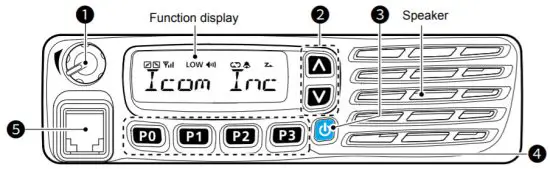
- AF VOLUME CONTROL KNOB [VOL]
Rotate the knob to adjust the audio output level. The minimum audio level is preprogrammed.
 - UP/DOWN KEYS [CH Up]/[CH Down]
Push to select an operating channel.The desired function can be assigned by your dealer. - POWER KEY [
 ]
]
Push to turn the transceiver ON or OFF. The following optional functions are available at power
ON:
• Automatic scan start
• Password prompt - DEALER-PROGRAMMABLE KEYS
Required functions can be independently programmed by your dealer. - MICROPHONE CONNECTOR
Connect the supplied or optional microphone.
CAUTION: DO NOT connect non-specified microphones. The pin assignments may be different and may damage the transceiver.
 ]
]Microphone
The supplied or optional microphone has a PTT switch and a hanger hook. The following functions are available when the microphone is ON or OFF hook (depending on the preprogramming):
- An automatic scan starts when you put it ON the hook.
- The scan is canceled when you take it OFF hook.
- The scan is paused when you take it OFF the hook.
- Automatically select the Priority channel when you take it OFF hook.
- Sets to the Inaudible mode (mute state) when you put it ON hook.
- Sets to the Audible mode (unmute state) when you take it OFF hook.
FUNCTION DISPLAY
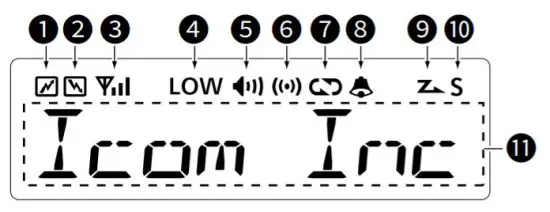
- TRANSMIT ICON
Displayed while transmitting a signal. - BUSY ICON
Displayed while the channel is busy (receiving). - SIGNAL STRENGTH ICON
Displays the relative receive signal strength level.
- LOW POWER ICON
Displayed when the low output power is selected. - AUDIBLE ICON
• Displayed when the channel is in the Audible (unmuted) mode.
• Displayed when a matching signal is received. - COMPANDER/GPS ICON (Only for the dPMR models)
• Displayed when the Compander function is ON, and the GPS Indicator is set to OFF in the programming software.
• Displayed when the GPS receiver acquires the GPS signal from a satellite, and the GPS Indicator is set to ON in the programming software. - ENCRYPTION / SCRAMBLER ICON
• For the NXDN models:
Displayed when the Encryption function is ON while operating in the Digital mode.
• For the dPMR models:
Displayed when the Voice Scrambler function is ON while operating in the Digital mode. - BELL ICON
Displayed or blinks when a matching signal is received, depending on the presetting. - SCAN ICON
• Blinks during a scan.
• Displayed when a scan channel is selected. - SCROLL ICON (Only for the dPMR models)
Displayed when an SDM (Short Data Message), including more than 8 characters, is selected in the received message selection mode. - ALPHANUMERIC DISPLAY
Displays an operating channel number, channel name, User Set mode contents, DTMF code, etc.
REAR PANEL CONNECTION
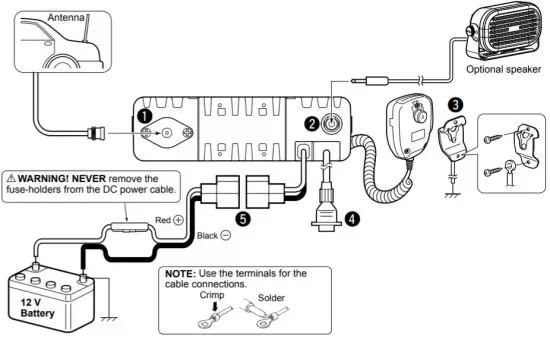
- ANTENNA CONNECTOR
Connect to an antenna. Ask your dealer about antenna selection and placement. - EXTERNAL SPEAKER JACK
Connect to a 4 ~ 8 Ω external speaker - MICROPHONE HANGER
Connect the supplied microphone hanger to the vehicle’s ground for microphone ON/OFF hook functions. - OPTIONAL CABLE (OPC-1939, OPC-2078)
Connect an external modem or dimmer control. - DC POWER RECEPTACLE
Connect to a 12 V DC battery. Pay attention to polarities. WARNING! NEVER connect to a 24 V battery. This could damage the transceiver.
BASIC OPERATION
Turning ON the transceiver
- Push [ ] to turn ON the transceiver.
- If the transceiver is preset for a start-up a password, enter the digit codes as directed by your dealer.The keys shown below can be used for password entry.
The transceiver detects numbers in the same block as identical. Therefore “01234” and “56789” are the same.
| KEY |  |  |  |  |  |
| NUMBER | 0 5 | 1 6 | 2 7 | 3 8 | 4 9 |
NOTE: If the “PASSWORD” indication is still displayed after inputting 6 digits, the input code number may be incorrect. Turn OFF the transceiver and re-enter your password.
Selecting a channel
There are several methods to select channels, and they may differ, depending on the presetting or the transceiver models.
NON-ZONE TYPE:
To select the desired operating channel:
- Push [CH Up] or [CH Down].
- Push one of [MR-CH 1] ~ [MR-CH 4].
ZONE TYPE:
To select the desired operating channel:
Push [Zone], then push [CH Up] or [CH Down].
AUTOMATIC SCAN TYPE:
Channel setting is not necessary for this type. When turning ON the power, the transceiver automatically starts scanning. Scanning stops when a signal is detected.
VOTING OPERATION for the Zone selection (Only for the dPMR models)
The transceiver automatically starts scanning when a zone, specified for the voting operation, is selected. The voting scan detects the signal of the repeater and automatically selects the strongest station.
Receiving and transmitting
Receiving:
- Push [CH Up] or [CH Down] to select a channel.
- When receiving a call, rotate [VOL] to adjust the audio output level to a comfortable listening level.
NOTE: Depending on the presetting, the transceiver automatically transmits the microphone audio for the preset period of time, when a matching RX code signal is received.
Transmitting:
- Wait for the channel to become clear to avoid interference.The channel is busy when the busy icon is displayed.
- Take the microphone OFF from the hook.
• The Audible mode is selected.
• A priority channel may be automatically selected. - Holding down [PTT] to transmit.
- Release [PTT] to receive.
IMPORTANT: To maximize the readability of your signal
- Pause briefly after pushing [PTT].
- Hold the microphone 5 to 10 cm from your mouth, then speak into the microphone at your normal voice level.
Icom Lnc
1-1-32 Kamiminami, Hirano-ku,
Osaka 547-0003, Japan
Oct. 2021
A6906W-1EU-6
Printed in Japan
© 2011–2021 Icom Inc.