
DOG TALES iVMS-4500 Lodging and Daycare Webcam
Lodging & Daycare Webcam Activation Instructions
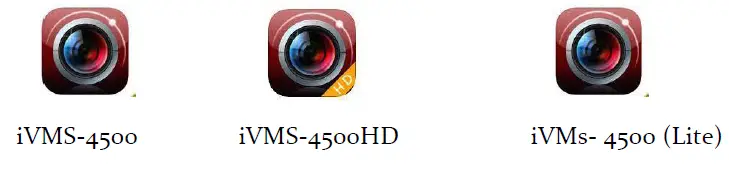
- Go to Smartphone/Tablet App store and download HikVision App called iVMS-4500. The HD version is for tablets only. App may also be Called iVMS 4500 Lite.

- Once the app downloads, open the app. You will be walked through some features then it will display a sample camera from Haungzhou, China. You can delete this camera.
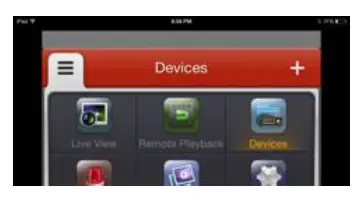
- Click on the menu button in the top left corner (3 vertical bars) (or on the iPad version, click the wheel)
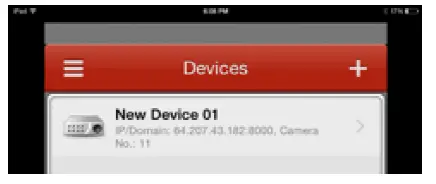
- a. Click on “Devices” at the top left.

b. Click on + symbol at top left to add New Device.
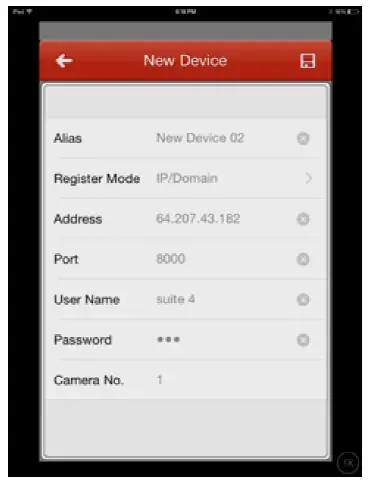
- Change “Register Mode” from HiDDNS to IP/Domain
The address is: 96.88.79.233Your user name is: ___Guest____
Your password is: ____Cameras____
Username and Password ARE Case Sensitive!
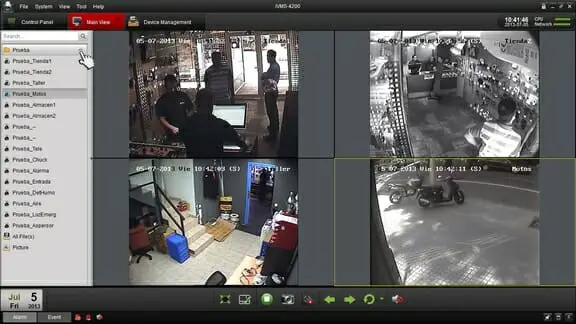
- Click on the save disc icon in the top right corner. Once you save, click “Start Live View” which should have appeared at the bottom of the window. Clicking on that will take you to the cameras. You may have to swipe through a few pages to get to your cameras. You can double tap on each view to enlarge.