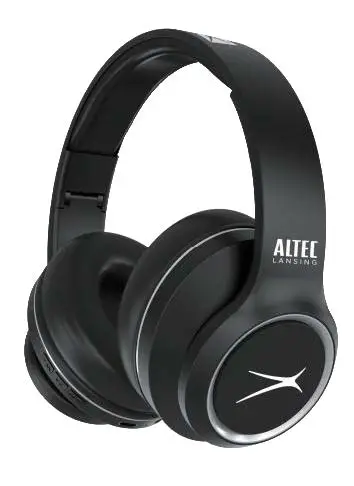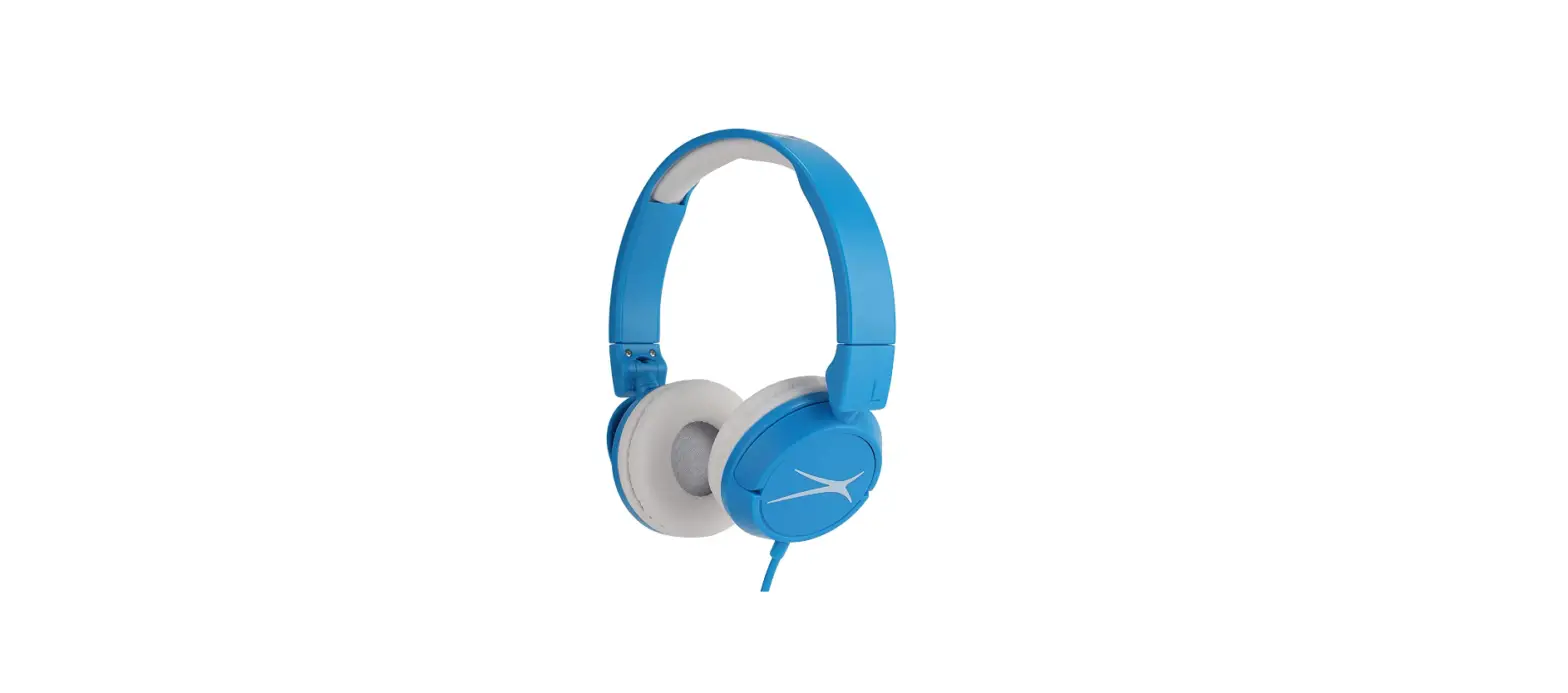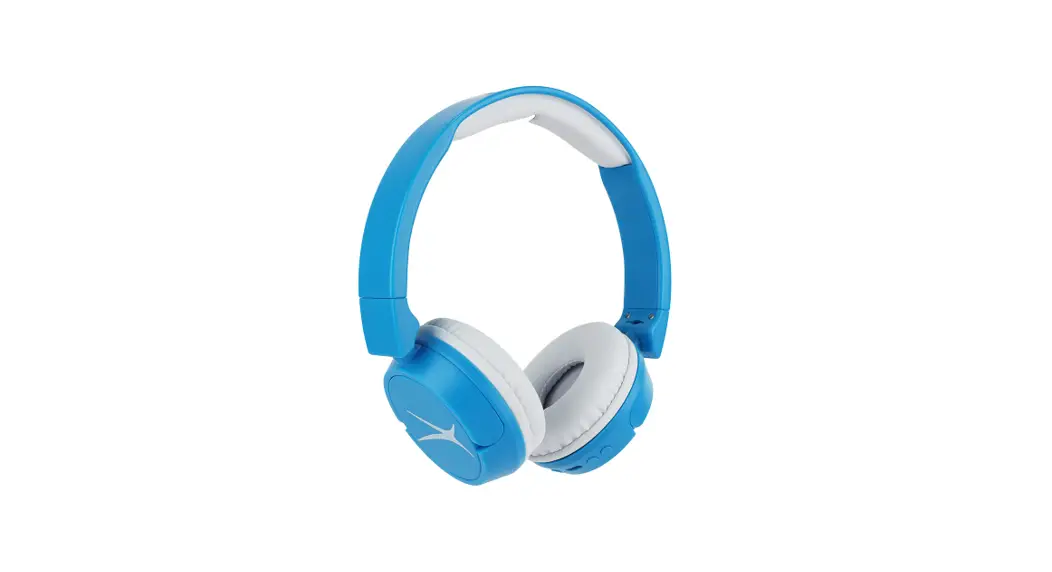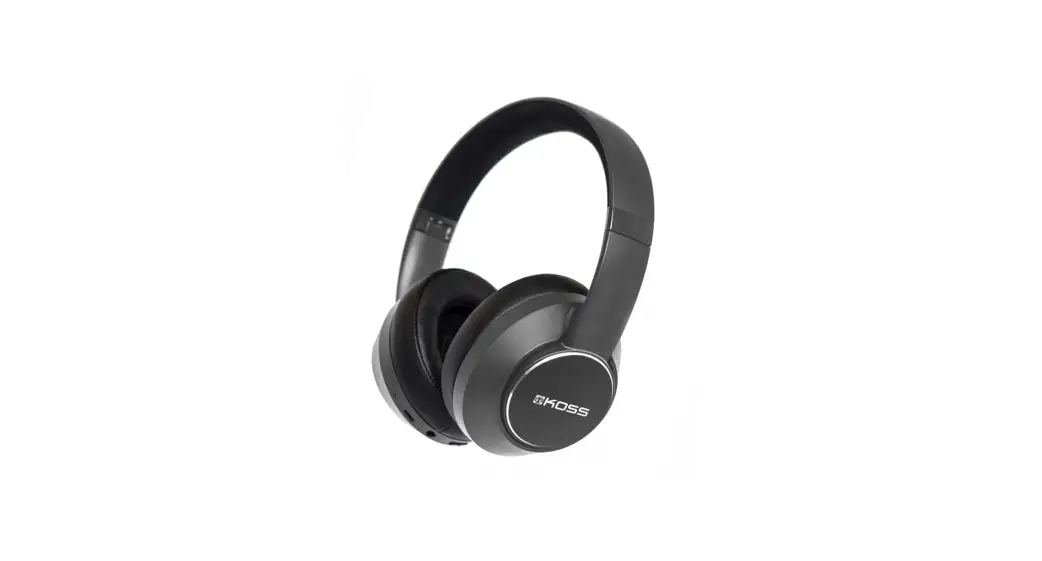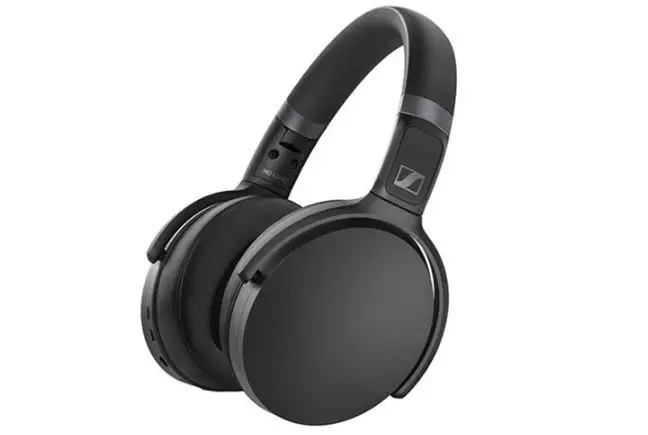
 Altec Lansing MZX870-SIL Comfort Q+Bluetooth Headphones
 Altec Lansing MZX870-SIL Comfort Q+Bluetooth Headphones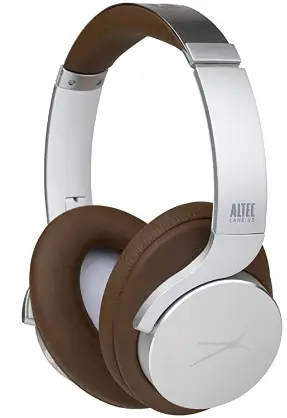
What is in the box
- Nanophone ANC On Ear Wireless Headphone

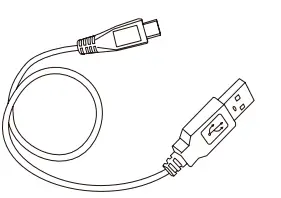
- USB-C Charging Cable

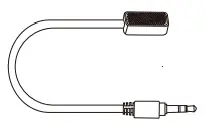
- Conference Microphone

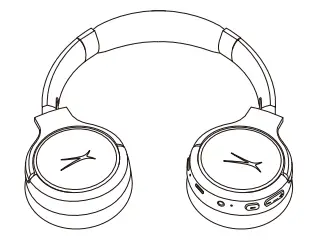
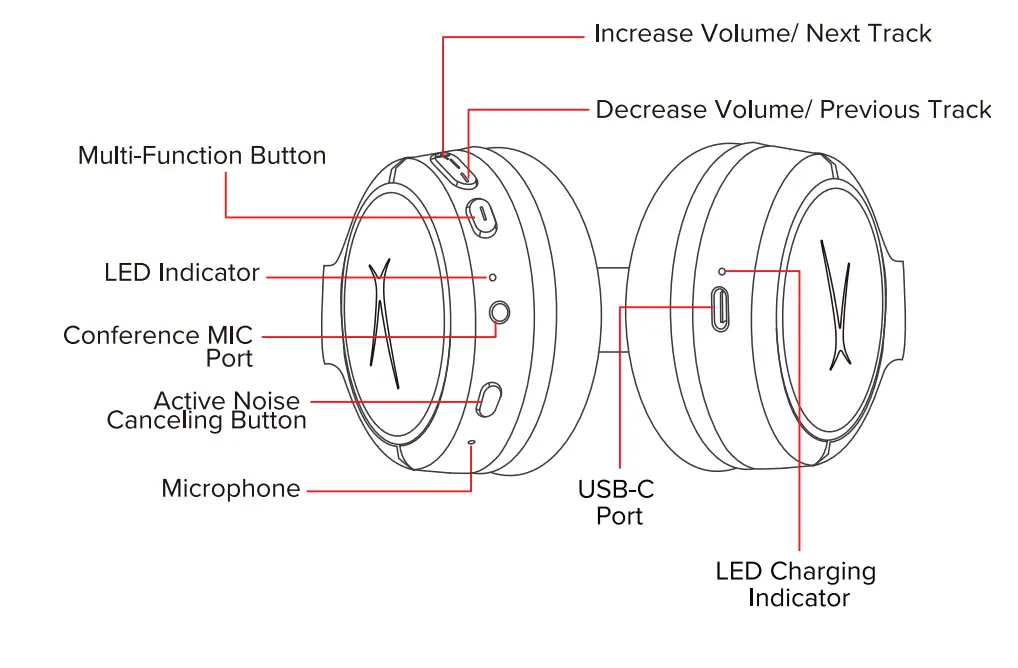
A CLOSER LOOK

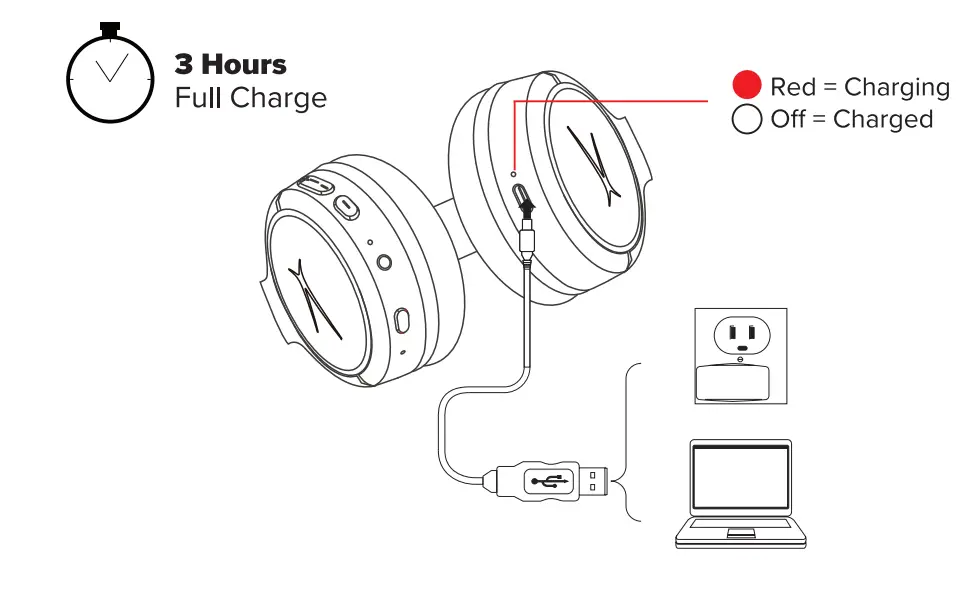
Charging  Bluetooth Pairing
  Headphone Controls
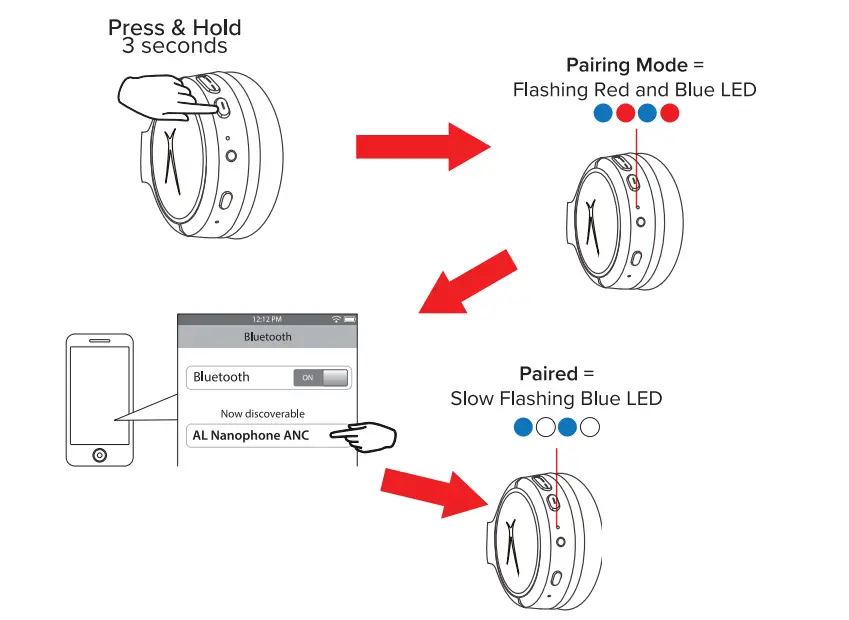
 Bluetooth Pairing
  Headphone Controls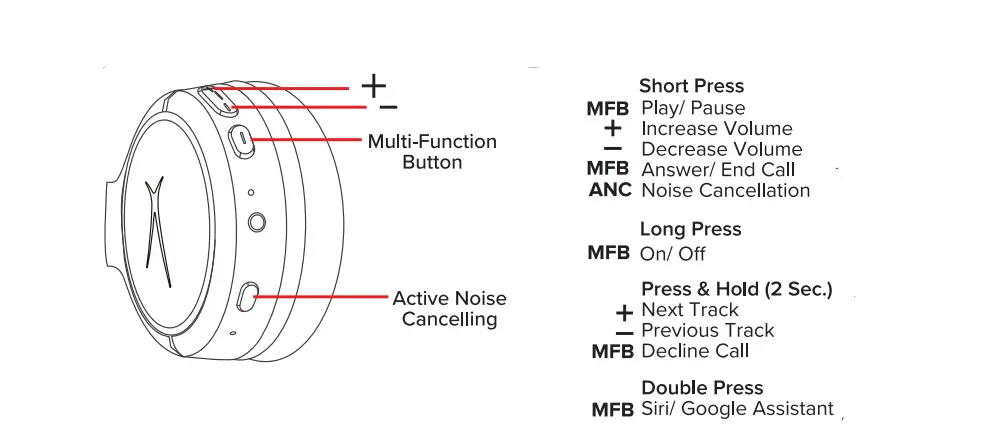
* To use Siri or Google Assistant, you must have a phone that is compatible with one of the two voice assistants (iOS or Android, respectively).
* Your wireless headphones will not work with Siri or Google Assistant if the assistant is not first enabled within the settings on the phone. For more information, see your phone’s user manual.
* You must be within Bluetooth® range to use Siri or Google Assistant via your wireless headphones.
Conference Microphone 
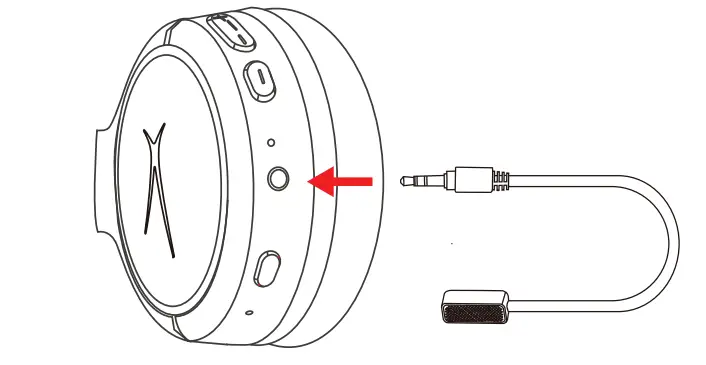
Use the included conference microphone by plugging it into the MIC port.
For additional user materials and warranty information, please visit alteclansing.com
Changes or modifications not expressly approved by the party responsible for compliance could void the user’s authority to operate the equipment.
This device complies with Part 15 of the FCC Rules. Operation is subject to the following two conditions:
- this device may not cause harmful interference, and
- this device must accept any interference received, including interference that may cause undesired operation.
This equipment has been tested and found to comply with the limits for a Class B digital device, pursuant to Part 15 of the FCC Rules. These limits are designed to provide reasonable protection against harmful interference in a residential installation. This equipment generates, uses and can radiate radio frequency energy and, if not installed and used in accordance with the instructions, may cause harmful interference to radio communications. However, there is no guarantee that interference will not occur in a particular installation.
If this equipment does cause harmful interference to radio or television reception, which can be determined by turning the equipment off and on, the user is encouraged to try to correct the interference by one or more of the following measures:
- Reorient or relocate the receiving antenna.
- Increase the separation between the equipment and receiver.
- Connect the equipment into an outlet on a circuit different from that to which the receiver is connected.
- Consult the dealer or an experienced radio/TV technician for help.
FOLLOW US ON #myalteclansing
FAQS
These look kind of fake — why are there so many misspellings in the photos? Why is the Altec Lansing logo so grainy in the description?
I have the product I can’t say whether it’s real or not. But if they are fake they are the best fakes I have ever wore. I love them and they do everything they advertise. Quality of build is very good also. The Active Noise Cancellation works but could be better but everything else is great. battery power last a very long time. I have not run them out on a single use yet even if I wear them for everything all day. Very comfortable and sound quality is mucher better than expected. No buyers remorse here. I have the silver ones
It can be if your tv has Bluetooth capabilities I would not suggest direct plug in. The sound quality is good and the ANC is okay. I would suggest it.
Yes they are perfect for planes because they last so long and have ANC. Their is not a plane ride you can take that can use up all the battery if you start with a full battery. Their is also and audio jack with attachments for stereo. I would recommend it expecially for its price.
Yes you are able to answer and make phone calls through bluetooth.
No. It does not have a port for the 3.5mm cable.
It is the weakest part of the headphones, I dropped mine off of a chair, It snapped ,no fix to restore them. I bought another set.
yes
no is not compatible with alexa echo show
There is a red light that should come on by the charging port
In 2005 Altec Lansing Technologies was acquired by Plantronics, 2009 bought by Prophet Equity, and has been owned since 2012 by the Infinity Group, a company which acquires struggling companies.
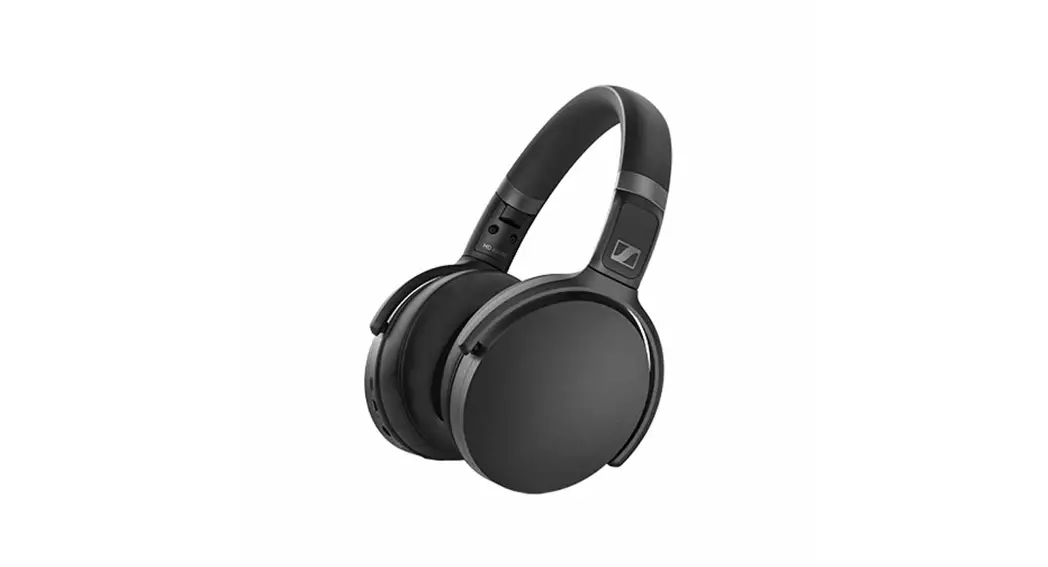
On the left ear-cup is a power button that also works as a pairing button and an answer button to accept incoming calls. There are separate volume buttons that double as next/previous track with a long press.
To turn the headphones ‘Off’ at any time, PRESS and HOLD the Play/Pause Button on the right earcup for about 3 seconds.
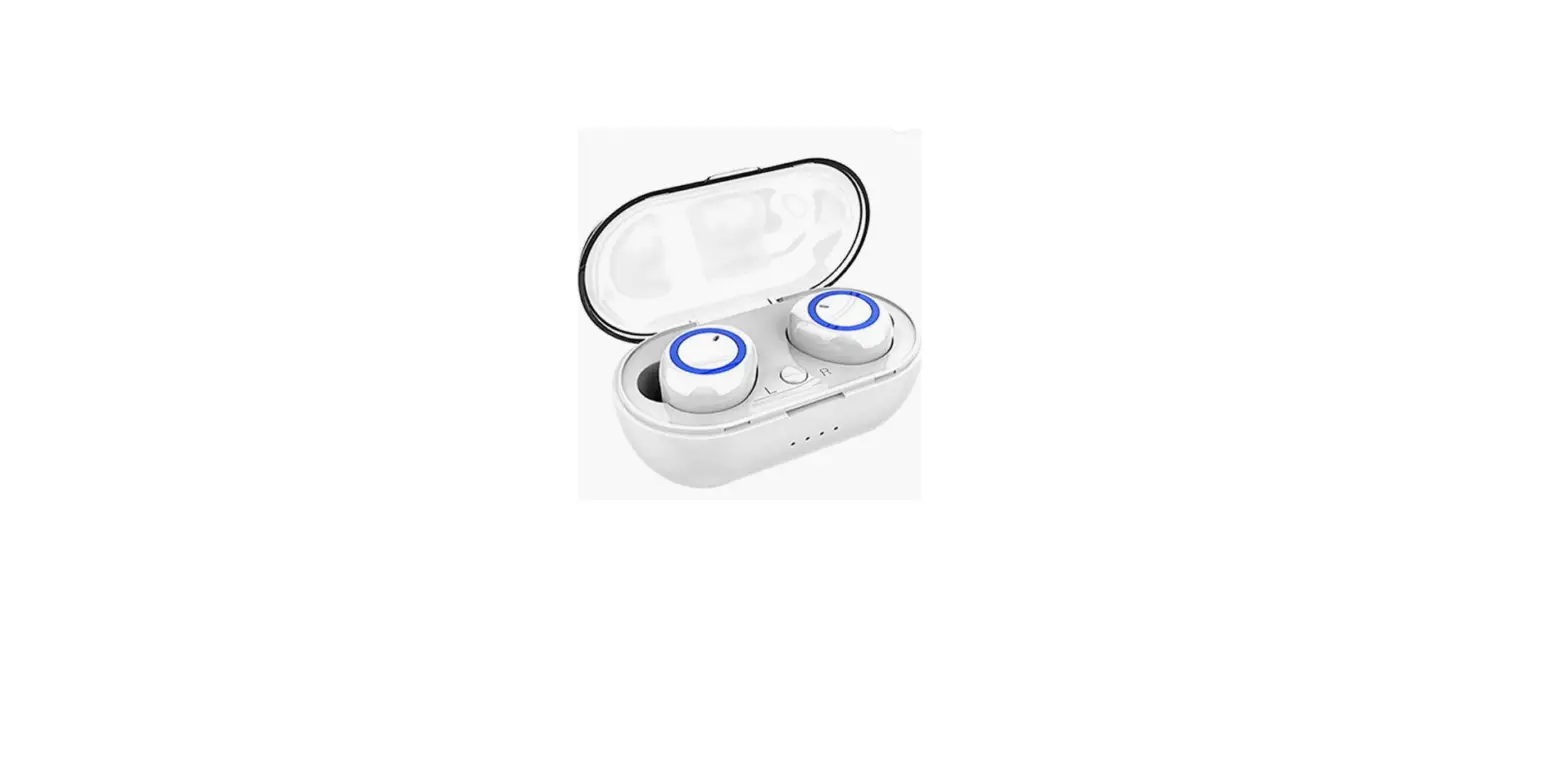
Altec Lansing Noise Cancelling Bluetooth Wireless Earbuds, Mini in Ear Headphones with Microphone, TWS NanoBuds Sweatproof and Water Resistant, 7 Hour Playtime for Sports and Workouts (White)
Altec MZX559 NanoPods Truly Wireless Earbuds In the Box A Closer Look Charging Powering On Bluetooth Pairing Touch… Zunammy Wireless Earbuds with Charging Case, Bluetooth Specifications BLUETOOTH VERSION: CHARGE TIME: 1-2 hours PLAYTIME: 2-3 hours STANDBY