GA03131-US Chromecast with Google TV User Manual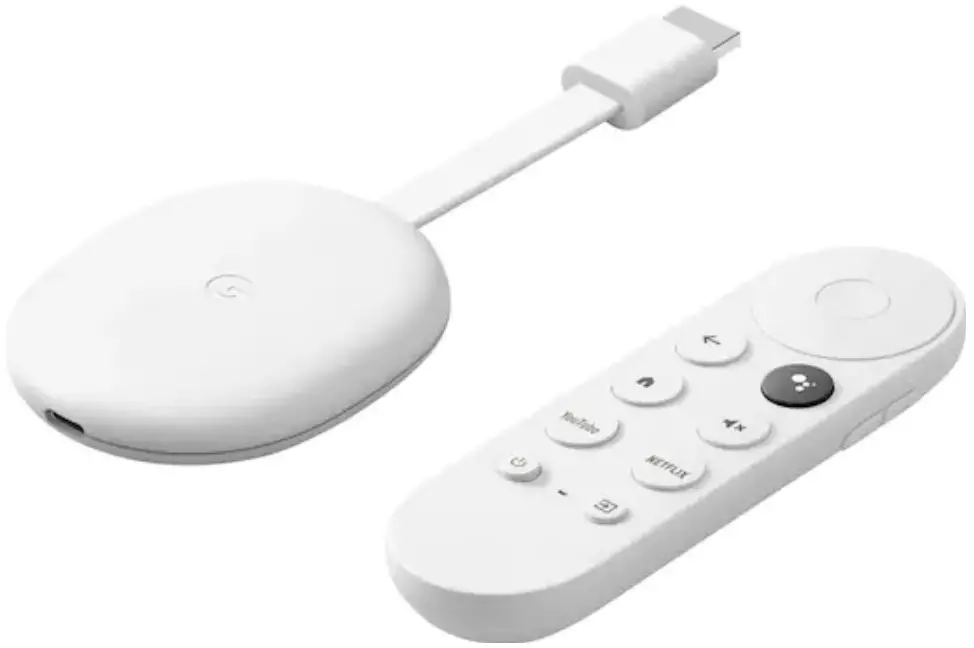
Installation instruction
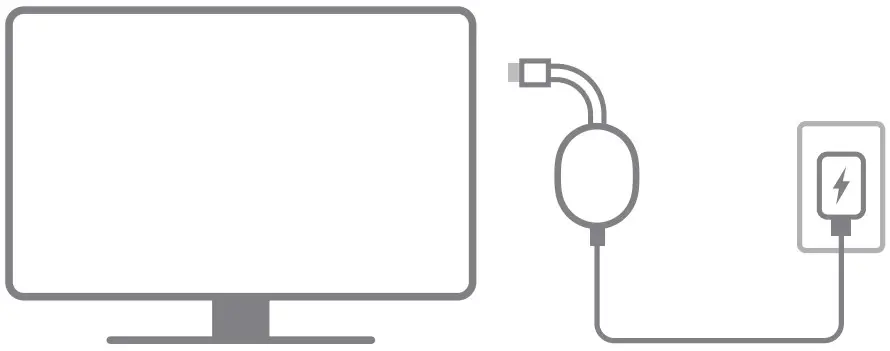
- Plug in Google Chromecast
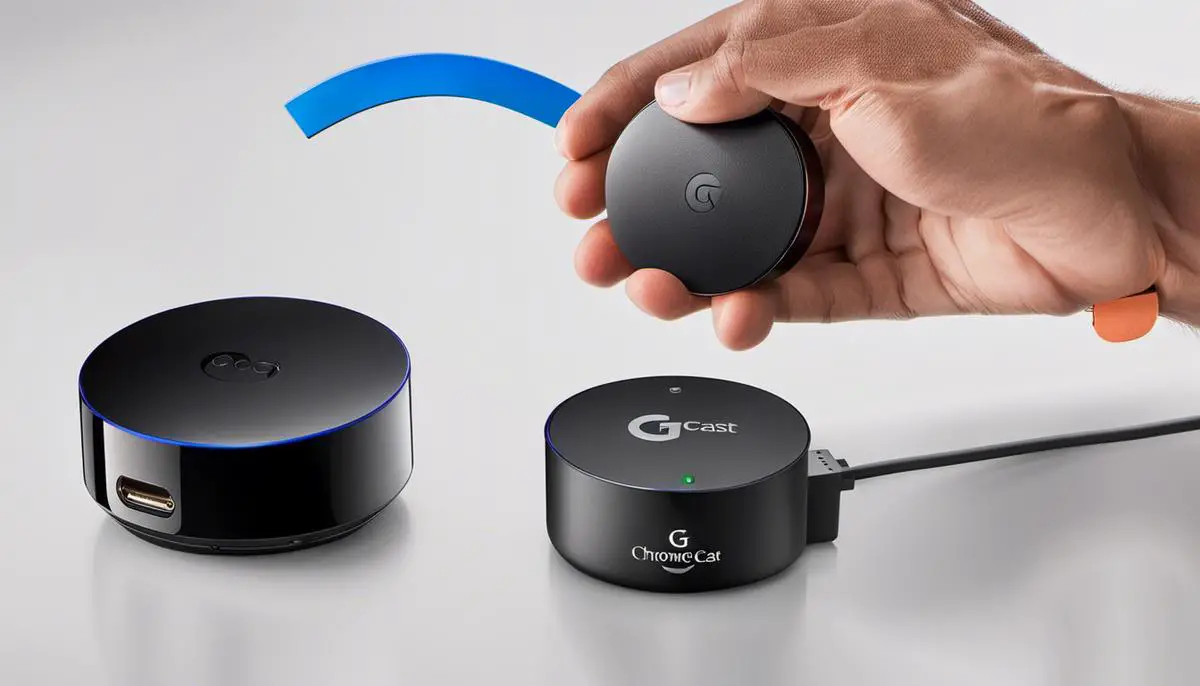
Plug your Chromecast into a power outlet and an HDMI port on your TV
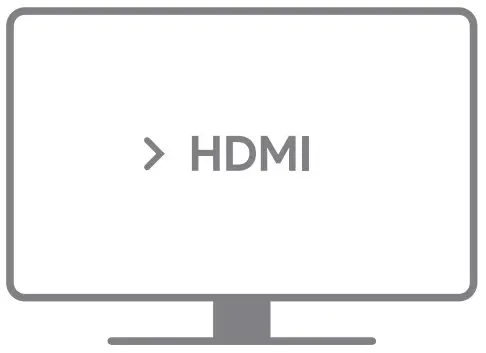
- Switch TV input
Turn on your TV and switch to the input/source your Chrome cast is plugged into
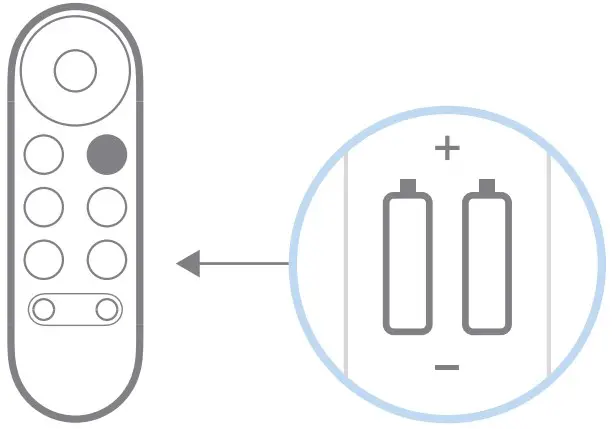
- Put batteries in your voice remote
You’ll find batteries in the box
- Get the Google Home app
Follow the steps on your TV and in the app
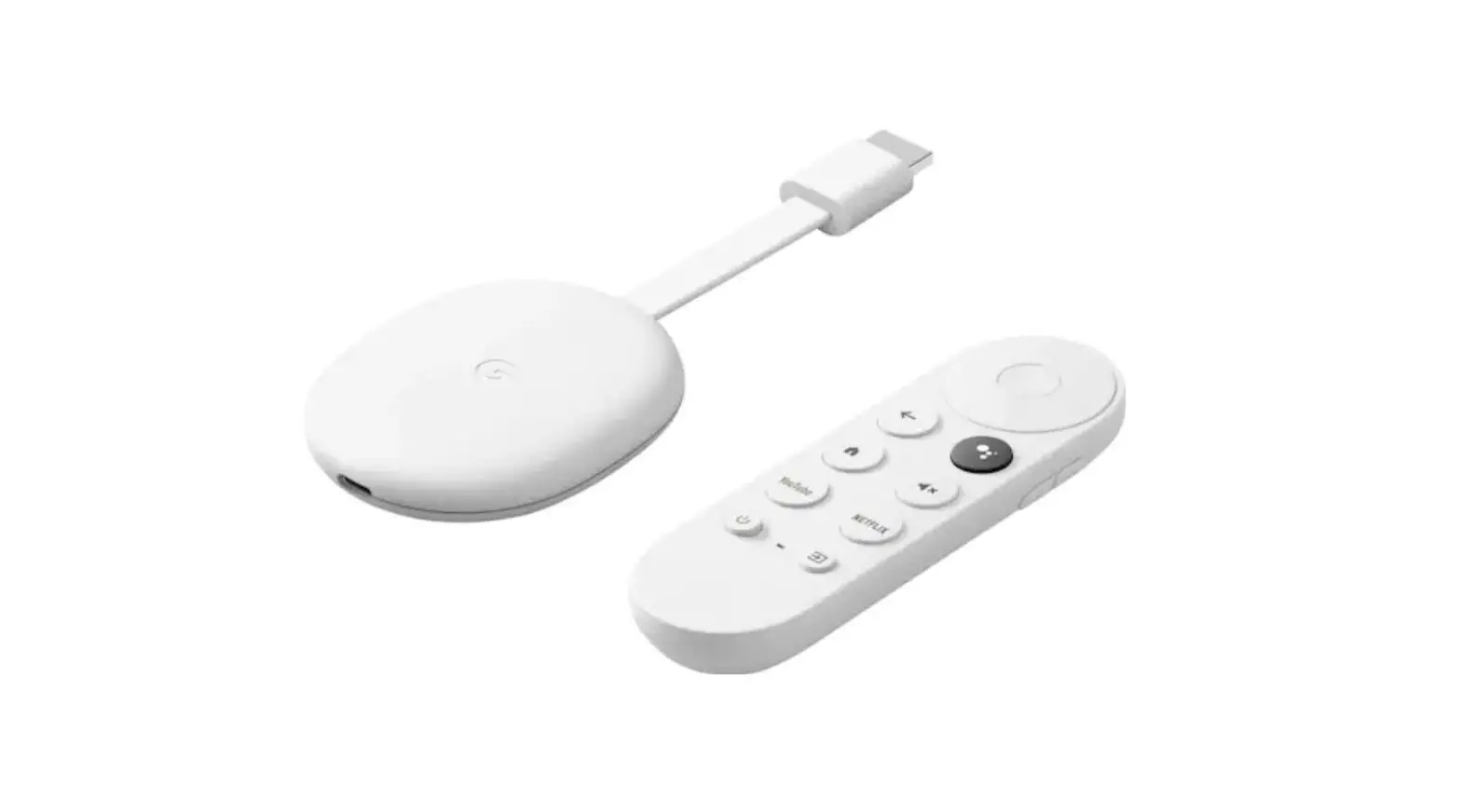
Chrome cast Voice Remote
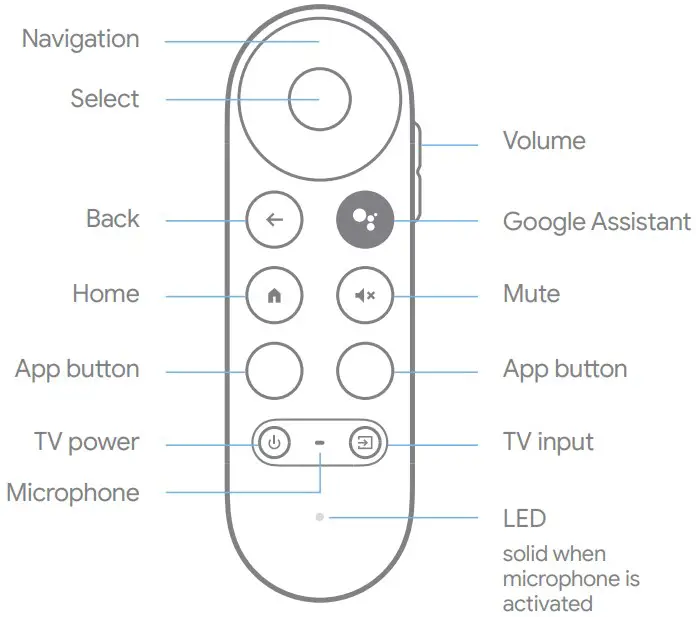
Get more info on your remote at g.co/cast/remote
Use your voice to get a little help on your big screen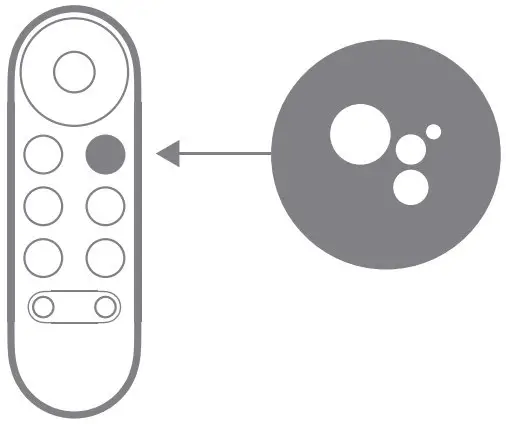
Press and hold the Google Assistant button and say,
“What can you do?”
What’s included
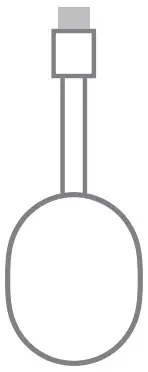
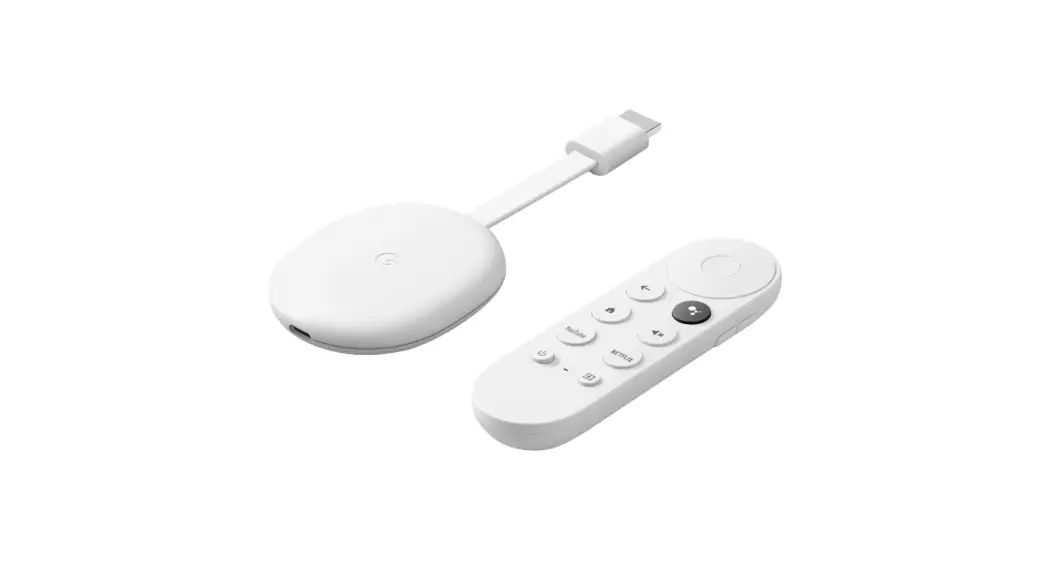
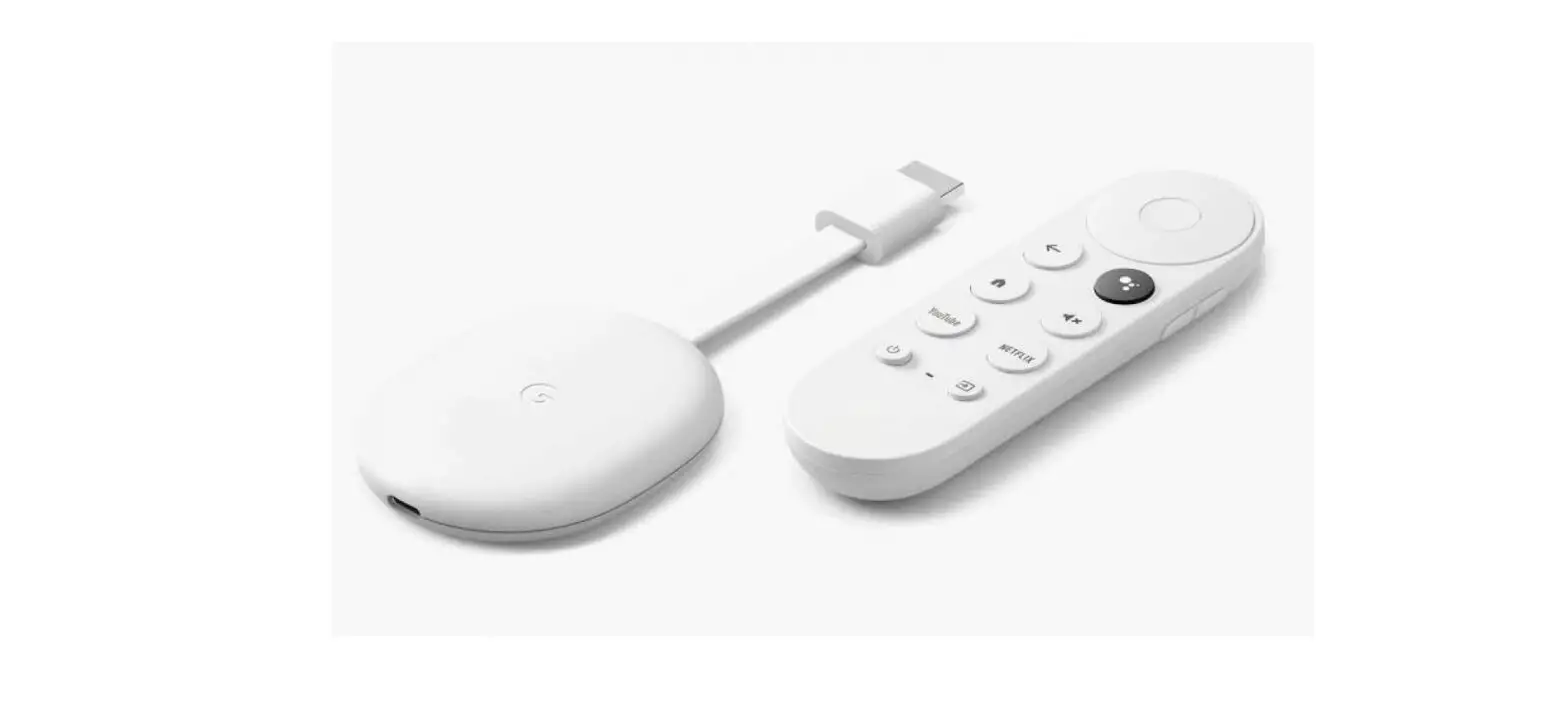
- Chrome cast

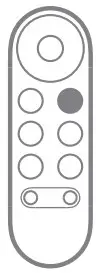
- Remote

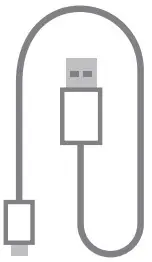
- Power cable

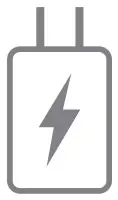
- Power adapter

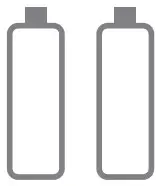
- 2 AAA batteries

We’re here to help
For online help and support, visit g.co/cast/help
For For disability support, visit g.co/assist

![Google Chromecast [j42] Manual](https://static-data1.manualsee.com/1/img/267/2807/2018/09/Google-Chromecast-featured-1568x1100.jpg "Google Chromecast [j42] Manual")