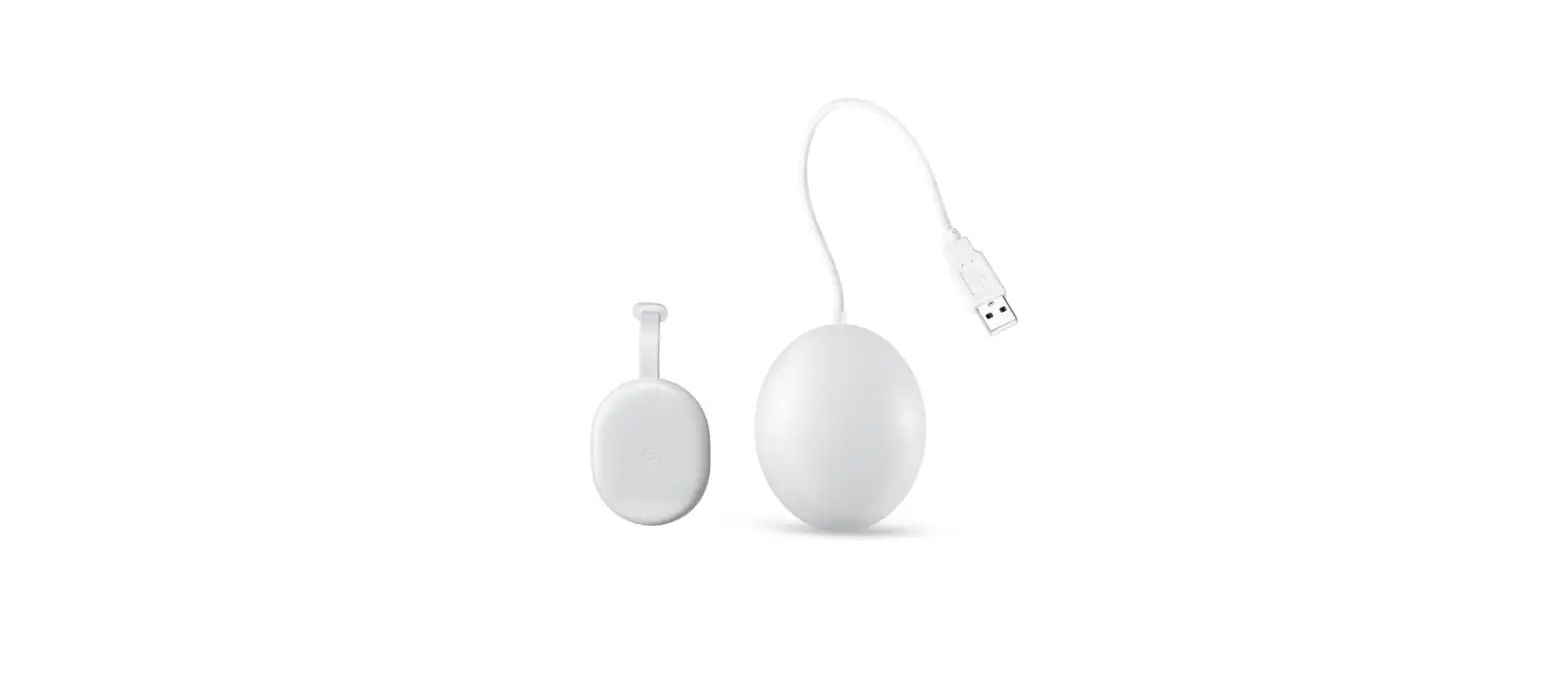

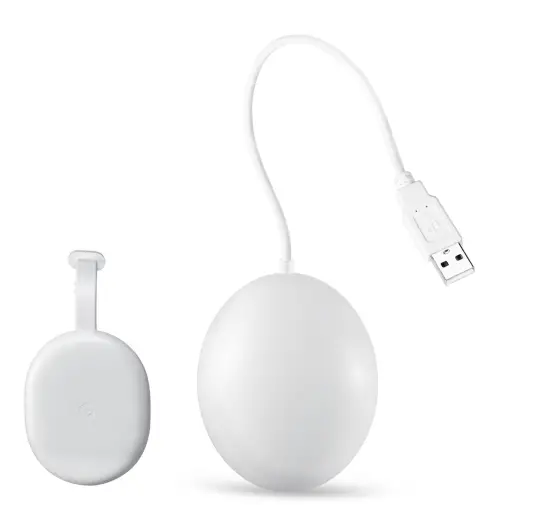
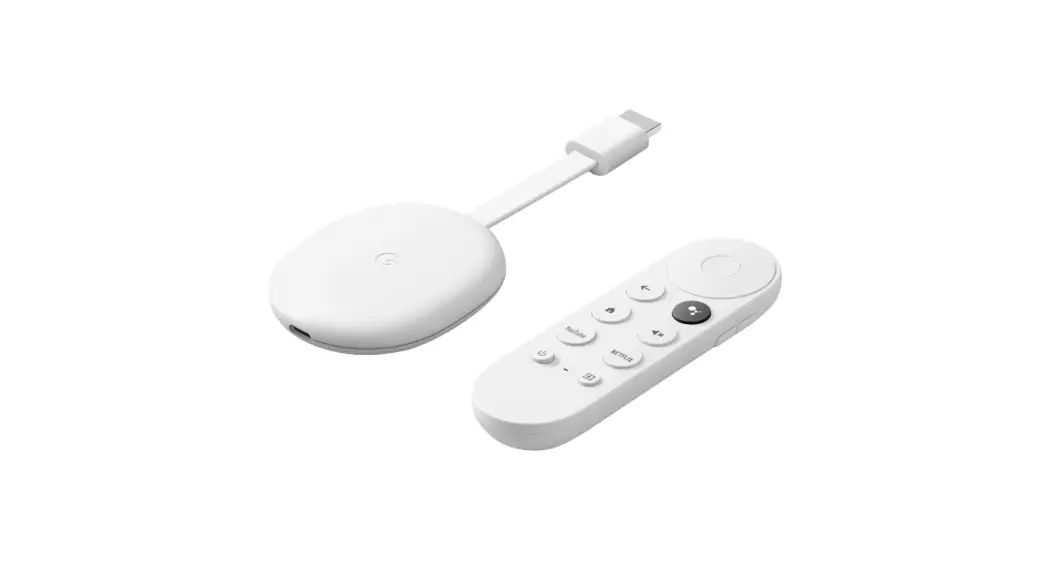
WASSERSTEIN GA01919-AU USB Power Cable for Google Chromecast with Google TV
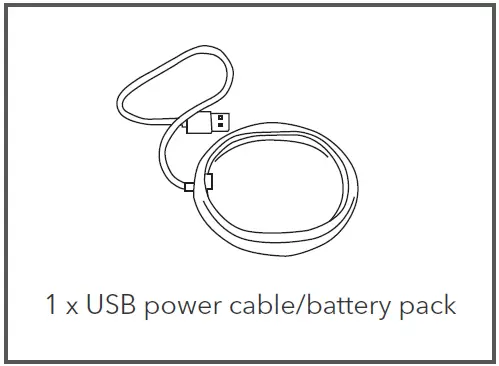
In the Box

Safety Information
- Read these instructions carefully before use. Failure to follow the safety instructions may cause injury or damage to your property.
- Small parts contained in the box can be a choking hazard. Keep small parts away from children.
- Only use this cable with the Google Chromecast.
Setup
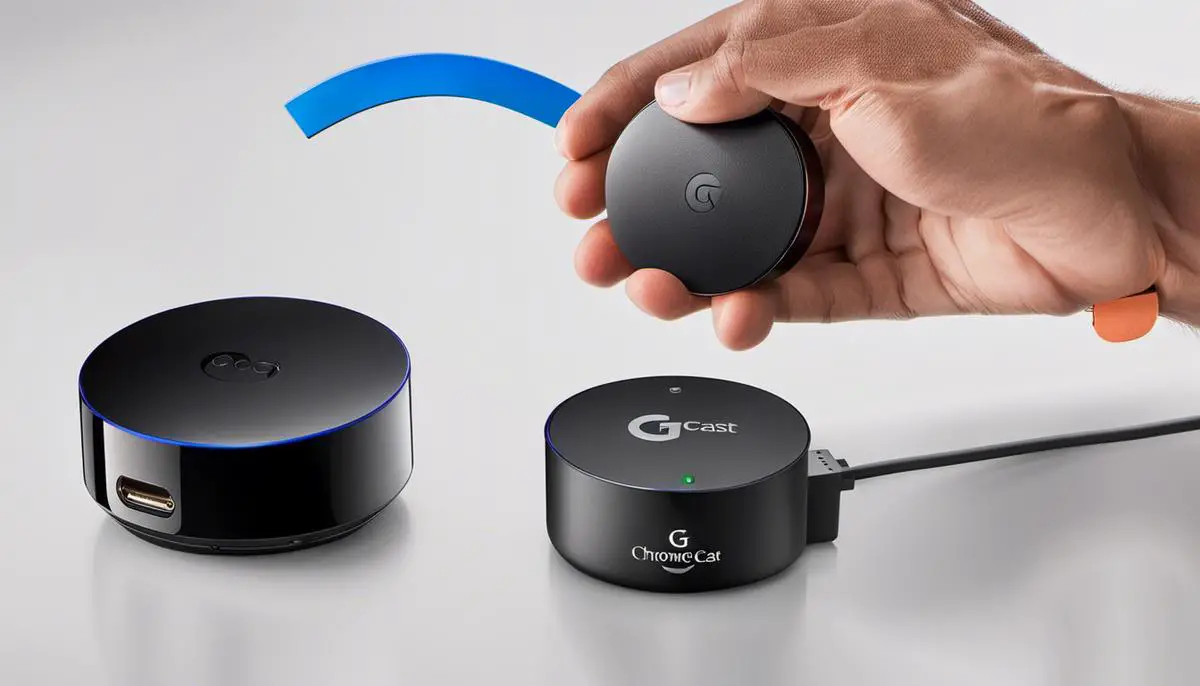
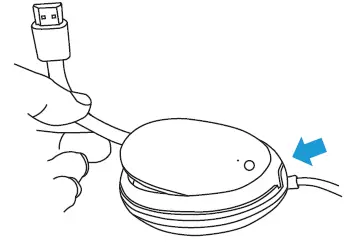
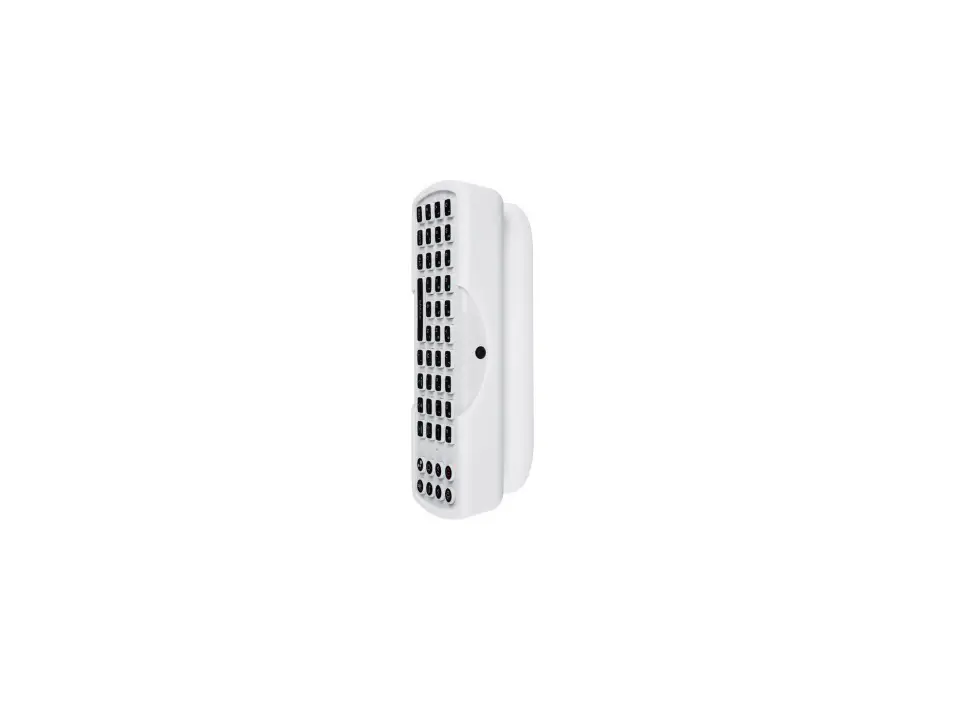
- Line up the USB port of your Chromecast with the Type-C connector, and gently slide the device into the slot.

- Make sure the casing fully wraps around the outside of your Chromecast device.
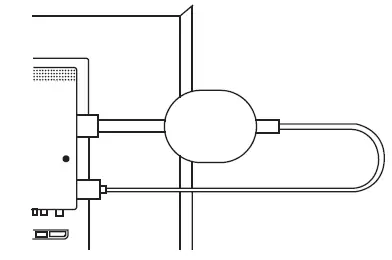
- Connect the HDMI cable with the HDMI port of your TV.

- When connected, the device will turn on/off with your TV automatically.
Specifications
- Color: White
- Material : ABS plastic
- Battery capacity: 2,000 mAh
- Input Power: 5V/500 mA
- Output Power: 5V/1.8A
Get More Support
Scan the QR code below or email us at [email protected].

Google Chromecast is notincluded. Wasserstein is not affiliated with Google LLC. Wasserstein is a trademark of Dropcases Ltd. Google Chromecast is a trademark of Google LLC.www.wasserstein-home.com Made in China
 Fairway Independent Mortgage Corporation
 Thoughtful Smart Home Products — Wasserstein Home

![Google Chromecast [j42] Manual](https://static-data1.manualsee.com/1/img/267/2807/2018/09/Google-Chromecast-featured-1568x1100.jpg "Google Chromecast [j42] Manual")

![Google Fiber Tv Remote Guide [gfhd254]](https://static-data1.manualsee.com/1/img/260/2822/2018/09/Google-Fiber-TV-Remote-Guide-GFHD254-featured.jpg "Google Fiber Tv Remote Guide [gfhd254]")

![Google Fiber Tv Box Manual [gfhd254]](https://static-data1.manualsee.com/1/img/258/2820/2018/09/Google-Fiber-TV-Box-Manual-GFHD254-featured.jpg "Google Fiber Tv Box Manual [gfhd254]")