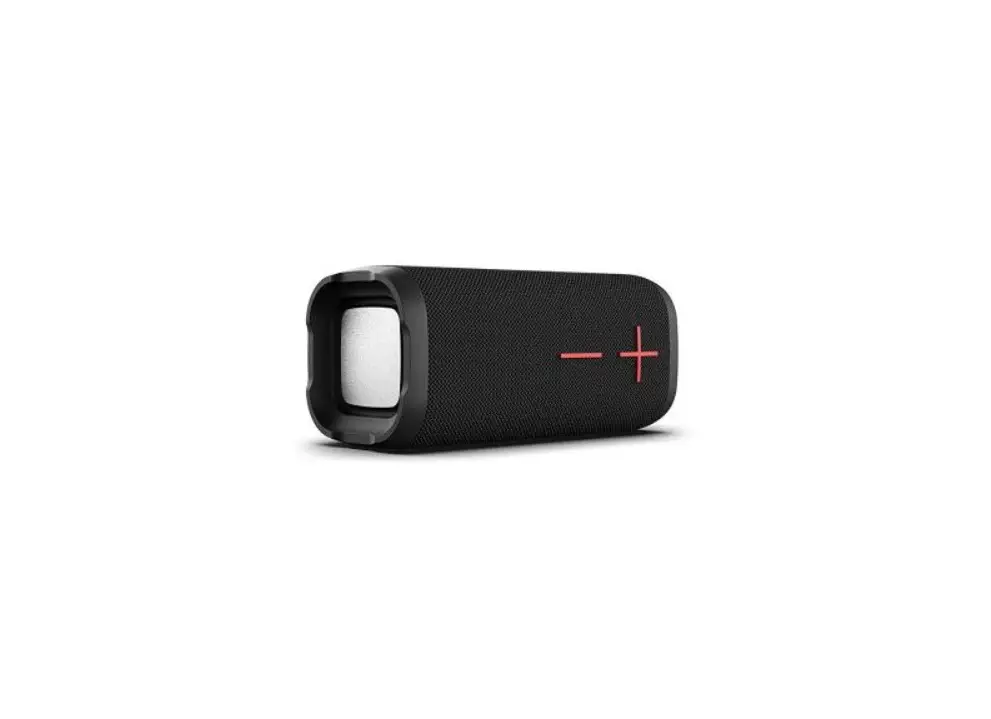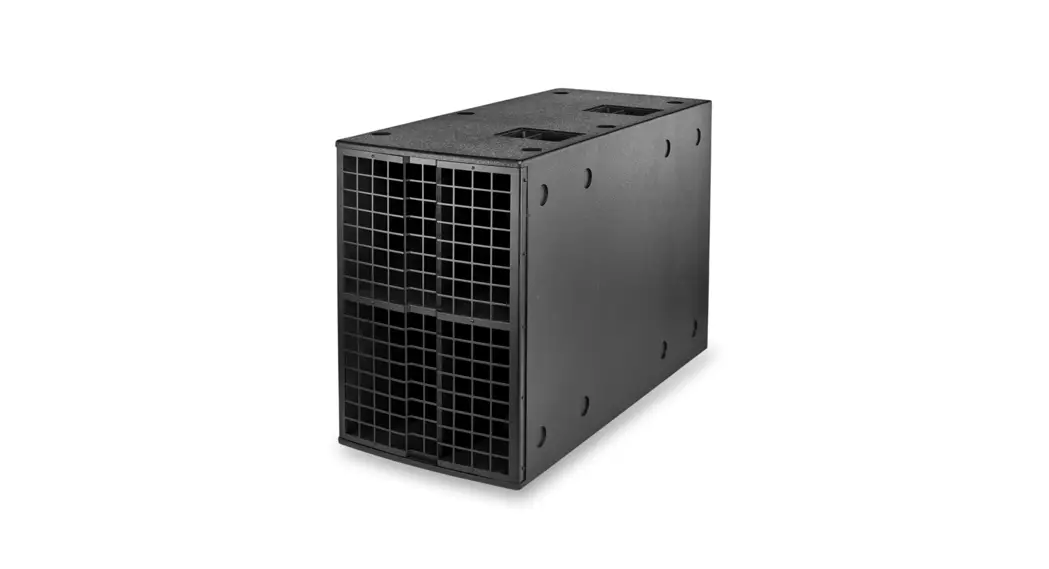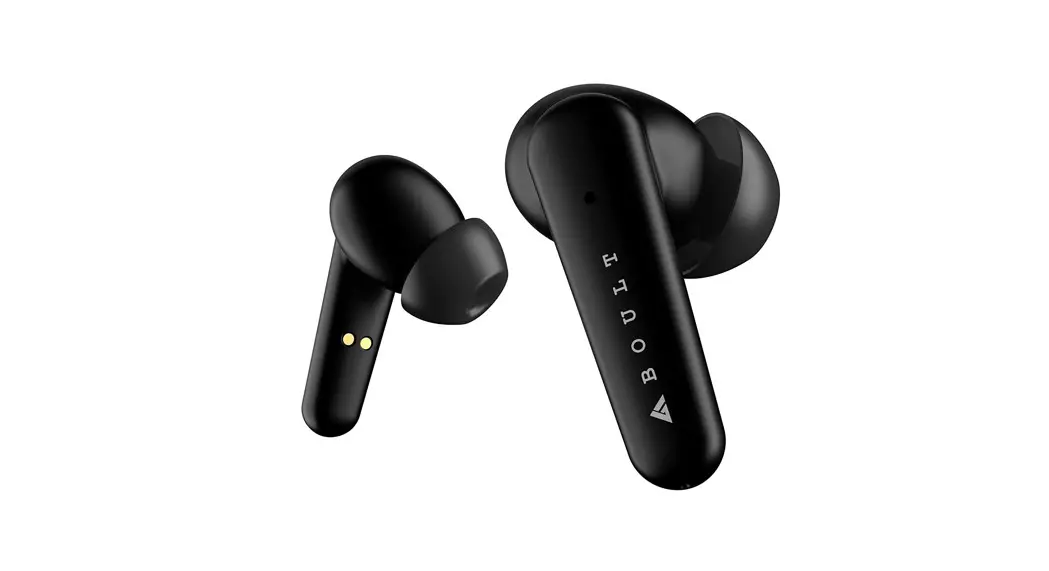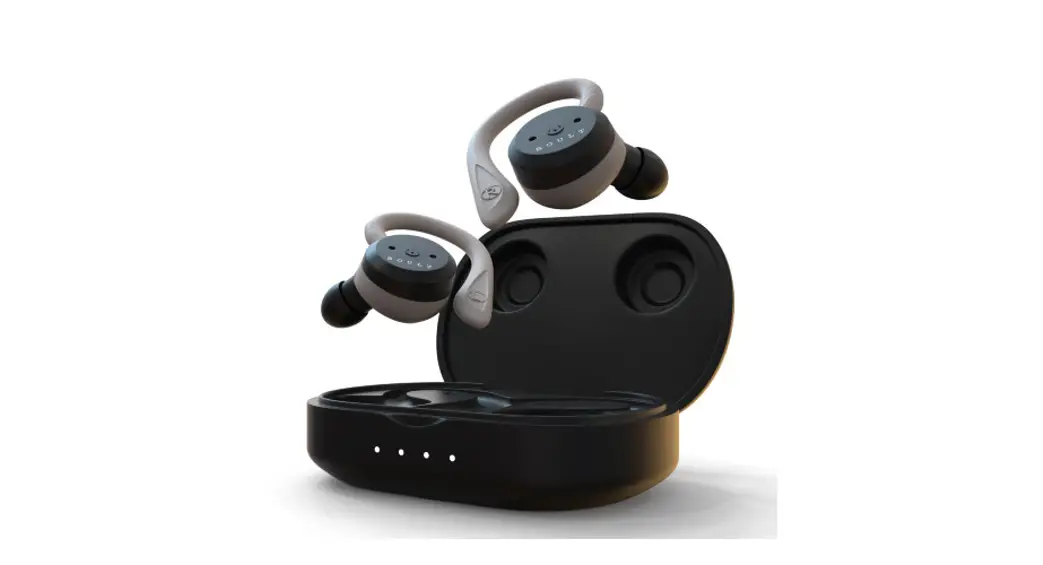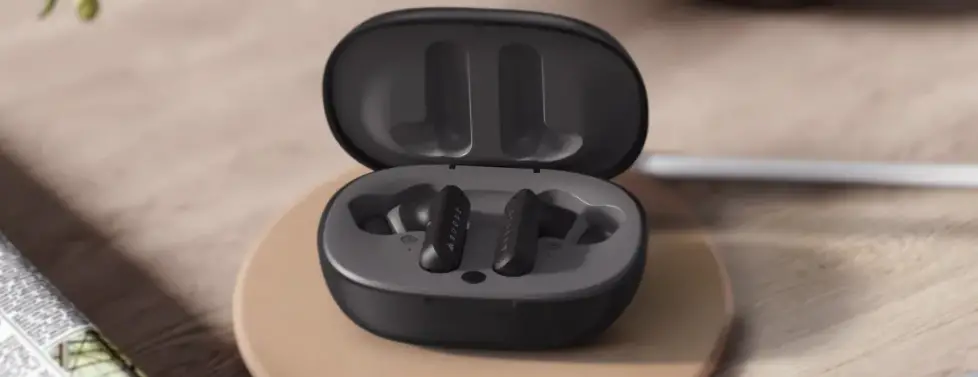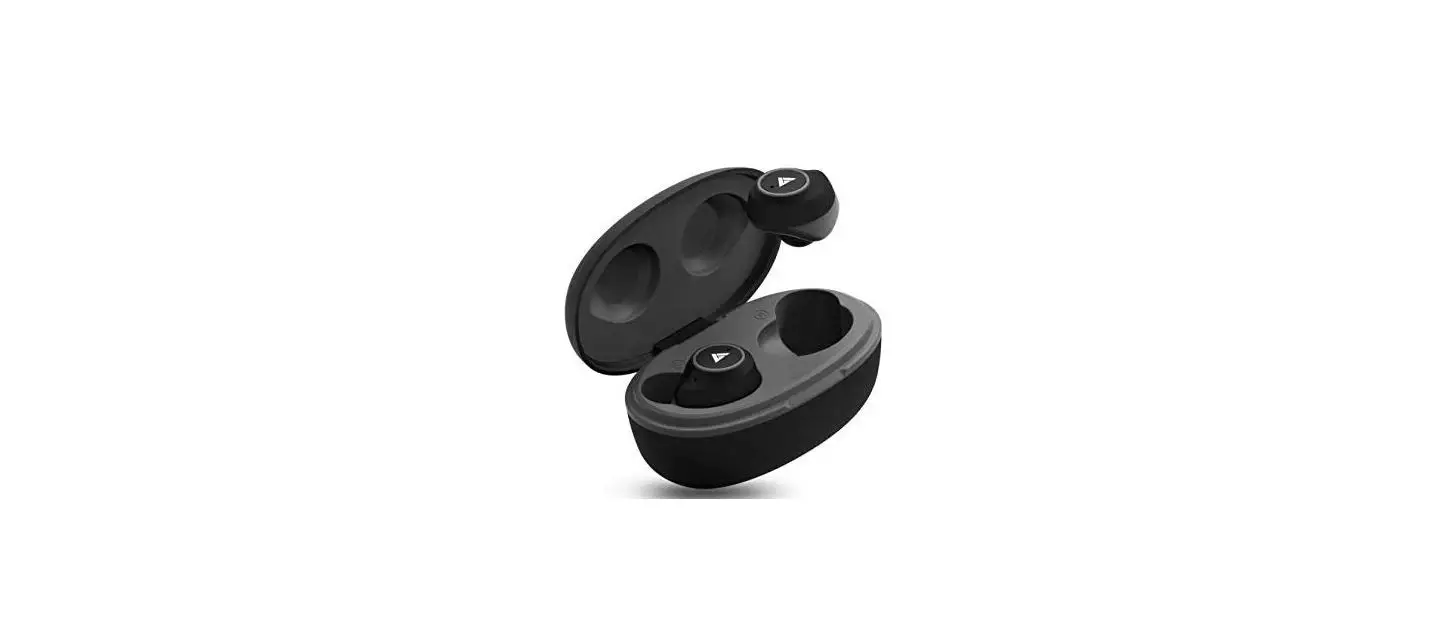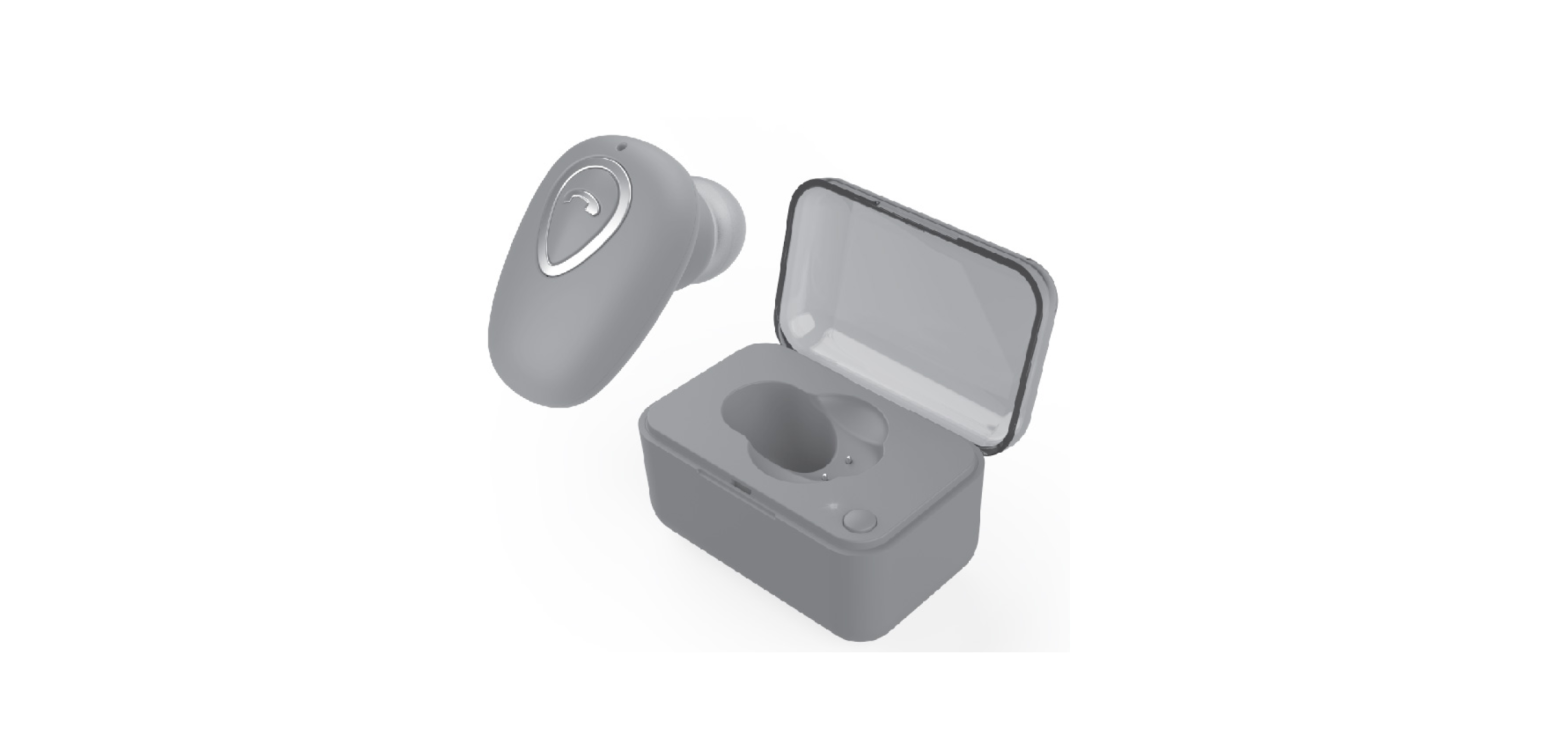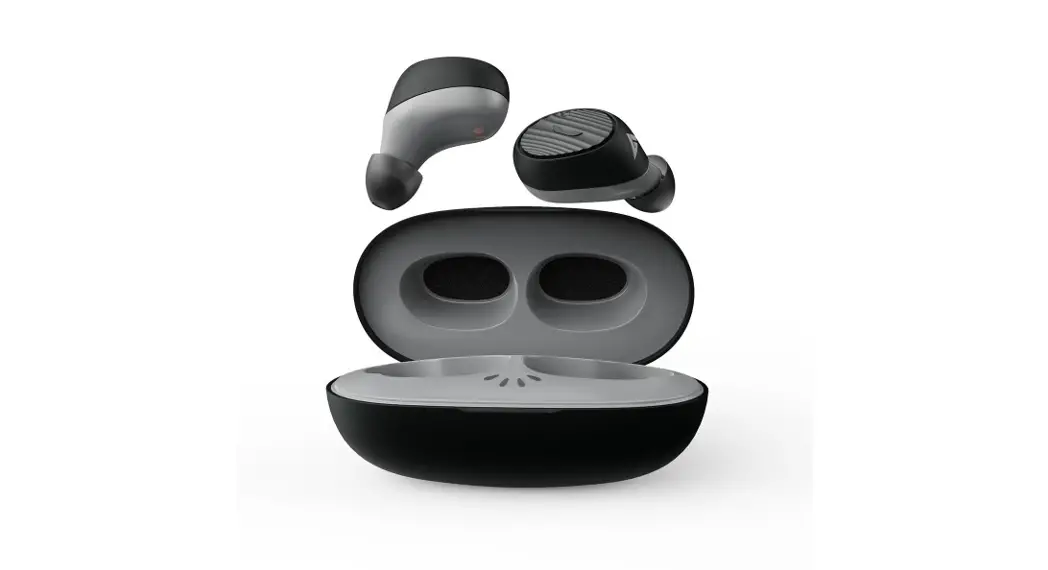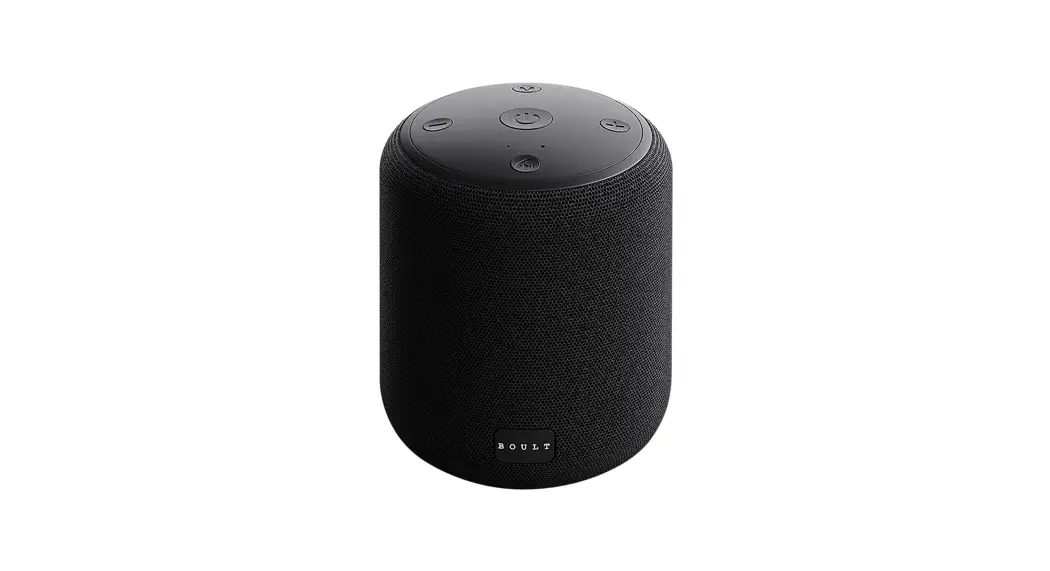

BOULT AUDIO ARC
USER MANUAL
For a better sound quality experience, suggest the use
LOS 8.0/ Android 4.3 or above operating system.
Product Introduction
Important Notes
- Please read this user manual carefully and save it for future reference.
- Don’t expose the Speaker to moisture or excessive humidity.
- Do not drop or allow the speaker to be immersed in water.
- Long-term exposure to loud music may damage the speaker and +, therefore, influence further performance. It will be better to avoid extreme volume when using the speaker.
- Please follow the warnings contained in these instructions.
- The only way to clean the Speaker is with a dry cloth or towel.
- Disassembling the Speaker without authorization will void your warranty.
- Please unplug the charging cord when lightning or not in use.
- When removing cords, grasp the plug and pull straight out, instead of tugging on the wire itself.
- Avoid exposing the Speaker directly to extreme heat or direct sunlight which can damage the battery.
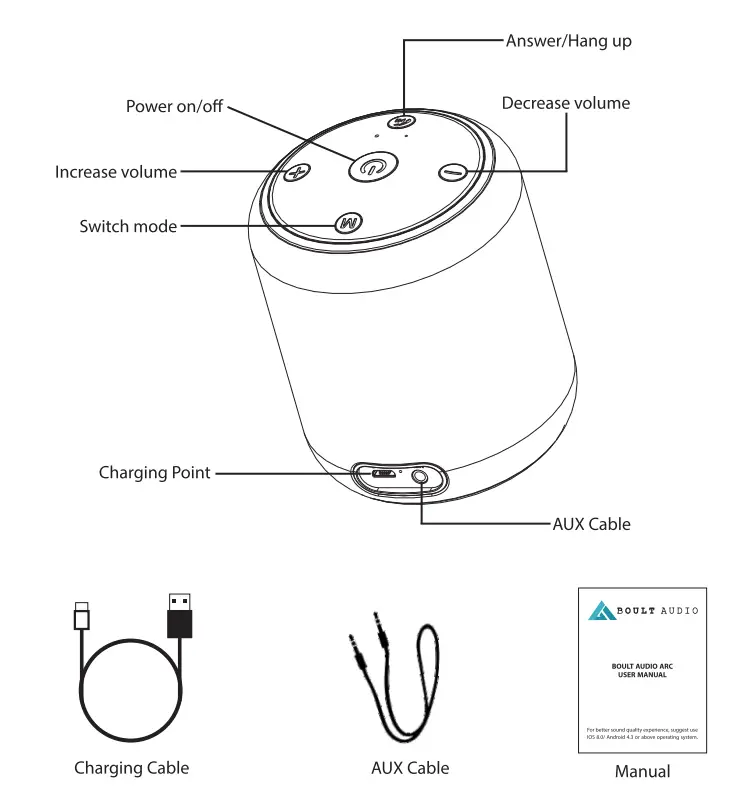
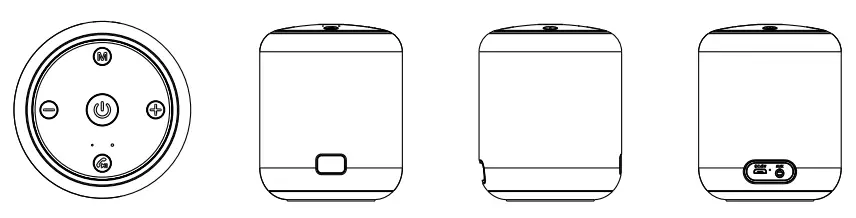
Buttons and Controls
| Buttons | AUX Mode | Bluetooth mode | Hands-free calls | |||
| Long press | Short press | Long press | Short press | Long press | Short press | |
 | power on / off | / | power on / off | / | / | / |
 | / | Switch mode | Disconnect the current connection | Switch mode | / | Switch phone call between phone and speaker. |
 | / | Mute / cancel mute | Back to dial the telephone | Play/pause / Active back to connect | Reject call | Answer/Hang up |
 | Decrease volume | Decrease volume | Decrease volume | previous music | Decrease volume | Decrease volume |
 | Increase volume | Increase volume | Increase volume | next music | Increase volume | Increase volume |
Product data
| Bluetooth version | V5.0 |
| Bluetooth transmission | Up to 10m range |
| Battery capacity | 1200 mAh |
| Max output | 5W * 1 |
| Horn spec | 405W |
| Frequency response | 100HZ-20KHZ |
| Supported audio formats | MP3, WAV files |
| Max-supported memory cards | TF card up to 32 GB |
| Power supply | USB 5V /1000 mAh |
| Products size (L W-x-H) | 87.8MM 87.8MM-x-110MM |
| weight | 305g |
Quick to use
On/off with Bluetooth mode
- Long press the power button 3s to operate on or off, and there will be a sound reminder. After power on, the blue indicator light will light up. Without the audio connection of AUX, the speaker will automatically enter Bluetooth mode and enter the state of waiting for pairing. (if there is a matched device, the speaker will be automatically connected to it.)
- Open the Bluetooth function of mobile phones, tablet computer,s and other devices, and click search. When the pairing name “Boult Audio Arc “ appears in the list, select this pairing name and
- Once connected, you can play music on Bluetooth devices such as mobile phones and tablets.
AUX audio input
The music play through its own 3.5mm audio port and devices such as phones/tablets/laptops/computers.
Hands-free call
When the speaker is connected to a phone via Bluetooth, music will temporally pause when there is an incoming call and be replaced by the phone ring.
- Short press the button to answer a call.
- Short press the button again to hang up the call.
- Long press the button to reject a call.
Charging
Use a Micro USB cable inserted into the USB charging port of the speaker. The other end is connected to a charging device that can provide a DC voltage 5V and a current 1000mAh. The speaker will automatically enter the charging mode. when red indicator light is on means charging finish, then the red indicator light will be off.
(Warm tip: when the battery power is low, the speaker will have a voice reminder every 30 seconds. The battery power is low, please charge as soon as possible!)
Automatic delay shutdown:
Under the condition of no connection in Bluetooth mode, no connection in AUX play, and no operation on the button, the speaker will automatically enter the power saving state and automatically shut down after 10 minutes.
FAQ
– (FAQ)/ Troubleshooting
– Turn it off automatically after power is on please use it after charging when the power is low.
– Play automatic shutdown or restart: the voltage is too low due to low battery power. Please use it after charging.
– The speaker is silent: check to see if the volume is turned on, or restart the speaker.
– Bluetooth cannot connect A. Please check whether the speaker enters Bluetooth mode.
– B. If the speaker is connected to other devices, it can be forced to disconnect the connected device by long pressing the “M” button on the speaker and entering the mode to be matched.
– No function button or function error: please turn it off before starting it If the above problems cannot be solved, please reset the system (press the = button and + button at the same time).