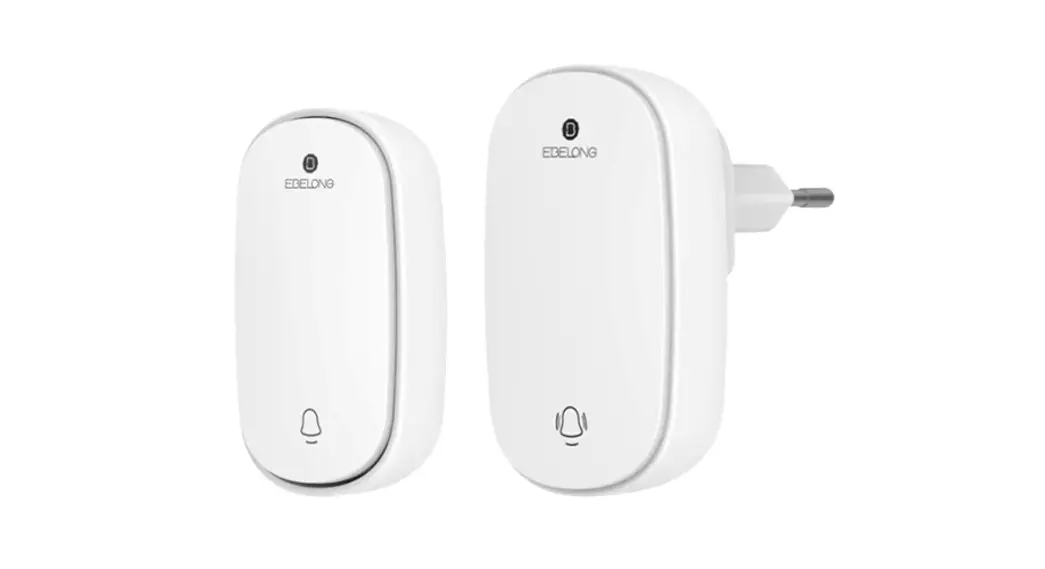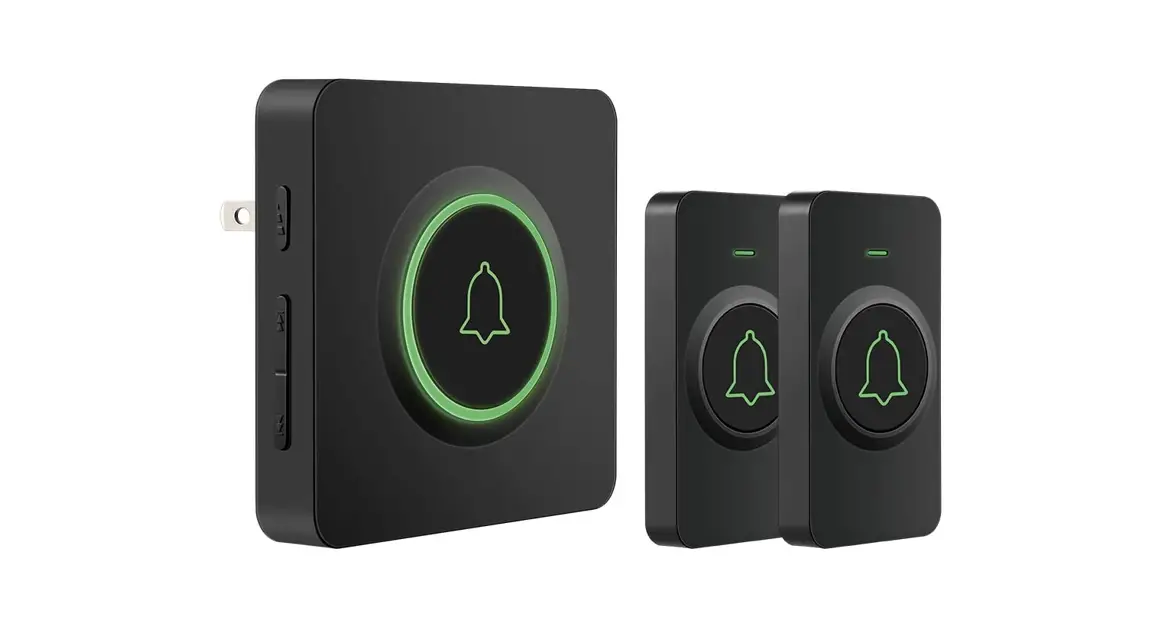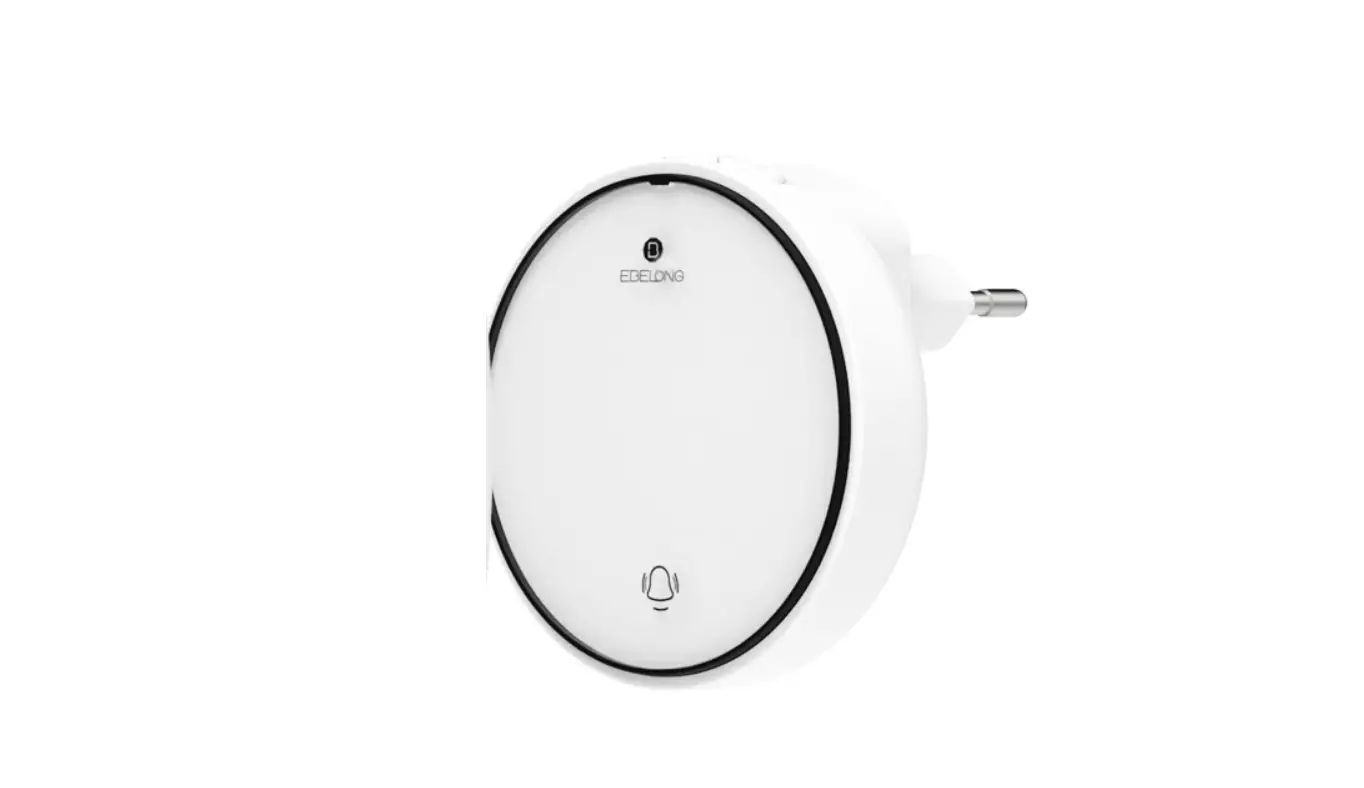
iEBELONG QME Wireless Kinetic Self-Powered Doorbell Instruction Manual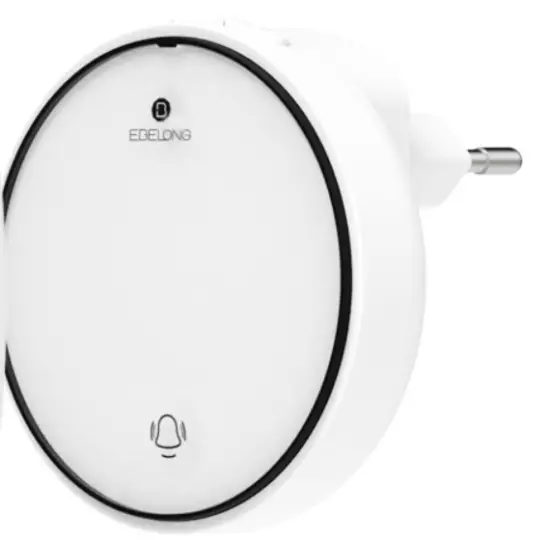
Product description
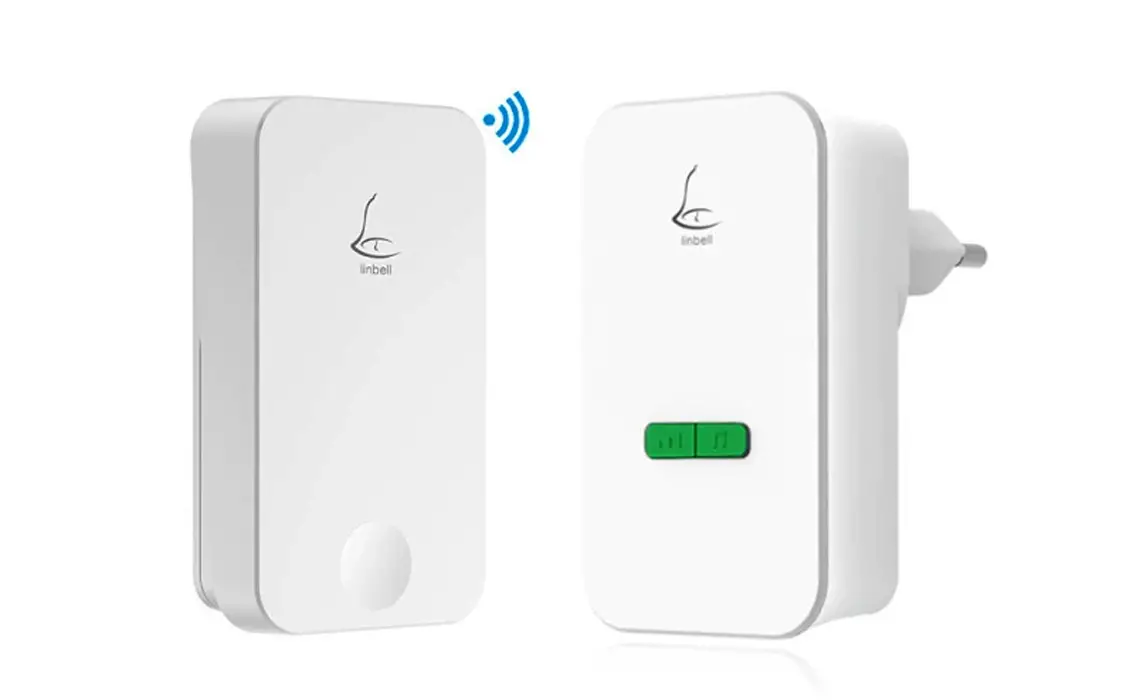
Security alarm system is a brand new self-powered intelligent set that provides security protection, elder care, wireless door bell, and all kinds of smart control.It supports WiFi that enables update and Settings change by your smartphone at any time. It can also voice control by Alexa and Google Assistant.
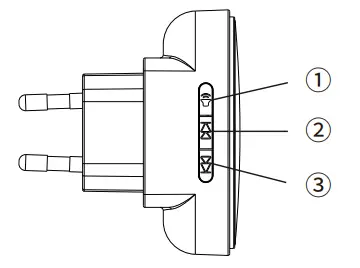
- Volume key: the volume switch from 1 to 4 levels repeatedly by pressing the key (the mute key is 1). Long press this key for 3 seconds till red indicator ’s fast flash,loose the finger then all pair is erased,in the meantime it restarts programing. (the main alarm panel will enter into pairing mode according to default setting when it is powered on. Try it again if program is not activated)
- Ringtone selection key +: Press the selection key, ringtone will be switched one by one forwards.Long press this key for 3 seconds, green indicator lights up, all sub devices paired will be erased.
- Ringtone selection key -: Press the selection key, ringtone will be switched one by one backwards. Long press this key for 3 seconds, green indicator flashes slowly that means pairing program is activated, press any sub device to get both units paired. If there is no sub device is paired with the main alarm panel in 100 seconds, program quits.
Specification
Power supply of transmitter: self-power
temperature range: – 20℃~ +55 ℃
Operating Voltage of receiver: 100-240V~ 50/60Hz
Storage Capacity: The maximum 10 transmitters can be paired in system.
Sound volume (adjustable): 4 levels
Working frequency: 433MHz
Ring tones (selectable): 10
Instruction
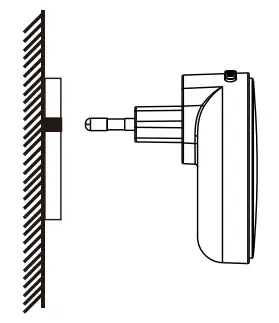
- Plug the main alarm panel direct into the AC power socket indoors, when it is connected with power it will enter to the programing status. The products is for indoor use, avoid high temperature, high humidity, dustiness and strong electromagnetic interference

Search “Kinetic Switch” in apple store or google play to download the APP. Also, you can scan the QR code to download the app
- Scan the QR code with your mobile phone.Download “Kinetic switch” APP

- Connect your mobile phone to family WiFi , open the APP “kinetic energy” Follow guide/login account and to add devices.You will be able to control the devices from the APP when above operation is finished.


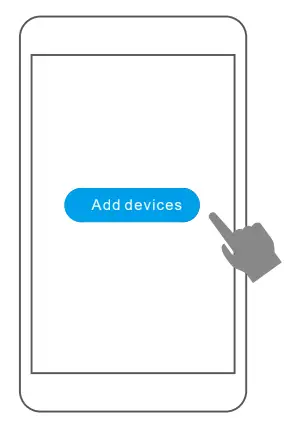
Pairing and Instruction
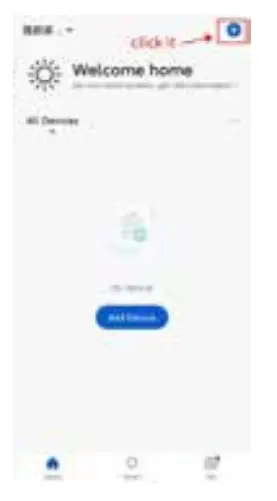
- Make sure the main alarm panel enter into pairing Mode (red light fast flash), select the top right corner button

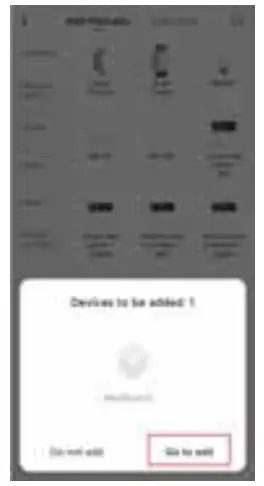
- Select the main alarm panel

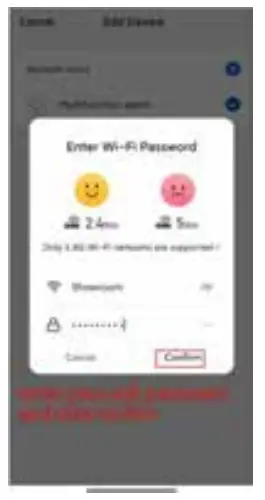
- follow the indication to input account and password

- Device is paired successfully


There are four modes in this page
Disarm: This mode can only be triggered by devices with 24 hour attribute.
Home: This mode can be triggered by devices that are not at home.
Arm(Away): This mode can be triggered by any devices.
SOS:This mode is bound to the K1 switch to generate an alarm immediately
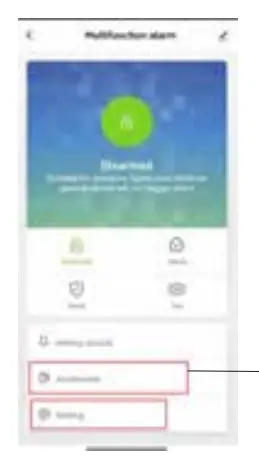
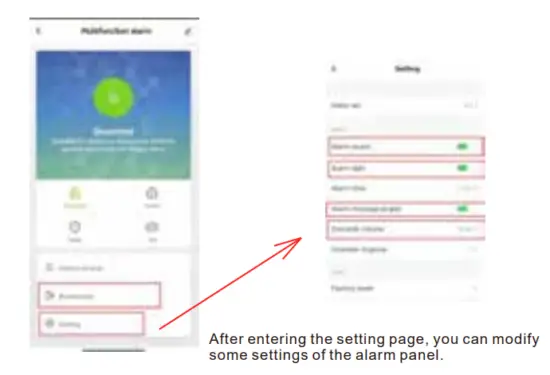
If it need to add a sub-device, it can enter the sub-device page.
Add accessories:
- After entering the sub-device page, click the button in the upper right corner.

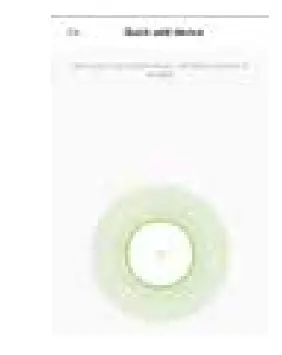
- Enter the search page and press the accessory(kinetic switch or door sensor)once ,then it can add successfully. (Detect people once to add PIR )


K1 switch
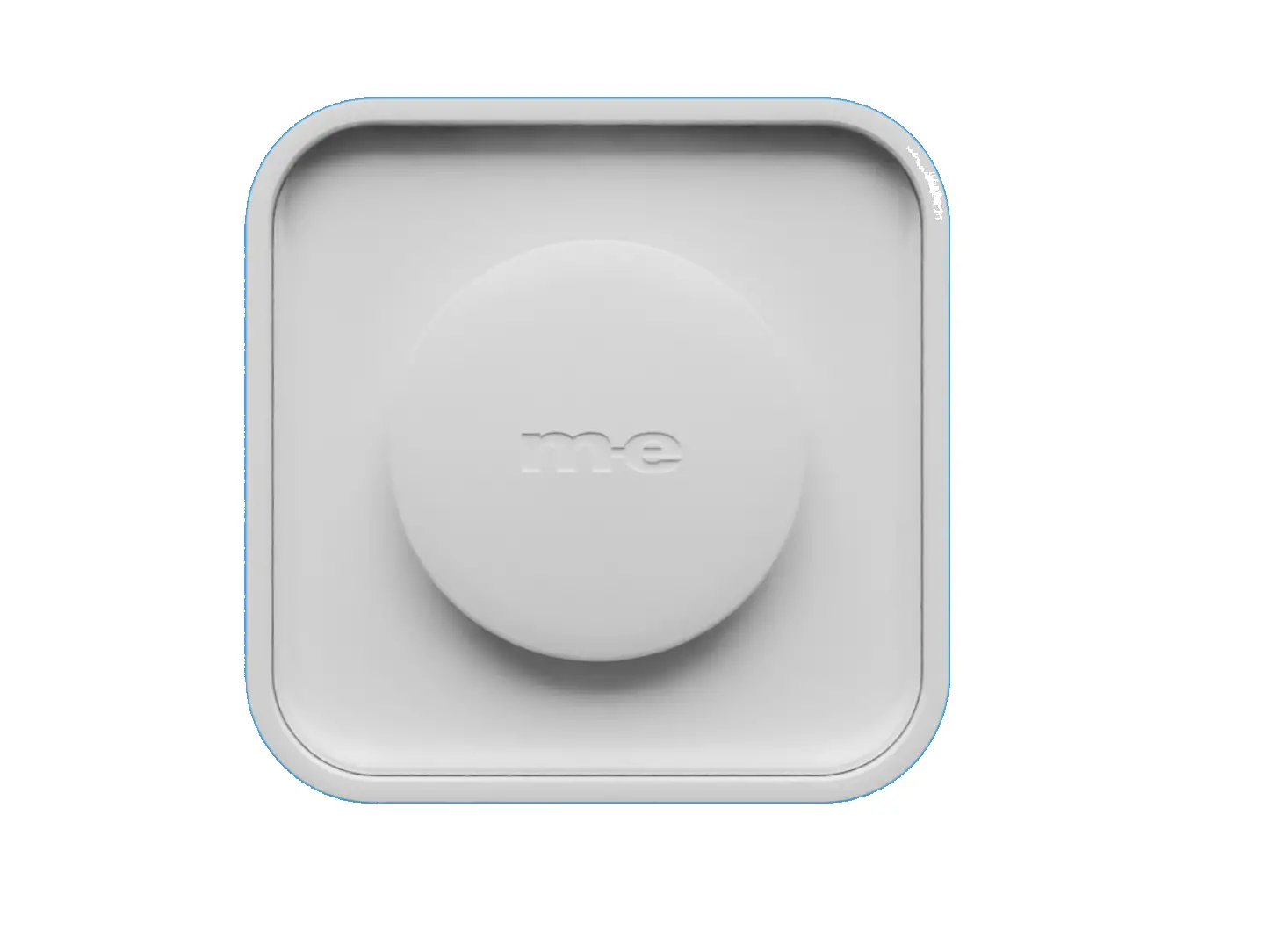
The K1switch is a rebound type kinetic energy switch, using micro energy harvesting technology, without batteries. This switch can trigger the alarm host to send a distress ringtone.
Product Parameter
- Temperature range:-20℃~+55℃
- Communication mode: RF433MHz
Product size: L54 * W54 * H21mm - Control distance: 20m (indoors) 60m (outdoors)
D1 door sensor
D1 door contact is a sensor of the security kits, after pairing with the alarm host, its initial default zone attribute is armed. After the alarm host’s mode is switched to armed, the sensor is triggered, the alarm host sounds an alarm, and a trigger message is transmitted to the mobile phone.
Product parameters
- Temperature range -20℃~+55 ℃
- Communication mode: RF433MHz
- Housing material: PC
- Auxiliary part: 27*W17*H30mm
- Dimension: (Main part) L79*W27*H17mm
- Control range 30m(Indoor)
Installation
- Take off the double tape sticker

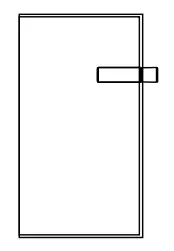
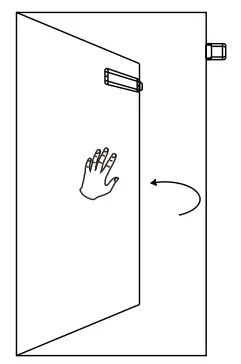
- Attach the auxiliary part to the frame of the door, and then install the main part of the door contact at the same level as the auxiliary part.

- When the alarm host is switched to the armed state, once the door, window or closet will be pushed open,the paired door contact will spring back and the alarm host will sound an alarm.

H1 PIR (passive infrared sensor)
The H1 PIR is another sensor in the security kits,which is usually installed at the door or the entrance of the office, and after it is paired with the alarm host, its initial default zone property is armed.
Product parameters
- Temperature range -20℃~+55℃
- Communication mode :RF433MHz
- Life time:2 years
- Sensitivity range 0-10m
- Luminance range 10-5000lux
- Timing range 3 seconds—10 mins
- Detective angle 120°
- Power mode Button battery (Cr2450)
- Dimensions L45*W45*H105mm
Installation
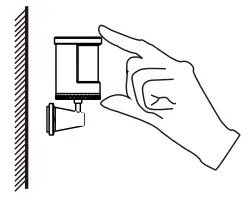
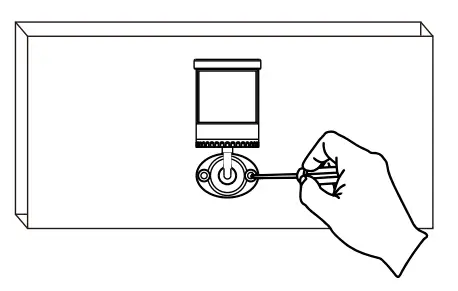
- Take off the double tape sticker

- Paste it on the outside of the wall or the place where you want to install it.

- Or attach it directly to the wall with screws.


P1 series switch
The P1 series switches are push button kinetic energy switches, which make the micro energy acquisition technology without batteries. Four modes of alarm host can be switched through the switch.
Parameters:
- Temperature range:-20℃~+55℃
- Communication mode:RF433MHz
- Dimensions: L54*W54*H21mm
- Control distance: 30m (Indoor) 80m (outdoor)
Installation
There are 3 using types like hand-holding, hanging and magnetic type
Fixed type 1: make 3M sticker fixed the holder on the wall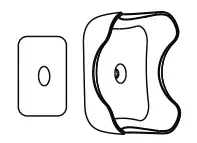
Fixed type 2: screw the holder on the wall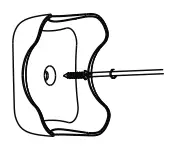
Step2: Put the P1 switch in the magnetic holder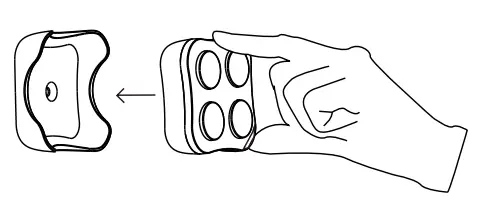
Doorbell transmitter
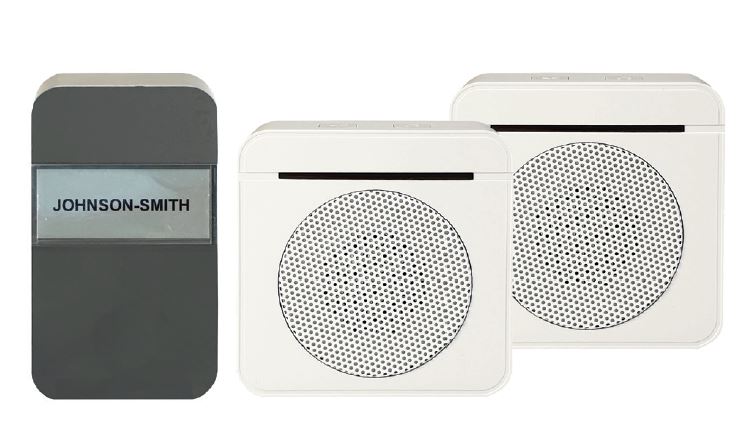
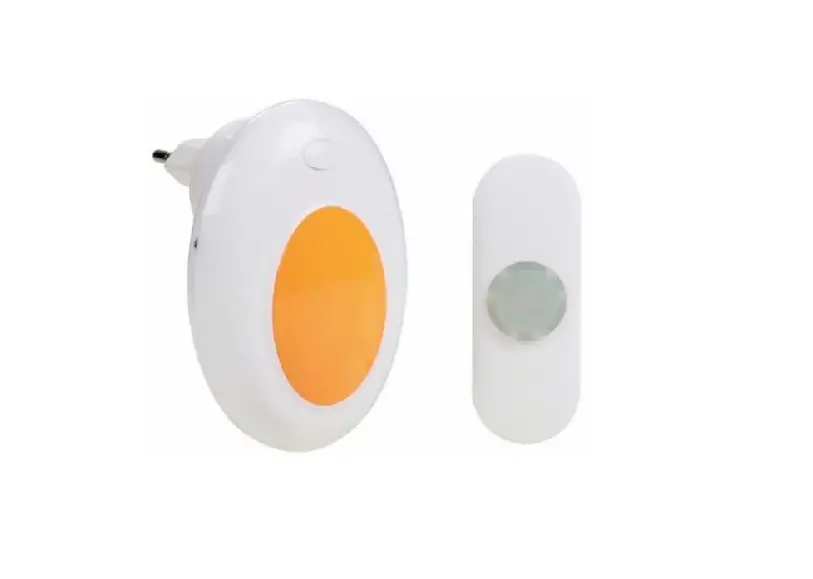
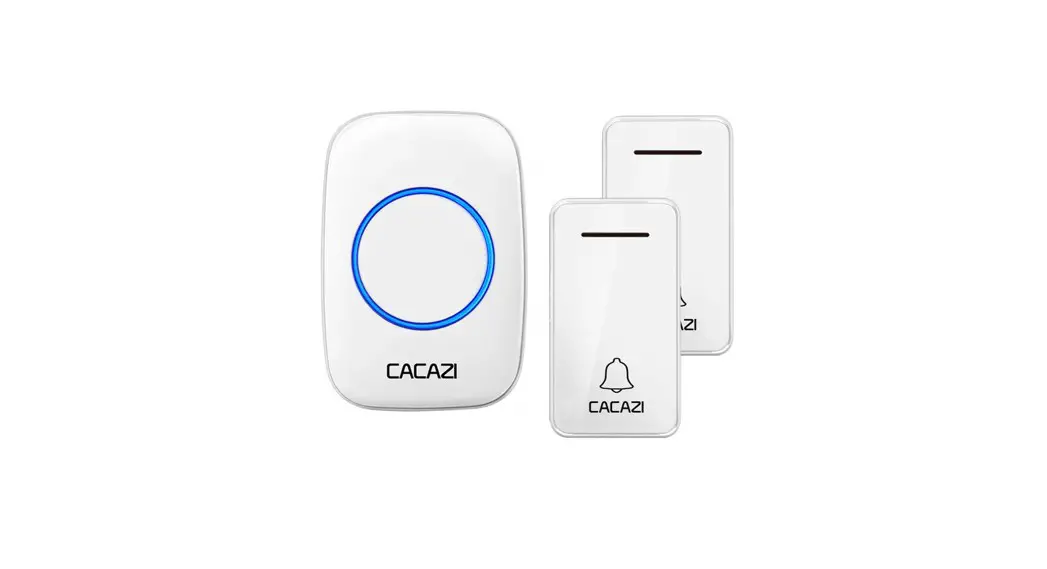
The doorbell transmitters are push button kinetic energy doorbell,which make the micro energy acquisition technology without batteries. It can activate the hub doorbell function.
Parameters
- Temperature range: -20℃~+55℃
- Communication mode:RF433MHz
- Dimensions: L46*W25*H72mm Material: PC
- Control distance: 30m (Indoor) 100m (outdoor)
Installation:
Fixed type 1: Paste the doorbell transmitter on the wall or door by 3M sticker. Note: don’t paste on the metal surface.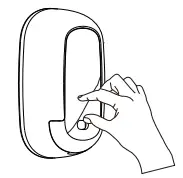
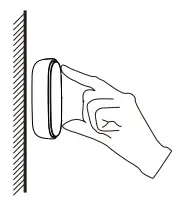
Fixed type 2: Fix the doorbell transmitter by the screw.
Step 1: Fix the holder by screw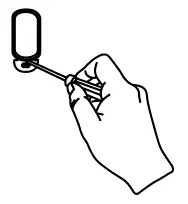
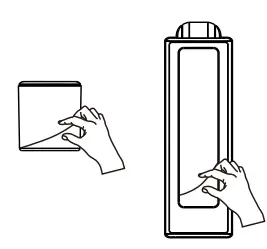
Step 2: Put the transmitter to the holder from up to bottom base
If you need to take out of the transmitter from the holder,please use the screw tools plug in the hole of the transmitter bottom.