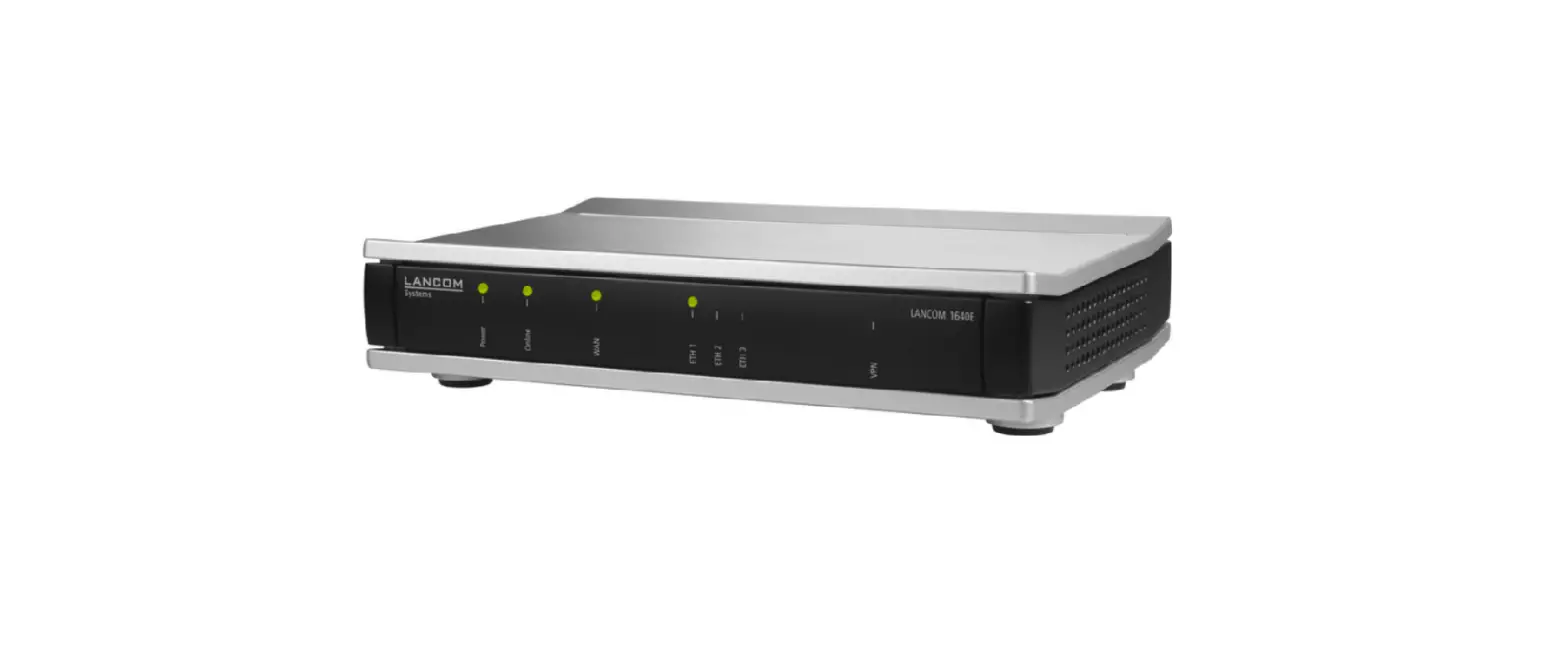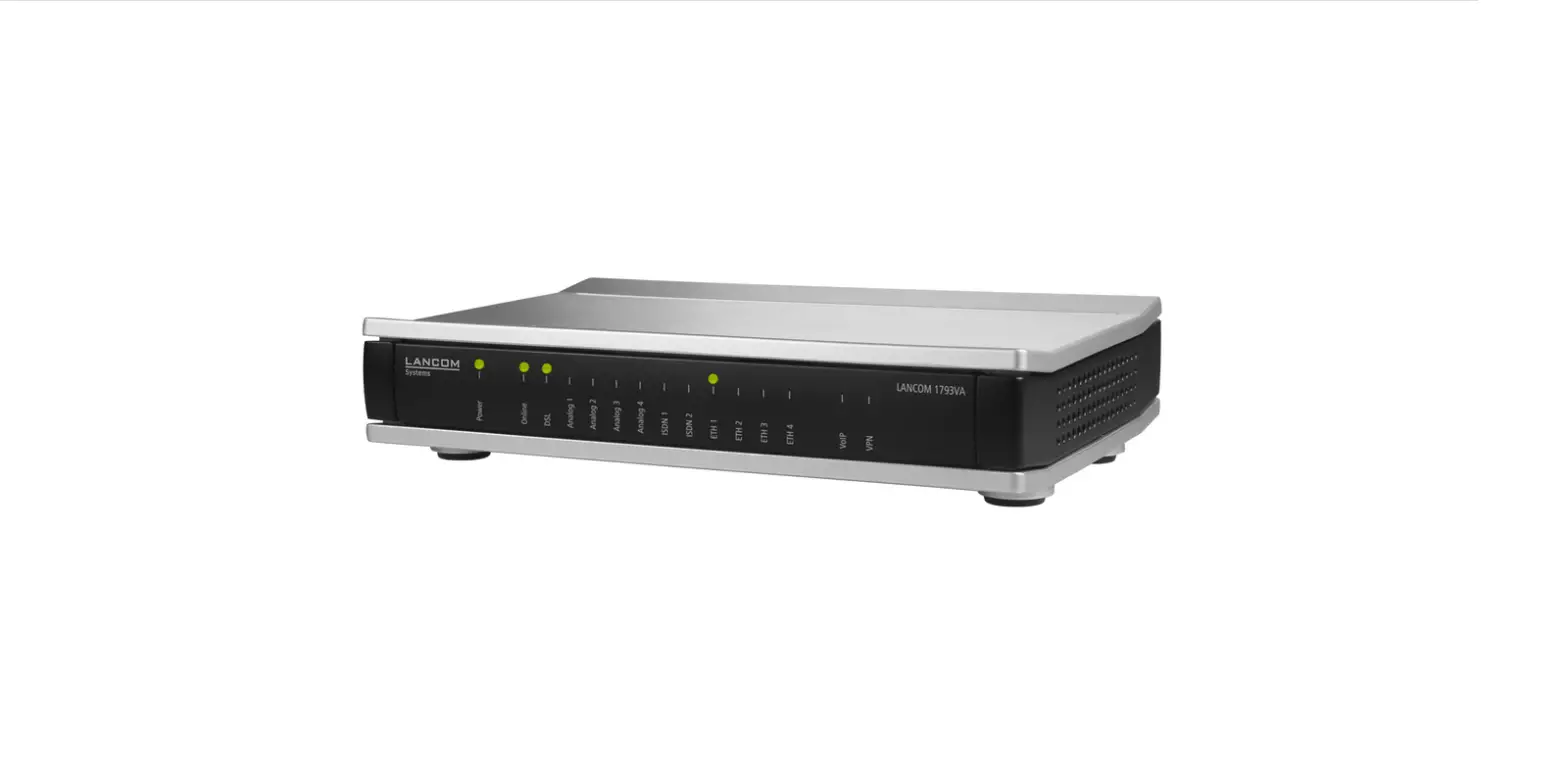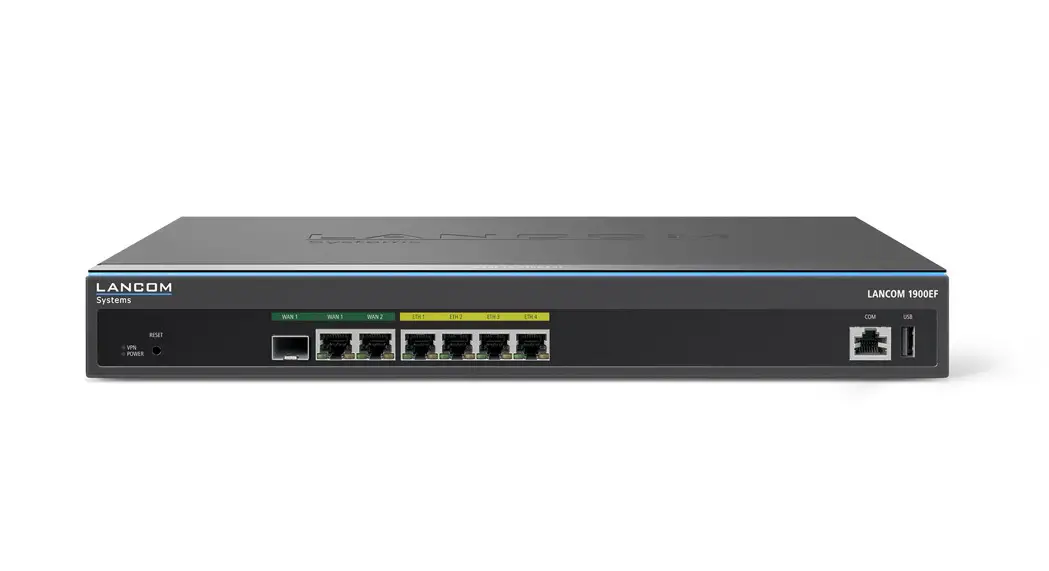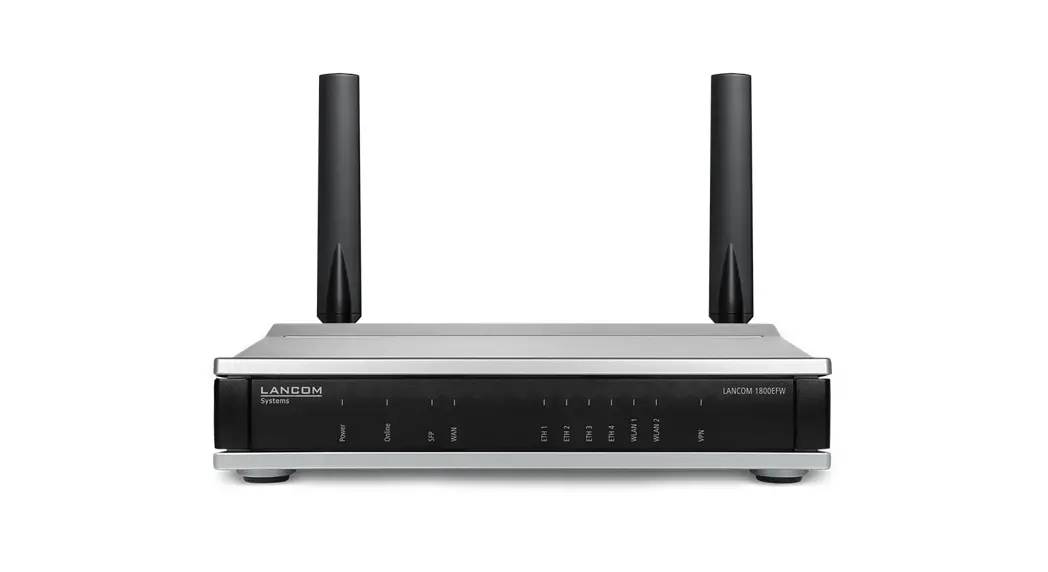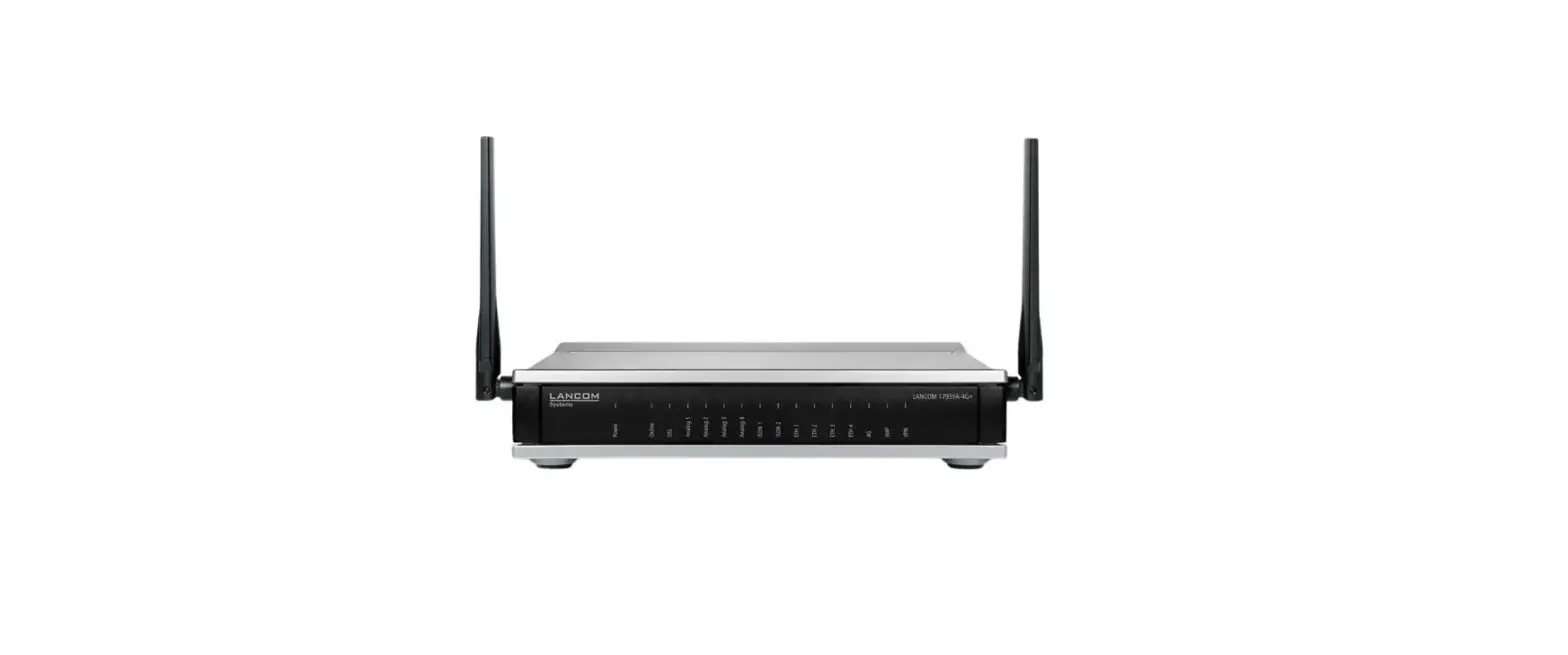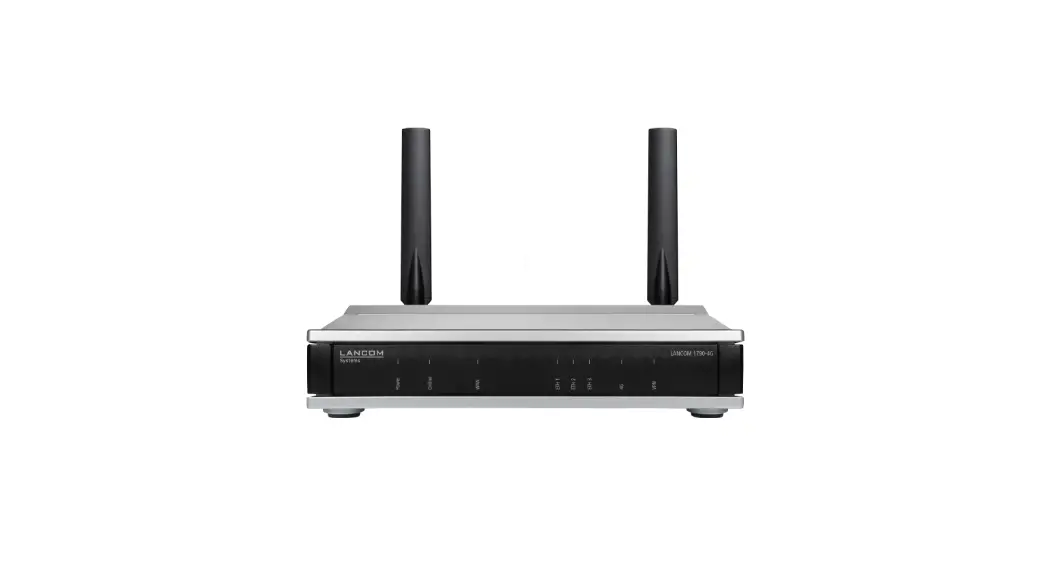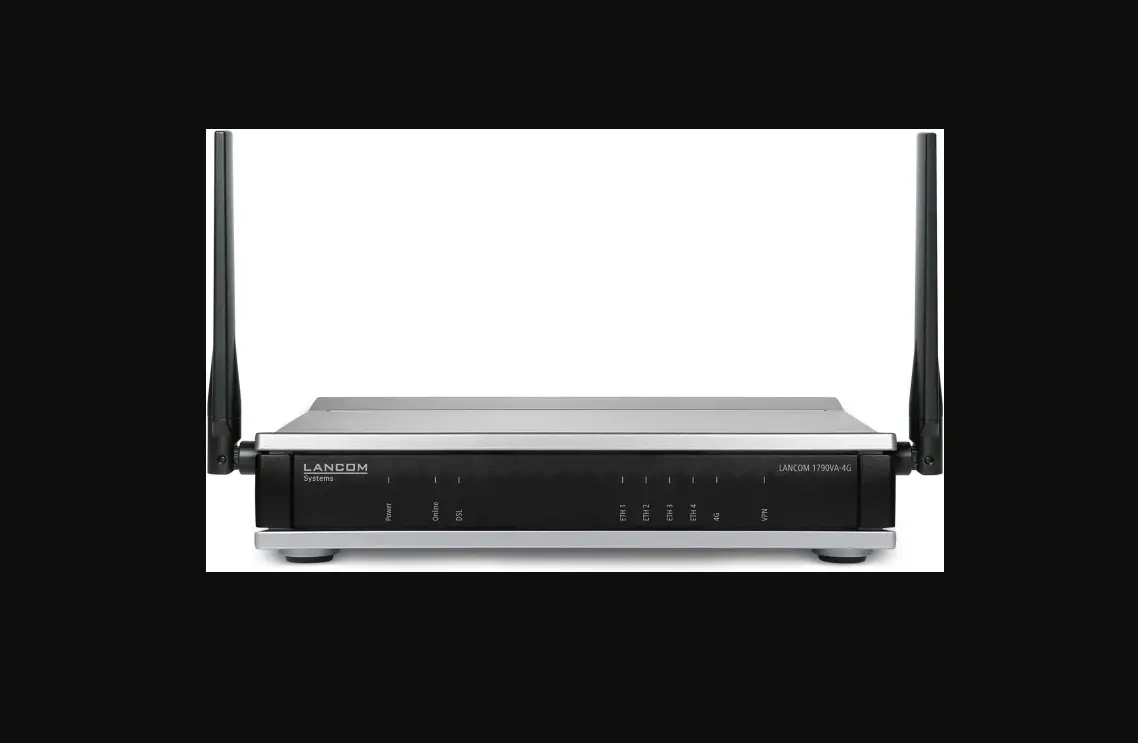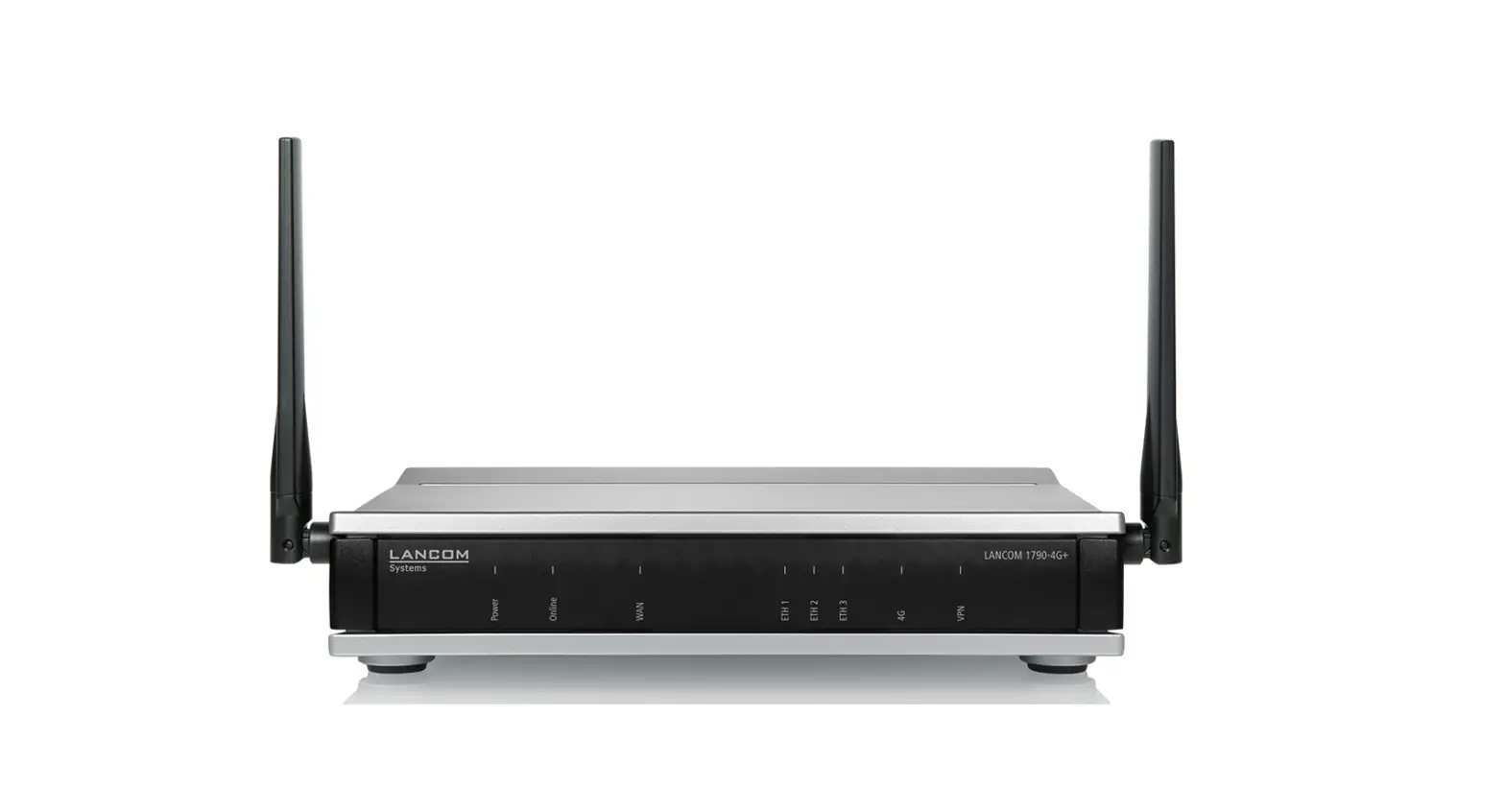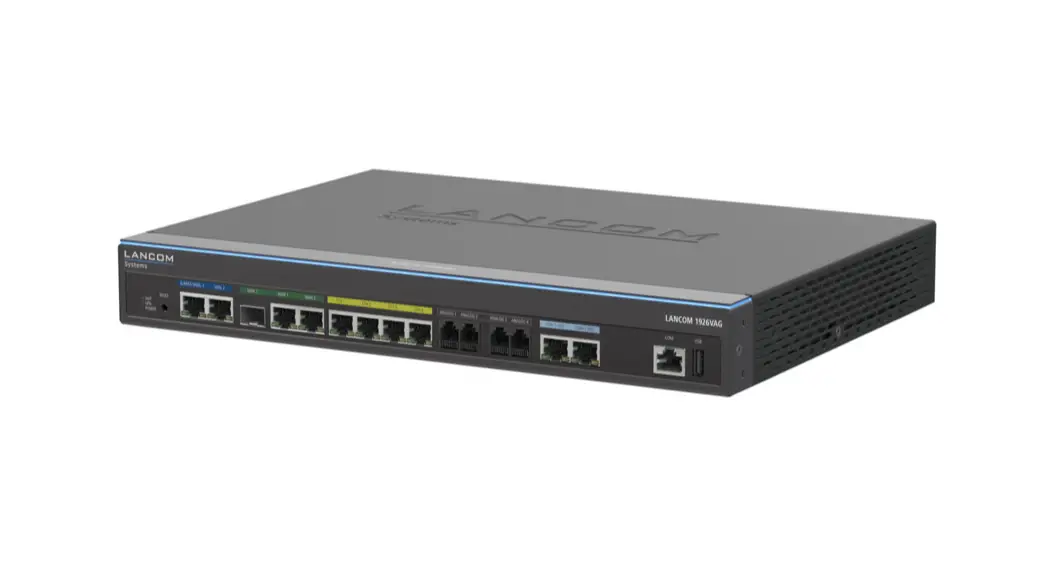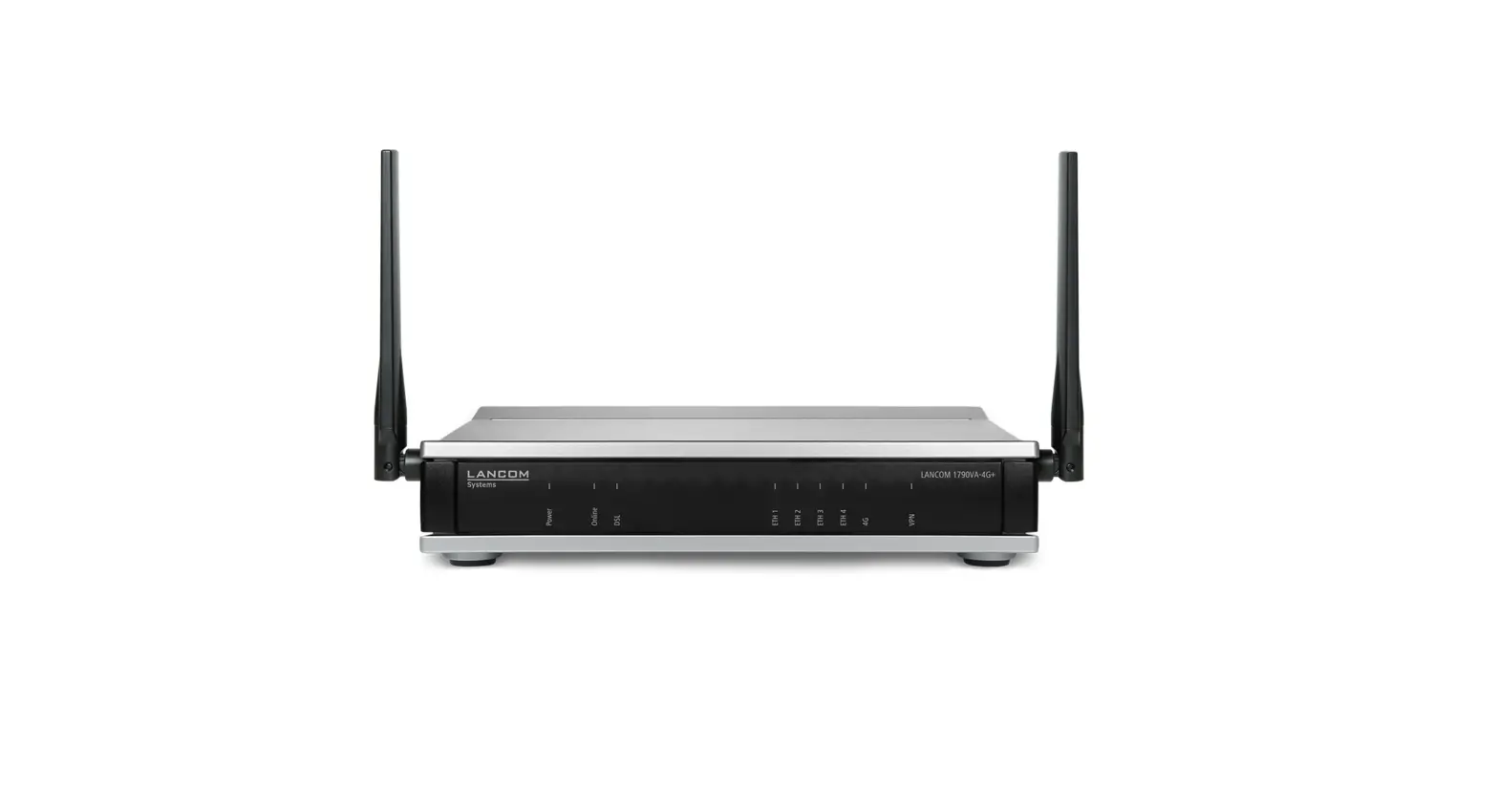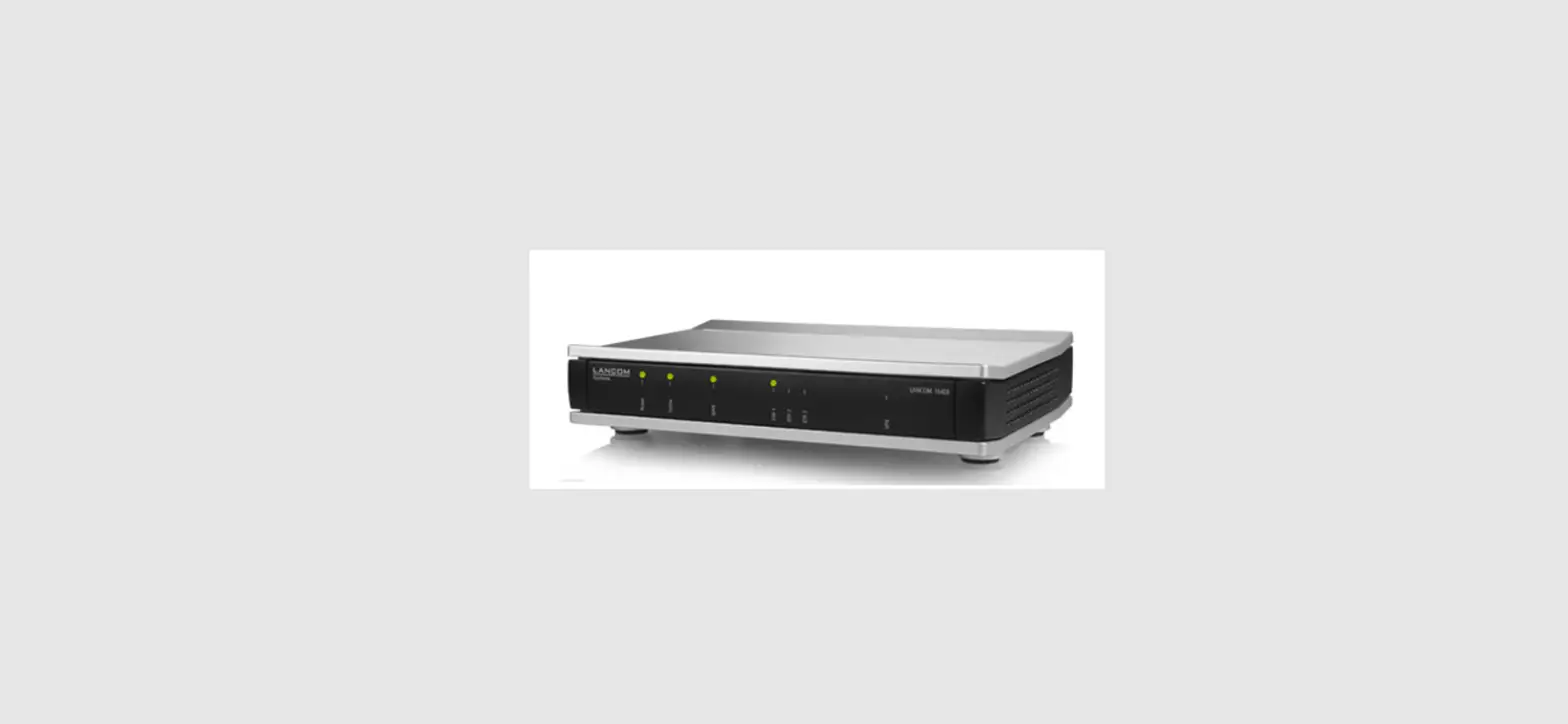
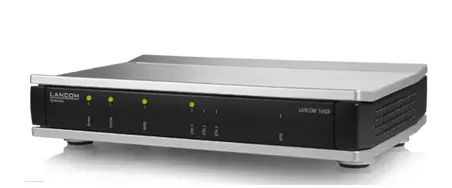
 LANCOM 1640E Business VPN Router
 INTRODUCTION
 LANCOM 1640E Business VPN Router
 INTRODUCTION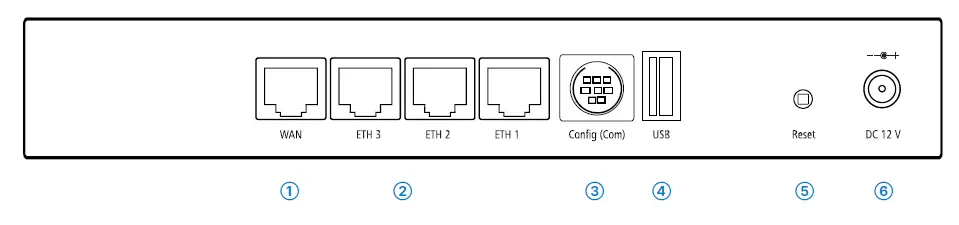
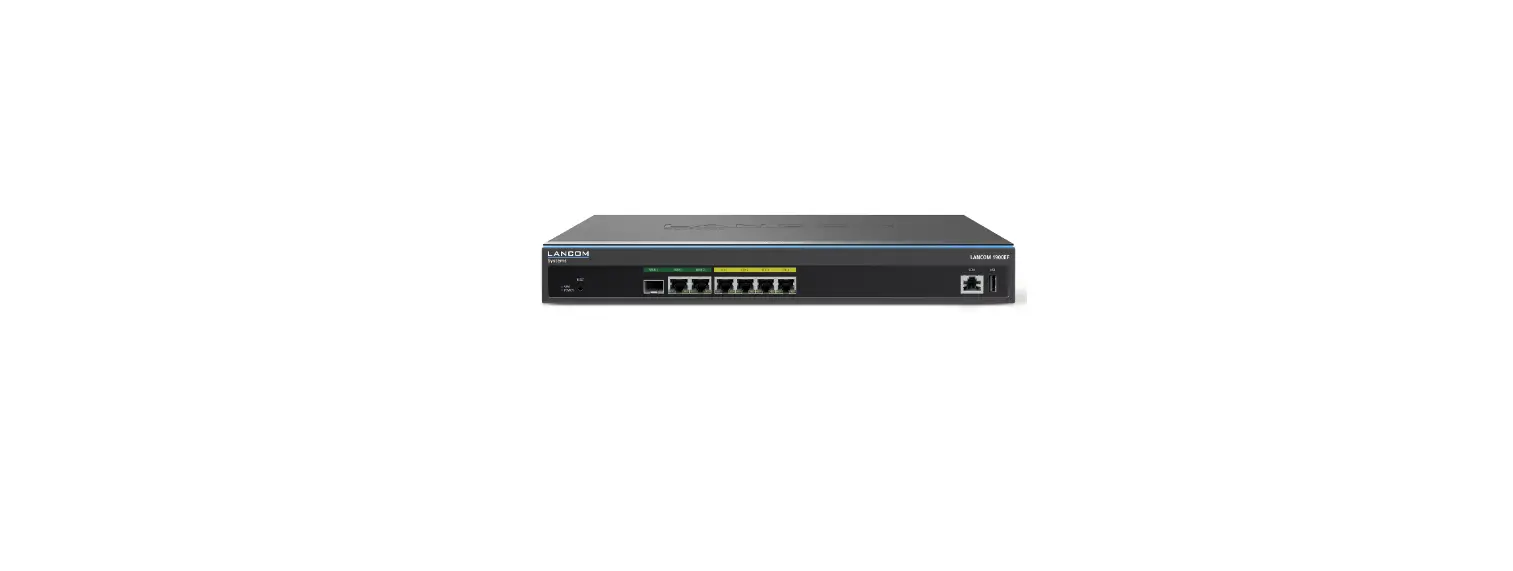
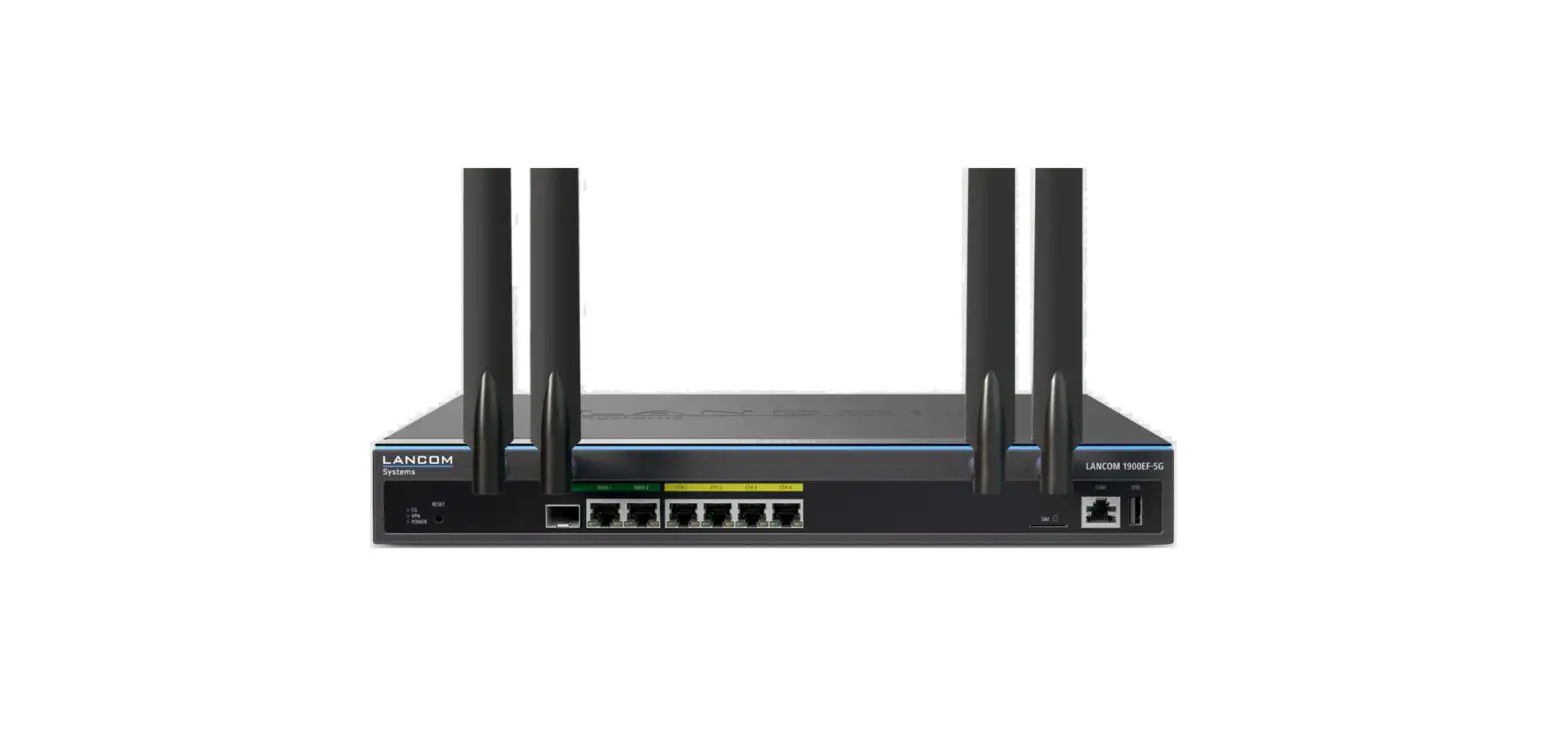
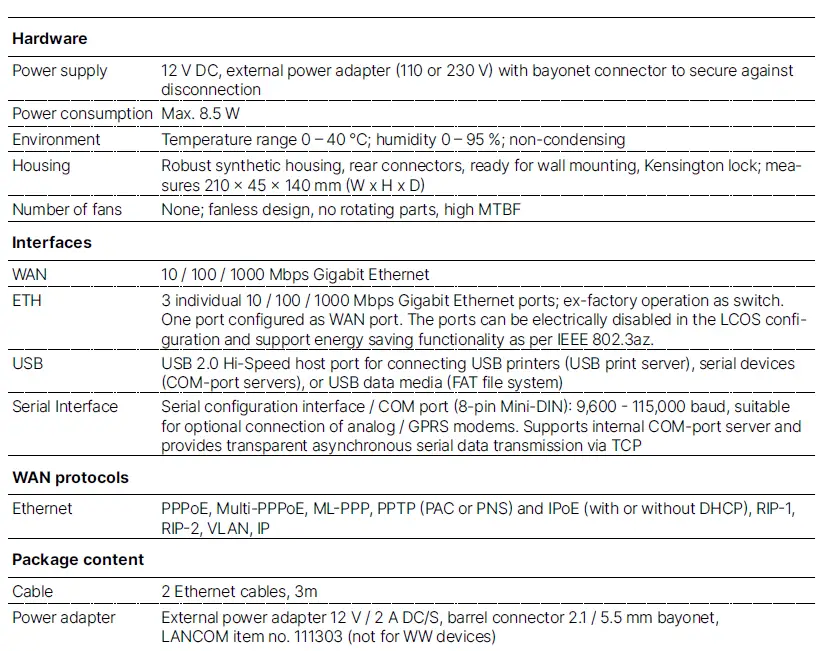
- WAN interface
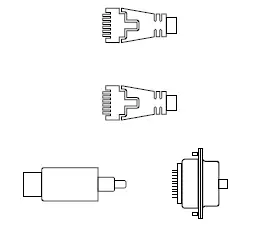
Connect the WAN interface to your WAN modem using the enclosed ethernet cable with the dark green connectors. - Ethernet interface
Use the cable with the kiwi-colored connectors to
connect one of the interfaces ETH 1 to ETH 3 to your PC or a LAN switch. - Configuration interface
Configuring the device via the serial interface requires a serial configuration cable (available as an accessory).
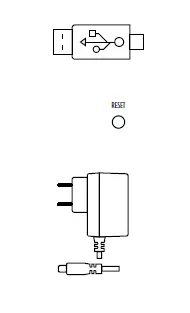
- USB interface
You can use the USB interface to connect a USB printer or a USB storage device. - Reset button
Pressed up to 5 seconds: device restart Pressed until first flashing up of all LEDs: configuration reset and device restart - Power
When connecting the cable to the device, turn the bayonet connector 90° clockwise until it clicks into place.
Use only the supplied power adapter
Before initial startup, please make sure to take notice of the information regarding the intended use in the enclosed installation guide!
Operate the device only with a professionally installed power supply at a nearby power socket that is freely accessible at all times.
Please observe the following when setting up the device
- The power plug of the device must be freely accessible.
- For devices to be operated on the desktop, please attach the adhesive rubber footpads
- Do not rest any objects on top of the device
- Keep all ventilation slots on the side of the device clear of obstruction
- In case of wall mounting, use the drilling template as supplied
- Rack installation with the optional LANCOM Rack Mount (separately available)
- Please note that support service for third-party accessories is excluded.
Mounting & connecting


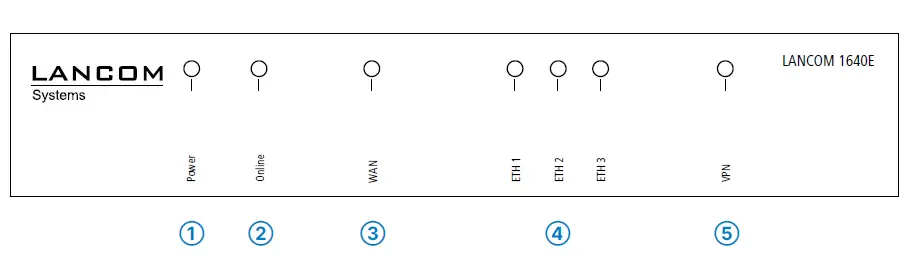
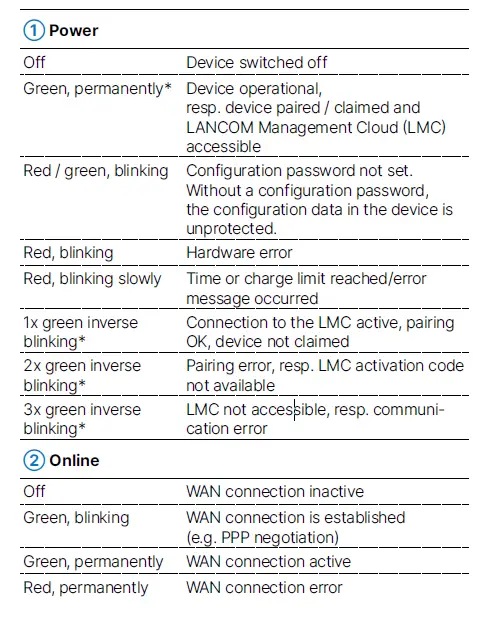
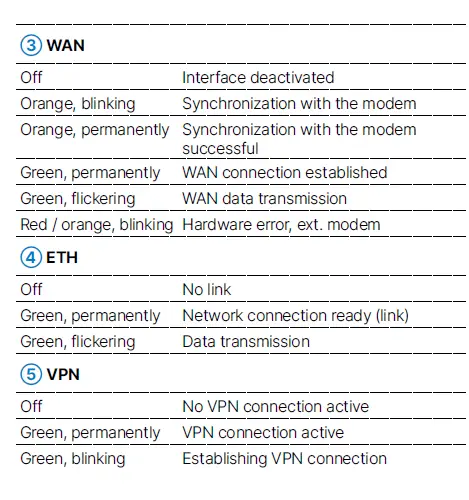
The additional power LED statuses are displayed in 5-seconds rotation if the device is configured to be managed by the LANCOM Manage-ment Cloud.
This product contains separate open-source software components which are subject to their own licenses, in particular the General Public License (GPL). The license information for the device firmware (LCOS) is available on the device‘s WEBconfig interface under “Extras > License information“. If the respective license demands, the source files for the corresponding software components will be made available on a down-load server upon request.
Hereby, LANCOM Systems GmbH | Adenauerstrasse 20/B2 | D-52146 Wuerselen, declares that this device is in compliance with Directives 2014/30/EU, 2014/35/EU, 2011/65/EU, and Regulation (EC) No. 1907/2006. The full text of the EU Declaration of Conformity is available at the following Internet address: www.lancom-systems.com/doc
 DoC - LANCOM Systems GmbH