
 medi.connect Desktop Software
Installation Guide
Medi.connect Desktop Software
Software Installation Guide Veroval® ECG and Blood Pressure Monitor 2 in 1 combined device
 Ea data administration and store
Data transfer for Veroval° ECG and Blood Pressure Monitor 2 in 1 combined device.
For tracking your values, start by setting-up the date and time on the device before using it.
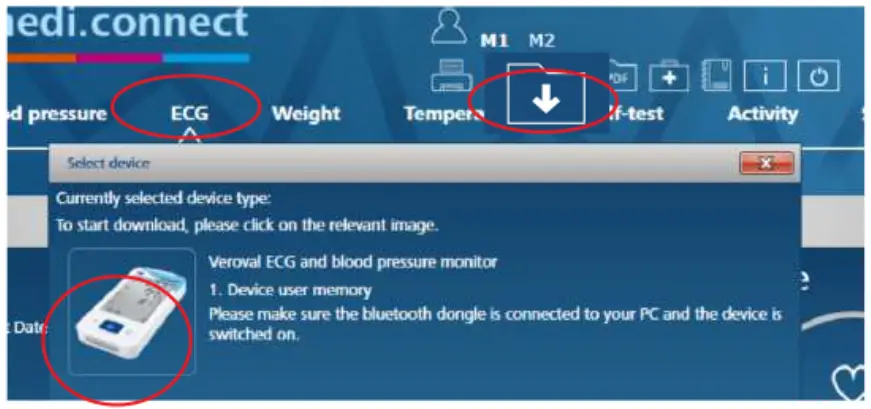
- Select ECG in the software.
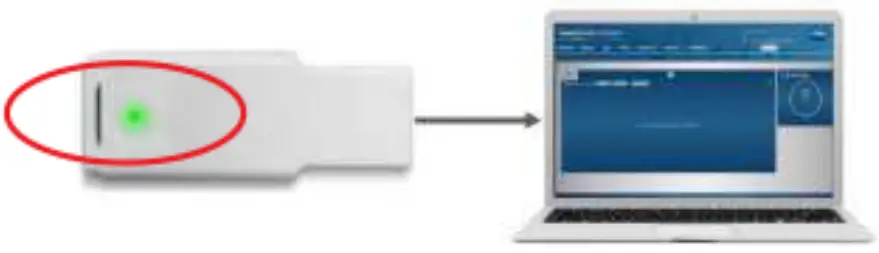
- Plug in the USB Bluetooth Adapter into your PC & wait until it lights up GREEN.

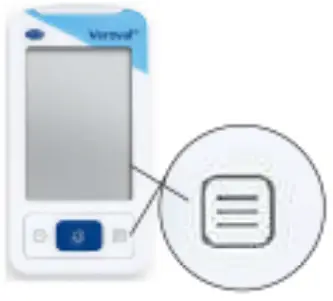
- Turn on the ECG device by clicking this button.

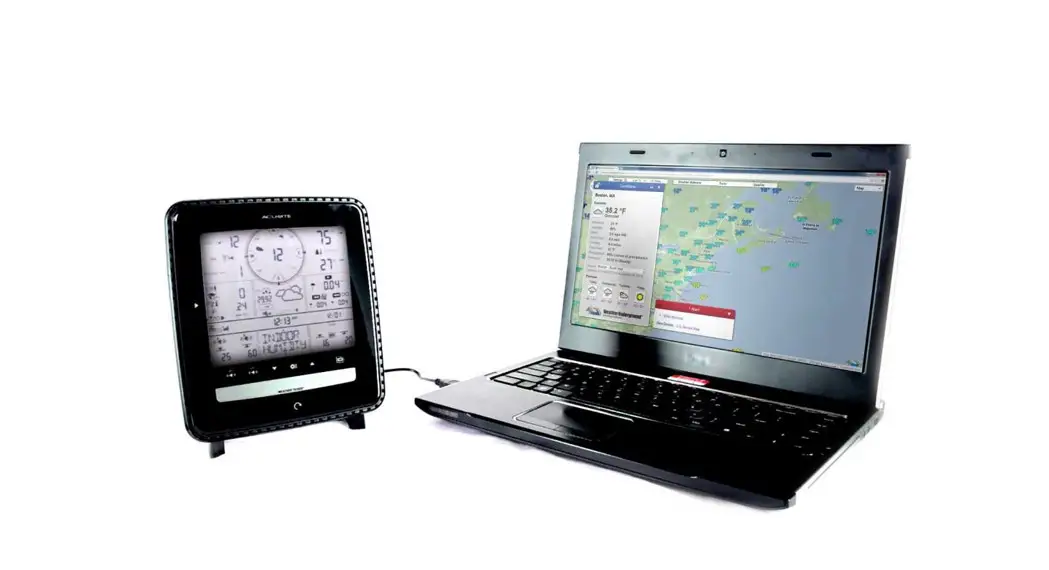
- Go back to your PC and click on “Data Transfer” then select the ECG device to link it to the software.

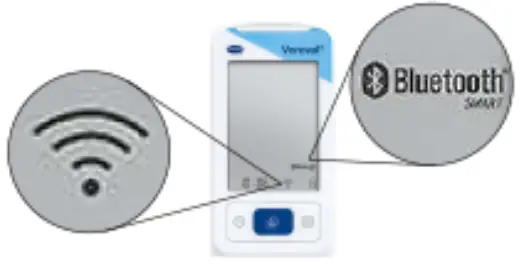
- When the Bluetooth icon shows on the screen, the connection is now established.

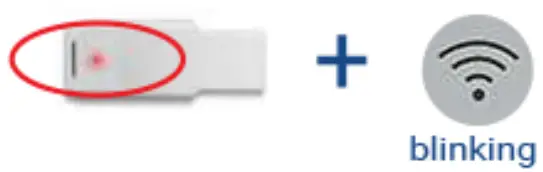
- When the Bluetooth adapter lights up RED and the connection indicator starts blinking on the device, the data transfer has started.

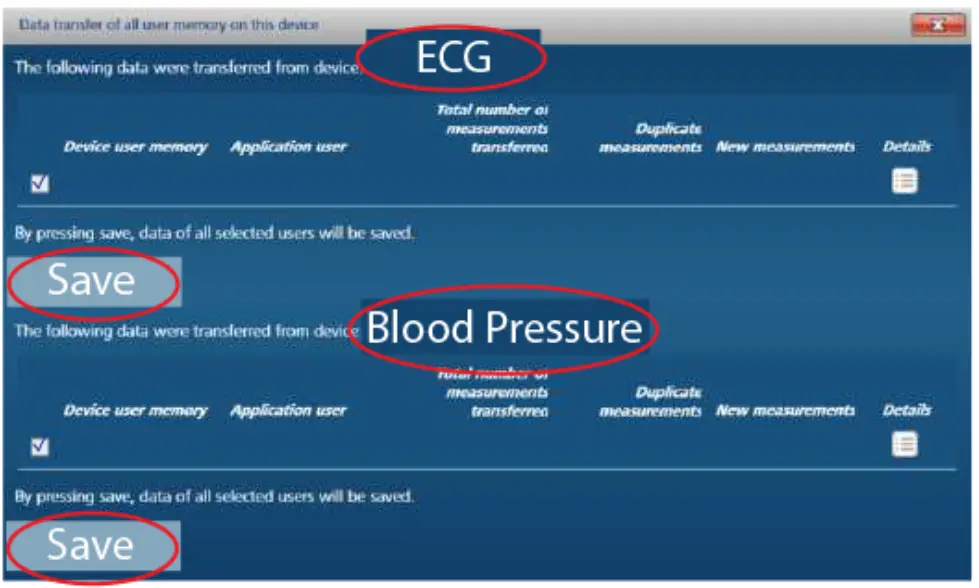
- After transmission, select the values you want to store, then click Save.

- The stored values are now saved and displayed as
 that you can download as PDF, print, or email to your doctor.
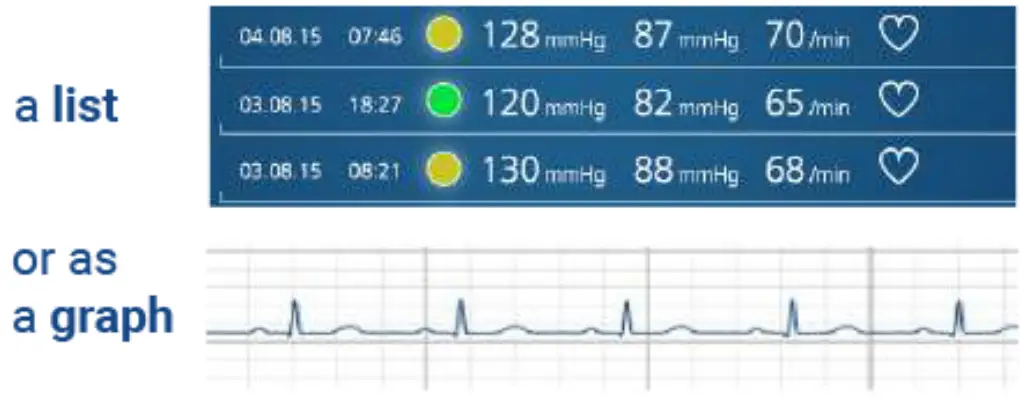 that you can download as PDF, print, or email to your doctor.
Keep Track of your values using Verovar MediConnect
SOFTWARE* DOWNLOAD AND INSTALLATION
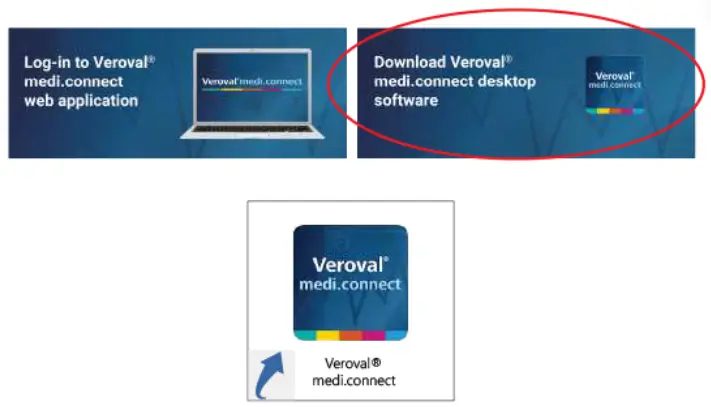
- Visit www.veroval.info/en/mediconnect Click on Download Veroyal” medi.connect desktop software and install.
- Once installation is complete, an icon will show on your computer’s desktop.
ACCESS AND REGISTRATION
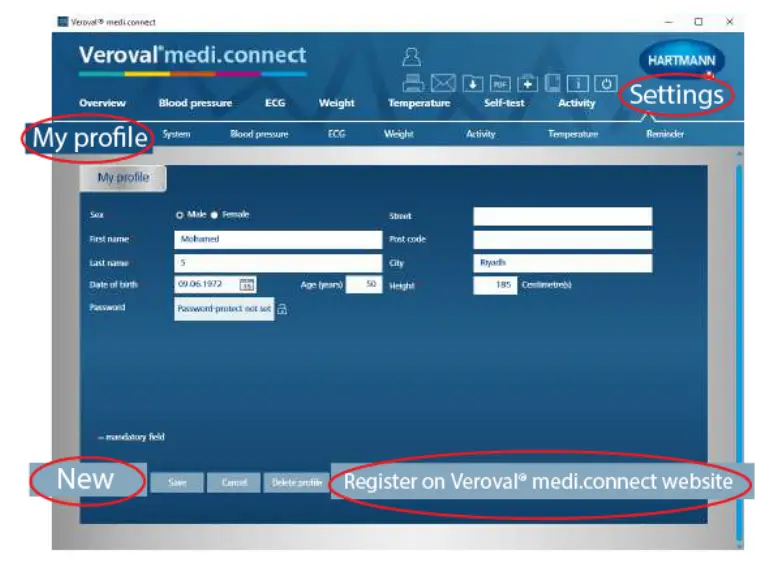
- Double click on the Veroval” medi.connect software which will take you to the homepage.
- Go to Settings then My profile and fill in your information: Gender, Age, Height. On the same page, fill in your desired password, then click Save.
- Click on Register on Verovar medi.connect with your email and password to be able to synchronize your values and access from any browser.
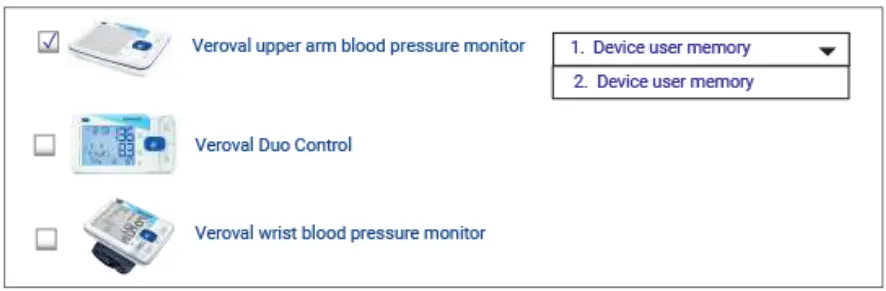
- In Settings, select your device: Blood Pressure, ECG, Weight, then select memory “1. Device user memory” then click Save.
- You can now start data transfer.
- For adding a person on Memory 2, go to My profile then click on “New”.

- After adding a new profile, repeat Step 2 and select your device as memory “2. Device user memory” then click Save.