 Installation Guide
Firmware Installation Update
- Decompressing the files


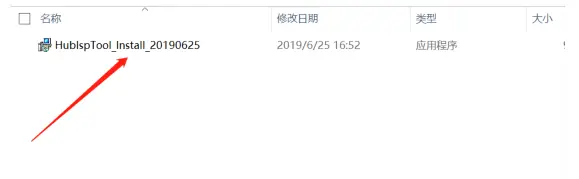
- Open the HublspTool_Install

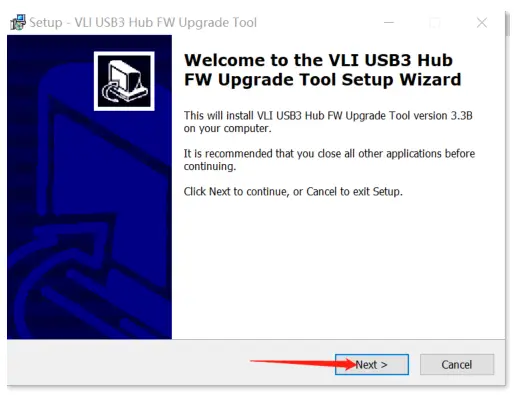
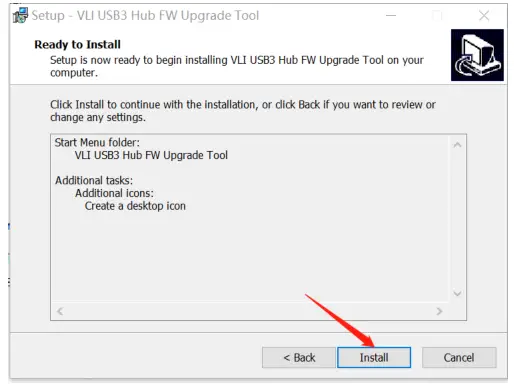
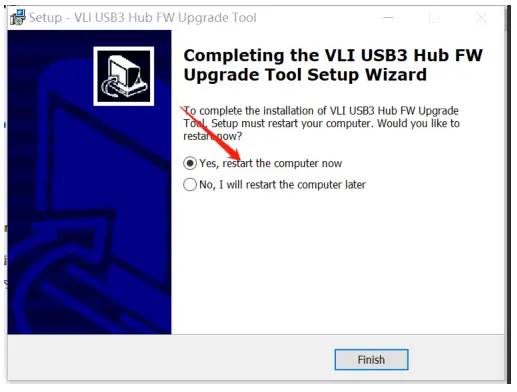
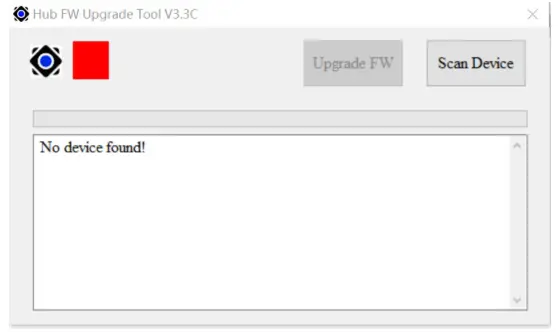
- Run HubIspTool_Install_20190625


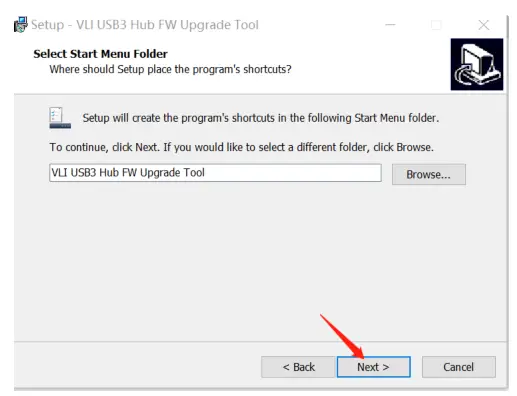
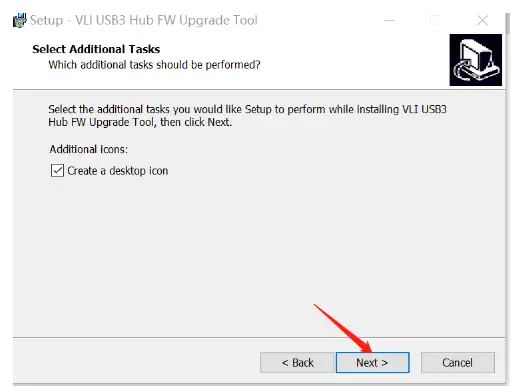
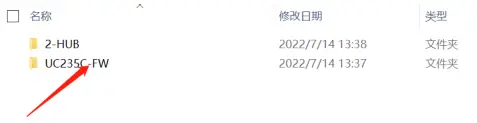
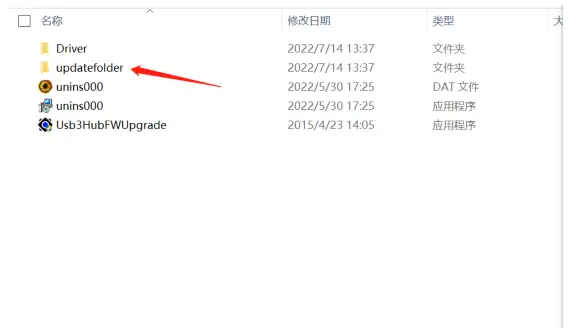
- Follow the arrow to open the file


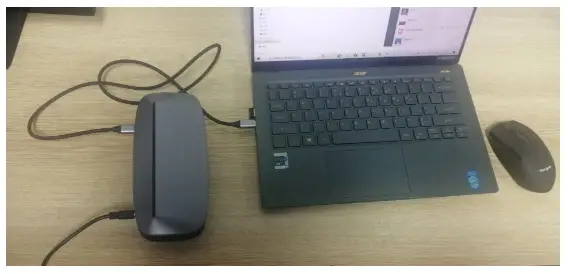
- Connect the dock to the laptop (Windows)

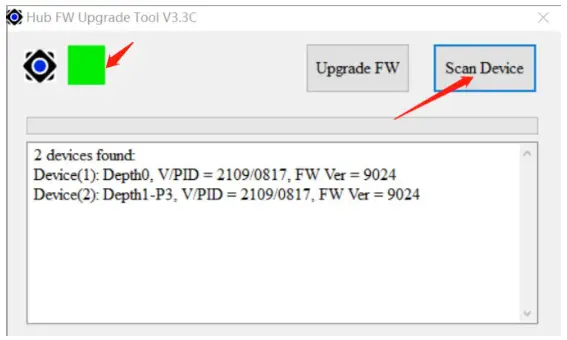
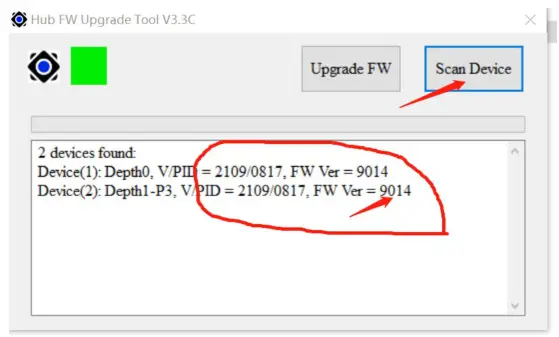
- Green indicates successful identification whereby the FW version is “9024”. This is the old version so click “Scan Device” to upgrade to the new version.


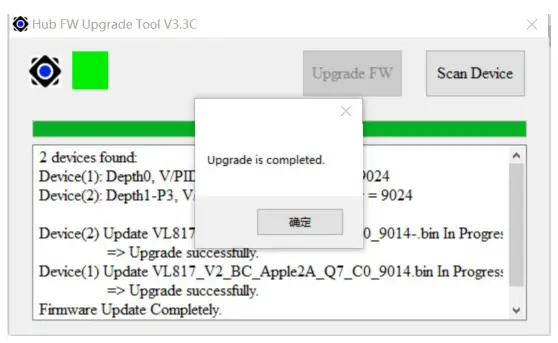
7. After completion, wait a few seconds and click “Scan Device” again to verify the FW version. It should show “9014” which is the new version and indicates we have installed the new FW correctly.