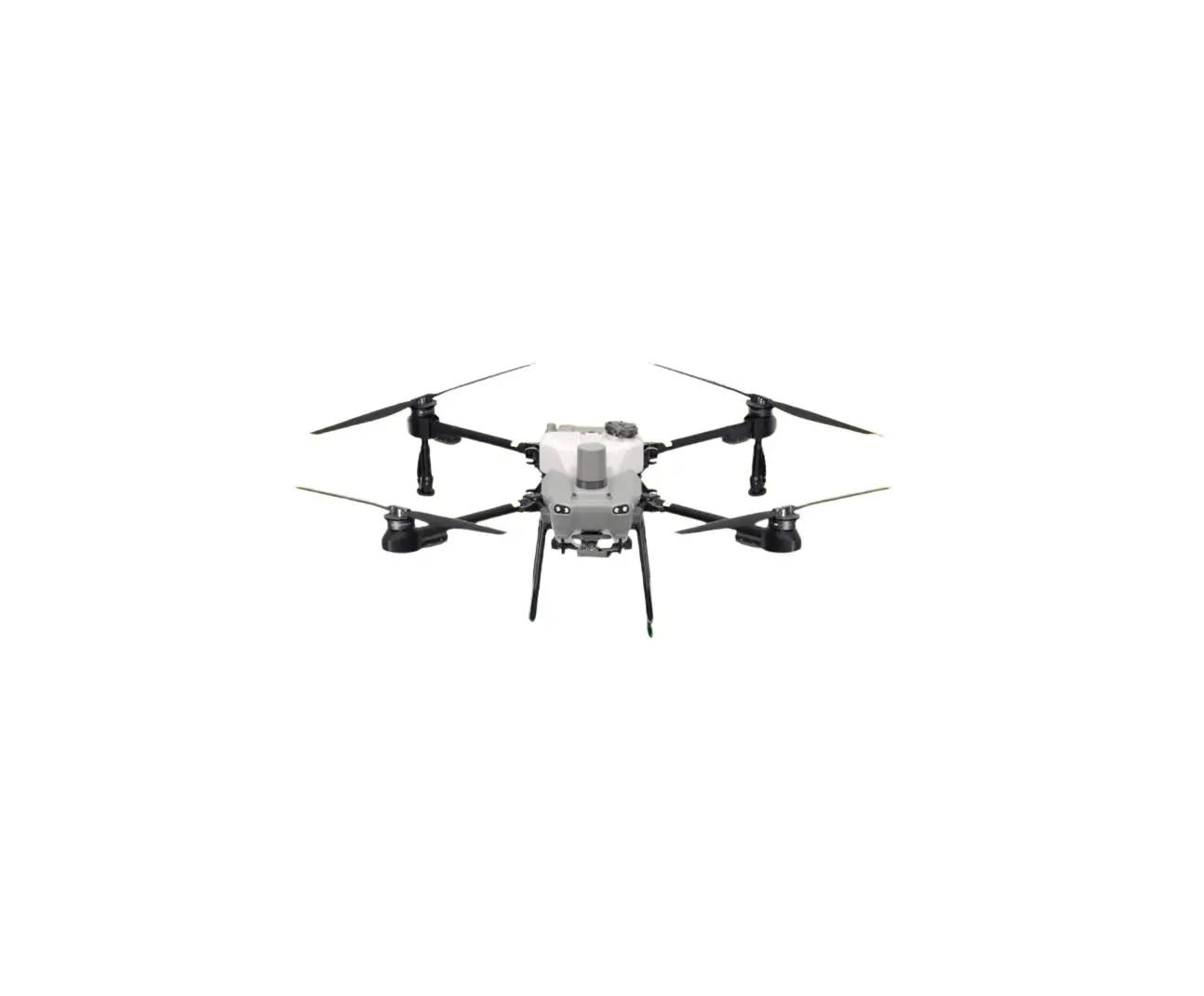
dji Agras T25 Aircraft
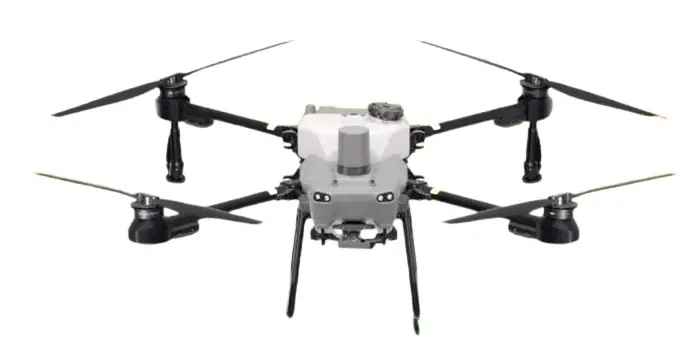
Aircraft Introduction
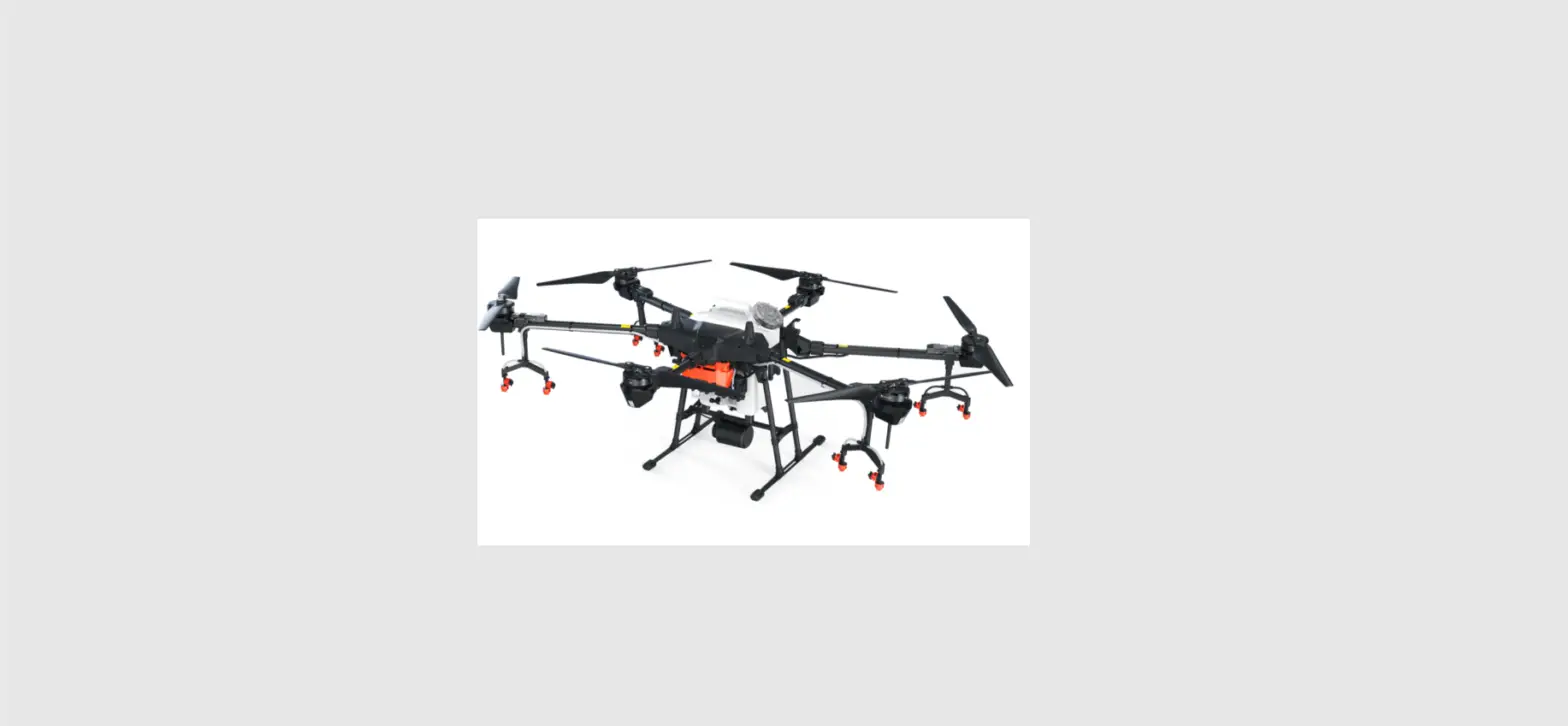
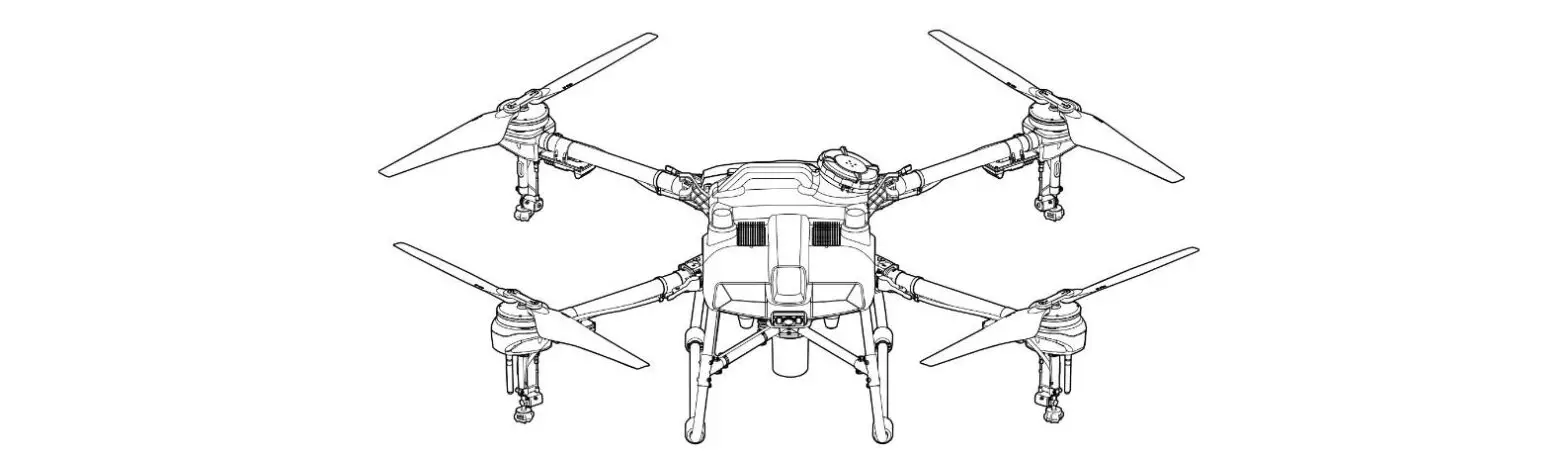
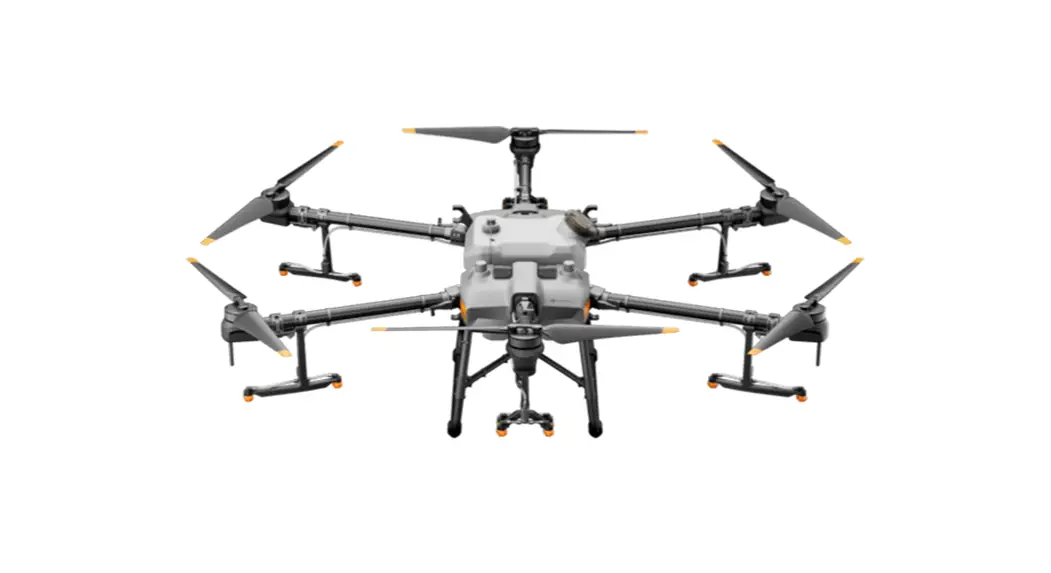
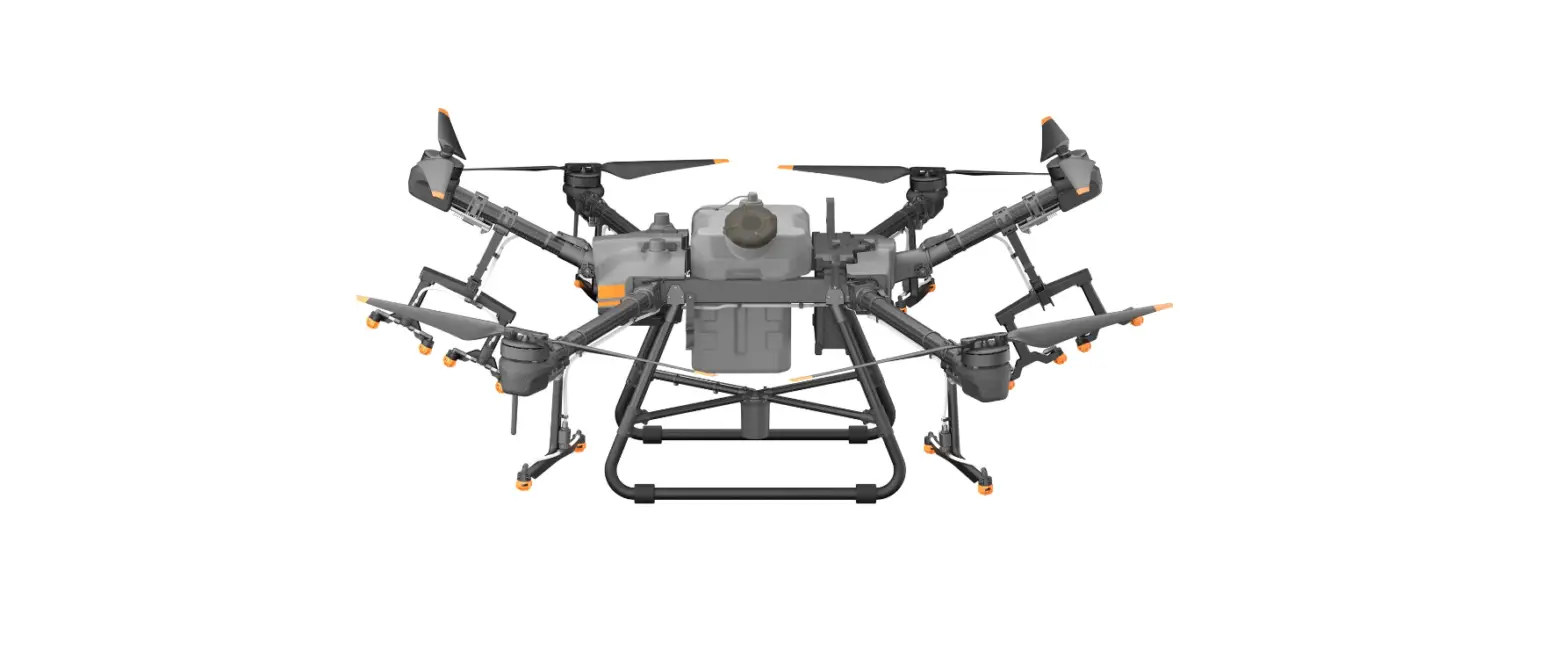
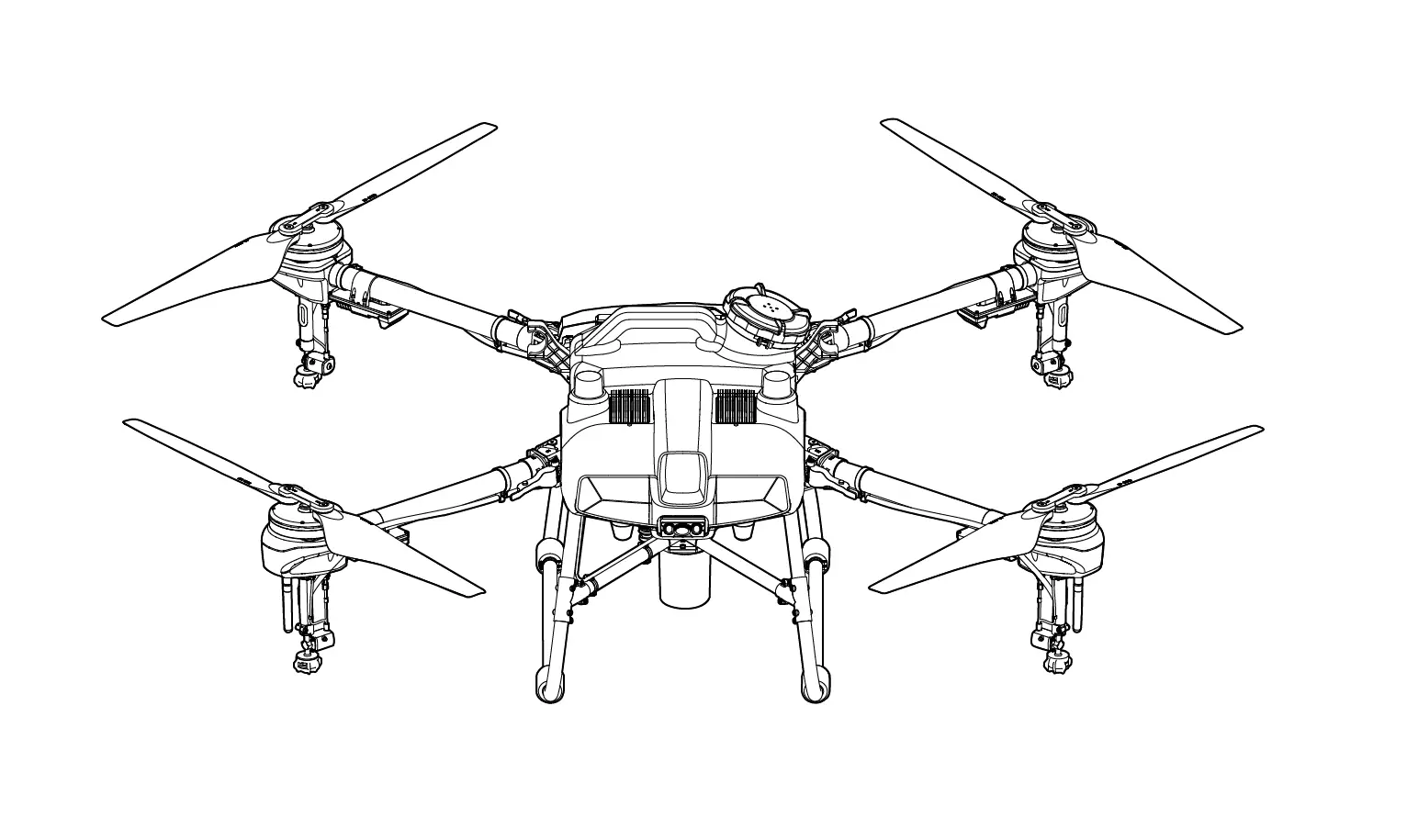
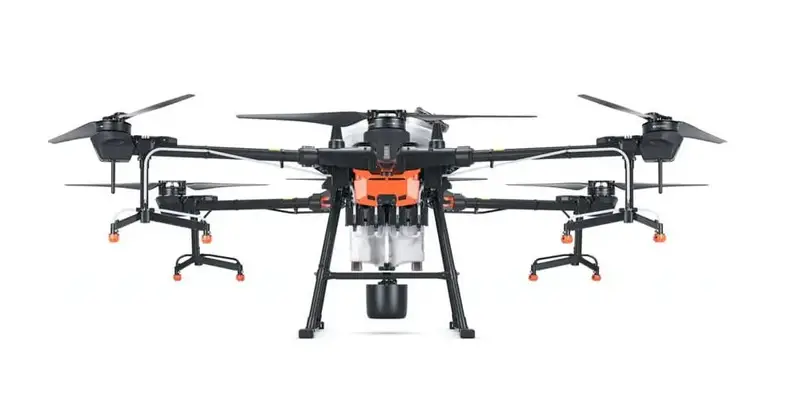
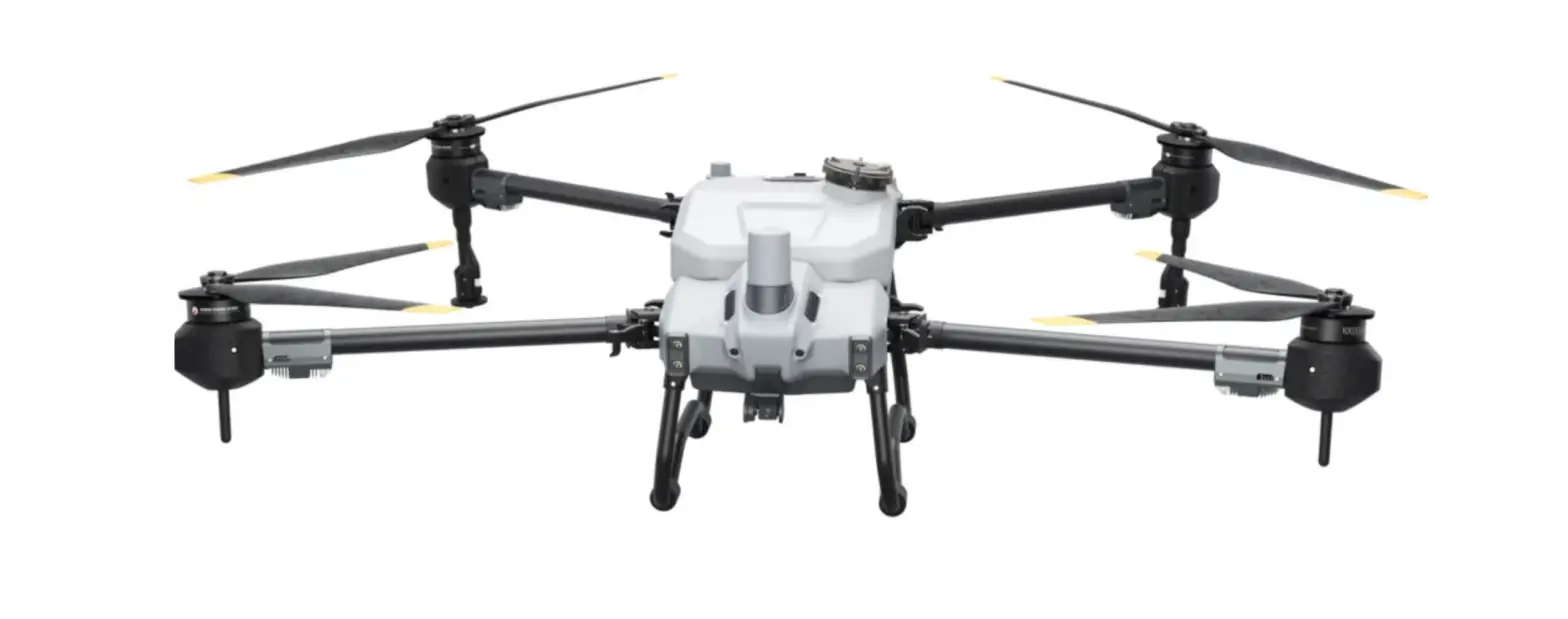
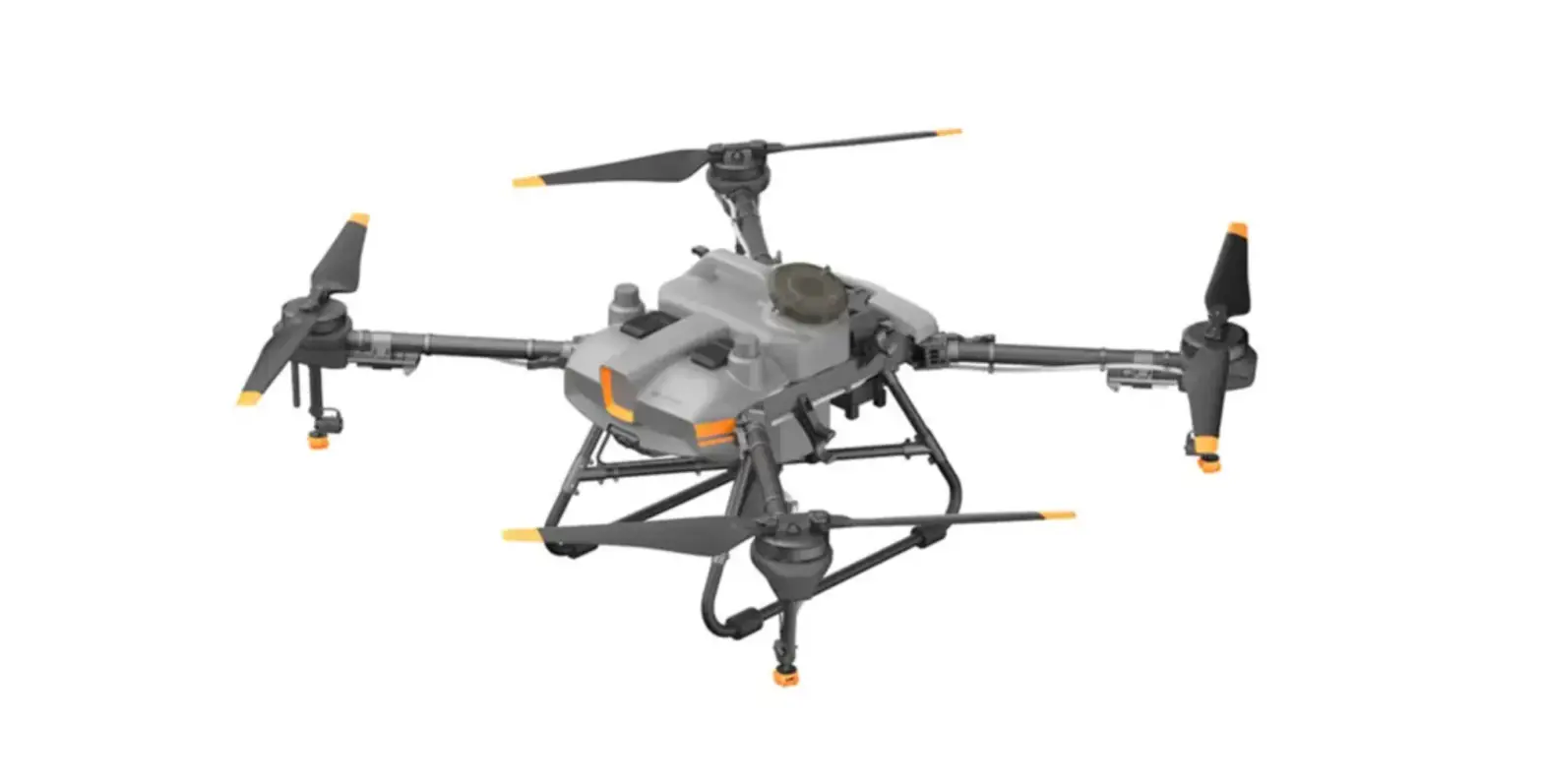
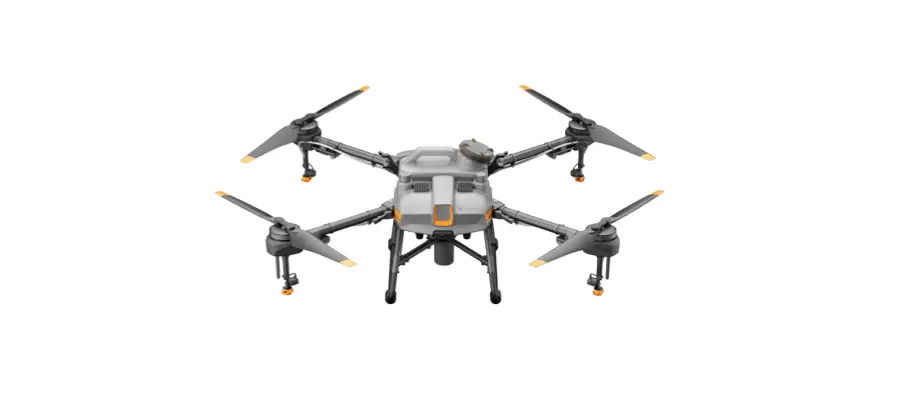
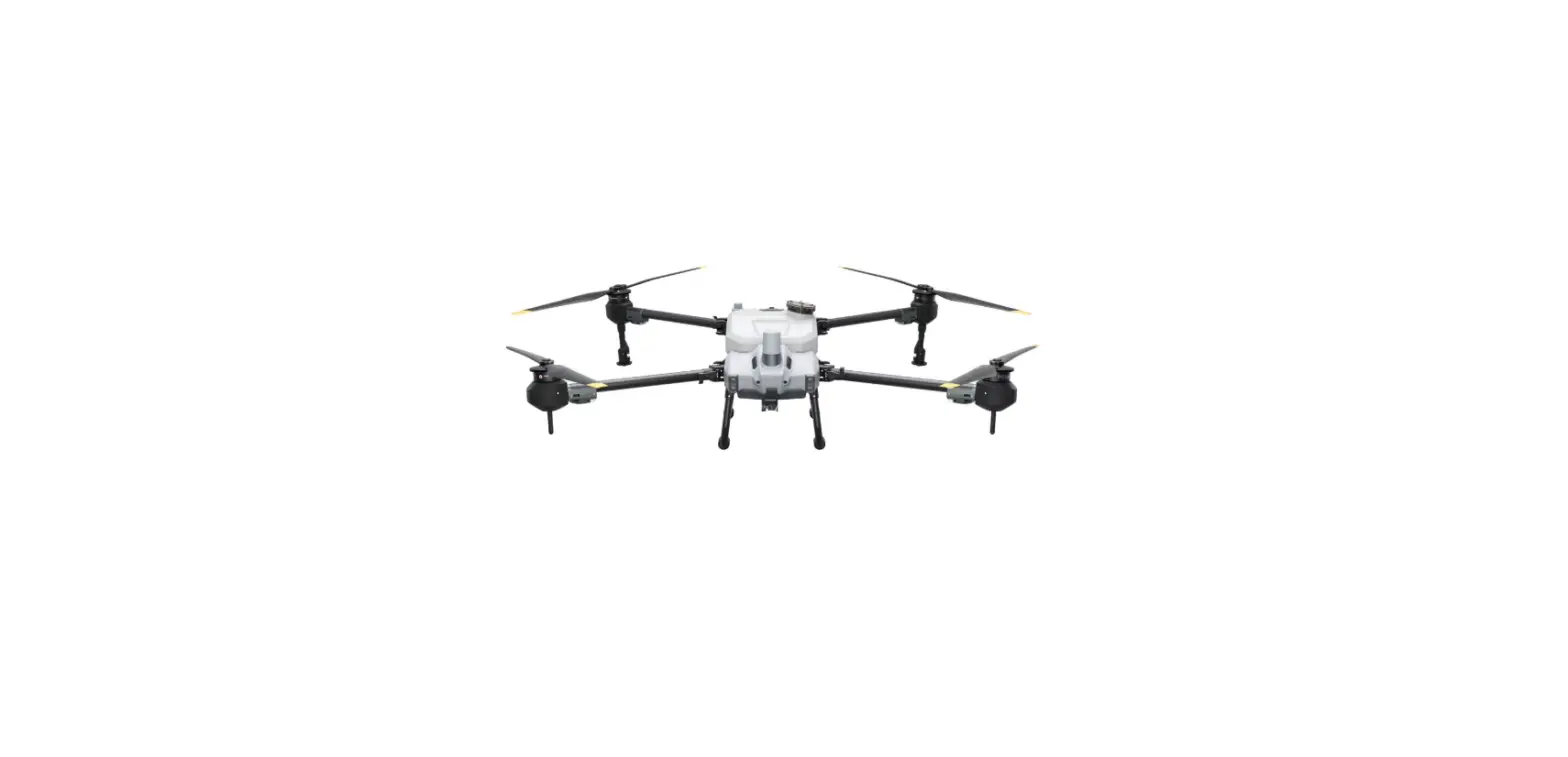
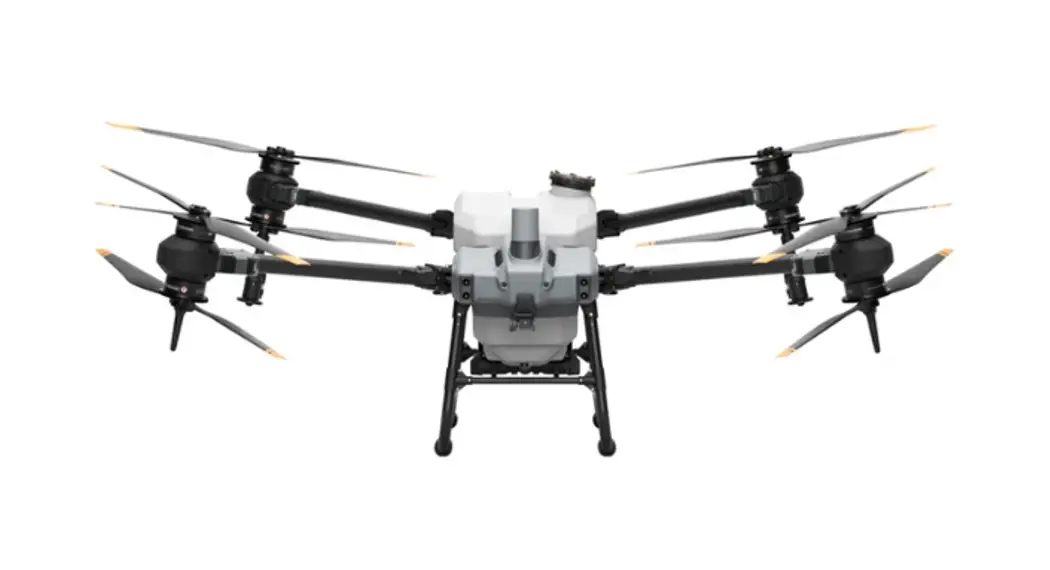
The Agras T25 aircraft has a truss-style body that comes with pitched arms that can be folded, making it easier to transport. The integrated spraying system can quickly transform into the spreading configuration with a spreading payload of 25 kg.
The aircraft is equipped with the phased array radar system and binocular vision system, including downward and forward binocular vision, forward and rear phased array radar. The systems provide 360-degree omnidirectional obstacle sensing to ensure operational safety. The ultra HD FPV camera with a tiltable gimbal can automatically collect HD field images for local offline reconstruction to assist precise field planning.
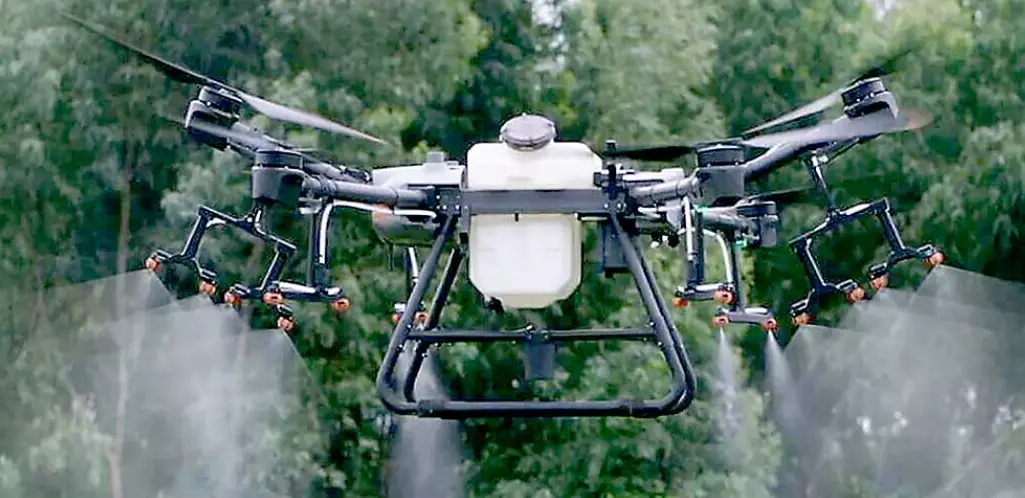
The Coaxial Dual Propeller structure brings a strong wind field. Pesticides can penetrate thick canopies to allow thorough spraying. The spraying system is equipped with the Magnetic Drive Impeller Pump, Dual Atomized Sprinkler, Anti-Drip Centrifugal Valve and solenoid valve, to ensure more efficient and precise pesticide spraying, as well as save liquid pesticide. The spraying system can be upgraded with two more sprinklers to meet different operation scenarios.
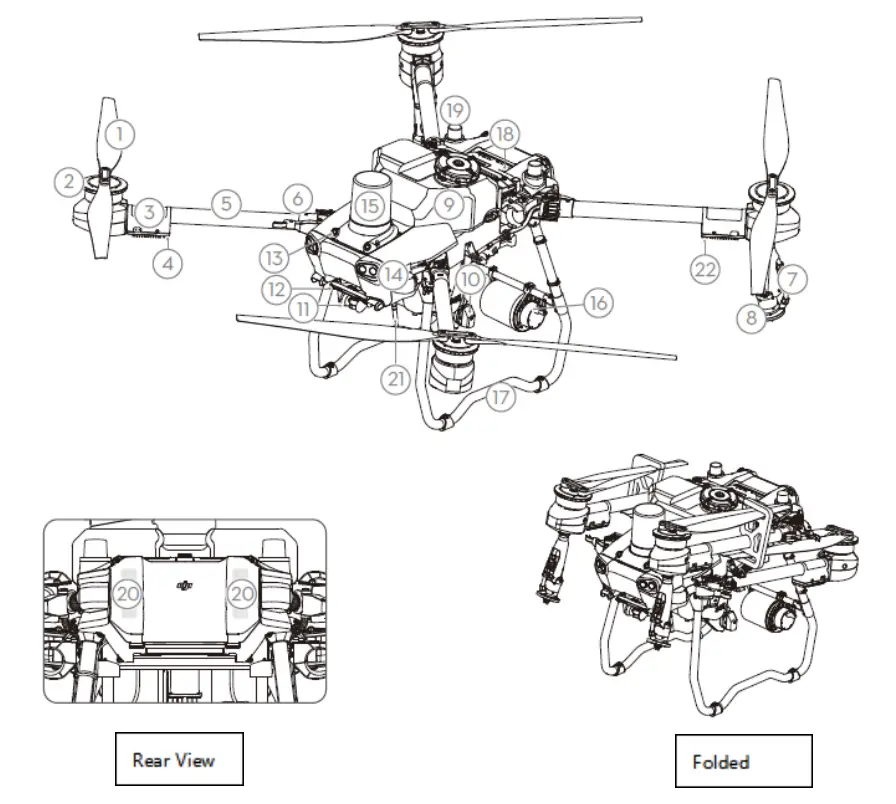
Product Overview
- Propellers
- Motors
- ESCs
- Aircraft Front Indicators (on two front arms)
- Frame Arms
- Folding Detection Sensors (built-in)
- Spray Lance
- Sprinklers
- Spread Tank
- Delivery Pumps
- FPV PTZ camera
- Downward Binocular Vision
- Forward Binocular Vision
- Spotlights
- Forward Phased Array Radar
- Rear Phased Array Radar
- Landing Gear
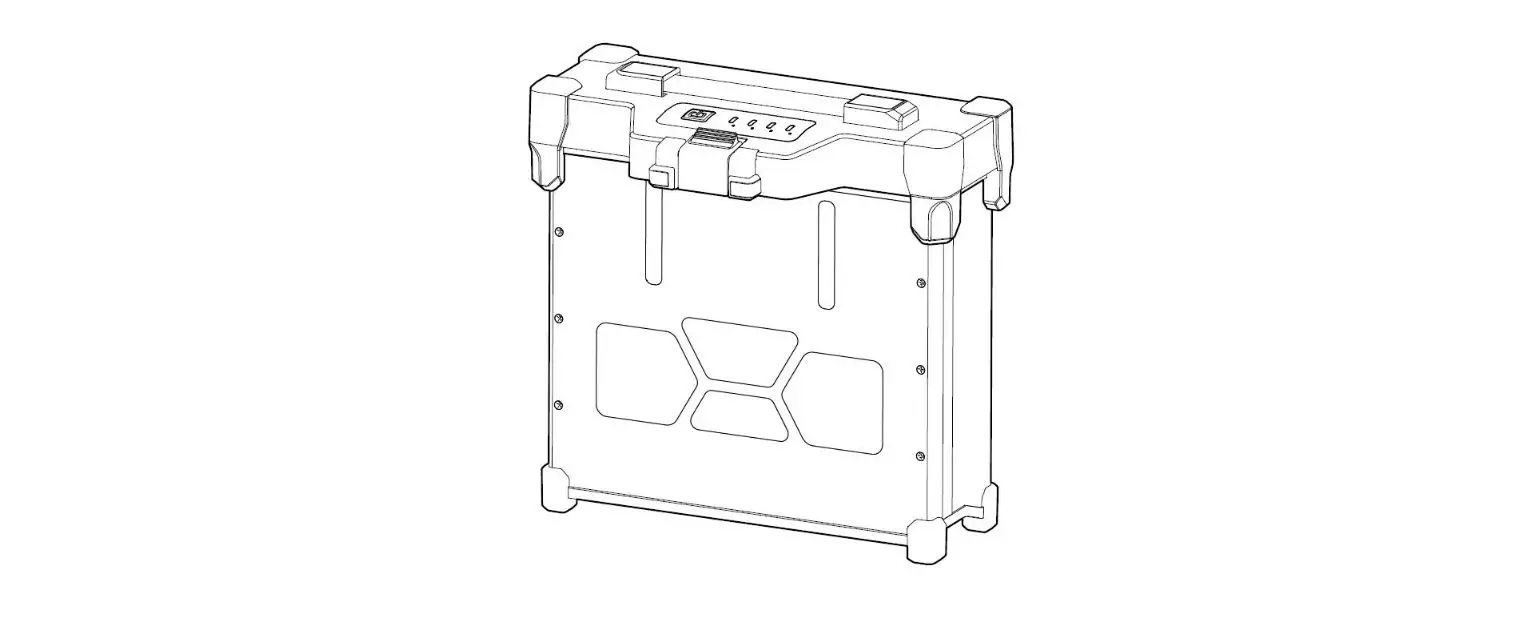
- Intelligent Flight Battery
- Onboard D-RTK™ Antennas
- Internal OCUSYNC™ Image Transmission Antennas
- External OcuSync Image Transmission Antennas
- Aircraft Status Indicators (on two rear arms)

Using the T25
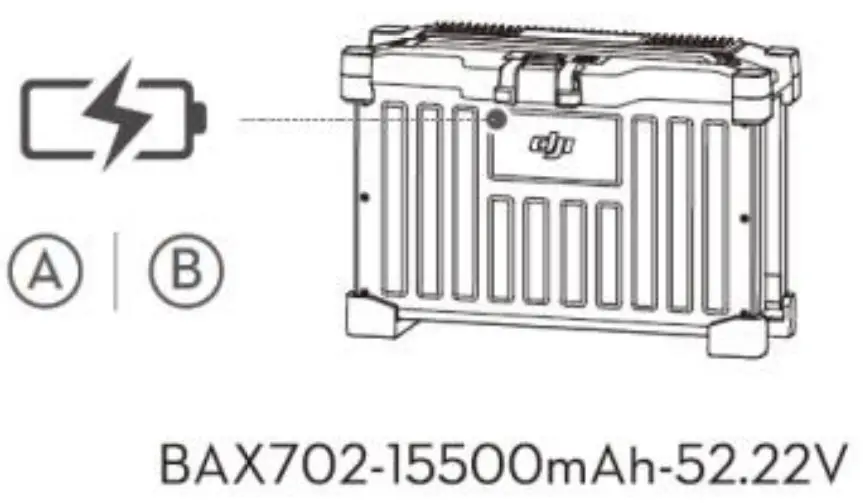
Preparing the Intelligent Flight Battery
Only use official DJI flight batteries. Check the battery level before flying and charge according to the corresponding manual document.
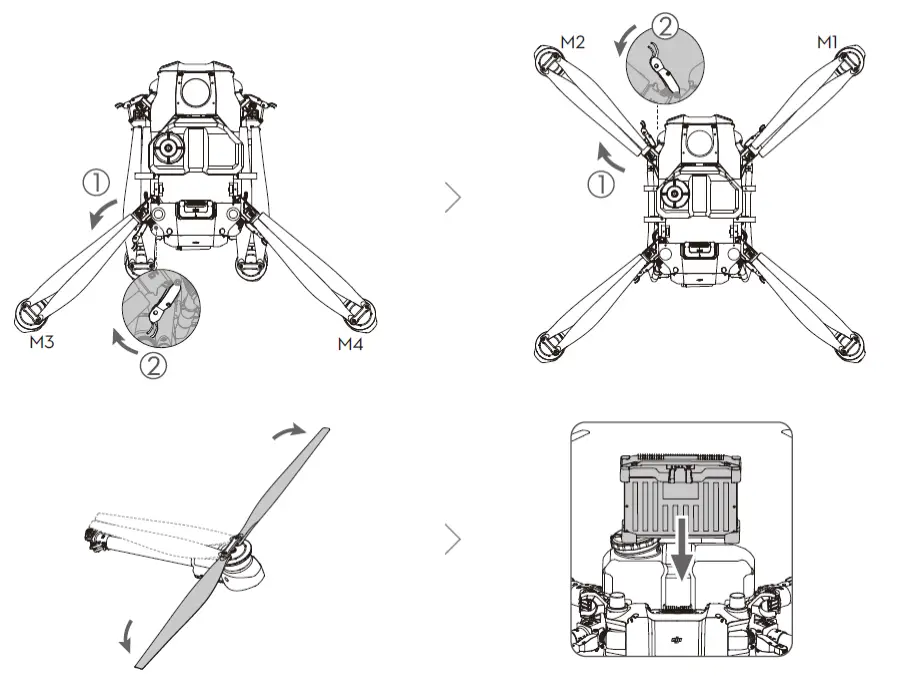
Preparing the Aircraft
- Unfold the M3 and M4 arms, and fasten the two arm locks. Avoid pinching fingers.
- Unfold the M1 and M2 arms, and fasten the two arm locks. Avoid pinching fingers.
- Unfold the propeller blades.
- Insert the Intelligent Flight Battery into the aircraft until you hear a click.

 |
|
Getting Ready for Takeoff
- A. Place the aircraft on open, flat ground with the rear of the aircraft facing toward you.
- B. Make sure that the propellers are securely mounted, there are no foreign objects in or on the motors and propellers, the propeller blades and arms are unfolded, and the arm locks are firmly fastened.
- C. Make sure that the spray tank and flight battery are firmly in place.
- E. Power on the remote controller, make sure that the DJI Agras app is open, and power on the aircraft. Tap Start in the home screen of the app to enter Operation View. Make sure that the GNSS signals are strong and the screen shows Ready to GO (GNSS) or Ready to GO (RTK). Otherwise, the aircraft cannot take off.
 | RTK positioning is recommended. In the app, go to Operation View, tap  > RTK, and select a method for receiving RTK signals. > RTK, and select a method for receiving RTK signals. |
Calibrating the Flow Meter
Make sure to calibrate the flow meter in the following situations:
Change liquid payload with different viscosity.
The difference between the actual area and planned area is more than 15% after the first operation
Calibrating procedure
A. Get Ready to Calibrate
① Fill the spray tank with approximately 2 L of water
② Press the Spray button to start or stop spraying manually in order to exhaust air.
B. Calibrating the flow meter
① In the app, go to Operation View, tap >  , then tap Calibration on the right of the flow meter calibration section.
② Tap Start Calibration and calibration will start automatically. The result of the calibration will be displayed in the app when completed.
- After calibrating successfully, users can proceed with the operation.
- If calibration fails, tap the reminder to view and resolve the problem. Afterwards, recalibrate and wait for successful calibration.
Flight
In order for the aircraft to automatically take off and perform an operation, it is recommended to create a plan for a field and select an operation before takeoff. Refer to the Starting Operations section for more information. For other scenarios, take off and land manually as follows.
Takeoff
Perform a Combination Stick Command (CSC) and push the throttle stick up to take off.
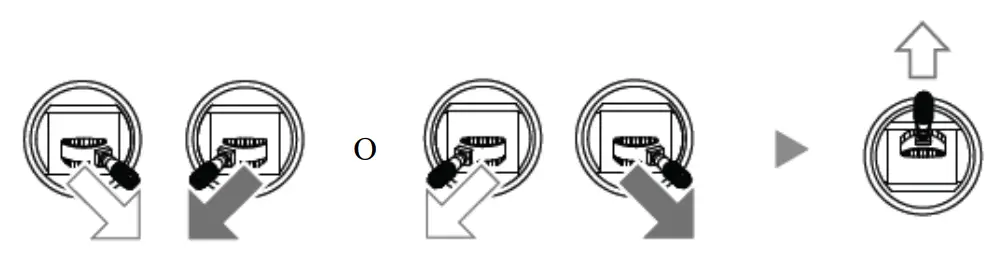
Throttle Stick (left stick in Mode 2)
Landing
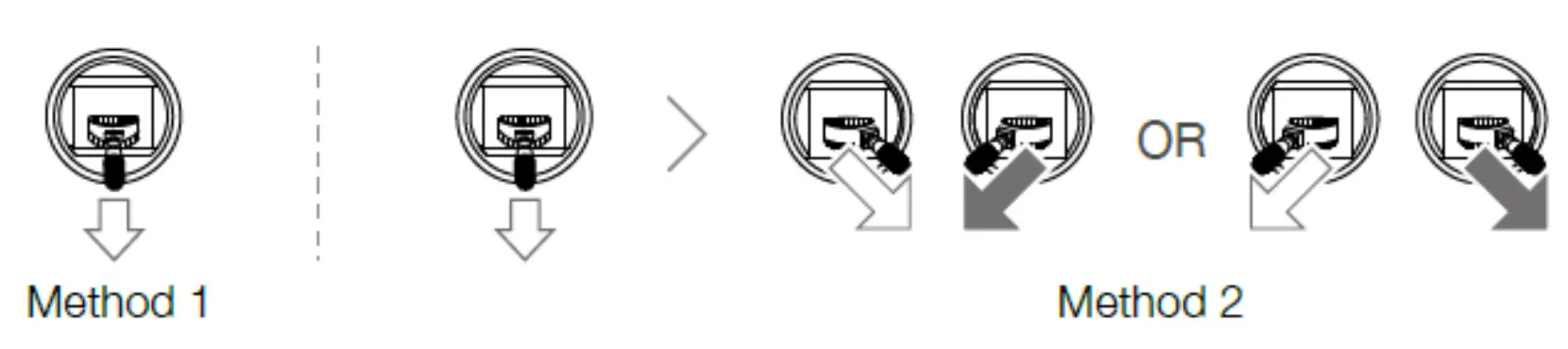
Push the throttle stick down until the aircraft lands. There are two methods to stop the motors after landing.
Method 1: When the aircraft has landed, push and hold the throttle stick down. The motors will stop after three seconds.
Method 2: When the aircraft has landed, push the throttle stick down, and perform the same CSC that was used to start the motors. Release both sticks once the motors have stopped.
|
|
Starting Operations
Users can perform aerial surveying for the operation area in the DJI Agras app, receive an HD map via offline reconstruction in the remote controller. Field planning and identifying can be performed on the HD map before route operation. The following descriptions use Crosshair and Route Mapping and Route Mode as an example.
- Power on the remote controller and then the aircraft. Enter Operation View in the DJI Agras app.
- Tap Mode button on the upper left corner and select Route Mapping in the Mapping panel.
- Tap
 on the bottom right of the screen and select Area Route or Boundary Route.Then tap in middle of the right screen to select Crosshair in the Add Point list.
 - Drag the map and tap Add to add a point at the crosshairs. Tap to save.
- Tap and move the slider to launch the aircraft. The aircraft will perform the mapping operation along the route and land automatically.
- Wait for the app to complete reconstruction. The reconstruction result will be displayed on the original map.
- Tap Identify Field, then tap an identified field to select it and adjust the boundary.
- Tap Mode button on the upper left and select Route in the Agriculture panel.
- Tap
 on the left and select a field in the field list.
 - Tap Edit to edit field and set route parameters. Drag
 to adjust the flight direction of the route. Then save.
 - Tap to use the field. Set task parameters and tap to save.
- Tap , check the aircraft status and task settings, and move the slider to take off. The aircraft will perform the operation automatically.
 on the bottom right of the screen and select Area Route or Boundary Route.Then tap
  in middle of the right screen to select Crosshair in the Add Point list.
 to save.
 and move the slider to launch the aircraft. The aircraft will perform the mapping operation along the route and land automatically.
 on the left and select a field in the field list.
 to adjust the flight direction of the route. Then save.
 |
|
More Operation Modes and Functions
Refer to the user manual for more information about the A-B Route Operation, Manual Operation, and Fruit Tree modes, and on how to use functions such as Connection Routing, Operation Resumption, System Data Protection, and Empty Tank.
Specifications
| Aircraft (Model: 3WWDZ-20B) | |
| Operating Frequency | 2.4000-2.4835 GHz 5.725-5.850 GHz |
| Transmitter Power (EIRP) | 2.4 GHz: <33 dBm (FCC), <20 dBm (CE/SRRC/MIC) 5.8 GHz: <33 dBm (FCC), <23 dBm (SRRC), <14 dBm (CE) |
| RTK/GNSS Operating Frequency | RTK: GPS L1/L2, GLONASS F1/F2, BeiDou B1I/B2I/B3I, Galileo E1/E5b, QZSS L1/L2 GNSS: GPS L1, GLONASS F1, BeiDou B1I, Galileo E1, QZSS L1 |
| Operating Temperature | 0° to 45° C (32° to 113° F) |
| Forward Phased Array Radar (Model: RD241608RF) | |
| Operating Frequency | 24.05-24.25 GHz (NCC/FCC/MIC/KC/CE) |
| Power Consumption | 23 W |
| Transmitter Power (EIRP) | <20 dBm (NCC/MIC/KC/CE/FCC) |
| Operating Voltage | DC 15 V |
| Operating Temperature | 0° to 45° C (32° to 113° F) |
| Rear Phased Array Radar (Model: RD241608RB) | |
| Operating Frequency | 24.05-24.25 GHz (NCC/FCC/MIC/KC/CE) |
| Power Consumption | 18 W |
| Transmitter Power (EIRP) | <20 dBm (NCC/MIC/KC/CE/FCC) |
| Operating Voltage | DC 15 V |
| Operating Temperature | 0° to 45° C (32° to 113° F) |
Compliance Information
FCC Statement:
Please take attention that changes or modification not expressly approved by the party responsible for compliance could void the user’s authority to operate the equipment.
This device complies with Part 15 of the FCC Rules. Operation is subject to the following two conditions:
- This device may not cause harmful interference, and
- This device must accept any interference received, including interference that may cause undesired operation.
ISED Statement:
This device complies with Industry Canada licence-exempt RSS standard(s). Operation is subject to the following two conditions:
- this device may not cause interference, and
- this device must accept any interference, including interference that may cause undesired operation of the device.
This equipment complies with FCC & RSS-102 radiation exposure limits set forth for an uncontrolled environment. This equipment should be installed and operated with minimum distance 20cm between the radiator & your body.
EU Compliance Statement: SZ DJI TECHNOLOGY CO., LTD. hereby declares that this device (RD241608RF /RD241608RB) is in compliance with the essential requirements and other relevant provisions of the Directive 2014/53/EU
A copy of the EU Declaration of Conformity is available online at www.dji.com/euro-compliance
EU contact address: DJI GmbH, Industriestrasse 12, 97618, Niederlauer, Germany
 EU Declaration of Conformity - DJI