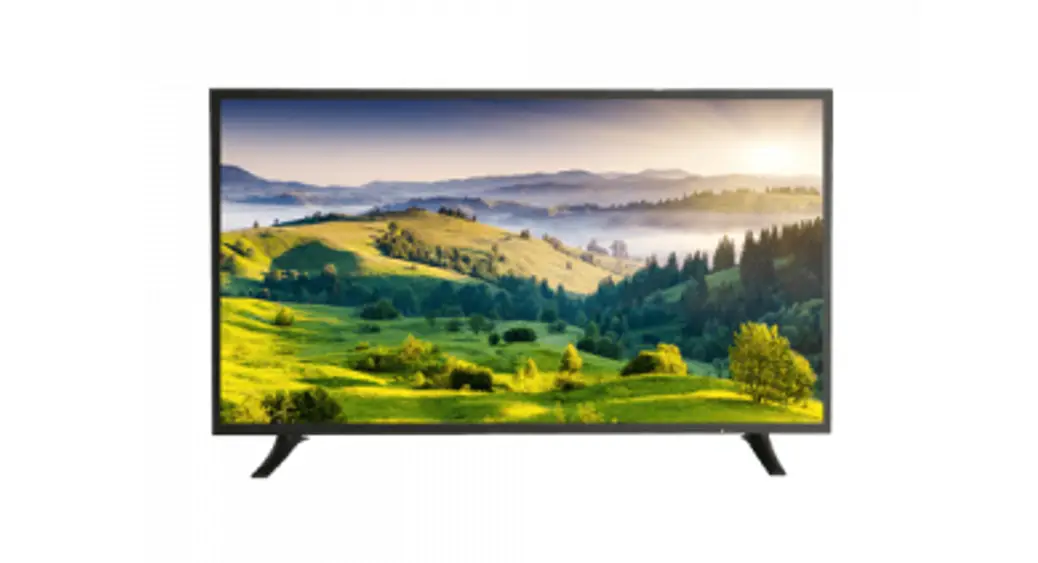
 Quick User Manual
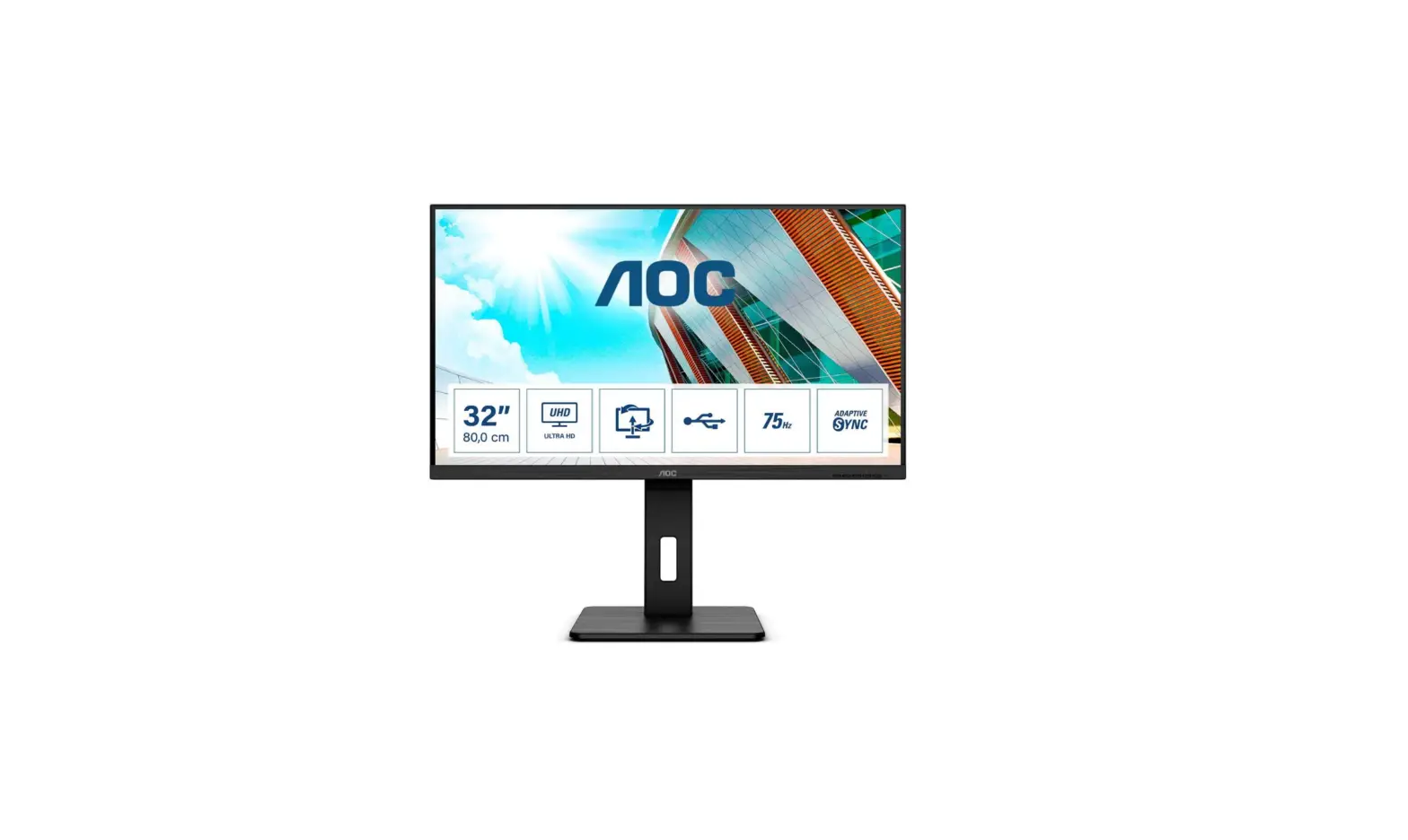
Uso del Monitor ZD32-4K
Key Function Description
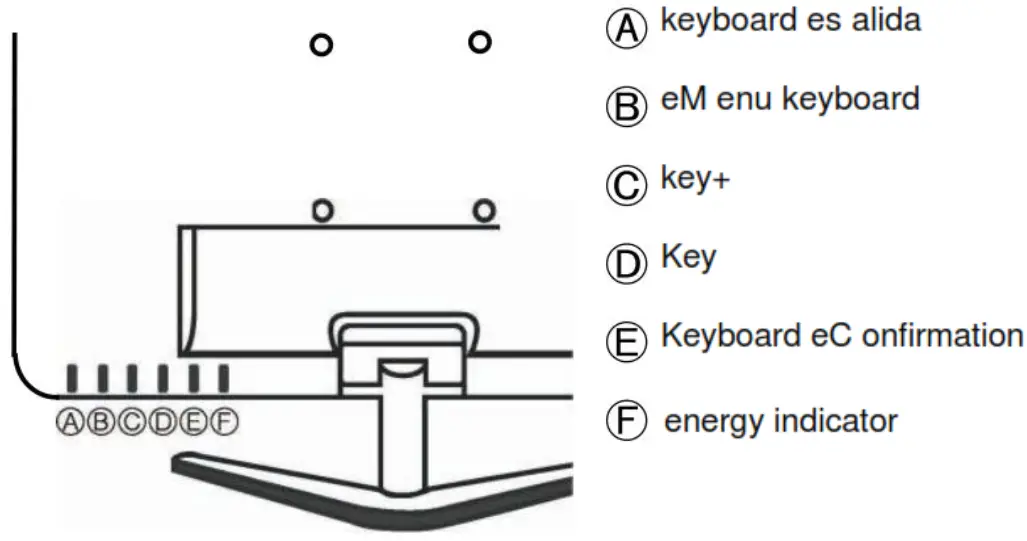
Operating Instructions
- turns on automatically
Channel selection: press key A, press key B to select signal channel, then press 2.
key E to confirm, finally press key A to exit
Picture Effect Design: Press B key to enter menu, and press B key continuously to 3.
select the different options, press C+ and D- key to adjust, then press E key to confirm and finally press A key to exit
Basic Parameters
| Model | ZD32-4K |
| Screen size | 32” |
| resolution | 2160* 3840 |
| Backlight | LCD |
| Brightness | 500 cd/m² |
| Contrast | 3000:1 |
| input signal | HDMI / VGA / USB / AV |
| Consumption | 50W |
| Feeding | AC110-220V |
| Operating Temperature | 0-30° |
| Package Dimensions | 765 * 500 * 110 (mm) |
Interface Function Chart
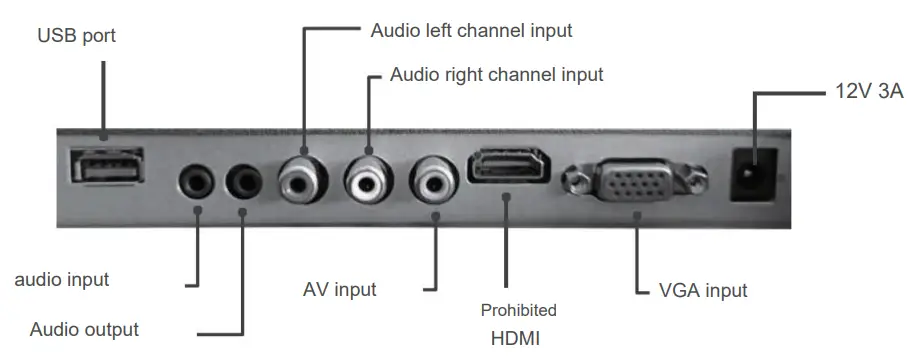
 | Mark “only for safe use in non-tropical climate” |
 | It marks “only for safe use in areas below 2000m above sea level”. |
| Warranty card | |
| Username | |
| Address | |
| Postal Code | |
| Contact number | |
| Product name | |
| Model | |
| Serial number / Distributor | |
| Name | |
| Address | |
| Contact number | |
| Postal Code | |
| sale date | |
| Invoice sheet | |

 |  |
http://zkteco.com | http://zktecolatinoamerica.com |
 Copyright © 2022, ZKTeco CO., LTD.
All rights reserved.
ZKTeco may, at any time and without prior notice, make changes or improvements
to products and services or stop their production or marketing.
ZKTeco logo and brand are owned by ZKTeco CO., LTD.
ZD32-4K3 _
 ZKTeco | Home Page
  ZKTeco Latinoamerica