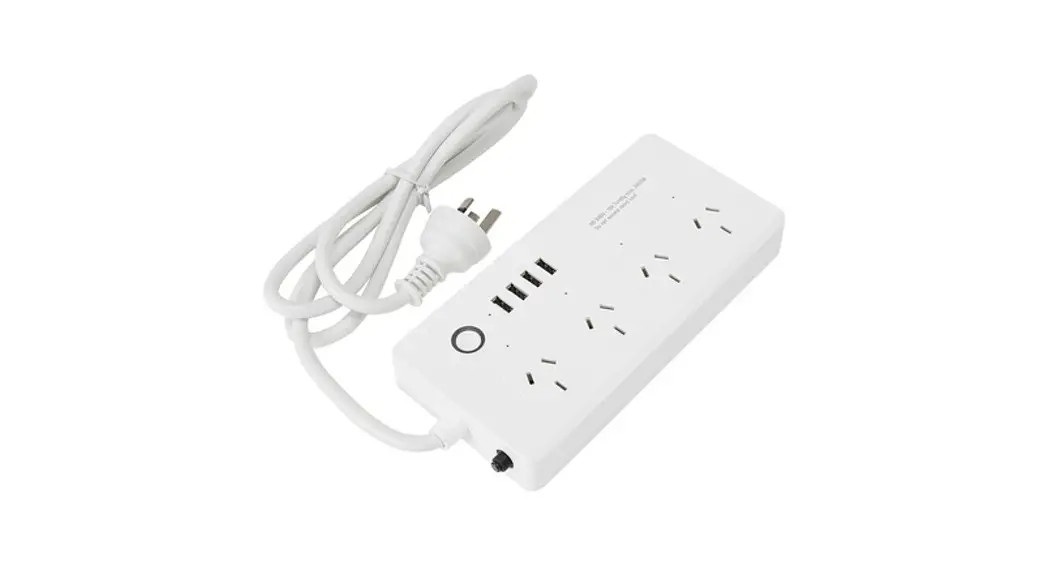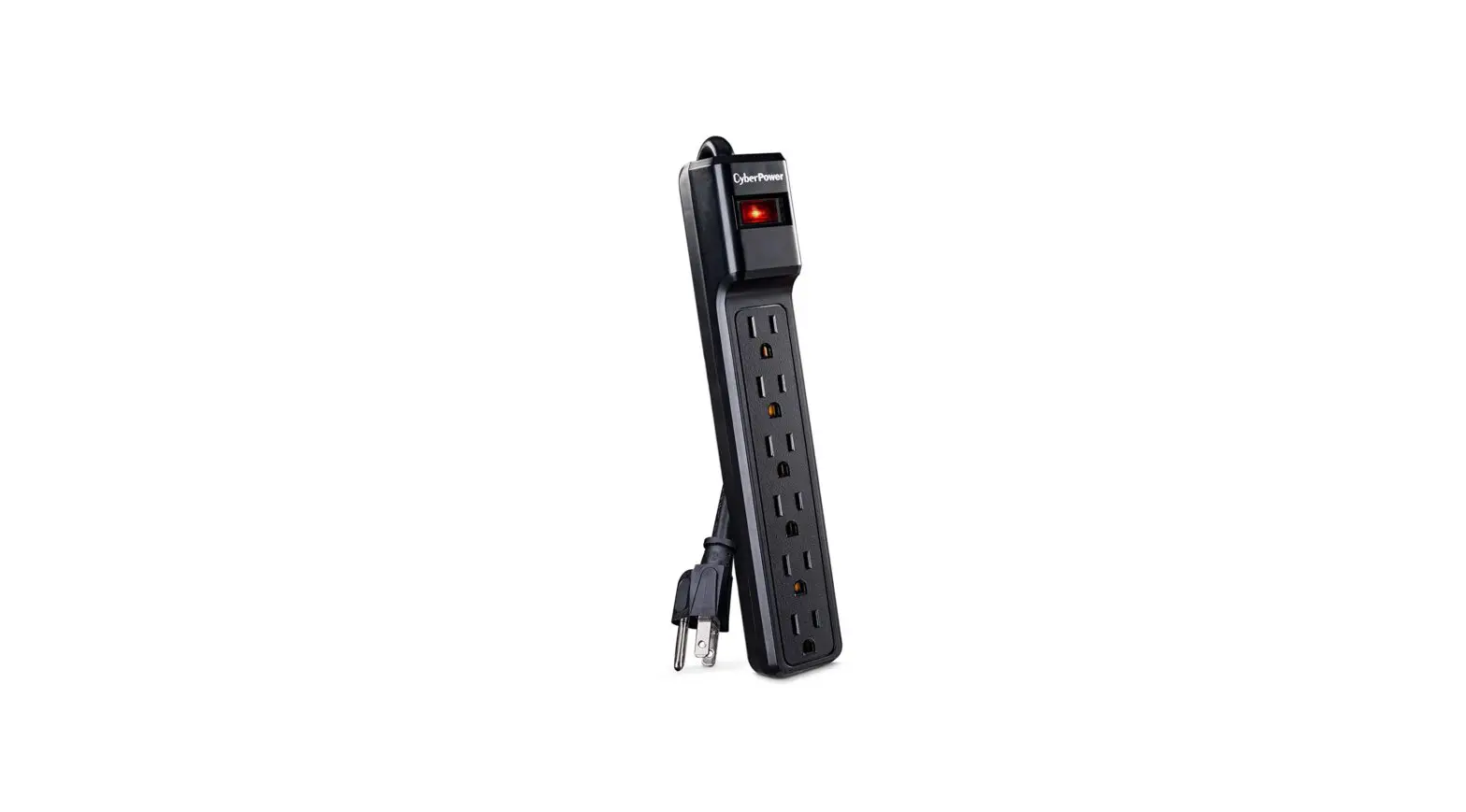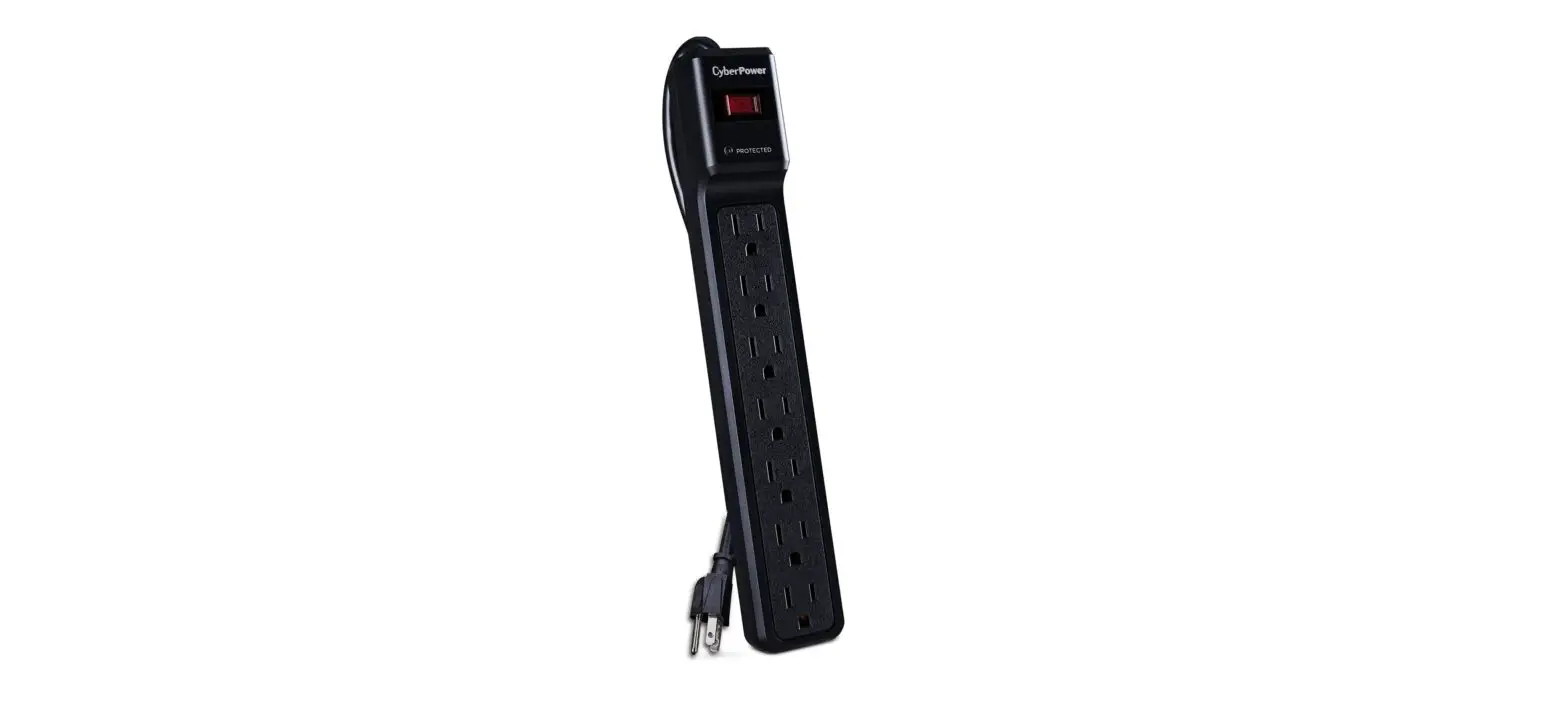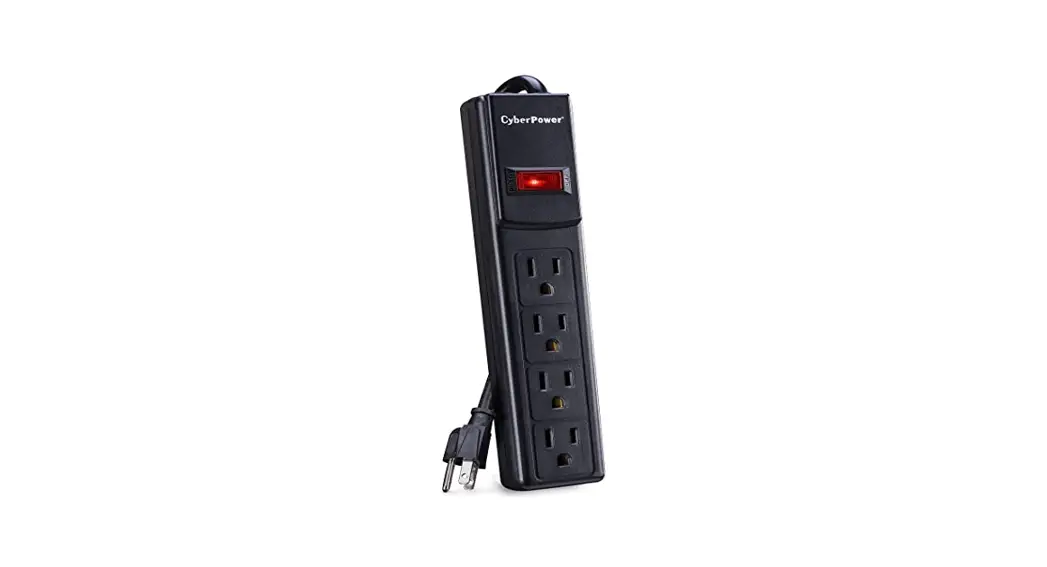

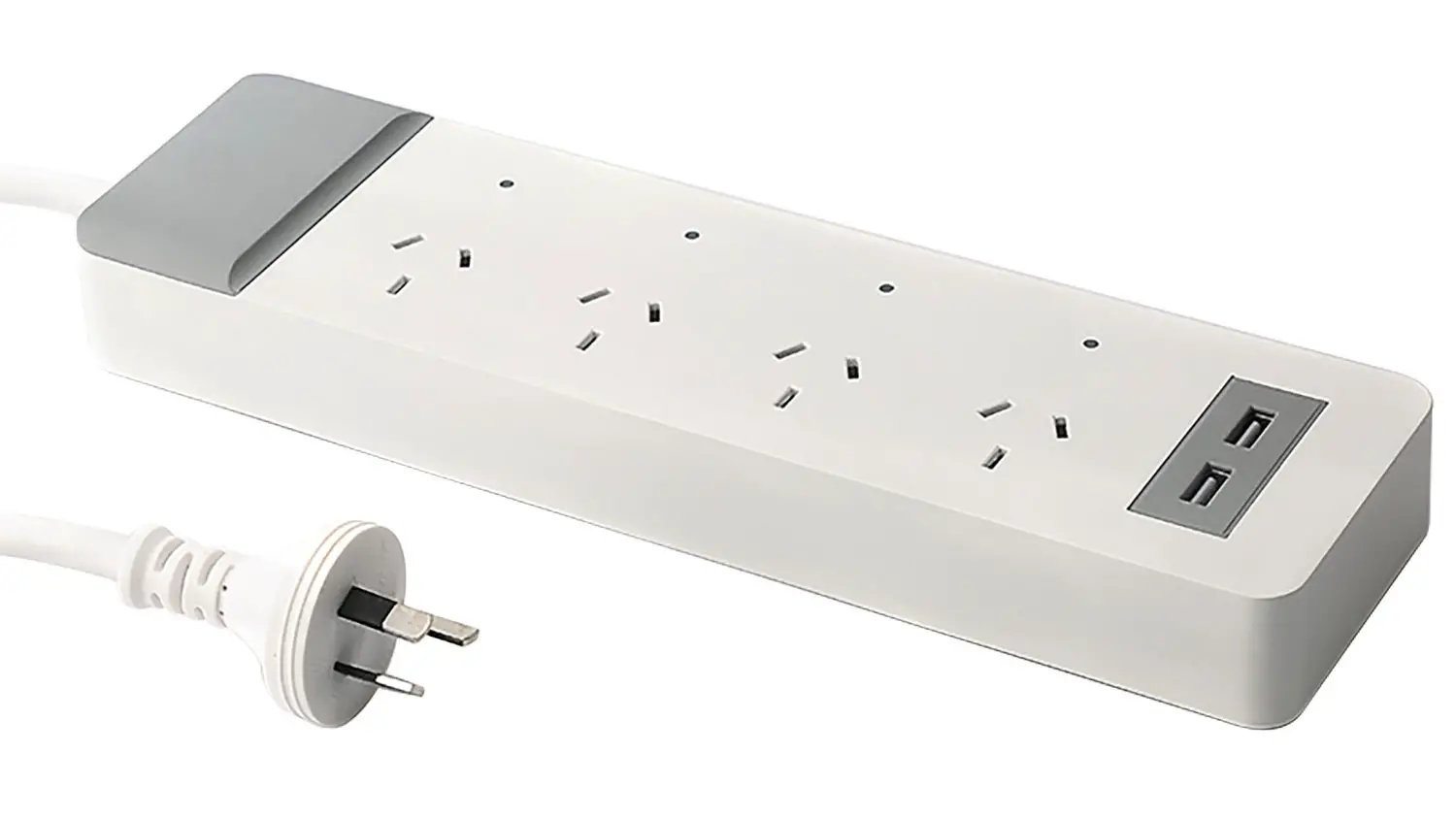
Laser CSH-4PWB2USB Smart 4 Outlet Powerboard
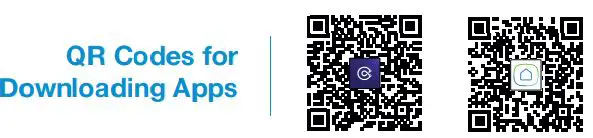
GET THE APP
QR Codes for Downloading Apps
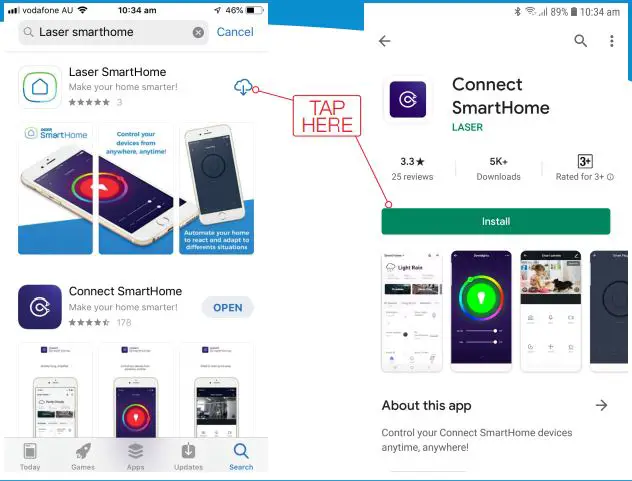
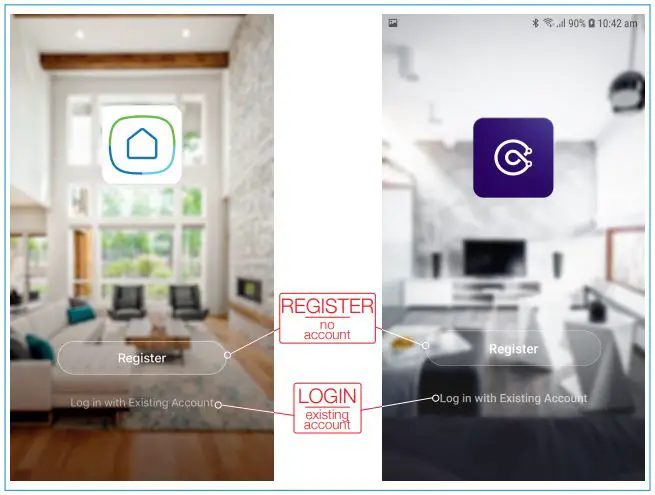
REGISTER OR LOGIN TO APP
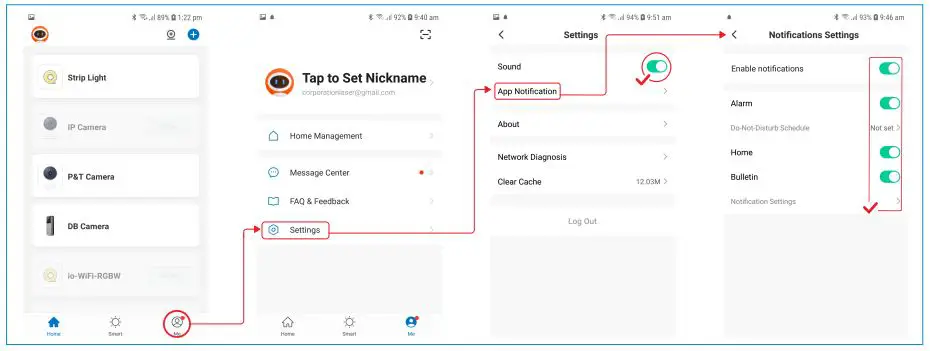
RECOMMENDED APP SETTINGS
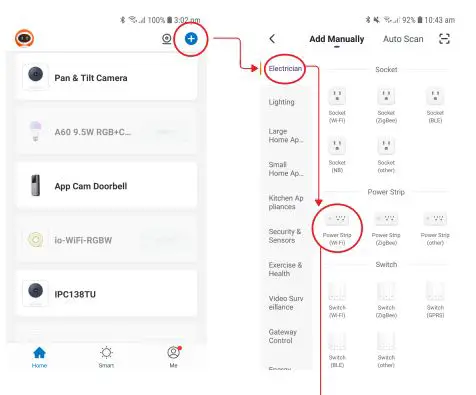
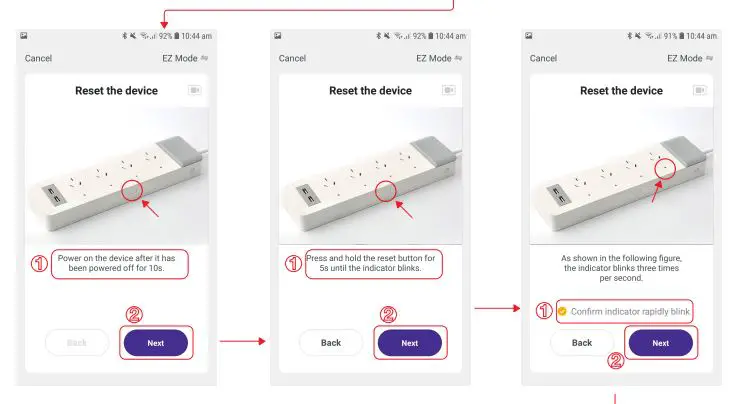
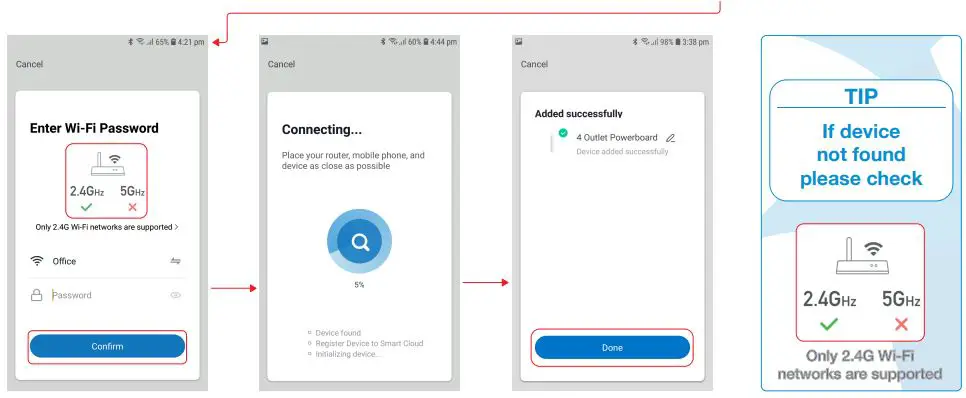
CONNECTING POWERBOARD TO APP
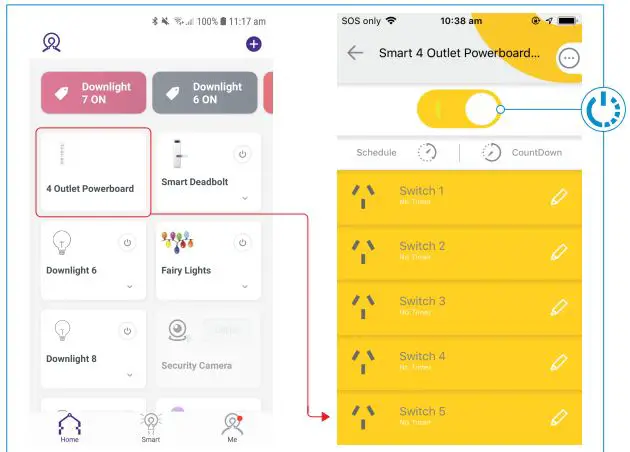
USING THE POWERBOARD
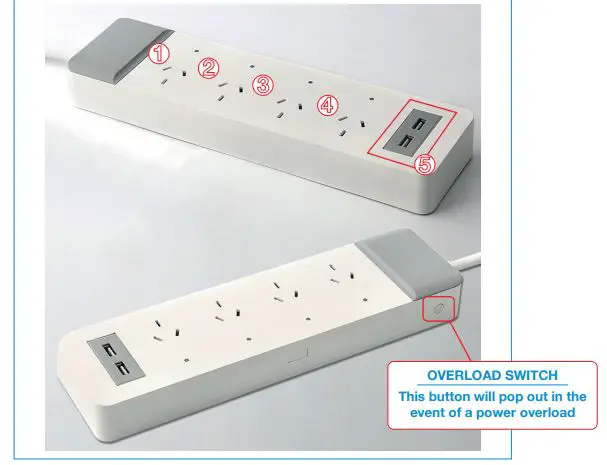
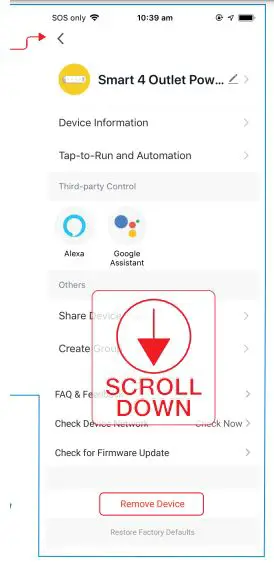
POWERBOARD SETTINGS
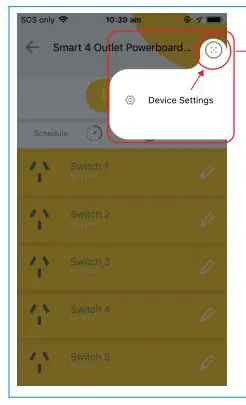
REMOVING POWERBOARD
TROUBLESHOOTING
- If your powerboard has trouble pairing, please check your Wi-Fi username and password are correct. Please also ensure you are using 2.4Ghz Wi-Fi connections as 5Ghhz bands are not supported.
- If the powerboard is plugged into power but not showing any signs of life, please check the overload switch is in the out position. Please check devices connected to the powerboard as there may be an issue with a power overload or a faulty device.
- Both USB plugs are controlled by Switch 5 in the app. There is no way to control the USB switches separately.
LASER
www.youtube.com/LasercoAu
CONNECT
www.youtube.com/channel/UCCYzBiADapJN55Zzp3yfvLQ
WARRANTY
Our goods come with guarantees that cannot be excluded under the Australian Consumer Law. You are entitled to a replacement or refund for a major failure and compensation for any other reasonably foreseeable loss or damage. You are also entitled to have the goods repaired or replaced if the goods fail to be of acceptable quality and the failure does not amount to a major failure.