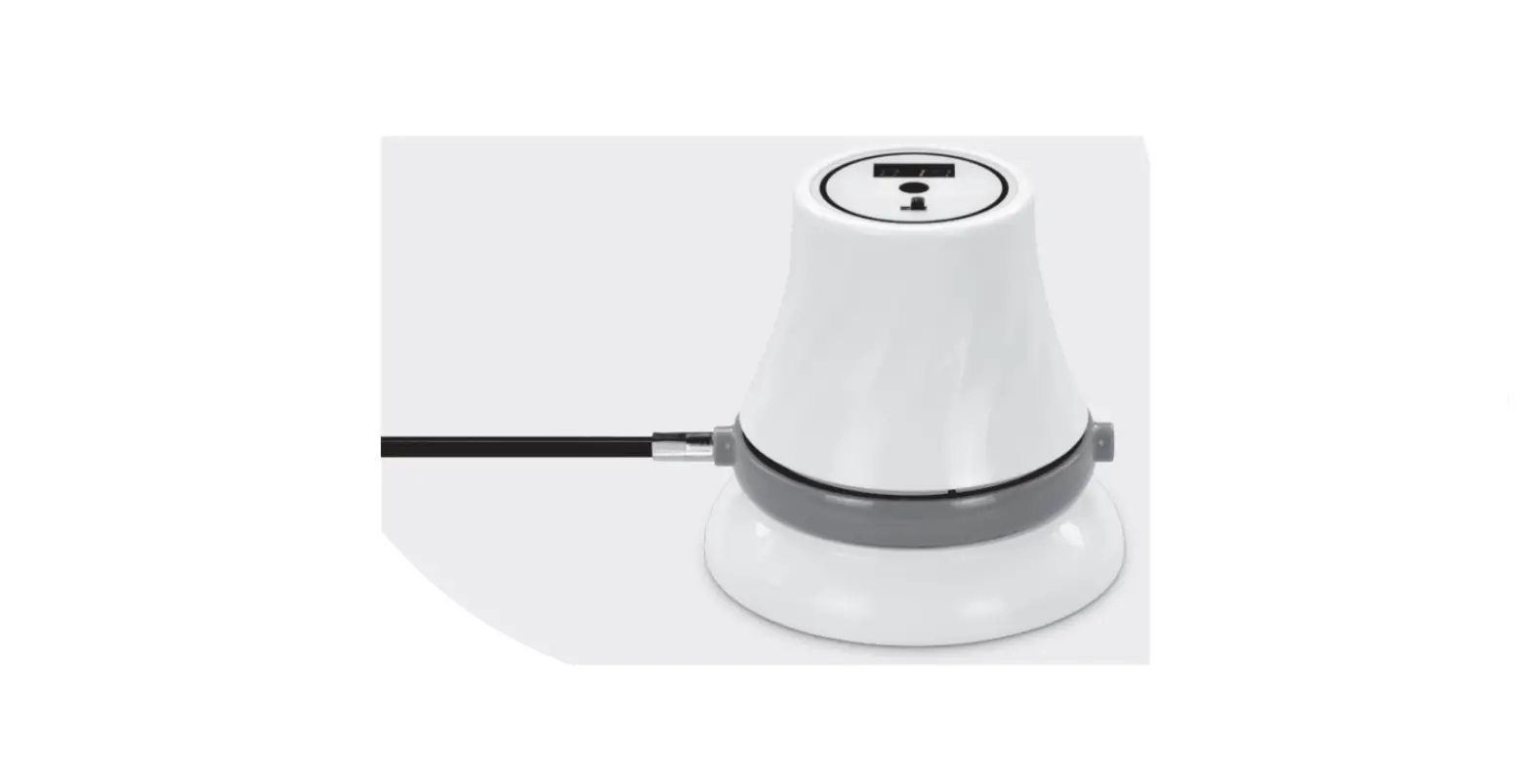
SES MAX Smart Motion Control Electric Screwdriver
Product Information:
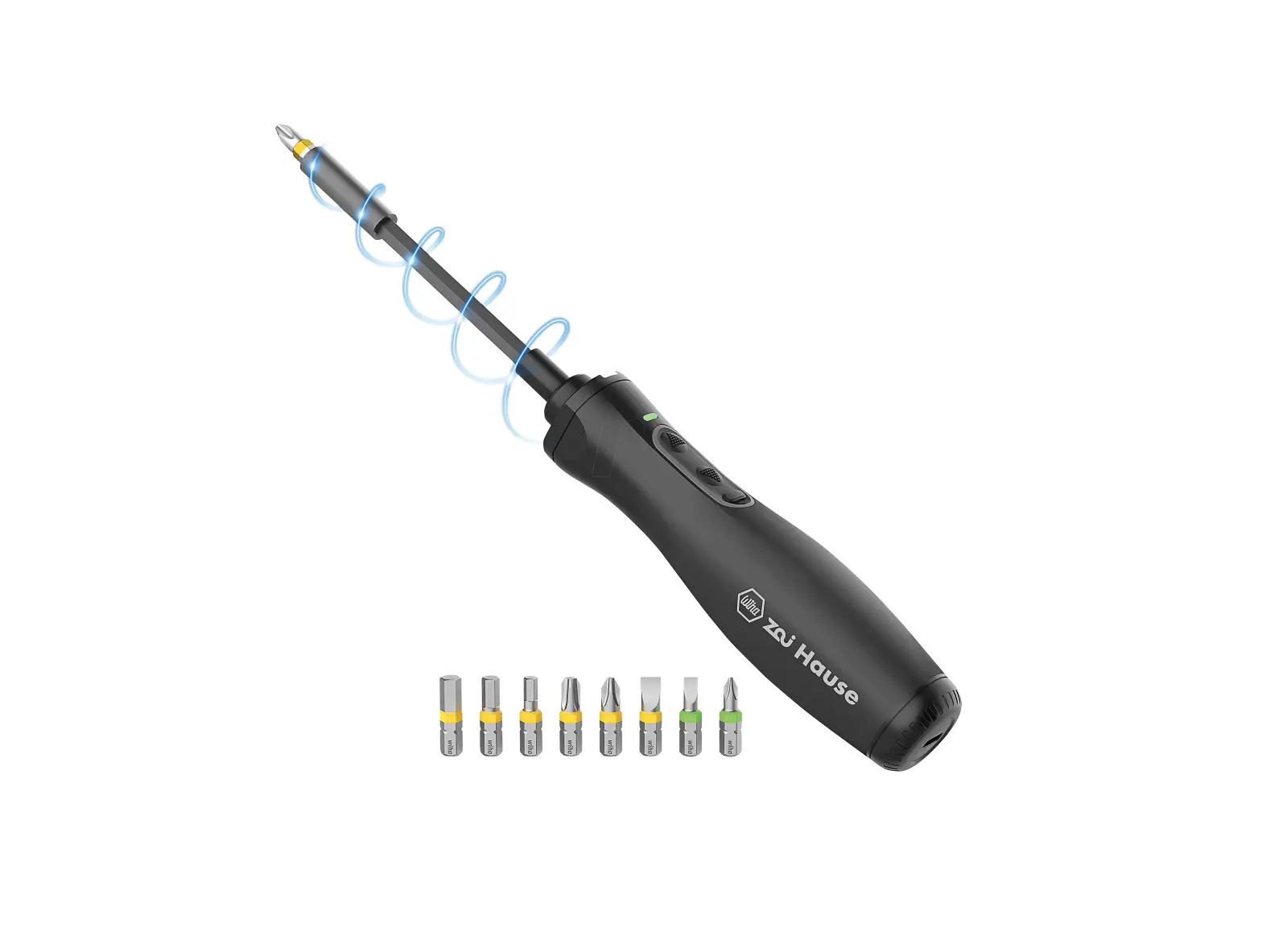
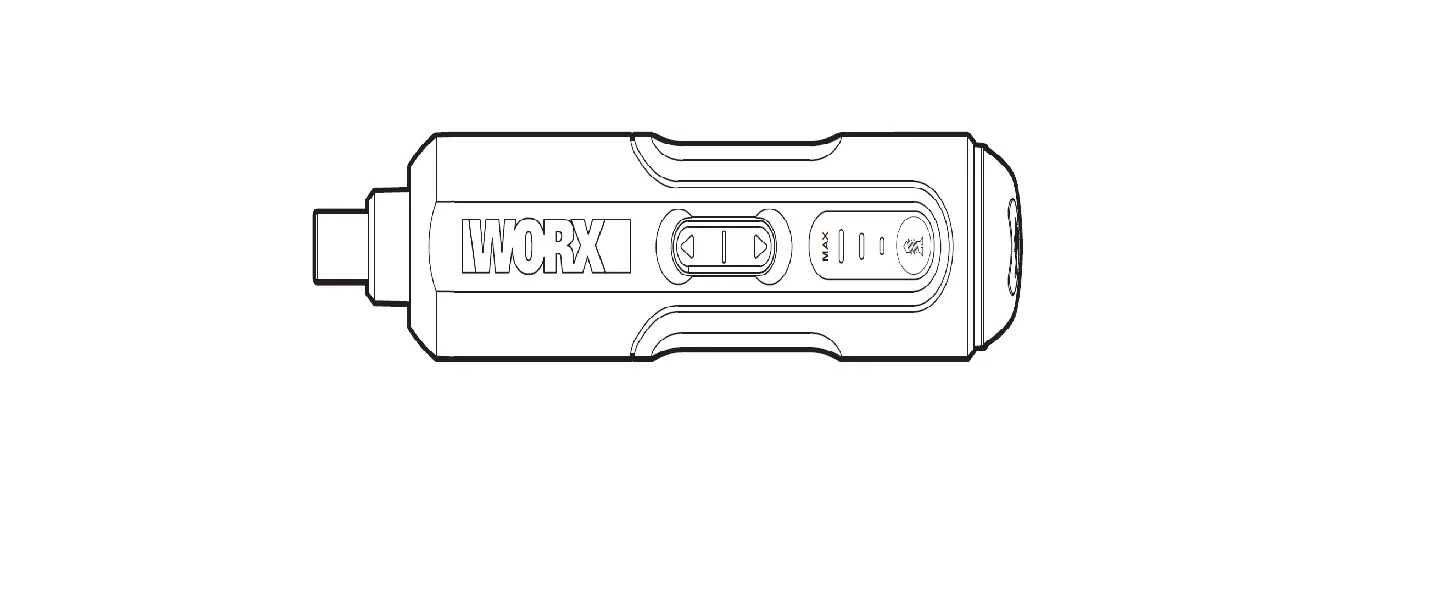
- New Generation Smart Electric Screwdriver Pen
- Screwdriver Structure Diagram
- Magnetic Charging Port
- Status Display
- Power Button
- Aluminium Alloy Body
- LED Lights
- Bit Installation Port
Thank you for choosing SES MAX (New Generation Smart Electric
Screwdriver Pen). Please read the instructions manual
carefully.
Product description:
The Arrowmax SES MAX New Generation Smart Electric Screwdriver
Pen is equipped with the best 32-bit microprocessor, 3-axis
gyroscope, and has an HD OLED interface.
SES MAX weighs only 62g and uses a lithium battery (500mAh)
designed specifically for long hours of usage. The battery level is
indicated on the OLED display.
The user-friendly interface of the SES MAX is seamless and
allows for torsional force and speed to be fully adjustable with a
single on/off button.
The OLED display will indicate the rotational directions during
operation. There are also four pre-set torsional steps for users to
choose from.
The SES MAX handle is in a quadratic shape with a curved surface
to achieve the best control and grip during operation.
SES MAX is equipped with an aluminum alloy storage box, with the
magnetic and demagnetizing function of the bits. The internal
structure is compact, accommodating up to 70 different types of
bits are placed. Most 3C products, computers, four-axis unmanned
machines, glasses, clocks, toys, models, etc. can be assembled and
disassembled using SES MAX.
SES MAX is the most advanced and professional screwdriver pen
available. It can connect to mobile applications via Bluetooth to
adjust and fine-tune the torsional force and torque to meet the
needs of each individual.
APP MANUAL
Operation method:
- Gear setting: Press the switch button three times to enter the
gear setting interface, and select the working mode of the
screwdriver by pressing the switch button. Once the selection is
completed, let go and wait for the data to be saved and the device
to automatically return to the standby interface. - Battery status (100% Battery) Current rotation direction
- Current gear display (Gear A) (Five Gears Total: A1234)
- Gear Setting Interface (Five Gears Freely Adjustable)
- A) Auto Sensing mode, the rotation speed of the Screwdriver is
controlled according to the angle of the hand rotation
(0.5-4.0kgf.cm). - 1) Low Torque mode 1.0kgf.cm
- 2) Medium Torque mode 2.0kgf.cm
- 3) High Torque mode 3.0kgf.cm
- 4) Maximum Torque mode 4.0kgf.cm
- A) Auto Sensing mode, the rotation speed of the Screwdriver is
- The charging interface
- Dynamic display of ICONS when charging
Storage Instructions:
- Press the top of the storage box to pop open the inner box of
the storage box. - Press the top of the inner box again to close the storage
box. - New Generation Smart Electric Screwdriver Pen storage:
- The SES MAX New Generation Smart Electric Screwdriver Pen can
be fixed to the inner box of the storage box in the form of a
buckle. - After use, place the SES MAX New Generation Smart Electric
Screwdriver Pen back into the tray. - Bits are held in place by magnetic absorption in the inner box.
After using a bit, put it back into the bit slot, and it will be
absorbed by itself.
- The SES MAX New Generation Smart Electric Screwdriver Pen can
New Generation Smart Electric Screwdriver Pen
Screwdriver Structure Diagram
Magnetic Charging Port
Status Display
Power Button
Aluminium Alloy Body
LED Lights
Bit Installation Port
Thank you for choosing SES MAX (New Generation Smart Electric Screwdriver Pen). Please read the instructions manual carefully.
Product description:
The Arrowmax SES MAX New Generation Smart Electric Screwdriver Pen is equipped with the best 32-bit microprocessor, 3-axis gyroscope and has an HD OLED interface.
SES MAX weighs only 62g and uses a lithium battery (500mAh) designed specifically for long hours of usage. The battery level is indicated on the OLED display.
The user-friendly interface of the SES MAX is seamless and allows for torsional force and speed to be fully adjustable with a single on/off button.
The OLED display will indicates the rotational directions during operation. There are also four pre-set torsional steps for users to choose from.
The SES MAX handle is in a quadratic shape with a curved surface to achieve the best control and grip during operation.
SES MAX is equipped with an aluminum alloy storage box, with the magnetic and demagnetizing function of the bits. The internal structure is compact, accommodating up to 70 different types of bits are placed. Most 3C products, computers, four-axis unmanned machines, glasses, clocks, toys, models, etc. can be assembled and disassembled using SES MAX.
SES MAX is the most advanced and professional screwdriver pen available. It can connect to mobile applications via Bluetooth to
adjust and finetune the torsional force and torque to meet the needs of each individual.
APP MANUAL
Operation method:
Gear setting: Press the switch button three times to enter the gear setting interface, and select the working mode of the screwdriver by pressing the switch button. Once the selection is completed, let go and wait for the data to be saved and the device to automatically return to the standby interface.
Battery status (100% Battery) Current rotation direction
Current gear display (Gear A) (Five Gears Total: A1234)
Gear Setting Interface (Five Gears Freely Adjustable) A) Auto Sensing mode, the rotation speed of the Screwdriver is controlled according to the angle of the hand rotation (0.5-4.0kgf.cm). 1) Low Torque mode 1.0kgf.cm 2) Medium Torque mode 2.0kgf.cm 3) High Torque mode 3.0kgf.cm 4) Maximum Torque mode 4.0kgf.cm
The charging interface
Dynamic display of ICONS when charging
Back side of storage box:
– Inner Box – Bits – New Generation Smart Electric
Screwdriver Pen – Storage Box – Magnetic Pad
Storage Instructions:
Y Press the top of the storage box to pop open the inner box of the storage box.
Y Press the top of the inner box again to close the storage box.
New Generation Smart Electric Screwdriver Pen storage:
Y The SES MAX New Generation Smart Electric Screwdriver Pen can be fixed to the inner box of the storage box in the form of a buckle.
Y After use, place the SES MAX New Generation Smart Electric Screwdriver Pen back into tray.
Y Bits are held in place by magnetic absorption in the inner box. After using a bit, put it back into the bit slot, and it will be absorbed by itself.
Installation of bits:
Y Take out the bit from the inner box of the storage box and insert the bit into the bit installation port.
Working Status: In gear A mode: Y Press and hold the power button, turn the screwdriver clockwise with a gesture to the right, that is, the arrow mark will dynamically display to the right. The current torque will be displayed according to your twist rotation. Y Press and hold the power button, turn the screwdriver anti-clockwise with a gesture to the left, that is, the arrow mark will dynamically display to the left. The current torque will be displayed according to your twist rotation.
The arrow dynamically displays the direction
of rotation of the screwdriver head
Working Status: In gear 1/2/3/4 mode: Y Press and hold the power button, the current torque will be displayed according to your selected setting, and turn the screwdriver clockwise with a gesture to the right, that is, the arrow mark will dynamically display to the right. Y Press and hold the power button, the current torque will be displayed according to your set up, and turn the screwdriver counterclockwise with a gesture to the left, that is, the arrow mark will dynamically display to the left.
The arrow dynamically displays
the direction of rotation of the screwdriver head
Product parameters:
Product model: AM-230613 Battery voltage: 5.0V Size: 16.5 x 16.5 x 160 mm Lithium battery: 500 mAh Weight: 62g No-load speed: 280r/min Electric maximum torque: 4.0kgf.cm Charging time: 80 minutes
Product list: (1x) New Generation Smart Electric
Screwdriver Pen (1x) Aluminum Alloy Storage Box (1x) Manual (1x) USB-Type-C Cable (70x) S2 Steel 4mm Bits (1x) SES Power Tip Extension
Hexagonal sleeve: 2.5, 3.0, 4.0, 4.5, 5.0 Flat lengthen tip: SL1.0, SL2.0, SL3.0 Phillips lengthen tip: PH00, PH0, PH1, PH2 Torx Security lengthen tip: T6H, T7H, T8H,
T9H Hexagonal lengthen tip: H1.5, H2.0, H2.5,
H3.0, 3/64”, 1/16”, 5/64”, 3/32” Spanner tip: 2.6, 3.0 Phillips/Flat combination: 2.5 Trilobular tip: 2.0, 2.3 Tripoint tip: Y0.6, Y1.0, Y2.0, Y2.5 Five-star tip: 0.8, 1.2, 1.5 Torx Security tip: T5H, T6H, T7H, T8H, T9H,
T10H, T15H, T20H Torx tip: T2, T3, T4 0-pin tip: 0.8 Flat tip: SL1.0, SL1.5, SL2.0, SL2.5, SL3.0,
SL3.5, SL4.0 Phillips tip: PH000, PH00, PH0, PH1 Hexagonal tip: H0.7, H0.9, H1.3, H1.5, H2.0,
H2.5, H3.0, H4.0 Square tip: S0, S1, S2
Warranty card:
Warranty regulations 1. The warranty period for this product is 12
months from the date of purchase. 2. Within 7 days of purchase, if a performance
fault is found, the product can be returned, replaced, or maintained by contacting customer service. 3. For any questions, please contact your dealer.
The following situations are not covered by the warranty: 1. Product damage caused by improper use,
maintenance, or storage. 2. Lack of after-sales vouchers and valid
invoices. 3. Damage caused by force majeure.
The company reserves the right to modify the above provisions, without violating relevant national laws and regulations. We have the final right of interpretation.
Maintenance information User name: Telephone: E-mail: Address: Purchase date: Maintenance reasons:
Manufacturer Information Manufacturer: Freemax Technology Co.,Ltd. Address: Room 1203, 12/F, Wah Shing Centre, 11-13 Shing Yip Street, Kwun Tong, Hong Kong T: + 1 (833) 407 0581 (Toll-free) E: [email protected] https://amarrowmax.afterservice.vip
This device complies with part 15 of the FCC Rules. Operation is subject to the following two conditions: (1) This device may not cause harmful interference, and (2) this device must accept any interference received, including interference that may cause undesired operation.
Any Changes or modifications not expressly approved by the party responsible for compliance could void the user’s authority to operate the equipment.
Note: This equipment has been tested and found to comply with the limits for a Class B digital device, pursuant to part 15 of the FCC Rules. These limits are designed to provide reasonable protection against harmful interference in a residential installation. This equipment generates uses and can radiate radio frequency energy and, if not installed and used in accordance with the instructions, may cause harmful interference to radio communications. However, there is no guarantee that interference will not occur in a particular installation. If this equipment does cause harmful interference to radio or television reception, which can be determined by turning the equipment off and on, the user is encouraged to try to correct the interference by one or more of the following measures: -Reorient or relocate the receiving antenna. -Increase the separation between the equipment and receiver. -Connect the equipment into an outlet on a circuit different from that to which the receiver is connected. -Consult the dealer or an experienced radio/TV technician for help.
 afterservice.vip