
KONDATOR 935-B400 Docky – 4 Power outlets
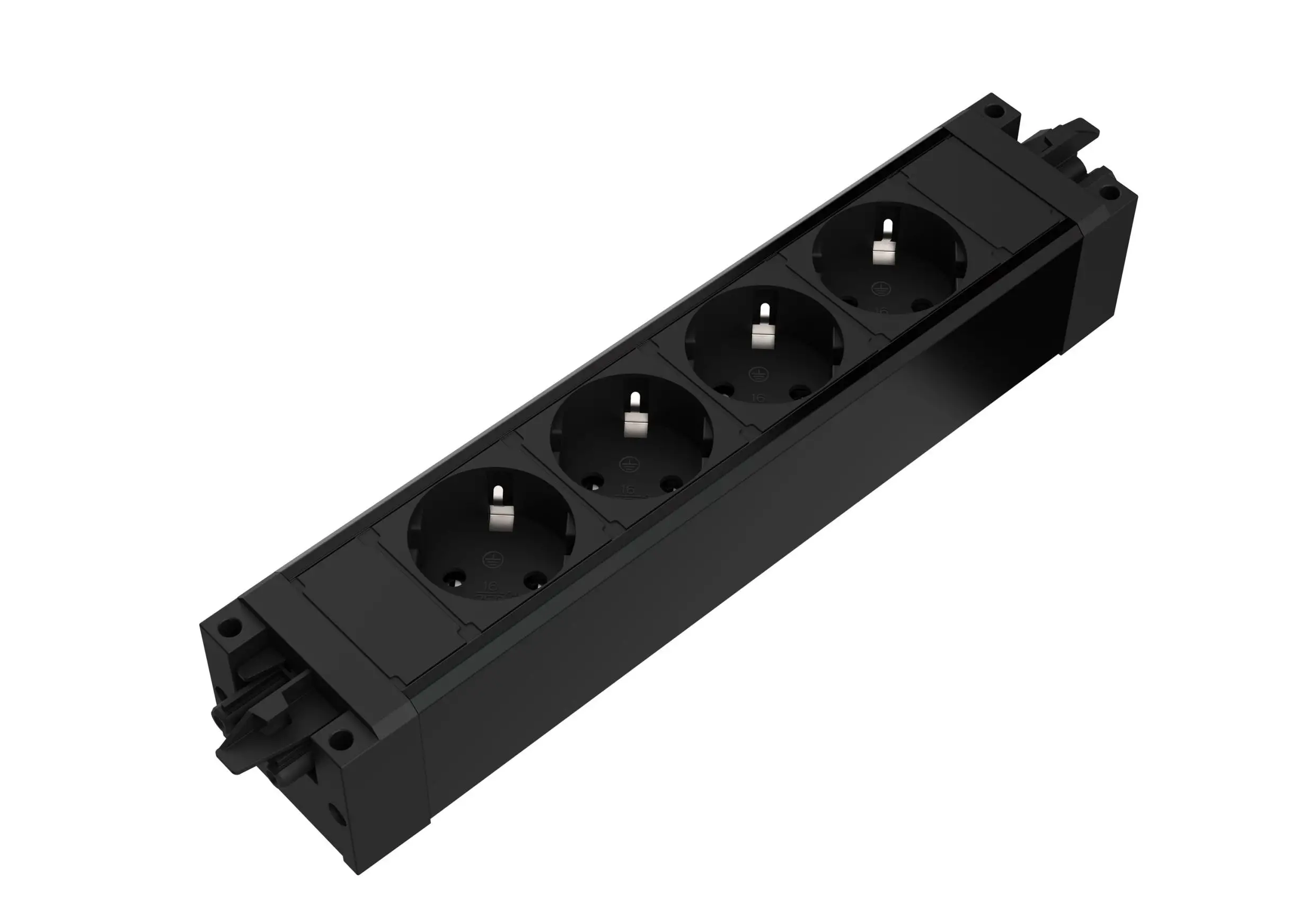
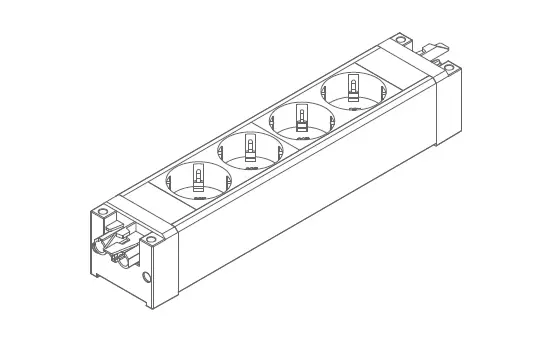
Docky – 4 Power outlets
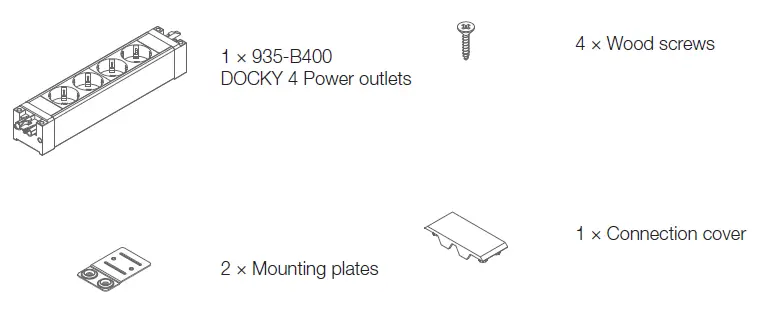
CONTENT
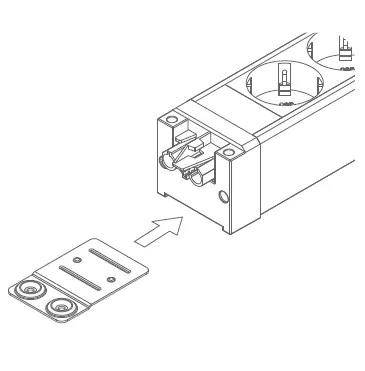
- Slide mounting plate into grooves until firmly in place.
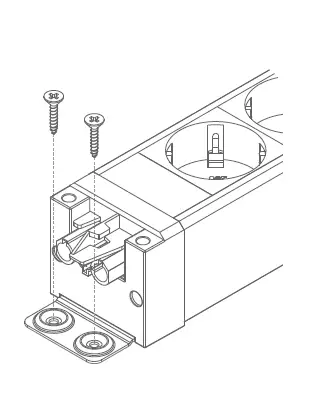
- Attach the product to the desired surface with the included screws.
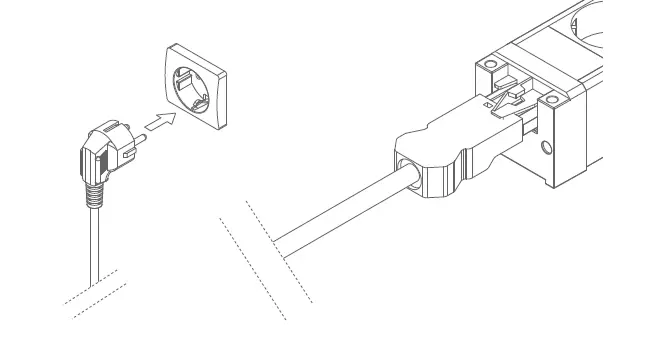
- Attach GST18i3 power cable (not included) male connector to DOCKY female connector and power plug to a wall socket.
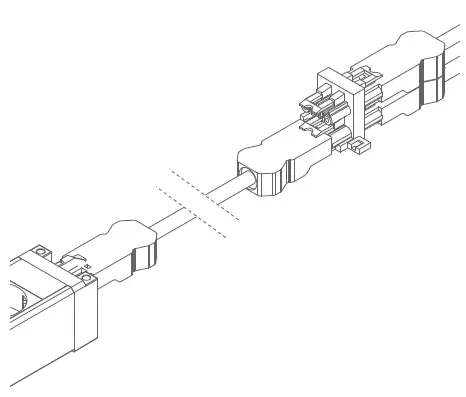
- If multiple DOCKY products in abutted serial connection is desired, line up the GST18i3 male and female connector, and press them together firmly until a distinct click is heard.
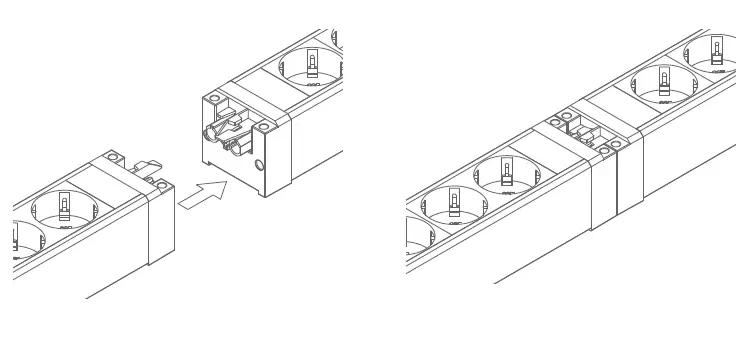
- Once the two DOCKY products are firmly secured, attach the connection cover.
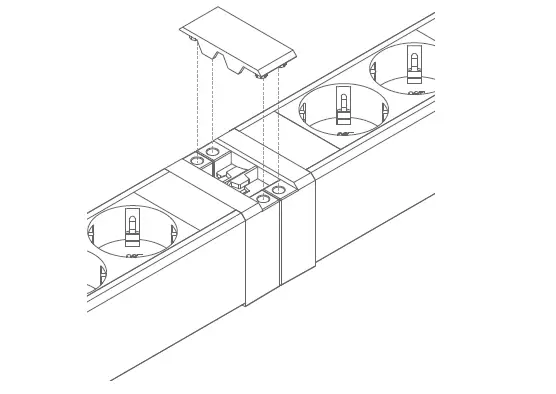
- If an extention is required between wo DOCKY products, use extension cables:
935-BF10 – 1m
935-BF20 – 2m
935-BF30 – 3m
935-BF50 – 5m
(not included)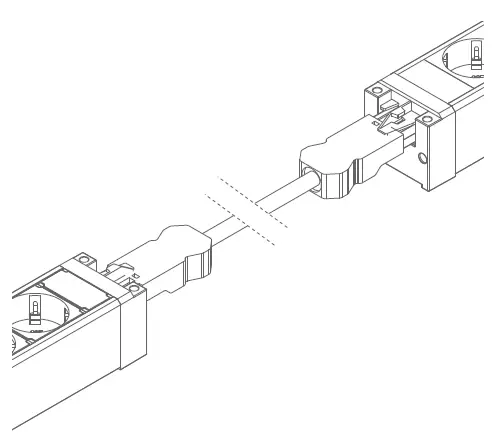
- If multiple DOCKY products will be connected in parallel or sequence, use splitter:
937-BTK12 – 1 GST18i3 Male to 2 Female
937-BTK13 – 1 GST18i3 Male to 3 Female
(not included)