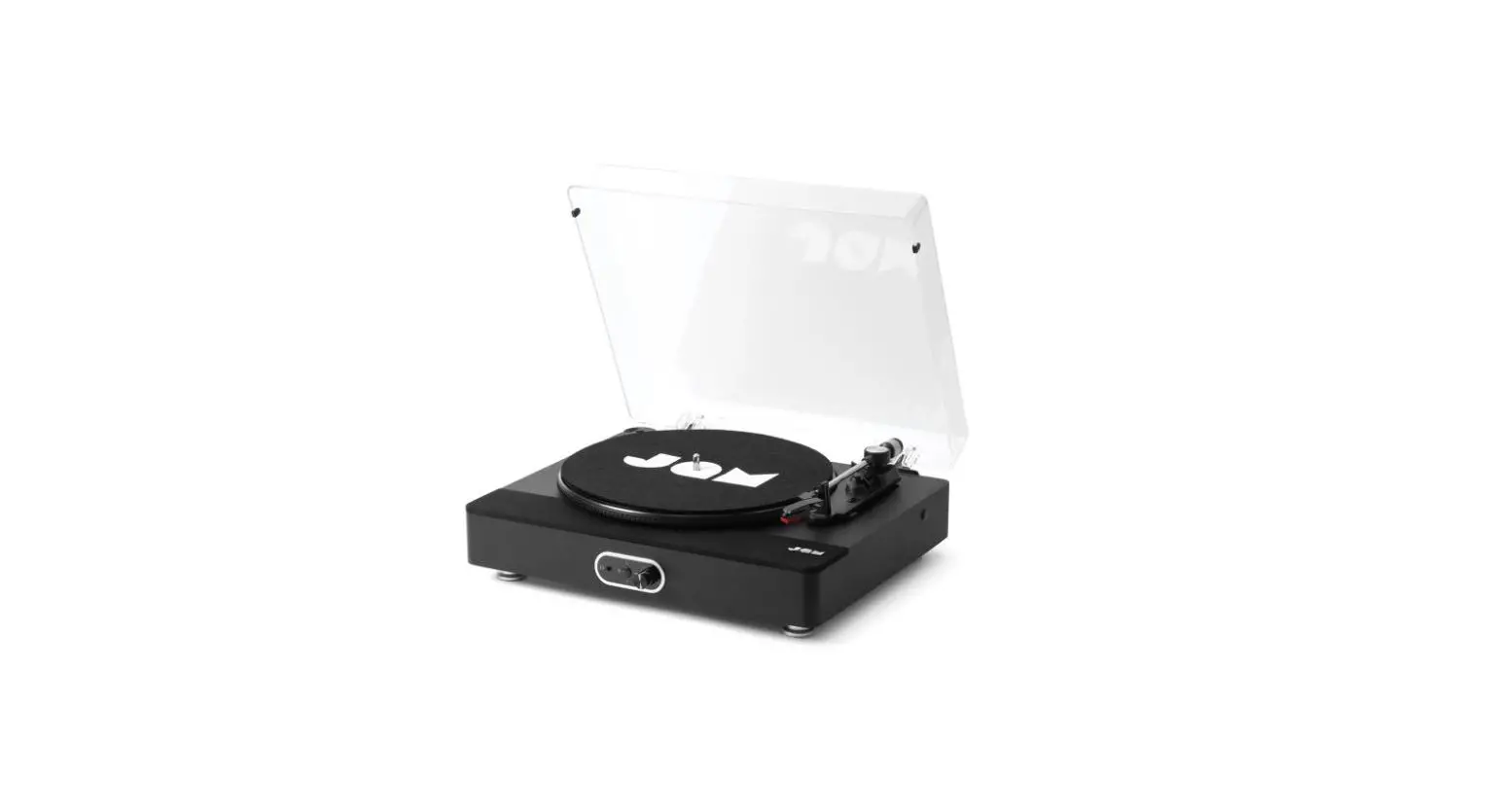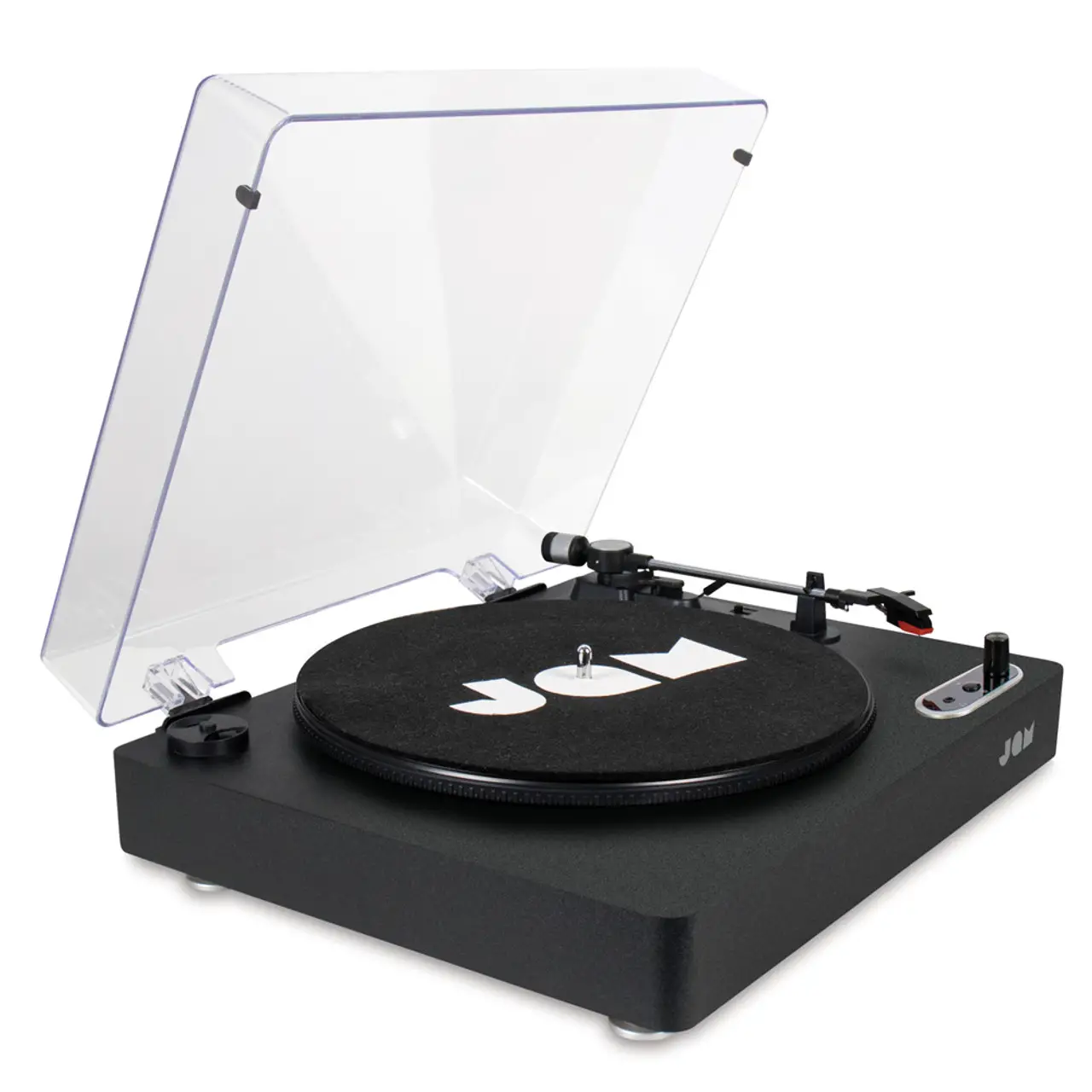
 BLUETOOTH®
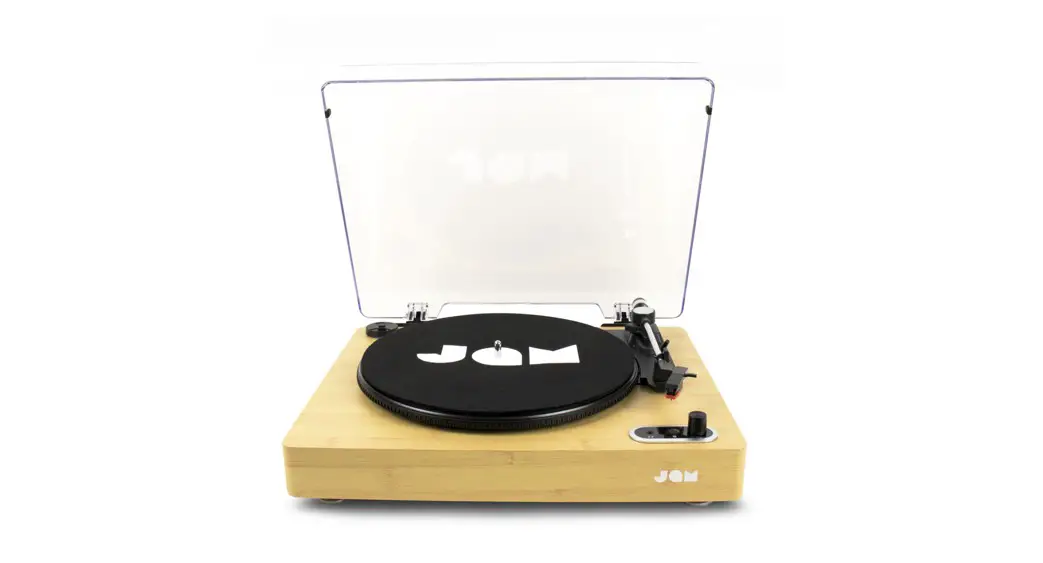
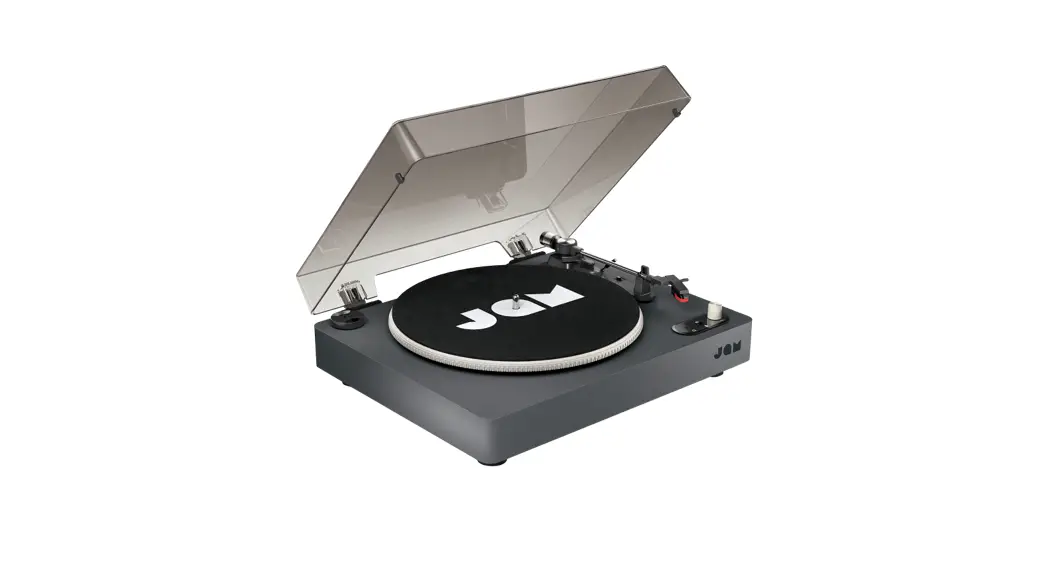
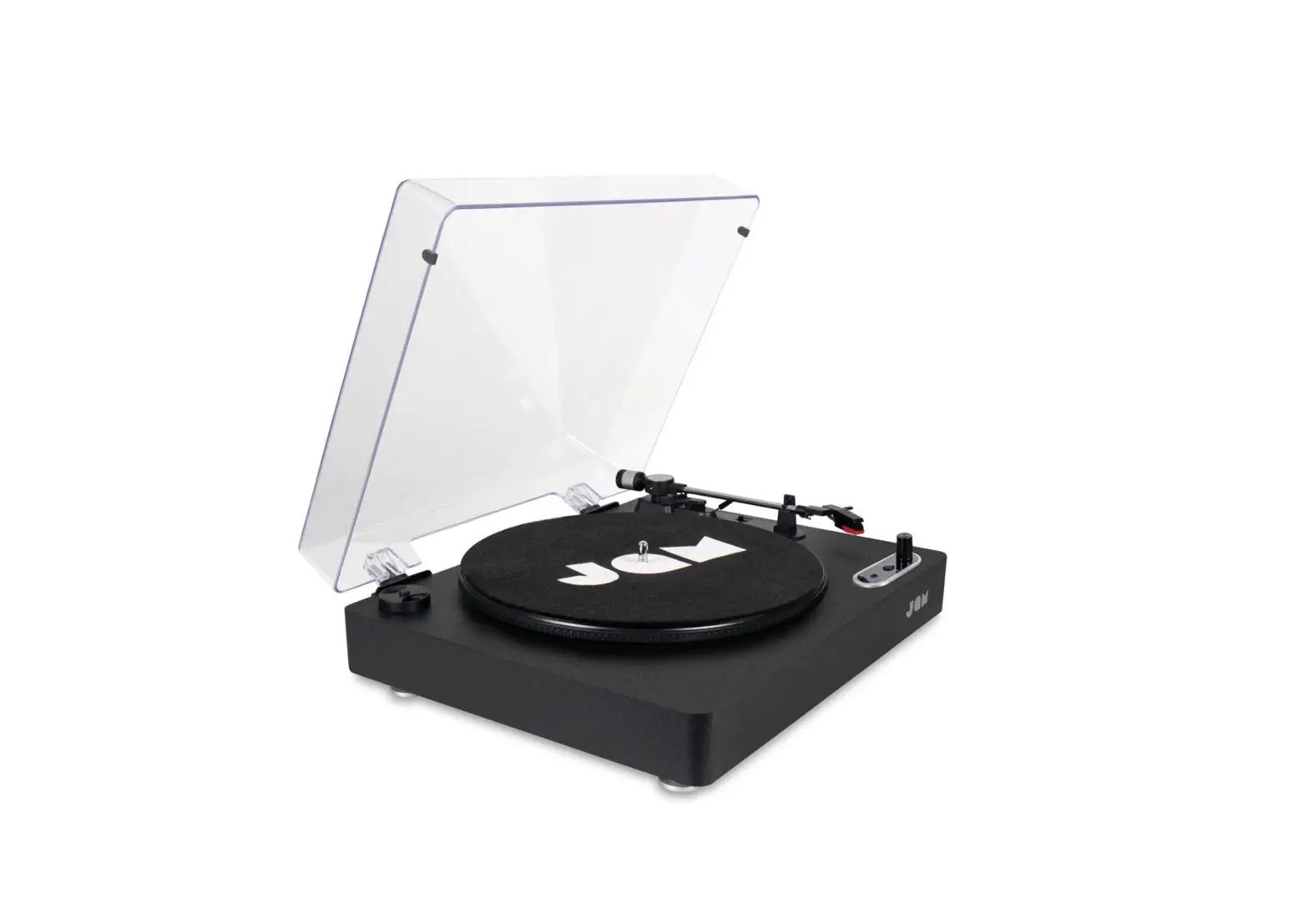
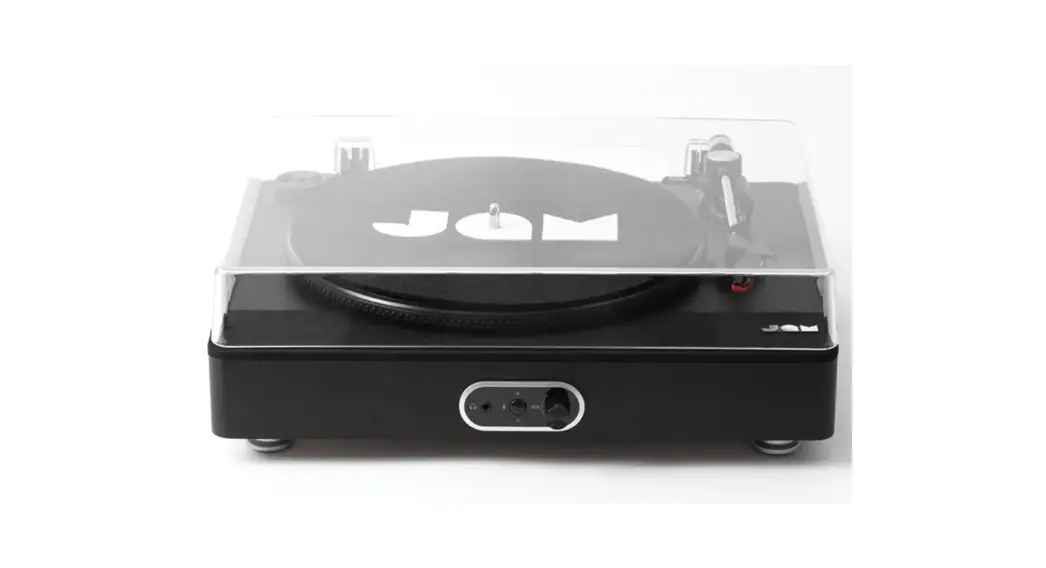
SOUND STREAM+ HX-TT700
Quick-Start Guide
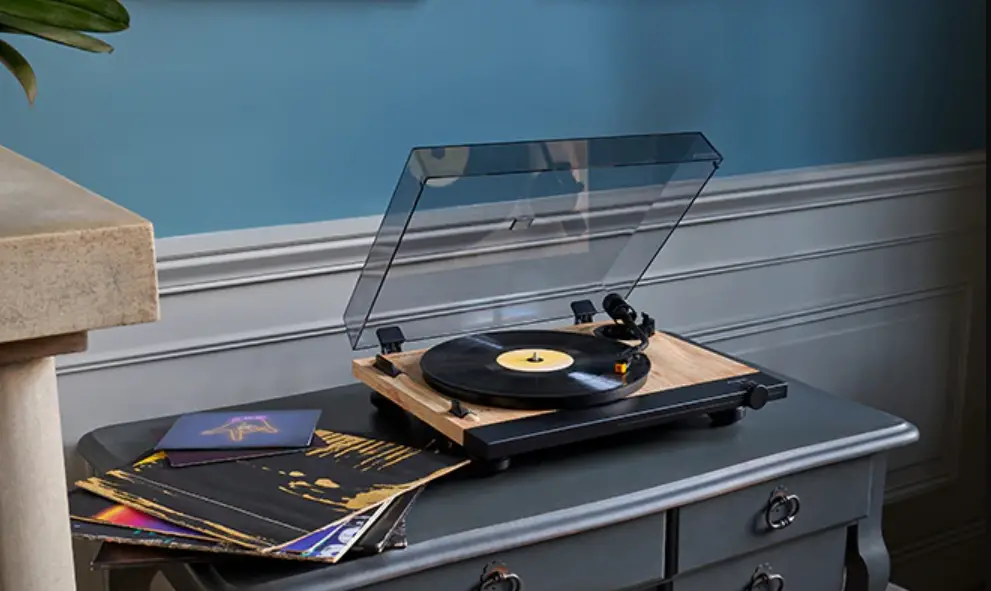
HX-TT700 Sound Stream Turntable
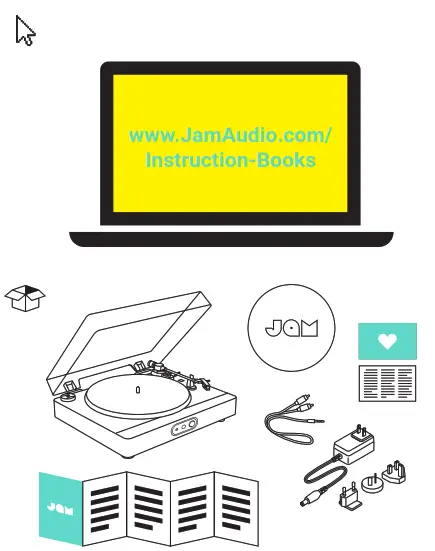 www.JamAudio.com/Instruction-Books
QS-HXTT700 © 2021 JAM. All Rights Reserved. Jam is trademark of HMDX.
 |  |
 |  |
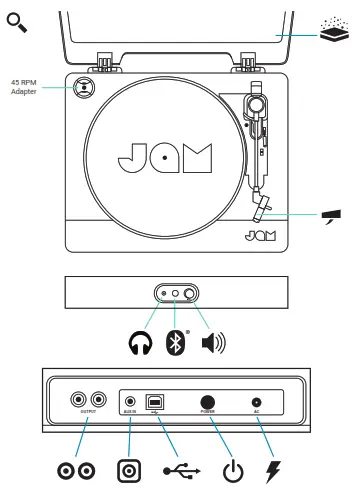
PLAY THROUGH IN-BUILT SPEAKERS
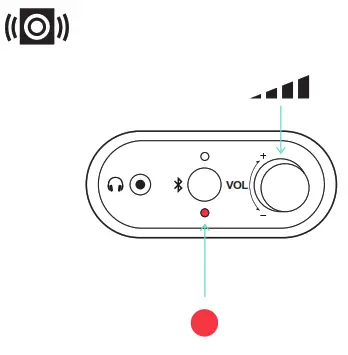
Bottom LED is RED. Select speed and good to go.
Then just volume to adjust sound level
 | 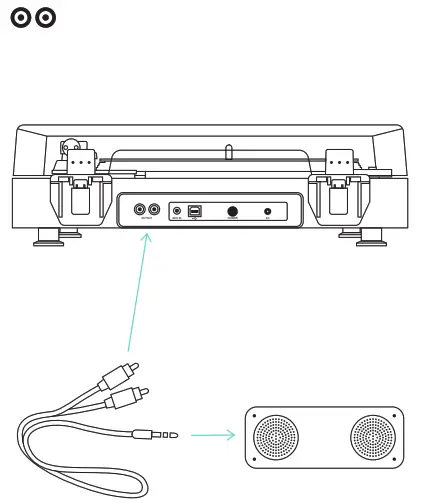 |
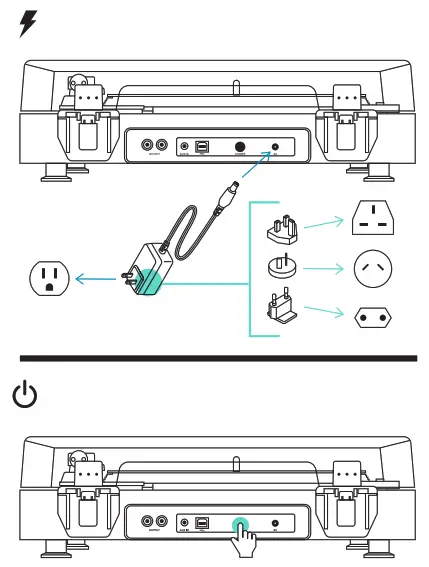
 USB TO PC RECORDING
Download Full instruction for the Audacity Software at: http://www.audacityteam.org/download/
- Connect the Turntable and the computer via the provided USB cable.
- Follow the instruction of the software installation steps and operation interface.
 Download | Audacity ®
 JAM Audio - Bluetooth Speakers and Headphones | JAM Audio