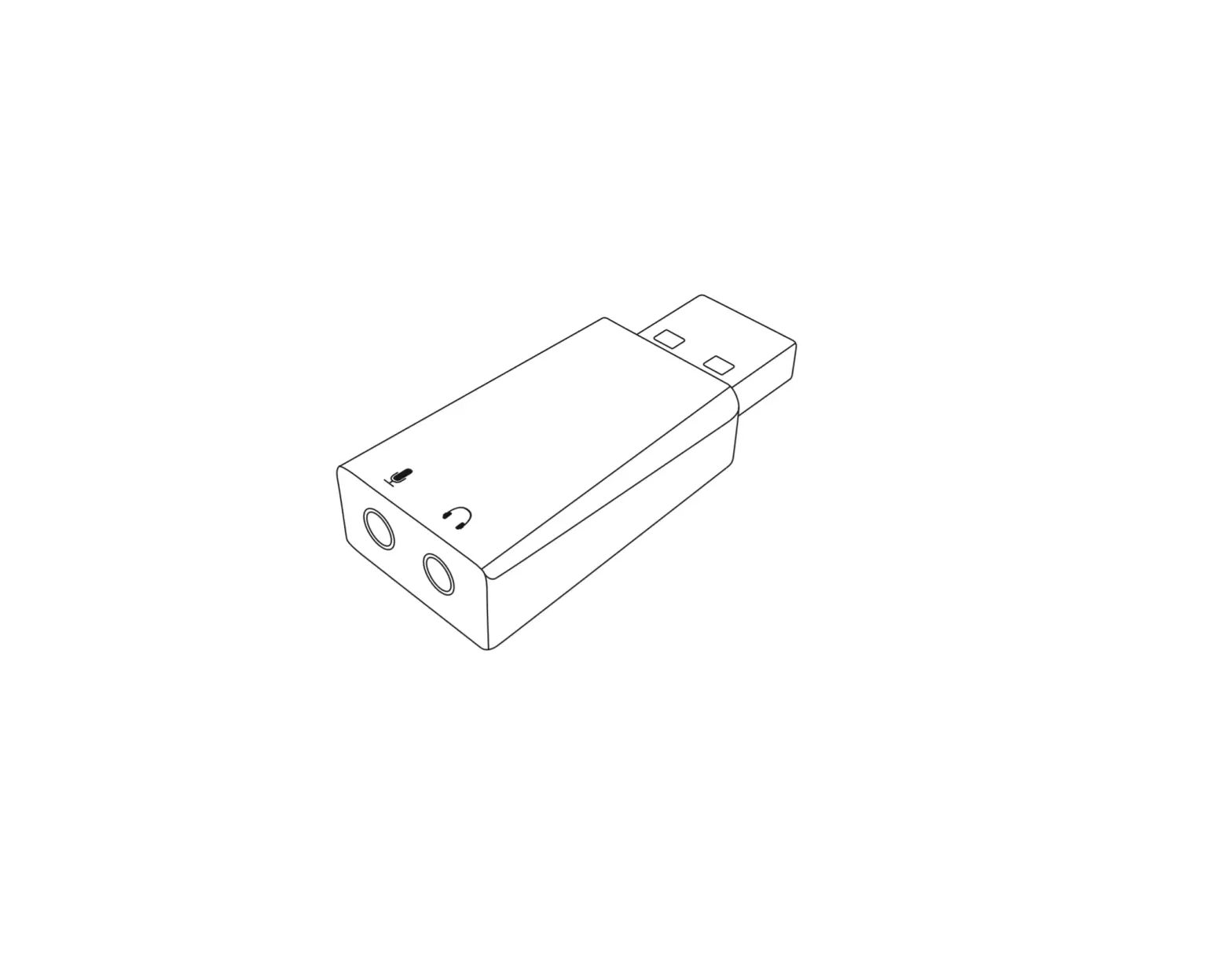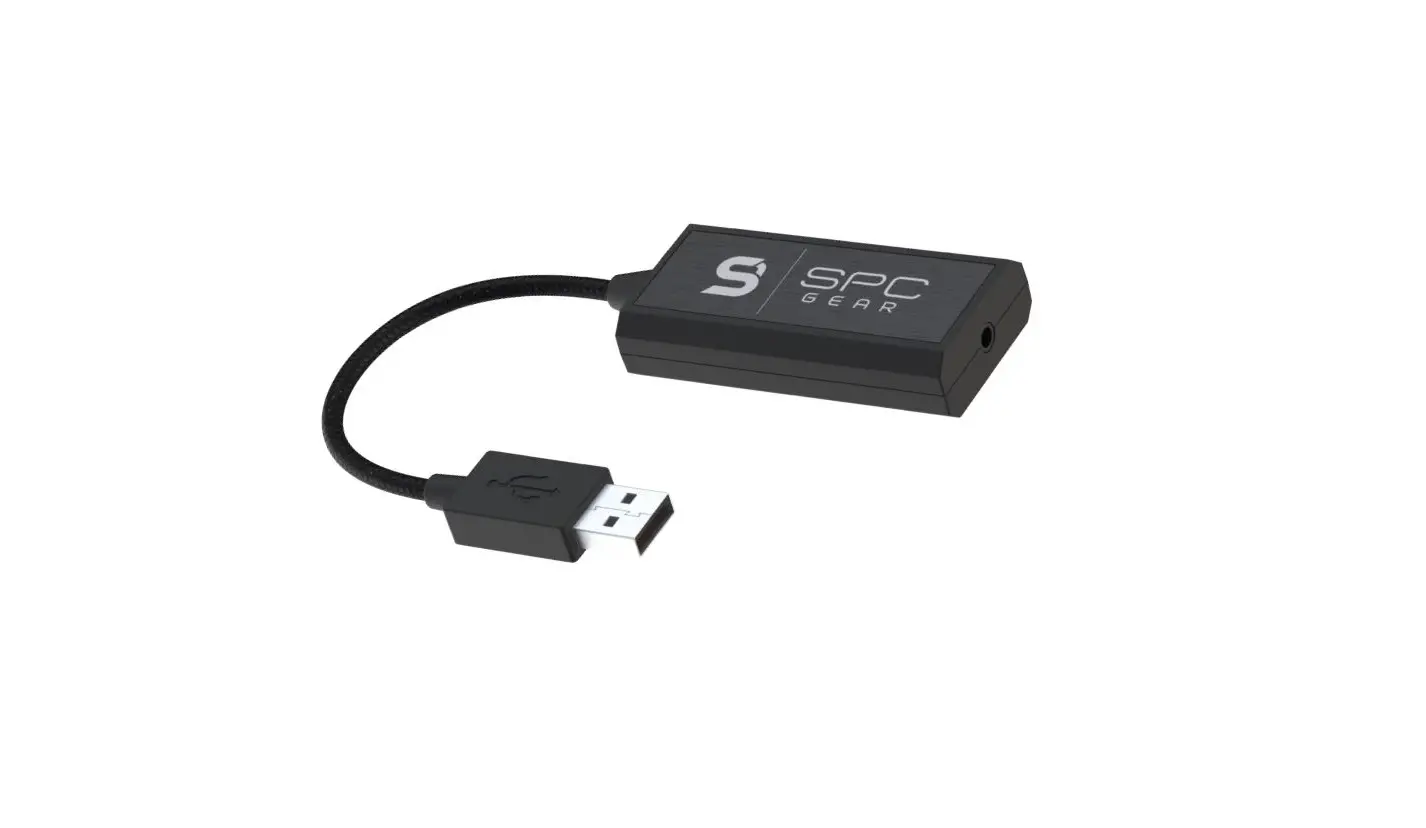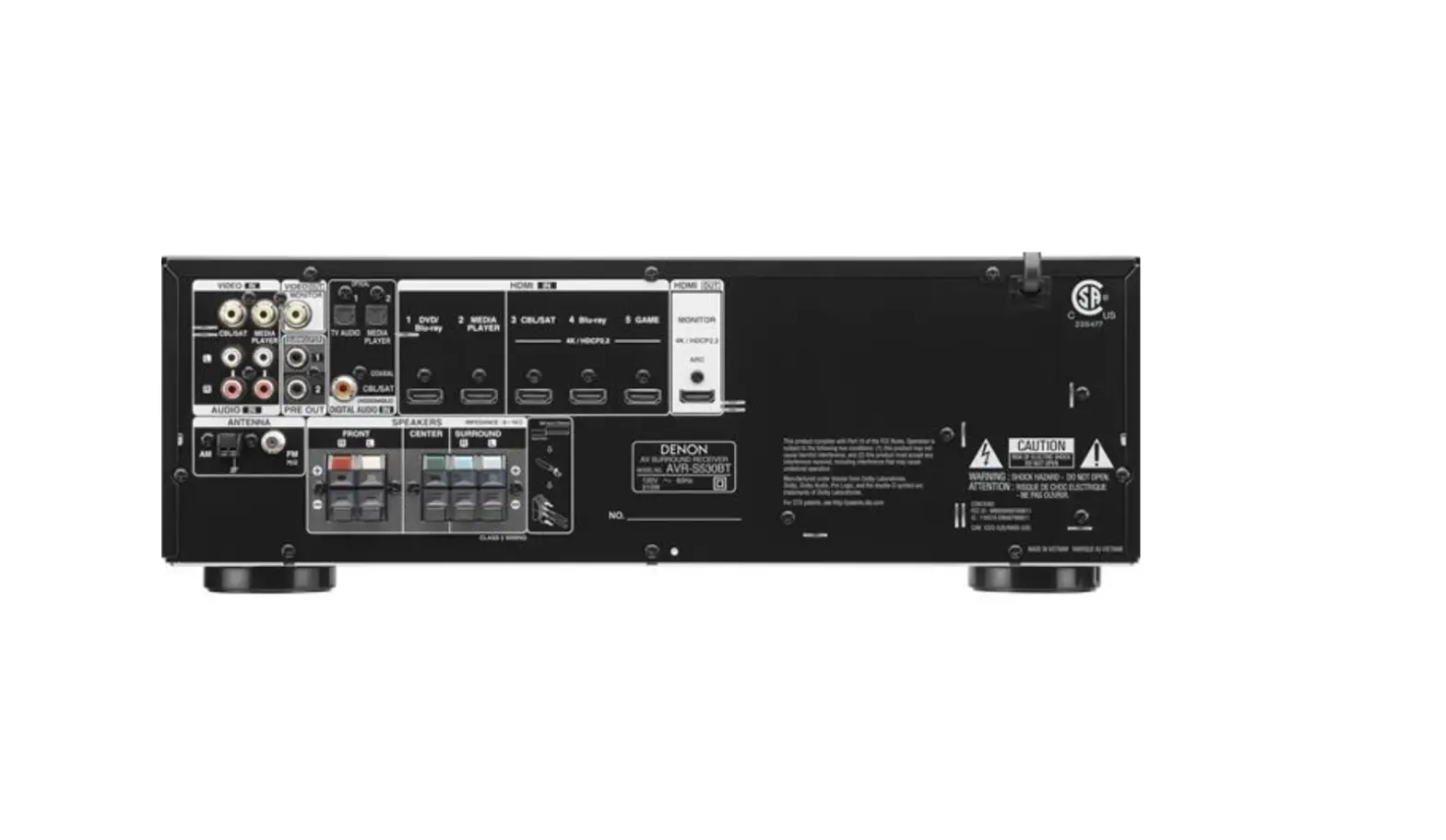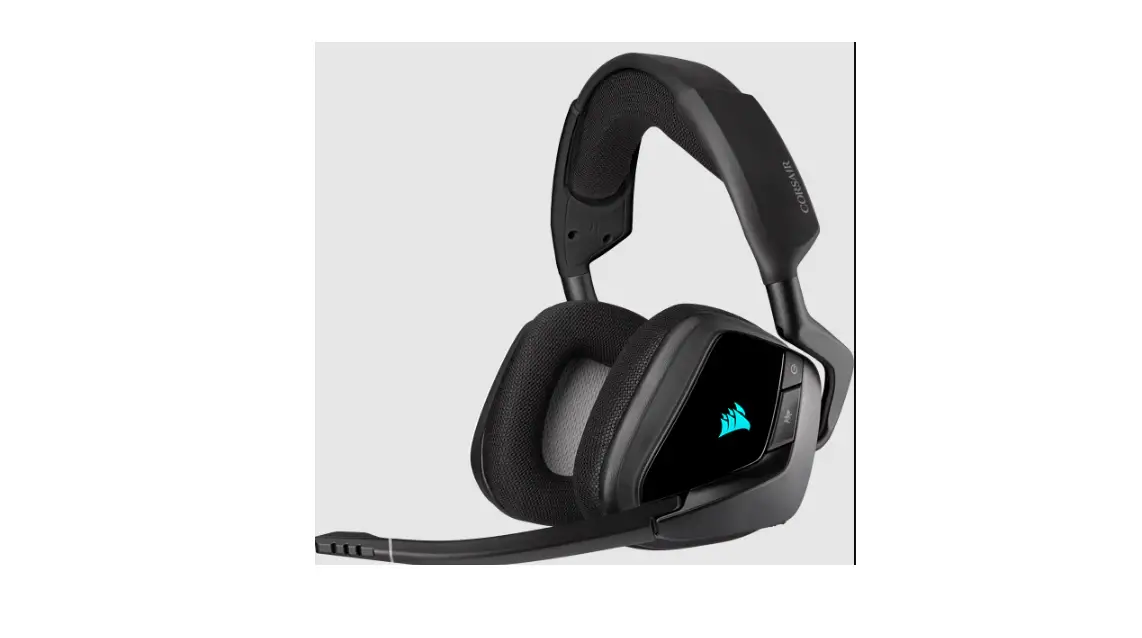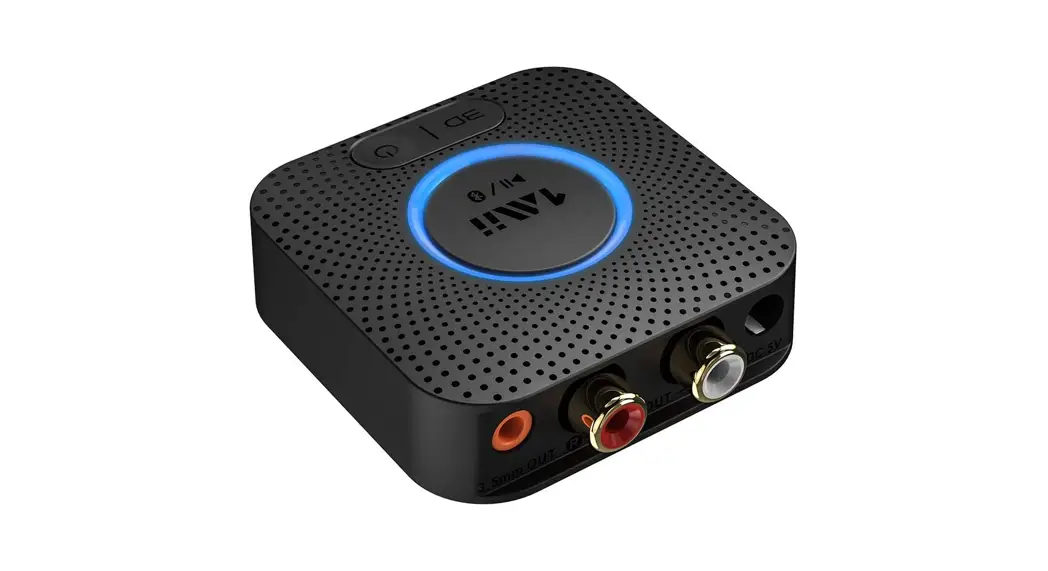

Virtual 7.1 USB surround sound card
User Guide
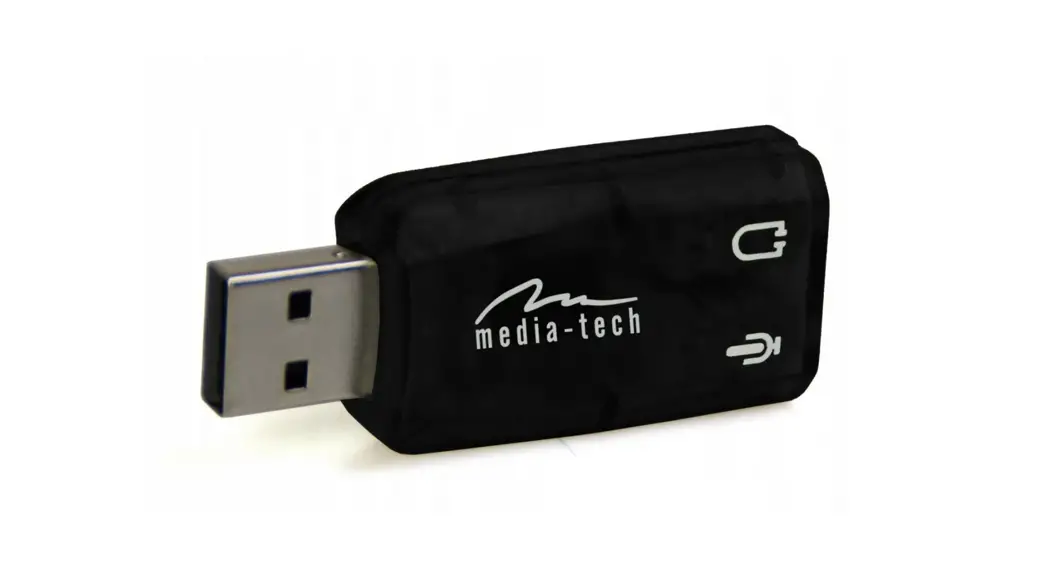
 In the box
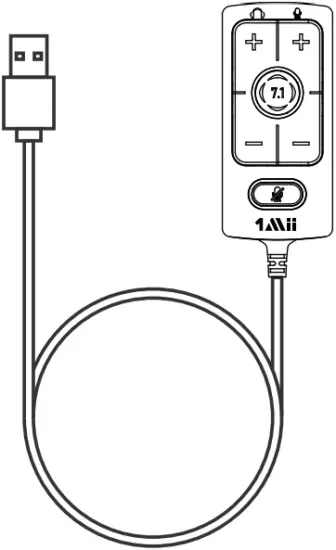 x1
x1
 x1
x1
 Product overview
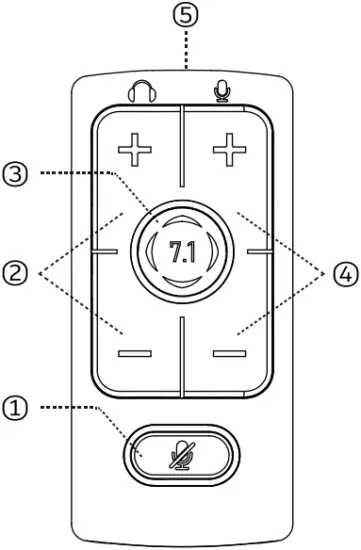
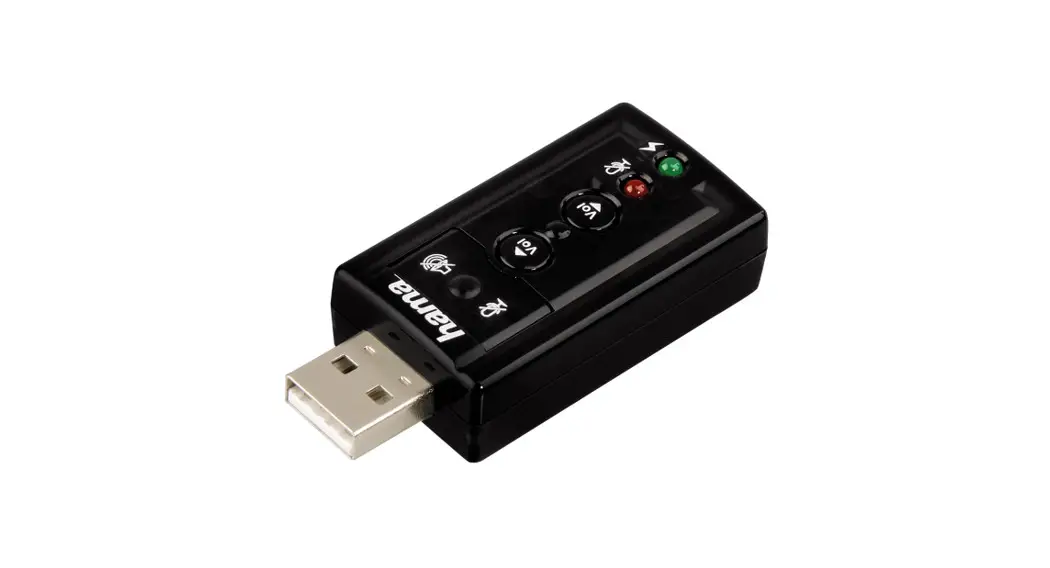
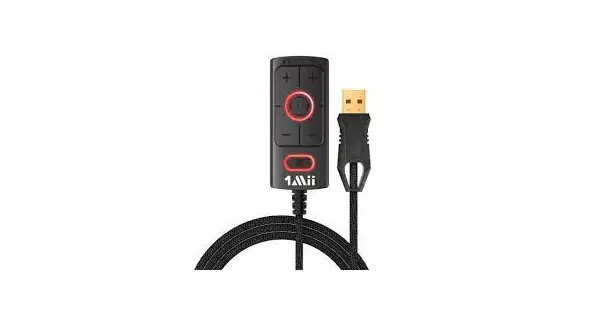
- Microphone Mute Button
LED ON – Mic muted
LED OFF- Mic active - Headphone Volume
- 7.1 Virtual Surround Sound
LED ON- Virtual 7.1 Enabled
LED OFF – Virtual 7.1 Disabled - Microphone Volume
- 3.5mm OUT
 Computer use
Step 1
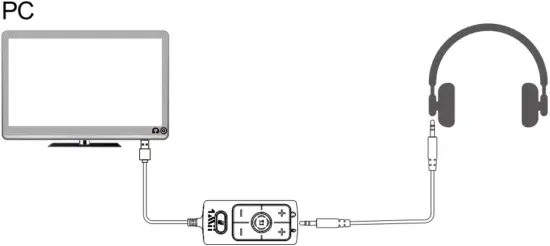
Step 2
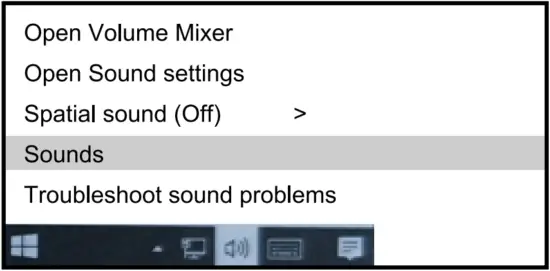
Right click speaker icon> Select Sounds
Step 3
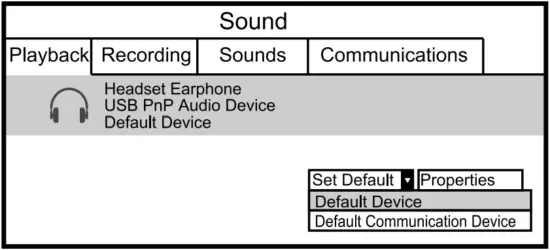
Playback Device
Set Default Communications Device to “USB PnP Audio Device”
PS4 use
Step 1
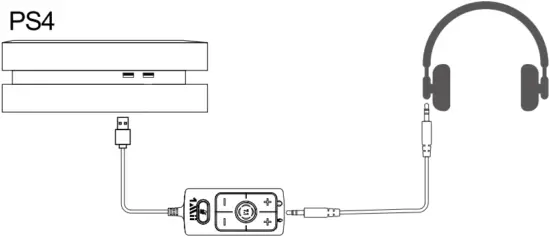
Step 2
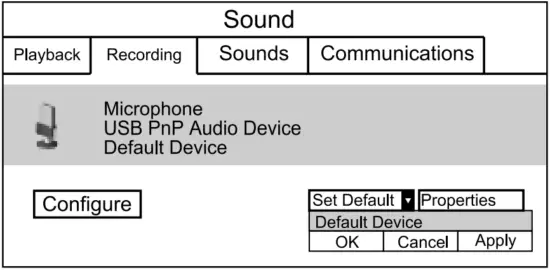
Recording Device
Set Default Device to “USB PnP Audio Device”
Voice Chat Software :
Output Device > “USB PnP Audio Device”
Step 3
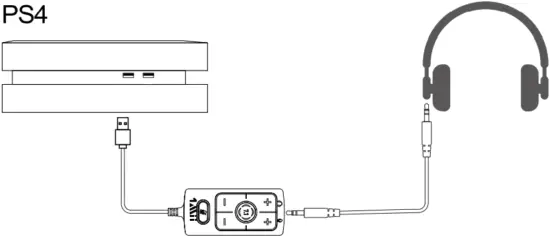
USB:
Settings > Devices > Audio Devices >
Input Device: USB PnP Audio Device
Output Device: USB PnP Audio Device
 Scan the code to get more information.
© 1Mii Technologies Limited.
We hope you never have the need, but if you do, our service is friendly and hassle-free. [email protected]
  web: www.1mii.com

MADE IN CHINA