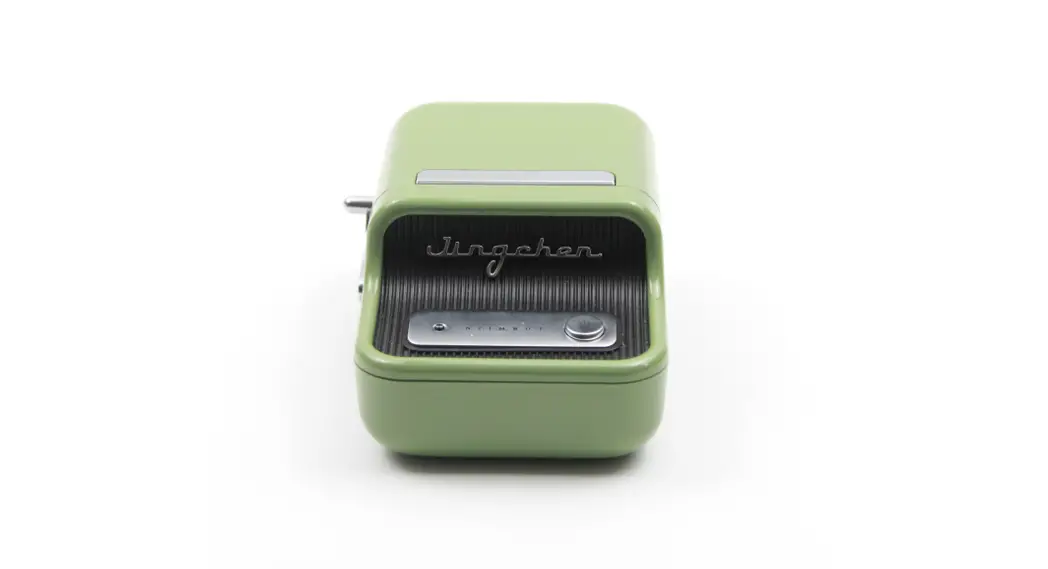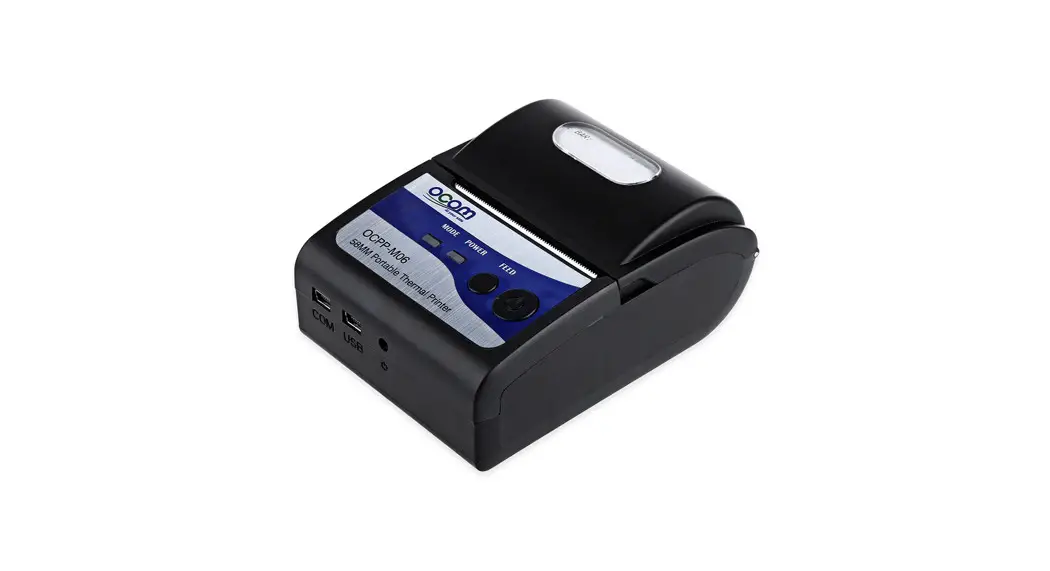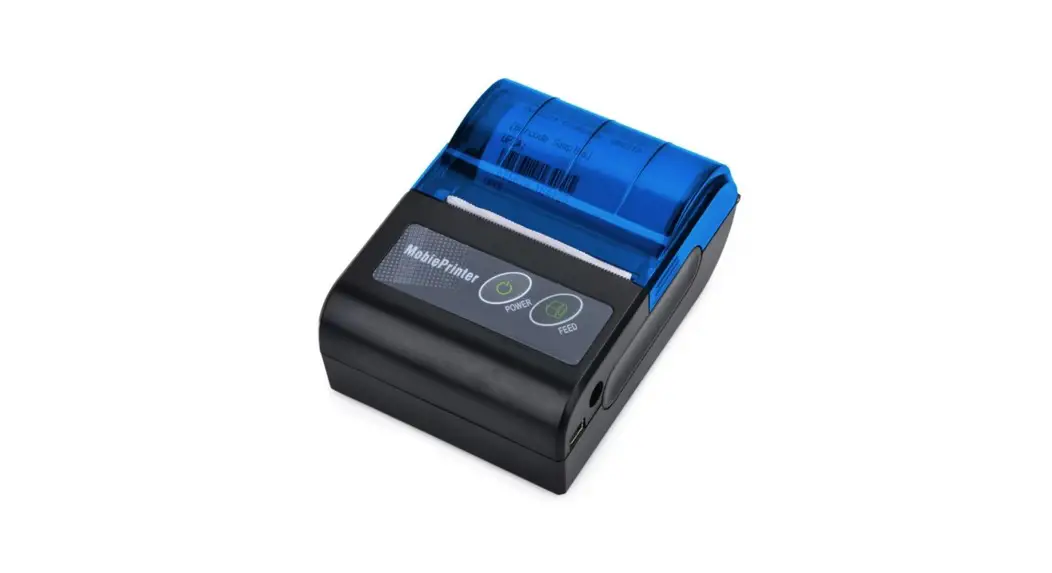

miniprinter NBS-SL856B Bluetooth Device

Basic instructions
- Power on: Press button for 3s then it power on.
- Power off: Scan “power off” barcode or wait it power off automatically.
- Low power warning: Di-DI-DI-Di beep is low power warning, if not charge, the scanner wil power off.
Battery charging: Two charging ways:
- Connect micro USB to scanner
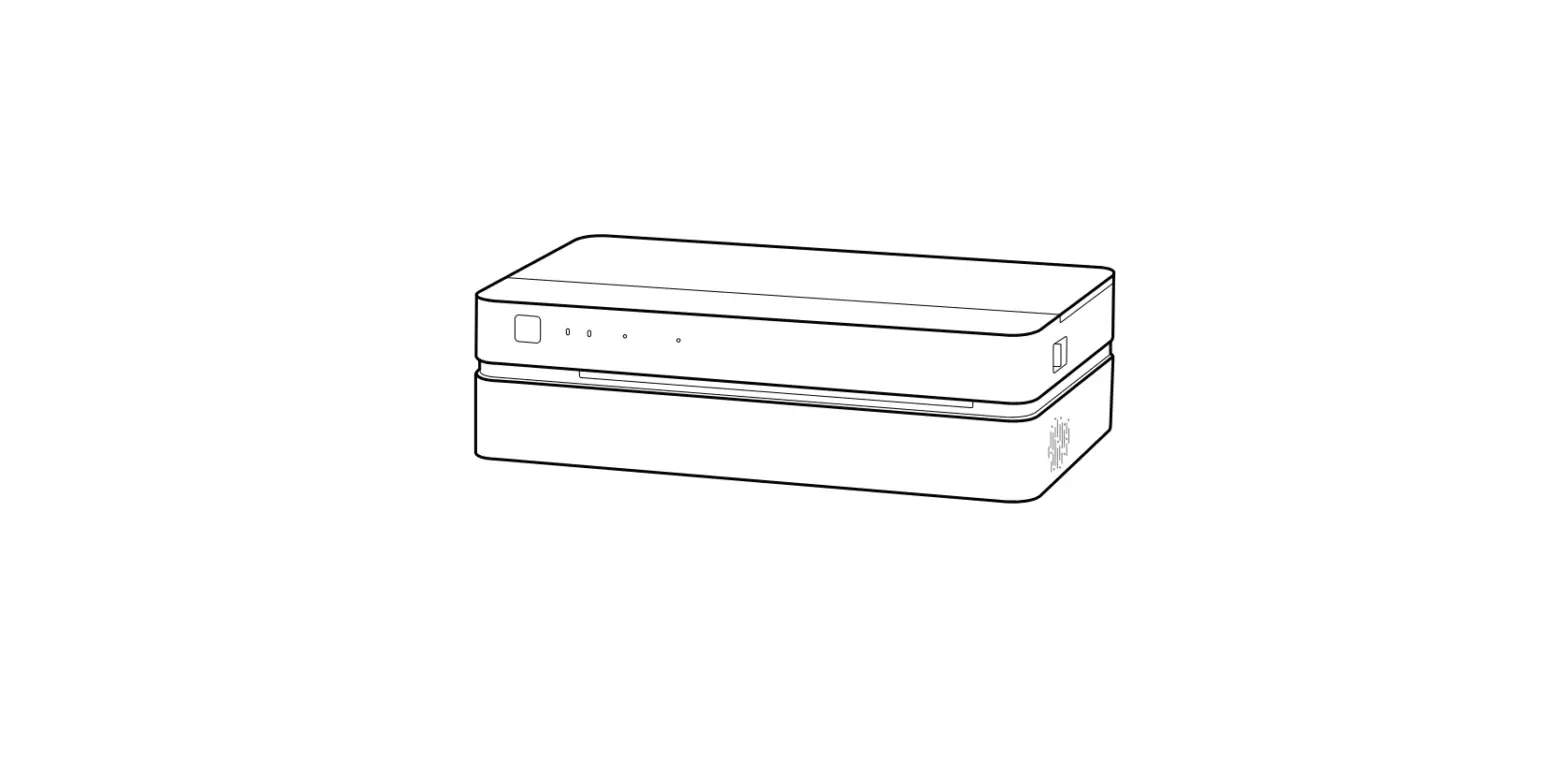
- Place the scanner on the Cradle to charge. red light on shows charging normally, until light off, charging finish.
System setting
- Restore factory setting

Connection Setting
Bluetooth keyboard:
- scan the barcode.
- terminal device search bluetooth device signed with “SerNum”.
- connect successfully

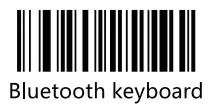
Note: This mode is used to transfer keyboard data to the dialog box. Please delete the old device information before connecting the new device
Connect with cradle:
Scan the barcode attached to the cradle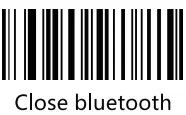
Note: Scan this bar code, the Bluetooth device is disconnected from the connected device, and other devices cannot check the existence of this device.
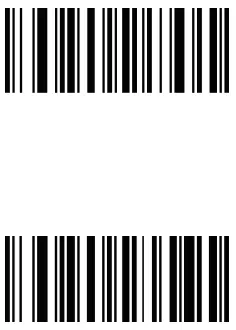
KBD type
- Windows/Android
- Mac/iOS

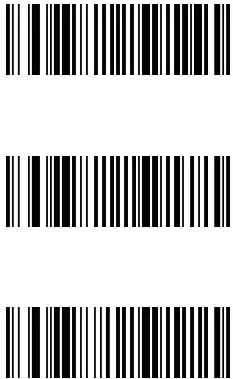
Suffix Setting
- Add CR Suffix
- Add LF Suffix
- Add CR+LF Suffix

Input method setting
- Android/lOS/ Switch Input Method
- Windows/ Switch Input Method

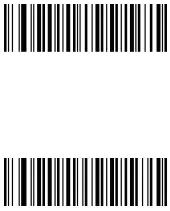
Note: Please set input method to English
- OS/Popup/Hide Virtual keyboard (IOS)
Power setting
- Power off
Transmit mode
Synchronous transmission
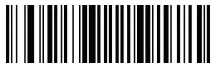
- Note: Data is transmitted during bluetooth connection and lost when disconnected
Asynchronous transmission
Note: Data is transmitted during bluetooth connection, stored when disconnected, and uploaded automatically after reconnection
Transmit mode
- Batch storage mode
Note: Data is always stored.
- Upload all stored data
- Count the total number of uploaded data
- Clear stored data
Standby Time
- Standby for 10 min
- Standby for 1 Hour(default)
- Do not power off automatically
Scanning mode
- Barcode from Paper

- Barcode from Screen