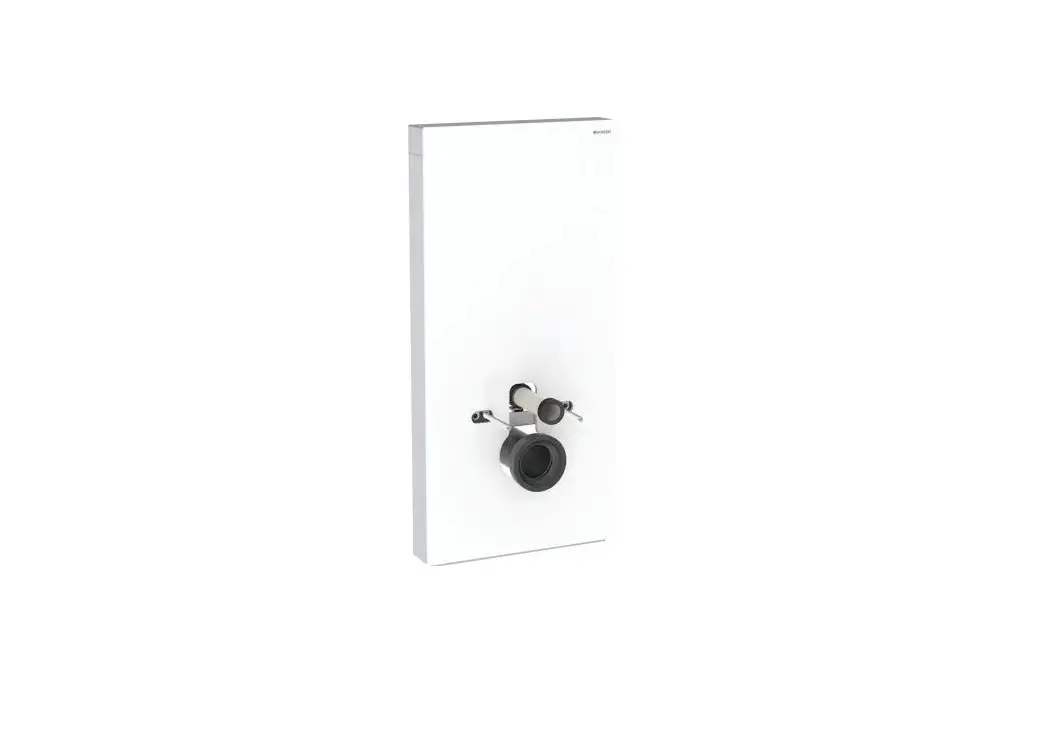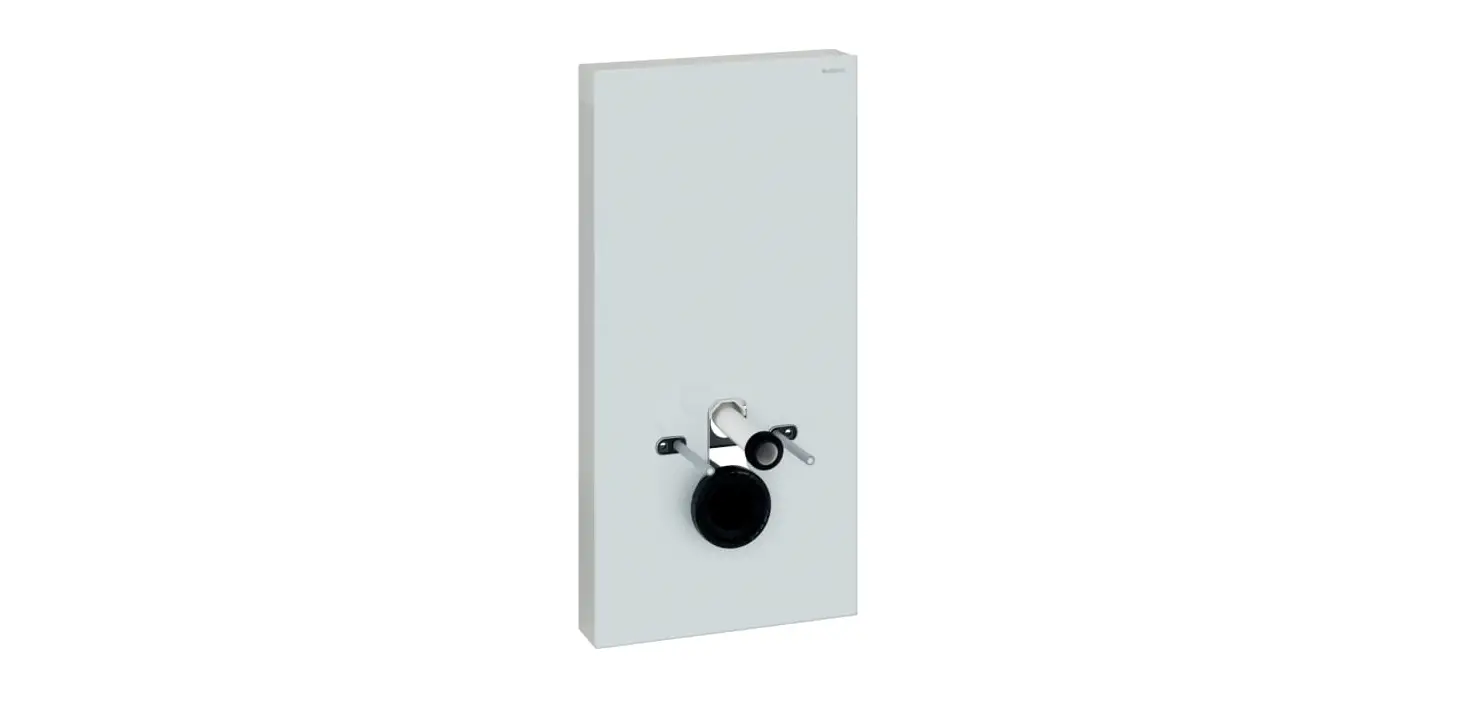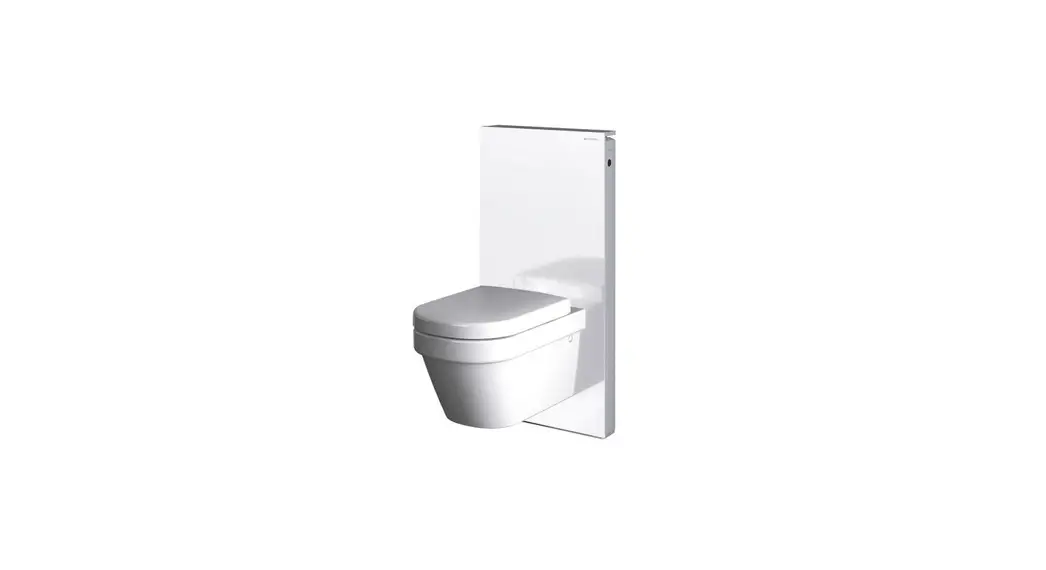
 5756482 Wc-Fixtur Monolith Plus
User Manual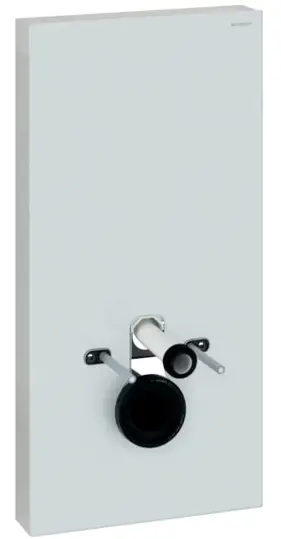
For your safety
Target group
This document is intended for all users of the Geberit Monolith Plus sanitary module for WCs.
Children and adults who are not familiar with its use should be given appropriate instructions and may need to be supervised.
Intended use
The Geberit Monolith Plus sanitary module is designed to flush out WC ceramic appliances. Using it for any other purpose is deemed improper. Geberit accepts no liability for the consequences of improper use.
Safety notes
- Operation, care and maintenance work may only be performed by the operator or user as described in this user manual.
- Impurities in the filter could lead to contamination of the breathing air. In order to preclude any health risks and ensure proper functioning, the filter must be replaced annually.
- This machine may be used by children as well as persons with reduced physical, sensory or mental capabilities or a lack of experience with and knowledge about the machine, provided that they are supervised or taught how to use the machine safely and that they understand the hazards that may result from this. Children must not play with the device. Children must not carry out cleaning or user maintenance without supervision (in accordance with EN 60335-1:2012).
- Never repair the Geberit Monolith Plus sanitary module yourself. The sanitary module contains live parts. Opening the device exposes those present to fatal danger.
- Do not modify the product or add any additional modules.
- Repairs may only be carried out by a skilled person using original spare parts and accessories.
- If the mains connection cable is damaged, it must be replaced by a skilled person.
Product description
System description
The sanitary module is equipped with user detection, an odour extraction unit and an orientation light.
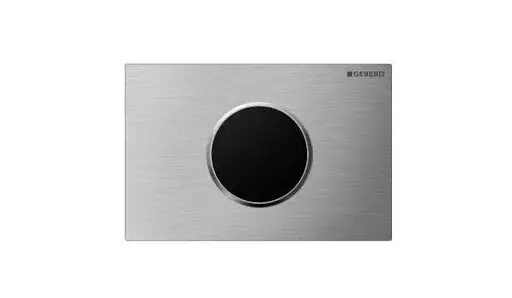
Soft-touch buttons are integrated in the cistern lid and can be used to release a large or small flush or activate the odour extraction unit.
The integrated odour extraction unit neutralises unpleasant odours in the WC ceramic appliance.
Technical data and conformity
Technical data
| Nominal voltage | 100–240 V AC |
| Mains frequency | 50–60 Hz |
| Frequency range | 5.75–5.85 GHz |
| Maximum output power | ≤ 7 dBm EIRP |
| Wireless technology | Short Range Radar Sensor |
| Operating voltage | 4.1 V DC |
| Power consumption | 5 W |
| Power consumption standby | < 0.5 W |
| Mains connection | Direct connection via system plug with flexible three-wire sheathed cable |
| Flow pressure range | 0.1–10 bar 10–1000 kPa |
| Flush volume, factory setting | 6 and 3 l |
Simplified EU Declaration of Conformity
Hereby, Geberit International AG declares that the radio equipment type Geberit Monolith Plus is in compliance with Directive 2014/53/EU.
The full text of the EU declaration of conformity is available at the following Internet address: https://doc.geberit.com/968980000.pdf.
Simplified UK Declaration of Conformity
Hereby, Geberit International AG declares that the radio equipment type Geberit Monolith Plus is in compliance with the Radio Equipment Regulations 2017.
The full text of the UK declaration of conformity is available at the following Internet address: https://doc.geberit.com/970875000.pdf.
Operation
Control panel
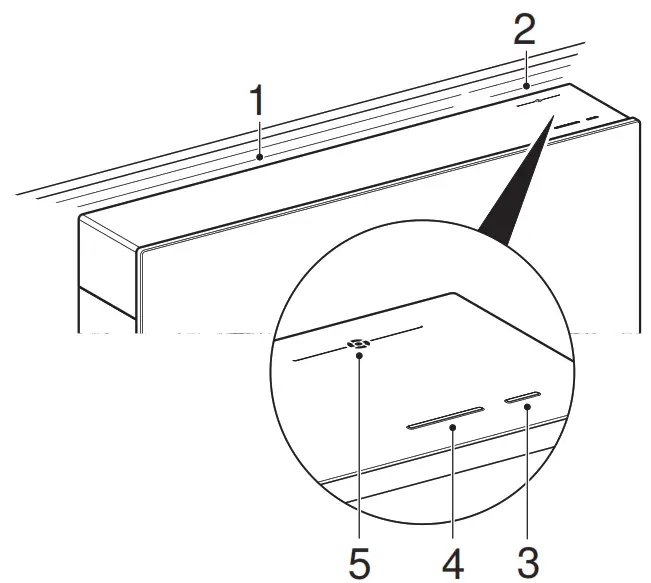
- Orientation light
- Odour extraction unit indicator light
- <Small flush volume> button
- <Large flush volume> button
- <Odour extraction> button
Using the Geberit Monolith Plus
When a user approaches the sanitary module, the orientation light lights up and the odour extraction unit starts up. To release a flush, press the <Large flush volume> actuator button for a large flush or the <Small flush volume> actuator button for a small flush.
 The button functions may be temporarily blocked due to high electrostatic discharges. If the odour extraction unit indicator light permanently lights up red, the filter must be replaced. → See “Replace the filter”, page 16.
Starting or stopping the odour extraction unit
▶ Press the <Odour extraction> button.
✓ The odour extraction unit starts or stops. While the odour extraction unit is running, the odour extraction unit indicator light blinks slowly.The odour extraction unit shuts off automatically after 10 minutes (factory setting).
Settings overview
The settings for the orientation light and odour extraction unit can be modified.
The menu is indicated by the colour of the odour extraction unit indicator light on the right side.
The settings are indicated by the colour of the orientation light on the left side.
Table 1: Settings overview
Menu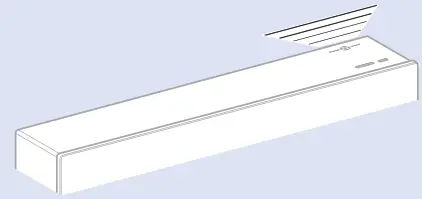 | Settings (bold = factory setting)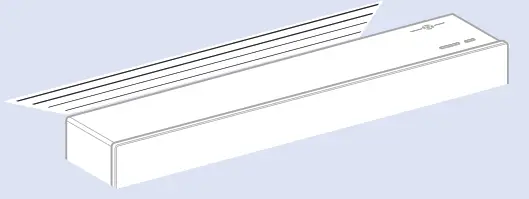 |
| (White) Light colour | The following light colours can be selected: • blue, turquoise, magenta, orange, yellow, warm white and white |
| (Blue) Conditions for switching on orientation light | Three different settings are possible: • switch on when a user is detected and the ambient conditions are dark (blue) • switch on when a user is detected (always, regardless of ambient light) (turquoise) • off (orientation light is not switched on) (magenta) • on (orientation light is always switched on) (orange) |
| (Turquoise) Conditions for switching off orientation light | Time after which the orientation light automatically switches off when user detection is not activated: • 1 minute (blue) • 3 minutes (turquoise) • 6 minutes (magenta) |
| (Magenta) Odour extraction unit run-on time | Time after which the odour extraction unit automatically switches off: • 5 minutes (blue) • 10 minutes (turquoise) • 15 minutes (magenta) |
| (Orange) Detection distance | Distance at which a user is detected: • near (blue) • medium (turquoise) • far (magenta) |
| (Yellow) Odour extraction unit | Automatic or manual switch-on of odour extraction unit: • switch on automatically when user is detected (blue) • switch on by pressing <Odour extraction> button (turquoise) |
| (Warm white) Replacing the filter | Pressing the <Small flush volume> button confirms the filter replacement and clears the display to request the filter replacement (odour extraction unit indicator light). |
Changing settings
- Press and hold the <Odour extraction> button for approx. three seconds.
 ✓ Both indicator lights flash three times. You are now in Settings mode.
 - Change the setting (see step 3) or press the <Odour extraction> button repeatedly until you reach the desired menu.
✓ The selected menu is indicated by the colour of the odour extraction unit indicator light.
- Press the <Large flush volume> button repeatedly to change the setting.
 ✓ The selected setting is indicated by the colour of the orientation light.
- Press the <Small flush volume> button to save the setting you have made.

 When the settings are saved, the orientation light flashes briefly as confirmation. If the settings are not saved or if no changes are made within three minutes, the unit automatically exits setting mode without changing the existing settings.
 - Press and hold the <Odour extraction unit> button for approx. three seconds to exit Settings mode.
Result
✓ Both indicator lights flash three times.
The sanitary module is once more ready for operation.
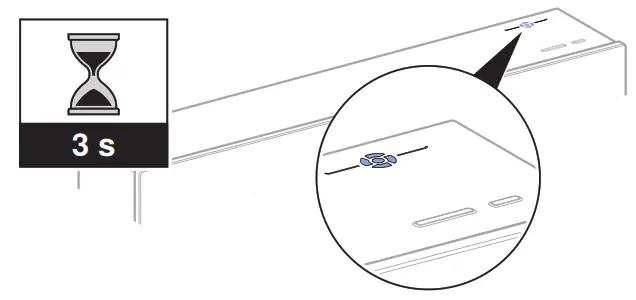 ✓ Both indicator lights flash three times. You are now in Settings mode.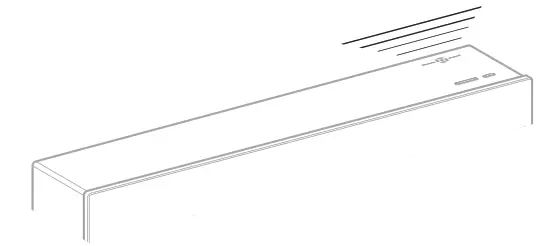
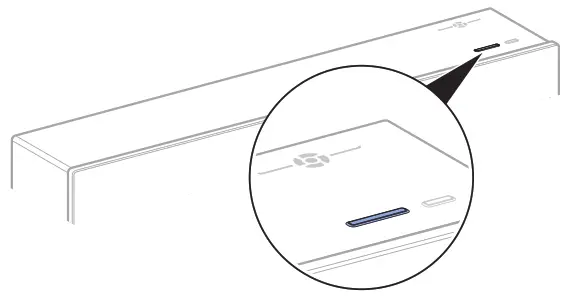 ✓ The selected setting is indicated by the colour of the orientation light.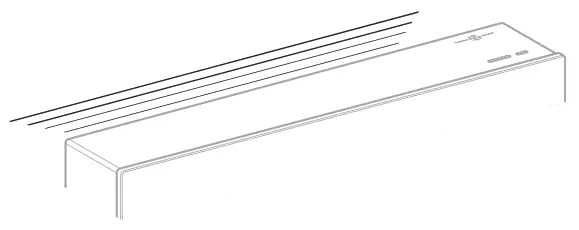
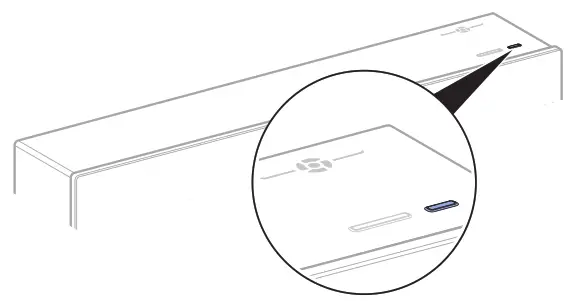
Maintenance
Care and cleaning
The Geberit Monolith Plus sanitary module is a high-quality, easy-care product.
ATTENTION
Surface damage caused by aggressive and scouring cleaning agents
▶ Never use cleaning agents that contain chlorine or which are acidic, abrasive or corrosive.
Only use mild, liquid cleaning agents that are kind to the skin. The Geberit AquaClean cleaning set (art. no. 242.547.00.1) includes a ready-made cleaning agent that is optimal
for cleaning all Geberit Monolith Plus surfaces.
- Clean the surface with a soft, damp cloth and a mild liquid cleaning agent.
- Then dry the surface with a soft, lintfree cloth.
Replace the filter
Prerequisite
- The odour neutralisation effect has weakened.
- Odour extraction unit indicator light permanently lights up red.
 CAUTION
Possible health hazard
Impurities in the filter could lead to contamination of the breathing air.
▶ Replace the filter annually.
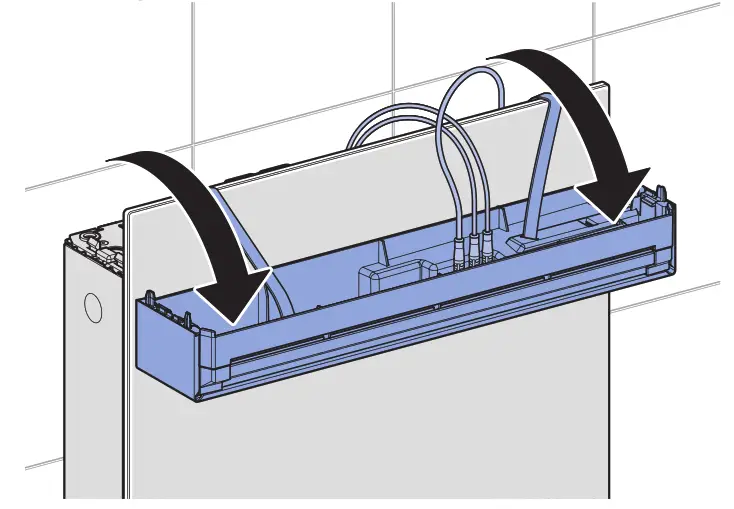
- Hold the cistern lid with both hands, lift it up and fold it towards the front.

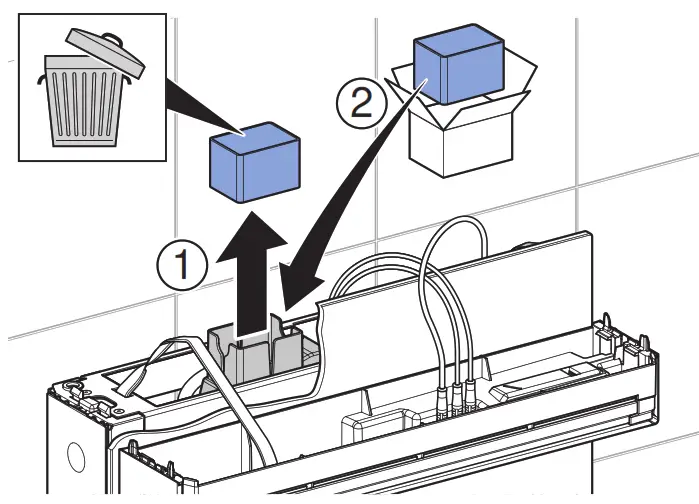
- Remove the spent filter, dispose of it and insert a new filter.

- Close the cistern lid.
- Confirm the filter replacement in the settings under the Replace filter menu.
Disposal
 Disposal of waste electrical and electronic equipment
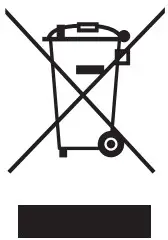
The symbol of the crossed-out wheeled bin means that waste electrical and electronic equipment (WEEE) must be disposed of separately and not with other non-recyclable waste.
End users are legally obliged to return old equipment to public waste disposal authorities, distributors, or Geberit for proper disposal. Many distributors of electrical and electronic equipment are obliged to take back WEEE free of charge. Contact the responsible sales or service company to return the WEEE to Geberit.
Used batteries and accumulators that are not enclosed within the old equipment, as well as lamps that can be removed from the old equipment in a non-destructive manner, must be separated from the old equipment before being handed over to a disposal point.
If personal data is stored on the old equipment, end users themselves are responsible for deleting it before handing it over to a disposal point.
Geberit International AG
Schachenstrasse 77, CH-8645 Jona
[email protected]
www.geberit.com 36028800640352395 © 02-2022
968.239.00.0(04)
 Spitzenleistungen in der Sanitärtechnik. Weltweit. | Geberit Gruppe