Stream Go X1 Webcam
Product Information:
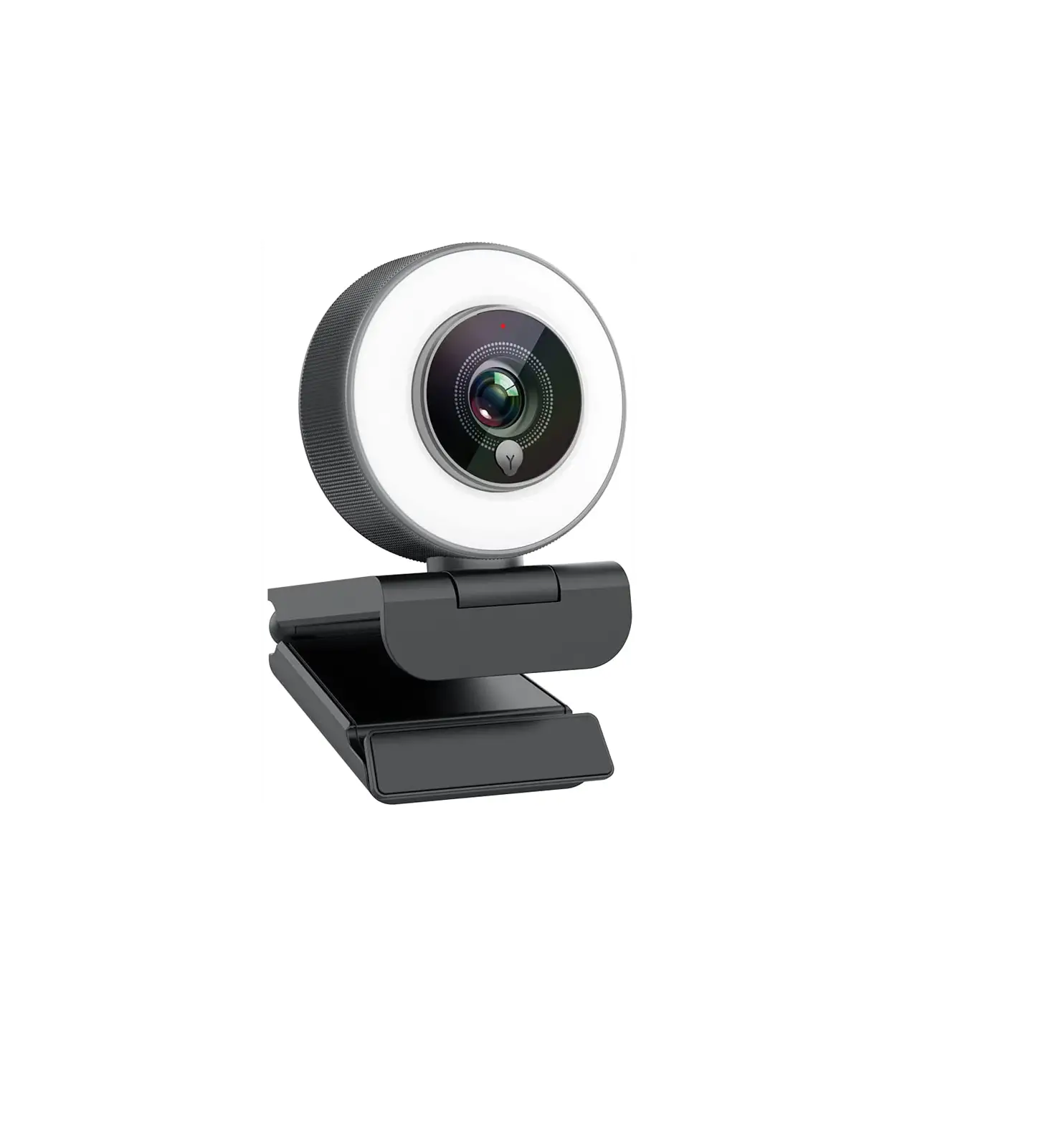
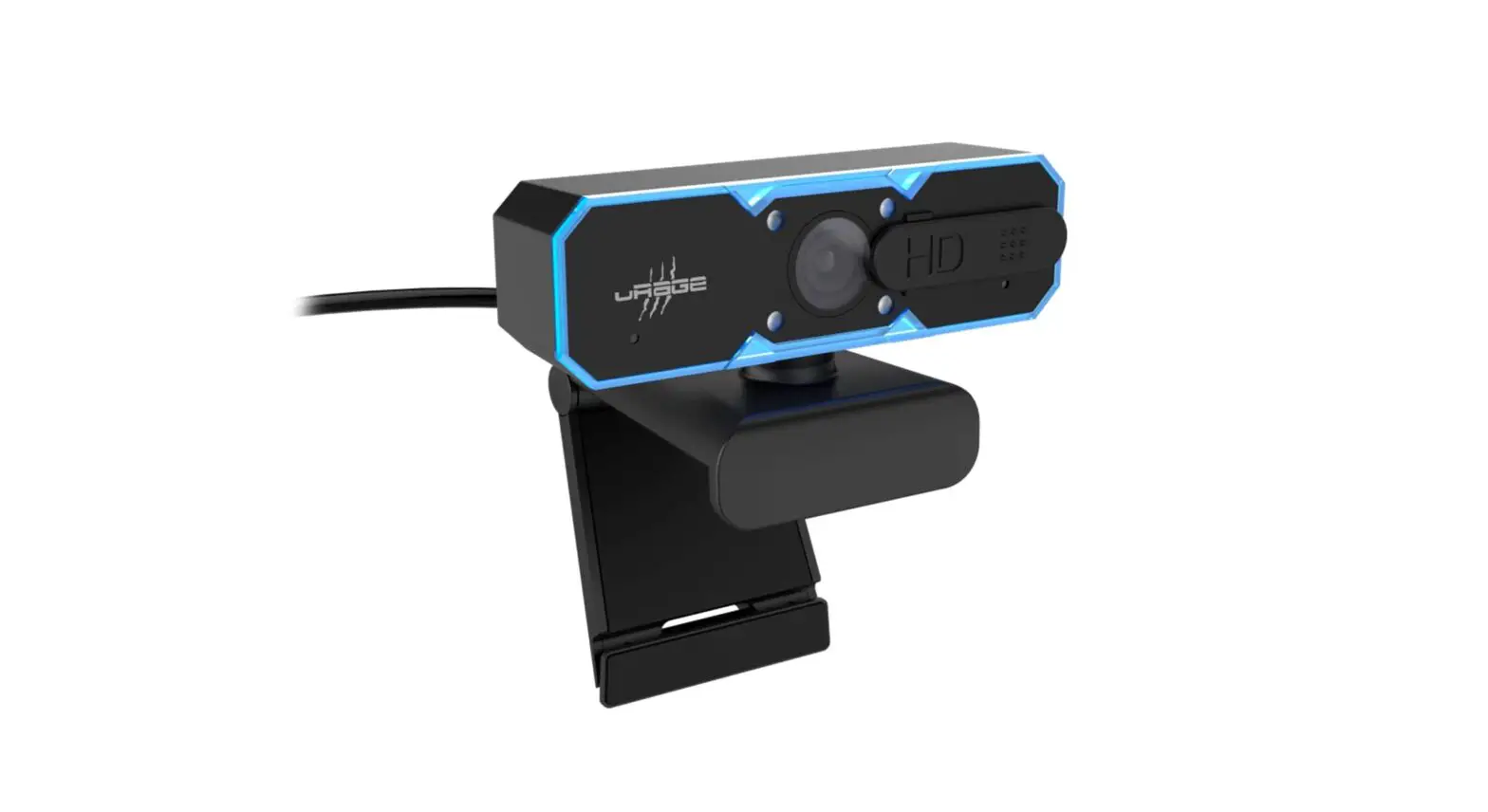
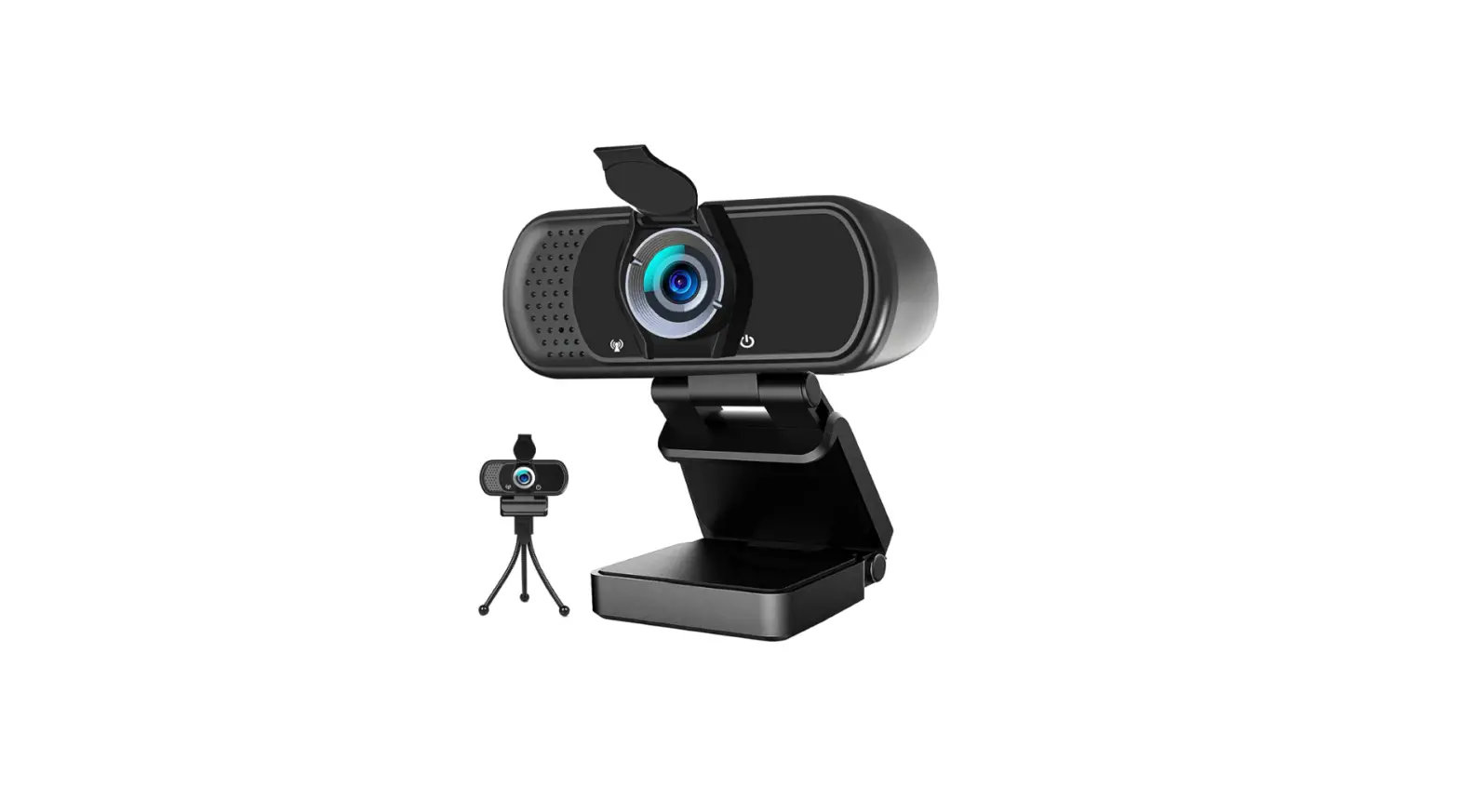
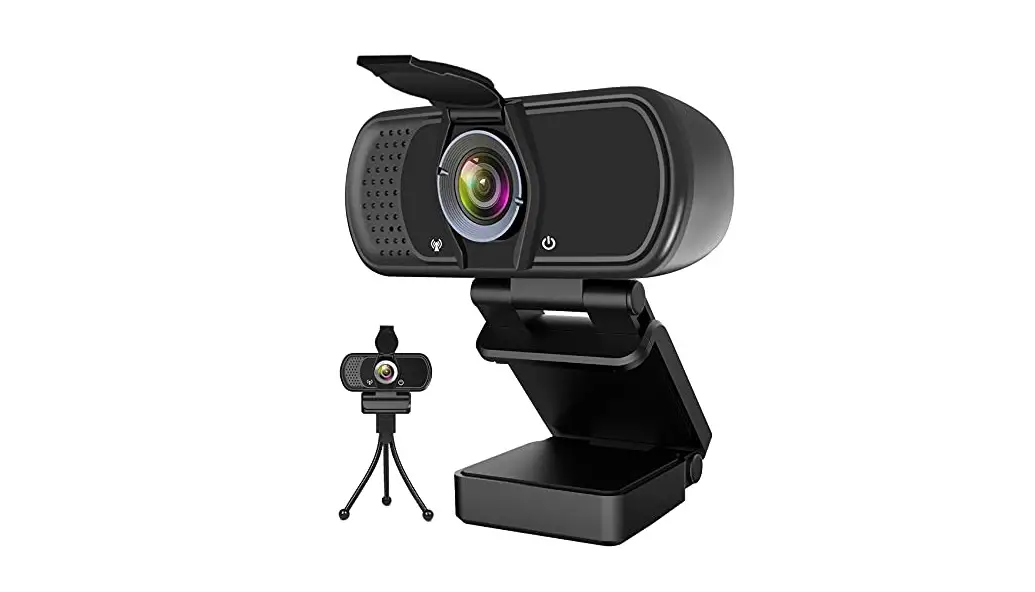
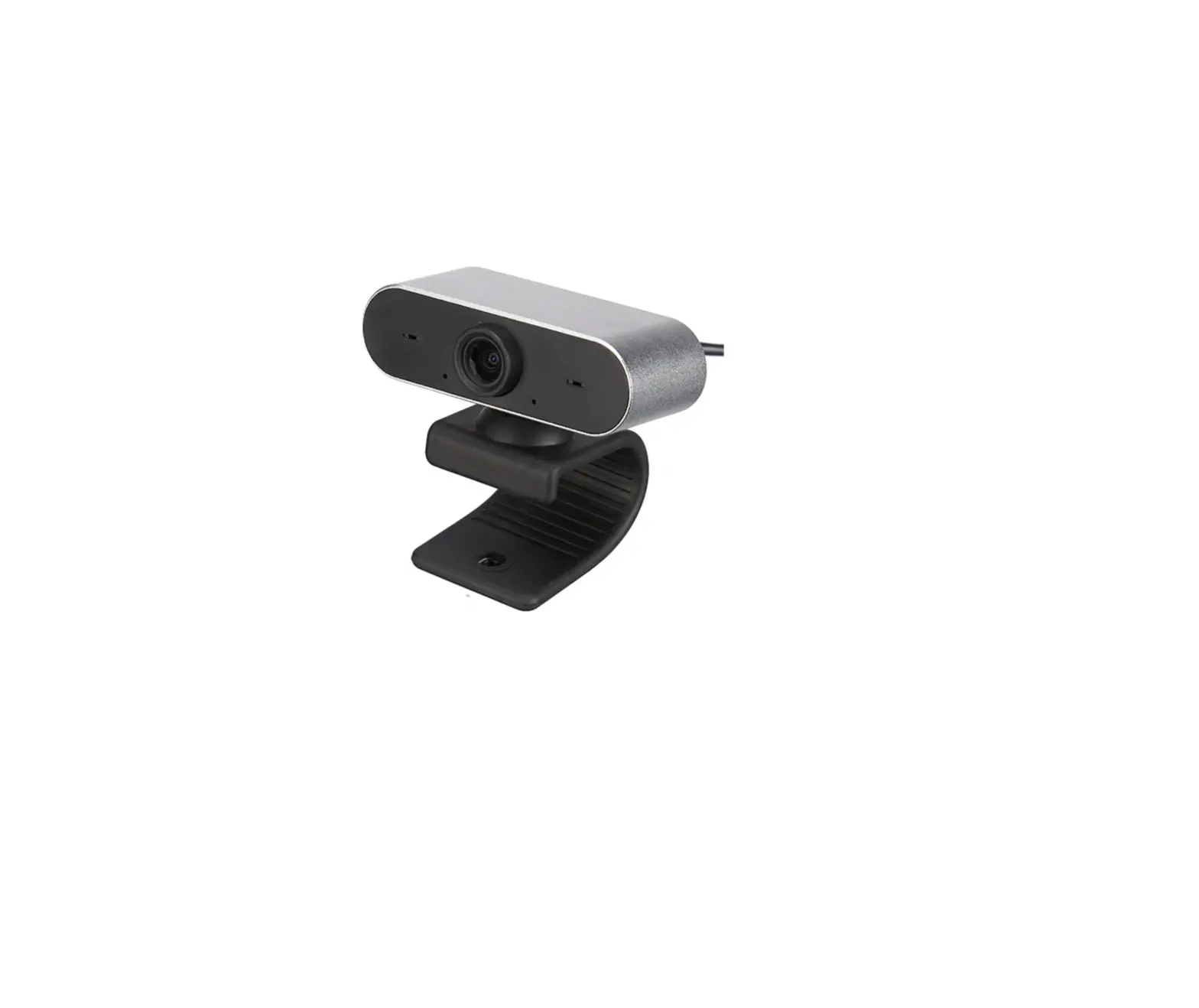
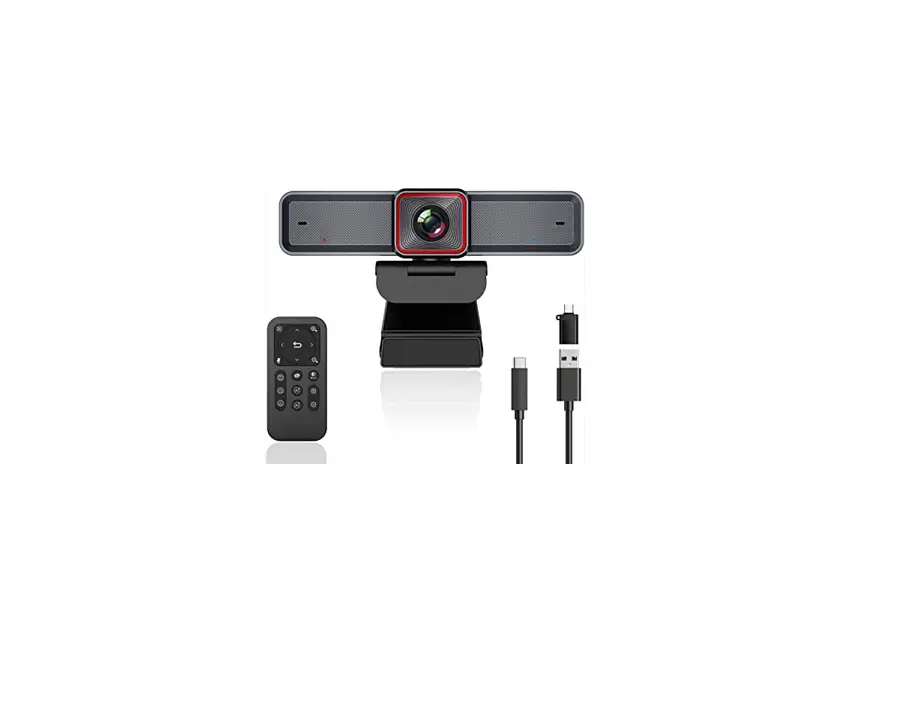
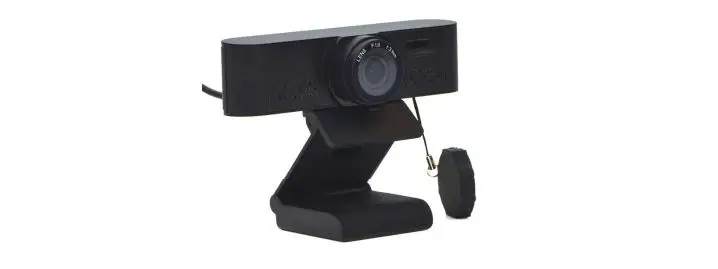
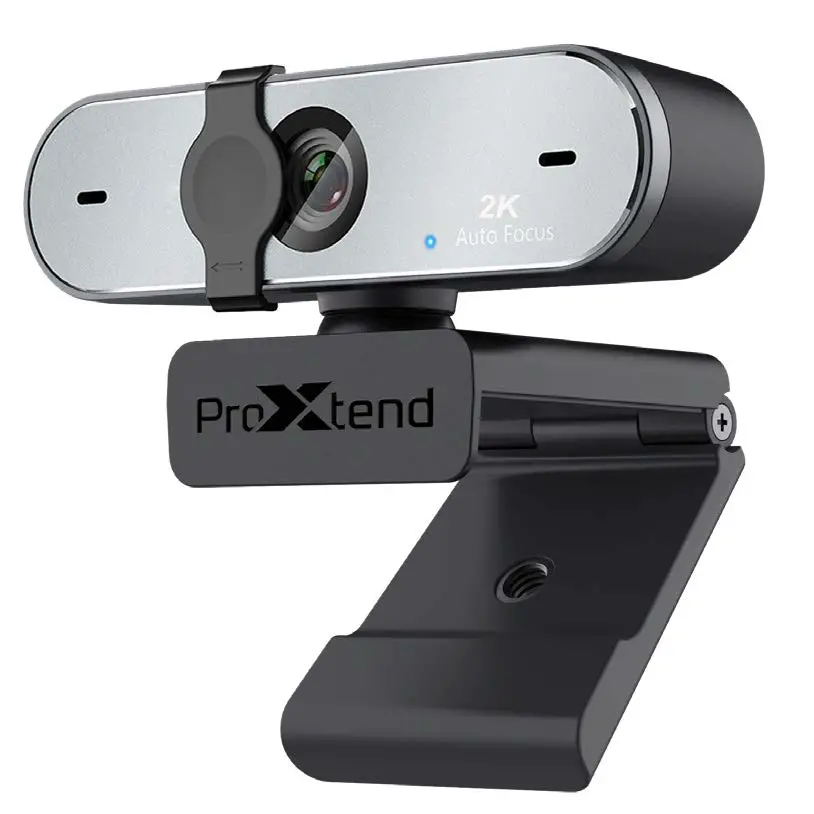
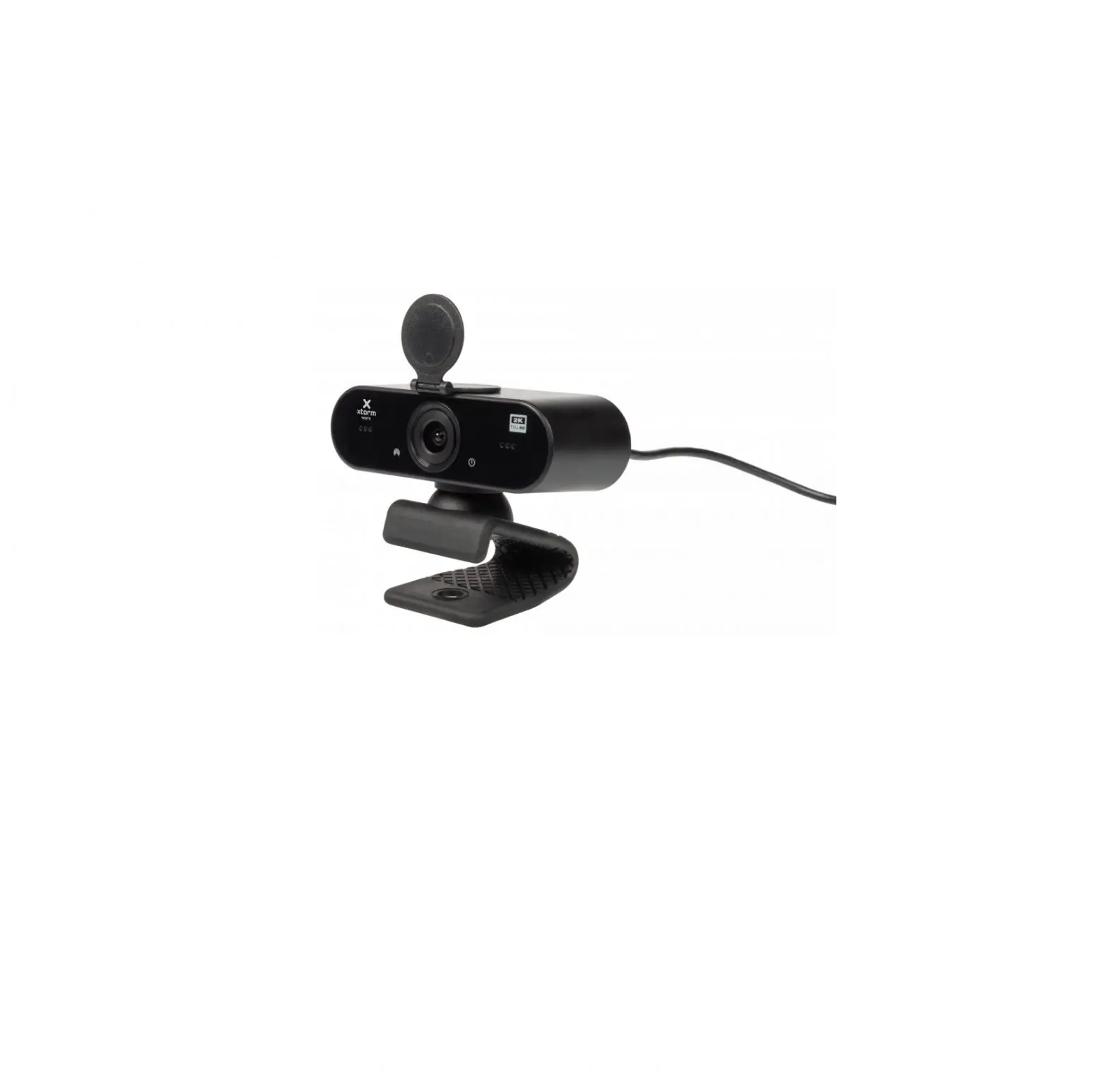
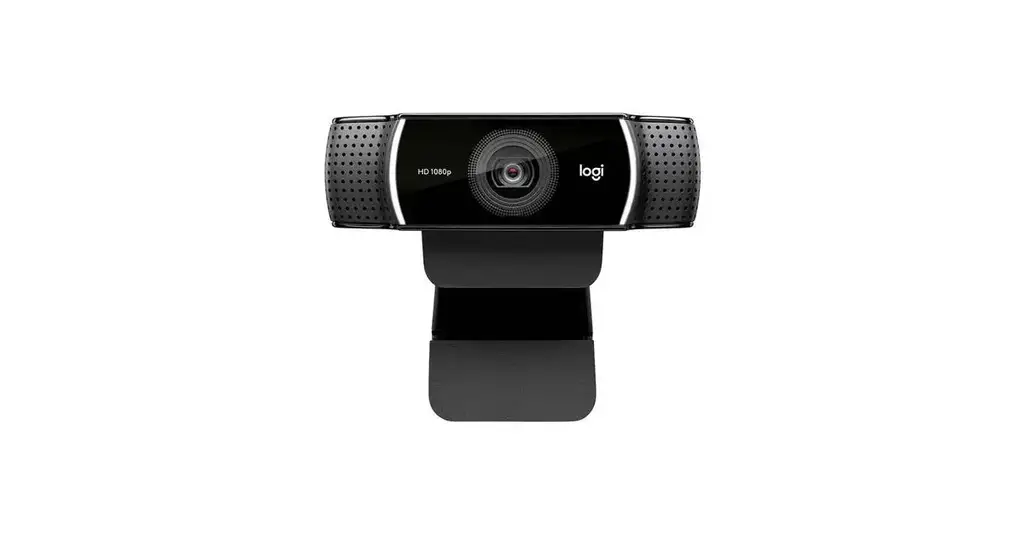
The THRONMAX webcam is a device that allows you to capture video
and audio through your PC or TV STB. It features a lens, mount
bracket, microphone, power indicator, signal indicator, and tripod
screw. The webcam can be easily connected to your device via a USB
socket.
Product Usage Instructions:
- Plug the THRONMAX webcam into the USB socket of your PC or TV
STB. - Wait for approximately one minute to allow the webcam to
install automatically. - Ensure that the lens is positioned correctly for capturing
video. - Adjust the mount bracket to secure the webcam in place.
- If you wish to utilize the microphone, position it
appropriately for capturing audio. - Observe the power indicator to ensure the webcam is receiving
power. - Check the signal indicator to verify that the webcam is
functioning properly. - If desired, attach the webcam to a tripod using the tripod
screw for stability during use.
Please note that all rights regarding the THRONMAX webcam are
reserved.
THRONMAX
OVERVIEW Popis výrobku
PLACE YOUR WEBCAM Umístní webkamery
1 .Rotate the mount bracket and place the webcam on the monitor. 1. Upevnní pomocí klipu na monitor 2. You can place the webcam on the desktop as drawing. 2 Umístní na stl pomocí drzácku 3.You also can mount the webcam to a tripod as you need. Upevnní ke stativu
STREAM GO WEBCAM Webkamera pro streamování
USER GUIDE Návod k pouzití
CONNECT YOUR WEBCAM Pipojení webkamery
1 .Plug the webcam into USB socket of PC or TV STB. 1. Zapojte webkameru do USB portu na Vasem PC/TV STB 2.Wait about one minute,webcam will install automatically. 2. Vyckejte, az se kamera nainstaluje automaticky.
1 .Lens
2. Mount bracket 3.Microphone
1. Obrazový snímac 2. Drzák
3. Mikrofon
4.Power indicator 5.Signal indicator 6.Tripod screw
4. Indikátor
5. Indikátor aktivity 6. Stativový závit
n/.aPpriávjeancyí cover
7. Kryt obrazového
snímace
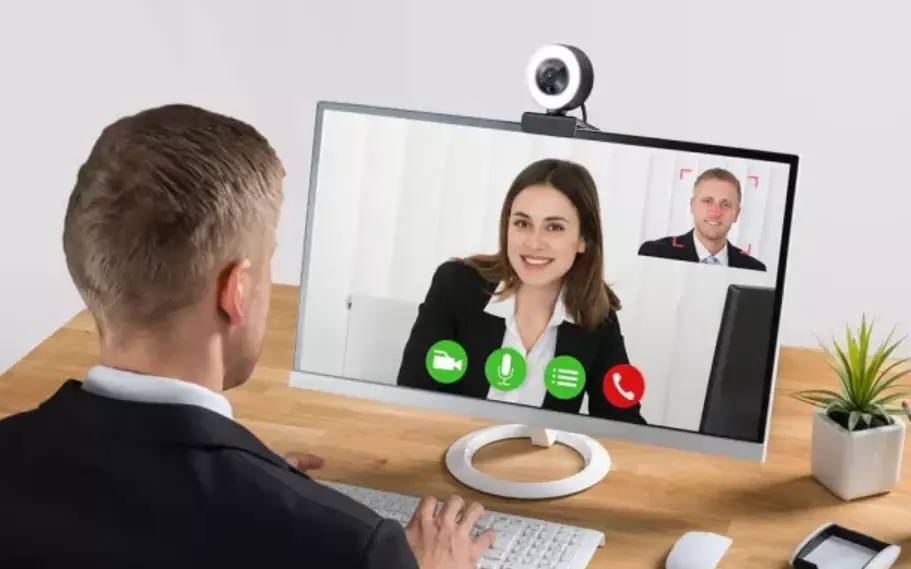
GETTING START WITH VIDEO CALLING
Video rozhovor
To take advantage of video calling,both you and the person you call must install video calling application, such as Skype, Zoom. Chcete-li vyuzít funkci videotelefonování, musíte si Vy a volaná osoba nainstalovat aplikaci SkypeTM, Zoom. As well as a USB camera and video calling application,both callers need; Krom webové kamery a aplikace pro videotelefonování potebují oba úcastníci hovoru: · A computer with speaker(or a headset) and a microphone(the webcam has built-in microphone);
· Pocítac s reproduktory (nebo headset ) a mikrofon, X1 kamera disponuje integrovaným mikrofonem
· A broadband Internet connection(e.g.,DSL,T1,or cable);
· Sirokopásmové pipojení k internetu
· Please check your preferred video calling application requirements, (requirements may vary between different applications,but usually a minimun of 2Mbps upload speek is required);
· Zkontrolujte aplikaci pro video hovor a jeho nastavení
QUESTIONS & ANSWERS Casto kladené dotazy/esení problém
Q:How do I know if my camera is recognized by the operating system? Jak poznám, ze je webkamera aktivní A:Connectthe camera in any USB2.0/3.0 port. Once the camera is Po pipojení webkamery do USB ji system automaticky vyhledá. connected.it takes a few moments before the camera is recognized. To ensure the camera has installed correctly, check the following: Správné nastavení se zobrazí : Under Control Panel>System and Security>System>Device Manager
Q:How do I know if my video calling application is using your webcam? Vyuzívá video aplikace funkce vasí webové kamery ?A:AII video application have an option setting to review the audio and video device. Using the video application review the followings:· The Audio selection to ensure the USB2.0 camera microphone is selected.If not, change the selection to USB2.0 camera.
Pro Audio /Video výbr USB 2.0 mikrofon a USB 2.0 webkamera
· The video selection to ensure the USB2.0 is selected.If not, change the selection to the USB 2.0 camera.
©2020 Thronmax Ltd. and affiliated companies
.All rights reserved.
 IM connected