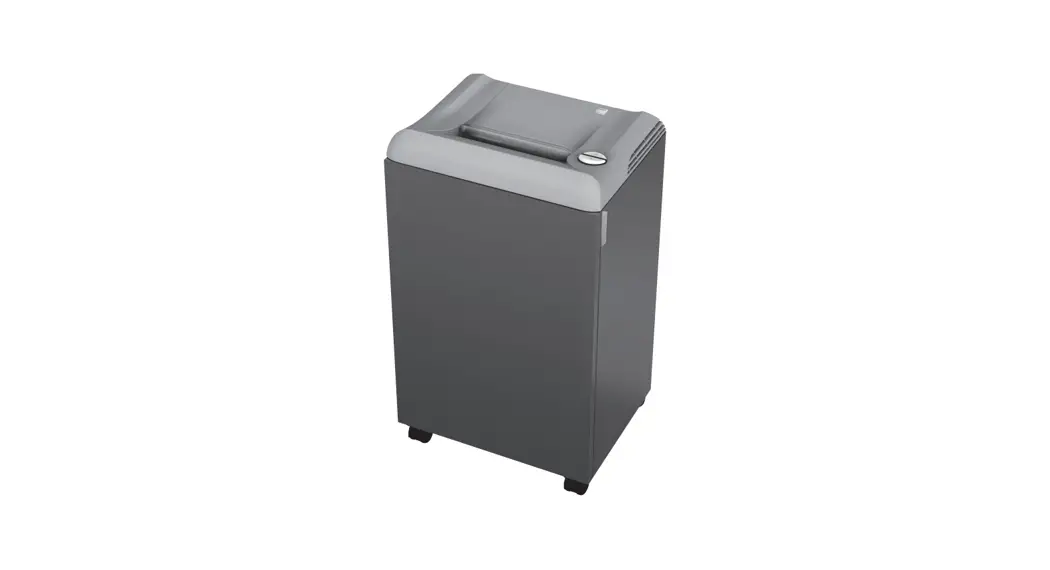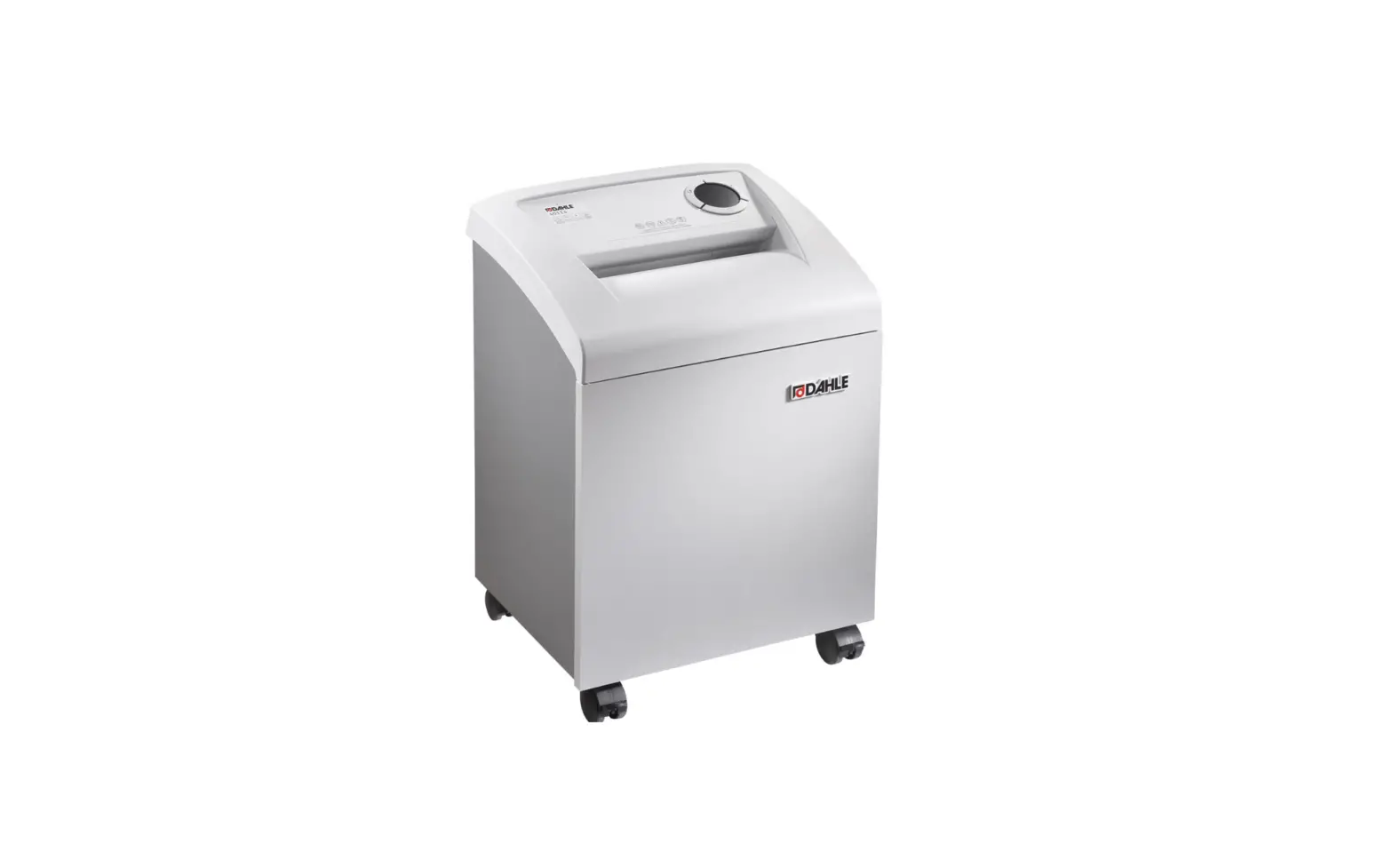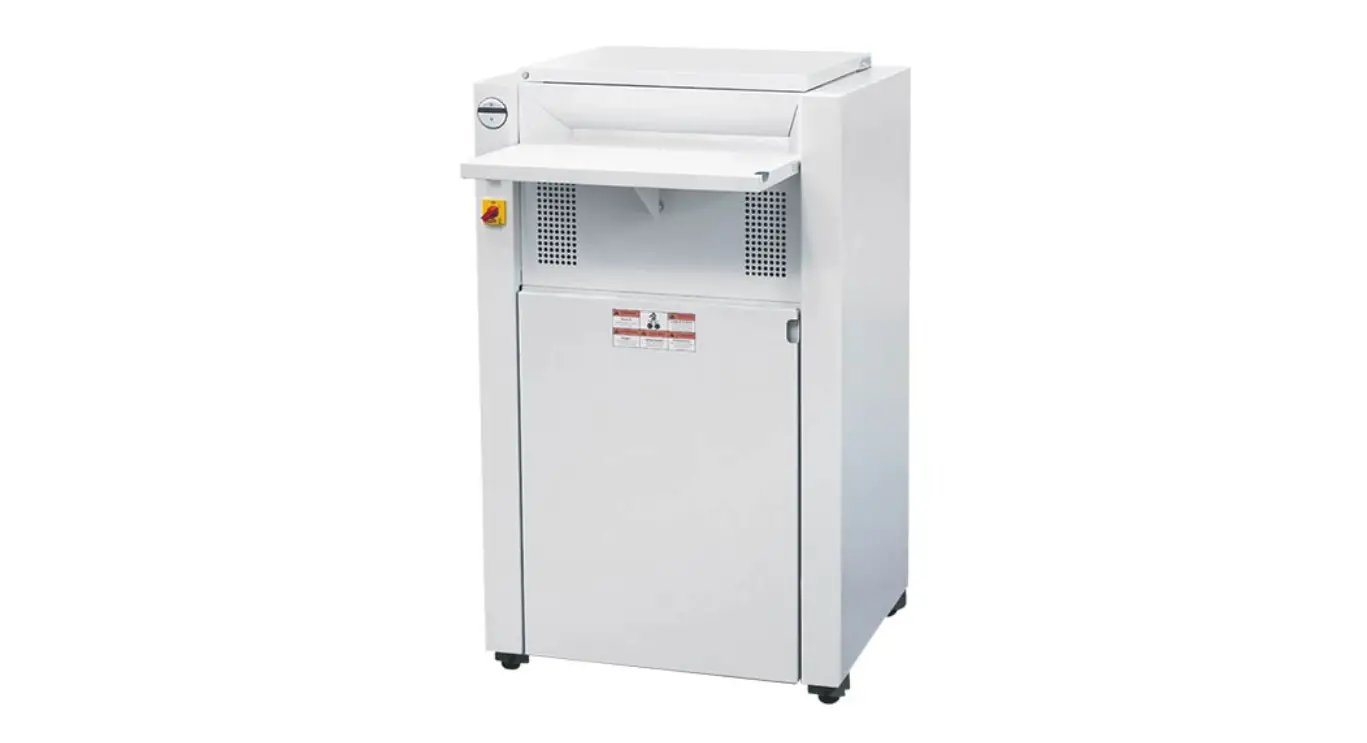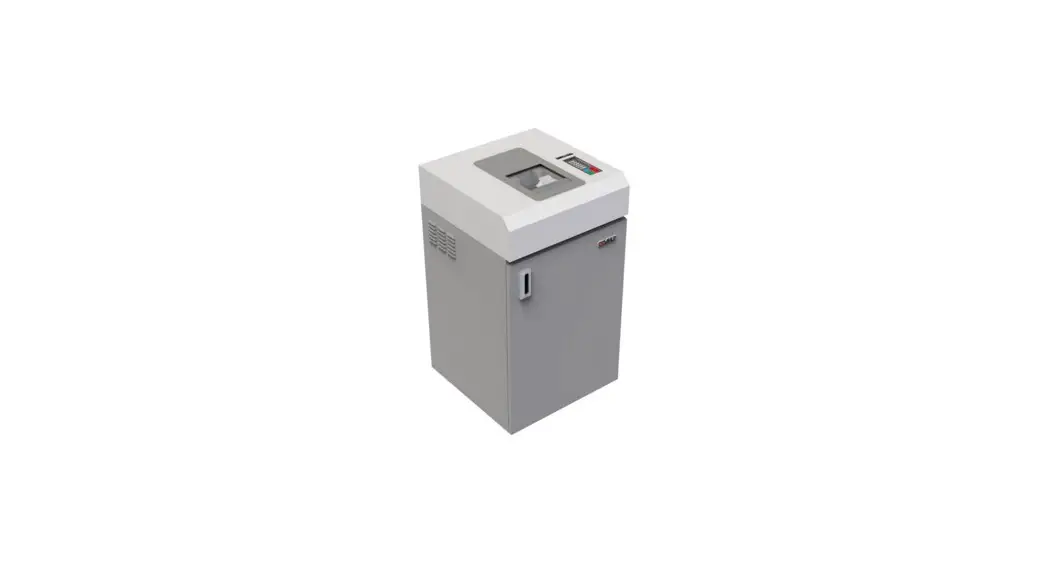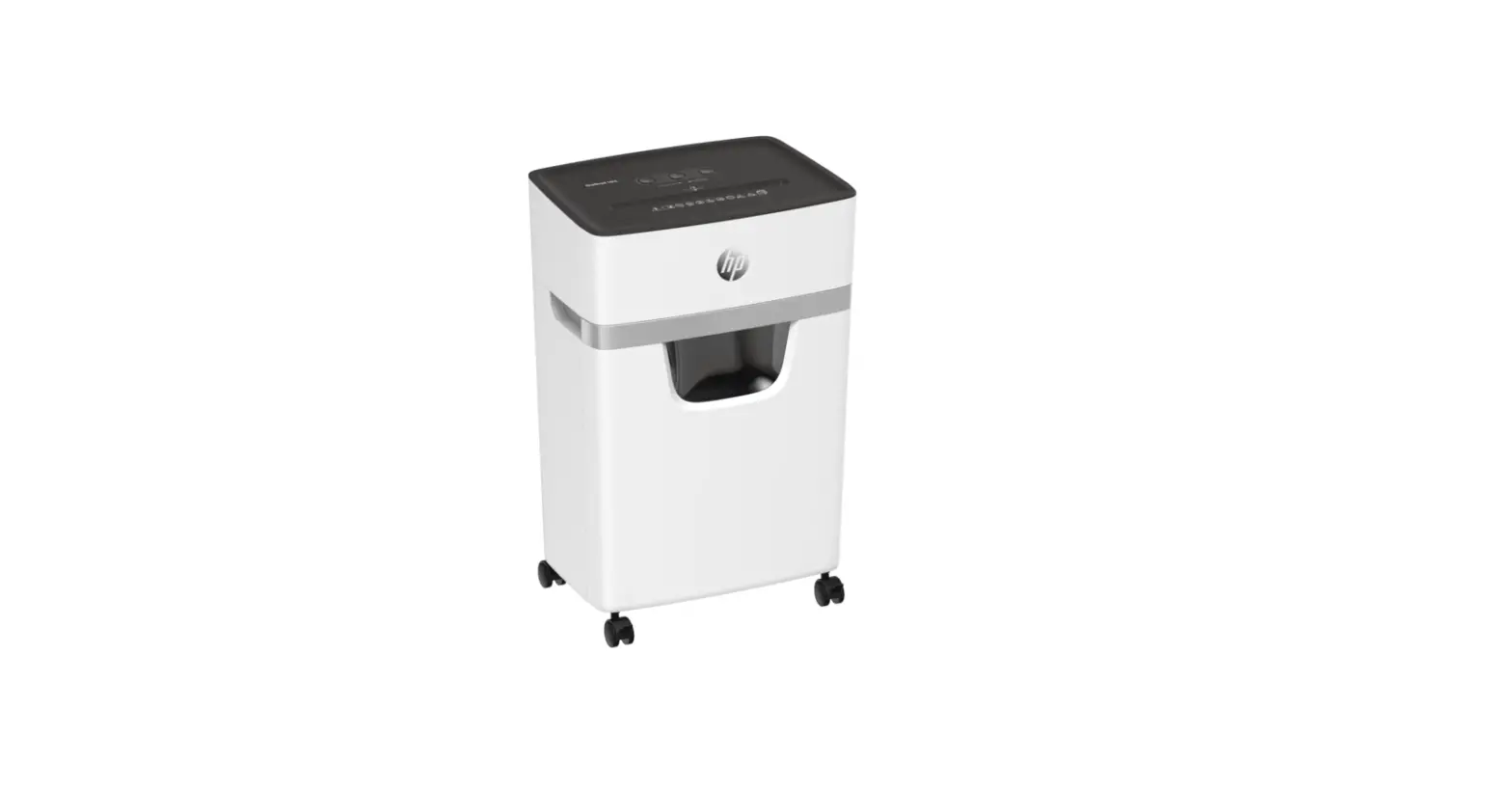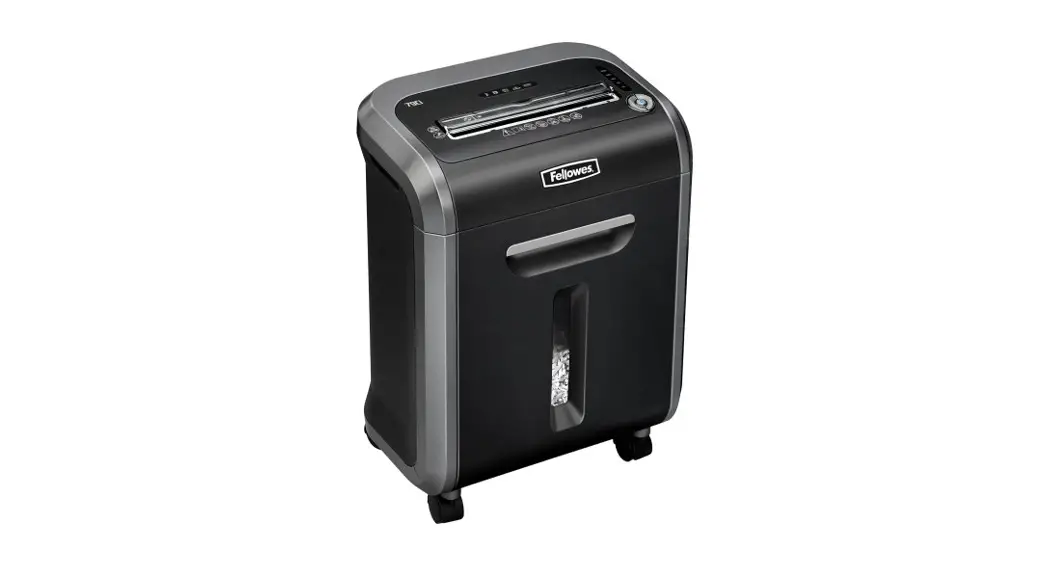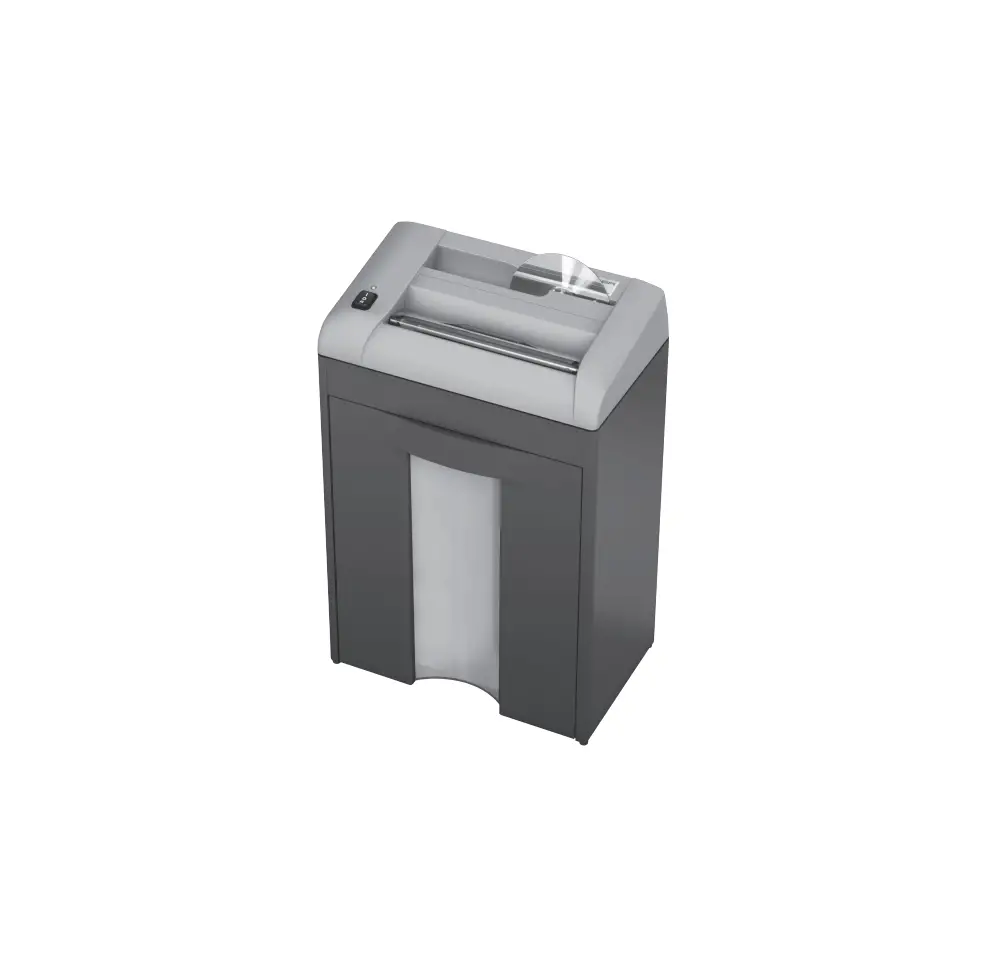
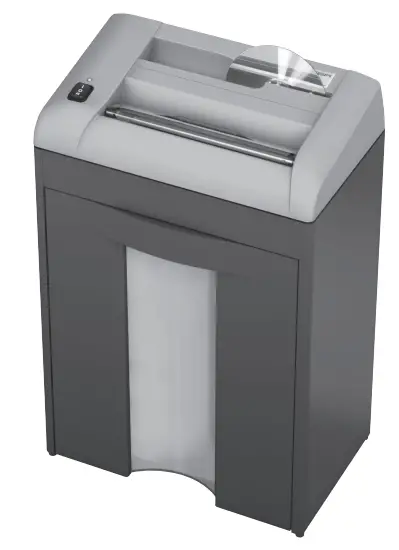
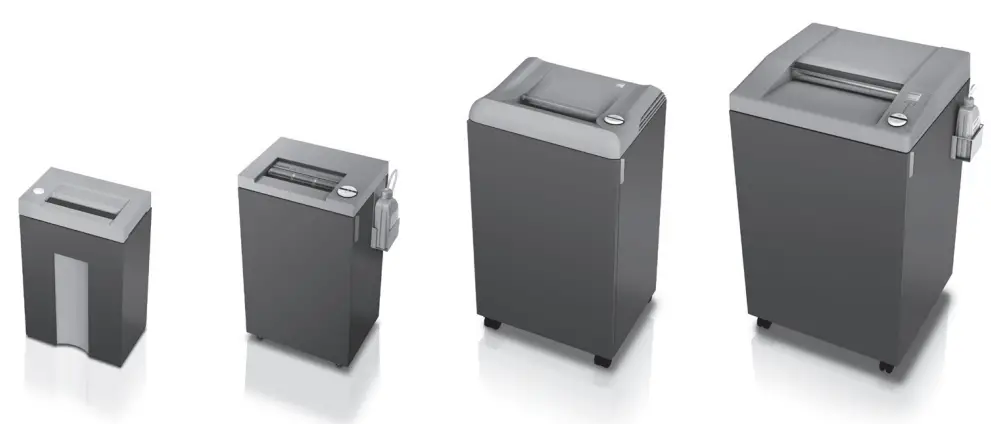
RBA EBA 1125 S Document Shredders
Intended use
- This document shredder is intended for shredding paper.
- The hardened solid steel blade shafts are insensitive to small amounts of paper clips and staples. This does not apply to models with 0.8 x 12 mm and smaller particle cut. In this case, the paper to be shred must not contain any paper clips or staples.
- Depending on the device model, small amounts of CDs, credit and customer cards as well as discs can also be shred. Visit www.eba.de to find out whether your device, because of the output and cutting geometry, is also suitable for shredding these data carriers.
Krug & Priester GmbH & Co. KG, Balingen warrants for at least 15 years, from date of production, the availability of spare parts for this paper shredder.
For security levels P-1 to P 5 according to ISO / IEC 21964 (DIN 66399) Krug & Priester grant a lifelong warranty against any breakage on the cutting shafts (see page 3) definition of normal use.
For the security levels P-6 and P-7 according to ISO / IEC 21964 (DIN 66399) grant Krug & Priester a 2 year warranty against any breakage on the cutting shafts see definition of normal use.
Safety precautions
 Please ensure to read this operating manual before starting the machine for the first time and please strictly follow the safety instructions mentioned herein. This manual must be available at any time.
 Take care of long hair!
 Do not grasp into the cutting mechanism!
 Take care of ties and other loose pieces of clothing!
 No operation by children! This device is not suited for use at locations where children might be present!
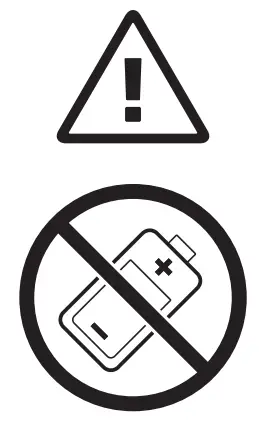 Do not destroy accumulators/batteries!
 Do not use any spray cans with flammable content near to the document shredder!
 Warning, moving parts!
 Caution: parts with sharp corners and edges!
 Do not use any flammable cleaning agents!
Remove the plug before cleaning the machine!
Do not perform any repairs on the document shredder!
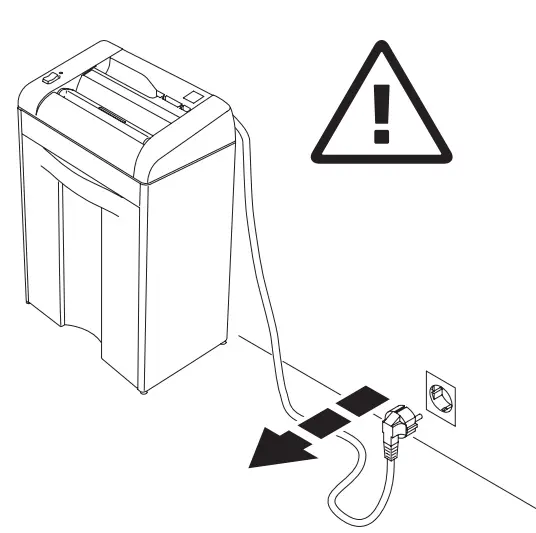
Ensure free access to mains
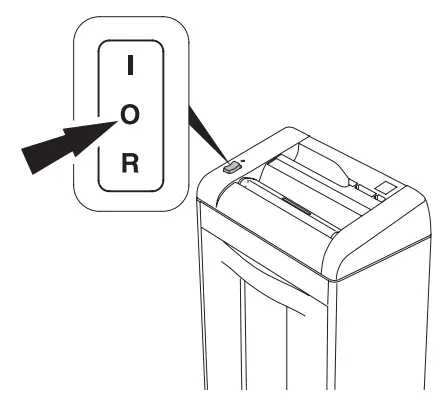
When not in use for a longer time switch off. There will be no power consumption any more.
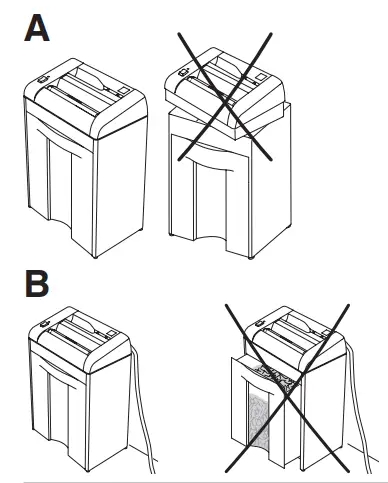
Do not operate the machine without the safety flap (A).
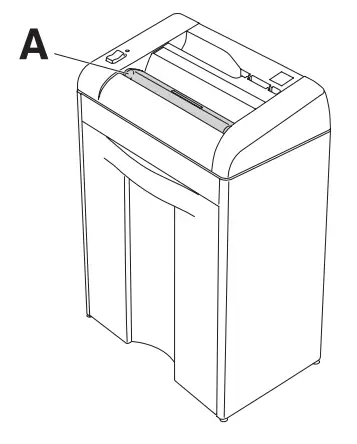
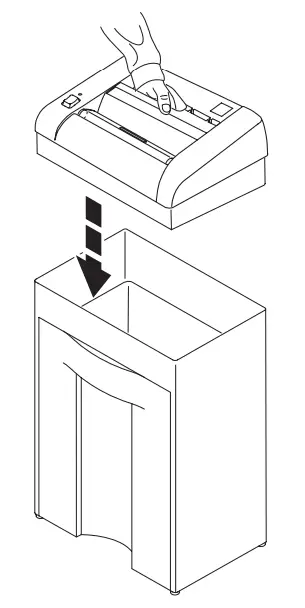
Installation
Place machine onto the cabinet.
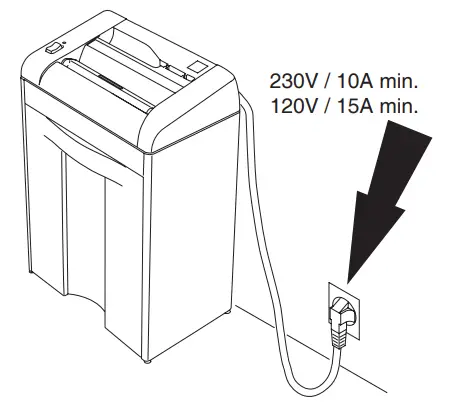
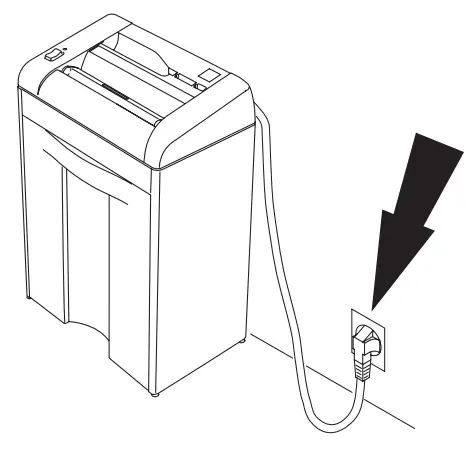
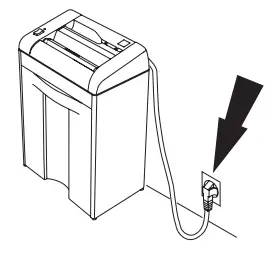
Plug into the wall socket
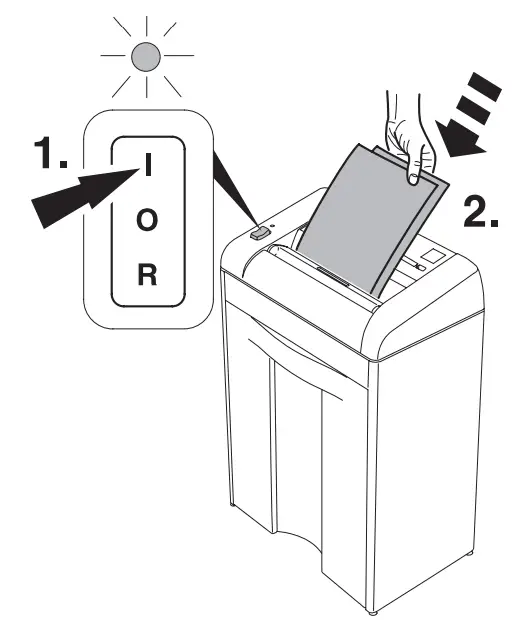
Operation
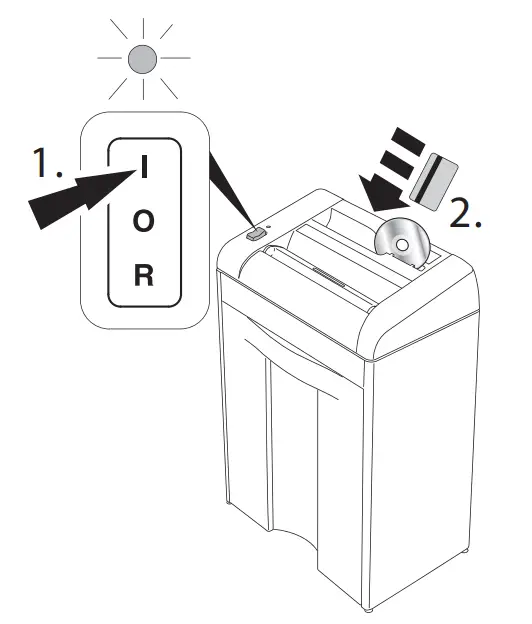
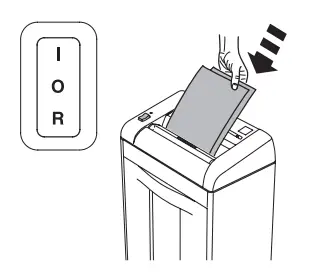
Turn the main switch to position “I”: The green control light will light (1.). Ready for operation.
Starts automatically when paper, CD/DVD credit cards are inserted (2.). Stops automatically when no further paper, CD DVD/credit cards are inserted. When not in use for a longer time switch off. There will be no power consumption any more.
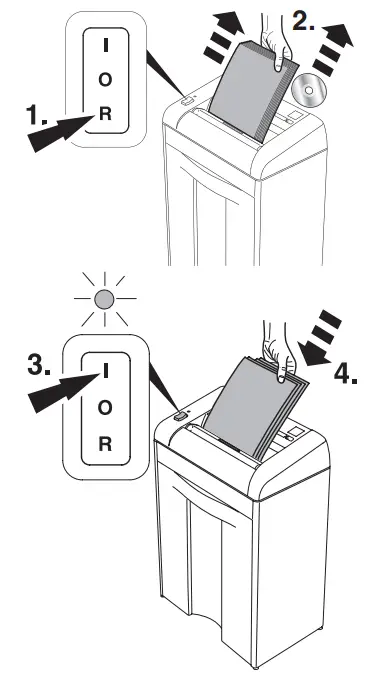
Stops automatically if too much paper is inserted. (Machine blocks).

Press reverse button (1.) and remove paper (2.). Reset by pressing the rocker switch to position “I” (3.). Re-feed the paper in smaller quantities (4.).
CD/DVD:
Should a CD/DVD cause a jam when being destroyed, press the reverse button “R”
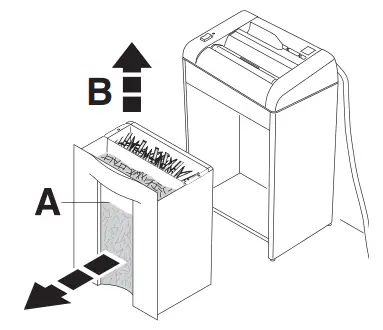
Empty the shred bin when it is full. Level can be seen in the window (A). Remove and empty the shred bin for CD DVD (B).
Maintenance and cleaning
Straight cut
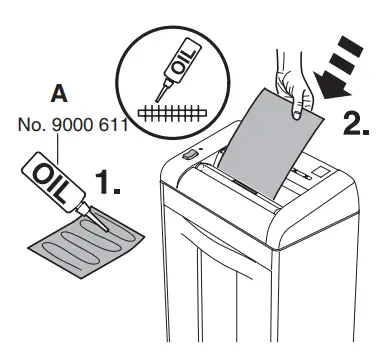
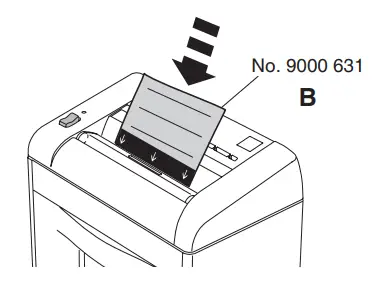
If the sheet capacity reduces or after the shred bin is emptied oil the shredding mechanism! (see picture)
With straight cut use the oiler (A) With particle cut use the oiler or oil sheets (B) Order no.
Particle cut
From time to time clean the output area of the cutting head.
- Disconnect from the mains.
- Remove paper debries with a brush.
Danger of injury!

Possible malfunctions
Machine will not start
Is the machine plugged in?
Machine is placed correctly in the cabinet? (A) Shred bin is pushed in? (B)
Is the switch in position “I”? Green LED lamp lights up? (1.) Insert paper (2.).
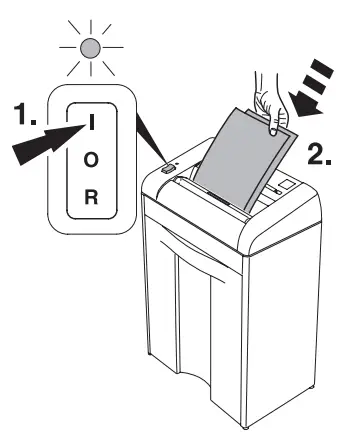
Feed the paper into the centre of the feed opening? (photo cell) (A)
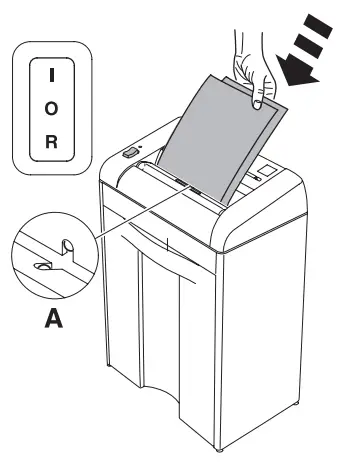
Machine will not stop.
Remove plug. Clean the photo cell (A) with a small brush.
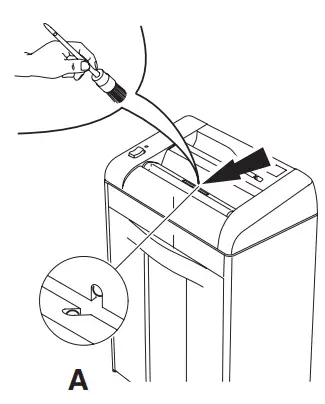
Machine stops.
Overload protection. Please let the machine cool down.
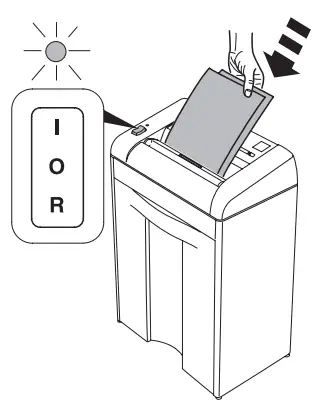
 Empty the shred bins in sufficient time, at least daily, so that no interference is caused to the cutting heads. If a paper jam, as described on page 11, cannot be corrected, because of an over filled shred bin, the shred bin must be emptied.
Did none of the specified solutions help you with your problem?
→ Contact: Service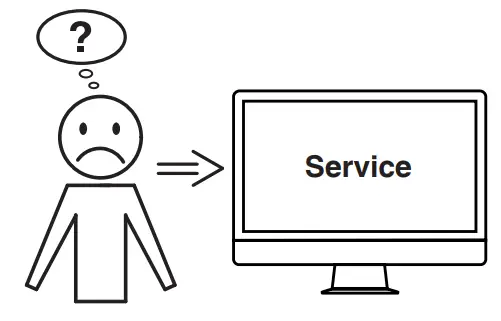
Accessories
Recommended accessories
EBA 1125 S
Environmentally friendly oil (10 x 0,2 litre). No. 9000 611

EBA 1125 C
Oil sheets (18 Sheets) No. 9000 631
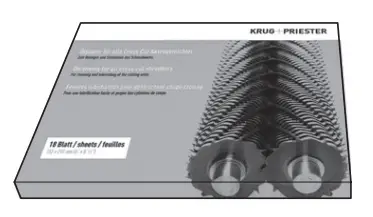
 This machine is approved by independent safety laboratories and is in compliance with the EC-regulations 2014/35/EU and 2014/30/EU.
Sound level information:
The sound level at the work place is less than the ISO 7779 standard’s maximum permissible level of < 70 db (A) (LPA). Exact value in iding running, LPA and LWAd (guaranteed A-rated sound power level) see page 22 for the exact level. The exact technical specifications can be found on the technical specifications sticker on the machine.
To claim under guarantee, the machine must still carry its original identification label. Subject to alterations without notice.
Technical Information
 The company Krug + Priester has the following certifications:
- Quality management system according to DIN EN ISO 9001:2015
- Environmental management system according to DIN EN ISO 14001:2015
- Energy management system according to DIN EN ISO 50001:2018
Recycling
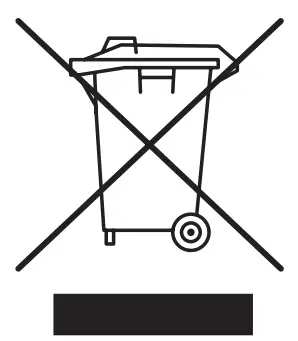 Please remember to respect the local regulations: hand in the non-working electrical equipments to an appropriate waste disposal centre. The packaging material is recyclable.
Dispose of the packaging in an environmentally friendly manner and make it available for the recyclable material collection-service.
Please think of the environment and dispose shredded CDs, cards and other data medium separately from shredder paper. Thank you!
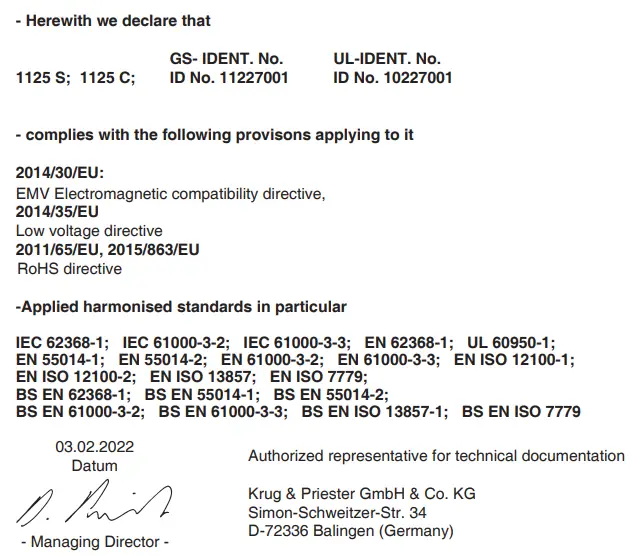
EC-declaration of conformity
EBA • Made in Germany
Document Shredders
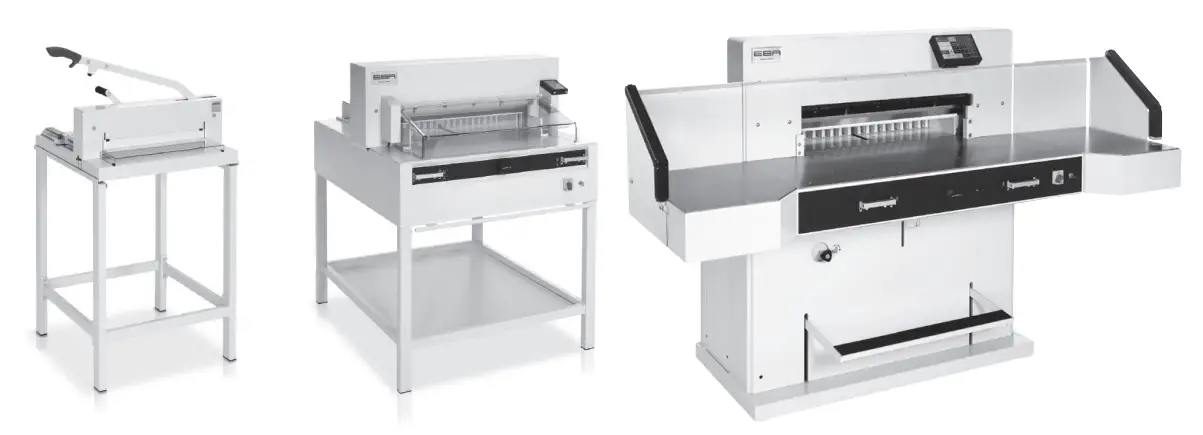
Trimmers and Guillotines
Customer Support
Krug & Priester GmbH & Co. KG
Simon-Schweitzer-Str. 34
D-72336 Balingen (Germany)
www.krug-priester.com

 Fresh Nuts, Southern Candy, Baked Goods, and More | Priester's Pecans
 Willkommen bei EBA Deutschland I eba.de
 IDEAL: Aktenvernichter, Schneidemaschinen und Luftreiniger | IDEAL
 Willkommen bei Krug + Priester I krug-priester.com