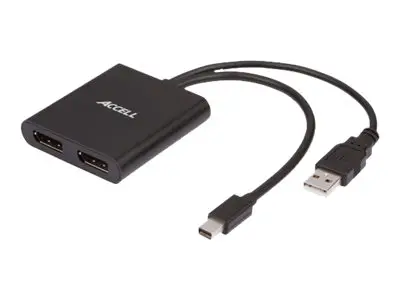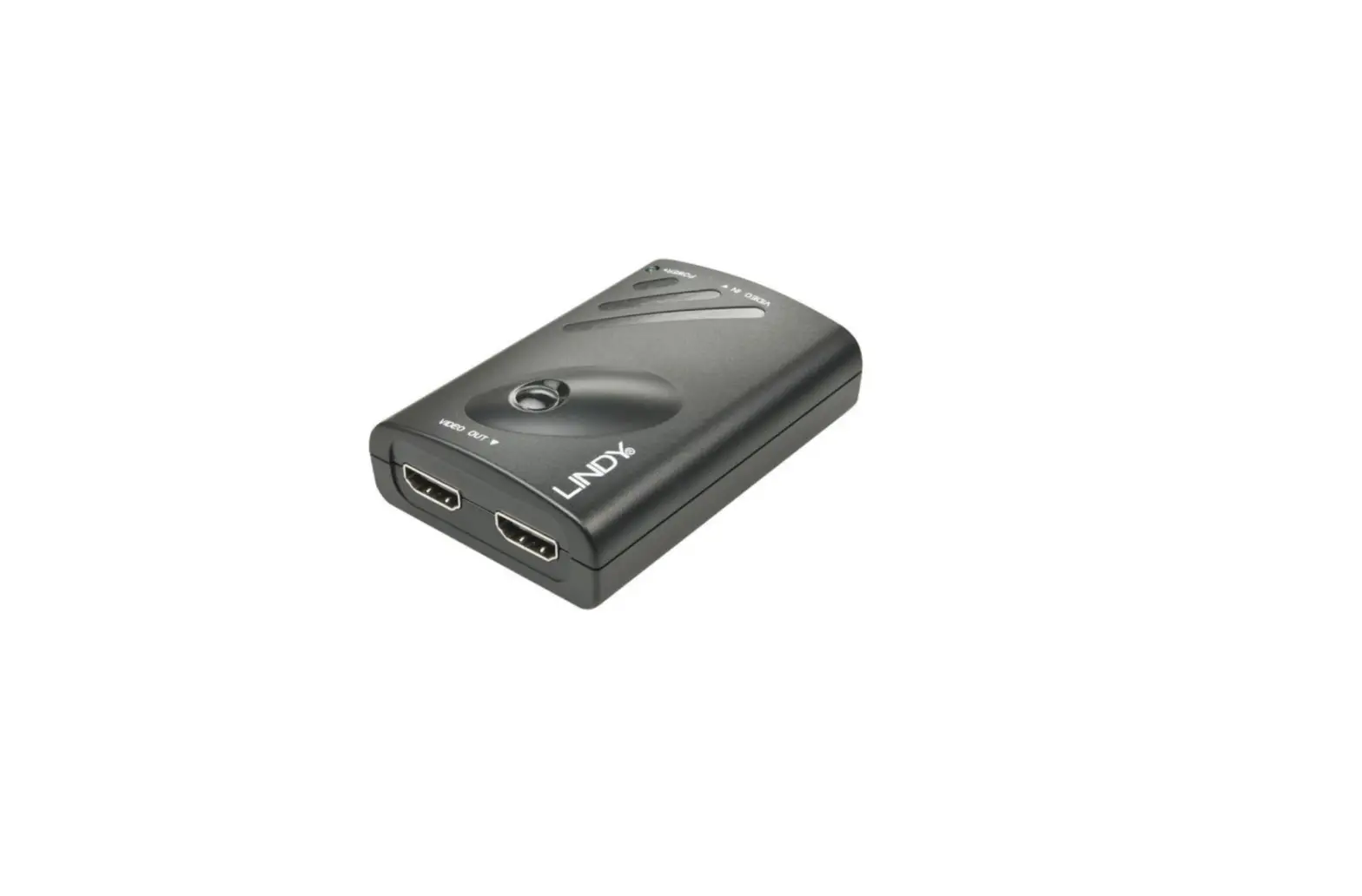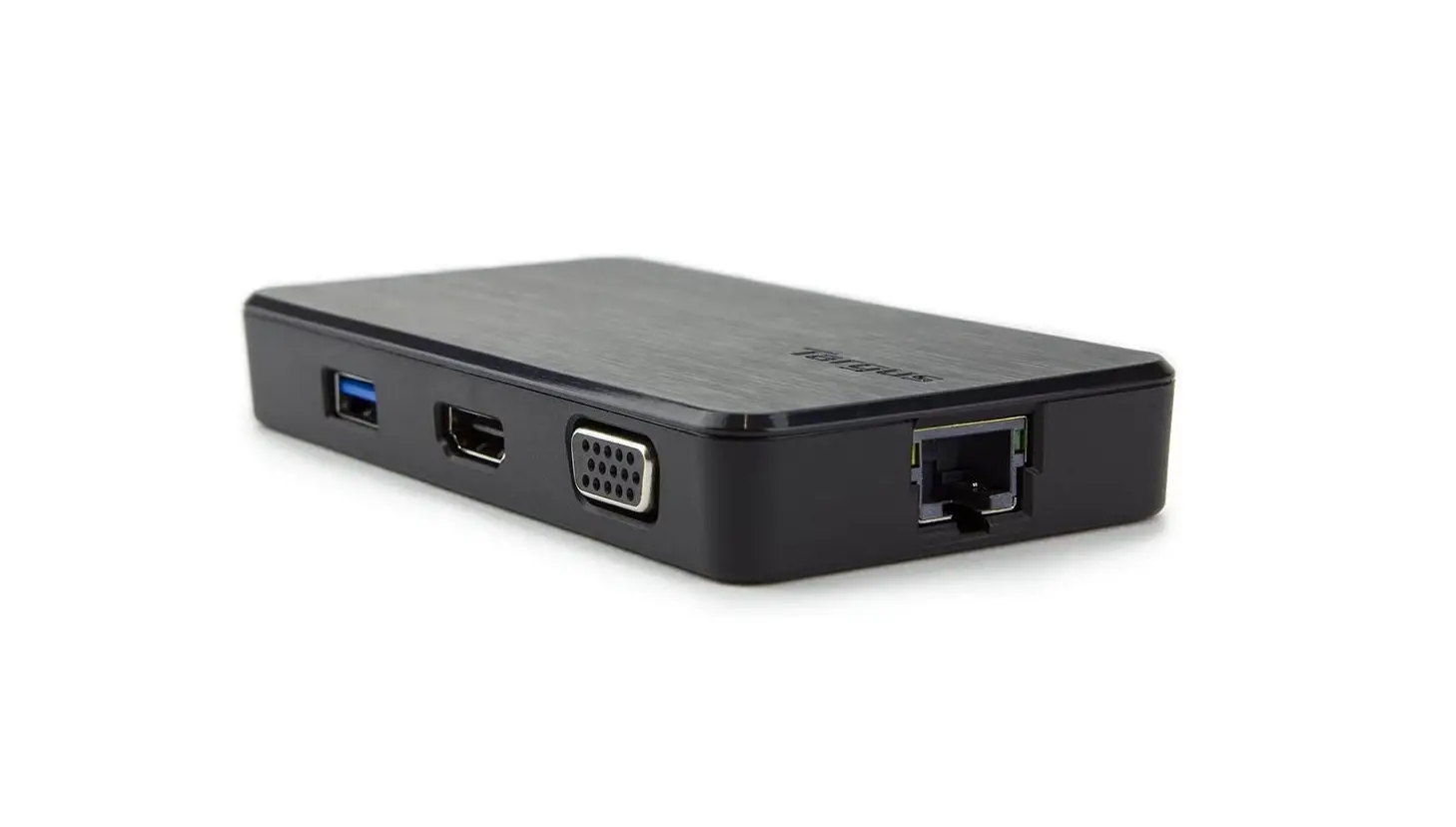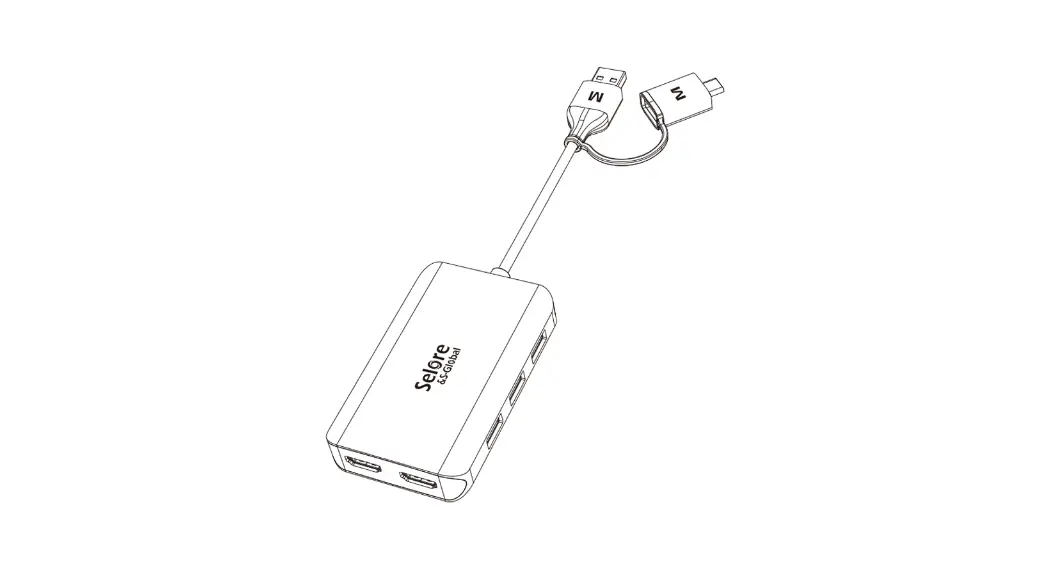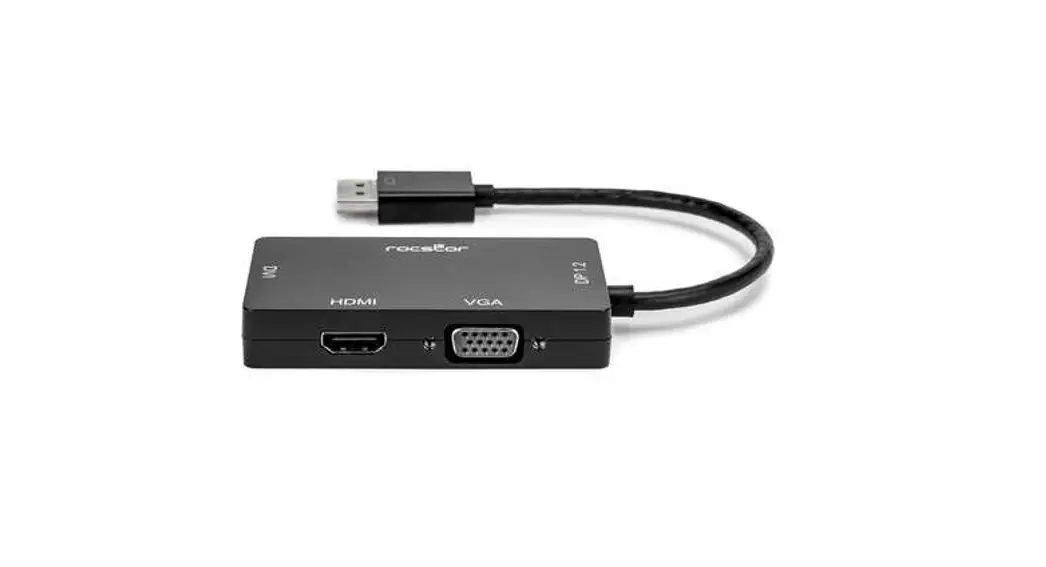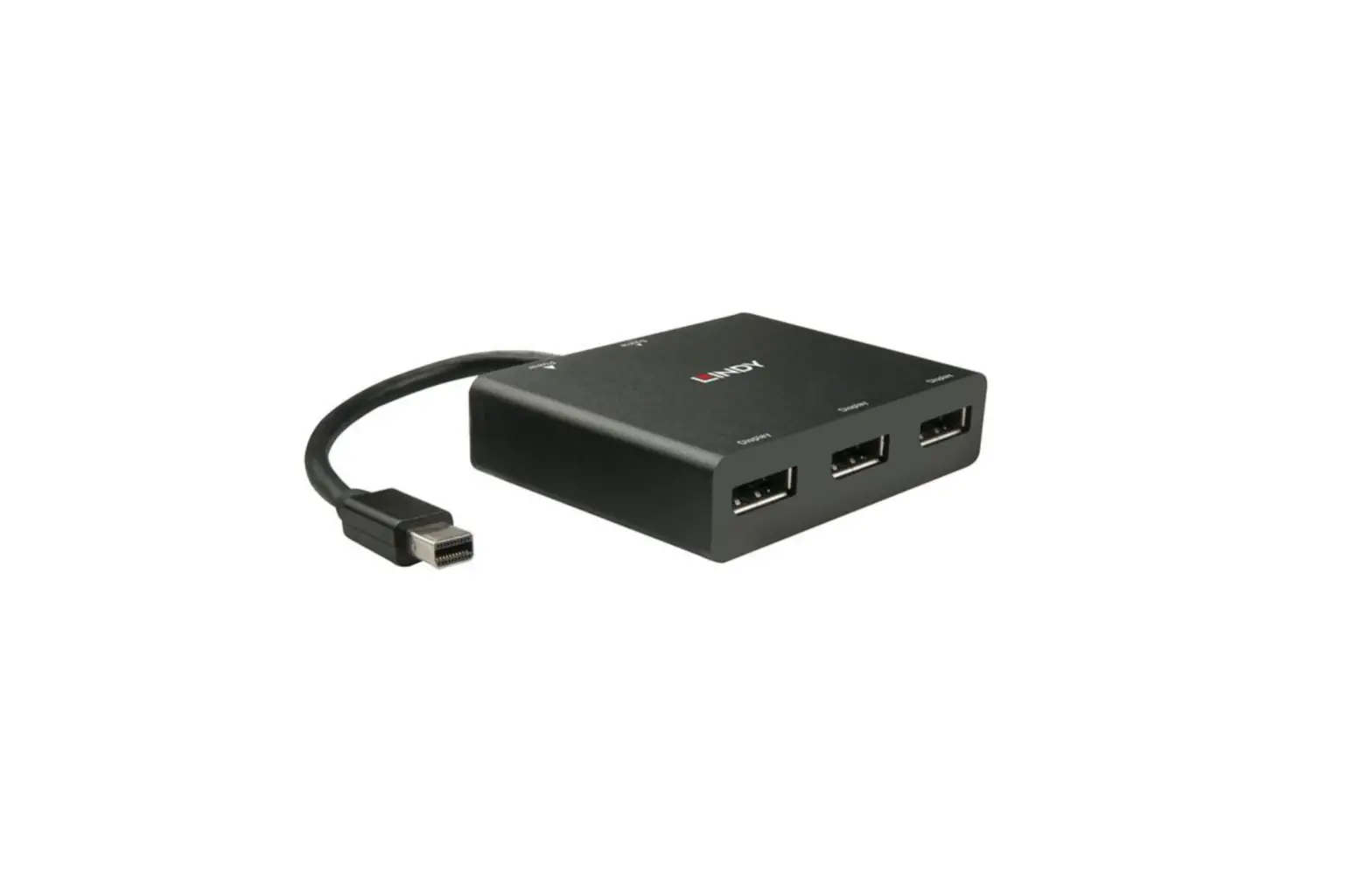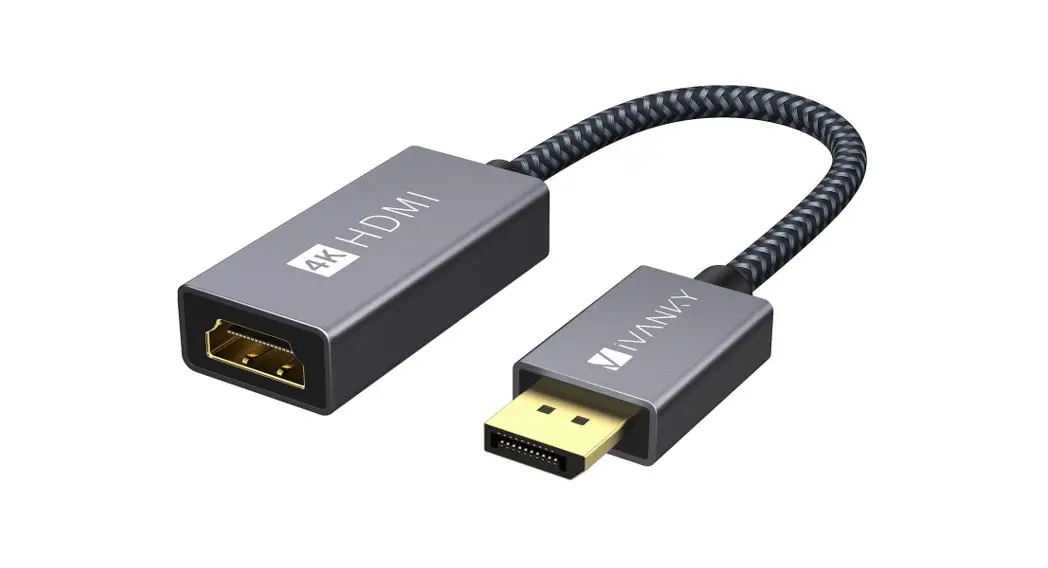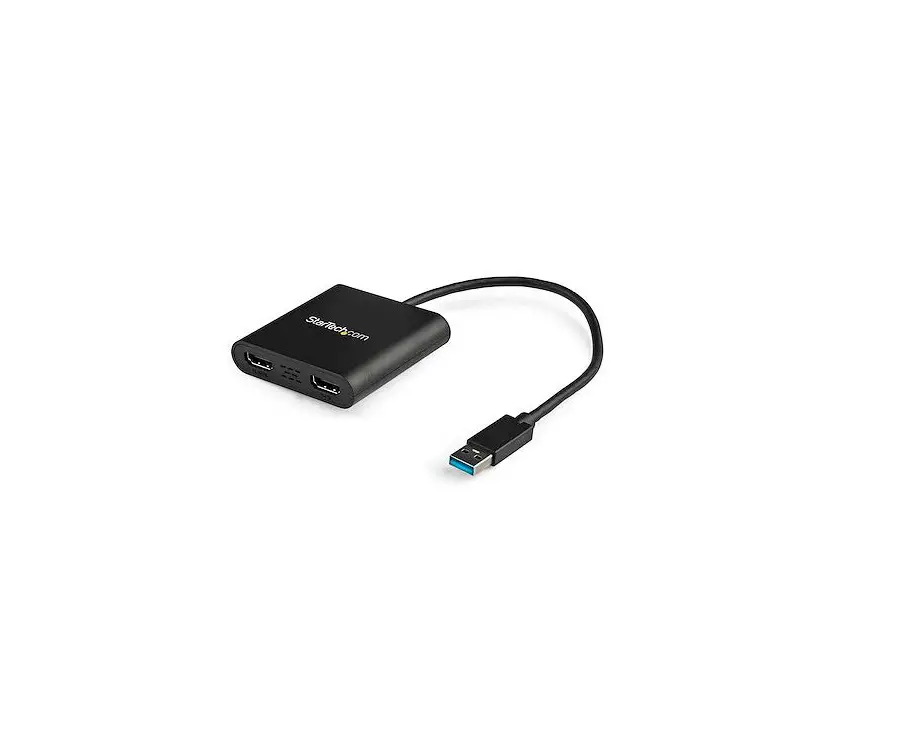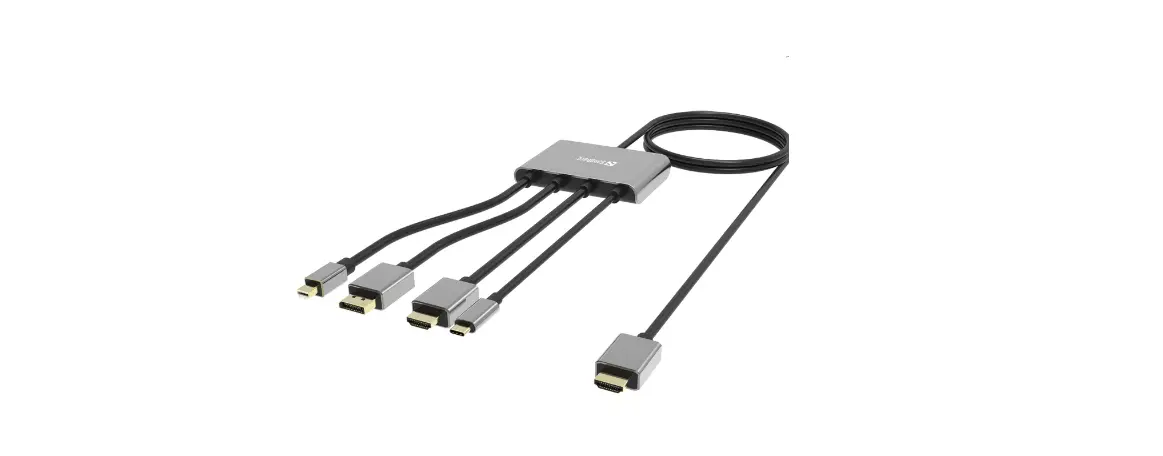

Sandberg 509-21 All-In-1 Display Adapter Hub
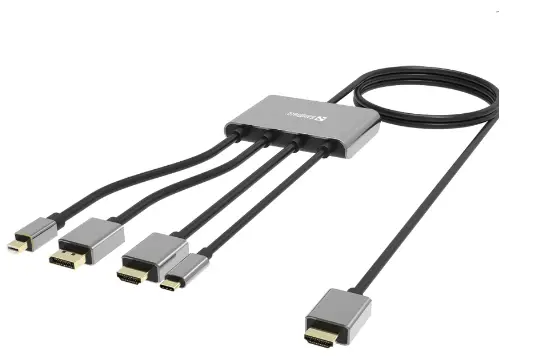
Connection setup
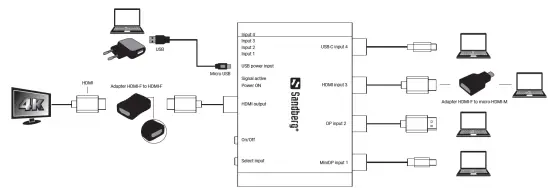
Instruction
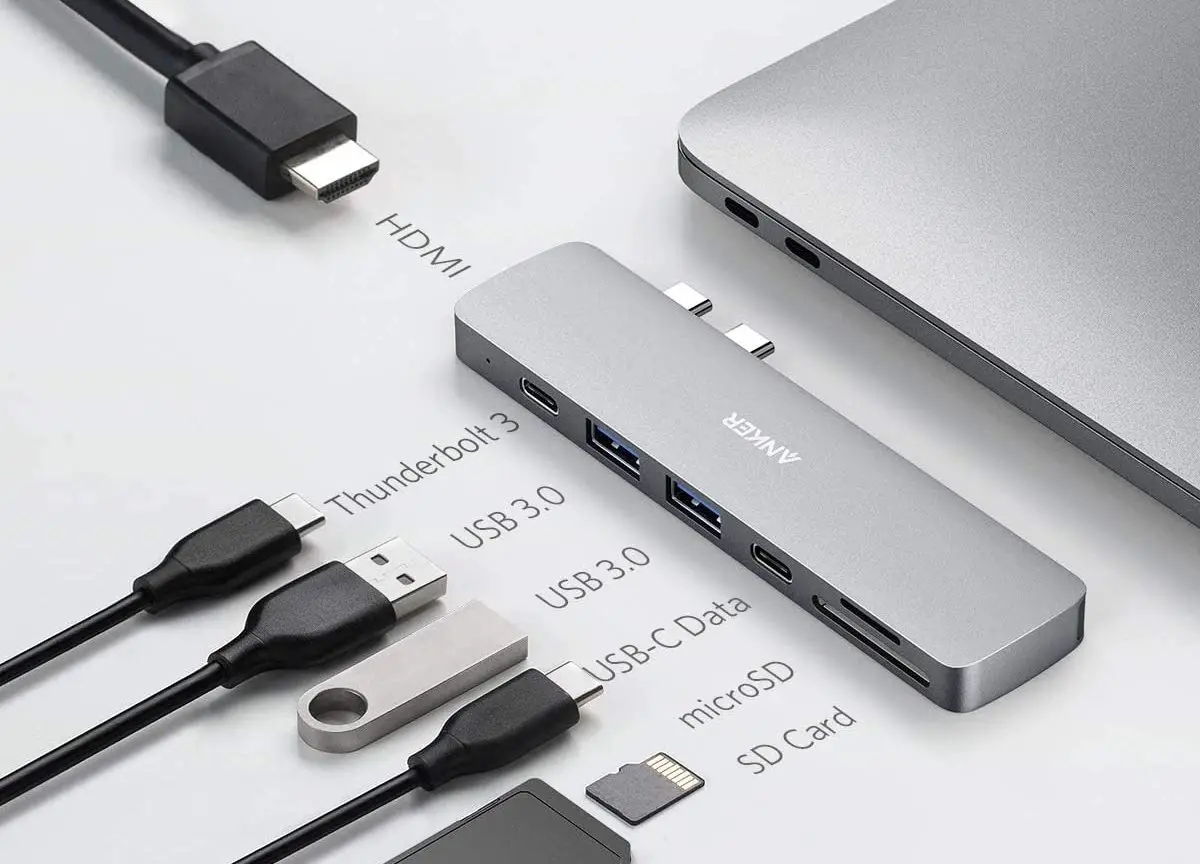
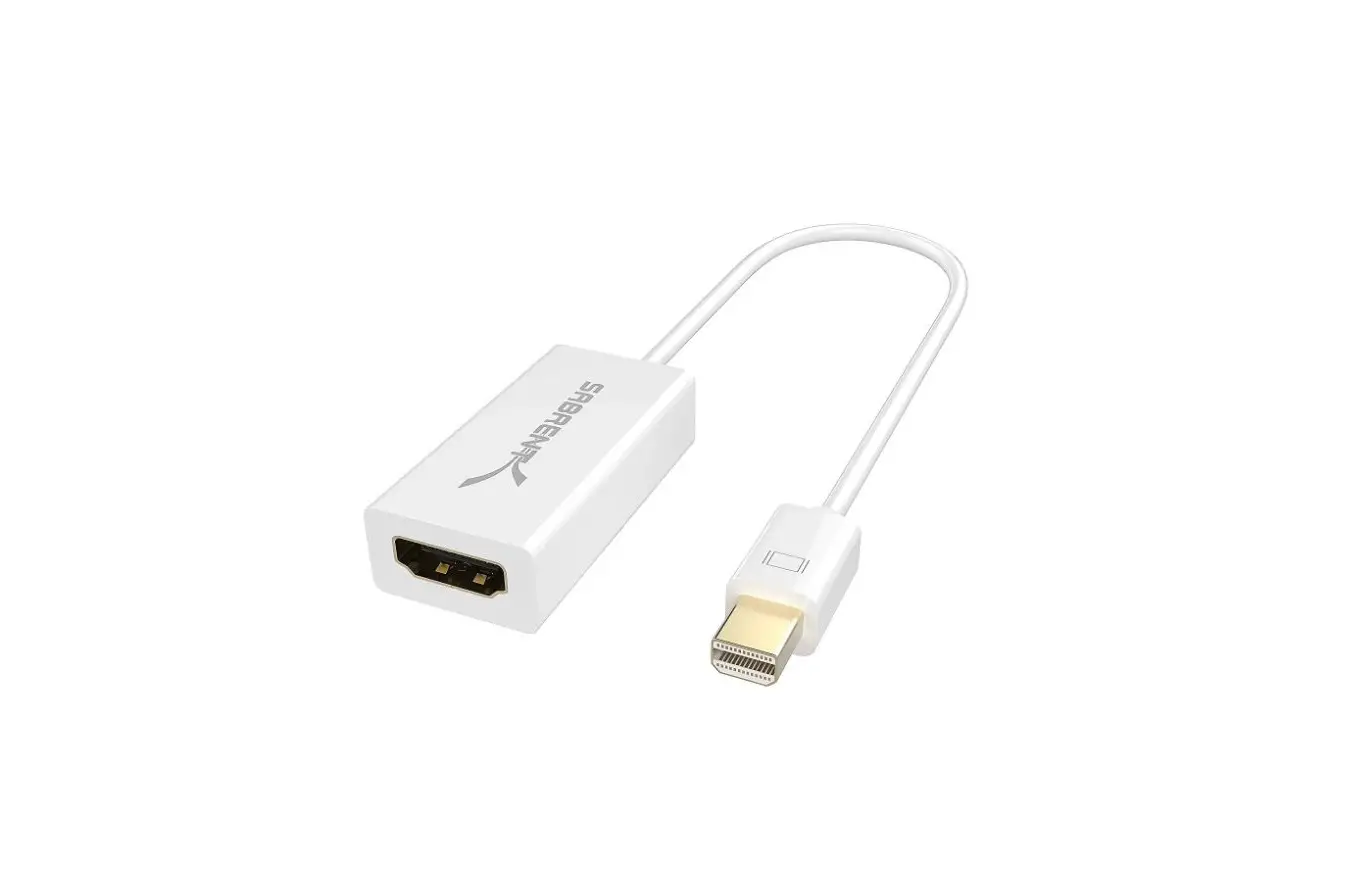
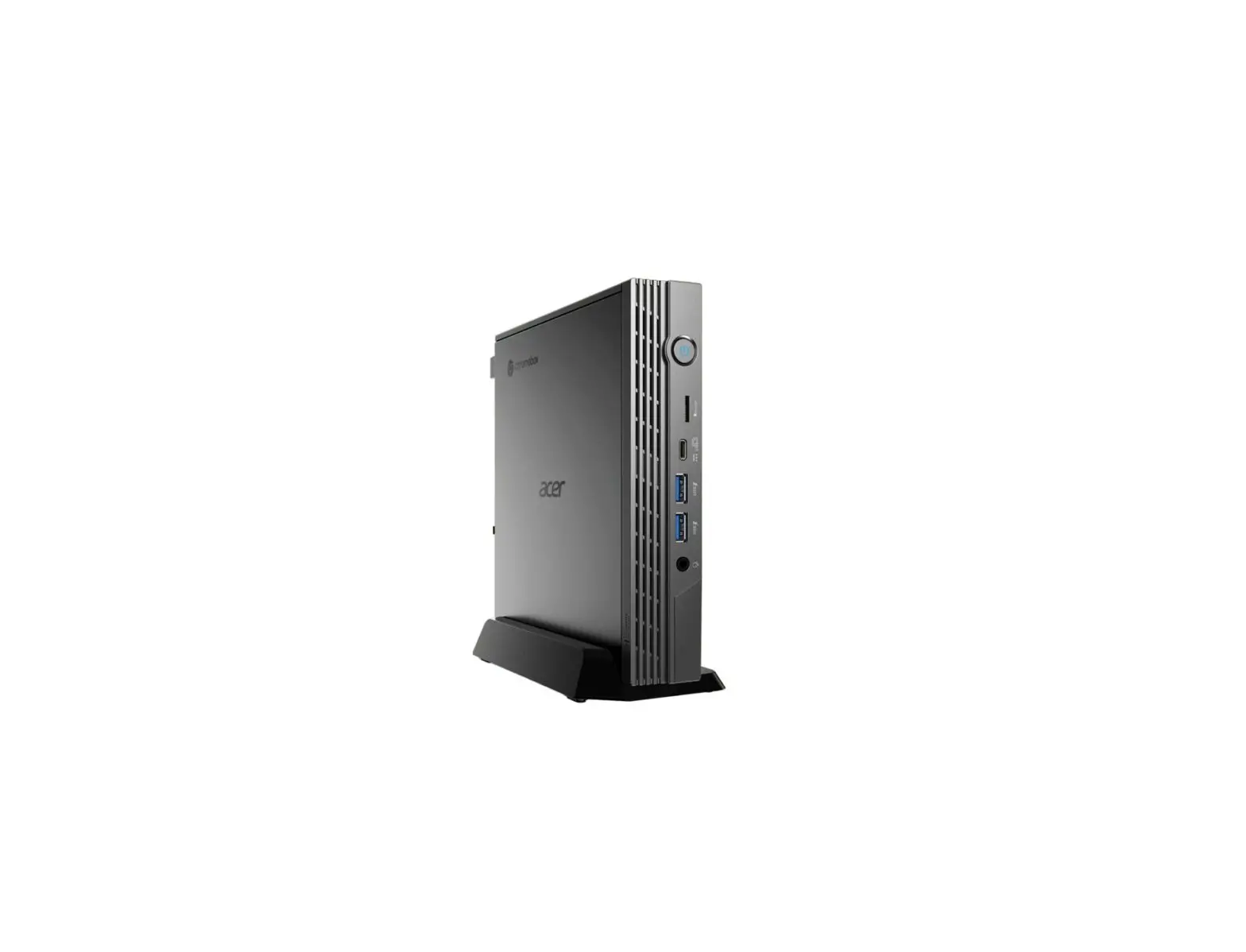
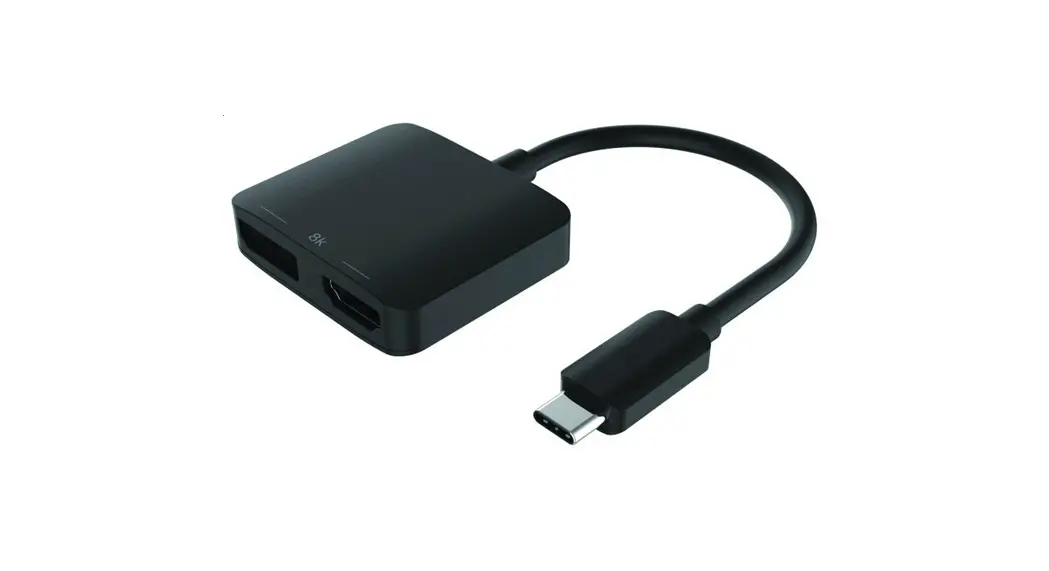
Connect your PC/Macbook video output port with the fitting plug-type cable. Connect power supply by the USB-micro cable from PC USB-port or AC-USB charger. Press the On/Off button. Power indicator-LED turns RED.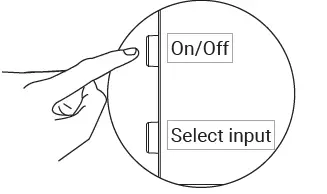
Select the connected input-port by pressing the select-button 1, 2, 3 or 4 times. The selected port-number LED will indicate by BLUE light which port is active.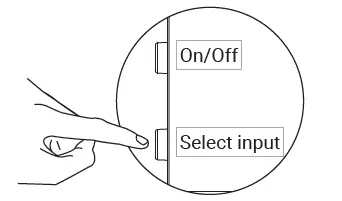
Support
http://helpdesk.sandberg.world
Warranty
There is a five-year warranty on your Sandberg product. Please read the warranty terms and register your new Sandberg product at www.sandberg.world/warranty
For information on handling electronic waste, see www.Sandberg.world/weee