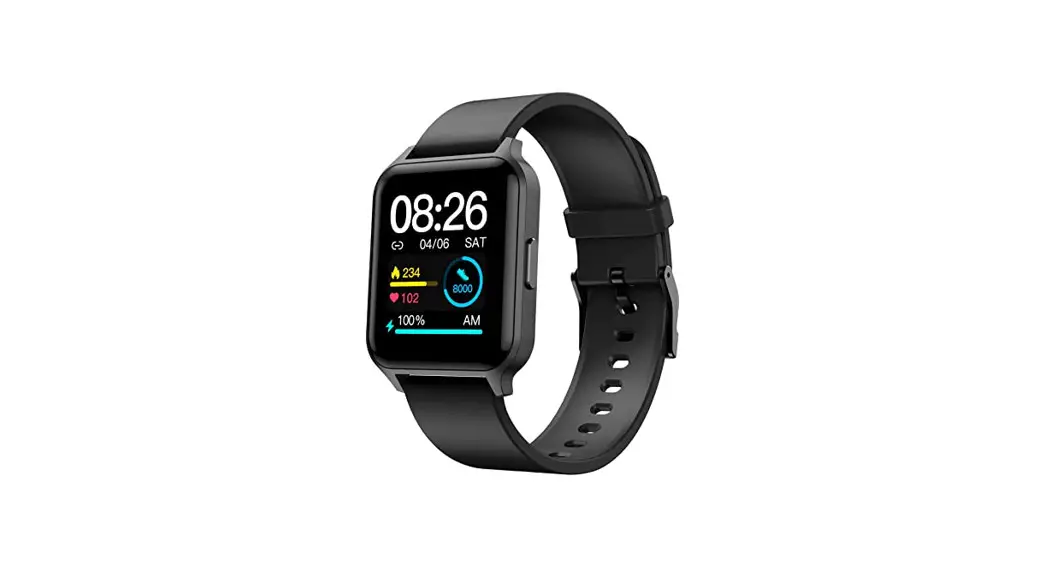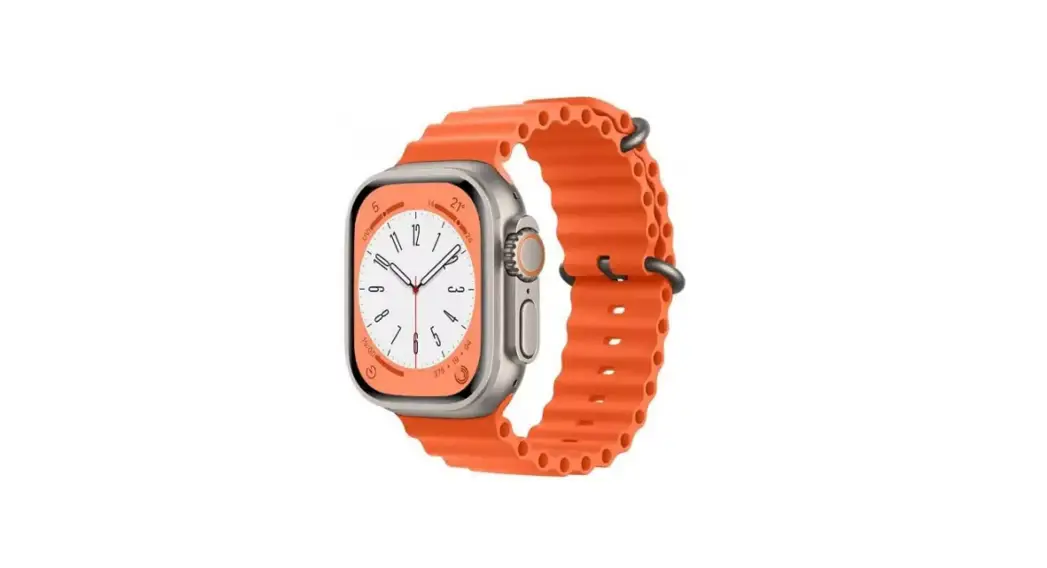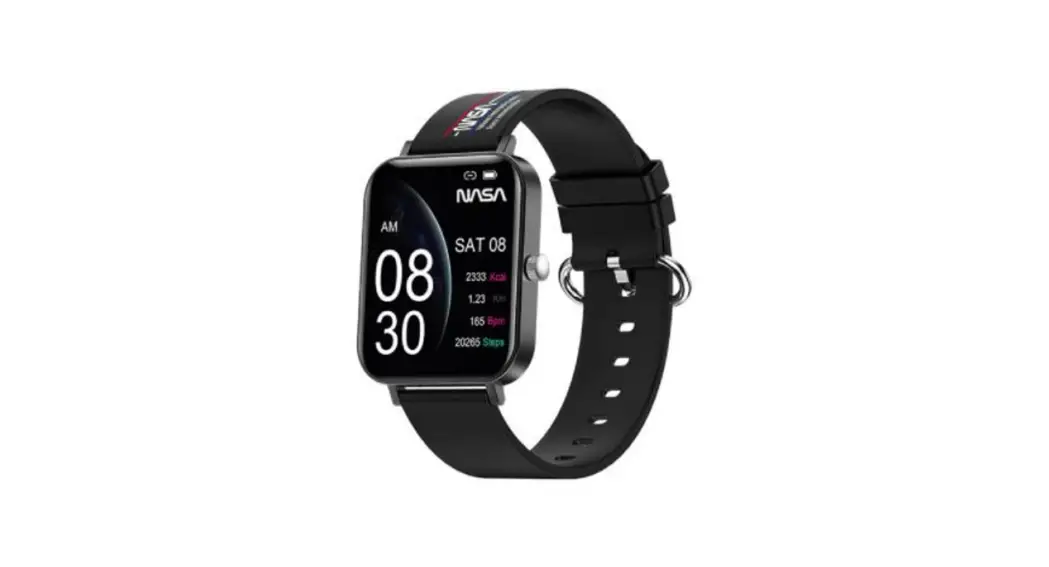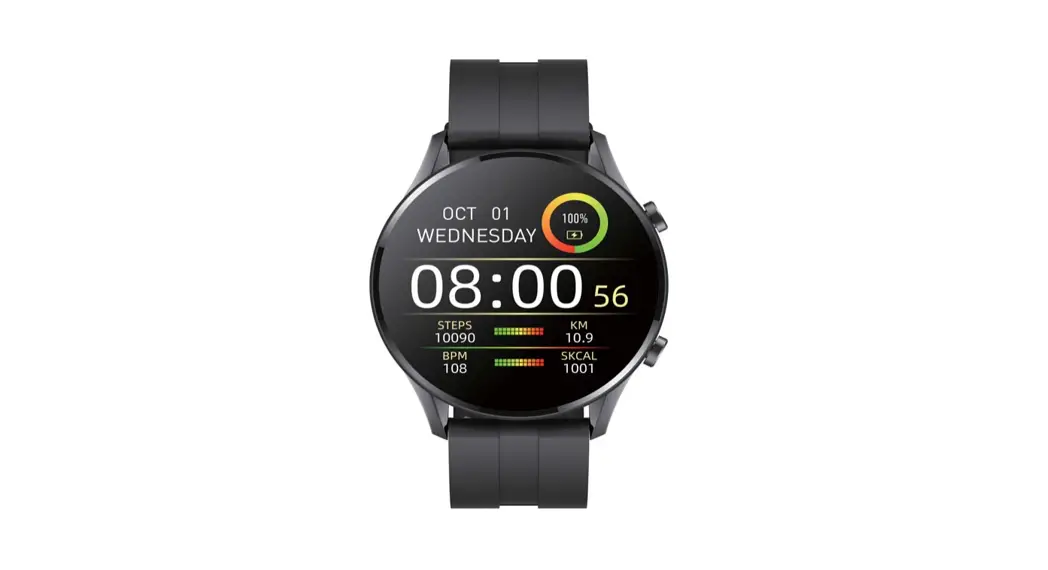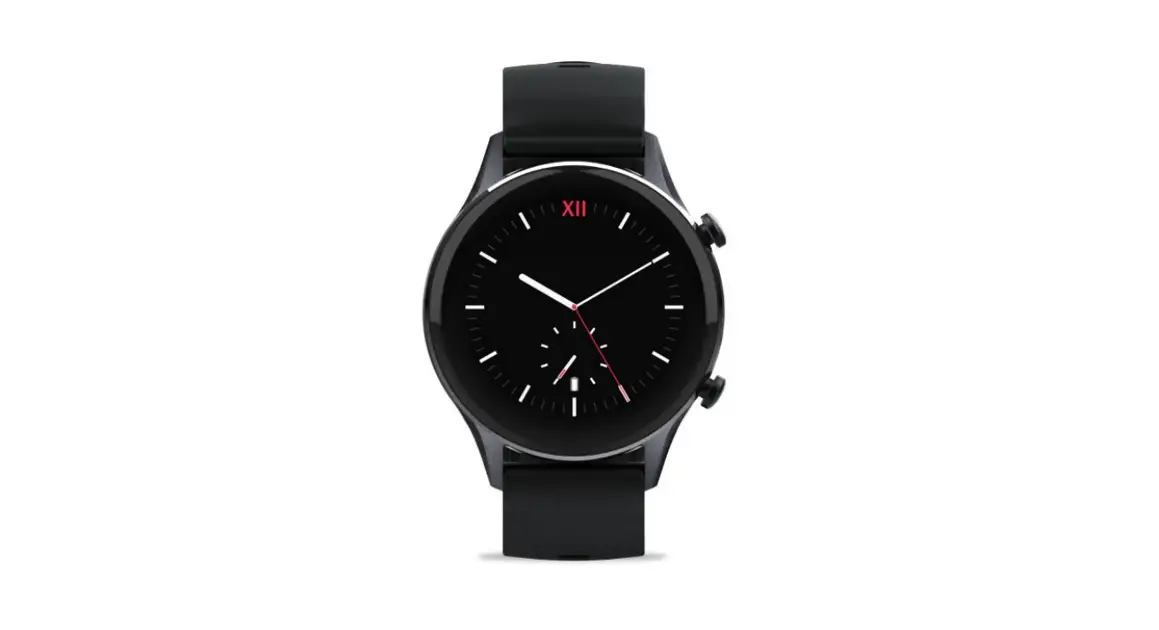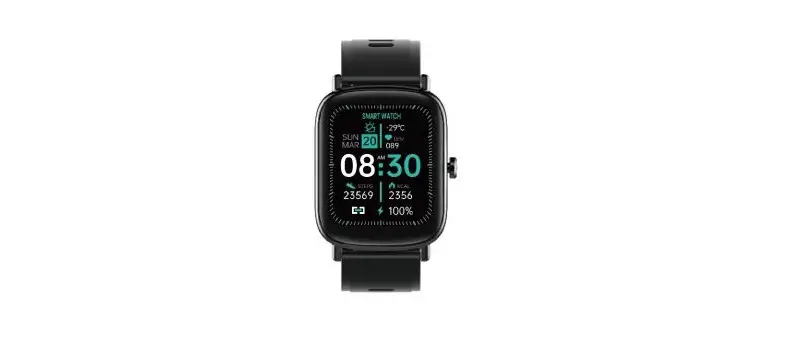
Deeprio Vidaa Max Smart Watch User Manual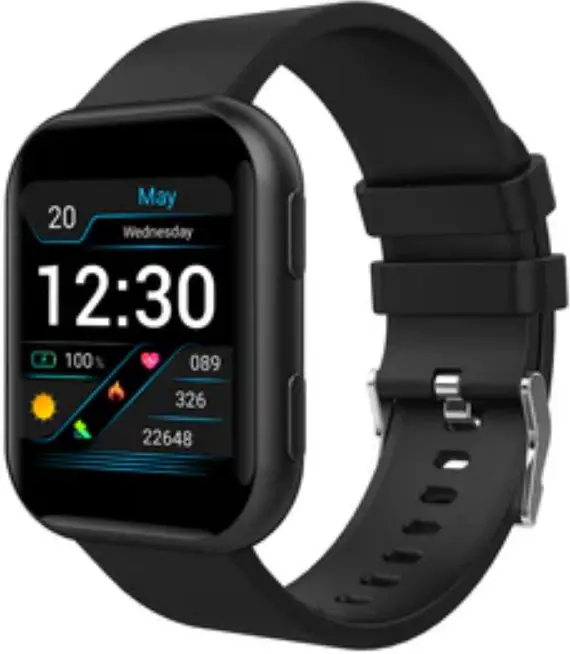
Enter pairing mode

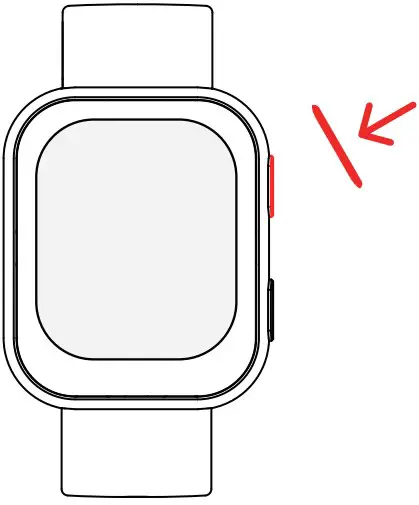
- The watch automatically turns on while charging.
- Press and hold the up button on the side to power on.
Get the Deeprio app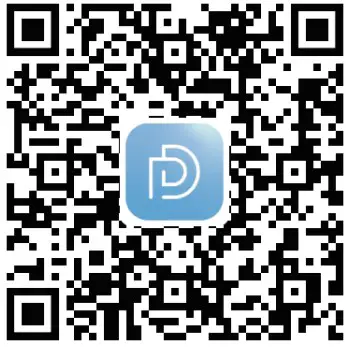
Scan the QR code or search “Deeprio” in the App Store/Google Playstore to download
Set up and pair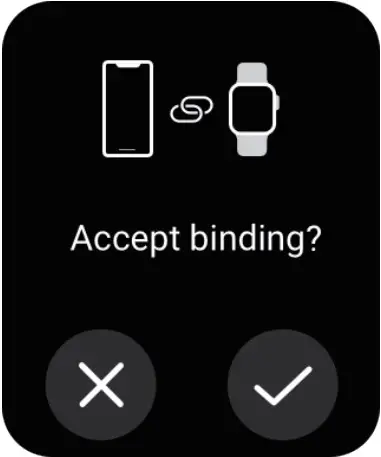
- Make sure your phone’s bluetooth is on.
- Open the”Deeprio” App》Device 》bind new device》 Deeprio Vidaa Max. In your phone’s bluetooth menu, under ‘nearby devices’ look for “Deeprio Vidaa Max_XXXX”, or scan the QR code on the watch screen with your phone to start the pairing.
Button actions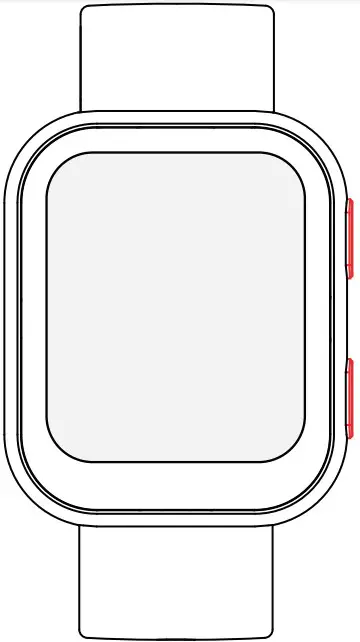
UP button
Short press Return to the previous screen in an app
 Wake the watch screen
 Enter the app list
 Pause or resume workout
Press and hold Power on, off or restart
 Press for 10 seconds to force restart
Short press Workout quick start Wake the watch screen
On home screen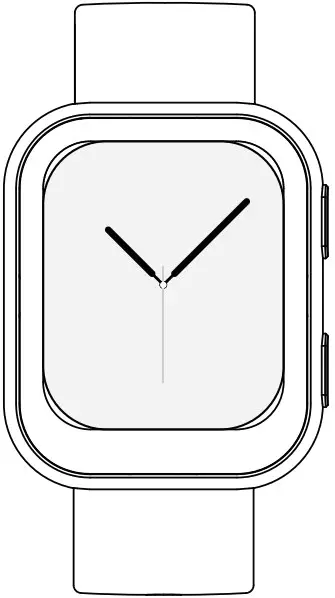
- Press and hold to change the watch face
- Swipe down to enter shortcut menu
- Swipe right to see Switch card
- Swipe up to view messages
- Swipe left to see Switch card
Charger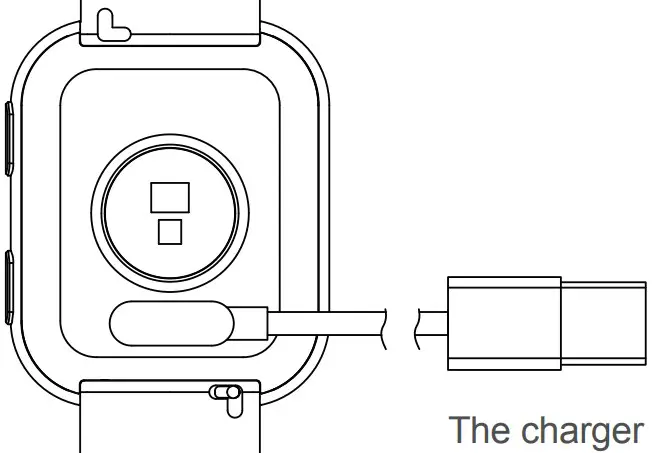
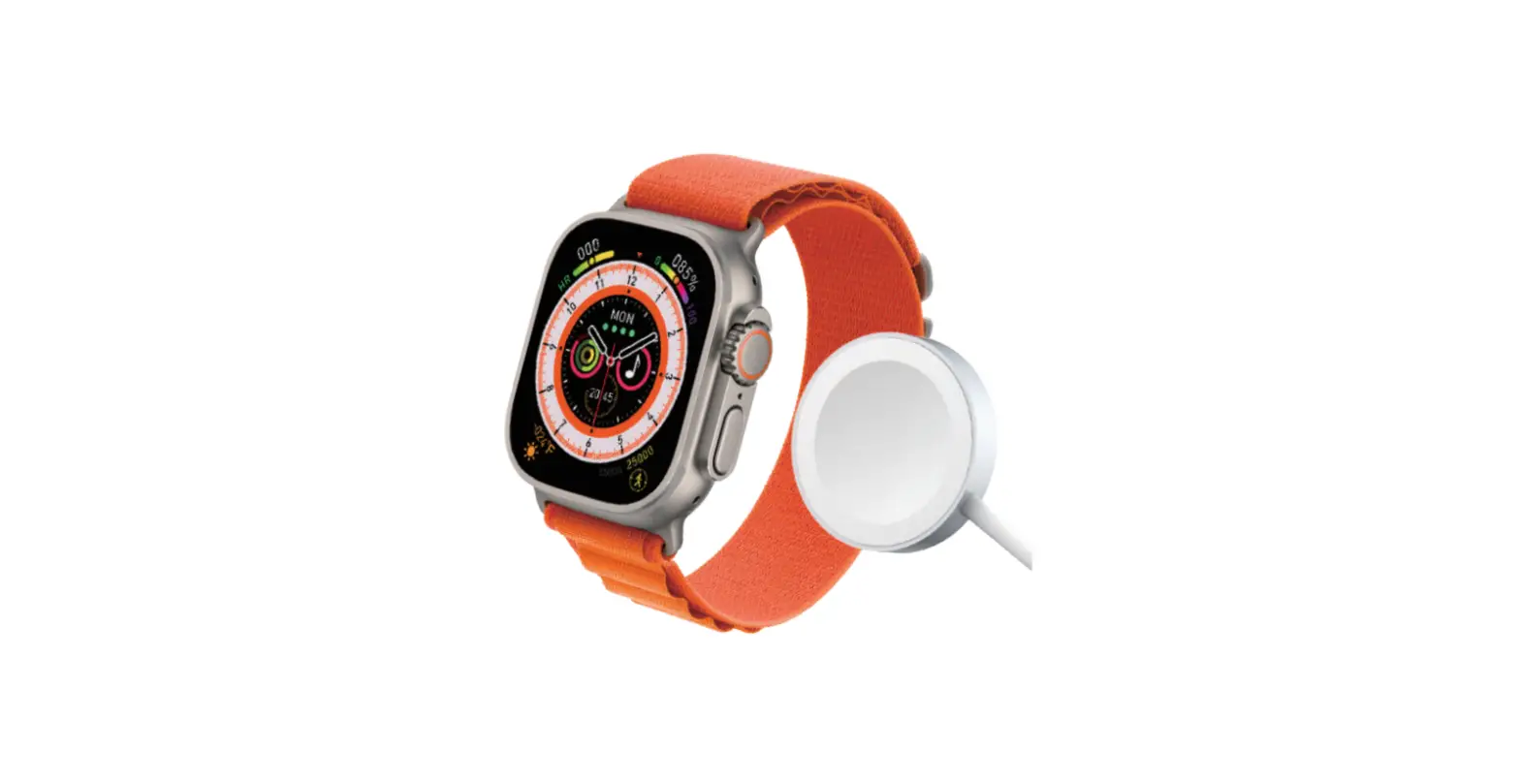
- Please connect charging cable to the watch as follows
- Use a regular USB charger with output voltage of 5.0V and output current of 0.5A or above to connect your charging cable to a power outlet or charging device
Designed by Deeprio in Copenhagen
Deeprio ApS
Fruebjergvej 3, 2100 COPENHAGEN, DENMARK
www.deeprio.com
Changing the wristband
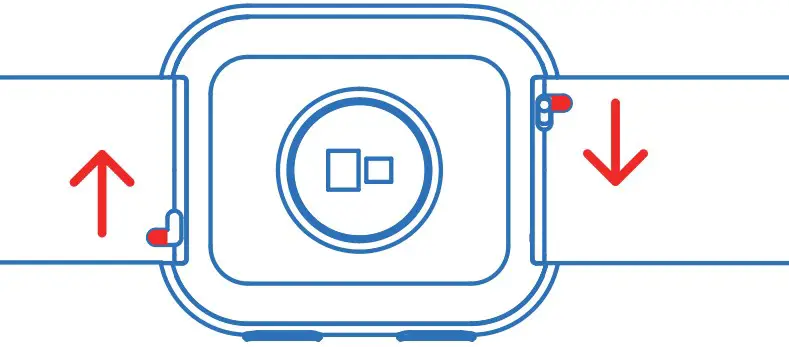
Slide the spring pin and hold it while pulling away from the watch to remove the current wristband. To attach a new band, slide the spring pin across and slot the new band. When both sides of the band are positioned correctly, release the spring pin.
FAQ
| Issue description | Possible cause | Solution |
| Incorrect step count | Abnormal waggling or vibration of device | Wear the watch properly to avoid abnormal vibration |
| Walked less than 15 steps | Walk more than 15 steps continuously | |
| Sliding or walking in slippers | Walk with normal posture/ wearsomething other than slippers | |
| No display | Low battery | Connect to charger to charge the watch |
| Watch failed to sync data to the App | The connected phone’s Bluetooth is off | Turn on the connected phone’s Bluetooth |
| App is shut down or has crashed | Restart the “Deeprio” App | |
| Out of Bluetooth signal range | Make sure your watch is in close proximity to the connected phone |
Specifications
| Product Name | Smart Watch |
| Product Model | TGW006 |
| Storage Environment | Temperature: -20℃ to 60℃ RelativeHumidity:≤90%RH |
| Working Temperature | 0℃ to 45℃ |
| Frequency Range | 2402MHz-2480MHz |
| BluetoothTransmitting Power | < 1 dBm |
| Battery Capacity | 220mAh |
| Waterproof rating | 3ATM (30 meters) |
| Charging duration | About 2 hours |
Features
- Bluetooth BLE5.0
- Full-screen touch
- 1.75″ TFT display 320*385 pixel
- Daily Tracking: Active/ Steps / Calories
- SpO2 Blood Oxygen monitoring
- Breathing training
- Sleep monitoring report
- Call notification
- Find your phone
- Music control
- Camera control
Warning
Matters needing attention
The electronic equipment contained in the product, if improperly handled or disposed of, may damage the environment or cause harm:
- Do not expose the product to fire, the battery may explode.
- While charging, please make sure the charging cable is correctly connected to the watch and charger, and that the charger is properly connected to the power outlet.
- If the temperature of the product rises sharply during charging, please stop charging and contact our support team for assistance.
- Some users may experience skin irritation due to wearing the product for too long. If you experience redness, swelling, itching, or other negative physical side effects, please consult your doctor.
- Do not interact with the screen while driving, distracted or in otherwise dangerous situations.
- This is not a toy. Do not let children or pets play with the product. Small parts of the product may cause a choking hazard.
- Product functions may be affected by external factors such as interference, and the data is for reference only.
- The product has a heart rate recording function. Wearing the device for a long time may cause skin discomfort or risk of certain diseases for some users. If you have any of the following symptoms, please stop using the device and consult your doctor:
- Epilepsy or sensitivity to light.
- Poor blood circulation or excess bruising; heart disease or other diseases.
- You are yaking any medicine that may make you sensitive to light.
Certification
Medical Disclaimer
Warning: This Smart Watch TGW006 is not a medical device. The Smart Watch TGW006 and its related Apps may not be used to diagnose, treat, or prevent any disease or medical condition. Before performing any exercise, sleep, or nutritional changes, be sure to seek the advice of qualified medical professionals, otherwise serious injury or death may result.
EU Declaration of Conformity (DoC) Hereby, Deeprio, declares that this device is in compliance with the essential requirements and other relevant of Radio Equipment Directive 2014/53/EU. The declaration of conformity may be consulted at
www.deeprio.com/global/support/eu-declaration
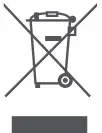 This symbol means that according to local laws and regulations your product and/or its battery shall be disposed of separately from household waste. When this product reaches its end of life, user has the choice to give his product to a competent recycling organization. Proper recycling of your product will protect human health and theenvironment.
FCC STATEMENT
- This device complies with Part 15 of the FCC Rules. Operation is subject to the following two conditions:
- This device may not cause harmful interference,and
- This device must accept any interference received, including interference that may cause undesired operation.
- Changes or modifications not expressly approved by the party responsible for compliance could void the user’s authority to operate the equipment.
NOTE: This equipment has been tested and found to comply with the limits for a Class B digital device, pursuant to Part 15 of the FCC Rules. These limits are designed to provide reasonable protection against harmful interference in a residential installation. This equipment has been tested and found to comply with the limits for a Class B digital device, pursuant to Part 15 of the FCC Rules. These limits are designed to provide reasonable protection against harmful interference in a residential installation. This equipment generates uses and can radiate radio frequency energy and, if not installed and used in accordance with the instructions, may cause harmful interference to radio communications. However, there is no guarantee that interference will not occur in a particular installation. If this equipment does cause harmful interference to radio or television reception, which can be determined by turning the equipment off and on, the user is encouraged to try to correct the interference by one or more of the following measures: Reorient or relocate the receiving antenna. Increase the separation between the equipment and receiver. Connect the equipment into an outlet on a circuit different from that to which the receiver is connected. Consult the dealer or an experienced radio/TV technician for help.
RF warning statement:
The device has been evaluated to meet general RF exposure requirement. The device can be used in portable exposure condition without restriction.
Battery warning
The built-in lithium battery of the product is forbidden to be disassembled, impacted, extruded or put into fire. The battery under the very low air pressure may result in explosion or flammable liquid or gas leakage. Avoid the battery in a high temperature environment or being exposed to strong sunlight to avert explosion. Don’t use the battery continuously in case of serious ballooning. The battery shall be handled pursuant to the local regulations and shall not be disposed as household garbage. Don’t try to repair, remove or refit the battery. The explosion may happen if the battery is replaced by the one subject to incorrect model. Don’t compress or puncture thebattery with hard object. The battery leakage, overheating or outbreak of a fire may occur if the battery is destroyed.
About route: Settings>Regulatory information
 Deeprio is a Premium Nordic Lifestyle Wearable Brand