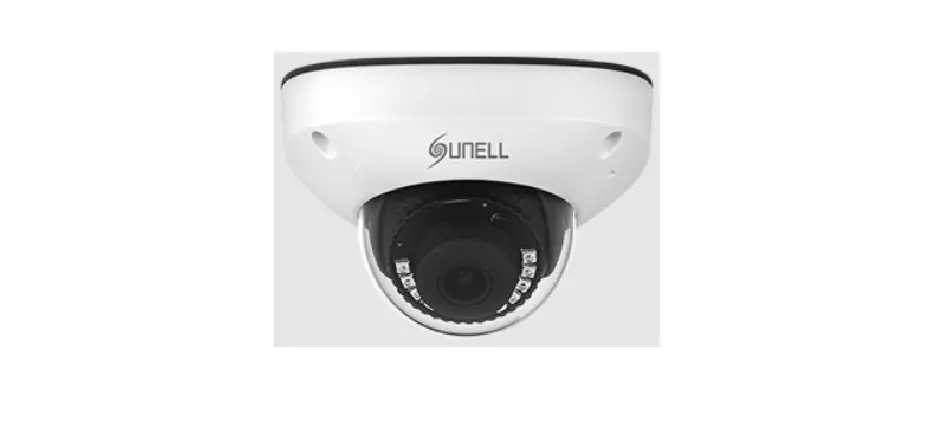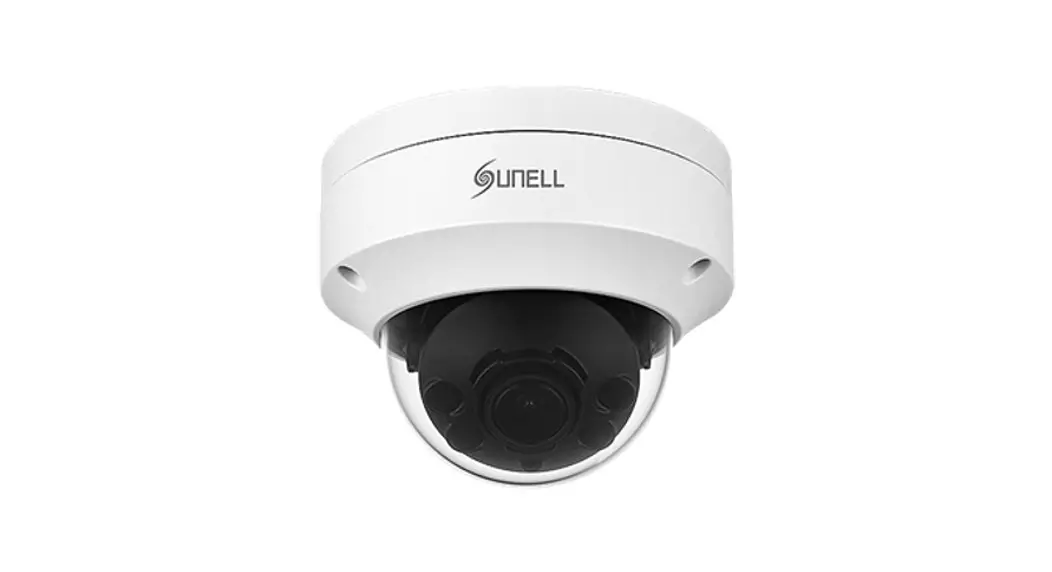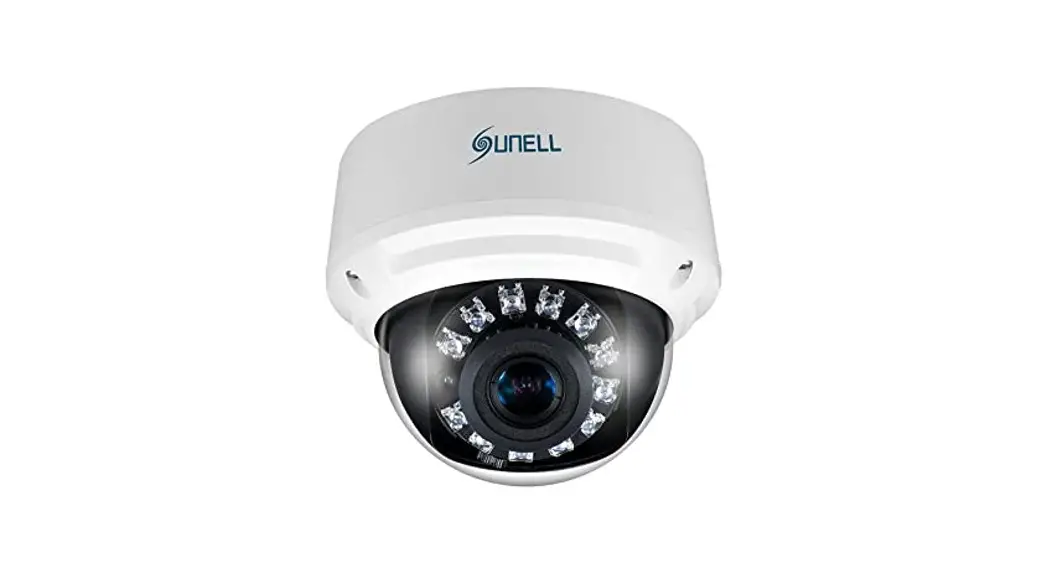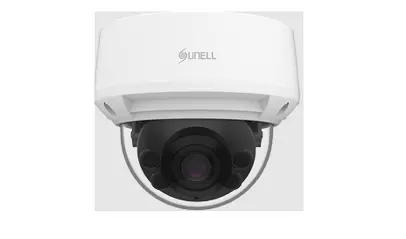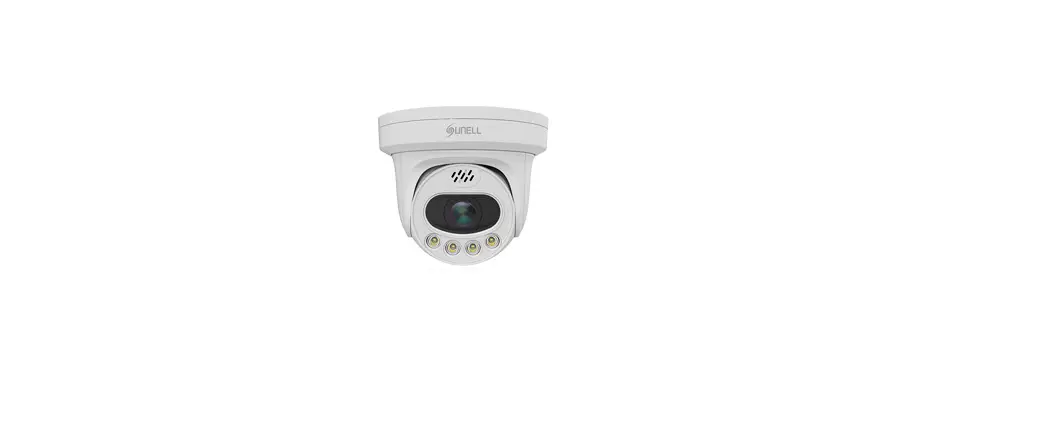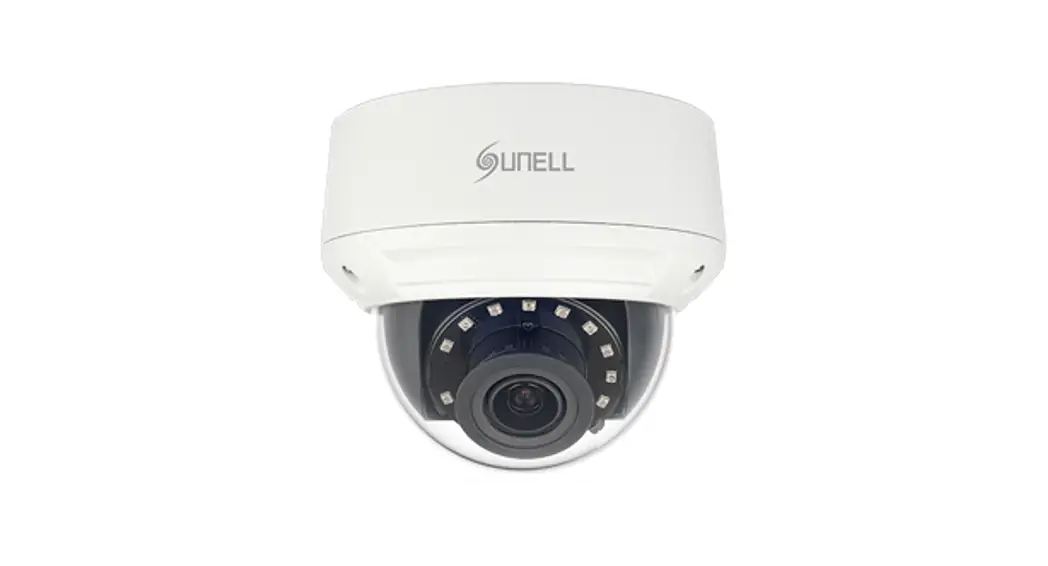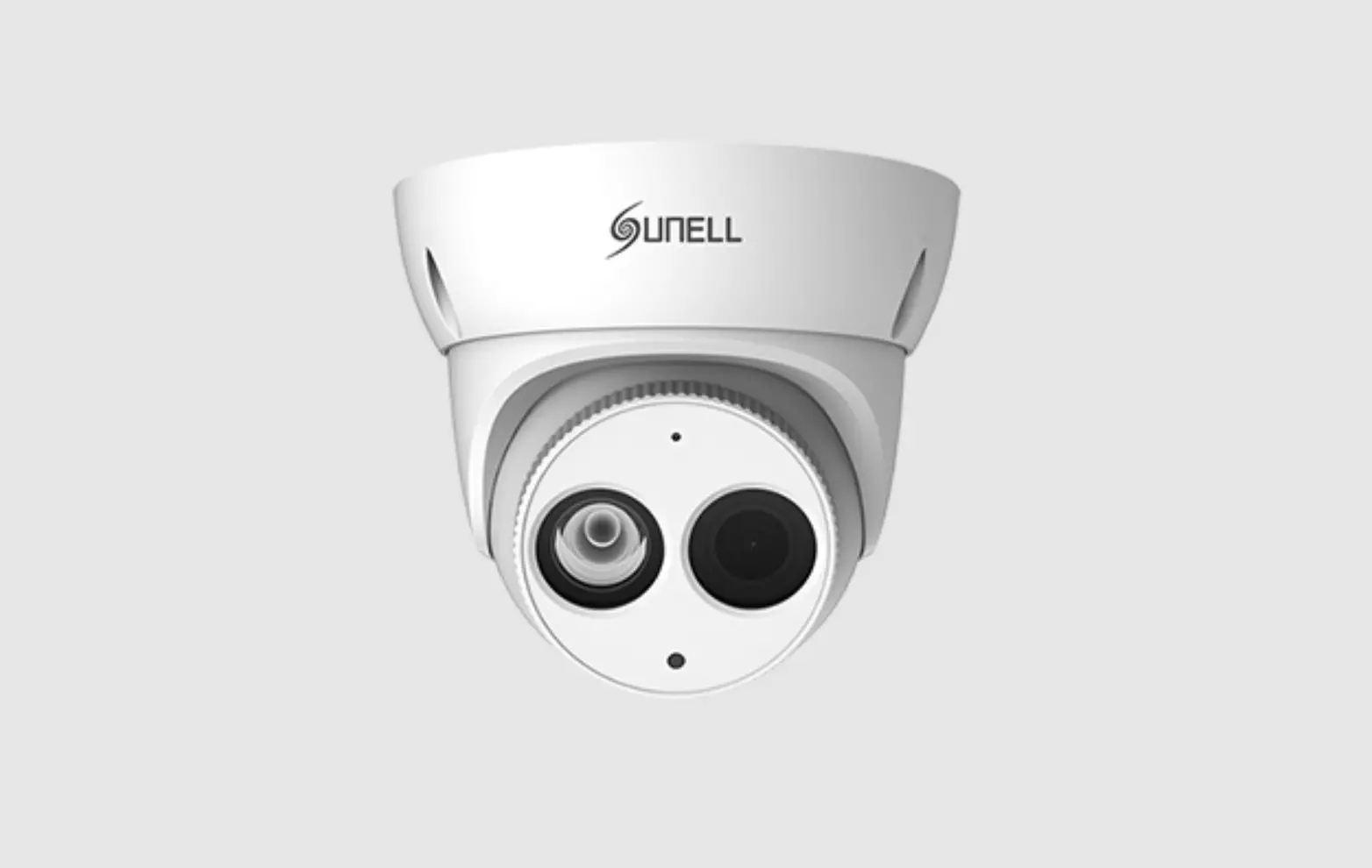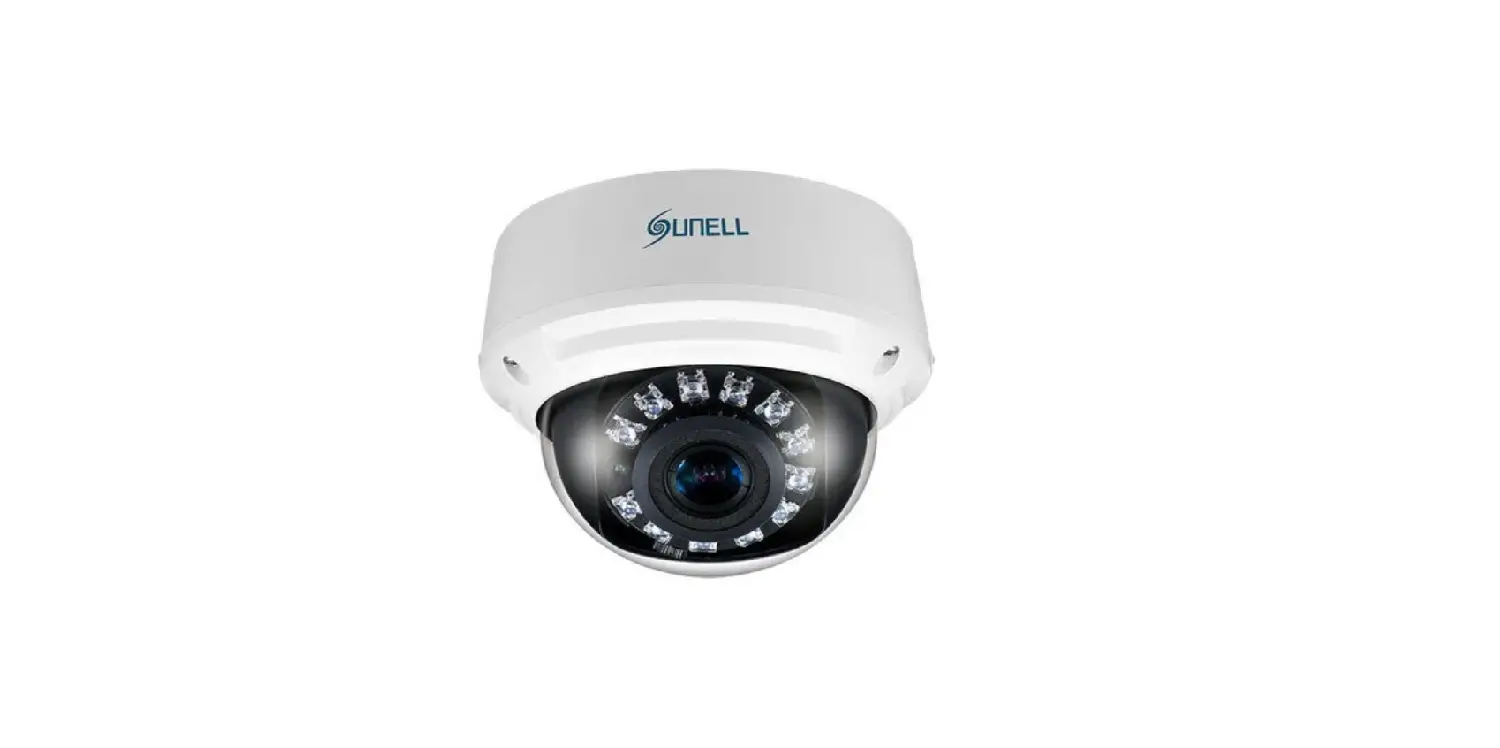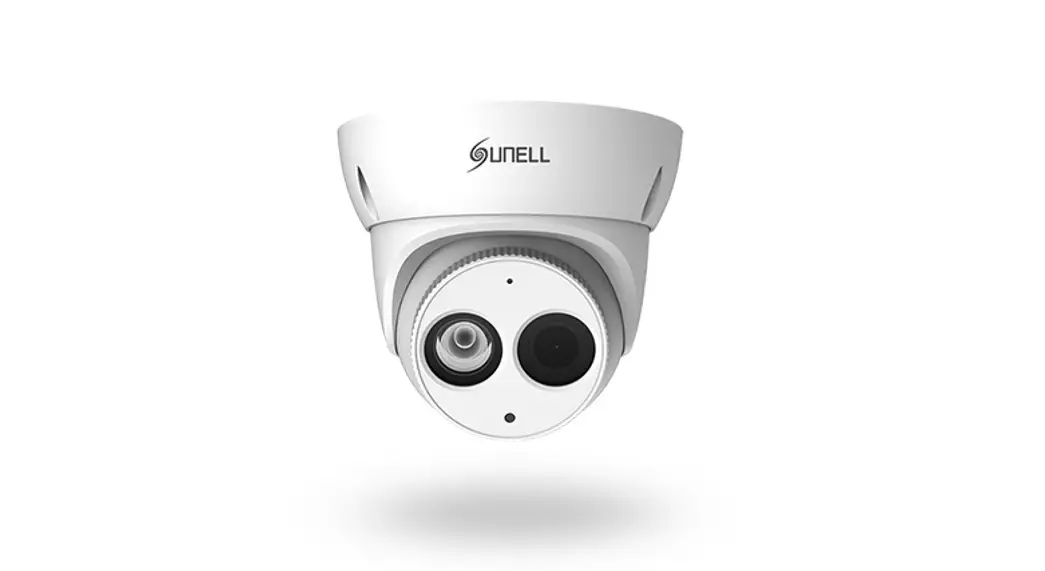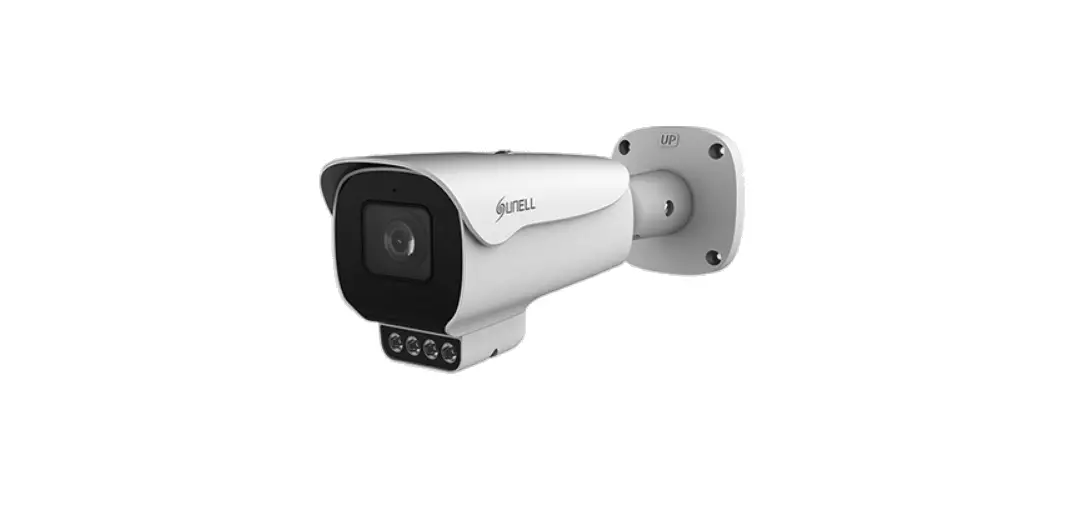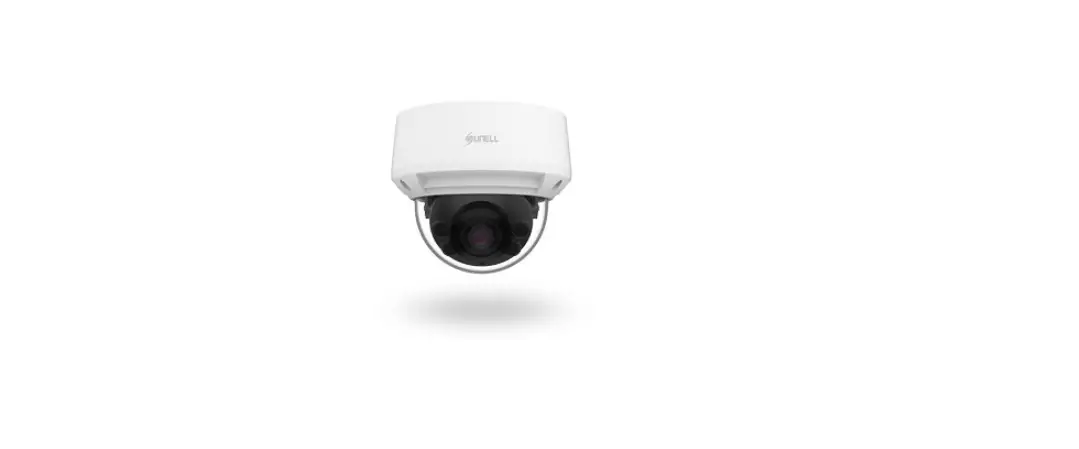

SUNELL SN-IPV8xxxEGAR Mini Dome Network Camera
Precautions
Fully understand this document before using this device, and strictly observe rules in this document when using this device. If you install this device in public places, provide the tip “You have entered the area of electronic surveillance” in an eye-catching place. Failure to correctly use electrical products may cause fire and severe injuries.
WARNING
It alerts you to moderate dangers which, if not avoided, may cause minor or moderate injuries.
CAUTION
It alerts you to risks. Neglect of these risks may cause device damage, data loss, device performance deterioration, or unpredictable results.
NOTE
It provides additional information.
WARNING
- Strictly observe installation requirements when installing the device. The manufacturer shall not be held responsible for device damage caused by users’ non-conformance to these requirements.
- Strictly conform to local electrical safety standards and use power adapters that are marked with the LPS standard when installing and using this device. Otherwise, this device may be damaged.
- Use accessories delivered with this device. The voltage must meet input voltage requirements for this device.
- If this device is installed in places with unsteady voltage, ground this device to discharge high energy such as electrical surges in order to prevent the power supply from burning out.
- When this device is in use, ensure that no water or any liquid flows into the device. If water or liquid unexpectedly flows into the device, immediately power off the device and disconnect all cables (such as power cables and network cables) from this device.
- Do not focus strong light (such as lighted bulbs or sunlight) on this device. Otherwise, the service life of the image sensor may be shortened.
- If this device is installed in places where thunder and lightning frequently occur, ground the device nearby to discharge high energy such as thunder strikes in order to prevent device damage.
CAUTION
- Avoid heavy loads, intensive shakes, and soaking to prevent damages during transportation and storage. The warranty does not cover any device damage that is caused during secondary packaging and transportation after the original packaging is taken apart.
- Protect this device from fall-down and intensive strikes, keep the device away from magnetic field interference, and do not install the device in places with shaking surfaces or under shocks.
- Clean the device with a soft dry cloth. For stubborn dirt, dip the cloth into slight neutral cleanser, gently wipe the dirt with the cloth, and then dry the device.
- Do not jam the ventilation opening. Follow the installation instructions provided in this document when installing the device.
- Keep the device away from heat sources such as radiators, electric heaters, or other heat equipment.
- Keep the device away from moist, dusty, extremely hot or cold places, or places with strong electric radiation.
- If the device is installed outdoors, take insect- and moisture-proof measures to avoid circuit board corrosion that can affect monitoring.
- Remove the power plug if the device is idle for a long time.
Special Announcement
- All complete products sold by the manufacturer are delivered along with nameplates, quick setup guide and accessories after strict inspection. The manufacturer shall not be held responsible for counterfeit products.
- The manufacturer will update this manual according to product function enhancement or changes and regularly update the software and hardware described in this manual.
- Update information will be added to new versions of this manual without prior notice.
- This manual may contain misprints, technology information that is not accurate enough, or product function and operation description that is slightly inconsistent with the actual product, the final interpretation of company is as a standard.
- This manual is only for reference and does not ensure that the information is totally consistent with the actual product. For consistency, see the actual product.
NOTE
For more information, please refer to website.
Open Package Examination
Open the package, check the appearance of product for no obvious damage, and confirm the item list for table 1-1 is consistent.
Packing list
| Component | Quantity | Remark |
| Mini Dome Network Camera | 1 | |
| Quick Setup Guide | 1 | |
| L hexagonal wrench | 1 | |
| Installation location sticker | 1 | |
| Stainless self-tapping screw | 2 | |
| Plastic anchor | 2 |
Device Structure
Device Ports
NOTE
Different devices may have different device ports; Please refer to the actual product.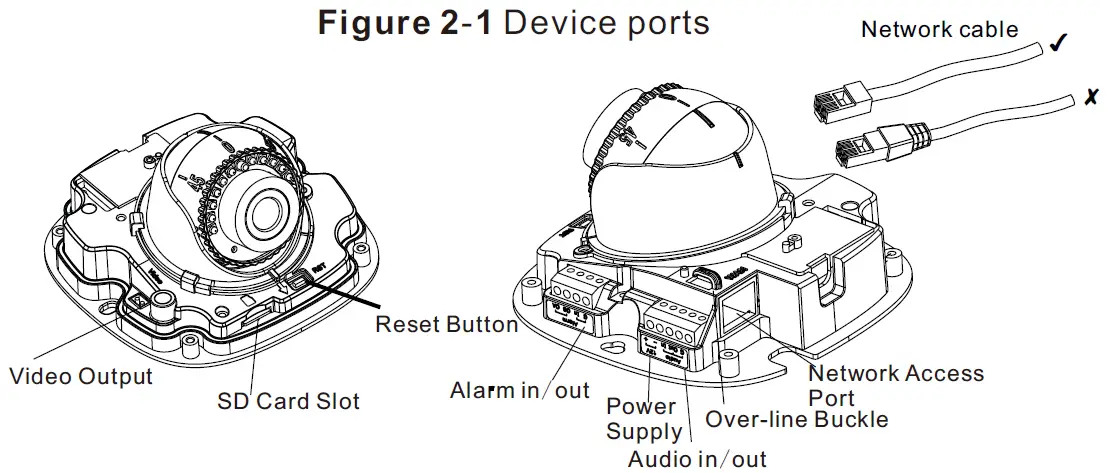 Interface of camera
| Port name | Description | Remark | |
| Video Output | Analog video output | ||
| SD card slot | Insert SD card | ||
| Reset button | Long press the reset button for 5 seconds to restore the original settings. | ||
| 4 PIN terminal block (applied for alarm function) | OA | Alarm out A | Applied for inner line dome camera |
| OB | Alarm out B | ||
| IN | Alarm in | ||
| G | Ground | ||
| 5 PIN terminal block (applied for audio function and power) | + | 12V Positive | |
| – | 12V Negative | ||
| Audio in | Receive an analog audio signal from devices such as a sound pickup device. | ||
| Audio out | Connect to an external audio device such as a speaker. | ||
| G | Ground | ||
| Over-line buckle | Fixed the internal line of device. | ||
| Network access port | Connect to a standard Ethernet cable. | ||
NOTE
Different devices may have different device ports; Please refer to the actual product.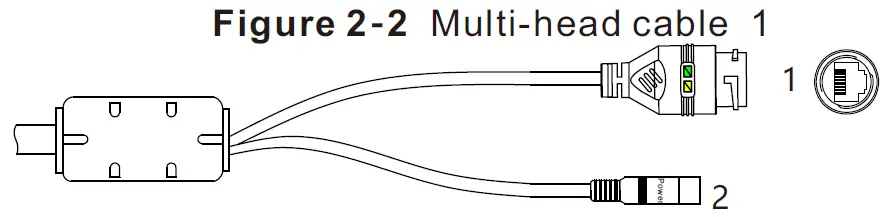
| ID | Core | Description | Remark |
| 1 | Network access port | Connect to a standard Ethernet cable or PoE. The green light is on, the network connection is normal; The yellow light flashes when the data is transmitted. Some models maybe not have the lights, please refer to the actual product. | Support PoE supply. |
| 2 | Power supply (DC 12V) | Connect to a 12V direct current (DC) power supply. |
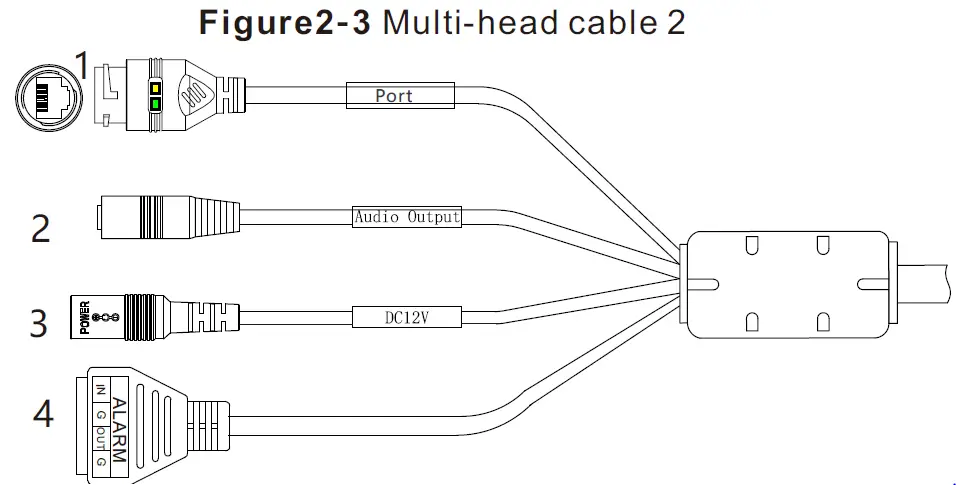
| ID | Core | Description | Remark |
| 1 | Network access port | Connect to a standard Ethernet cable or PoE. The green light is on, the network connection is normal; The yellow light flashes when the data is transmitted. Some models maybe not have the lights; Please refer to actual product. | |
| 2 | Audio output port | Connect to an external audio device such as a speaker. | |
| 3 | Power supply (DC 12V) | Connect to a 12V direct current (DC) power supply | |
| 4 | IN | Alarm input terminal | Applied for alarm function |
| G | Alarm input COM | ||
| OUT | Alarm output terminal | ||
| G | Alarm output COM |
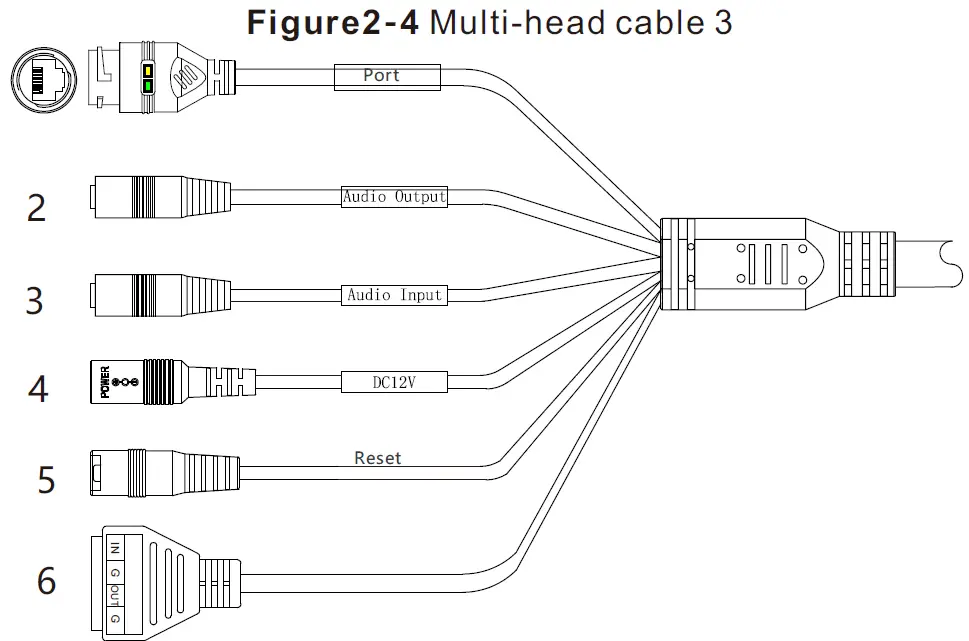
| ID | Core | Description | Remark |
| 1 | Network access port | Connect to a standard Ethernet cable or PoE. The green light is on, the network connection is normal; The yellow light flashes when the data is transmitted. Some models maybe not have the lights; Please refer to the actual product. | Support PoE supply. |
| 2 | Audio output | Connect to an external audio device such as a speaker. | Applied for camera with audio function |
| 3 | Audio input port | Receive an analog audio signal from devices such as a sound pickup device. |
| ID | Core | Description | Remark |
| 4 | Reset button | Long press the reset button for 5 seconds to restore the original settings. | |
| 5 | Power supply (DC 12V) | Connect to a 12V direct current (DC) power supply. | |
| 6 | G | Alarm output COM | Applied for alarm function |
| OUT | Alarm output terminal | ||
| G | Alarm input COM | ||
| IN | Alarm input terminal |
Camera Dimensions
NOTE
Different devices may have different dimensions; Please refer to the actual product.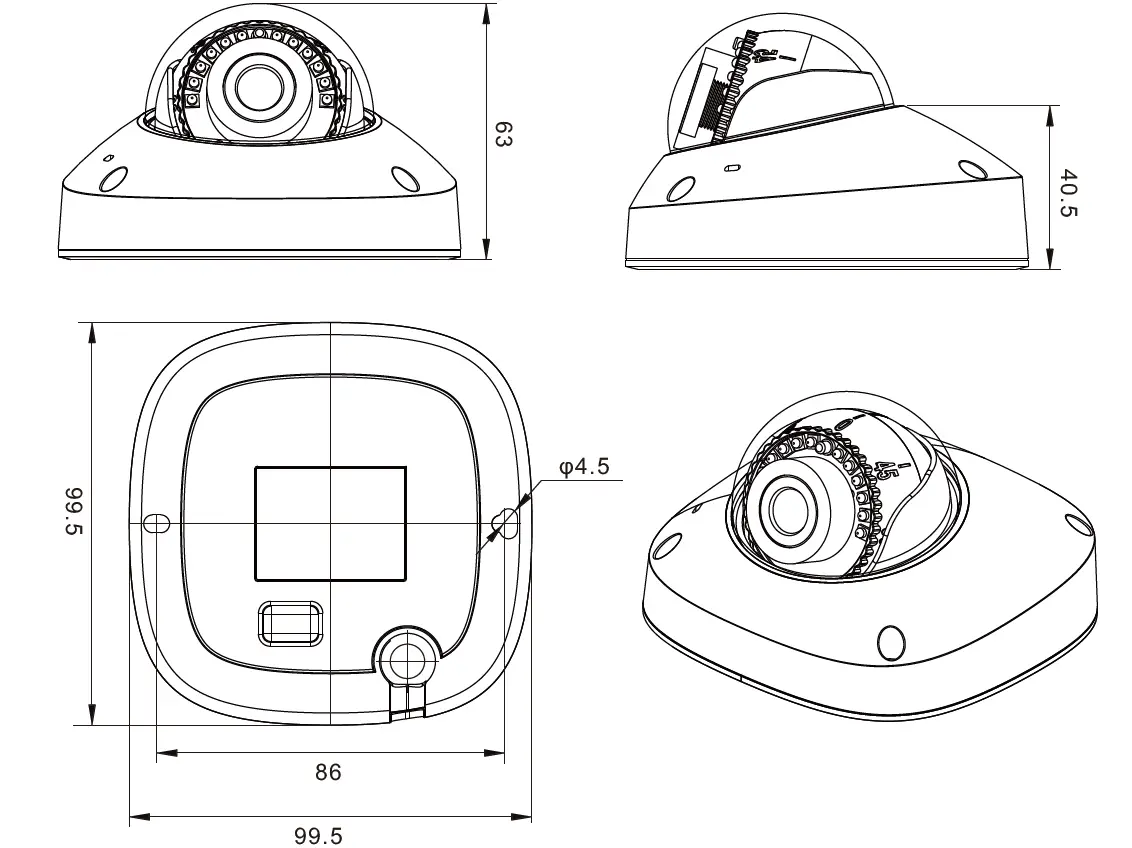
Device Installation
WARNING
To avoid moisture influence, install the dome cover at least half an hour after the camera is installed and powered on.
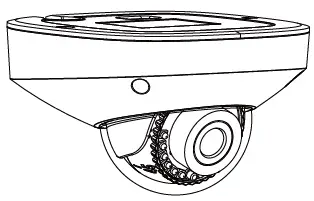
The mini dome camera can be installed in the ceiling, wall, wall bracket or ceiling bracket. This section describes how to install the camera in the ceiling.
Installation Steps:
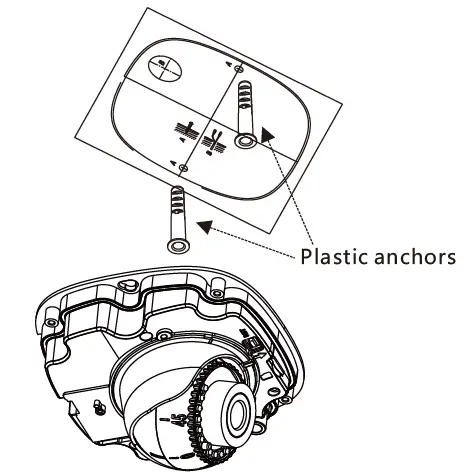
- Step 1 Stick the Installation location sticker which is in accessory package on the ceiling or wall. Drill two holes based on the marks on the sticker. Drive the plastic anchor into the holes.
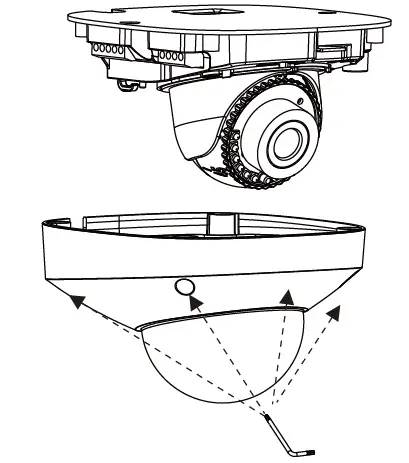
- Step 2 Use the wrench in the accessory package to unscrew the four screws on the dome cover. The camera is opened
Opening camera
- Step 3 Fetch two black self-tapping screws from the accessory package. Then fix the screws to fasten the camera on the ceiling
Installing camera
- Step 4 Connect the network access port and power supply of the multi-head cable.(the inner -line cameras need to fasten all lines to correspond terminal
NOTE- There are two outlet mode of cable, for the top outlet mode, user should drill the hole at first for threading cable.
- The side outlet mode that the installation sticker’s gap should align the outlet rubber stopper.
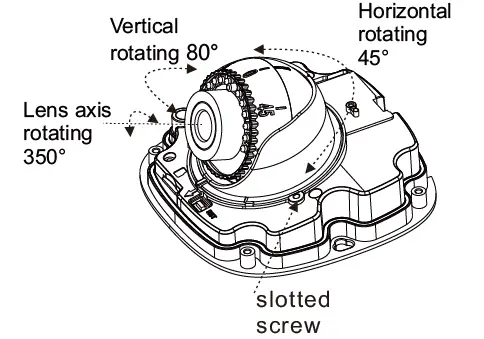
- Step 6 Connect the camera to monitor , loosen the screws of support frame, as shown in figure 3-3. Adjust the three axes to focus image on monitoring scenarios. Tighten the screws to finish adjustment.

- Step 7 (Arrange the cable of camera to over-line buckle, if the type of camera is inner-line), then assemble the dome cover with hex wrench, as shown in figure 3-4.
Assembling cover
Quick Configuration(e.g IE)
Login
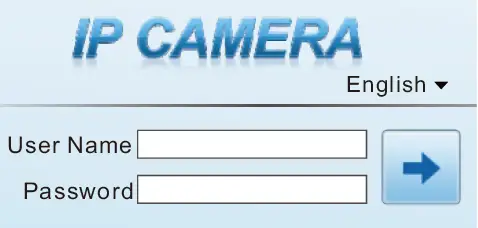
- Step 1 Open the Internet Explorer, input the IP address of IP camera (the default value: 192.168.0.120) in the address box, and press Enter. The login page is displayed.
- Step 2 Input the user name and password.
NOTE- The default user name and password both are admin. Modify the password when user logs into the system for the first time to ensure system security.
- It is advised to restart the device three minutes later after modifying password to ensure modified successfully.
- User can change the system display language on the login page.

- Step3 Click Login icon, the main page is displayed.
Modify IP address
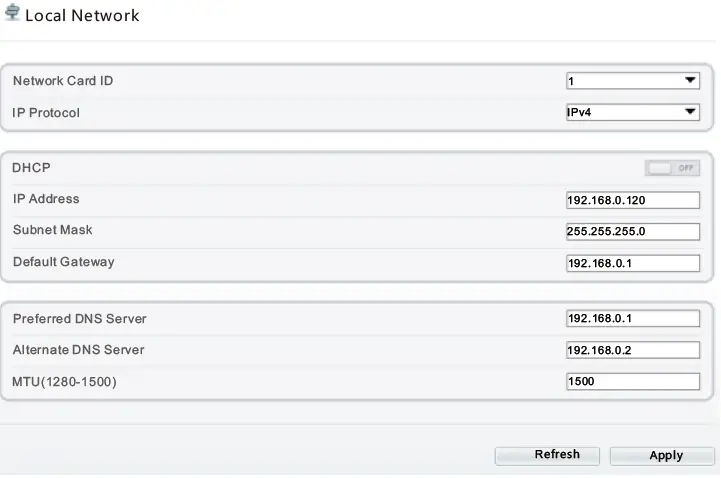
- Choose Configuration > Device > Local Network, the Local Network page is displayed.
- Input the IP address in the IP Address box and click Apply.
- After the IP address is set successfully, please use the new IP address to login the Web interface.

Browsing Video
To ensure the real-time video can be played properly, you must perform the following operation when you login the web for the first time:
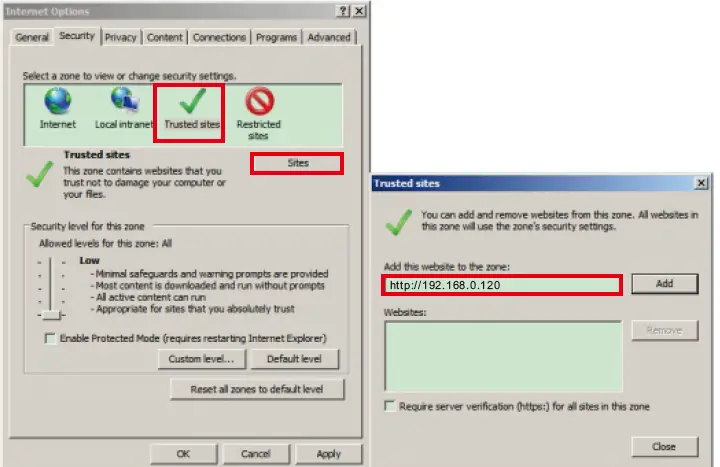
- Step 1 The Internet Explorer. Choose Tools > Internet options >Security > Trusted sites > Sites, in the display dialog box, click Add.
Adding a trusted site
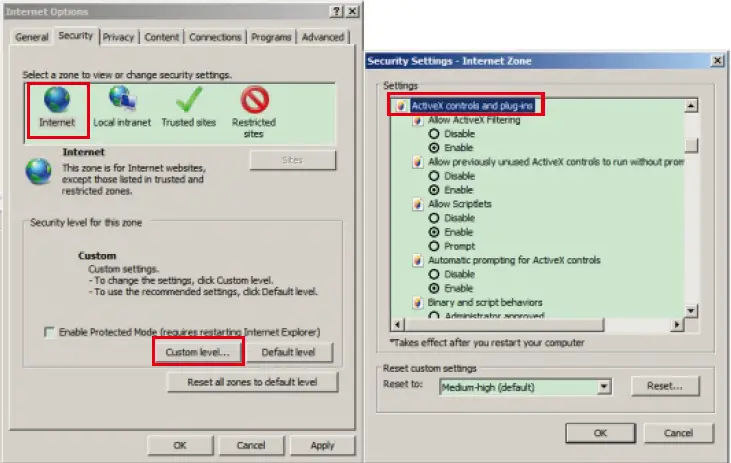
- Step 2 In the Internet Explorer, choose Tool > Internet Options >Security > Customer level, and set Download unsigned ActiveX control and initialize and script ActiveX controls not marked as safe for scripting under ActiveX controls and plug-ins to Enable
Configuring ActiveX control and plug-in
- Step 3 Download and install the player control as prompted.
NOTE
If the repair tips are displayed when installing the control , please ignore the prompt, and continue the installation, close the browser during installing. Then login the page again.
To browse a real-time video, login the device and click Live Video. The Live Video page is displayed.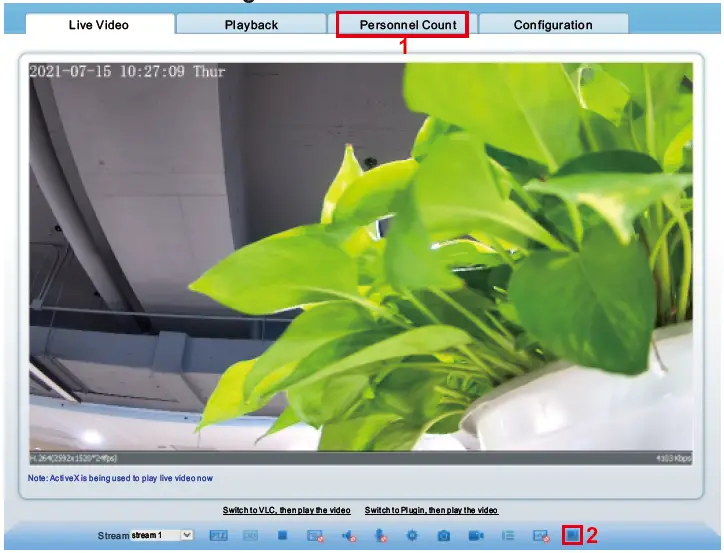
- Personnel Count: User can query the data of personnel count, through year, month, day. The statistics can be downloaded. The data can be shown by line chart, histogram, list.
- AI Live video: Click the icon to view the snapshots of human face or license plate (click “Face” or “Plate” to switch ).
The bottom page will show the captured images of vehicle and human face.
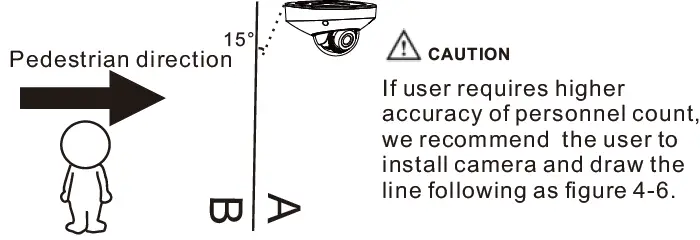
Installation of personnel count
Intelligent Analysis
At “Configuration > Intelligent Analysis” interface, user can set the parameters of Perimeter, Single Virtual Fence, Double Virtual Fence, Multi Loiter, Converse and Personnel Count .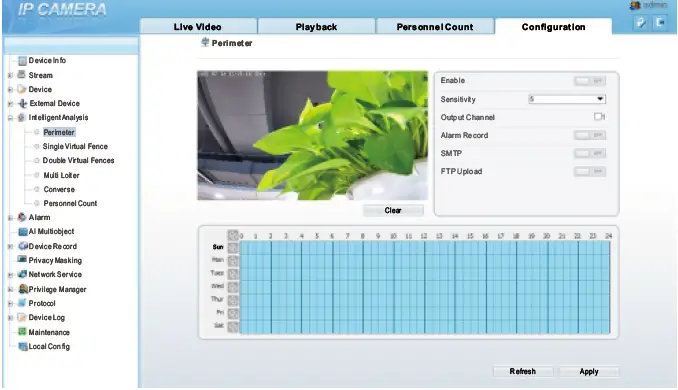
AI Multi object
At “Configuration > AI Multi object” interface, user can enable face detection, full body detection, vehicle detection, set the other parameters of detection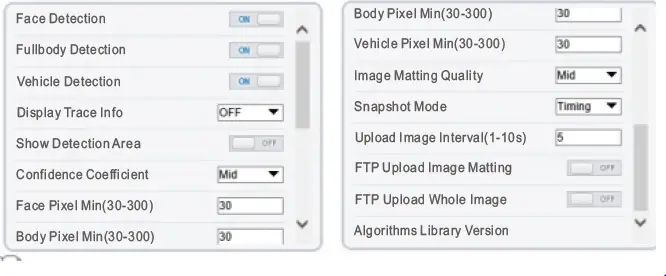 NOTE For better capture performance, it is recommended to use 6mm focus length lens or above.